The Human Resource Excel Template for Attendance Tracking streamlines employee attendance management by providing an easy-to-use, customizable spreadsheet. It allows HR professionals to accurately record, monitor, and analyze attendance data, reducing errors and saving time. This template supports better workforce planning and ensures compliance with company policies.
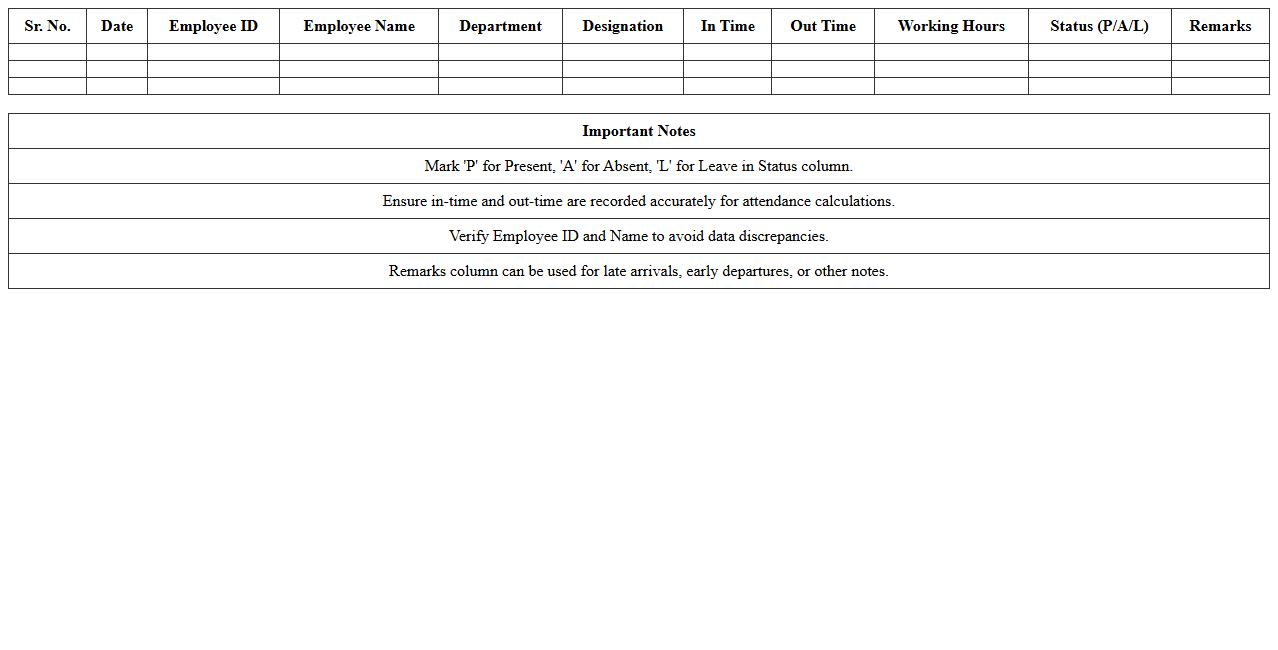
Employee Daily Attendance Register Template Excel
The
Employee Daily Attendance Register Template Excel is a structured spreadsheet designed to record and monitor daily attendance of employees efficiently. It allows tracking of arrival and departure times, absences, and leaves, providing a clear overview of workforce attendance patterns. This template aids in maintaining accurate records, simplifying payroll processing, and enhancing overall workforce management.
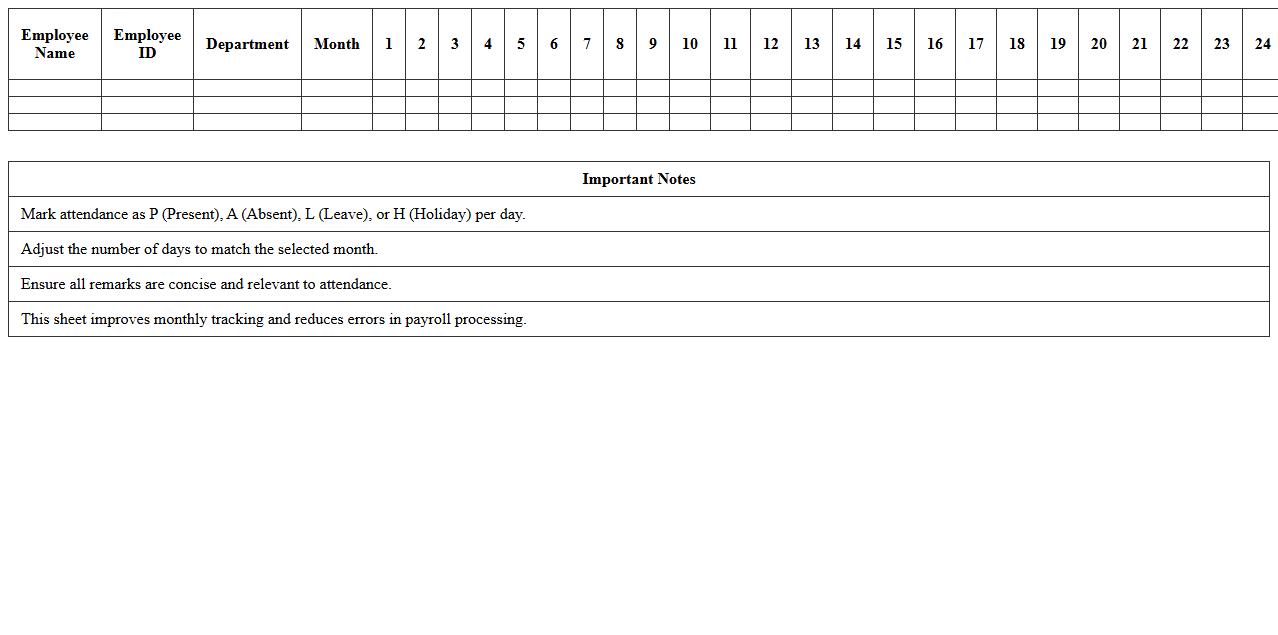
Monthly Attendance Sheet Excel Template
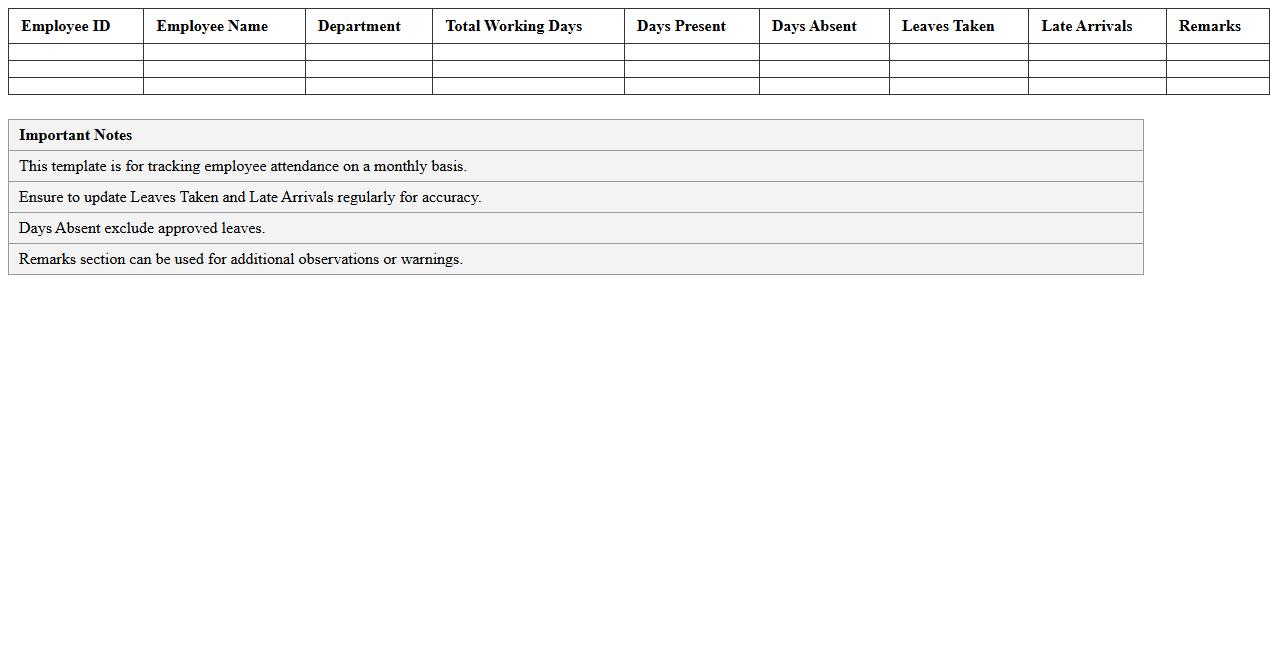
The
Monthly Attendance Sheet Excel Template is a pre-designed spreadsheet that helps track employee attendance systematically over a month, including days present, absent, and leave taken. It simplifies data entry with automatic calculations for total working days and absenteeism, enabling efficient monitoring of workforce productivity and payroll accuracy. This template is essential for HR departments and managers to maintain organized records, ensure compliance with attendance policies, and generate detailed attendance reports effortlessly.
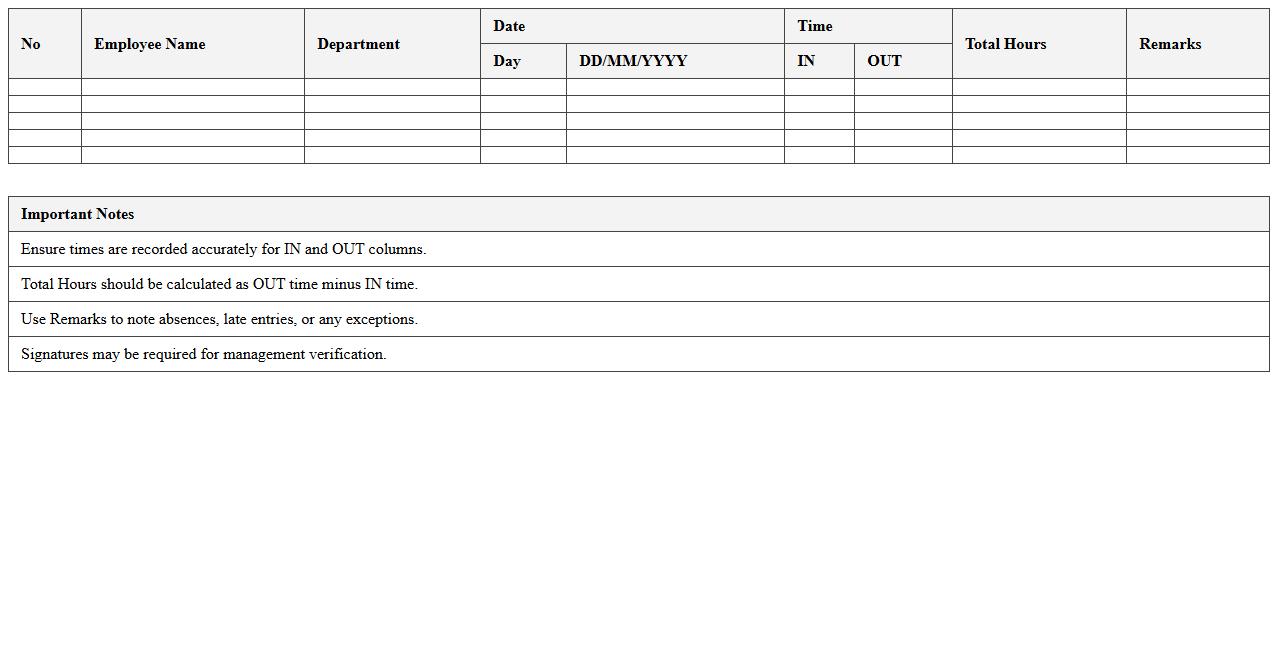
Staff In/Out Timesheet Excel Spreadsheet
A
Staff In/Out Timesheet Excel Spreadsheet document is a digital tool designed to accurately record employee clock-in and clock-out times. It streamlines attendance tracking, helps manage work hours, and simplifies payroll calculations by consolidating time data in a structured format. Employers and HR managers benefit from improved productivity insights and reduced manual errors, ensuring efficient workforce management.
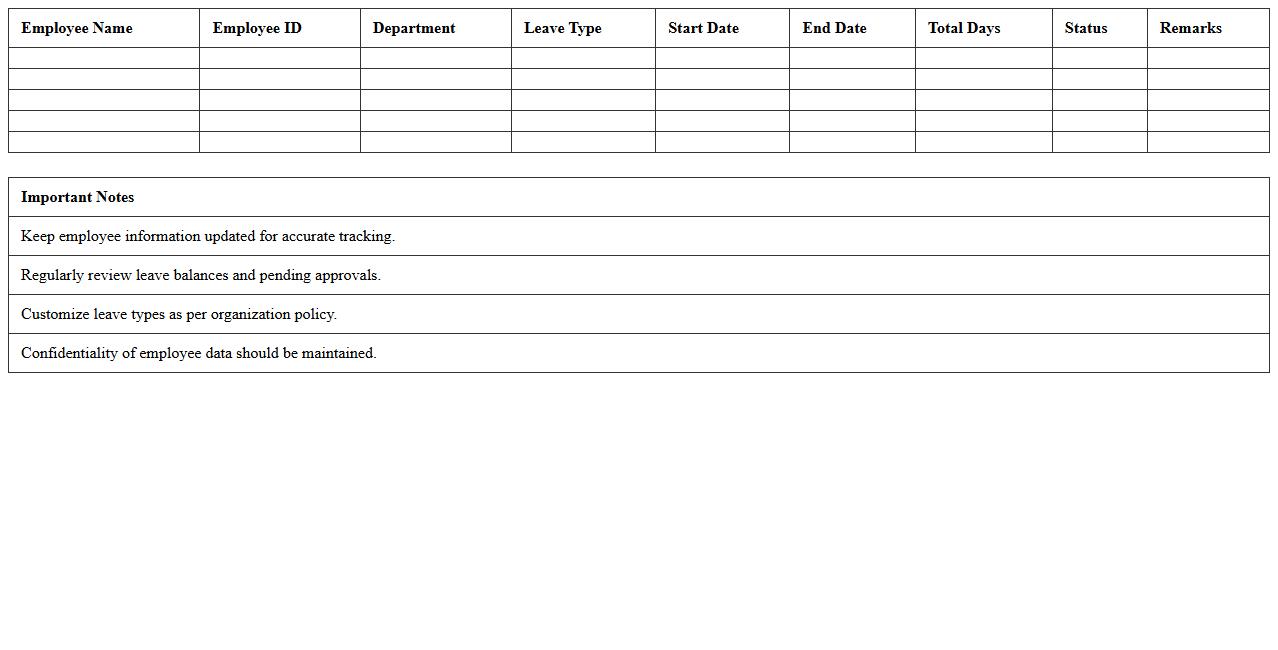
Absence and Leave Tracker Excel Template
The
Absence and Leave Tracker Excel Template is a structured spreadsheet designed to monitor employee attendance, track various types of leave, and manage absences efficiently within an organization. It allows HR professionals and managers to record leave requests, approve or deny them, and maintain accurate records for payroll and compliance purposes. By automating leave calculations and providing clear visibility into staff availability, this template improves workforce planning and reduces administrative errors.
Biometric Attendance Data Import Template
The
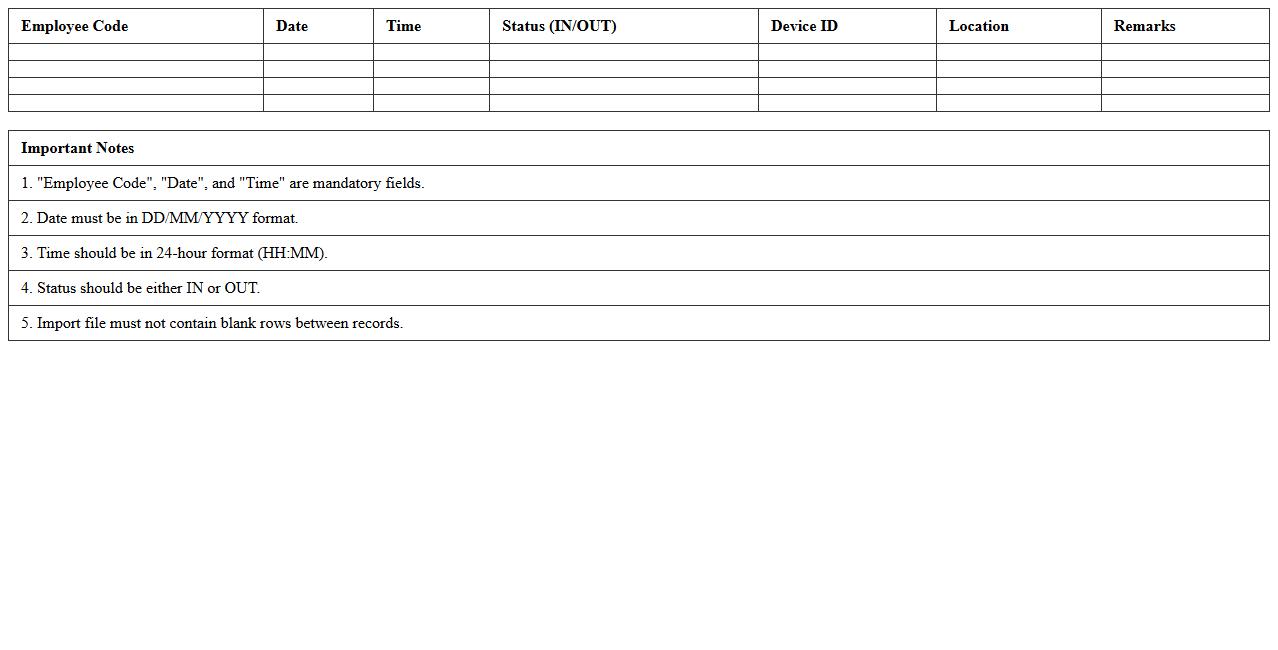
Biometric Attendance Data Import Template is a structured document designed to capture and organize employee attendance information recorded through biometric devices such as fingerprint scanners or facial recognition systems. It streamlines the data entry process by providing predefined fields and formats, ensuring accuracy and consistency when importing attendance records into payroll or HR management software. This template enhances efficiency by reducing manual errors, speeding up attendance processing, and enabling better tracking of employee work hours for payroll calculation and compliance purposes.
Team Attendance Dashboard Excel Format
The
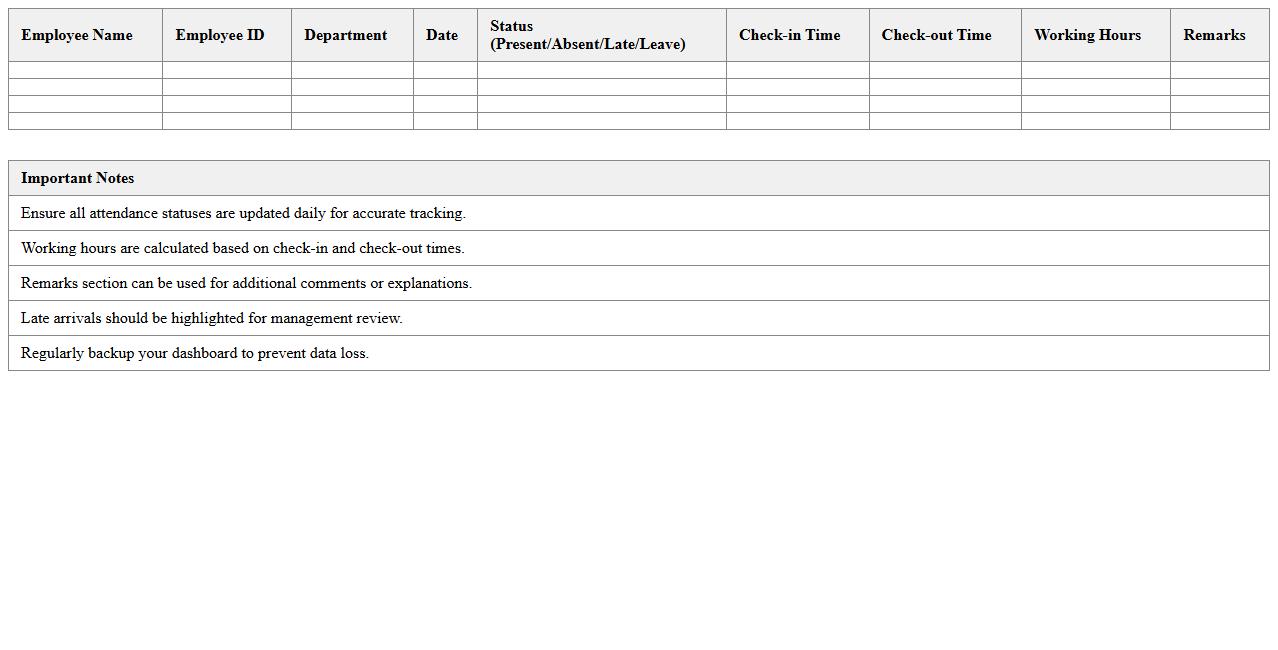
Team Attendance Dashboard Excel Format document is a comprehensive tool designed to track and analyze team attendance efficiently. It consolidates daily, weekly, and monthly attendance data, providing clear visualizations and summaries that help managers monitor employee punctuality and absenteeism. By using this dashboard, organizations can improve workforce management, identify attendance trends, and optimize resource allocation.
Overtime and Late Arrival Record Spreadsheet
An
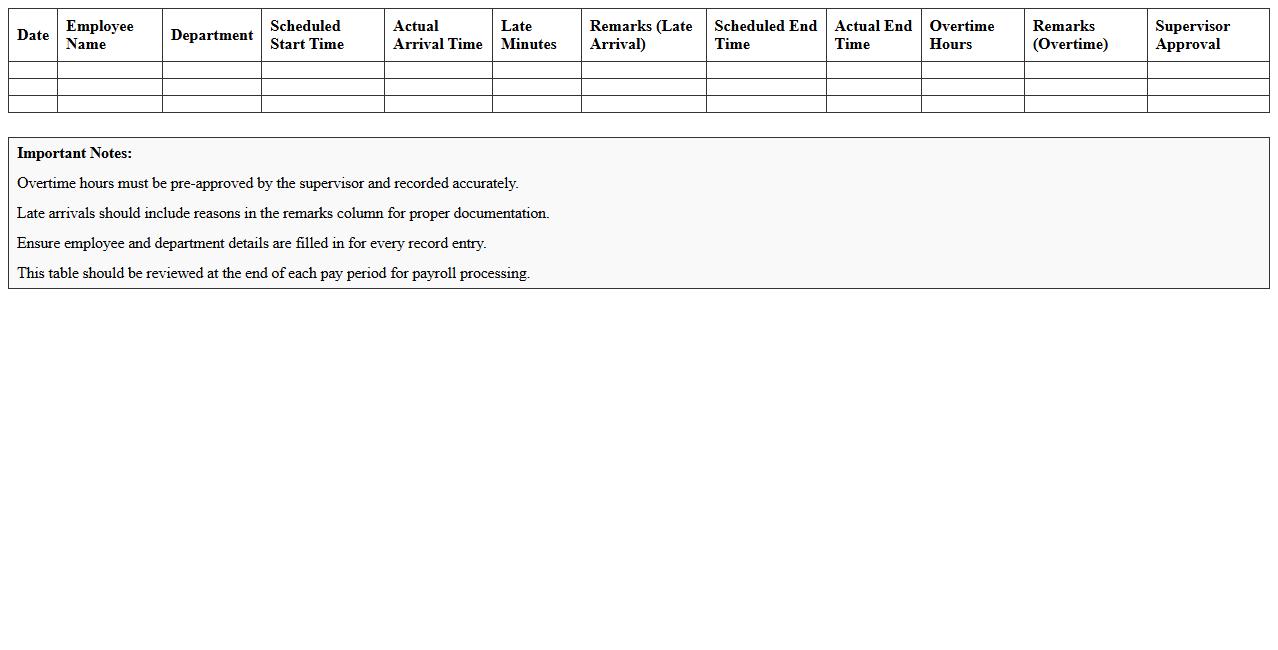
Overtime and Late Arrival Record Spreadsheet is a digital tool designed to systematically track employees' extra working hours and instances of late arrivals. It helps organizations accurately calculate overtime pay, monitor attendance patterns, and ensure compliance with labor regulations. Utilizing this spreadsheet enhances workforce management efficiency by providing clear, organized data for payroll processing and performance evaluation.
Weekly Work Hours Attendance Log Excel
A
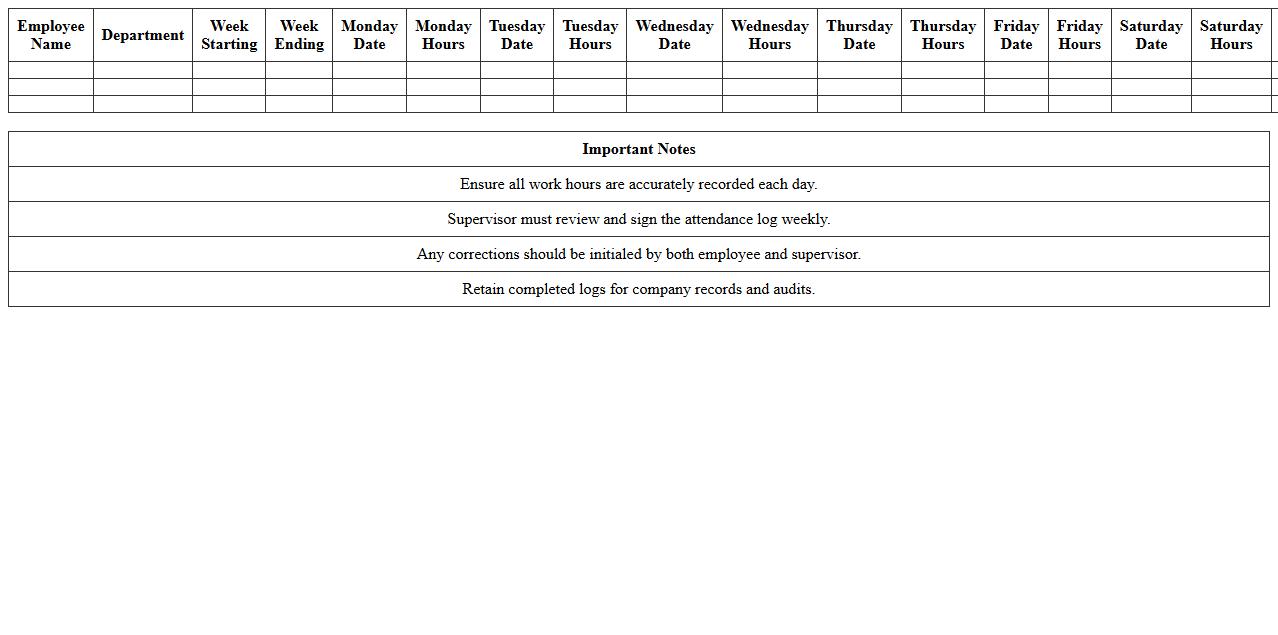
Weekly Work Hours Attendance Log Excel document is a structured spreadsheet designed to track employee attendance and working hours over a seven-day period. It helps businesses monitor punctuality, calculate total hours worked, and ensure accurate payroll processing. Using this log enhances productivity management and supports compliance with labor regulations.
Remote Work Attendance Monitoring Sheet
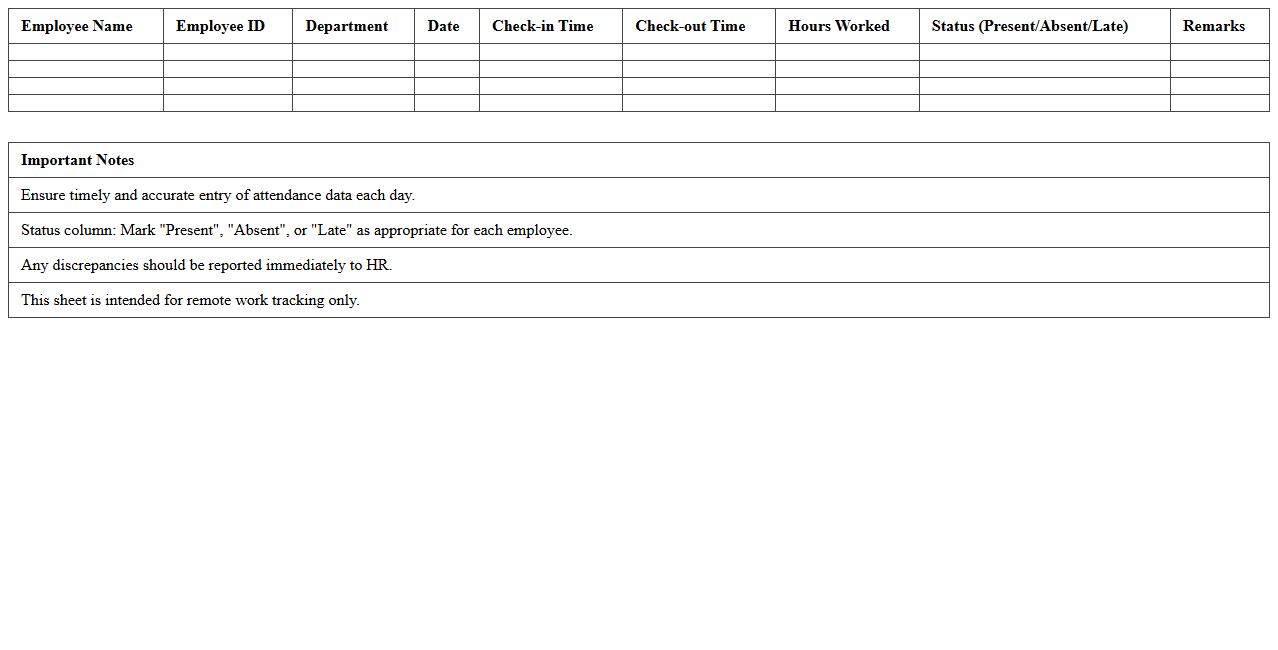
A
Remote Work Attendance Monitoring Sheet is a digital or physical document used to track employees' attendance, work hours, and productivity while working remotely. It helps managers maintain accurate records, ensures accountability, and facilitates payroll processing by providing clear data on time management. This tool enhances workforce organization, supports compliance with labor regulations, and promotes transparency in remote work environments.
Attendance Summary Report Excel Template
The
Attendance Summary Report Excel Template is a pre-designed spreadsheet that organizes employee attendance data, including days present, absences, and tardiness. It streamlines tracking by automatically calculating totals and percentages, making it easier for managers to monitor workforce productivity and identify attendance patterns. This template enhances accuracy and saves time compared to manual record-keeping, improving overall human resource management.
How to automate leave balance updates in HR attendance Excel sheets?
To automate leave balance updates, create a dynamic formula linking attendance data with leave records. Utilize Excel functions like SUMIFS or COUNTIFS to aggregate leave days automatically. Establish a separate leave balance sheet that updates in real time as attendance data changes.
What advanced formulas track overtime hours in Excel attendance records?
Advanced formulas such as IF, SUMPRODUCT, and NETWORKDAYS can calculate overtime by comparing actual hours against standard work hours. Use the formula =MAX(0, ActualHours - StandardHours) to isolate overtime per entry. Combine these with conditional logic to account for holidays and weekends.
How to generate monthly attendance summaries using pivot tables?
Create a pivot table using attendance dates and employee IDs to summarize monthly data efficiently. Drag the date field into the row area and group by month to structure the summary. Use the value field to count presence or absence and analyze trends easily.
Which conditional formatting highlights frequent absentees in attendance logs?
Apply conditional formatting rules that flag cells based on absence frequency. Use a formula like =COUNTIF(range, "Absent")>threshold to target employees with frequent absences. Highlight these cells with red fill or bold font for quick identification.
How to integrate biometric data imports into Excel HR attendance sheets?
Import biometric data by first converting device exports into CSV or Excel formats compatible with your sheets. Use Excel's Power Query to automate data cleansing and merging with attendance records. This ensures seamless integration and real-time updates without manual entry.
More Human Resource Excel Templates