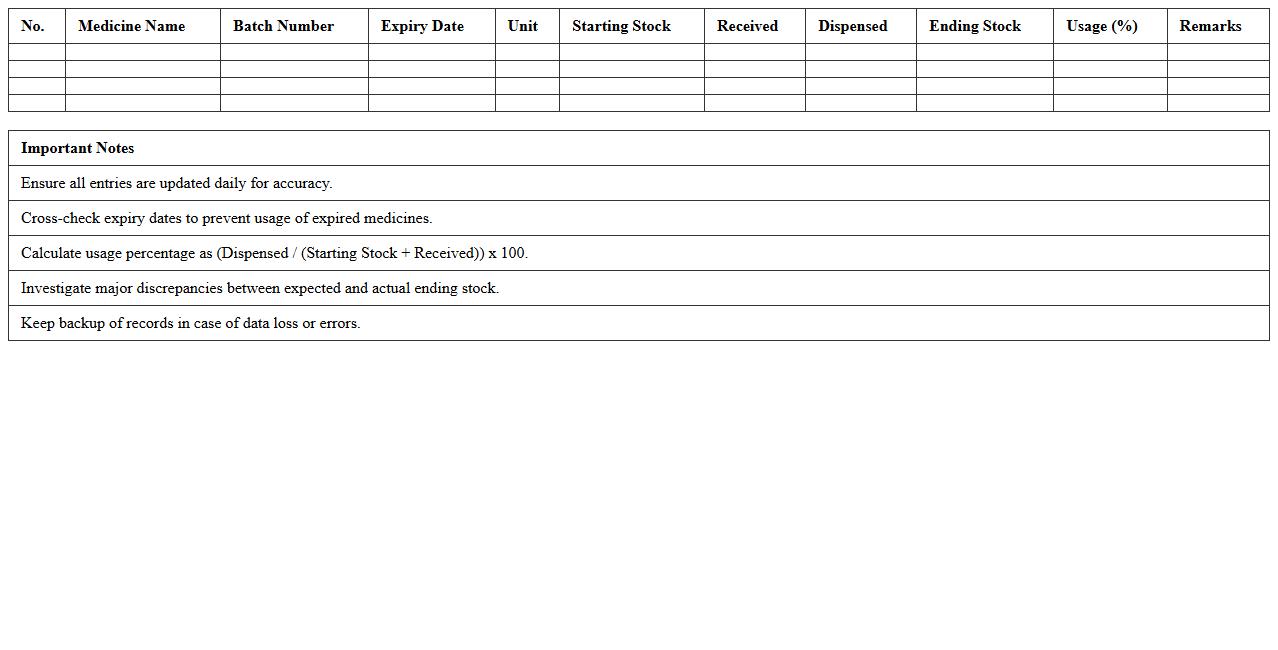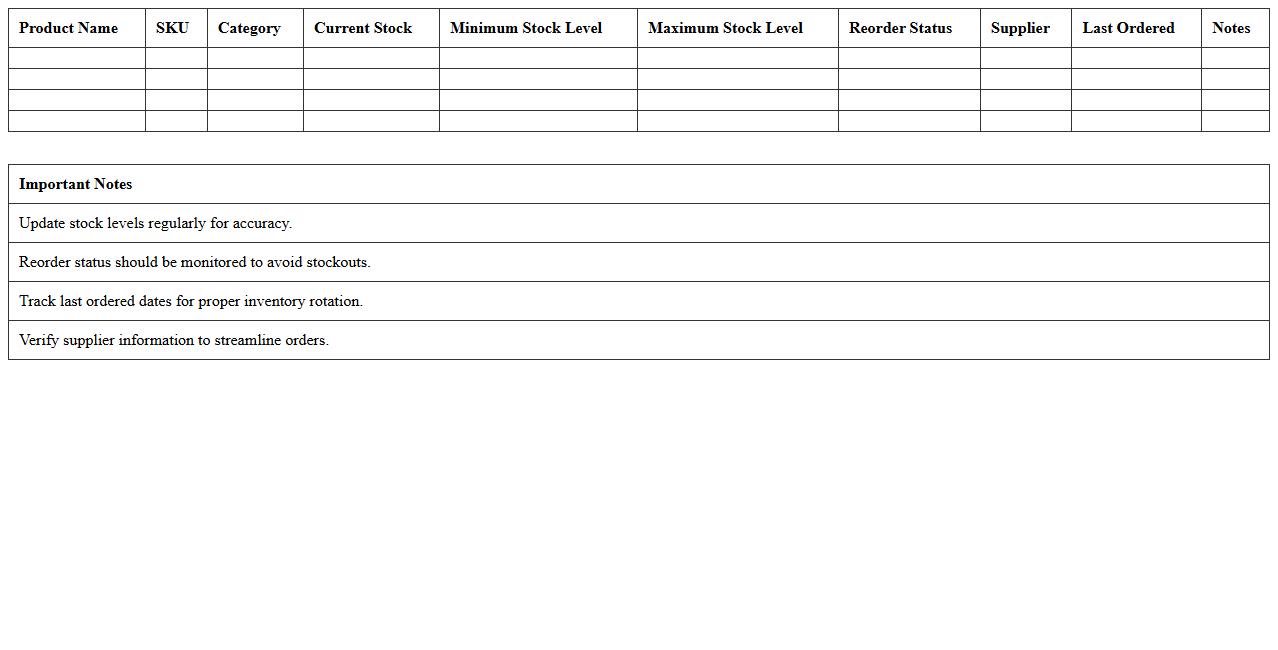
The Healthcare Inventory Management Excel Template for Pharmacies streamlines tracking medication stock levels, expiration dates, and supplier details efficiently. It enables pharmacies to minimize errors, reduce waste, and ensure timely restocking with easy-to-use, customizable spreadsheets. This tool supports improved inventory control, cost management, and regulatory compliance for seamless pharmacy operations.
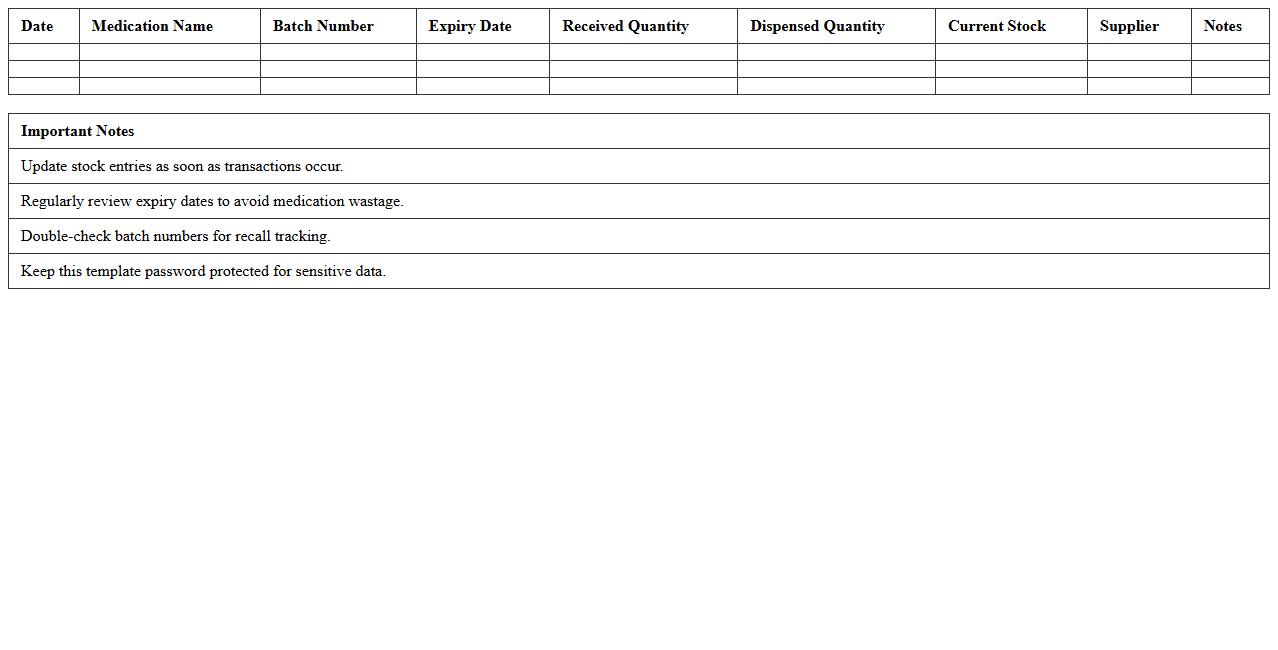
Medication Stock Tracking Excel Template
The
Medication Stock Tracking Excel Template is a detailed spreadsheet designed to monitor and manage pharmaceutical inventory efficiently, ensuring accurate records of stock levels, expiration dates, and reorder points. This template helps prevent medication shortages and overstocking by providing clear visibility into current supplies, facilitating timely procurement decisions. It is essential for healthcare providers and pharmacies aiming to maintain compliance, reduce waste, and improve patient safety through organized medication management.
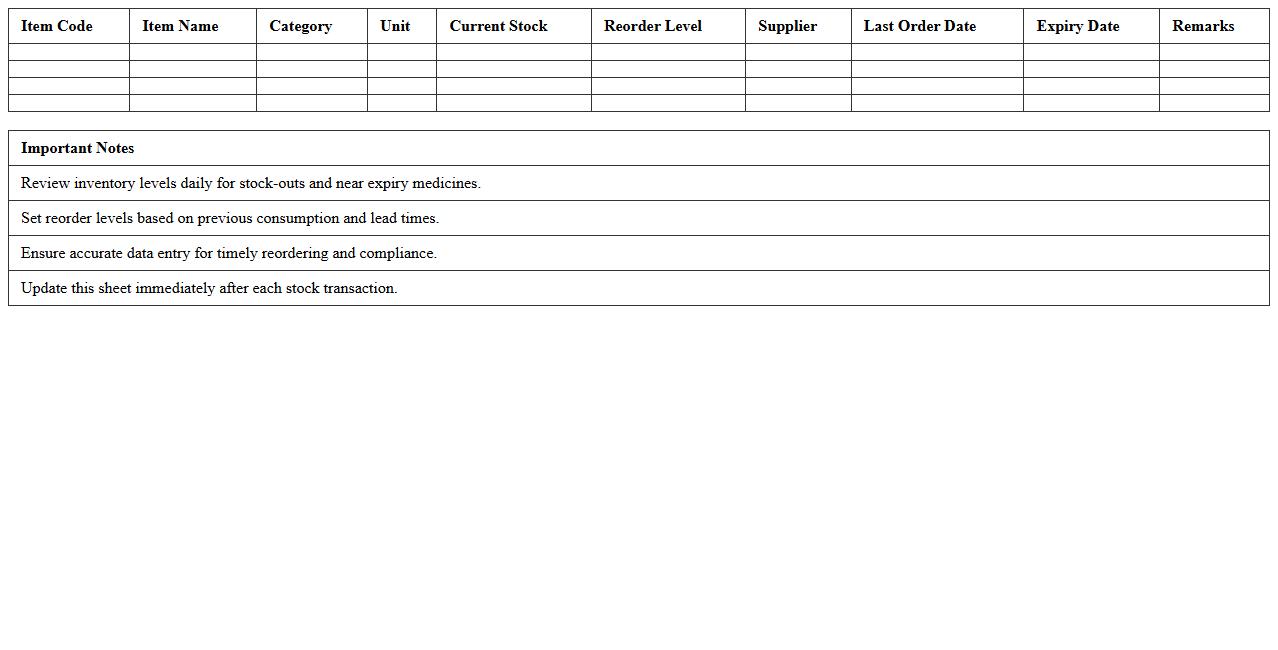
Pharmacy Inventory Reorder Alert Sheet
A
Pharmacy Inventory Reorder Alert Sheet is a document that tracks medication stock levels and flags when items fall below predetermined thresholds, ensuring timely reorder to prevent stockouts. It enables pharmacy staff to maintain optimal inventory levels, reduce wastage, and improve patient care by avoiding delays in medication availability. By providing real-time alerts, this sheet supports efficient inventory management and cost control in pharmaceutical operations.
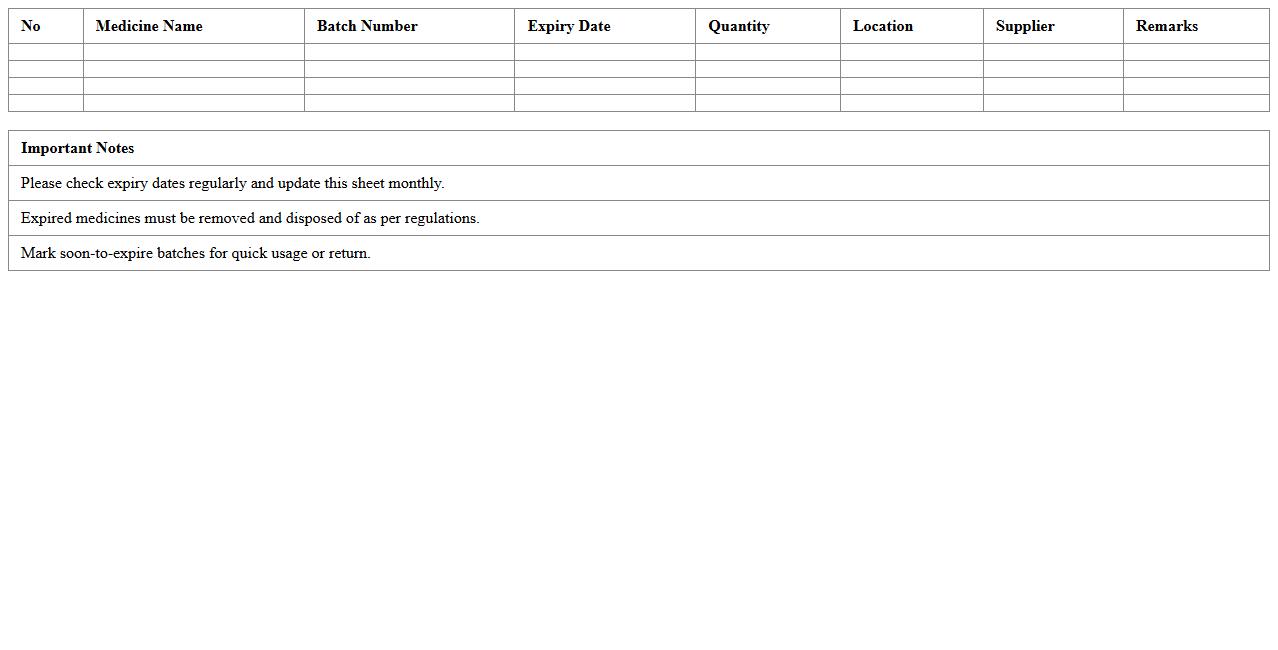
Expiry Date Monitoring Pharmacy Excel
Expiry Date Monitoring Pharmacy Excel document is a
comprehensive tool designed to track and manage the expiration dates of pharmaceutical products efficiently. It helps prevent the use of expired medications, ensures compliance with regulatory standards, and aids in inventory optimization by providing timely alerts for product renewal or disposal. This system enhances patient safety and reduces financial losses due to expired stock in pharmacies.
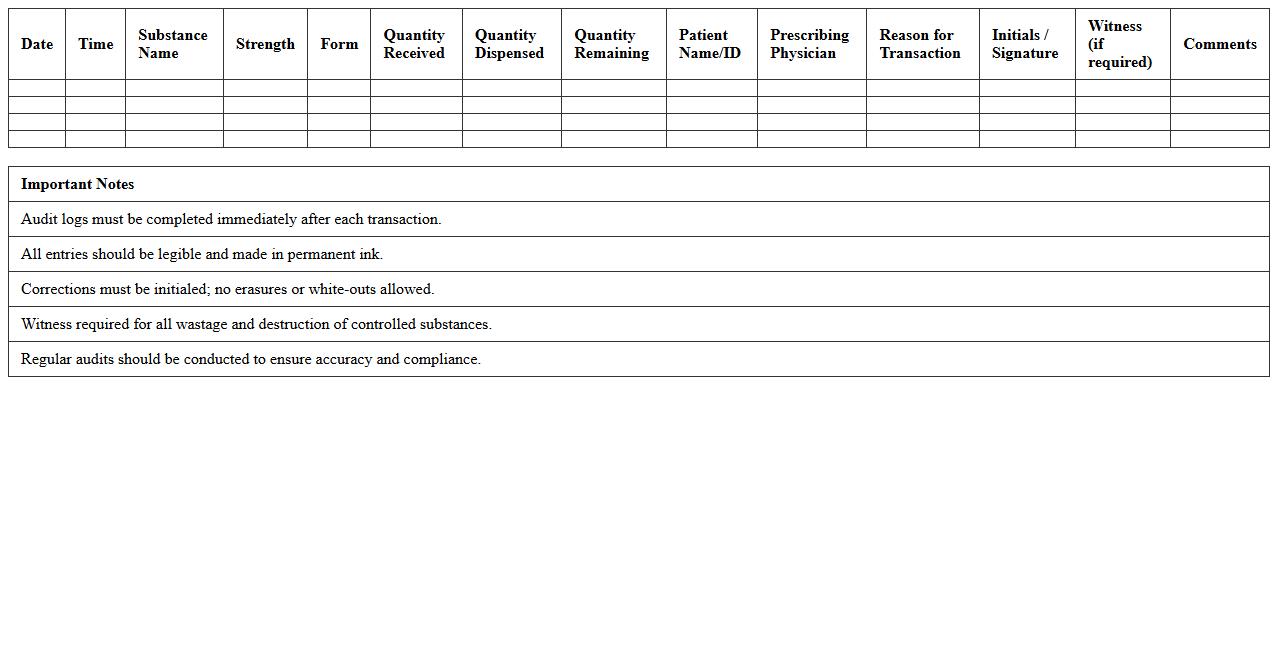
Controlled Substances Audit Log Template
The
Controlled Substances Audit Log Template document is a structured record-keeping tool designed to track the receipt, storage, dispensing, and disposal of controlled substances in compliance with regulatory requirements. This template ensures accurate documentation, enhances accountability, and simplifies the auditing process by providing a clear, organized format for recording vital information such as dates, quantities, and personnel involved. Utilizing this template helps organizations maintain legal compliance, prevent diversion or misuse of substances, and streamline periodic regulatory inspections.
Daily Drug Dispensing Record Spreadsheet
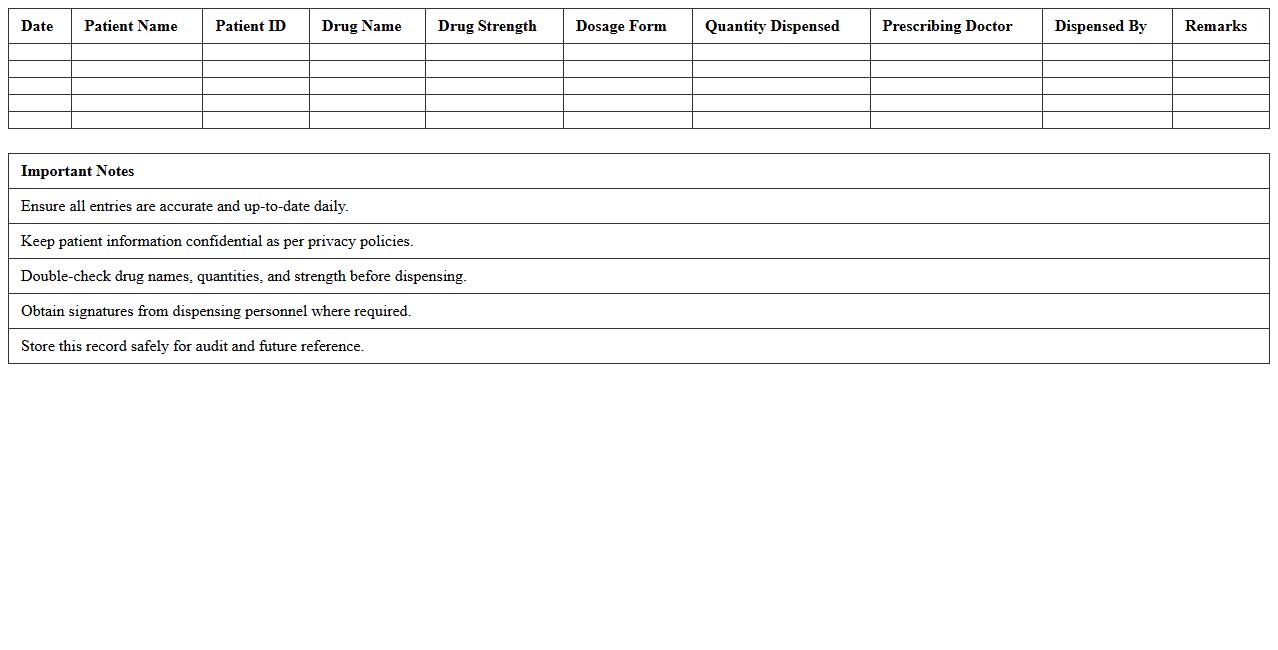
The
Daily Drug Dispensing Record Spreadsheet is a systematic document used to track the distribution of medications on a daily basis within healthcare facilities. It enables accurate monitoring of inventory levels, prevents medication errors, and ensures compliance with regulatory requirements by maintaining a detailed log of drugs dispensed to patients. This tool supports efficient pharmacy management, enhances patient safety, and facilitates auditing by providing transparent records of drug usage over time.
Supplier Order Management Pharmacy Excel
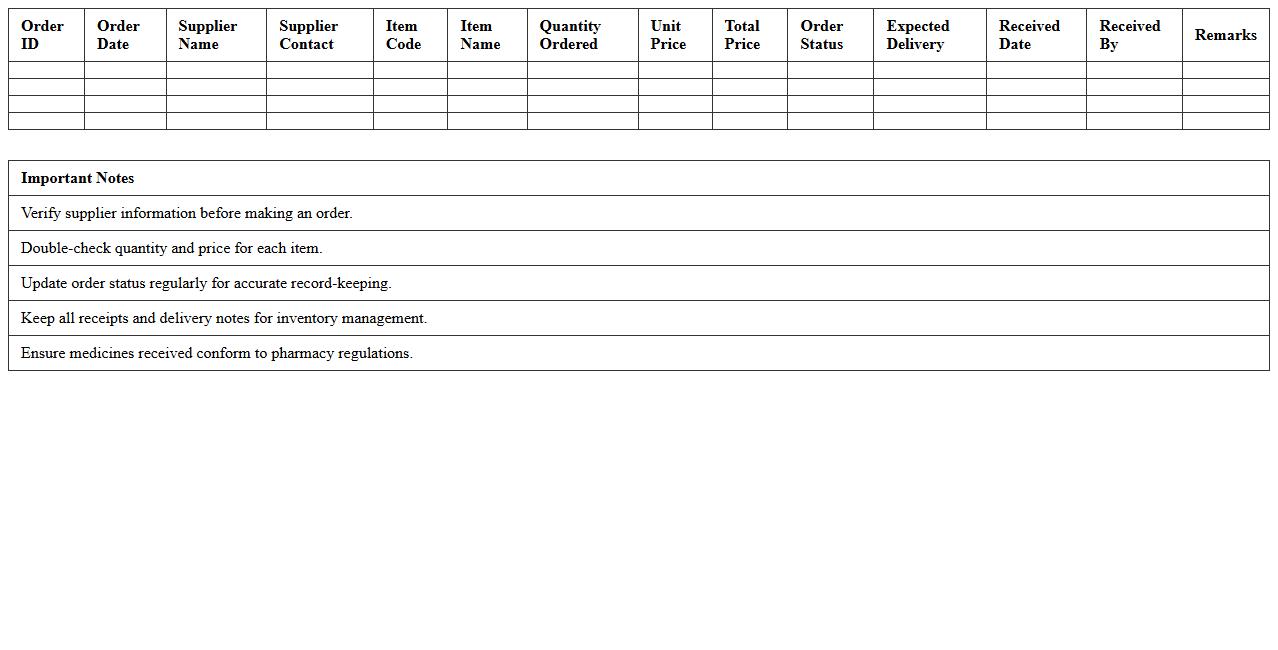
The
Supplier Order Management Pharmacy Excel document is a structured spreadsheet designed to track and manage pharmacy supply orders efficiently. It helps pharmacies maintain accurate records of inventory, monitor order statuses, and schedule timely reorders, reducing the risk of stockouts or overstocking. By organizing supplier information, delivery timelines, and costs in one place, this tool streamlines procurement processes and enhances operational decision-making.
Returned and Damaged Medication Log Sheet
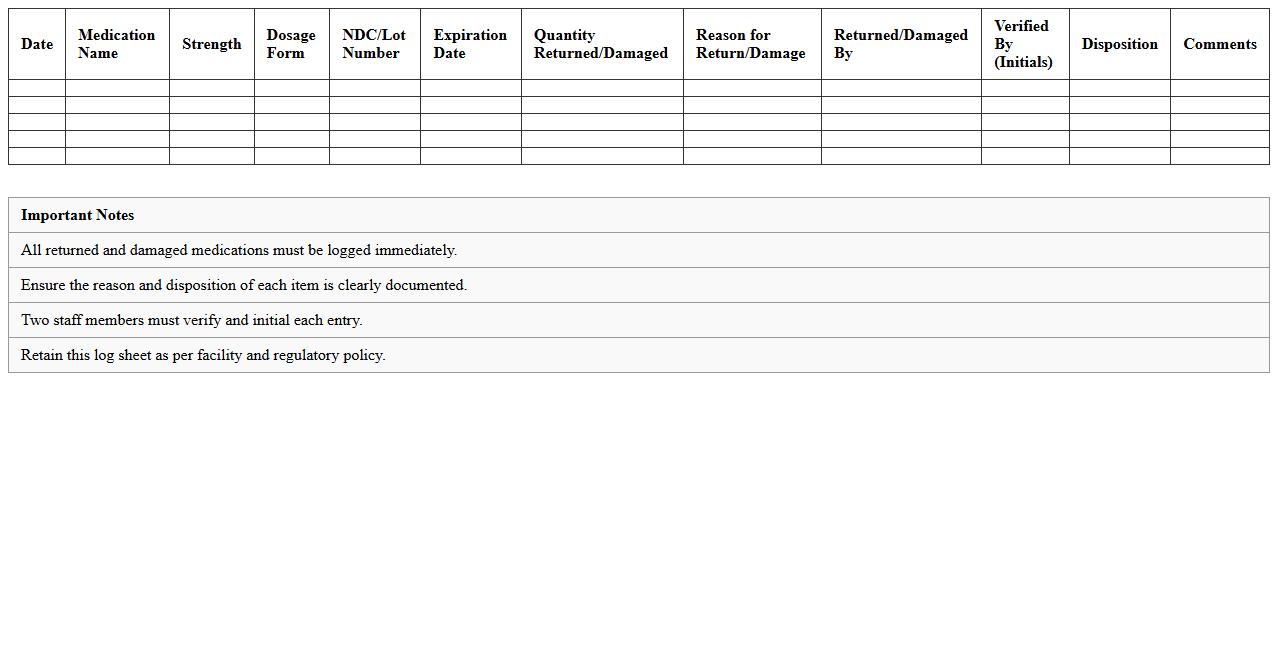
The
Returned and Damaged Medication Log Sheet is a critical document used to accurately track medications that are either returned or found damaged during handling or storage. It helps healthcare providers maintain accountability, ensure regulatory compliance, and prevent medication errors by documenting the reasons for return or damage, quantities involved, and subsequent actions taken. This log sheet also supports inventory management, reduces financial loss, and enhances patient safety by ensuring only safe, effective medications remain in circulation.
Batch Number Inventory Management Excel
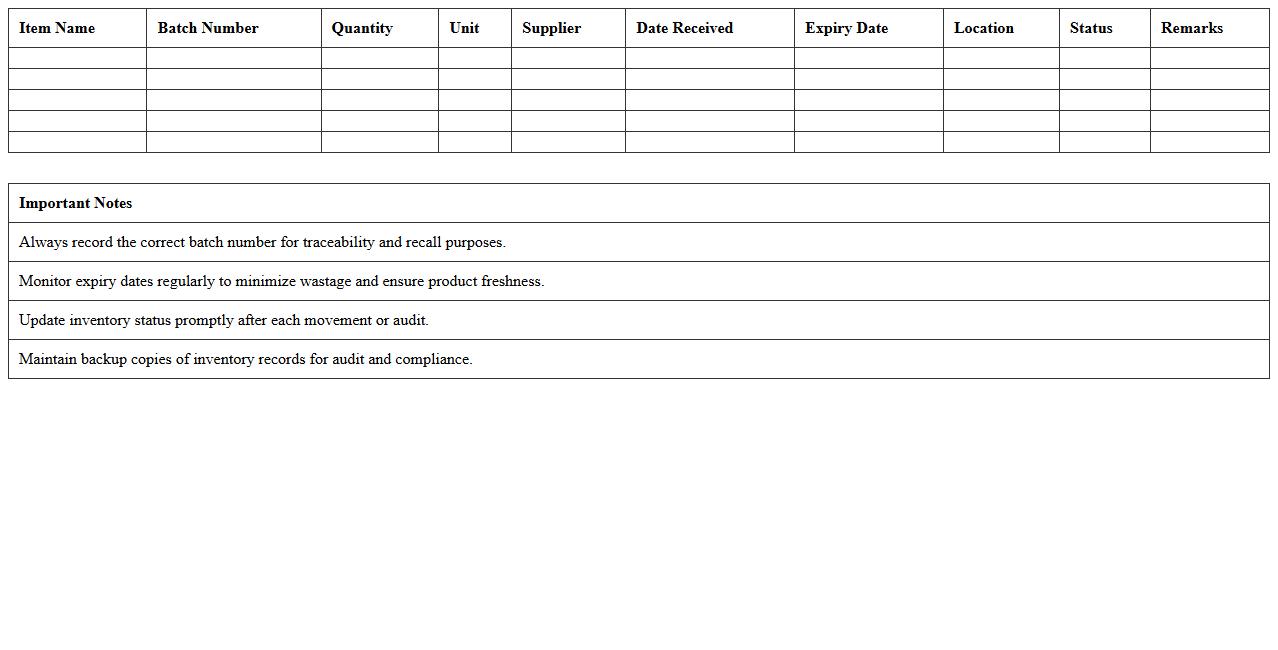
A
Batch Number Inventory Management Excel document is a tool designed to track and organize inventory by assigning unique batch numbers to products, enabling precise monitoring of stock levels and expiration dates. It is useful for businesses to enhance inventory accuracy, facilitate traceability, and streamline product recalls or quality control processes. By maintaining detailed batch information, companies can improve operational efficiency and ensure compliance with industry regulations.
Clinic Medicine Usage Analysis Template
The
Clinic Medicine Usage Analysis Template document systematically tracks and evaluates medication consumption patterns in a clinical setting, enabling healthcare professionals to identify trends and optimize drug inventory management. It provides detailed insights into prescription frequencies, dosage variations, and patient adherence, which helps reduce medication waste and improve treatment efficacy. Utilizing this template supports informed decision-making for procurement, cost control, and enhancing overall patient care quality.
OTC Product Stock Level Dashboard Excel
The
OTC Product Stock Level Dashboard Excel document provides a comprehensive overview of over-the-counter product inventory, enabling real-time tracking of stock quantities, reorder points, and sales trends. This tool helps businesses optimize inventory management by preventing stockouts and overstock situations, thus improving sales efficiency and customer satisfaction. By consolidating data into an easy-to-understand visual format, it supports informed decision-making and streamlined supply chain operations.
How can Excel track real-time stock levels of controlled medications in pharmacies?
Excel can track real-time stock levels of controlled medications by linking inventory data with dynamic formulas and data validation tools. Utilizing advanced functions like SUMIFS or COUNTIFS helps monitor available quantities accurately. Integrating Excel with external data sources via Power Query or VBA macros facilitates automated inventory updates for controlled substances.
What advanced formulas automate expiry date alerts for pharmaceutical inventory in Excel?
Excel uses formulas such as IF, TODAY, and conditional formatting to automate expiry alerts effectively. By calculating the difference between the expiry date and the current date, you can create automated warnings when drugs approach expiry. These alerts ensure timely management of pharmaceutical inventory safety and reduce the risk of dispensing expired medications.
How to implement batch tracking and recall management for drugs using Excel sheets?
Implementing batch tracking requires creating unique batch identifiers linked with manufacturing and expiry dates in Excel tables. Recall management is enhanced by applying filtering and lookup functions to quickly isolate affected batches. Utilizing pivot tables or VBA scripts allows pharmacists to promptly identify and manage recalled drugs with accuracy.
Which Excel dashboards best visualize slow-moving vs fast-moving healthcare inventory?
Effective dashboards to differentiate inventory velocity leverage pivot charts, slicers, and conditional formatting for clear visualization. The use of KPIs like turnover rates and stock aging enables better decision-making for inventory management. Integrating these interactive dashboards helps highlight slow-moving versus fast-moving healthcare products intuitively.
How can Excel templates support automated reordering thresholds for pharmacy supplies?
Excel templates incorporate threshold-based formulas and alerts to automate reorder points when stock falls below predefined levels. Customizable reorder thresholds adjust dynamically based on usage trends and lead times for efficient inventory replenishment. This automation supports timely procurement and reduces the risk of stockouts in pharmacy supplies.
More Healthcare Excel Templates