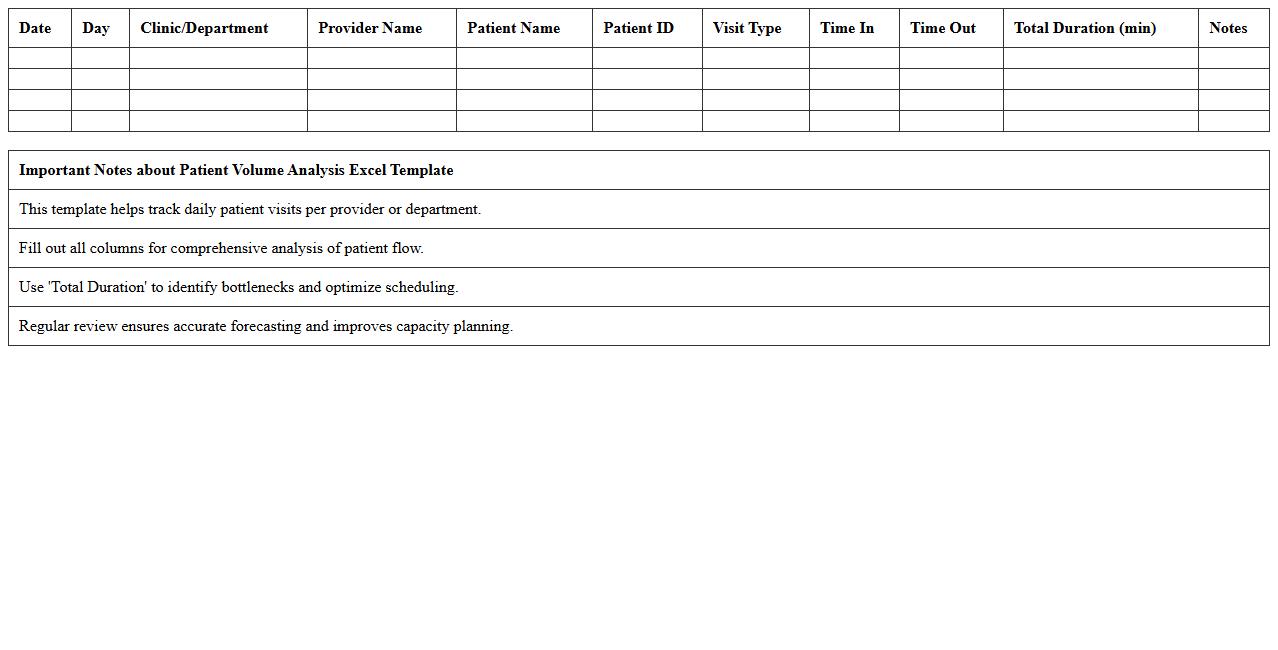
Patient Volume Analysis Excel Template
The
Patient Volume Analysis Excel Template document is a data management tool designed to track, analyze, and visualize patient inflow across healthcare facilities. It enables healthcare administrators to identify trends, optimize resource allocation, and improve patient care efficiency by providing detailed reports on daily, weekly, or monthly patient volumes. Using this template facilitates informed decision-making, reduces operational bottlenecks, and enhances overall healthcare service delivery.
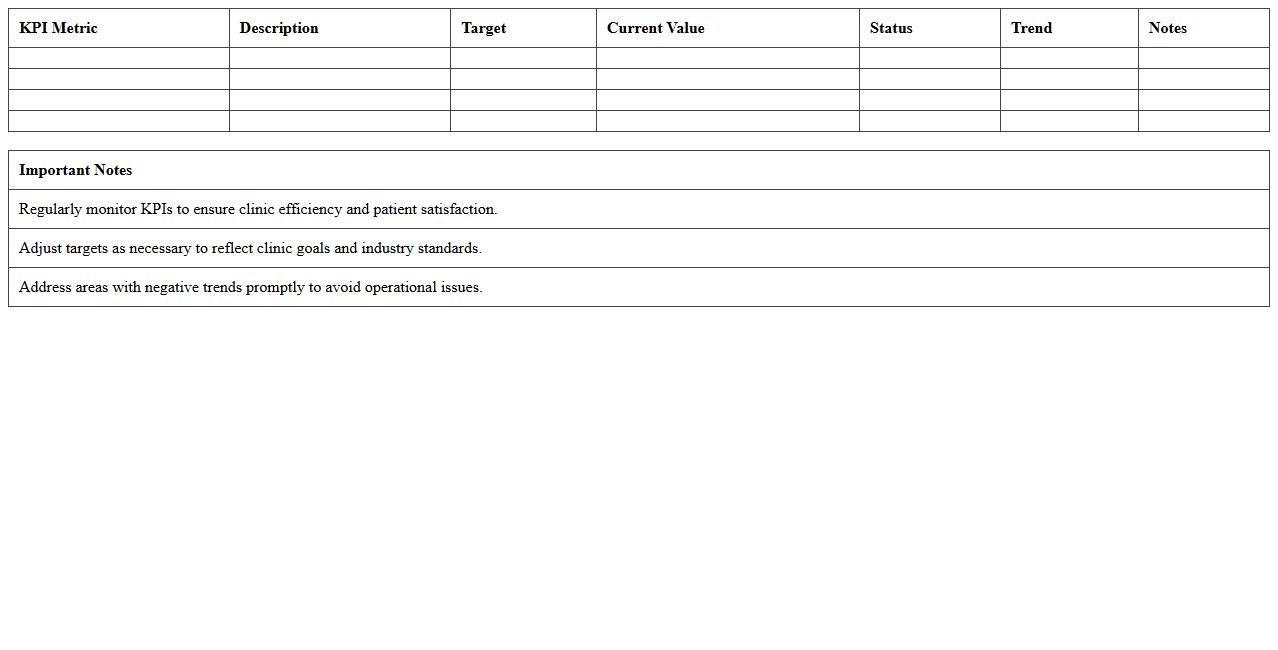
Clinic Appointment Scheduling KPI Dashboard
The
Clinic Appointment Scheduling KPI Dashboard document tracks key performance indicators related to patient bookings, appointment wait times, and resource utilization, enabling healthcare providers to optimize scheduling efficiency. By presenting real-time data insights, it helps identify bottlenecks, reduce no-shows, and improve patient satisfaction through better time management. This dashboard supports data-driven decision-making, enhancing overall clinic operations and ensuring timely patient care delivery.
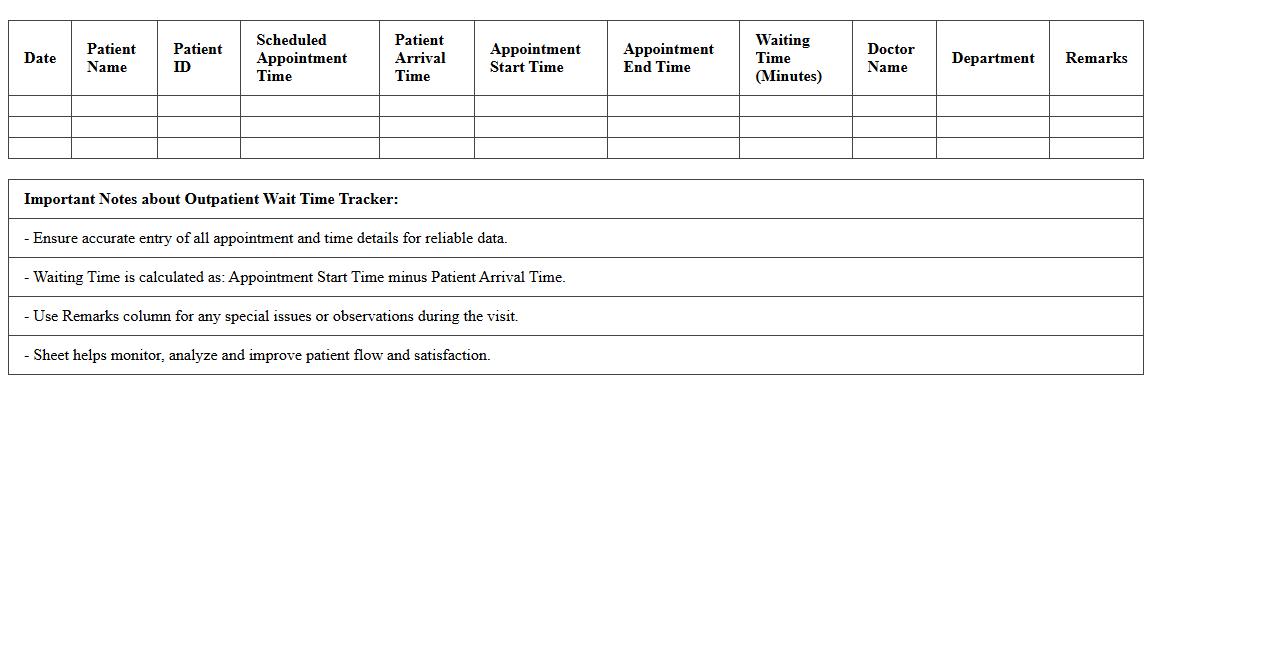
Outpatient Wait Time Tracker Excel Sheet
The
Outpatient Wait Time Tracker Excel Sheet document is a specialized tool designed to monitor and analyze patient wait times in outpatient clinics efficiently. It helps healthcare administrators identify bottlenecks, optimize scheduling, and improve patient flow by providing clear, data-driven insights. Utilizing this sheet enhances operational efficiency and patient satisfaction through timely interventions based on accurate wait time metrics.
Healthcare Revenue KPI Spreadsheet
A
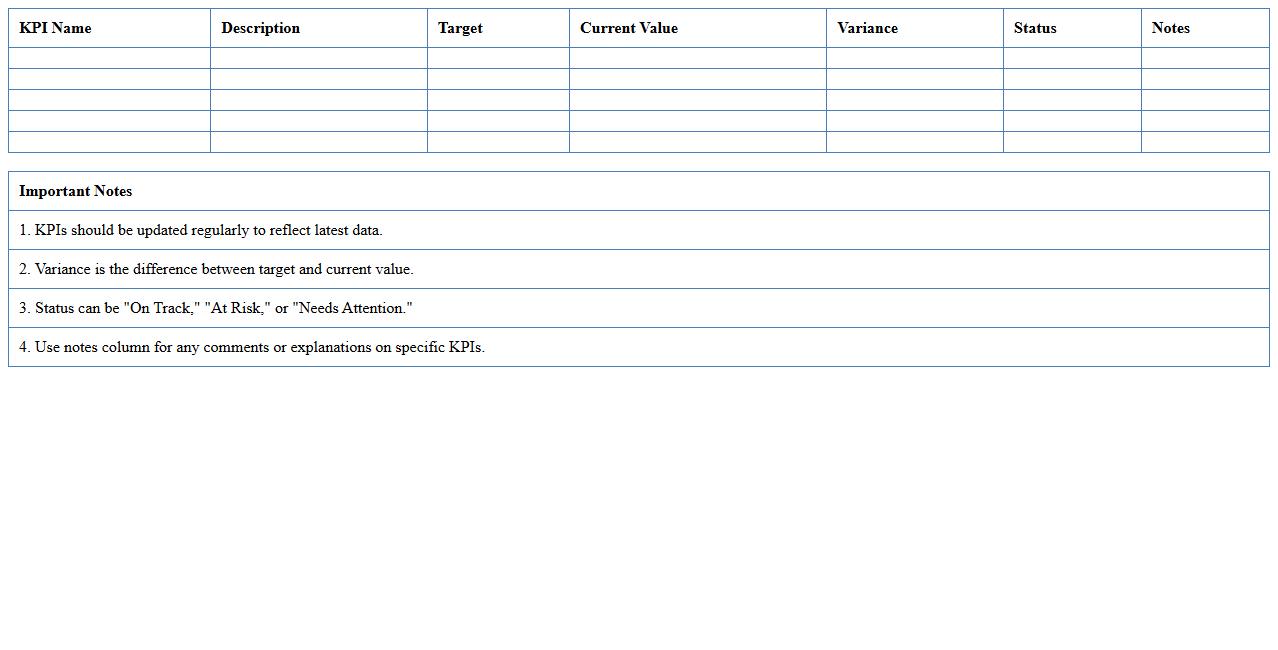
Healthcare Revenue KPI Spreadsheet document tracks key performance indicators related to the financial health of medical facilities, including metrics such as patient billing, reimbursement rates, and revenue cycle efficiency. It helps healthcare administrators analyze income streams, identify revenue leakage, and optimize billing processes to ensure maximum profitability. By providing real-time insights and organized financial data, this tool supports strategic decision-making and enhances overall revenue management.
Clinical Staff Productivity Monitoring Template
The
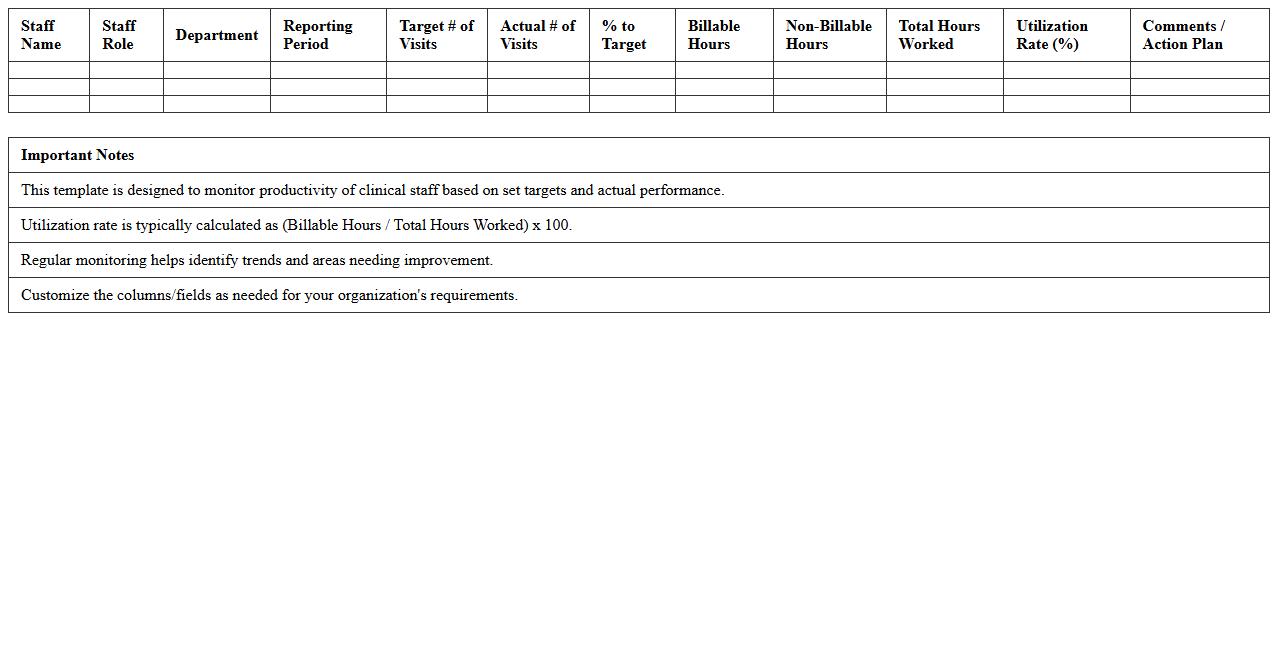
Clinical Staff Productivity Monitoring Template document is designed to track and evaluate the efficiency and output of healthcare professionals in clinical settings. By providing structured data on tasks performed, patient interactions, and time management, it helps healthcare administrators identify areas for optimization and resource allocation. This template supports improved decision-making, enhances staff performance, and ultimately contributes to better patient care outcomes.
Patient Satisfaction KPI Dashboard Excel
The
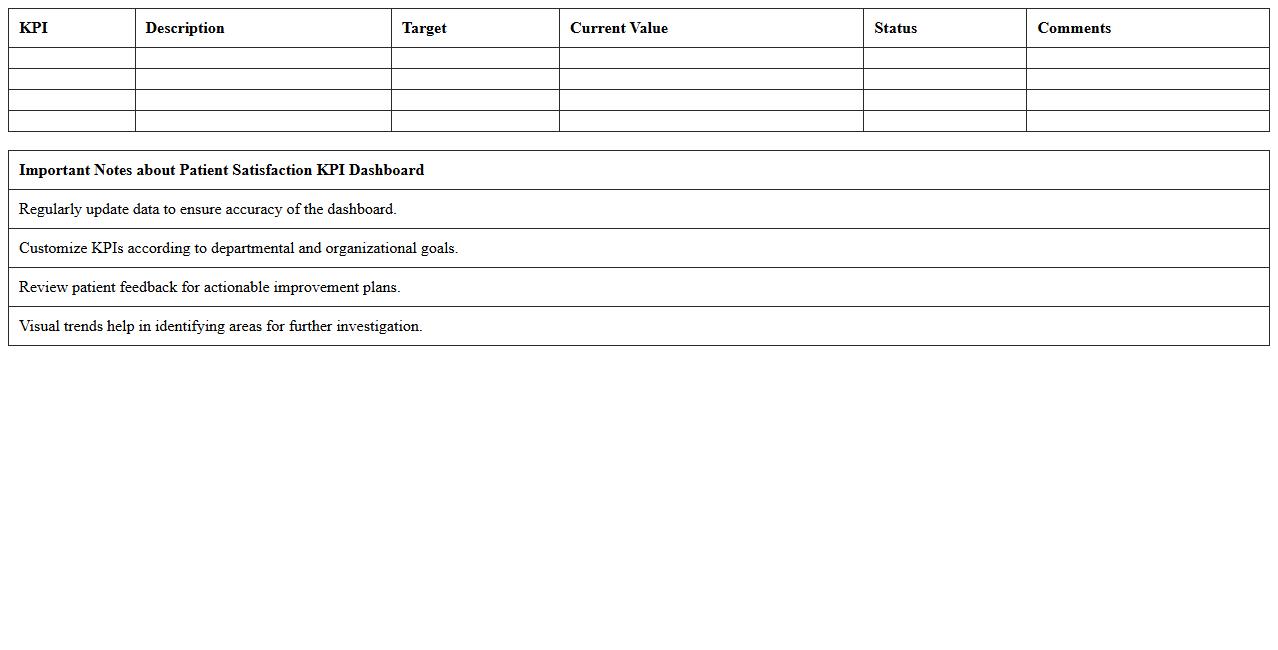
Patient Satisfaction KPI Dashboard Excel document is a powerful tool designed to track and analyze key performance indicators related to patient experience and satisfaction in healthcare settings. It consolidates data such as patient feedback scores, wait times, and service quality metrics into visual charts and graphs, enabling healthcare providers to monitor trends and identify areas for improvement efficiently. This dashboard supports data-driven decision-making, enhances patient care quality, and boosts overall operational performance by highlighting critical insights in a clear, accessible format.
Medical Inventory Turnover Excel Template
The
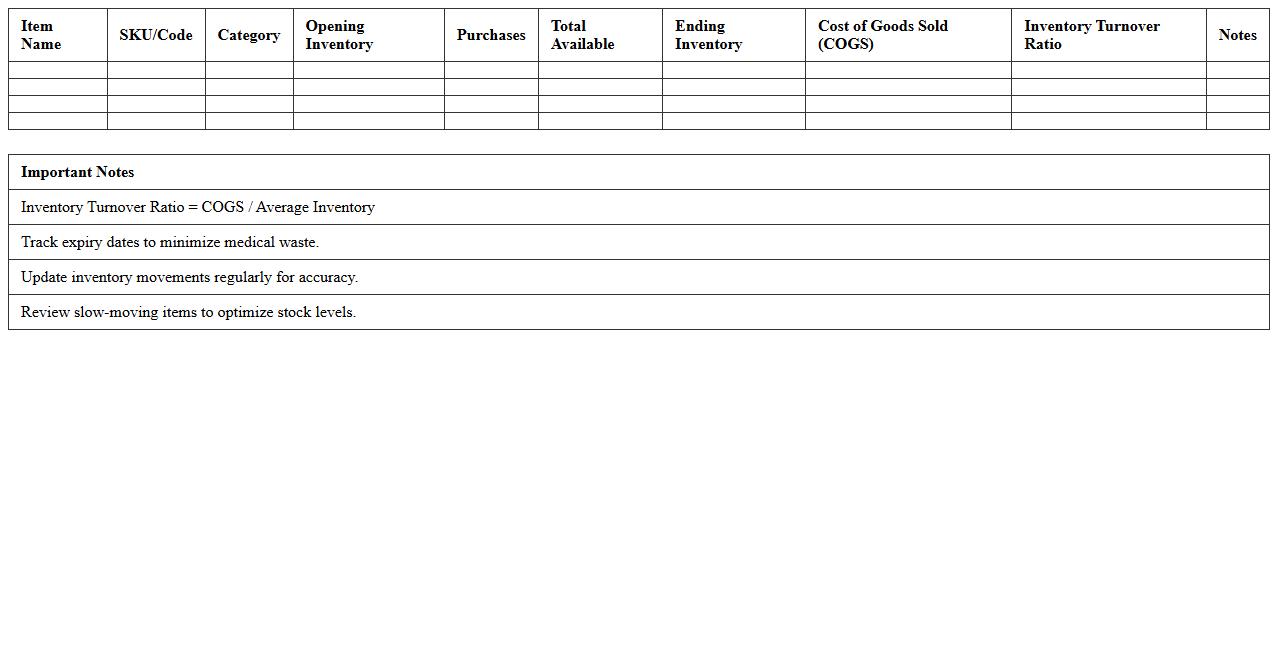
Medical Inventory Turnover Excel Template document is a specialized tool designed to track and analyze the rate at which medical supplies and equipment are used and replenished within healthcare facilities. It helps healthcare managers optimize stock levels, reduce waste, and ensure timely availability of critical medical items. By providing clear insights into inventory turnover rates, this template supports efficient resource allocation and cost control in medical inventory management.
Healthcare Billing and Collection KPI Tracker
The
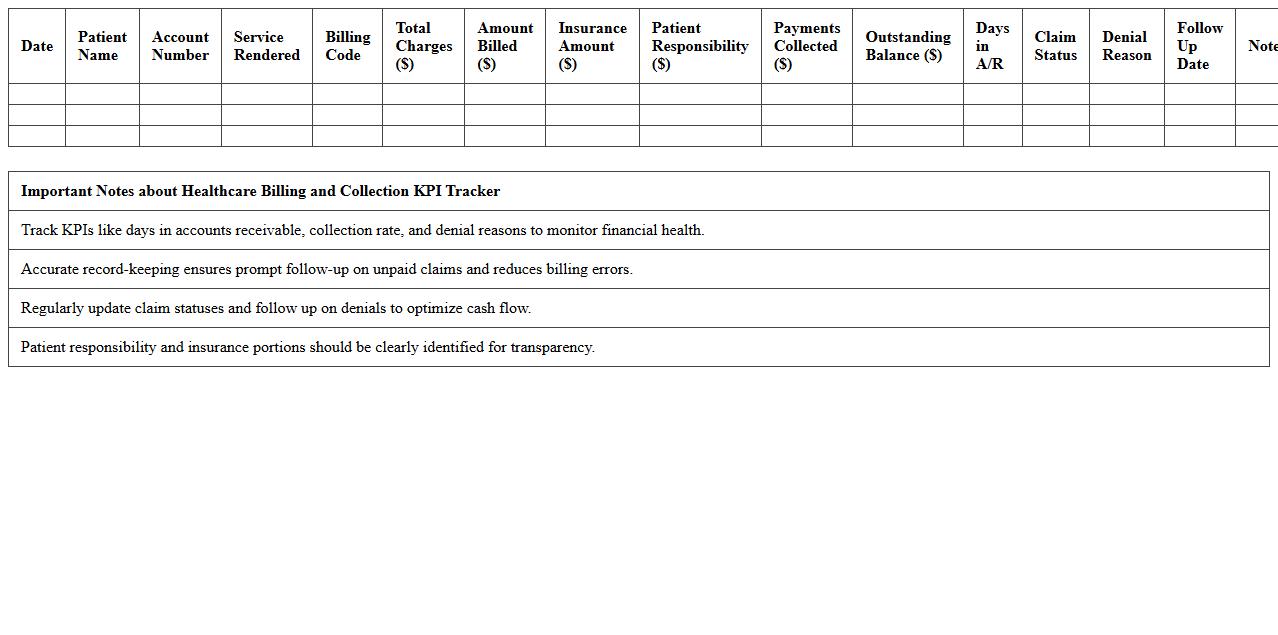
Healthcare Billing and Collection KPI Tracker document is a powerful tool that monitors key performance indicators related to billing efficiency and revenue collection in healthcare organizations. By tracking metrics such as days in accounts receivable, collection rates, and claim denial percentages, this document helps identify bottlenecks and improve cash flow management. It is essential for optimizing billing processes, ensuring timely reimbursements, and enhancing overall financial health in medical practices.
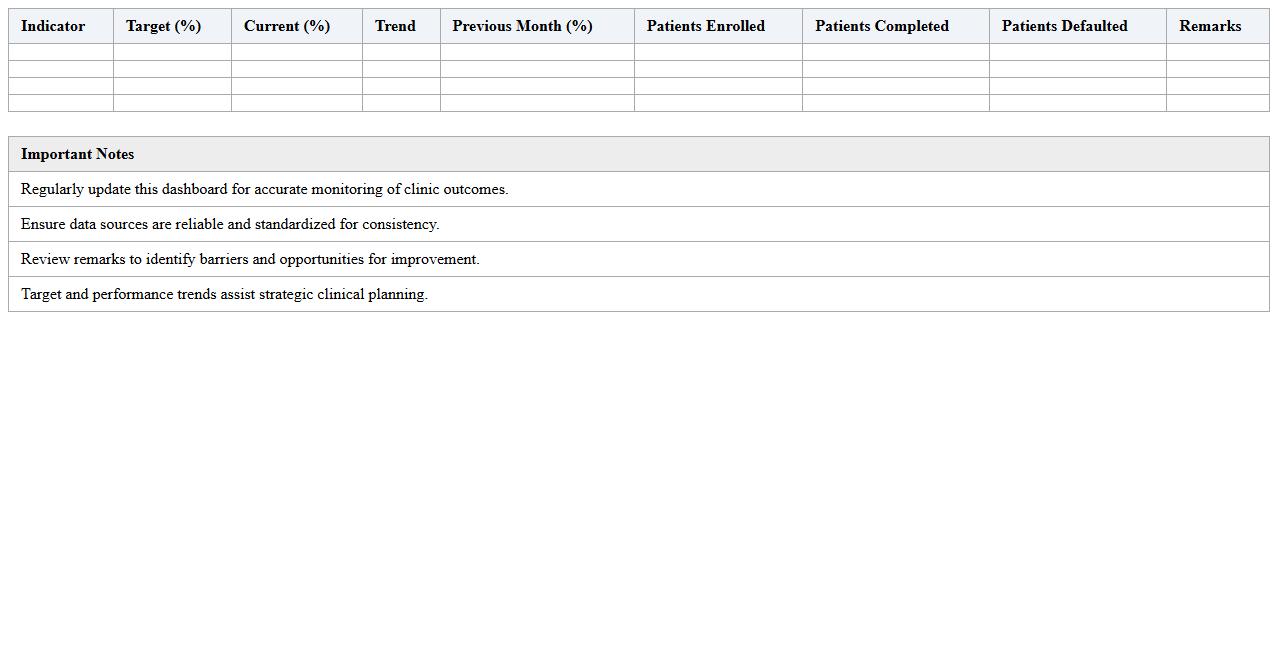
Clinic Treatment Outcome Performance Dashboard
The
Clinic Treatment Outcome Performance Dashboard document provides a comprehensive overview of patient treatment results, enabling efficient tracking of clinical effectiveness and patient progress. It consolidates key metrics such as recovery rates, treatment durations, and complication incidences to facilitate data-driven decision-making. This dashboard helps healthcare professionals identify areas for improvement and optimize treatment protocols to enhance overall patient care quality.
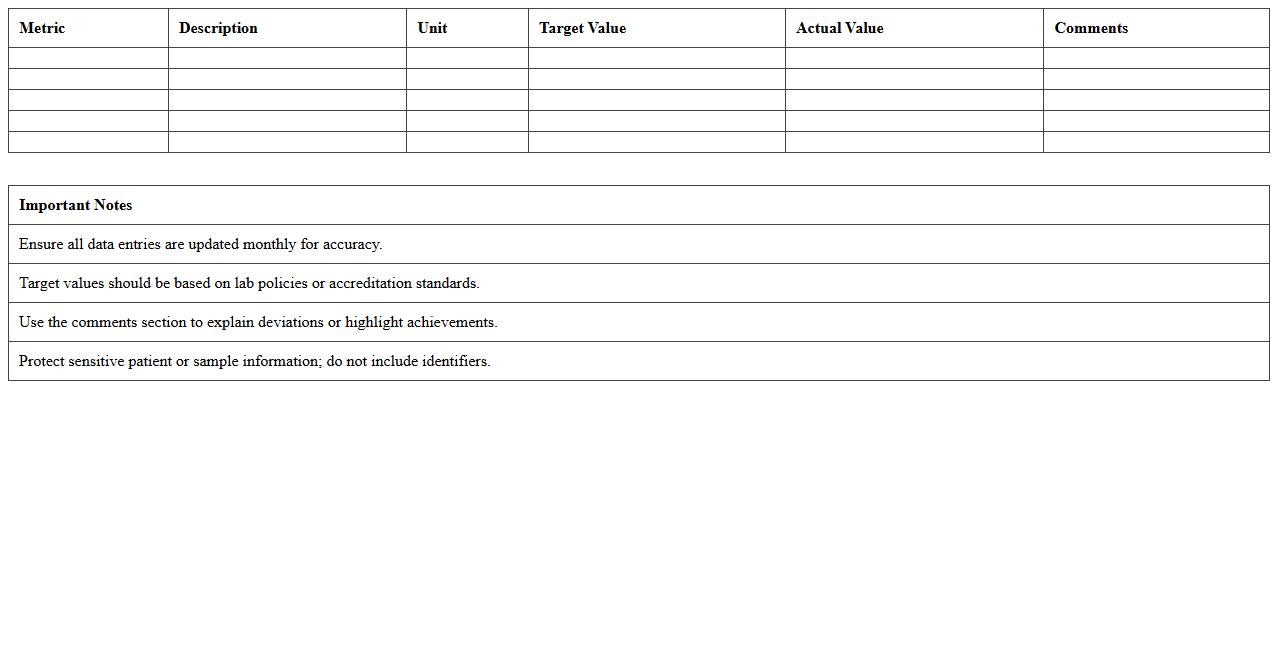
Laboratory Services Metrics Excel Sheet
The
Laboratory Services Metrics Excel Sheet is a comprehensive tool designed to track and analyze key performance indicators related to laboratory operations, such as sample turnaround time, error rates, and resource utilization. By organizing data systematically, it helps laboratory managers monitor efficiency, identify bottlenecks, and ensure regulatory compliance. This document is invaluable for improving decision-making, optimizing workflow, and enhancing overall laboratory productivity.
How can I customize KPI metrics for specialty clinics in the Healthcare KPI Dashboard Excel?
To customize KPI metrics for specialty clinics, start by identifying the unique clinical and operational goals relevant to each specialty. Use Excel's filter and pivot table functions to tailor dashboard views and metrics accordingly. Incorporate specialty-specific data fields to ensure accurate tracking and meaningful insights.
Does the dashboard support tracking patient wait times and appointment no-shows?
The Healthcare KPI Dashboard Excel is designed to support tracking of patient wait times and appointment no-shows by integrating relevant data inputs. You can input appointment schedules and actual visit times to calculate wait time averages automatically. Additionally, no-show rates can be monitored through attendance tracking features built into the dashboard.
Which formulas are best for visualizing monthly revenue per healthcare provider?
To visualize monthly revenue per healthcare provider, use Excel formulas like SUMIFS to aggregate revenue based on provider names and dates. Incorporate dynamic charts such as line graphs or bar charts to represent monthly trends effectively. Including functions like TEXT and EOMONTH enhances date formatting for accurate monthly grouping.
Can I link the dashboard with EHR data exports for real-time KPI updates?
The dashboard can be linked with Electronic Health Record (EHR) data exports using Excel's data import functionality such as Power Query. This allows for automated refreshes and real-time KPI updates when new data is exported from the EHR system. Consistent formatting and scheduled data refreshes ensure seamless integration.
How do I automate patient satisfaction survey results into the KPI Dashboard in Excel?
Automate patient satisfaction survey results by importing survey data into Excel using Power Query or VBA scripts. Set up data connections to pull survey responses regularly and use pivot tables to analyze satisfaction trends within the KPI Dashboard. Conditional formatting and dashboards can then highlight key satisfaction metrics automatically.