Event Budget Overview Excel Template
The
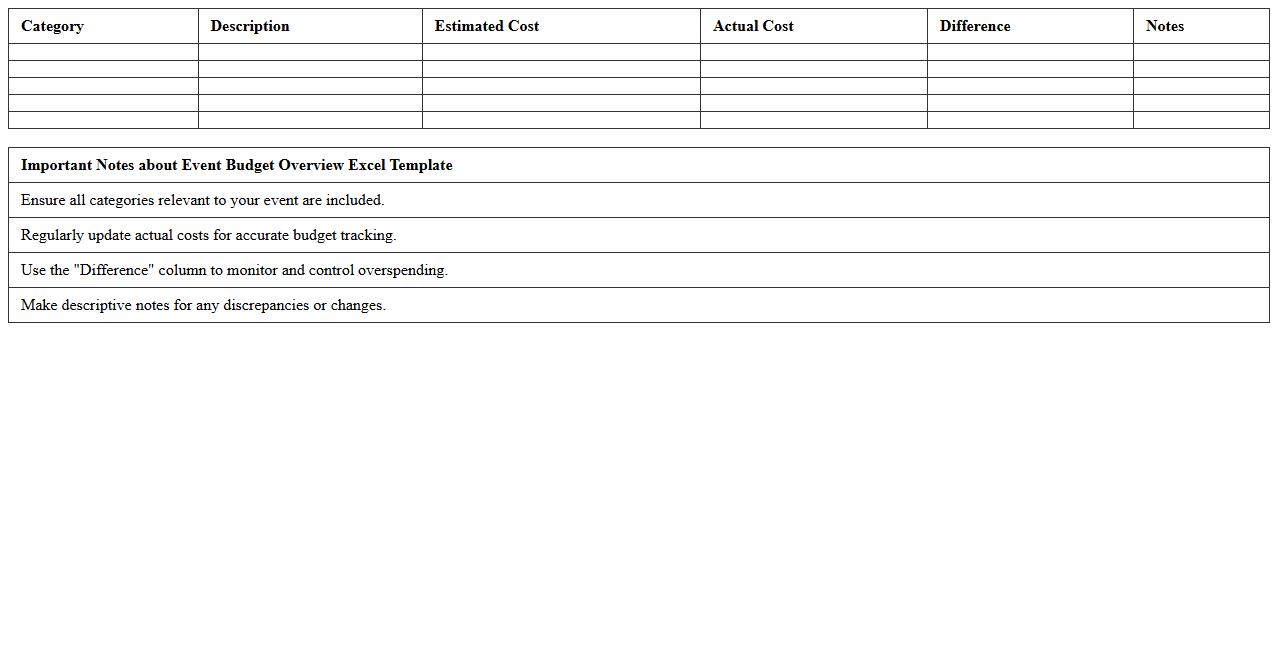
Event Budget Overview Excel Template document is a structured spreadsheet designed to track and manage all financial aspects of an event, including expenses, income, and budget allocations. It helps users maintain organized financial records by categorizing costs such as venue, catering, marketing, and equipment, ensuring accurate budget forecasting and expense control. This template is useful for event planners and coordinators to prevent overspending, optimize resource allocation, and achieve a successful event within the set financial limits.
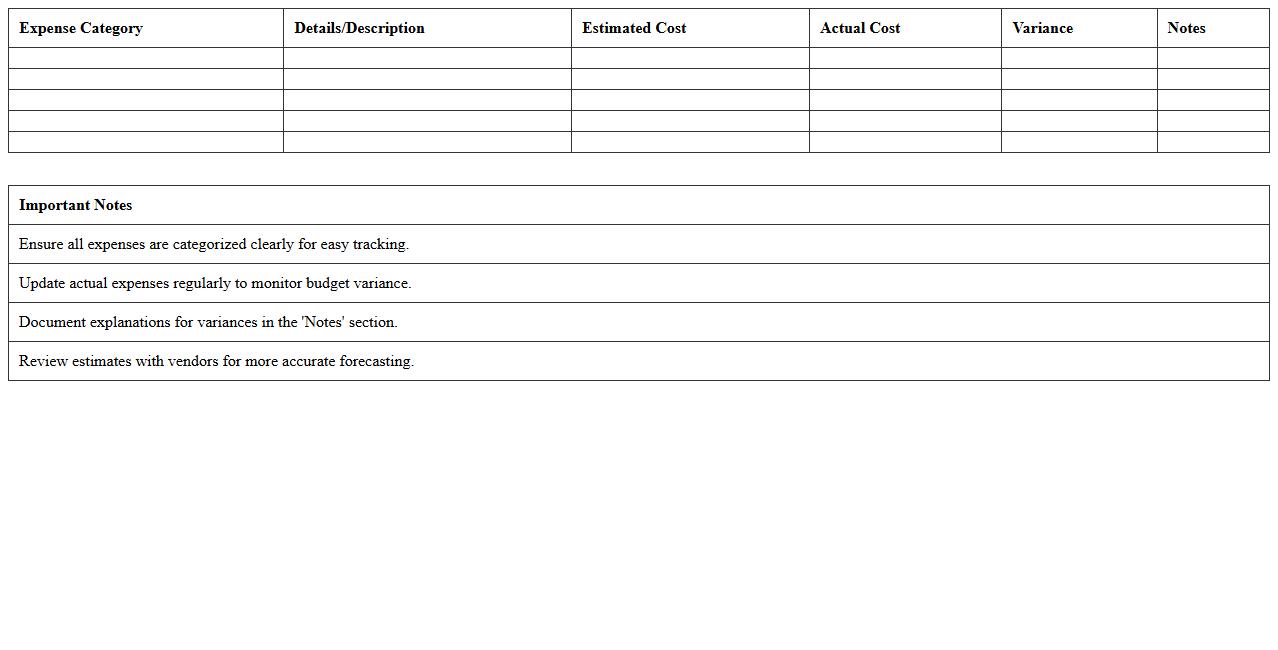
Event Expense Tracking Spreadsheet
An
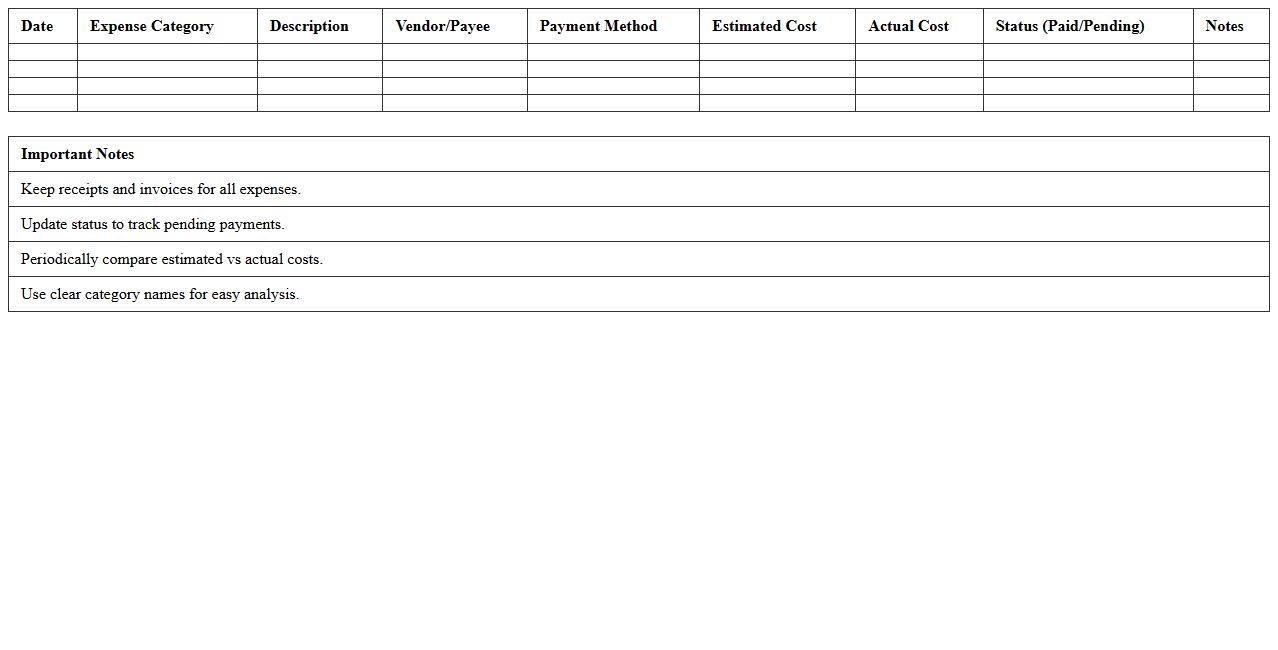
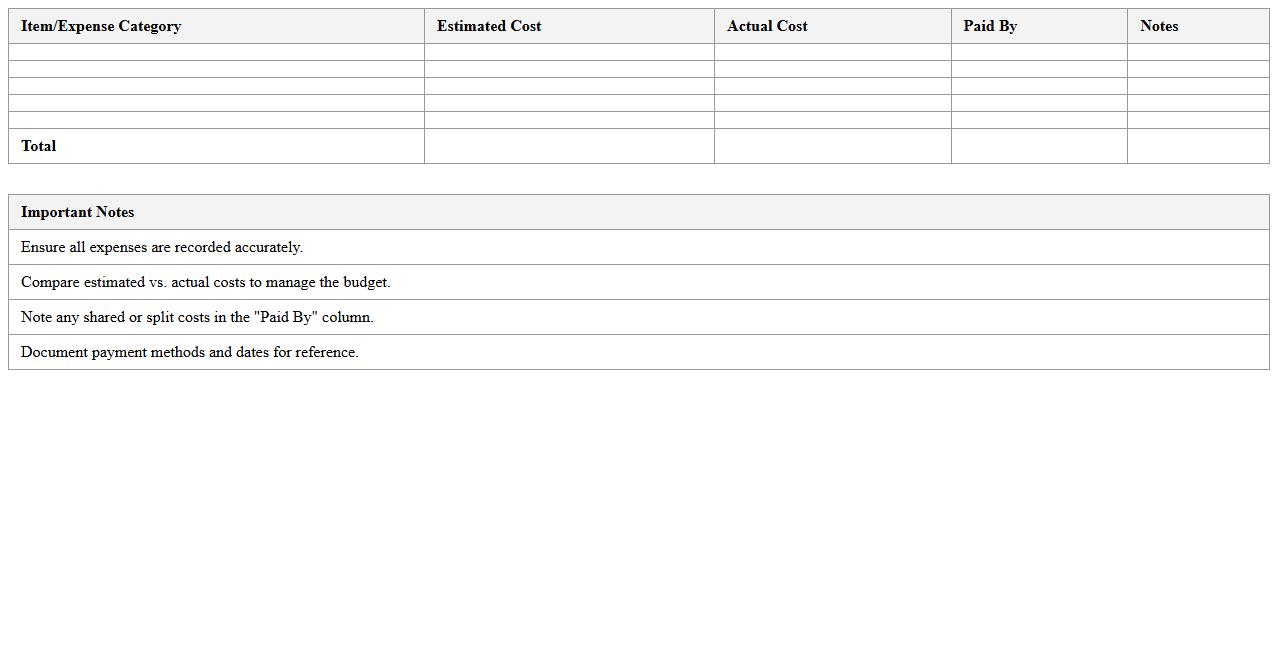
Event Expense Tracking Spreadsheet is a specialized document designed to systematically record and monitor all costs associated with planning and executing an event. It helps event organizers maintain budget control by categorizing expenses such as venue rental, catering, decorations, and marketing, ensuring transparency and preventing overspending. By providing a clear financial overview, this tool enhances decision-making efficiency and promotes accountability throughout the event management process.
Event Income and Expense Comparison Sheet
The
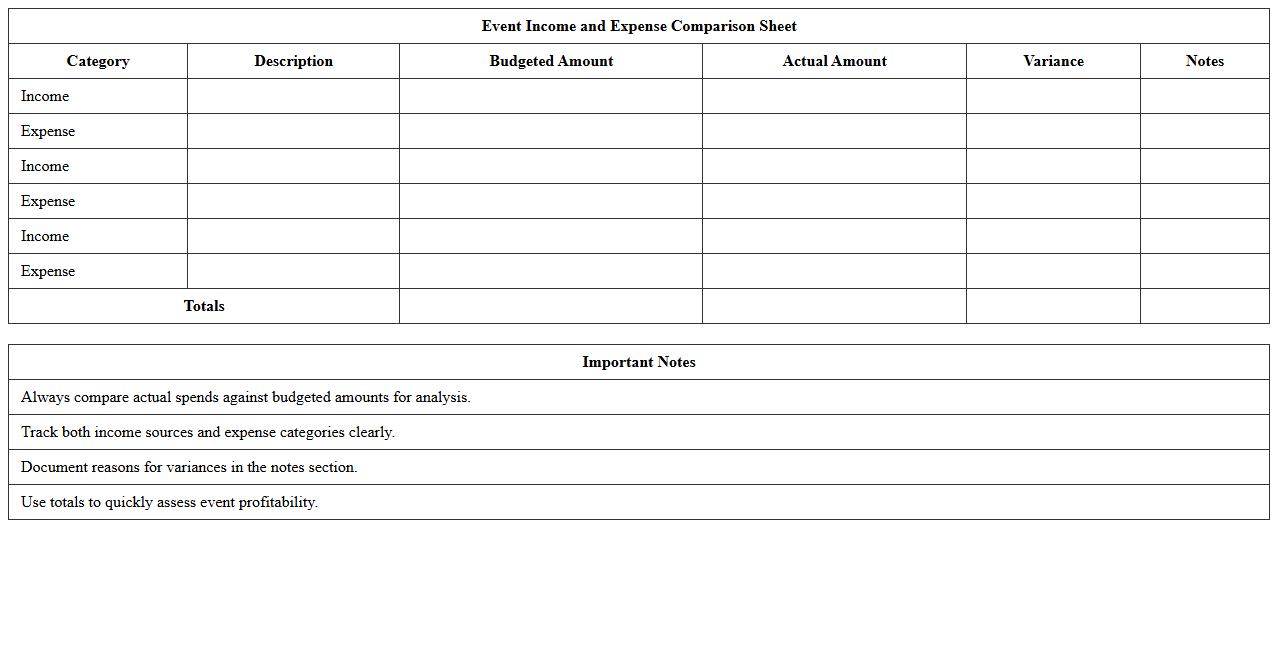
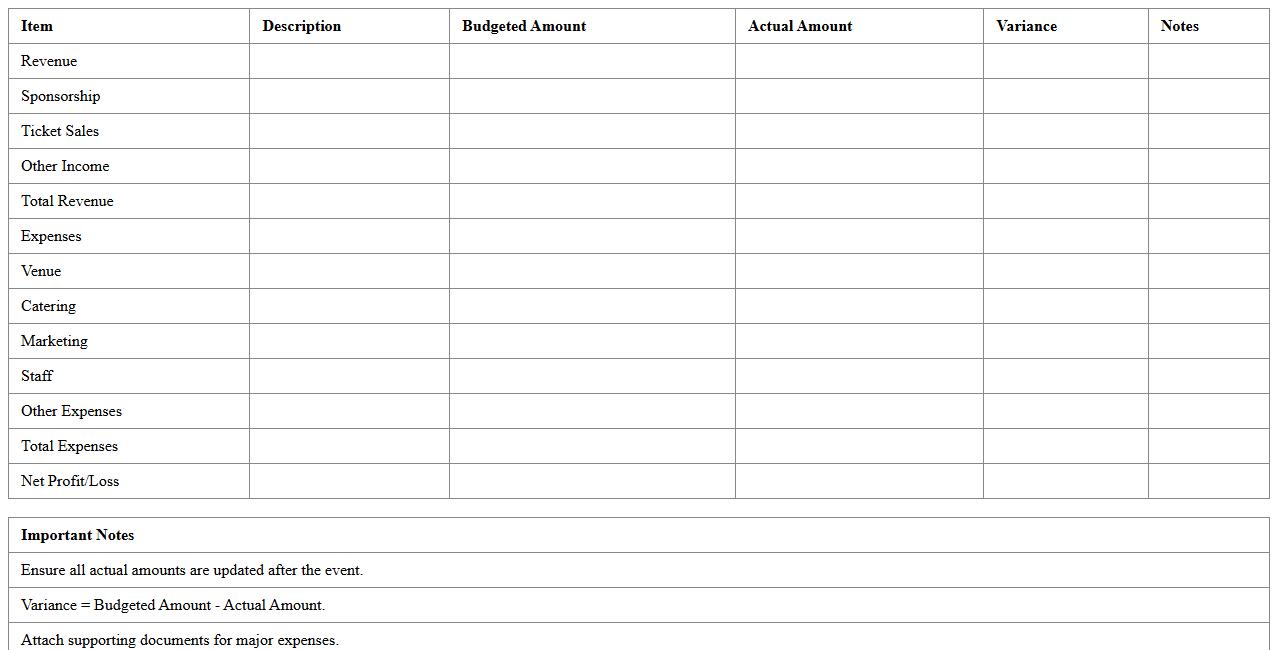
Event Income and Expense Comparison Sheet is a financial document that tracks and compares projected versus actual income and expenses for events. It helps event managers identify budget variances, optimize spending, and improve financial planning accuracy. Using this sheet ensures better control over event profitability and resource allocation.
Event Vendor Payment Tracker
The
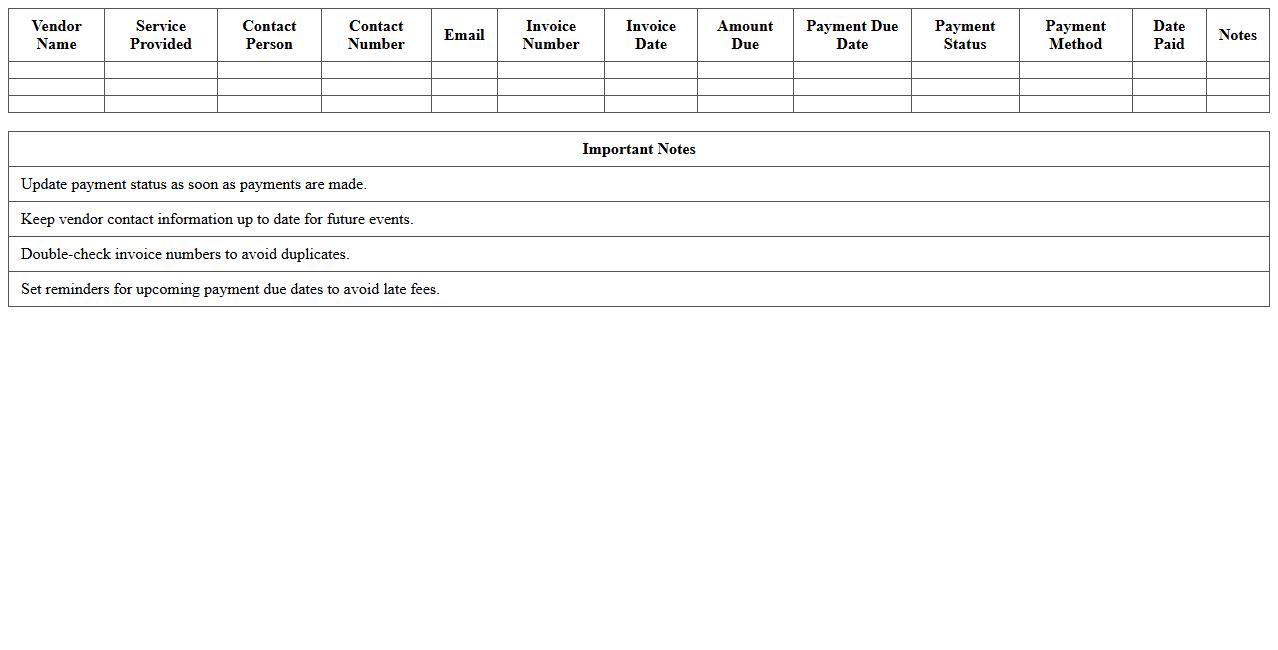
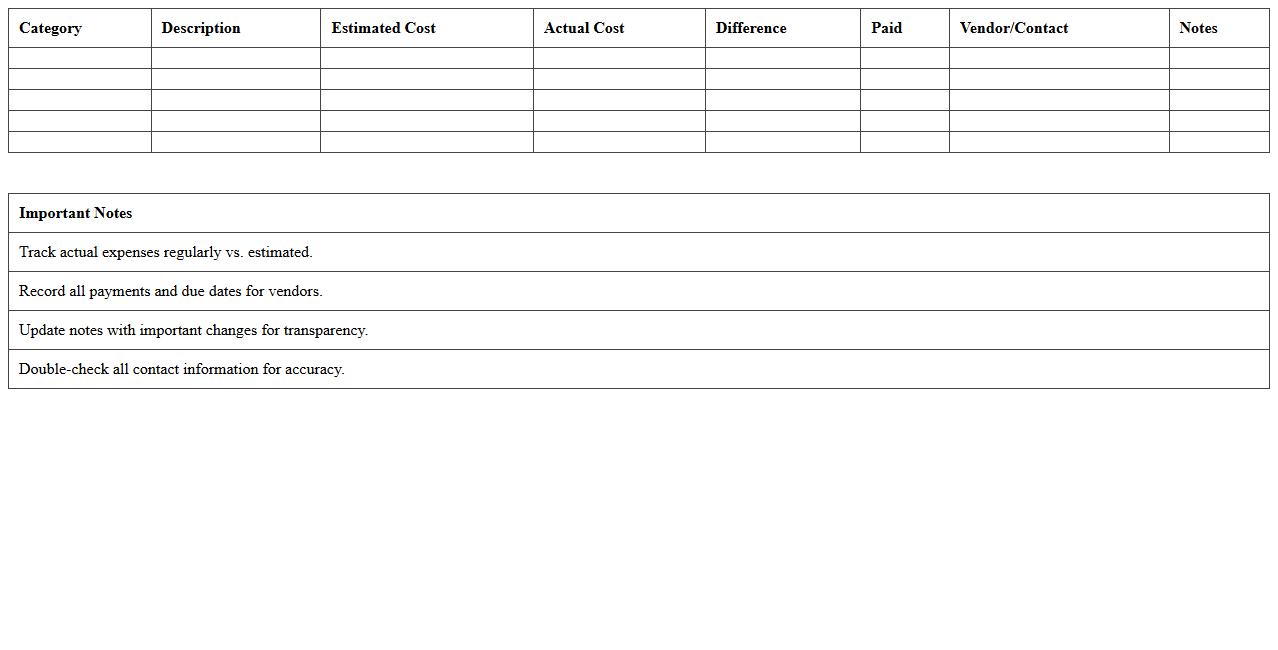
Event Vendor Payment Tracker document is a detailed record used to monitor and manage payments to vendors involved in event planning and execution. It helps ensure timely payments, prevents overspending, and maintains clear financial accountability by tracking vendor names, invoice numbers, payment dates, and amounts. Utilizing this tracker streamlines budget management and fosters strong vendor relationships through organized and transparent financial oversight.
Event Cost Allocation Worksheet
The
Event Cost Allocation Worksheet is a detailed financial document used to systematically track and distribute expenses related to an event across various departments or cost centers. It helps organizations ensure accurate budgeting, financial transparency, and accountability by clearly identifying costs such as venue rental, catering, marketing, and staffing. Utilizing this worksheet facilitates better financial planning, cost control, and reporting, ultimately supporting more efficient resource management and successful event execution.
Event Budget Breakdown Excel Template
The
Event Budget Breakdown Excel Template document is a detailed spreadsheet designed to organize and manage all financial aspects of an event, including expenses, revenues, and allocations. It provides a clear structure for tracking costs such as venue, catering, marketing, and equipment, ensuring accurate budget monitoring and preventing overspending. This template enhances financial planning efficiency, supports better decision-making, and simplifies reporting for successful event management.
Event Financial Summary Spreadsheet
The
Event Financial Summary Spreadsheet document is a detailed tool designed to track and organize all financial transactions related to an event, including income, expenses, and budget forecasts. It enables event planners to monitor cash flow in real-time, ensuring financial accountability and preventing overspending. By providing a clear overview of the event's financial status, this spreadsheet aids in making informed decisions and improving overall budget management efficiency.
Expense Forecasting for Events Template
An
Expense Forecasting for Events Template document systematically estimates the anticipated costs associated with organizing events, including venue, catering, entertainment, and logistics. It helps event planners maintain budget control by providing a clear overview of expected expenditures and identifying potential cost overruns early. Using this template ensures more accurate financial planning, reducing unexpected expenses and improving overall event profitability.
Detailed Event Budget Planner Excel
The
Detailed Event Budget Planner Excel document is a comprehensive spreadsheet designed to organize and track all financial aspects of event planning, including expenses, income, and vendor payments. It allows event planners to allocate funds efficiently, monitor budget adherence, and forecast potential costs with precision. Using this tool helps prevent overspending, ensures transparent financial management, and facilitates informed decision-making throughout the event planning process.
Event Budget vs Actuals Tracking Sheet
The
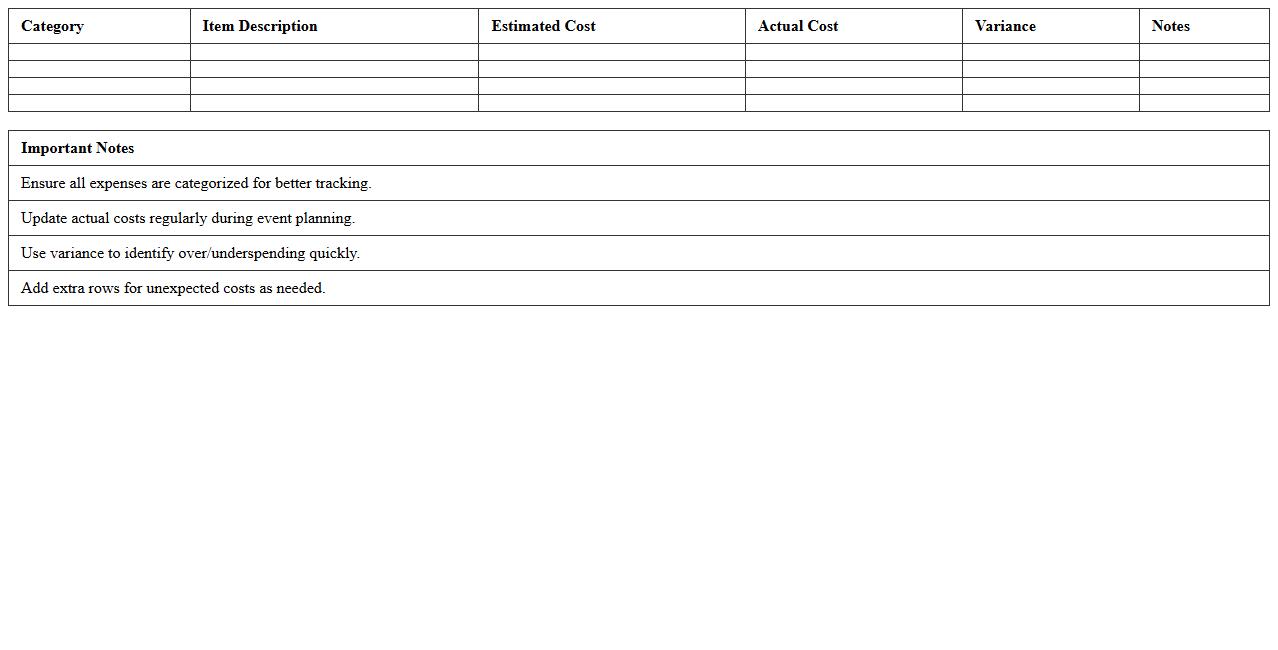
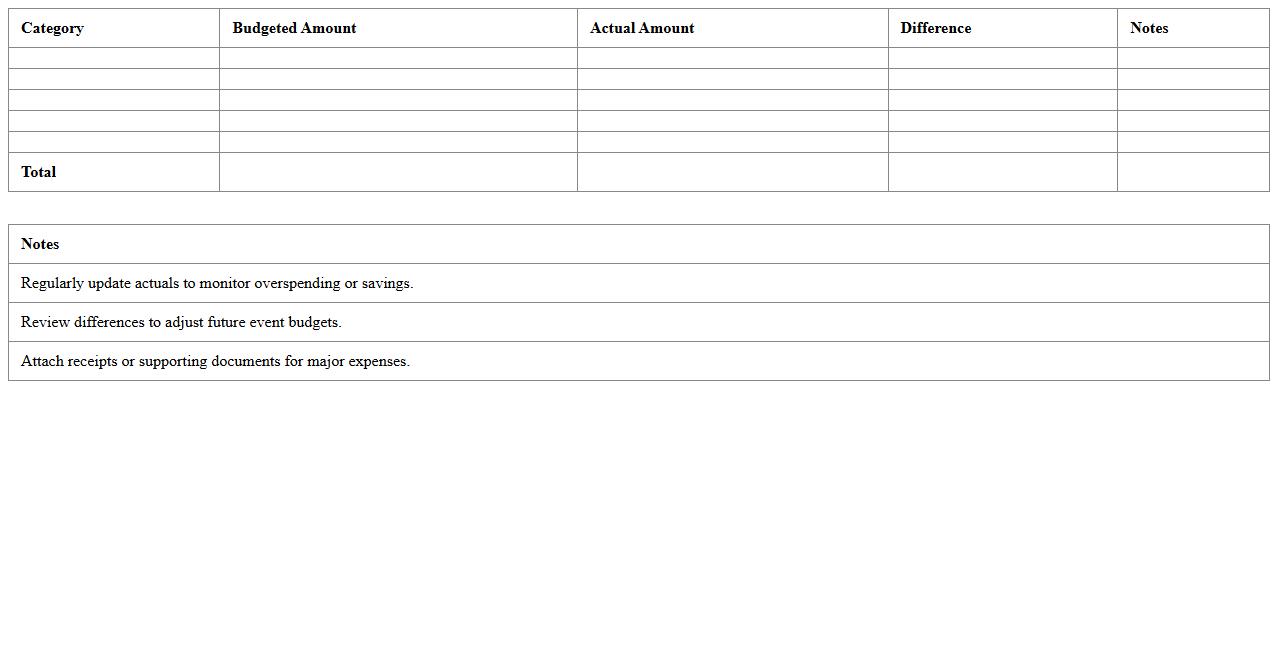
Event Budget vs Actuals Tracking Sheet document is a financial management tool used to compare planned event expenses against the actual costs incurred. It helps event planners monitor spending, identify variances, and make data-driven decisions to keep the event within budget. By providing a clear overview of budget performance, this sheet enhances accuracy in financial forecasting and resource allocation.
How can I automate cost tracking for multiple vendors in an Event Management Excel budget sheet?
To automate cost tracking for multiple vendors, set up separate columns for vendor names, costs, and payment statuses. Use Excel's SUMIF or SUMIFS functions to calculate total expenses per vendor dynamically. Incorporating drop-down lists and data validation helps maintain consistency across vendor entries.
What formulas optimize real-time expense vs. budget comparison in Excel event planning?
Utilize the SUM formula to aggregate expenses and the IF function to trigger alerts when costs exceed the budget. The VLOOKUP and INDEX-MATCH combinations allow dynamic retrieval of budget limits for specific categories. Additionally, conditional formatting highlights variances in real-time for swift decision-making.
Which Excel features best visualize category-wise spending for event budgets?
PivotTables are essential for summarizing spending across different event categories efficiently. Complement this with PivotCharts to create dynamic visual representations of the cost distribution. Using Conditional Formatting can emphasize overspending or budget adherence within each category.
How do I link attendee registration to dynamic budget adjustments in Excel?
Integrate attendee numbers with budget items by referencing registration counts via cell linking formulas such as =SUM to calculate per-attendee costs. Leverage Excel's Data Validation and Table features to ensure the registration list updates impact budget calculations automatically. This creates a flexible budget model tied directly to attendance fluctuations.
What are the best practices for sharing and collaborating event budget documents in Excel?
Save your budget workbook on cloud platforms like OneDrive or SharePoint for real-time collaboration and version control. Use Excel's Track Changes or Comments features to monitor edits and communicate updates. Establish strict access permissions to protect sensitive financial data while facilitating teamwork.