The Construction Schedule Planner Excel Template for Site Supervisors streamlines project management by organizing tasks, deadlines, and resources in a clear, easy-to-use format. It enhances efficiency by allowing supervisors to track progress, allocate labor, and monitor material deliveries in real time. This customizable tool ensures that site operations stay on schedule and reduces the risk of costly delays.
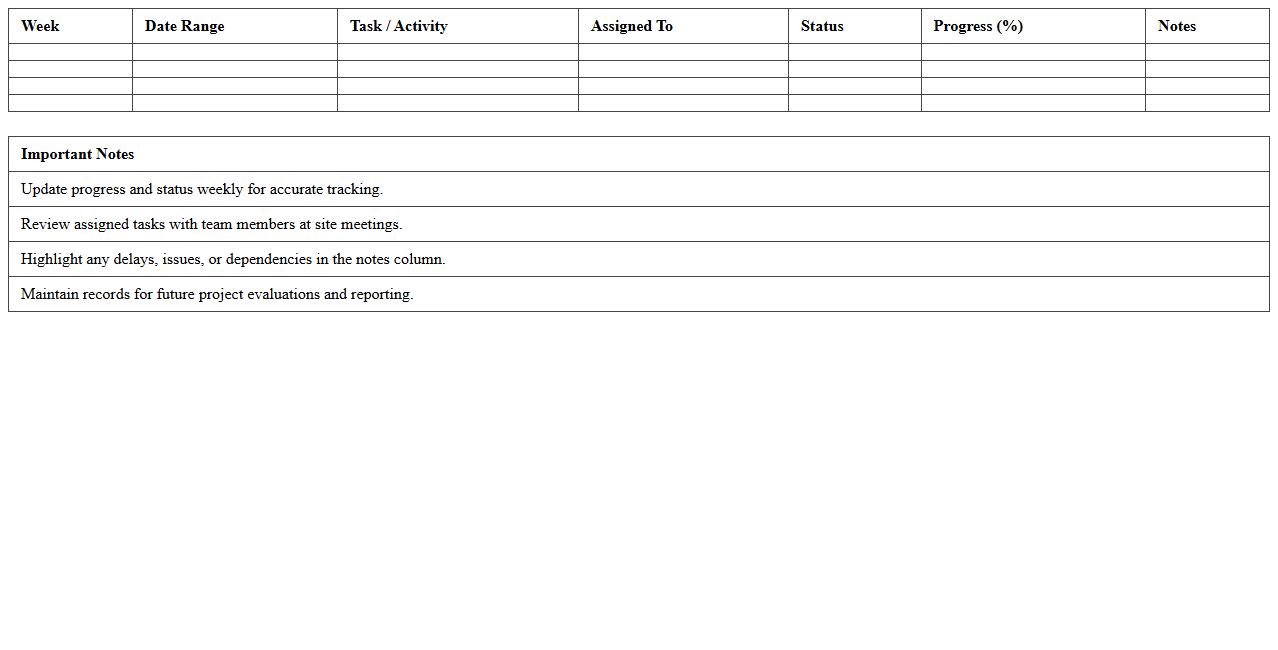
Weekly Construction Timeline Tracker for Site Supervisors
The
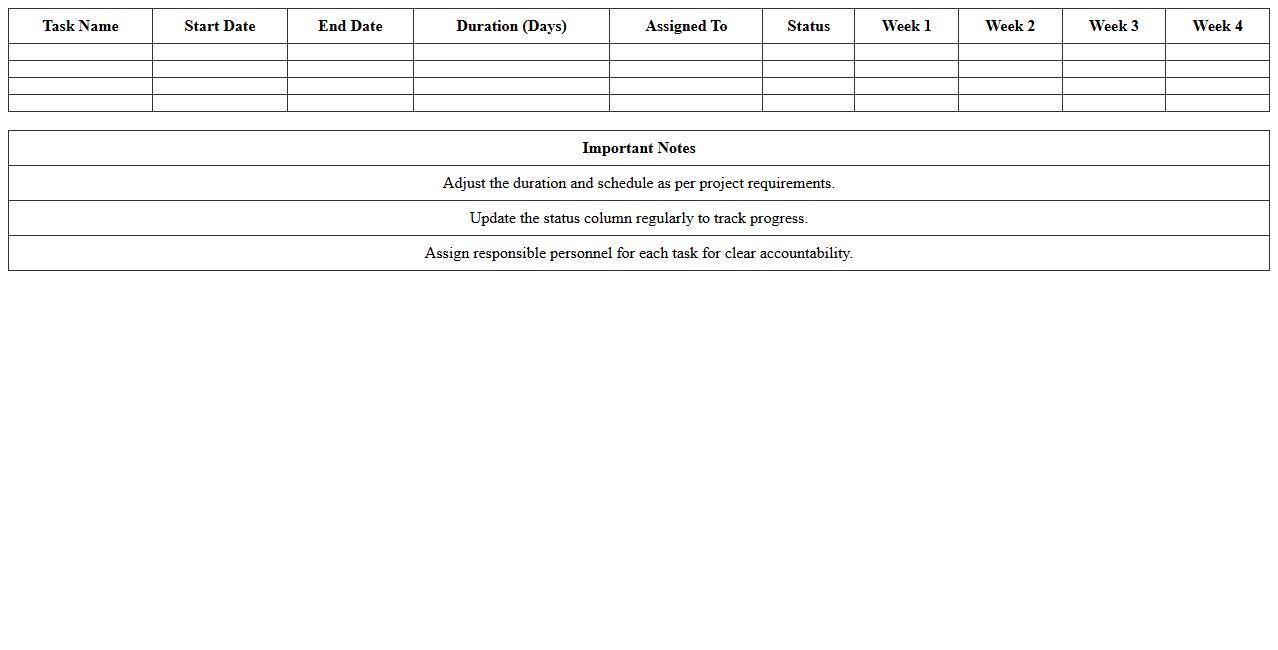
Weekly Construction Timeline Tracker for Site Supervisors is a detailed document that monitors project progress by outlining scheduled tasks, deadlines, and milestones on a weekly basis. It helps site supervisors identify potential delays, allocate resources efficiently, and maintain clear communication with the construction team. Using this tracker enhances project management accuracy, ensures timely completion, and improves overall site productivity.
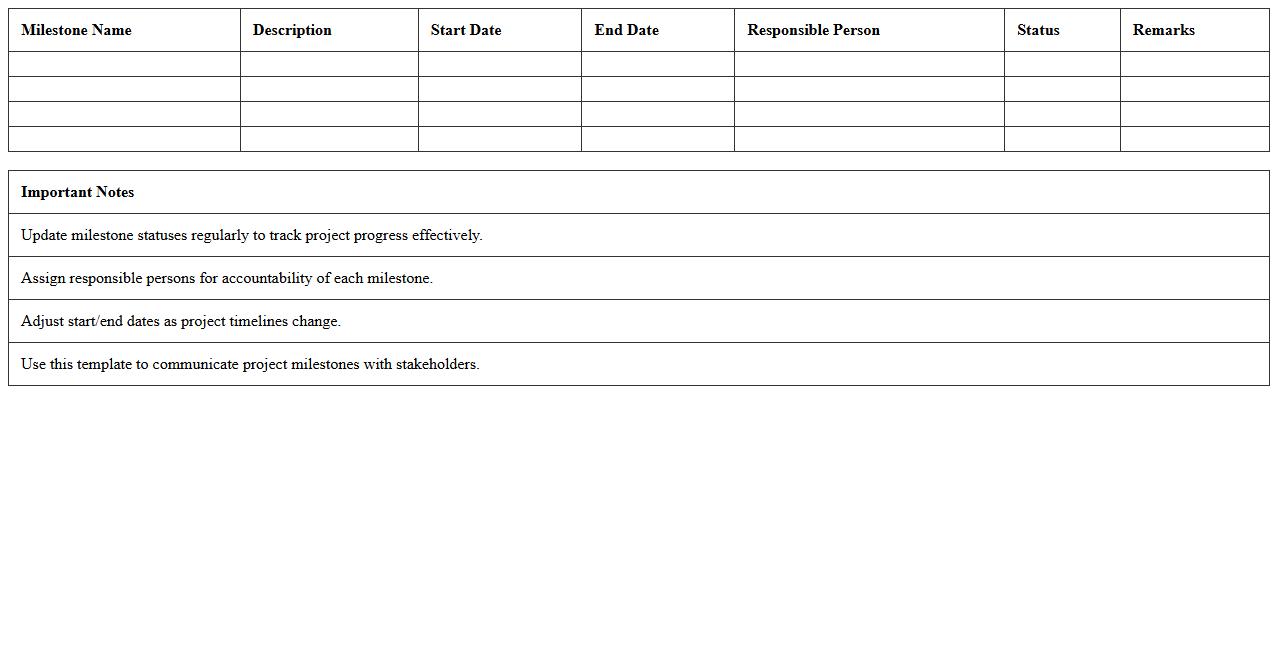
Project Milestone Scheduler Excel Template
The
Project Milestone Scheduler Excel Template is a comprehensive tool designed for tracking key project milestones and deadlines efficiently within Excel. It allows users to visualize project timelines, assign tasks, and monitor progress to ensure timely completion of objectives. This template enhances project management by providing clear structure and accountability, reducing delays and improving overall productivity.
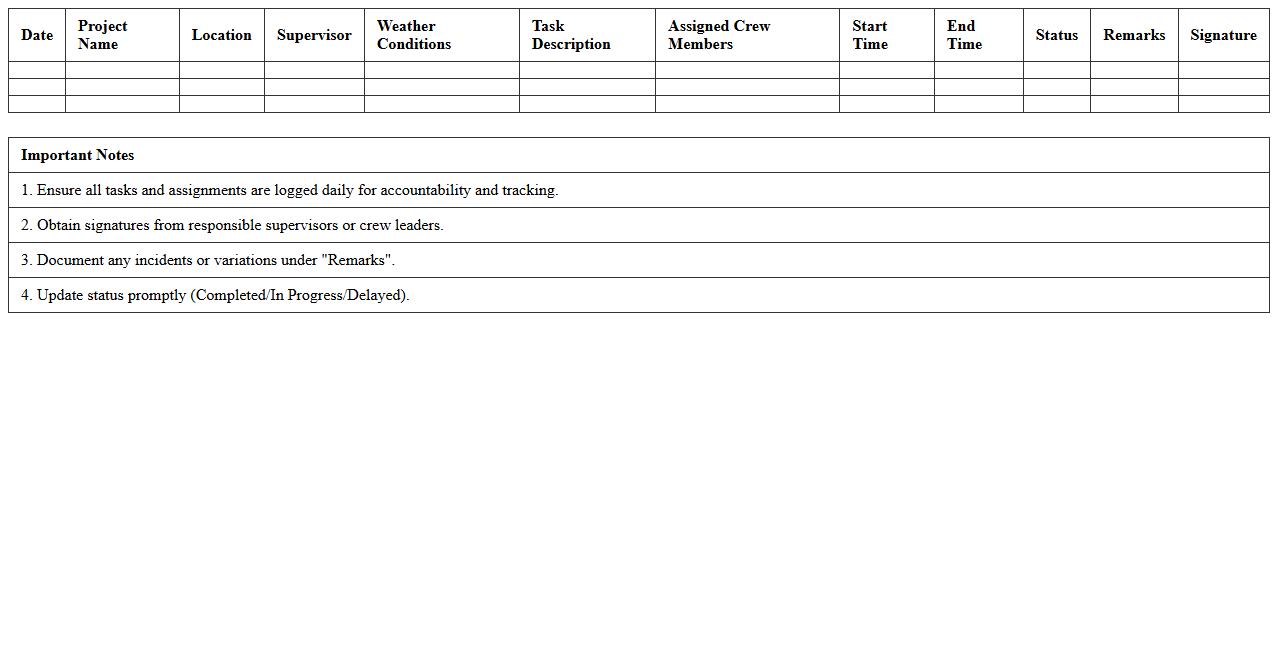
Daily Task Assignment Log for Construction Sites
The
Daily Task Assignment Log for construction sites is a detailed record of tasks assigned to workers each day, outlining specific duties, responsible personnel, and timelines. This document enhances project management by tracking progress, ensuring accountability, and facilitating communication among teams. It helps prevent delays, optimizes resource allocation, and promotes safety compliance by clearly defining daily responsibilities.
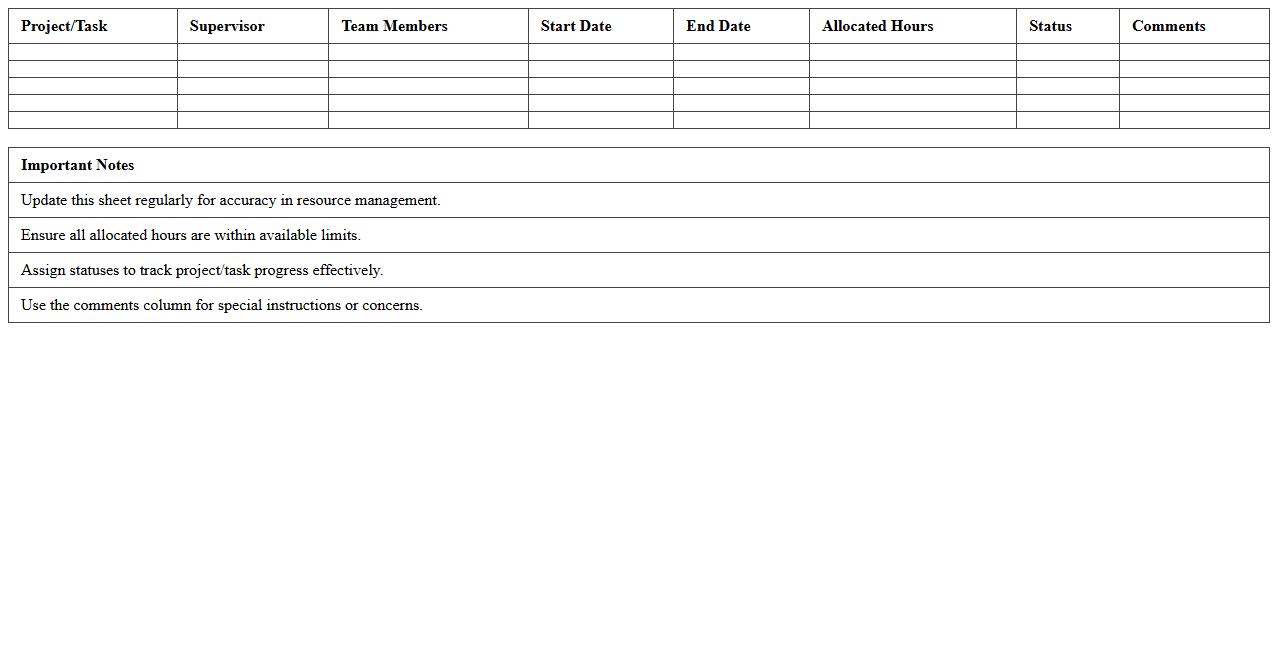
Resource Allocation Sheet for Supervisors
A
Resource Allocation Sheet for Supervisors is a detailed document that outlines the distribution of personnel, equipment, and time across various projects or tasks within a team. It enables supervisors to efficiently manage resources, ensuring optimal productivity while preventing overallocation or bottlenecks. This tool provides clear visibility into workforce deployment, helping to align team capacity with project demands and deadlines effectively.
Gantt Chart Construction Schedule Template
A
Gantt Chart Construction Schedule Template is a visual project management tool that outlines construction tasks along a timeline, allowing for clear tracking of progress and deadlines. It helps construction managers allocate resources efficiently, coordinate activities, and identify potential bottlenecks early in the project lifecycle. Using this template ensures timely completion, improved communication among stakeholders, and enhanced overall project control.
Subcontractor Progress Monitoring Excel
The
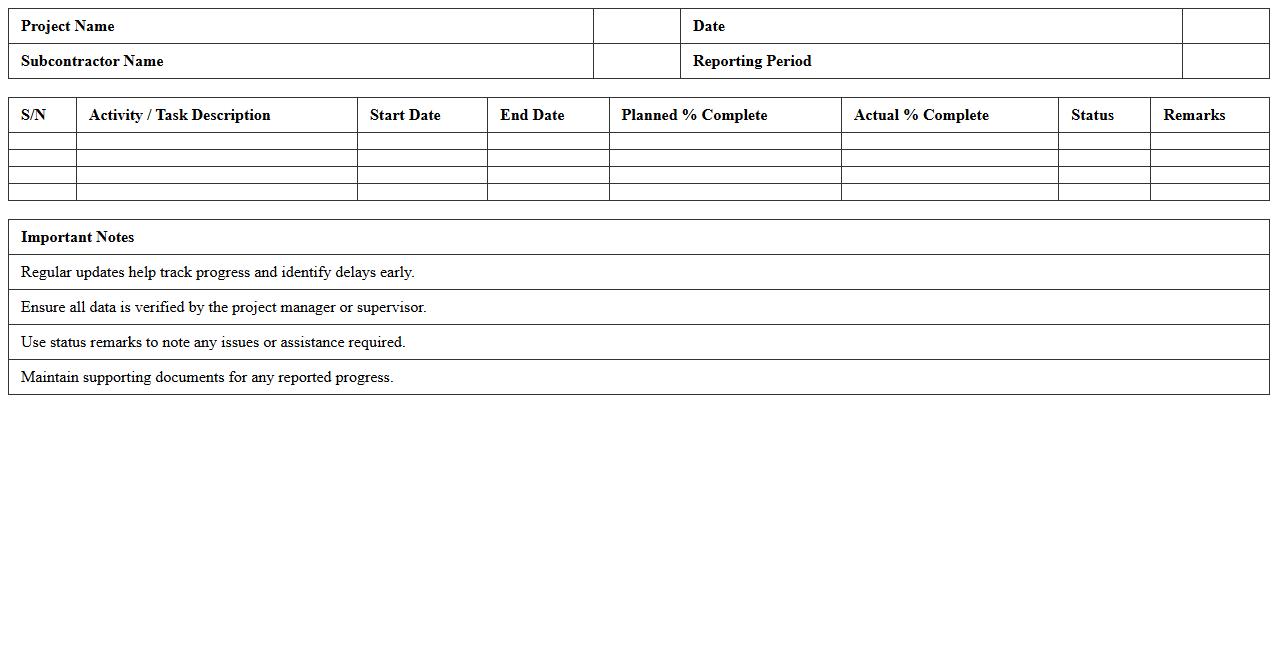
Subcontractor Progress Monitoring Excel document is a structured tool designed to track and evaluate the ongoing tasks and deliverables of subcontractors in real-time. It provides project managers and stakeholders with clear visibility into work completion rates, deadlines, and resource allocation, enabling efficient management of subcontractor performance. Utilizing this document helps prevent delays, ensures adherence to project schedules, and facilitates effective communication across teams.
Site Supervisor Shift & Labor Schedule Template
The
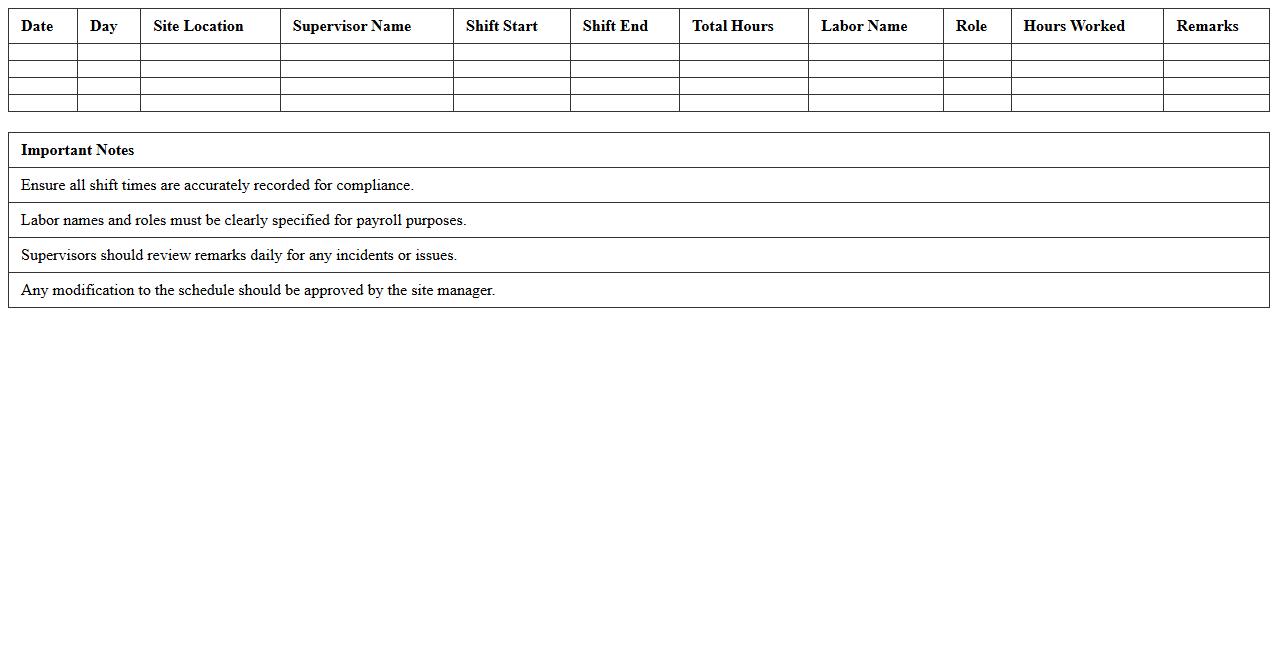
Site Supervisor Shift & Labor Schedule Template is a structured document designed to organize and manage workforce shifts and labor allocation on construction or project sites. It helps supervisors efficiently assign tasks, track employee hours, and ensure optimal labor distribution to maintain productivity and meet deadlines. Utilizing this template improves communication, reduces scheduling conflicts, and enhances overall site management effectiveness.
Construction Materials Delivery Planner
A
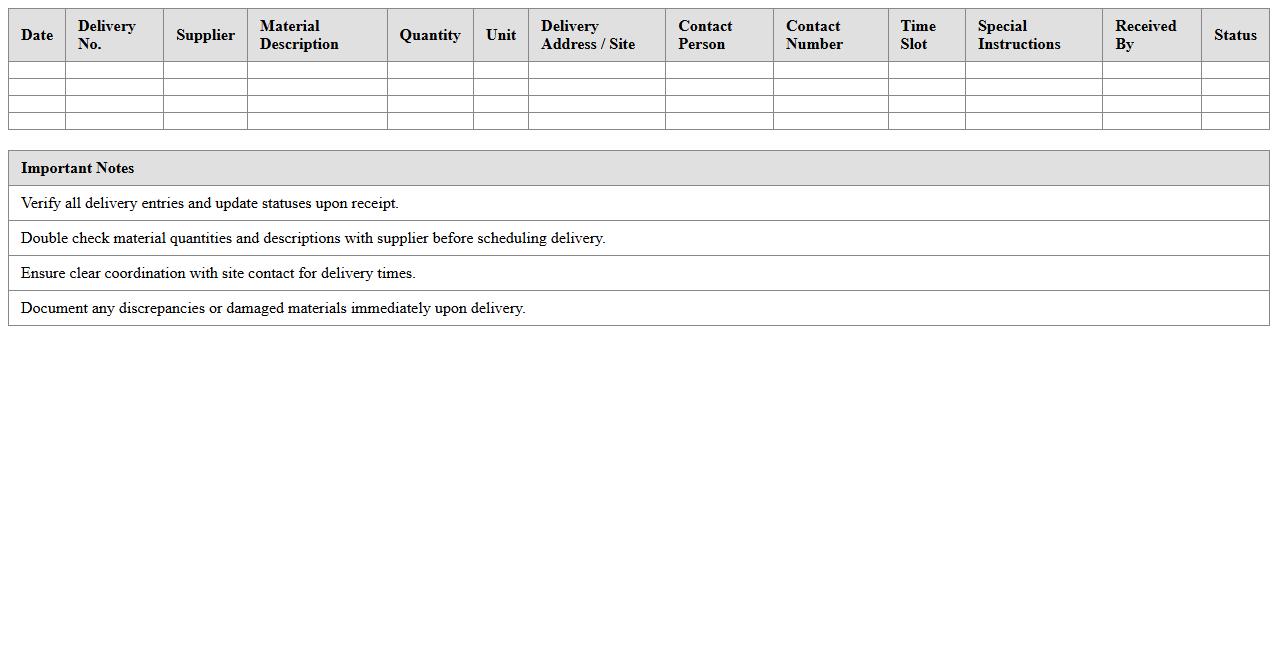
Construction Materials Delivery Planner document outlines the schedule, quantity, and logistics for delivering essential building materials to a construction site, ensuring timely availability and efficient resource management. It helps prevent delays by coordinating deliveries with project timelines, reducing storage issues, and minimizing costs related to material wastage or idle labor. This planner supports project managers in maintaining workflow continuity and optimizing supply chain operations within construction projects.
Equipment Usage Calendar for Construction Sites
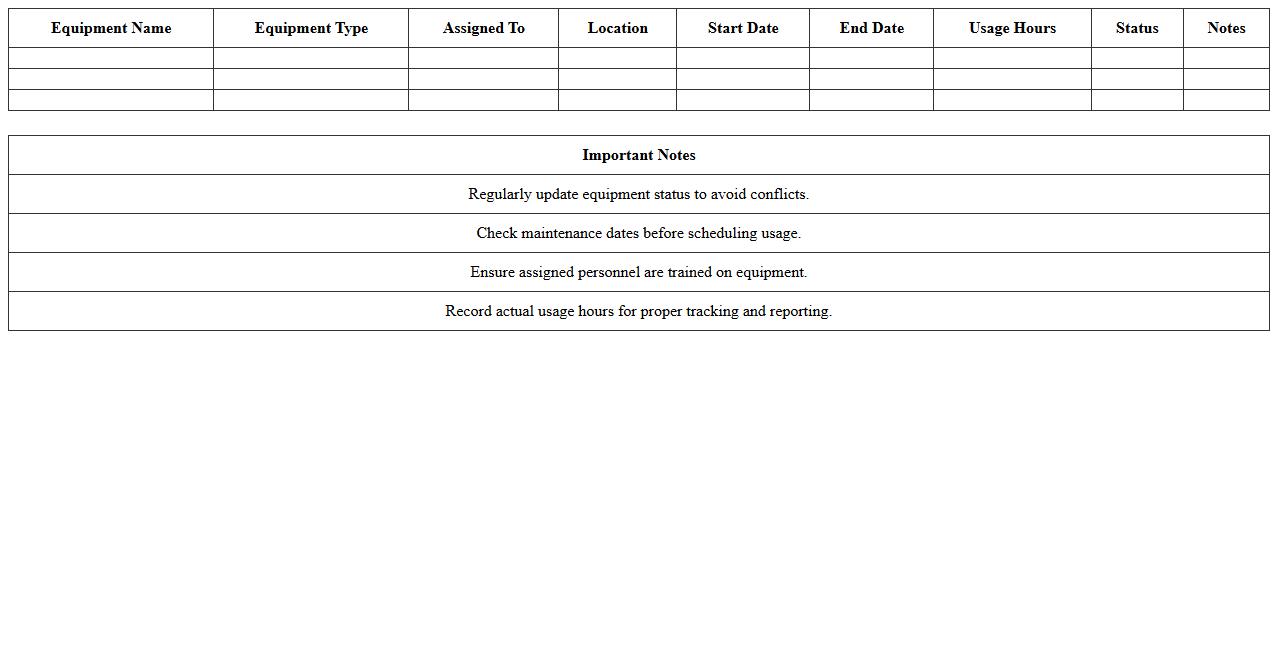
The
Equipment Usage Calendar for construction sites is a detailed schedule tracking the allocation and operation times of machinery and tools across various project phases. It helps project managers optimize resource utilization, prevent equipment conflicts, and ensure timely maintenance. This document enhances overall efficiency by providing clear visibility into equipment availability and contributing to better project planning and cost control.
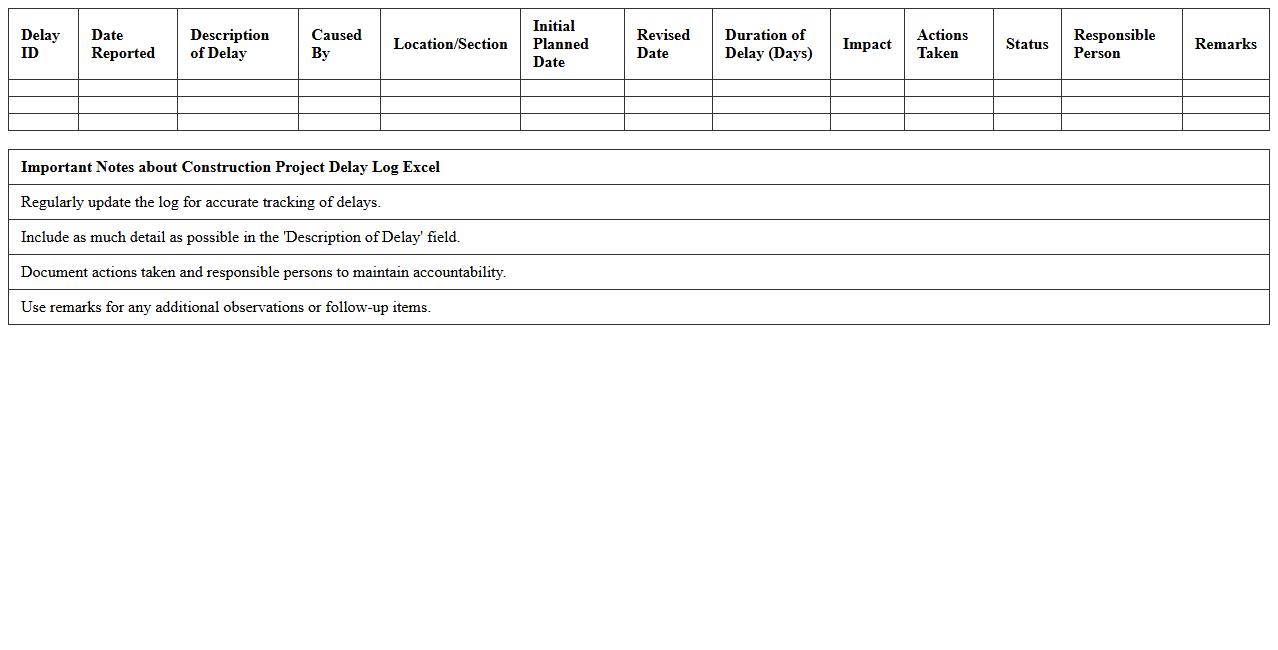
Construction Project Delay Log Excel
A Construction Project Delay Log Excel document is a structured spreadsheet used to accurately track and document delays in a construction project, categorizing causes, durations, and responsible parties. This tool enables project managers to analyze patterns of delays, assess their impact on project timelines, and implement corrective measures to minimize future disruptions. By maintaining a detailed
delay log, teams can enhance communication, improve accountability, and optimize project scheduling for timely completion.
How can conditional formatting in the Construction Schedule Planner Excel help highlight delayed tasks for site supervisors?
Conditional formatting in the Construction Schedule Planner Excel allows site supervisors to visually identify delayed tasks by automatically changing the cell color based on predefined criteria. For example, tasks with end dates past the current date without completion can be highlighted in red. This feature enhances task management by enabling supervisors to prioritize delays effectively.
What formula tracks material delivery dates against construction milestones in the planner?
The formula =IF(MaterialDeliveryDate<=MilestoneDate,"On Time","Delayed") helps track material delivery dates against construction milestones. It compares the scheduled delivery dates with milestone deadlines to provide a clear status update within the planner. This formula ensures timely coordination between supply and project phases.
How does the planner enable site supervisors to assign daily labor resources per task?
The planner includes a dedicated section where supervisors can input daily labor resources assigned to each task, specifying workforce numbers and roles. This helps in detailed allocation and tracking of personnel against scheduled activities. Such resource management aids in optimizing manpower and avoiding over- or under-staffing.
What method can be used to auto-generate weekly progress reports from the Excel schedule?
Using Excel macros or VBA scripts integrated with the schedule planner allows for automatic generation of weekly progress reports. These scripts can extract task completion data, highlight delays, and summarize labor and material usage efficiently. Automation via this method saves time and improves reporting accuracy.
Which columns are essential for logging real-time site issues and resolutions within the planner?
Essential columns for logging site issues include Issue Description, Date Reported, Severity, Assigned To, and Resolution Status. These columns capture critical information about problems encountered on-site and track the progress of their resolution. Maintaining this log helps ensure timely response and enhances overall project transparency.
More Construction Excel Templates