Residential Construction Punch List Excel Template
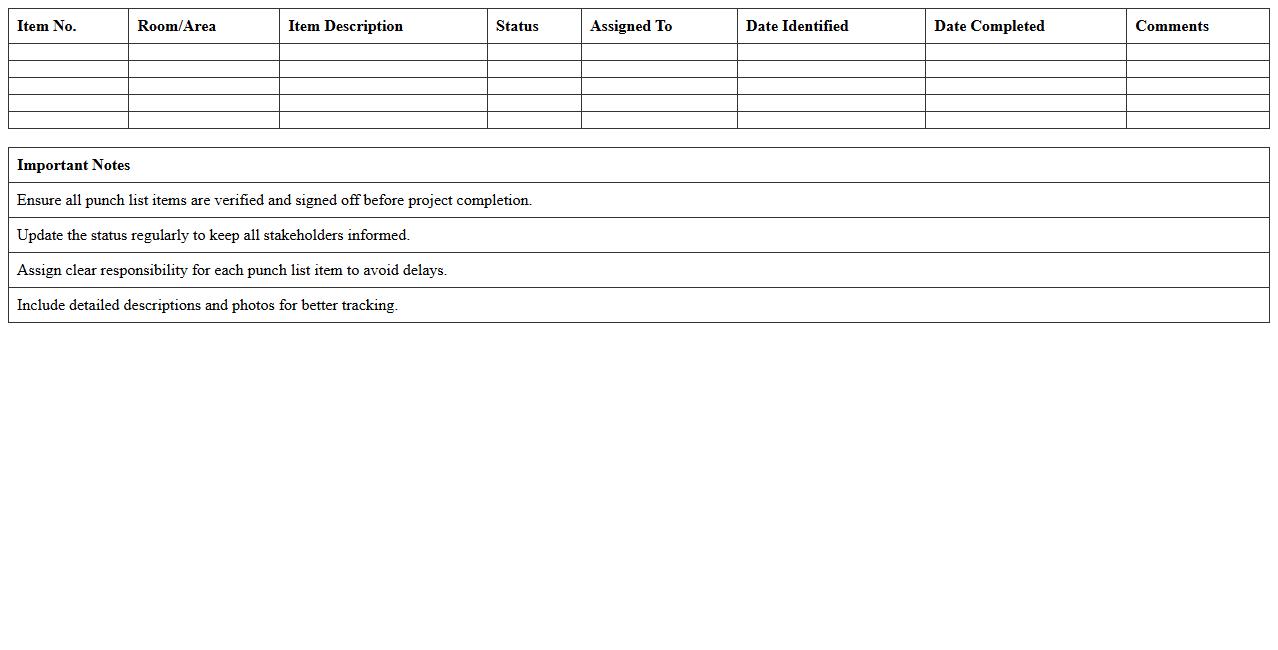
The
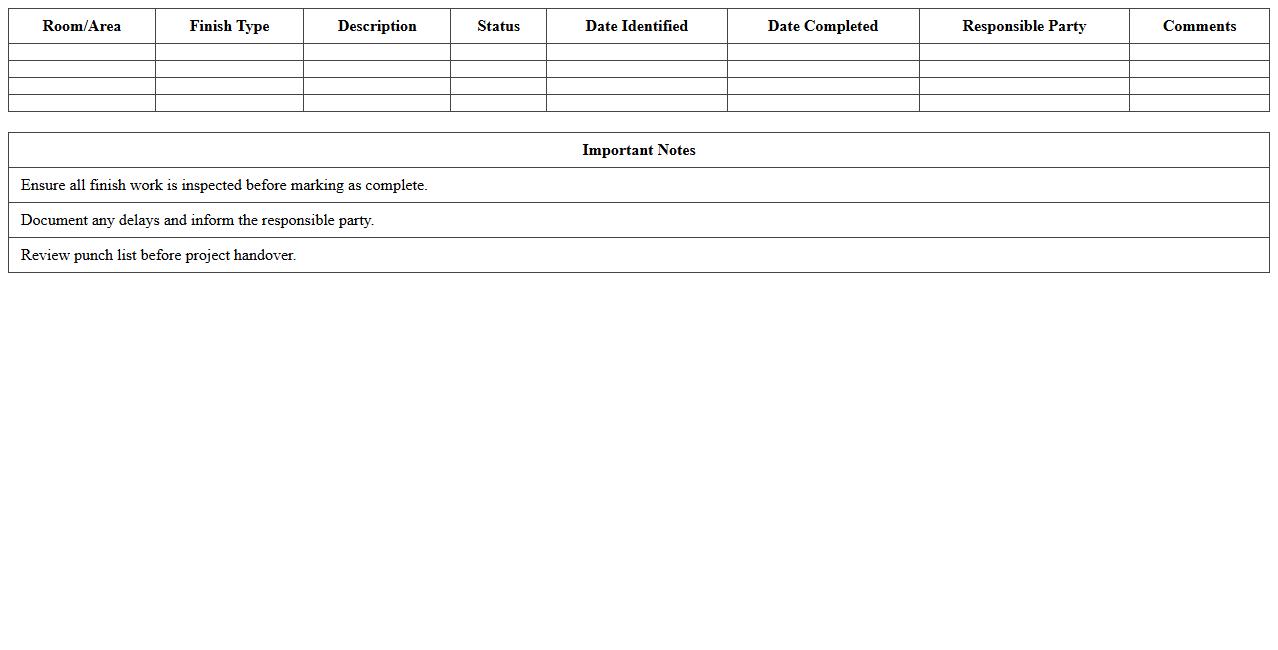
Residential Construction Punch List Excel Template is a structured document designed to track and manage outstanding tasks during the final phase of residential construction projects. It helps contractors, project managers, and homeowners systematically identify, assign, and resolve incomplete or defective work before project handover. Utilizing this template enhances efficiency, improves communication among stakeholders, and ensures all construction standards and client requirements are met accurately.
Commercial Building Inspection Punch List Excel
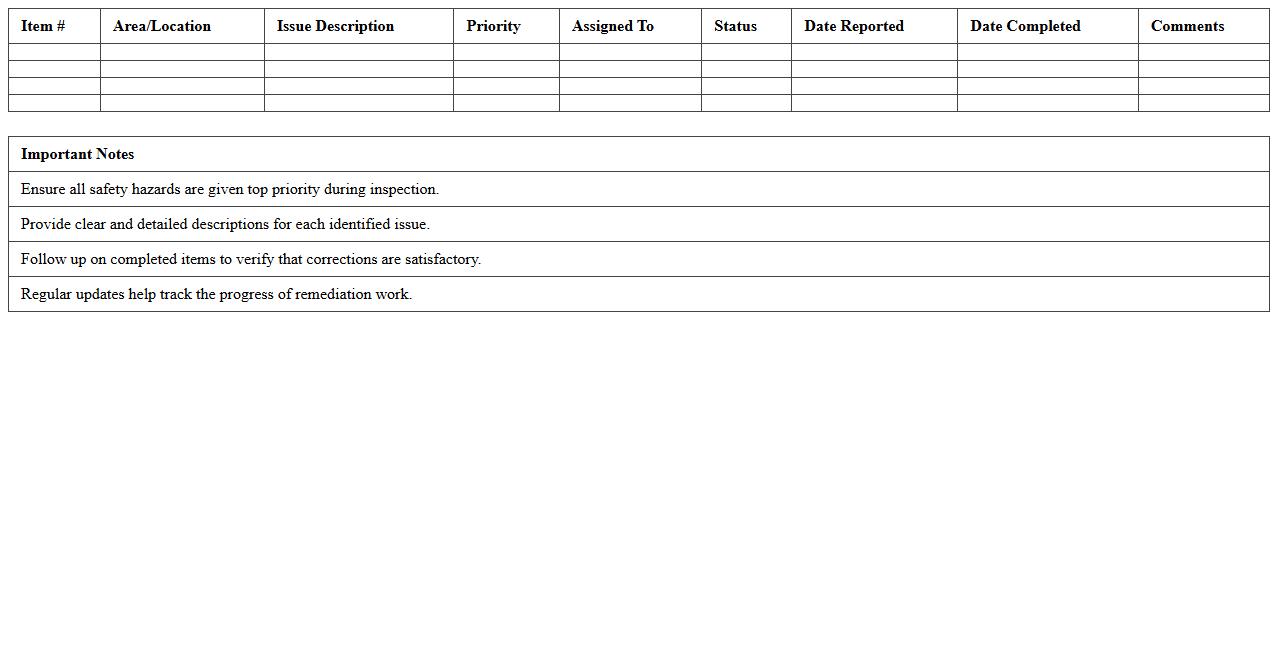
The
Commercial Building Inspection Punch List Excel document is a detailed checklist used to track and manage construction defects, deficiencies, and incomplete work during commercial building inspections. It allows project managers, contractors, and inspectors to systematically identify, document, and prioritize required corrections, ensuring quality control and compliance with building standards. This organized approach enhances communication among stakeholders and streamlines the process of addressing issues before project completion, reducing costly delays and improving overall project delivery.
Renovation Project Punch List Tracking Sheet
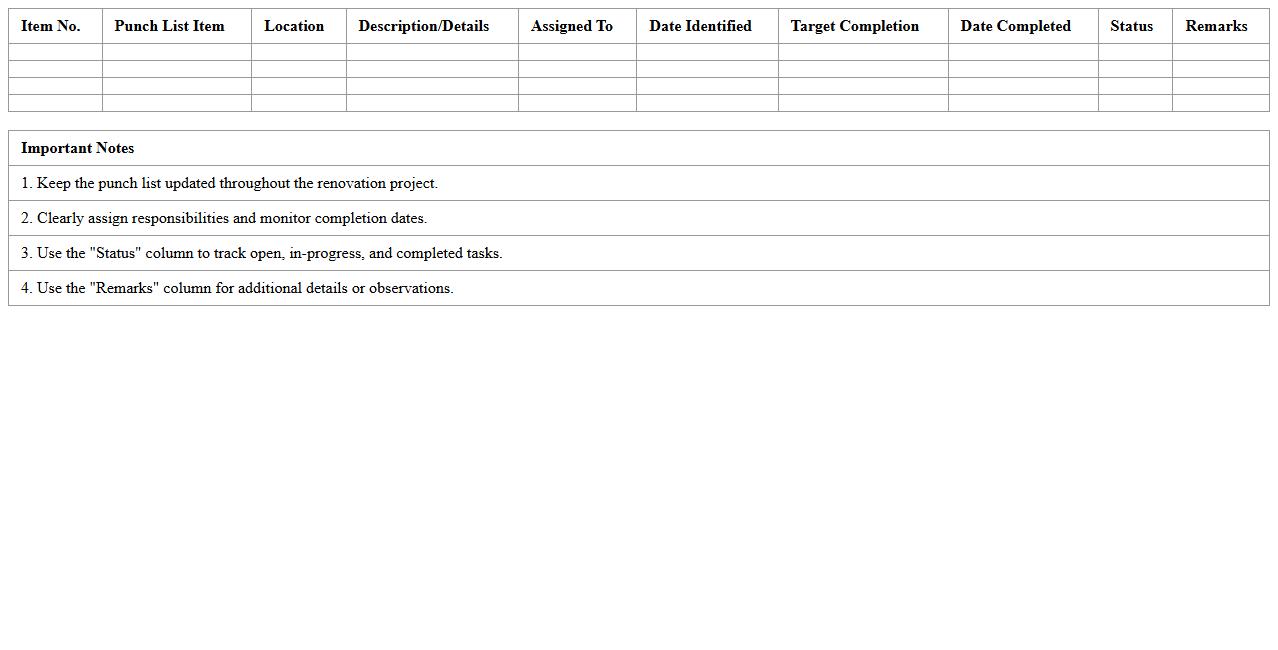
A
Renovation Project Punch List Tracking Sheet is a detailed document used to record and monitor all outstanding tasks or defects that need to be completed or corrected before a renovation project is considered finished. It helps project managers and contractors systematically track progress, prioritize repairs, and ensure quality control by listing items with descriptions, responsible parties, deadlines, and completion status. This tracking sheet improves communication, reduces oversight, and ensures a smooth handover by maintaining transparency and accountability throughout the renovation process.
Contractor Final Walkthrough Checklist Template
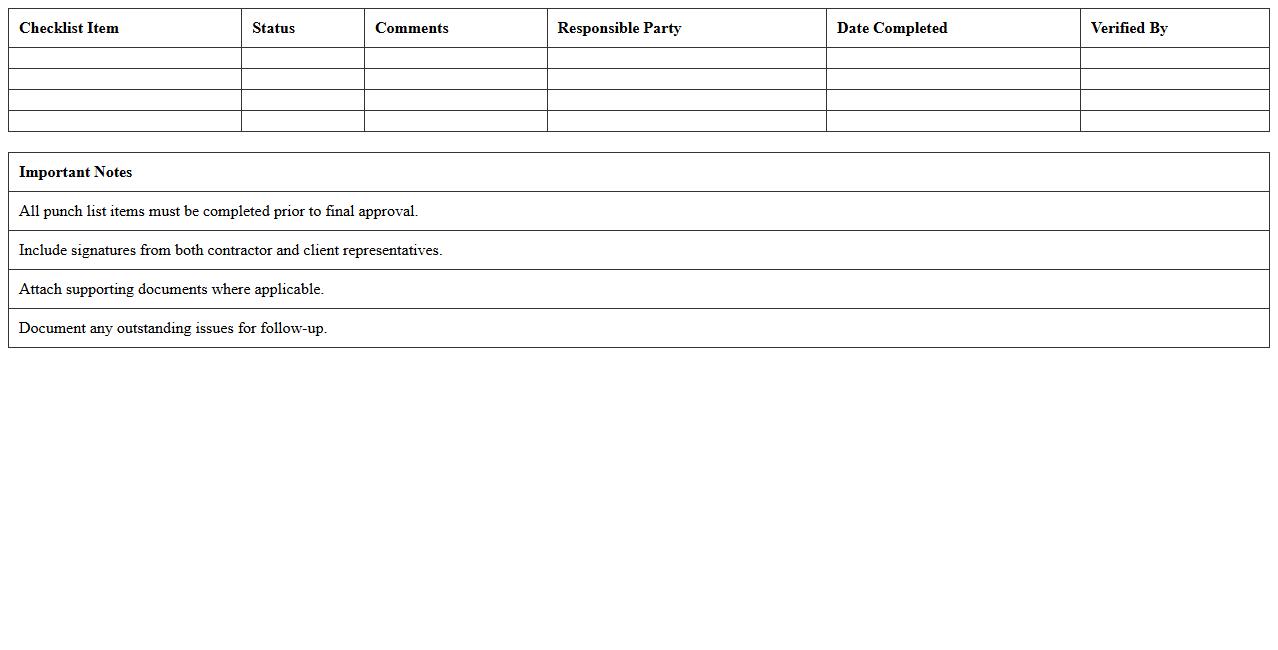
A
Contractor Final Walkthrough Checklist Template is a comprehensive document used to ensure all project specifications and client requirements are met before project closure. This template helps contractors systematically verify completed tasks, identify any deficiencies, and confirm compliance with safety and quality standards. Using this checklist minimizes the risk of overlooked issues, facilitates clear communication with clients, and streamlines project completion and handover processes.
Site Handover Punch List Excel Spreadsheet
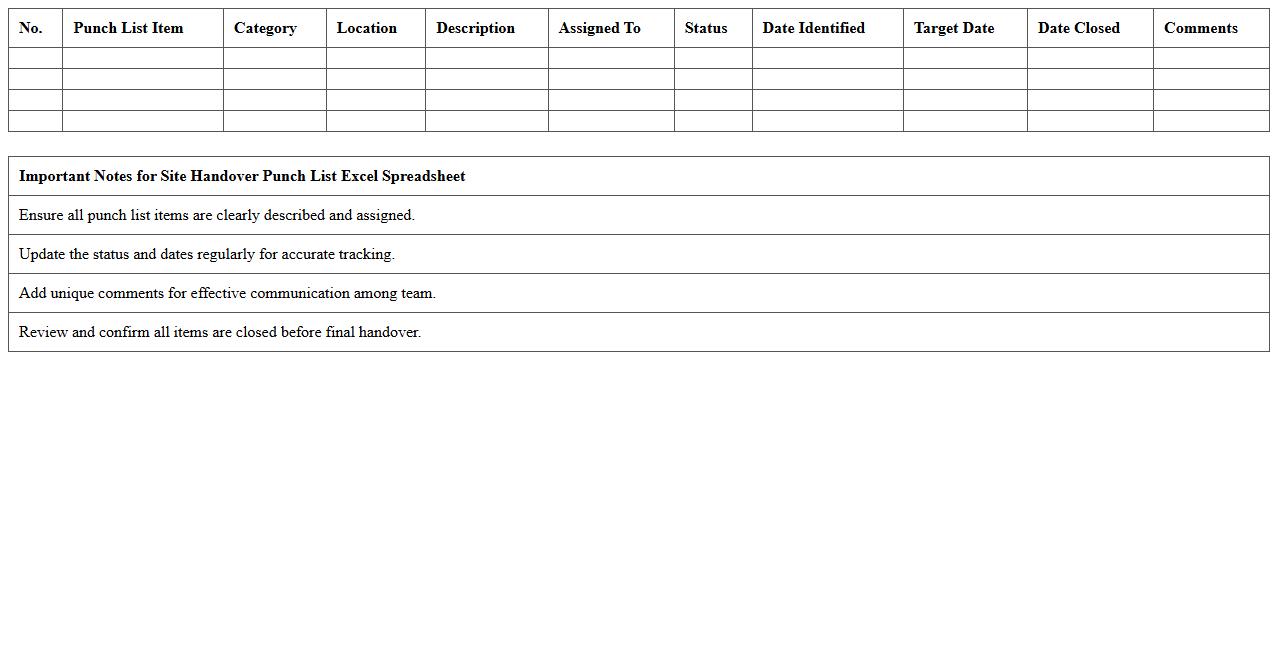
The
Site Handover Punch List Excel Spreadsheet document is a detailed checklist used in construction and project management to track outstanding tasks and defects before final site handover. It allows project teams to systematically document, assign, and monitor completion status of punch list items, ensuring quality control and timely resolution. This tool improves communication, reduces errors, and facilitates smooth project closeout by providing a clear, organized record of all necessary corrective actions.
HVAC System Installation Punch List Template
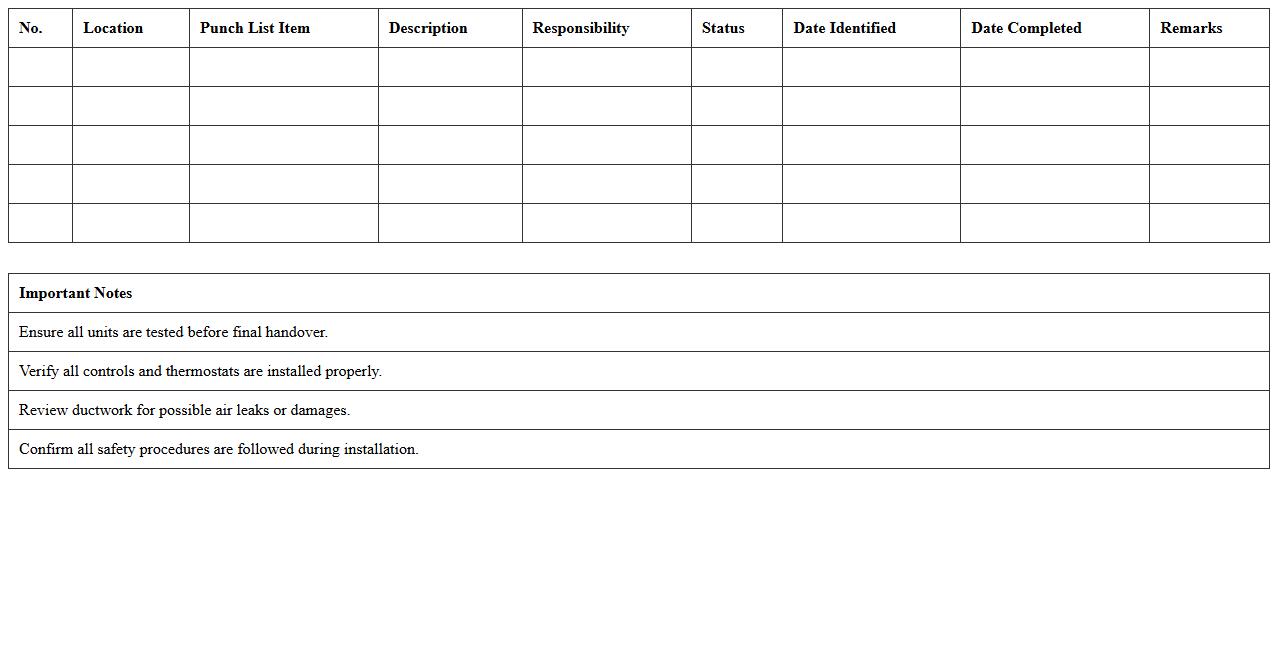
The
HVAC System Installation Punch List Template is a detailed checklist used to ensure all components of an HVAC system are installed correctly and meet quality standards before project completion. This document helps contractors systematically identify and address outstanding tasks, defects, or incomplete work, reducing delays and costly rework. It streamlines communication between project managers, technicians, and clients, enhancing overall project efficiency and ensuring compliance with industry regulations.
Electrical Works Inspection Punch List Excel
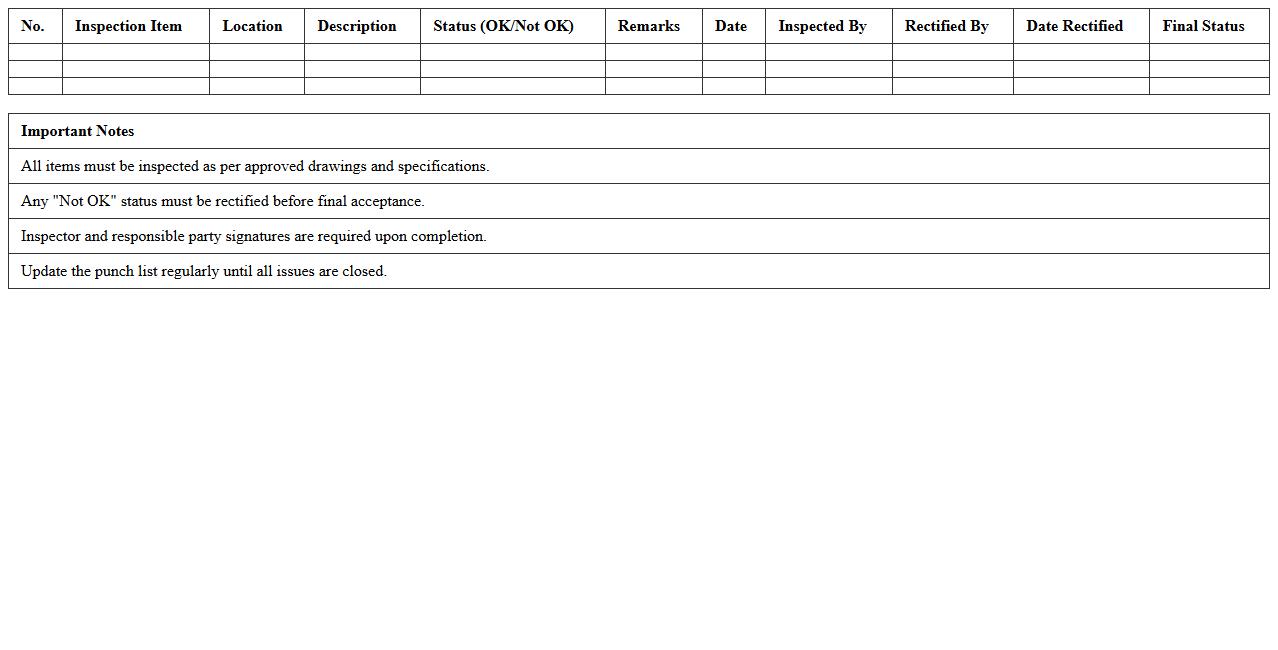
An
Electrical Works Inspection Punch List Excel document systematically organizes and tracks all inspection items related to electrical installations, ensuring compliance with safety standards and project specifications. It enables project managers and electricians to identify, document, and address defects or incomplete tasks efficiently, minimizing delays and costs. By providing a clear, structured overview, this tool enhances communication, quality control, and accountability throughout the inspection process.
Plumbing Final Inspection Punch List Sheet
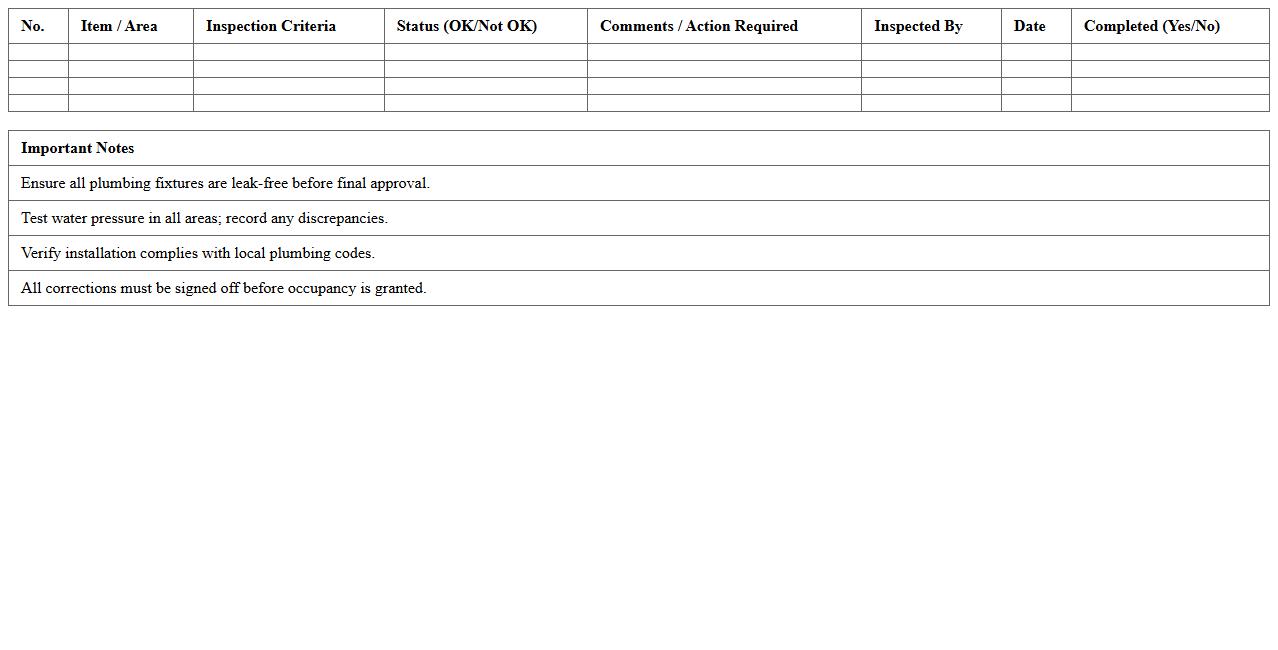
The
Plumbing Final Inspection Punch List Sheet document outlines all pending items and corrections required before the plumbing system is approved for use in a building project. It serves as a critical checklist for contractors, inspectors, and project managers to ensure compliance with building codes, safety standards, and design specifications. This document helps streamline the final inspection process, reduces the risk of overlooked issues, and facilitates timely project completion.
Interior Finishes Punch List Excel Template
The
Interior Finishes Punch List Excel Template is a structured document designed to track and manage the completion status of interior finish tasks in construction projects. It helps efficiently identify, assign, and resolve outstanding issues such as paint touch-ups, trim installation, or flooring defects, ensuring project quality and timely delivery. This template streamlines communication between contractors and clients by providing a clear, organized overview of all punch list items in one accessible format.
Multi-Unit Construction Final Punch List Excel
The
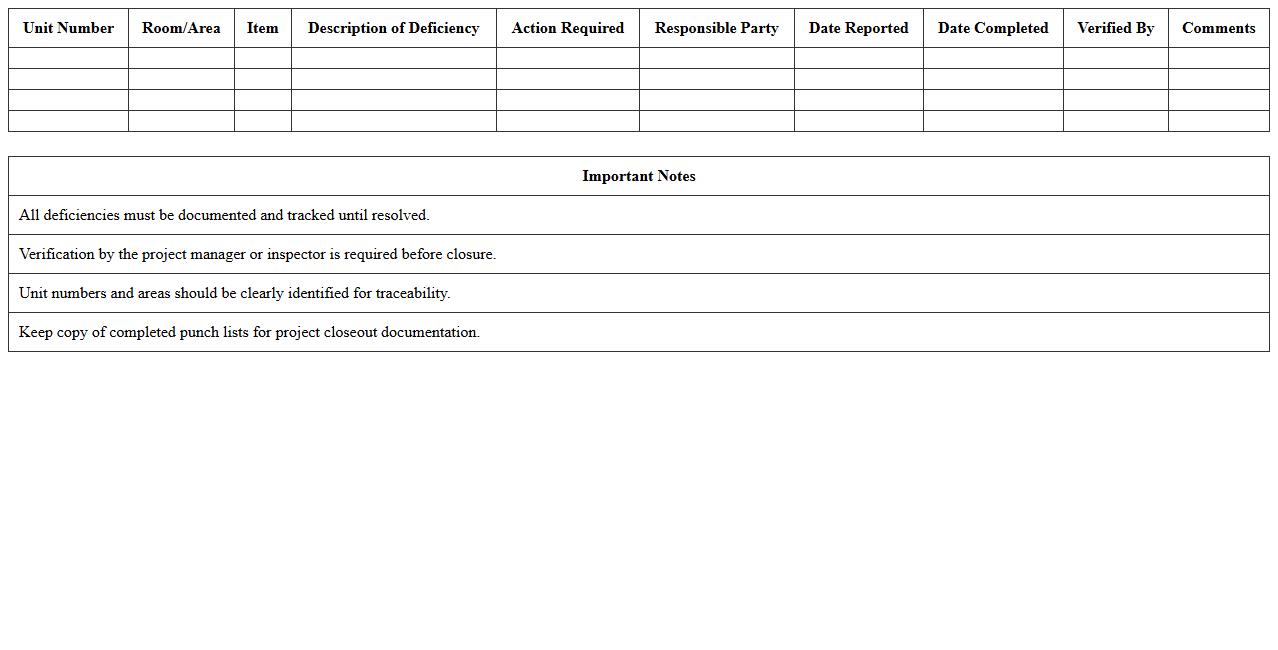
Multi-Unit Construction Final Punch List Excel document is a detailed tool used to track and manage all remaining tasks or defects in multi-unit construction projects before completion. It allows project managers and contractors to systematically organize, assign, and monitor punch list items, ensuring quality control and timely project closeout. This document enhances collaboration, reduces errors, and improves overall efficiency by consolidating all final inspection data in a clear, accessible format.
How do you customize a Construction Punch List Excel template for final inspection categories?
To customize a Construction Punch List Excel template, first identify the specific final inspection categories relevant to your project, such as plumbing, electrical, and structural. Insert columns for each category to allow detailed tracking of issues under these segments. Use dropdown lists to standardize category entries, ensuring consistency across the punch list.
Which Excel formulas best track item resolution dates during punch-out?
The IF and TODAY formulas are effective for tracking resolution dates in a punch list. Use the IF formula to check if an item is complete, and combine it with TODAY to show the resolution date when status changes. Additionally, the NETWORKDAYS formula helps calculate the number of days taken to resolve each item.
What conditional formatting highlights incomplete tasks in a punch list spreadsheet?
Conditional formatting with rules based on task status can highlight incomplete tasks effectively. Set the rule to format cells where the status column reads "Incomplete" or "Pending" with bold colors like red or yellow. This visual cue quickly draws attention to unresolved punch list items during the inspection.
How to automate contractor assignment in a punch list Excel sheet?
Automate contractor assignment by using dropdown menus combined with VLOOKUP or INDEX-MATCH formulas to display assigned contractors automatically. Create a reference table with contractor names linked to inspection categories or task types. This reduces manual entry and ensures each punch list item is assigned accurately to the responsible contractor.
What are key columns for effective punch list tracking in final construction inspections?
Key columns include Item Description, Category, Assigned Contractor, Status, Priority, and Resolution Date for streamlined punch list tracking. Including a Comments column helps document additional notes or delays. These columns ensure comprehensive management of punch list items during final construction inspections.