The Construction Equipment Log Excel Template is designed for efficient asset tracking, allowing users to monitor the usage, maintenance schedules, and location of construction machinery. This template helps in organizing detailed records, improving accountability and reducing downtime. Its user-friendly format simplifies data entry and enhances project management accuracy.
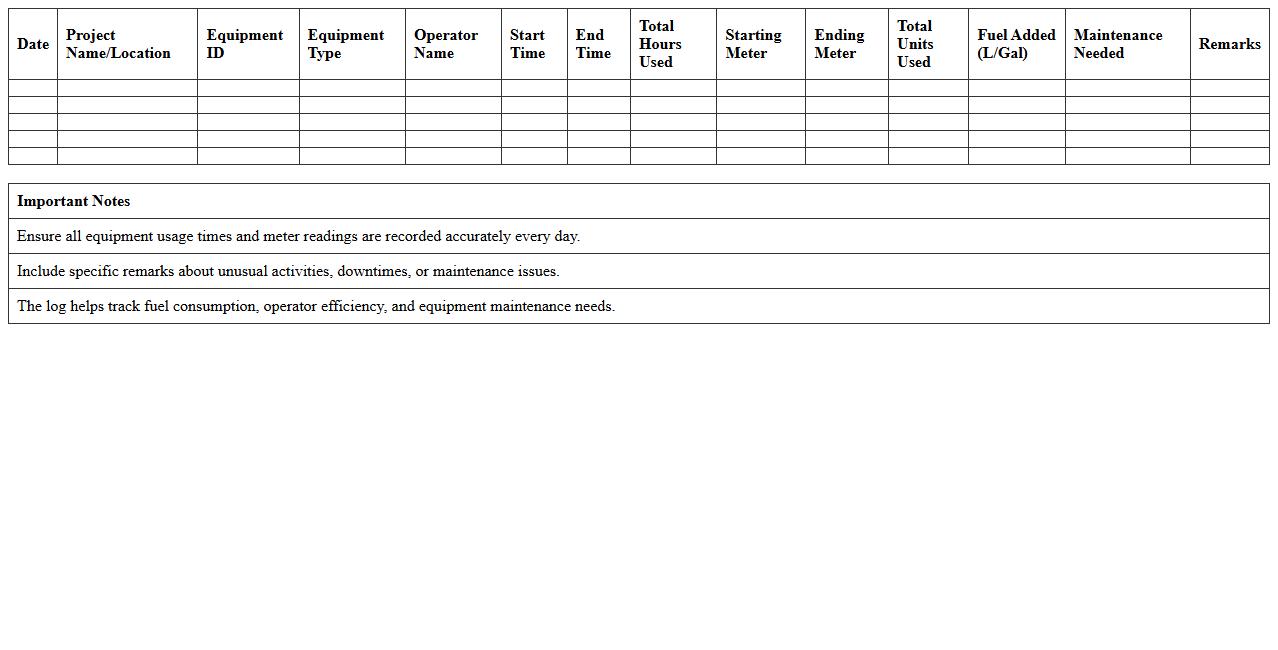
Daily Construction Equipment Usage Log Excel Template
The
Daily Construction Equipment Usage Log Excel Template is a structured document designed to systematically record the daily operation and utilization of construction machinery. It helps track equipment hours, maintenance schedules, and operator details, ensuring efficient resource management on construction sites. By maintaining accurate logs, project managers can optimize equipment performance, reduce downtime, and improve overall project cost control.
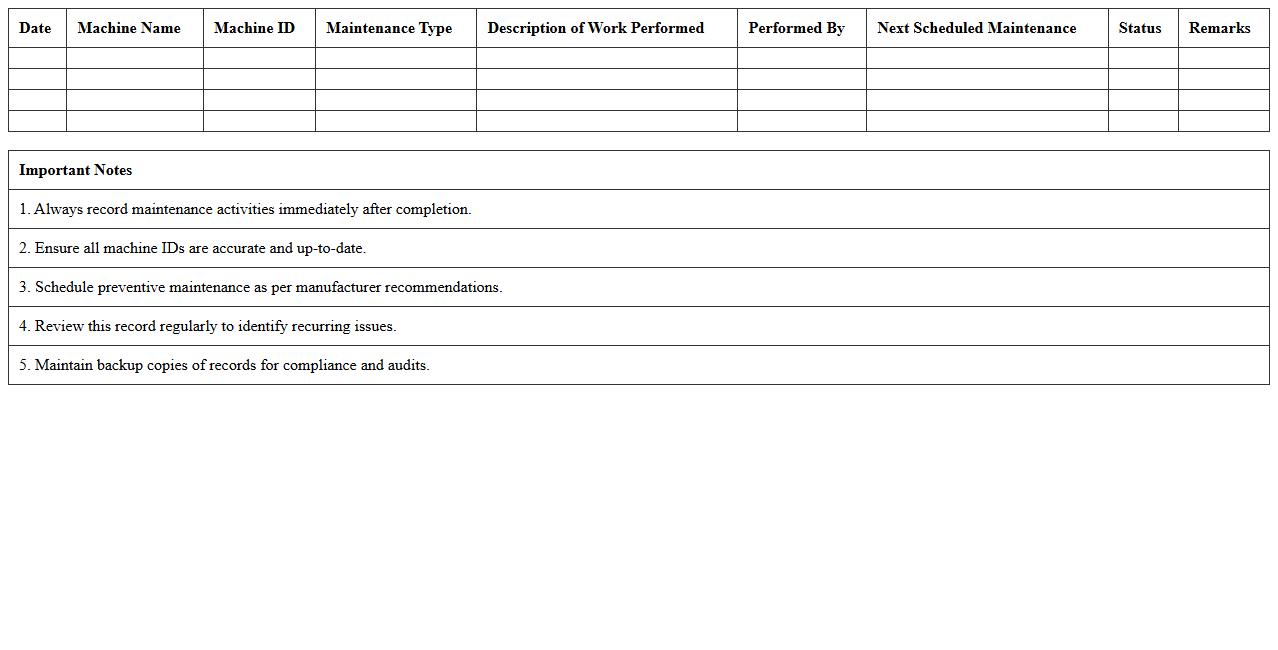
Heavy Machinery Maintenance Record Excel Template
The
Heavy Machinery Maintenance Record Excel Template document is a structured spreadsheet designed to track maintenance activities, repair schedules, and operational history of heavy machinery. It helps businesses reduce downtime by ensuring timely upkeep and facilitates better resource allocation through detailed records. This template improves equipment longevity, safety compliance, and cost management by providing a clear overview of machine performance and maintenance needs.
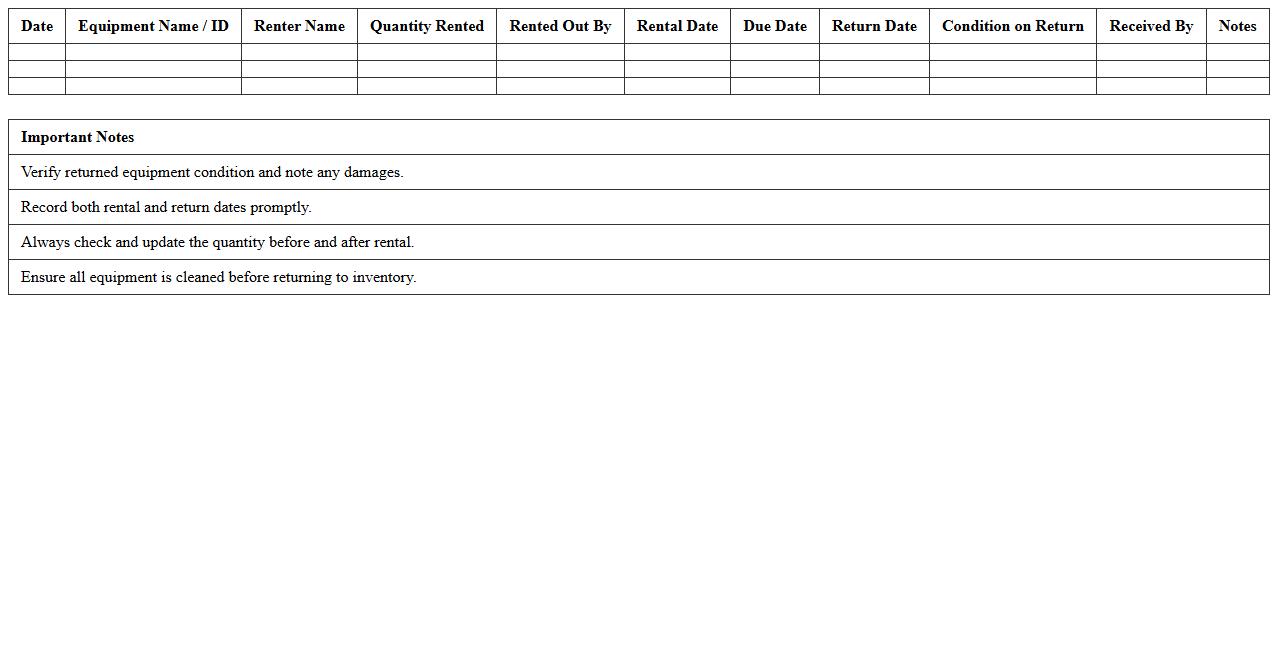
Equipment Rental and Return Log Spreadsheet
The
Equipment Rental and Return Log Spreadsheet is a detailed document used to track the issuing and return of equipment within organizations. It records essential data such as renter information, rental dates, equipment condition, and return deadlines, ensuring accountability and preventing equipment loss. This log improves inventory management, facilitates timely returns, and aids in maintenance scheduling, ultimately enhancing operational efficiency.
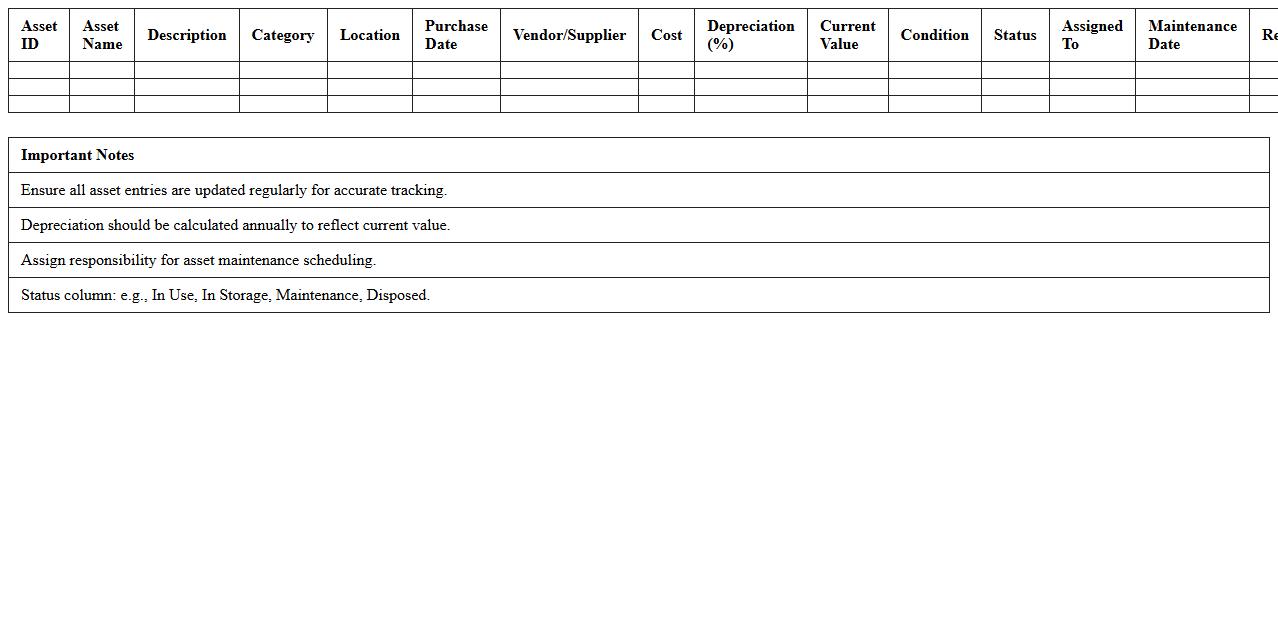
Construction Asset Inventory Tracking Excel Sheet
A
Construction Asset Inventory Tracking Excel Sheet is a digital tool designed to systematically record, monitor, and manage construction equipment, tools, and materials. This document helps ensure accurate asset tracking, minimizes loss or theft, and supports timely maintenance scheduling. By providing real-time insights into asset availability and location, it enhances project efficiency and cost control.
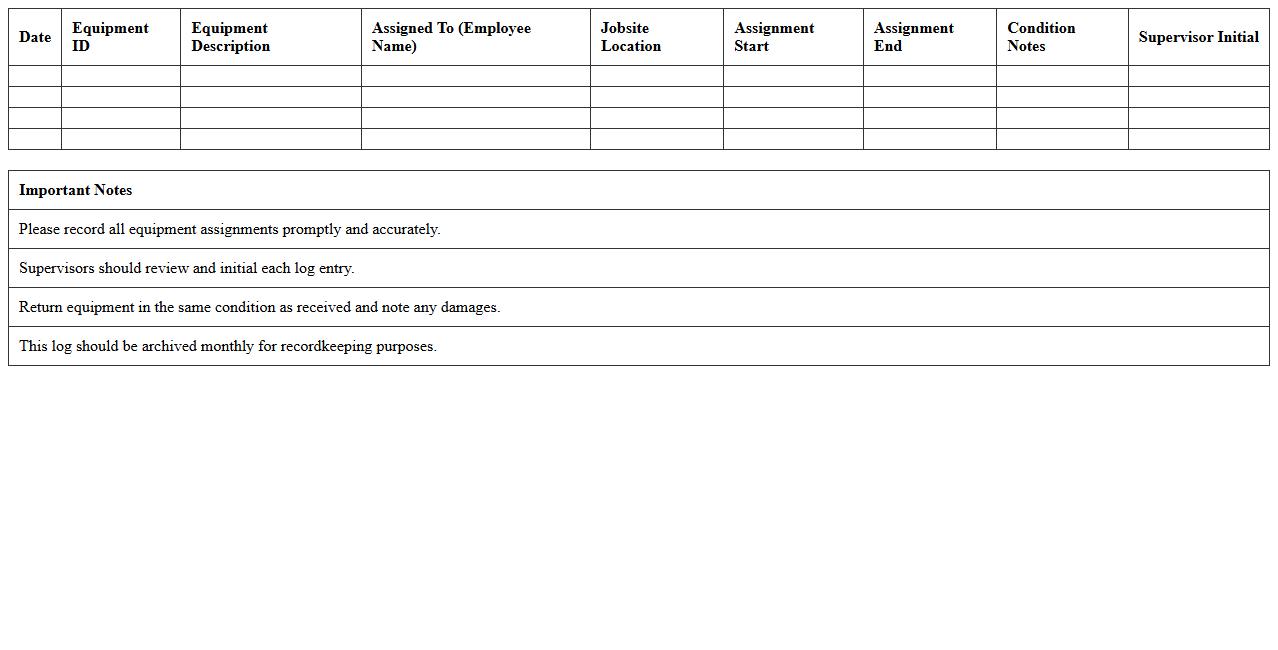
Jobsite Equipment Assignment Log Excel Template
The
Jobsite Equipment Assignment Log Excel Template is a specialized spreadsheet designed to track and manage the allocation of machinery and tools on construction sites efficiently. This document helps streamline equipment utilization, reduce downtime, and maintain accurate records for accountability and operational planning. By organizing data such as equipment ID, operator details, assignment dates, and locations, project managers can optimize resource distribution and improve overall productivity.
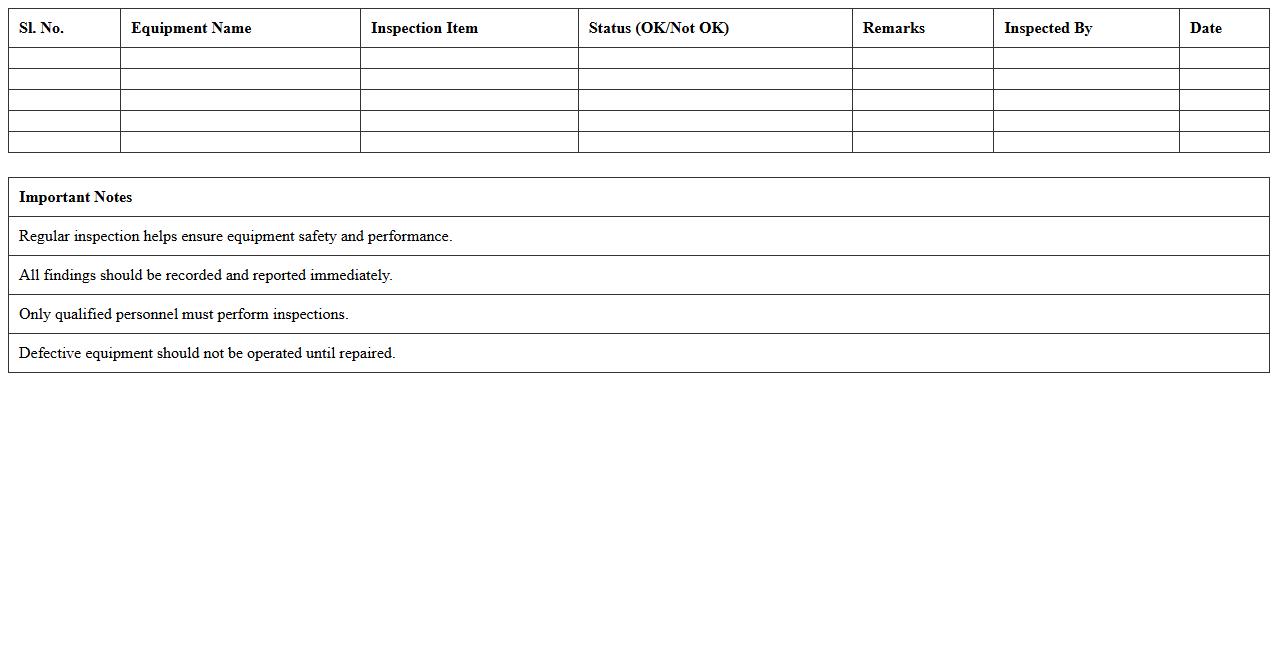
Construction Equipment Inspection Checklist Excel
A
Construction Equipment Inspection Checklist Excel document is a structured spreadsheet used to systematically evaluate the condition and functionality of construction machinery. It helps ensure safety compliance by tracking maintenance needs, identifying potential hazards before equipment use, and documenting inspection results for accountability. Using this checklist improves operational efficiency, reduces downtime, and supports regulatory adherence in construction project management.
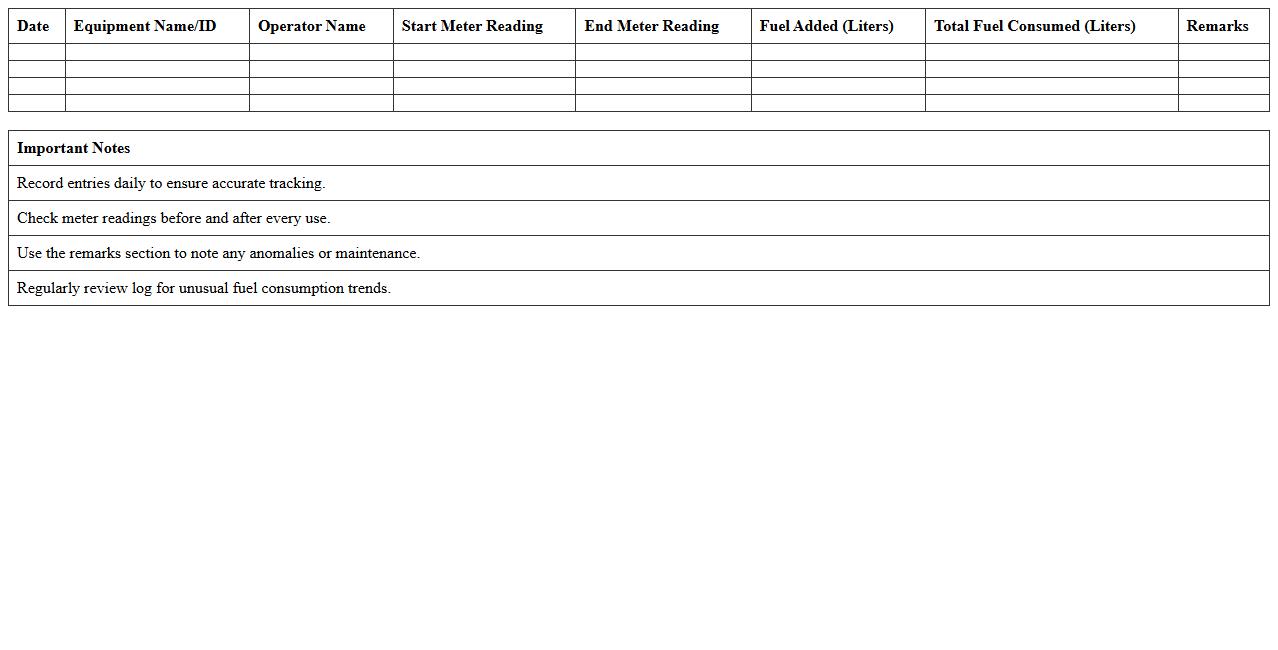
Equipment Fuel Consumption Log Excel Template
An
Equipment Fuel Consumption Log Excel Template is a structured spreadsheet designed to accurately record and track fuel usage of various machinery and vehicles over time. This document helps monitor fuel efficiency, identify abnormal consumption patterns, and optimize operational costs by providing clear, organized data for analysis. By maintaining detailed fuel consumption records, businesses can improve budgeting, reduce waste, and enhance maintenance scheduling for their equipment fleet.
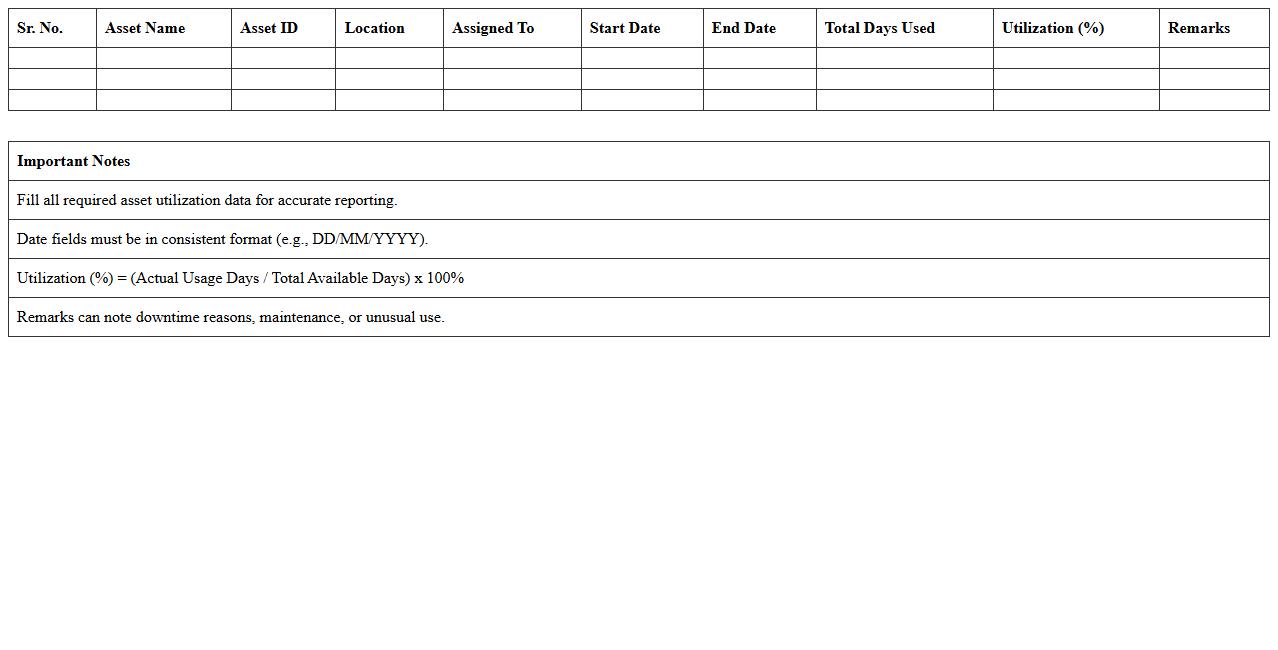
Asset Utilization Report Excel Template for Construction
The
Asset Utilization Report Excel Template for Construction is a specialized spreadsheet designed to track and analyze the efficiency of construction equipment and machinery usage. It helps project managers quantify asset productivity, identify underutilized resources, and optimize scheduling for maximum operational efficiency. Utilizing this template leads to improved cost control, enhanced project timelines, and better resource allocation in construction projects.
Construction Site Equipment Repair Log Spreadsheet
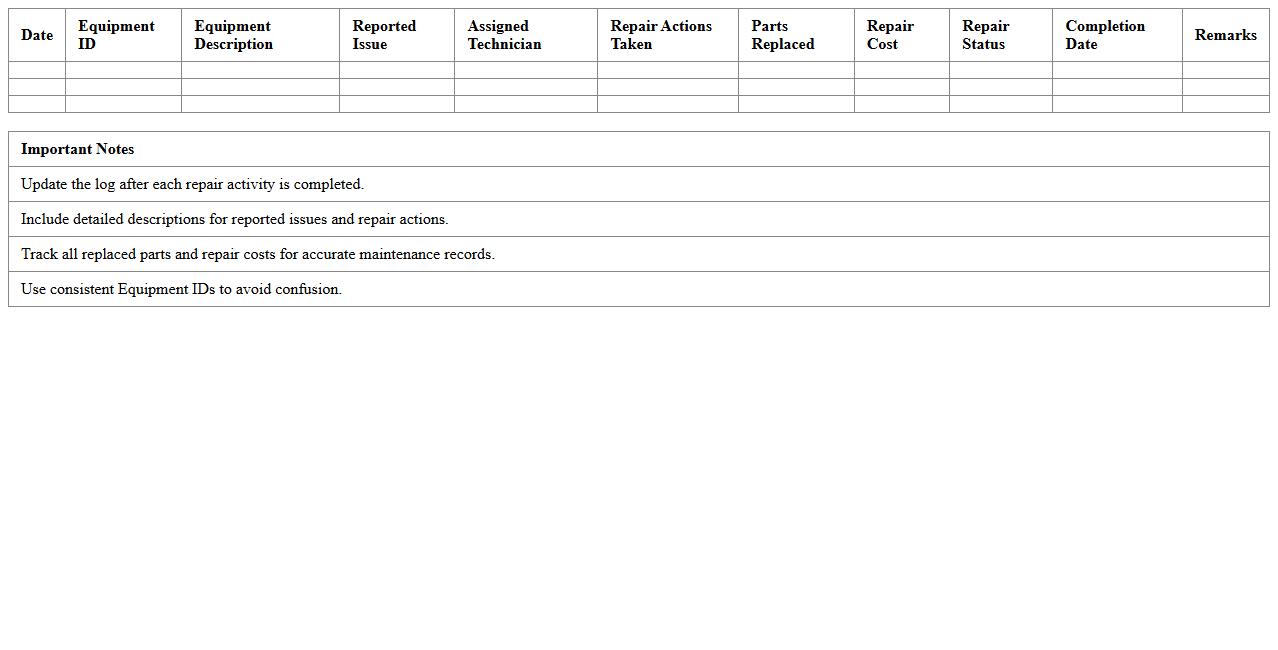
A
Construction Site Equipment Repair Log Spreadsheet document systematically tracks maintenance and repair activities for all machinery on a construction site, ensuring timely service and reducing equipment downtime. It records details such as equipment ID, repair dates, issues encountered, costs, and technician notes, facilitating efficient monitoring and budgeting. This tool enhances operational efficiency by providing clear visibility into equipment status and maintenance history, helping project managers prevent unexpected failures and extend the lifespan of critical construction assets.
Equipment Downtime Tracker Excel Template
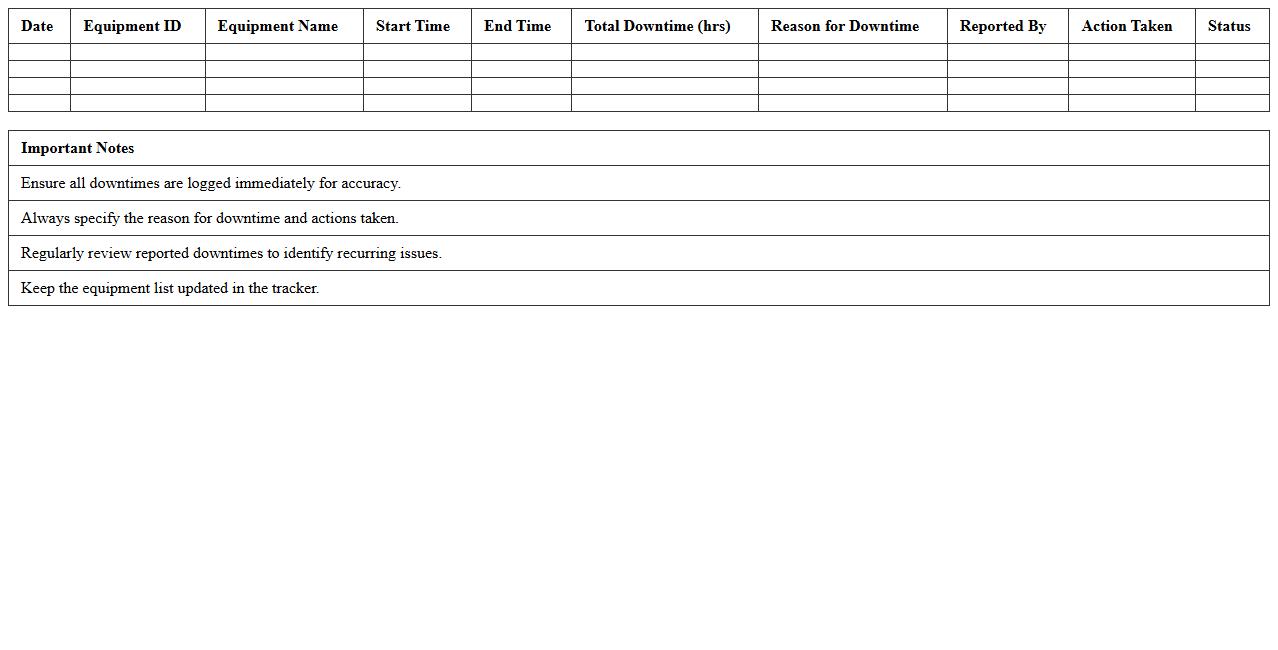
The
Equipment Downtime Tracker Excel Template is a detailed spreadsheet designed to monitor and record periods when machinery or equipment is not operational. It enables businesses to analyze downtime causes, measure the impact on productivity, and identify patterns for maintenance scheduling. Utilizing this tool helps optimize equipment efficiency, reduce operational costs, and improve overall asset management.
How can formula-driven alerts be set up for equipment maintenance due dates in the log?
To set up formula-driven alerts for equipment maintenance due dates, use conditional formatting combined with date functions like TODAY() in Excel. Create a formula that highlights due dates approaching within a specified timeframe, such as "=A2-TODAY()<=7". This method ensures timely notifications within the log, improving maintenance scheduling efficiency.
What columns are essential for tracking depreciation of each construction asset in Excel?
Essential columns for tracking asset depreciation include Purchase Date, Cost, Useful Life, Accumulated Depreciation, and Book Value. These columns allow you to calculate depreciation using formulas such as straight-line or declining balance methods. Proper column organization helps in accurate financial reporting and asset management.
How to integrate barcode scanning with the Excel log for real-time equipment check-in/out?
Integrate barcode scanning by linking a barcode scanner input directly into the Excel log's equipment ID column. Use VBA scripts or Excel macros to automate the check-in/out process upon barcode scan. This setup offers a streamlined and error-reduced method for real-time equipment tracking.
What is the best way to automate downtime analysis for equipment in the asset tracking sheet?
Automate downtime analysis by adding columns for Start Time, End Time, and Downtime Calculation using time difference formulas in Excel. Utilize pivot tables or charts to visualize patterns and causes of downtime effectively. Automation through Excel formulas reduces manual tracking errors and enhances productivity insights.
How can user permissions be managed in a shared Construction Equipment Log Excel file?
Manage user permissions by using Excel's built-in password protection and file encryption features. Share the file through platforms like OneDrive or SharePoint, where you can assign view or edit rights. Controlling access ensures data integrity and protects sensitive equipment information.
More Construction Excel Templates