The Accounting Reconciliation Excel Template for Accountants streamlines the process of matching financial records by providing a structured format to compare transactions and identify discrepancies quickly. It enhances accuracy and efficiency, allowing accountants to ensure all accounts balance correctly. This template is customizable to fit various accounting needs and simplifies the reconciliation workflow.
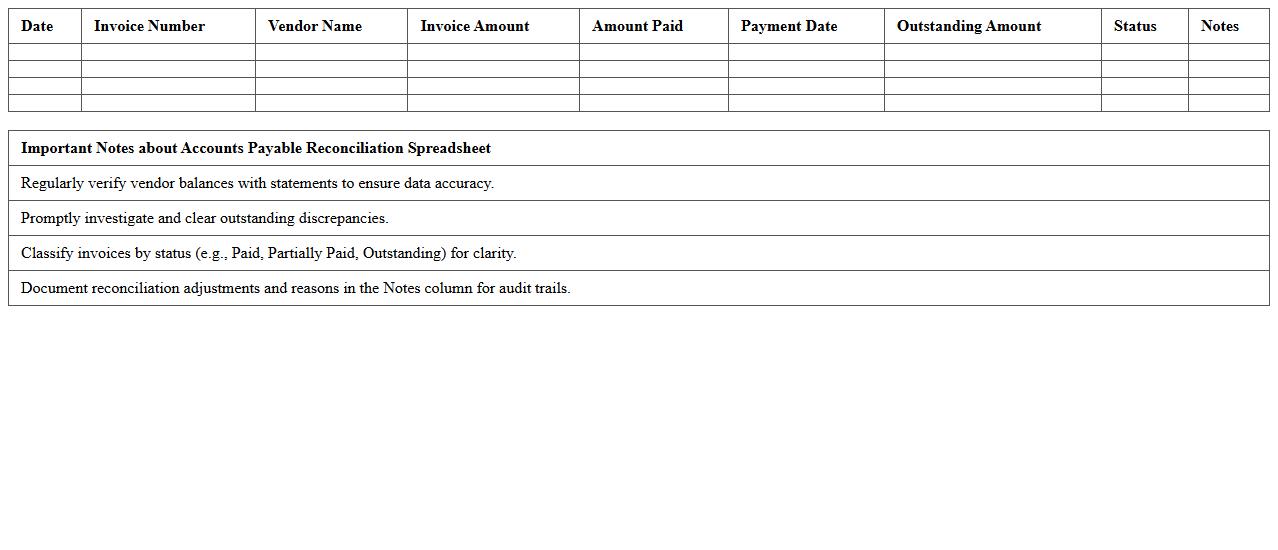
Accounts Payable Reconciliation Spreadsheet
An
Accounts Payable Reconciliation Spreadsheet is a detailed financial document used to compare and verify the accuracy of outstanding supplier invoices against company records. It helps identify discrepancies such as duplicate payments, missed invoices, or errors in billing, ensuring accurate financial reporting and effective cash flow management. By regularly using this spreadsheet, businesses can maintain supplier trust, prevent financial losses, and streamline their accounts payable process.
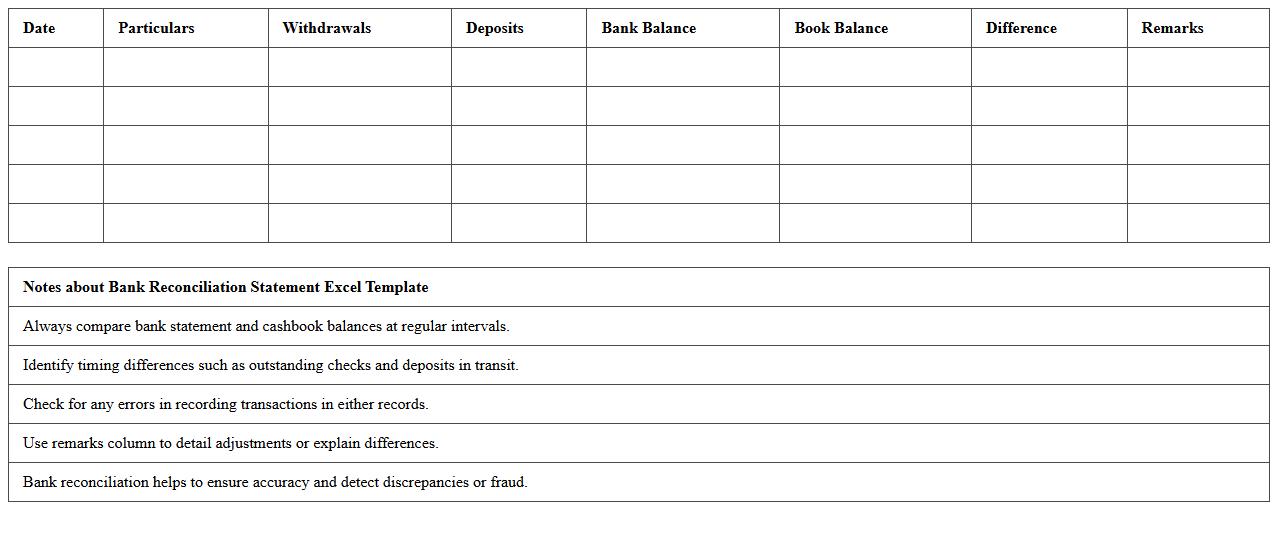
Bank Reconciliation Statement Excel Template
A
Bank Reconciliation Statement Excel Template document is a pre-designed spreadsheet that helps match and verify the balances between a company's accounting records and its bank statement. It enables efficient identification of discrepancies such as outstanding checks, deposits in transit, and bank errors, streamlining the reconciliation process. Using this template improves accuracy in financial reporting and aids in maintaining up-to-date and reliable cash flow records.
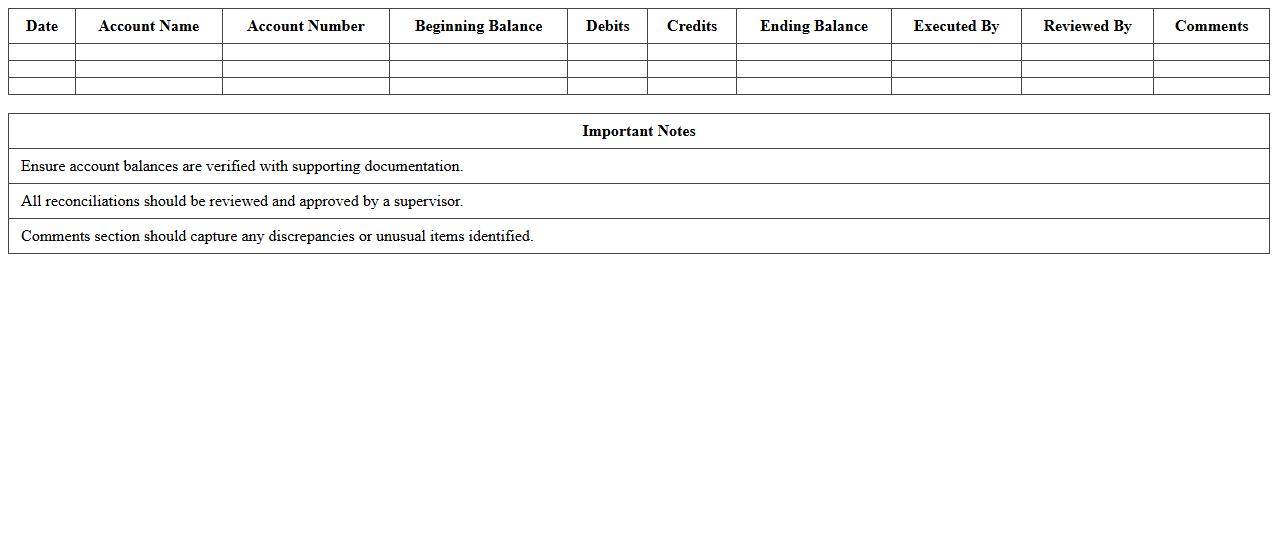
General Ledger Account Reconciliation Log
The
General Ledger Account Reconciliation Log document tracks all activities related to reconciling general ledger accounts, ensuring accuracy and consistency in financial records. It helps identify discrepancies, verify adjustments, and maintain compliance with accounting standards. By providing a clear audit trail, this document enhances financial transparency and supports efficient internal controls.
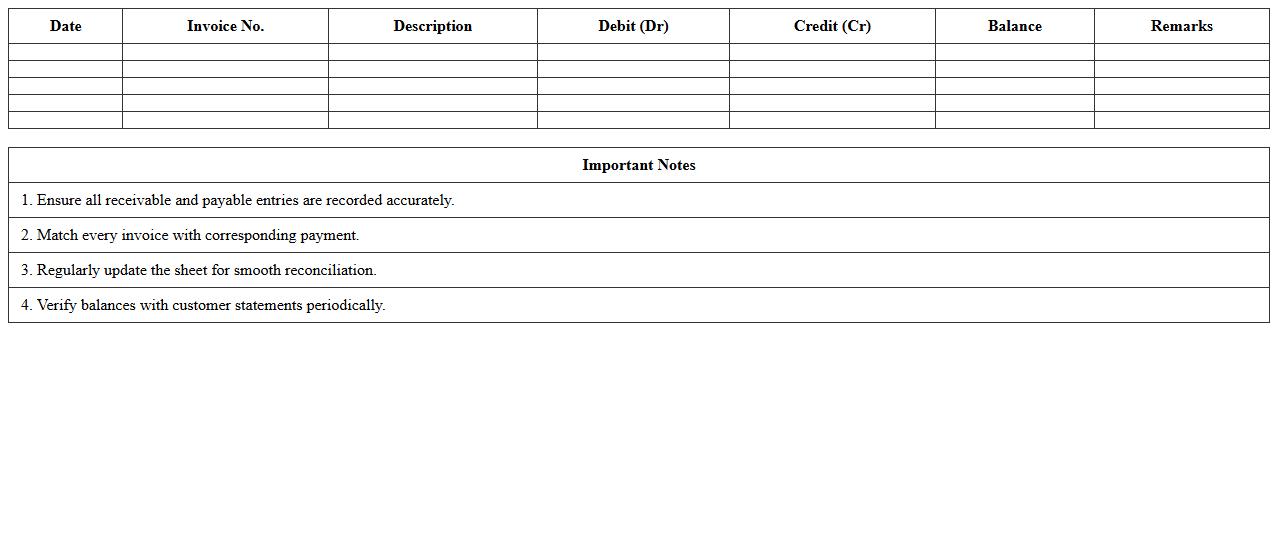
Customer Account Reconciliation Sheet
The
Customer Account Reconciliation Sheet is a financial document used to verify and match the transactions listed in a customer's account with the company's records, ensuring all payments, credits, and debits are accurately accounted for. It helps identify discrepancies, outstanding balances, or errors, facilitating improved financial accuracy and transparency between businesses and customers. This tool is essential for maintaining clean accounts, supporting audit processes, and enhancing cash flow management.
Credit Card Reconciliation Workbook
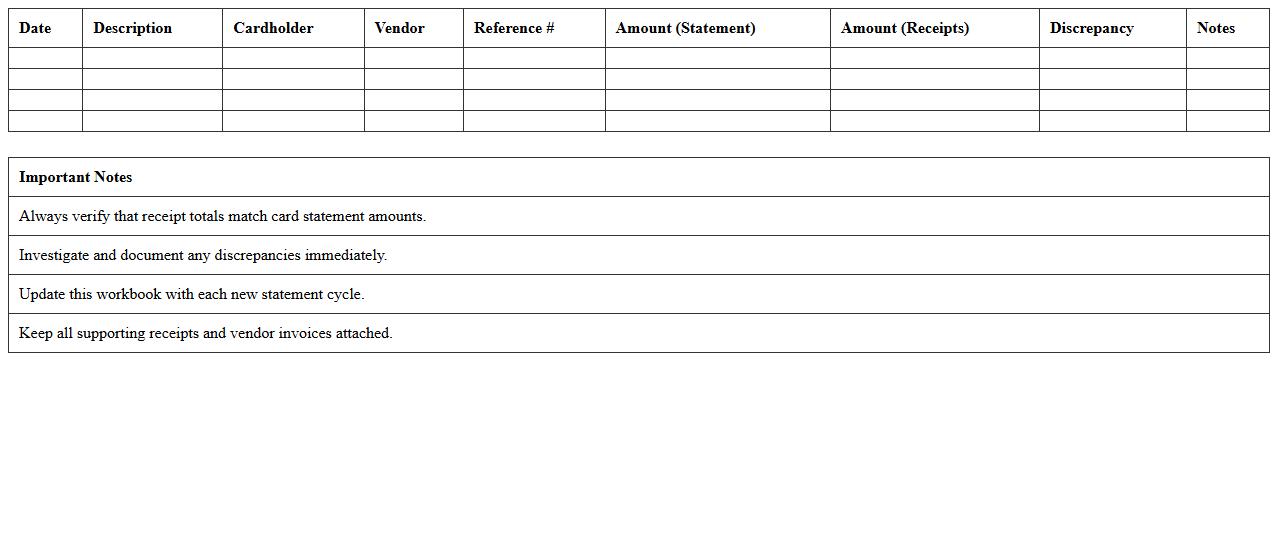
A
Credit Card Reconciliation Workbook is a financial document designed to compare credit card statements with recorded transactions, ensuring accuracy and identifying discrepancies. It helps businesses and individuals maintain accurate accounting records, prevent fraud, and streamline the month-end closing process. Using this workbook improves financial transparency and supports effective cash flow management.
Supplier Account Reconciliation Template
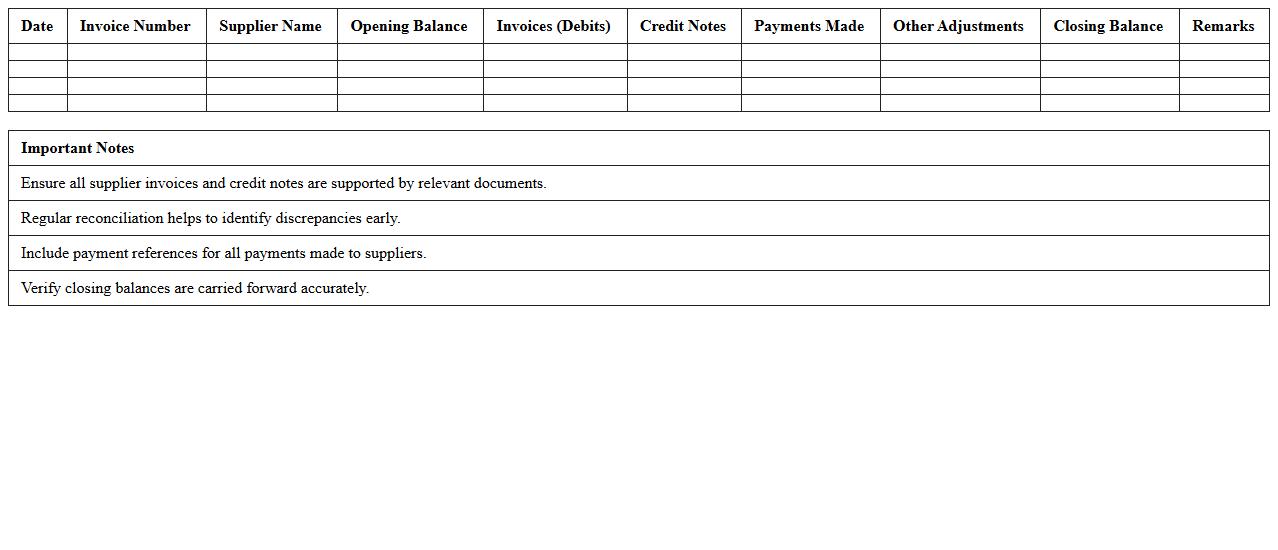
A
Supplier Account Reconciliation Template is a structured document designed to compare and verify the transactions recorded between a company and its suppliers, ensuring accuracy and resolving discrepancies. It helps maintain clear financial records by matching purchase orders, invoices, and payments, which streamlines the audit process and prevents payment errors. Using this template enhances supplier relationship management by promoting transparency and timely resolution of outstanding balances.
Intercompany Reconciliation Excel Tracker
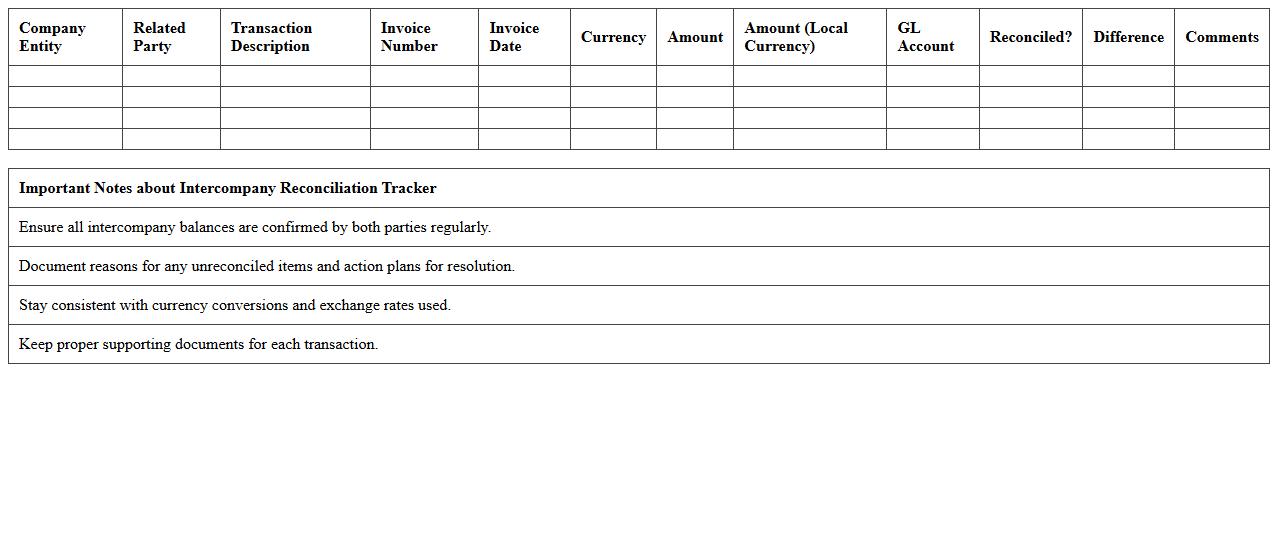
The
Intercompany Reconciliation Excel Tracker document is a vital tool for managing and verifying transactions between related business entities within a corporate group. It systematically records, compares, and reconciles intercompany balances, helping identify discrepancies and ensuring accurate financial reporting. This tracker accelerates the reconciliation process, improves data accuracy, and supports compliance with regulatory requirements.
Monthly Account Balancing Spreadsheet
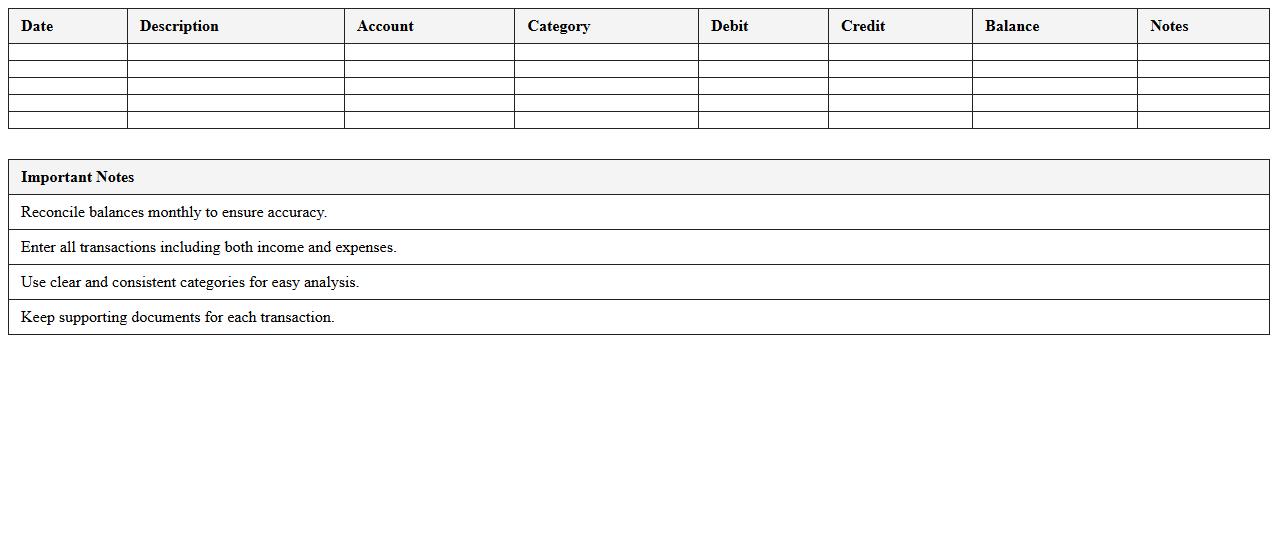
A
Monthly Account Balancing Spreadsheet is a digital tool designed to track and reconcile income, expenses, and account transactions within a specific month. It helps users maintain accurate financial records by comparing account statements against recorded data to identify discrepancies and avoid errors. This spreadsheet enhances budgeting, financial planning, and cash flow management by providing clear visibility into monthly account activities.
Expense Reconciliation Excel Form
An
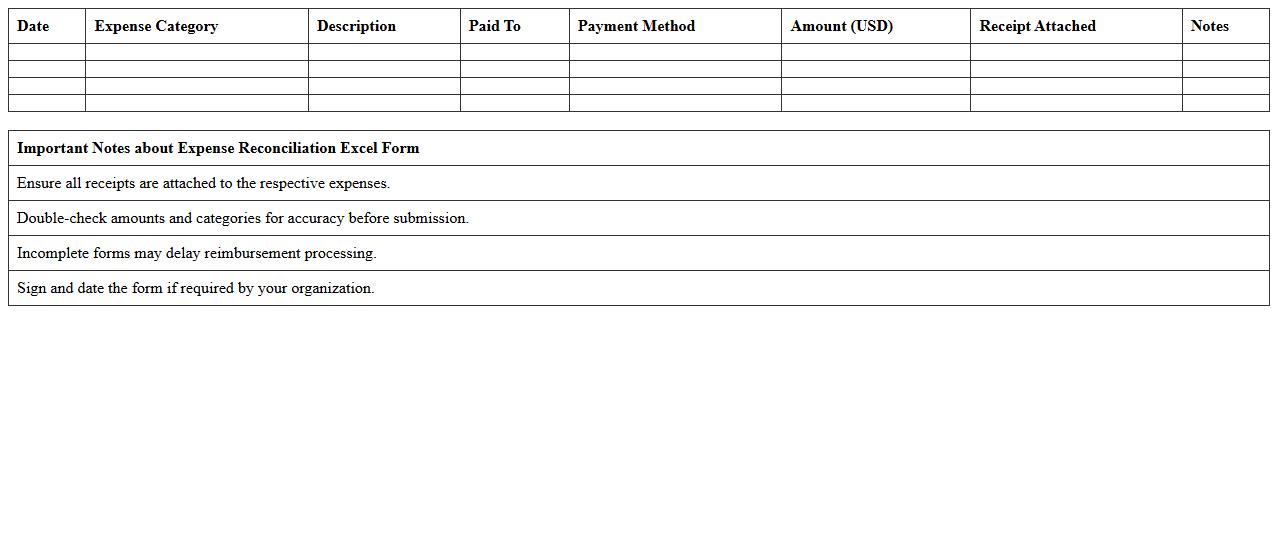
Expense Reconciliation Excel Form document is a structured spreadsheet designed to track, categorize, and verify expenses against receipts or financial records. It helps individuals and businesses maintain accurate financial records by identifying discrepancies and ensuring all expenditures align with budgets or accounting reports. Using this form improves financial transparency, supports audit preparation, and streamlines the process of expense management.
Payroll Account Reconciliation Template
A
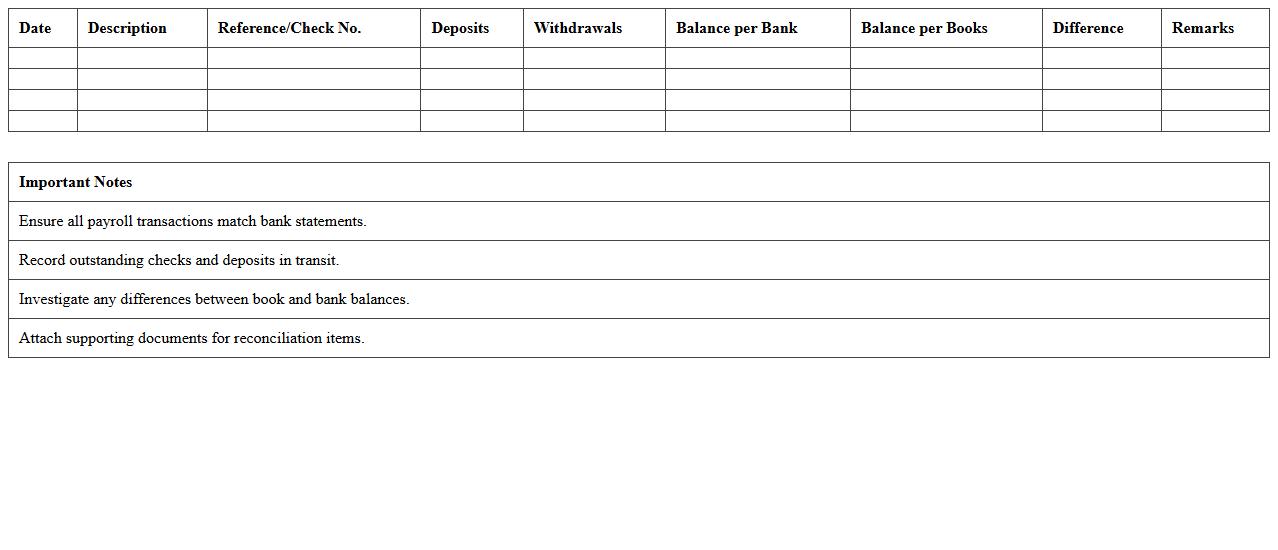
Payroll Account Reconciliation Template is a structured document designed to compare payroll records with accounting entries to ensure accuracy and consistency in employee compensation data. It helps identify discrepancies, such as missed payments or incorrect deductions, enabling timely corrections and compliance with financial regulations. Using this template streamlines payroll audit processes, reduces errors, and enhances overall financial transparency and control.
How to automate reconciliation checks using Excel formulas in accounting spreadsheets?
Automate reconciliation checks by using Excel formulas such as VLOOKUP, IFERROR, and SUMIFS. These functions help cross-verify transactions between bank statements and accounting records seamlessly. Creating a systematic formula structure reduces manual errors and saves significant time in the reconciliation process.
What Excel templates best streamline bank-to-book reconciliation for accountants?
The best Excel templates for bank-to-book reconciliation include pre-built worksheets with transaction matching sections, variance analysis, and summary reports. Templates featuring dynamic dropdowns and automated formulas enhance accuracy and efficiency. Accountants benefit from templates that support easy data import and customizable reconciliation checkpoints.
Which pivot table techniques highlight discrepancies in Excel reconciliation documents?
Using pivot tables with conditional formatting and calculated fields effectively uncovers discrepancies during reconciliation. Grouping by transaction dates, categories, and amounts allows quick identification of unmatched entries. Pivot tables can be set to filter out reconciled items, focusing attention on potential errors or omissions.
How to track reconciliation status using conditional formatting in Excel?
Conditional formatting in Excel visually indicates the reconciliation status by applying color codes to matched or unmatched transactions. Setting rules based on formula results or data validation flags helps maintain real-time status updates. This approach simplifies monitoring and highlights outstanding issues at a glance.
What are advanced Excel functions for matching large transaction lists in reconciliation?
Advanced Excel functions like INDEX-MATCH, ARRAY formulas, and Power Query are essential for handling large transaction matching efficiently. These tools enable complex lookups and data transformations to compare extensive datasets accurately. Leveraging these functions accelerates the reconciliation process and improves data integrity.
More Accounting Excel Templates