Small Business Expense Tracker Excel Template
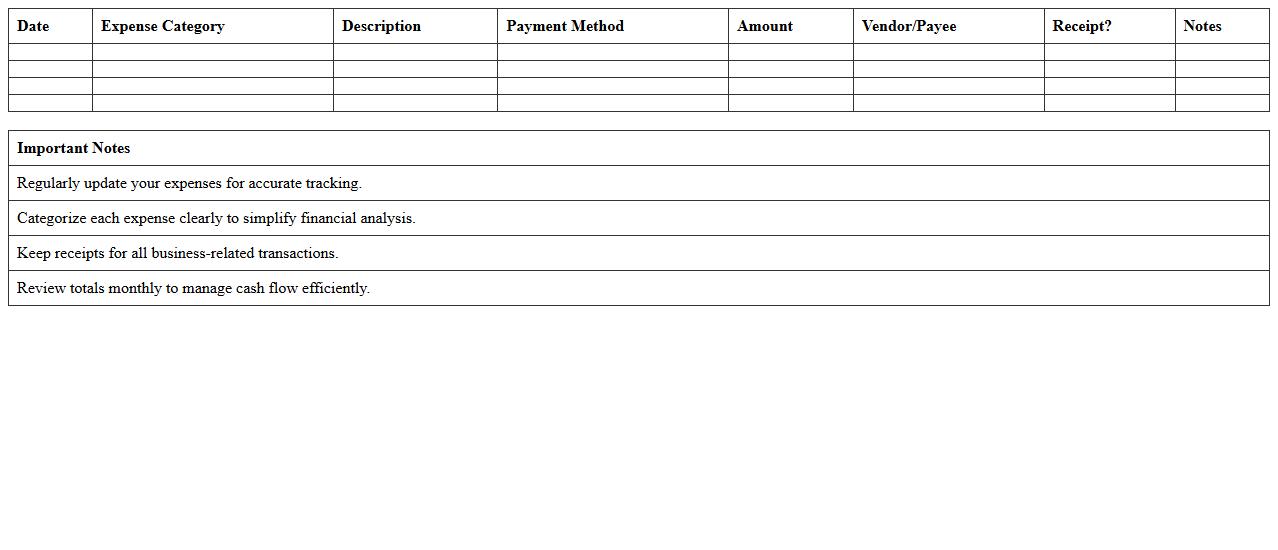
The
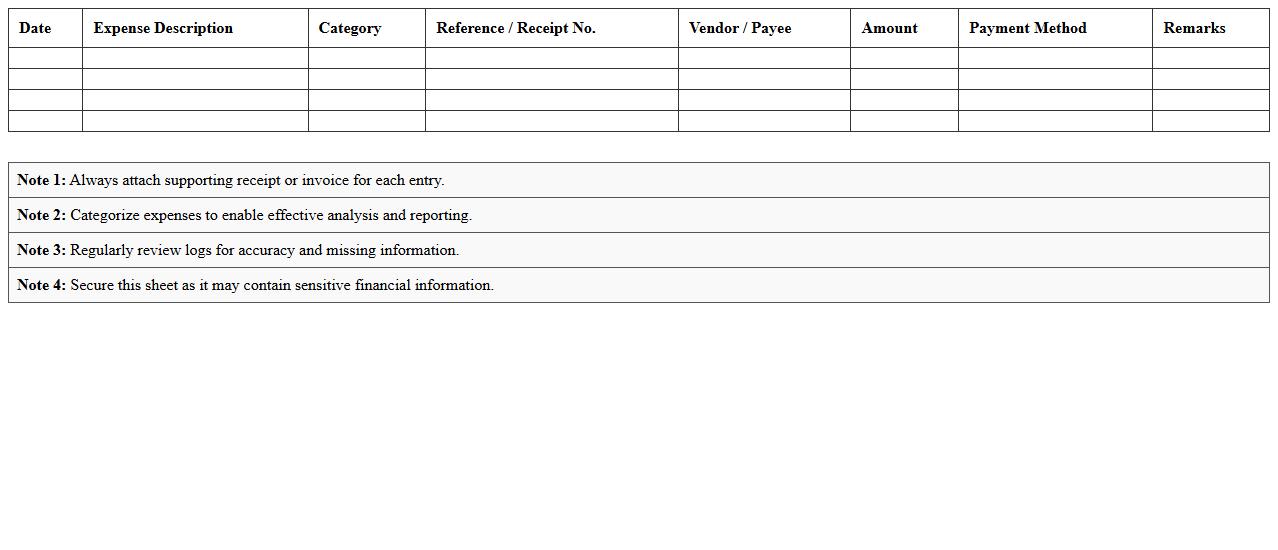
Small Business Expense Tracker Excel Template is a customizable spreadsheet designed to help businesses systematically record and monitor their expenses. This tool enables accurate tracking of financial outflows, simplifying budget management and aiding in identifying cost-saving opportunities. By organizing expenses in one comprehensive document, business owners can make informed financial decisions and streamline their accounting processes.
Monthly Expense Report Template for Small Businesses
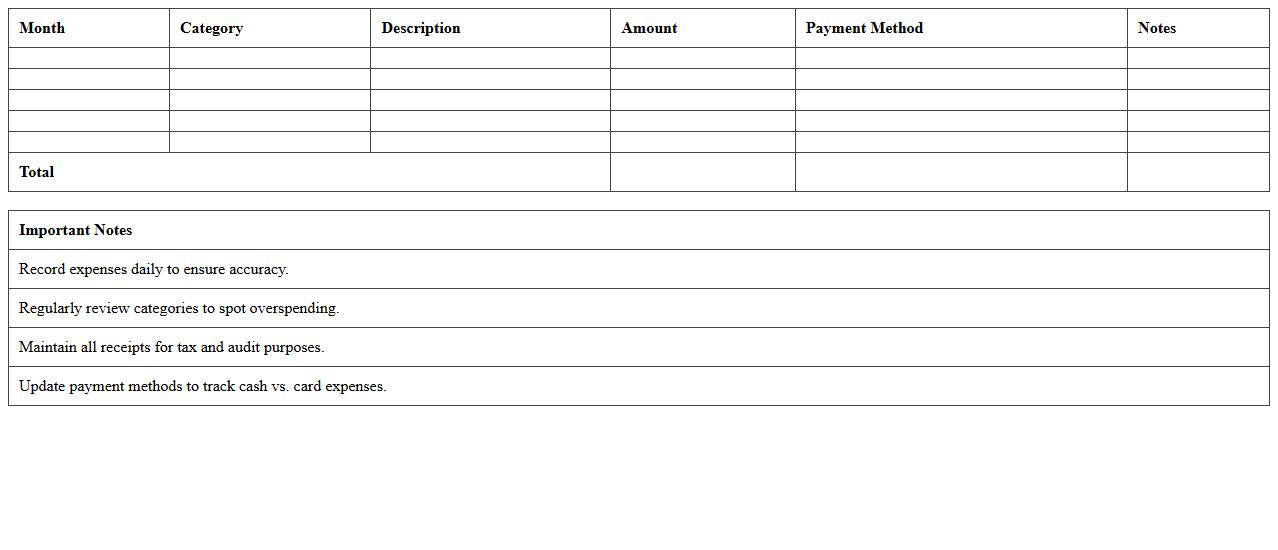
A
Monthly Expense Report Template for Small Businesses is a structured document designed to track and categorize monthly expenditures systematically, helping business owners manage their finances effectively. It enables accurate monitoring of costs such as utilities, payroll, office supplies, and other operational expenses, facilitating better budgeting and financial forecasting. This template enhances decision-making by providing clear insights into spending patterns, reducing overspending, and improving cash flow management for small businesses.
Business Expense Reimbursement Spreadsheet
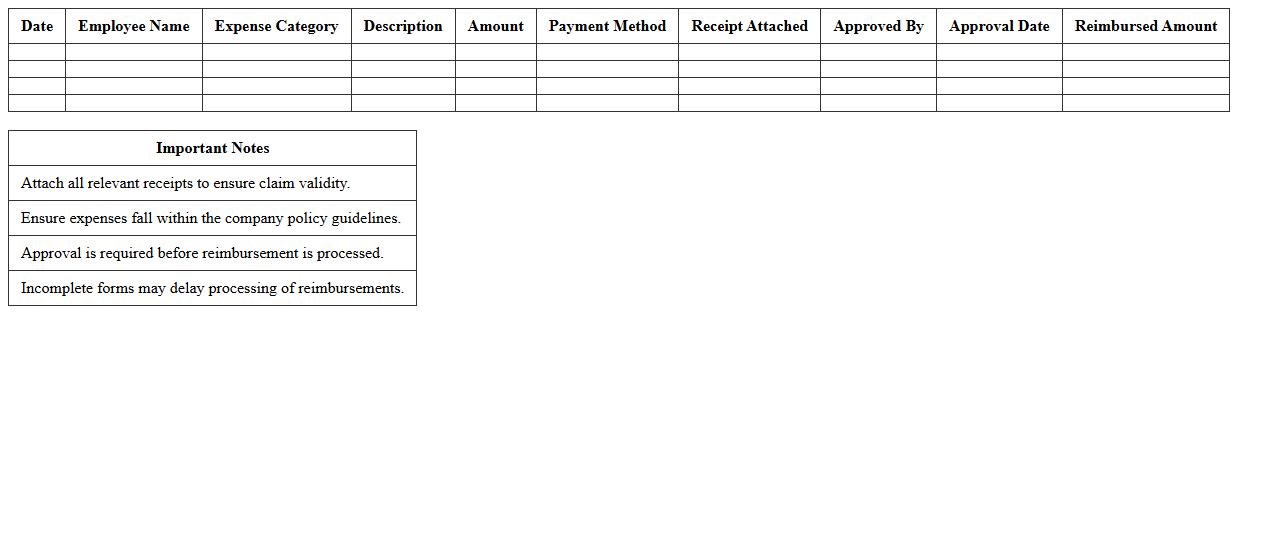
A
Business Expense Reimbursement Spreadsheet document systematically records and tracks employee expenses eligible for reimbursement, enabling accurate financial management and audit compliance. It categorizes expenses by date, type, amount, and approval status, simplifying approval workflows and ensuring transparency. This tool helps businesses maintain budget control, streamline reimbursement processes, and prevent errors or fraudulent claims.
Operating Expenses Log Excel Sheet
An
Operating Expenses Log Excel Sheet document is a spreadsheet designed to systematically record and track all business-related operating expenses, including rent, utilities, payroll, and supplies. It provides a clear, organized view of spending patterns, enabling better budget management, cost control, and financial analysis. By maintaining this log, businesses can improve expense forecasting, ensure accurate reporting, and enhance decision-making processes.
Simple Small Business Expense Ledger
A
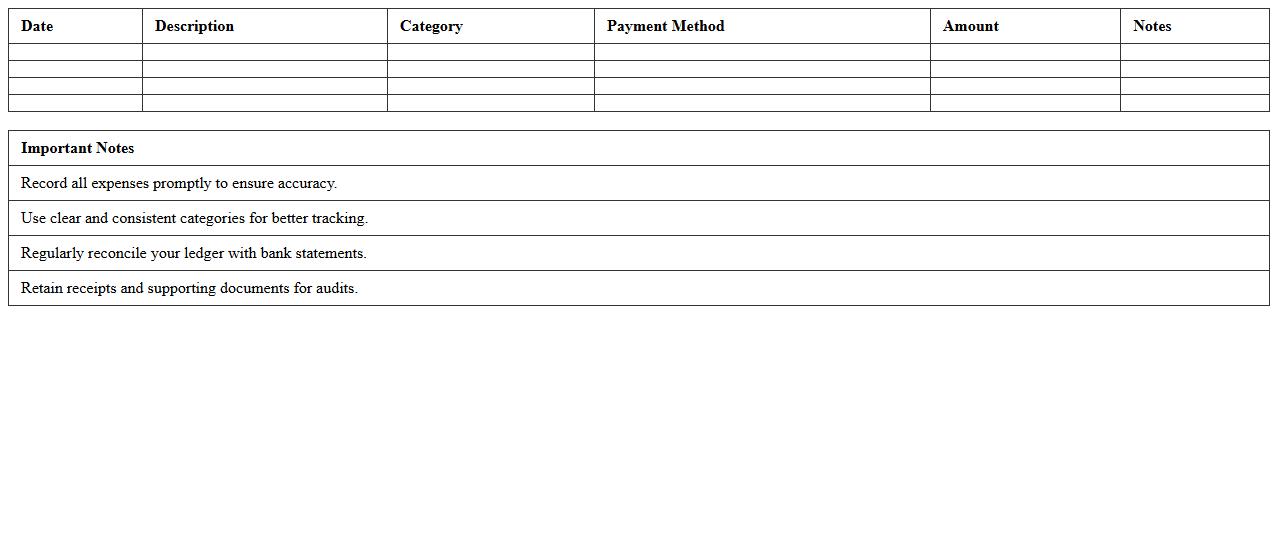
Simple Small Business Expense Ledger is a financial document designed to record and track all business-related expenses in an organized manner. It helps small business owners maintain accurate expense records, monitor cash flow, and prepare for tax filings efficiently. Using this ledger reduces errors in financial reporting and provides a clear overview of spending patterns crucial for budgeting and financial planning.
Business Travel and Entertainment Expense Sheet
A
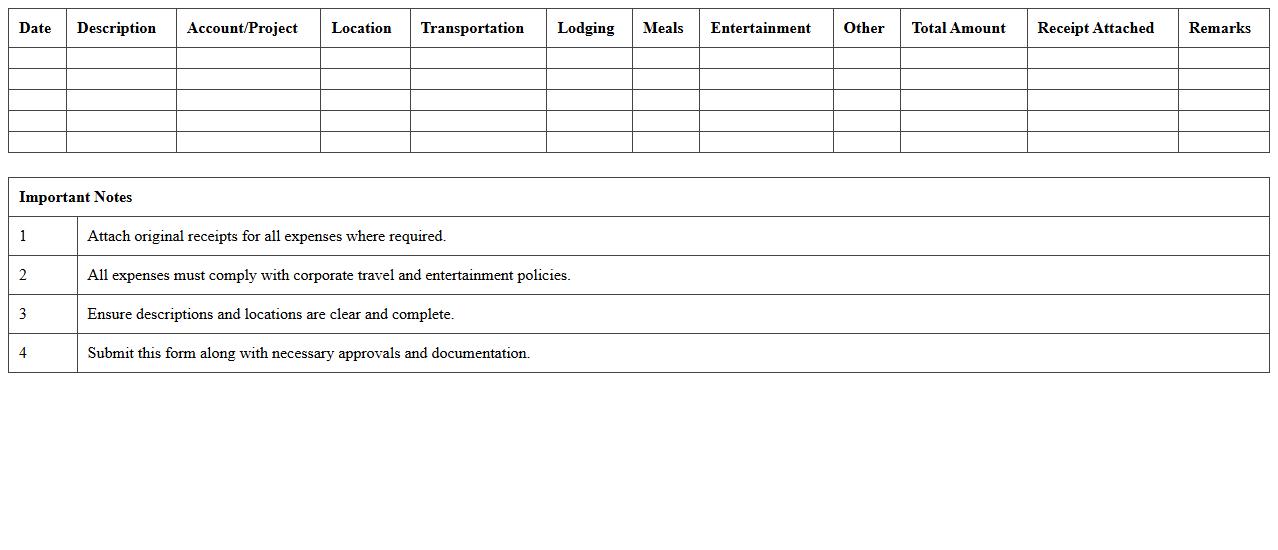
Business Travel and Entertainment Expense Sheet is a detailed document used to record and track expenses incurred during business trips and client entertainment activities. It helps organizations maintain accurate financial records, ensures compliance with company policies, and facilitates timely reimbursement and budgeting. Using this sheet improves transparency, reduces errors, and streamlines expense management processes.
Startup Cost Worksheet Template
A
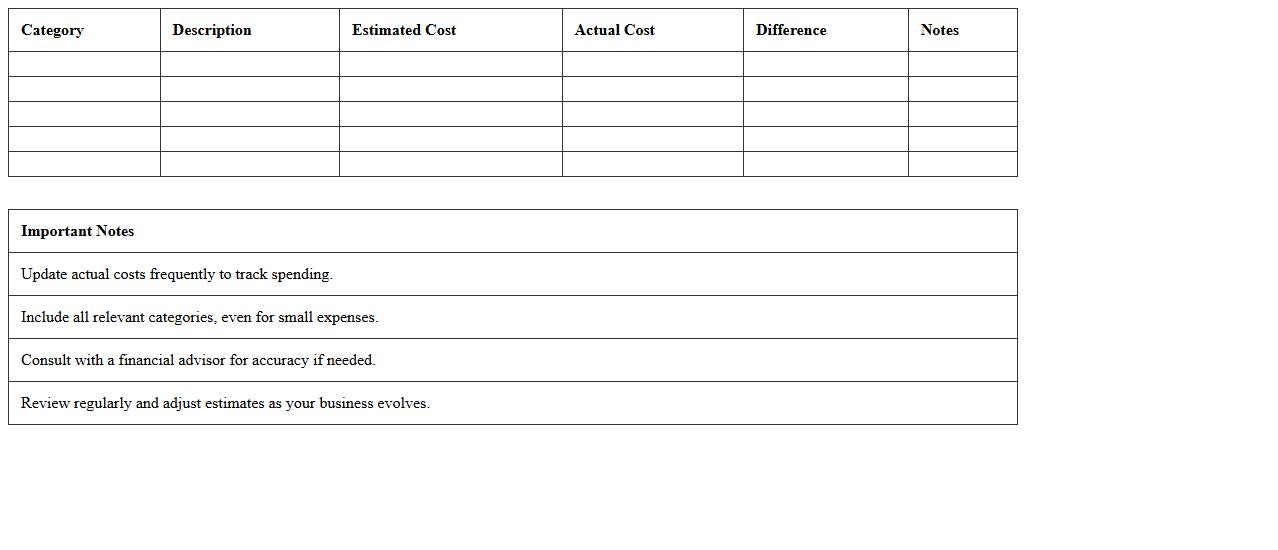
Startup Cost Worksheet Template is a structured document designed to help entrepreneurs estimate and organize the initial expenses required to launch a new business. It itemizes costs such as equipment, licenses, marketing, and operational expenses, providing clear visibility into the total capital needed. This template is useful for budgeting, securing funding, and ensuring financial preparedness during the critical startup phase.
Project Expense Tracking Excel Template
The
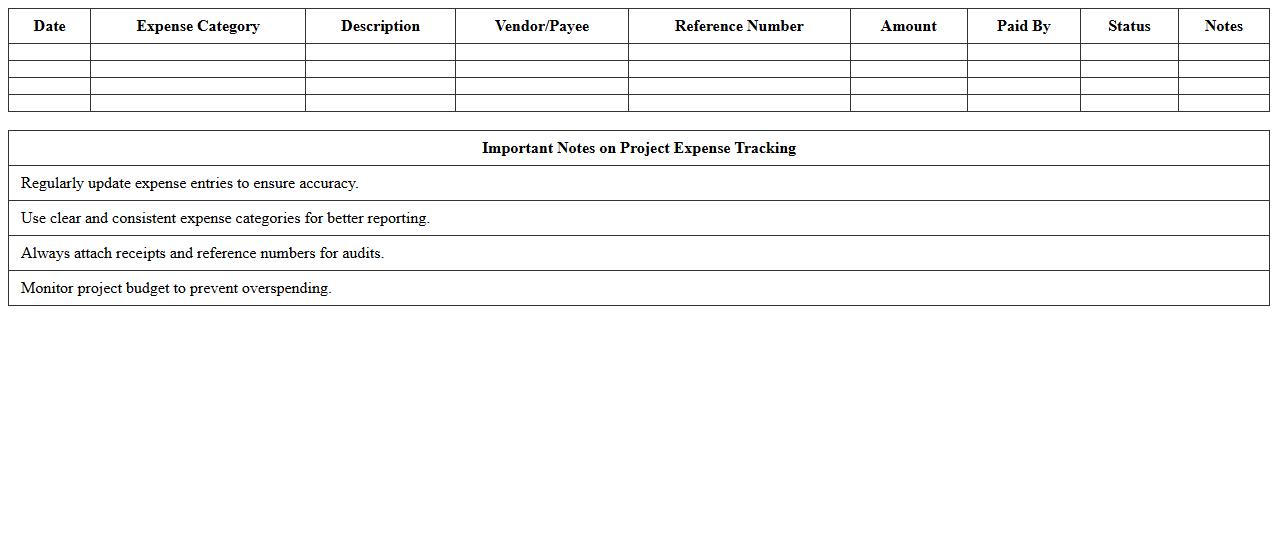
Project Expense Tracking Excel Template is a structured spreadsheet designed to monitor and manage all financial expenditures related to a project. It helps users record costs, categorize expenses, and compare actual spending against the budget to maintain financial control and prevent overspending. This tool improves project budgeting accuracy, enhances accountability, and supports informed decision-making by providing clear visibility into project financials.
Office Supplies Expense Register
An
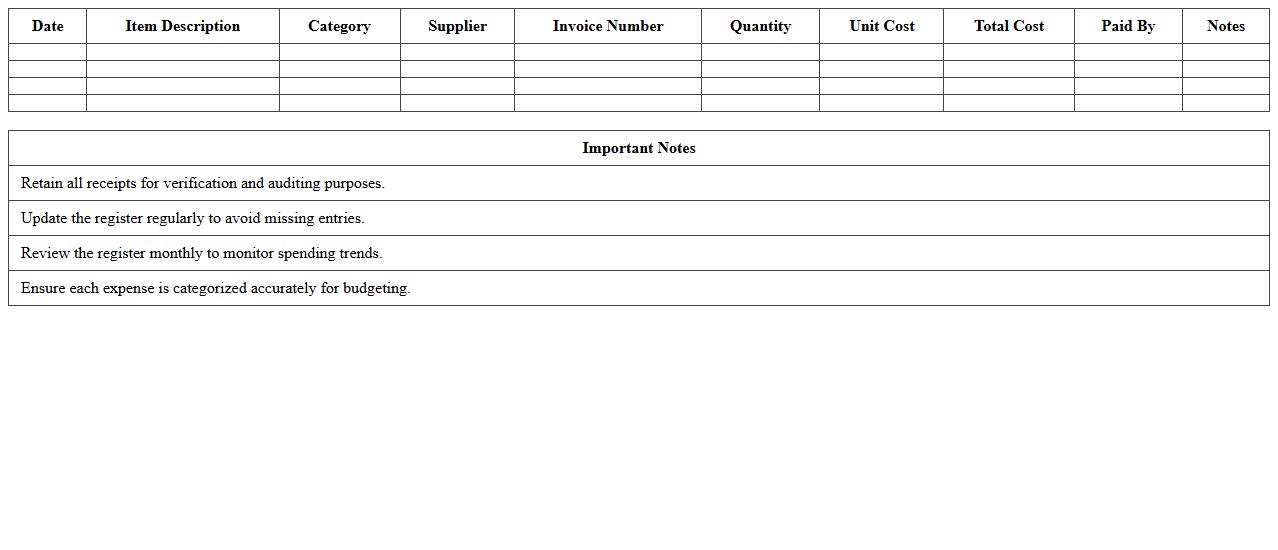
Office Supplies Expense Register document records all purchases and expenditures related to office supplies, providing a detailed account of costs over a specific period. This register helps businesses track spending patterns, manage budgets effectively, and ensure accurate financial reporting for office supply expenses. Maintaining this document supports expense control and facilitates auditing processes by offering clear, organized data on office supply usage.
Annual Expense Summary Template for Small Business
An
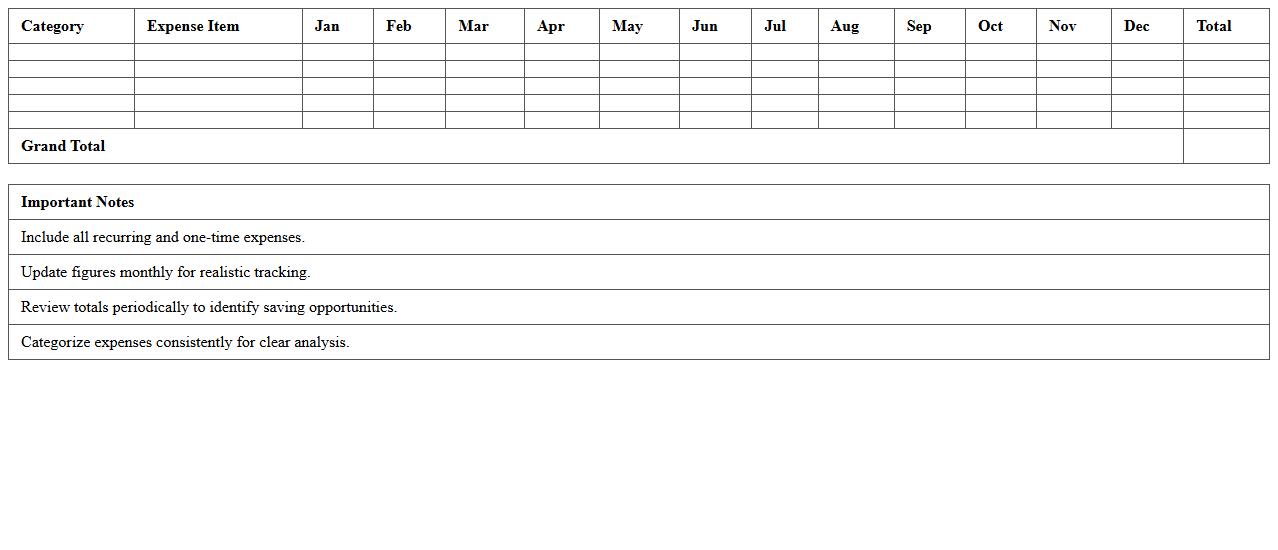
Annual Expense Summary Template for Small Business is a structured document that compiles all yearly expenditures, categorizing costs such as operational expenses, payroll, marketing, and supplies. This template simplifies financial tracking, enhances budgeting accuracy, and provides a clear overview for identifying cost-saving opportunities. Utilizing this summary enables small business owners to make informed financial decisions, streamline tax preparation, and improve overall fiscal management.
How to automate expense categorization in Excel for small business accounting?
To automate expense categorization in Excel, use the IF and VLOOKUP formulas to assign categories based on expense descriptions. Create a separate reference table listing keywords and corresponding categories for accuracy. Implement conditional formatting to visually differentiate expense types for quick review.
Which Excel formulas best track recurring business expenses?
The SUMIFS formula is ideal for tracking recurring expenses by summing values based on specific date ranges and expense categories. Use the EDATE function to generate recurring dates automatically. Combine these with COUNTIF to monitor the frequency of repeat expenses effectively.
How to set up approval workflows for expense documents in Excel?
Set up approval workflows by adding an approval status column with data validation drop-downs for 'Pending,' 'Approved,' or 'Rejected.' Use Excel's Comment feature to capture reviewer notes and timestamps. Link status updates with conditional formatting to highlight the current approval stage visually.
What's the most efficient way to attach and manage receipts within Excel?
The most efficient method to manage receipts is to insert them as hyperlinks or embedded objects within the spreadsheet. Store all receipt images in a dedicated folder and link them to corresponding expense entries. Use descriptive file names and create a systemized naming convention for easy retrieval.
How to generate monthly expense reports from Excel data for accountants?
Generate monthly expense reports by using PivotTables to summarize expenses by category and date. Filter data to the current month and export the summary to a separate report sheet. Apply charts and slicers for enhanced data visualization, making it easier for accountants to interpret the financial health.