Marketing Campaign Tracker Excel Template for Creative Teams
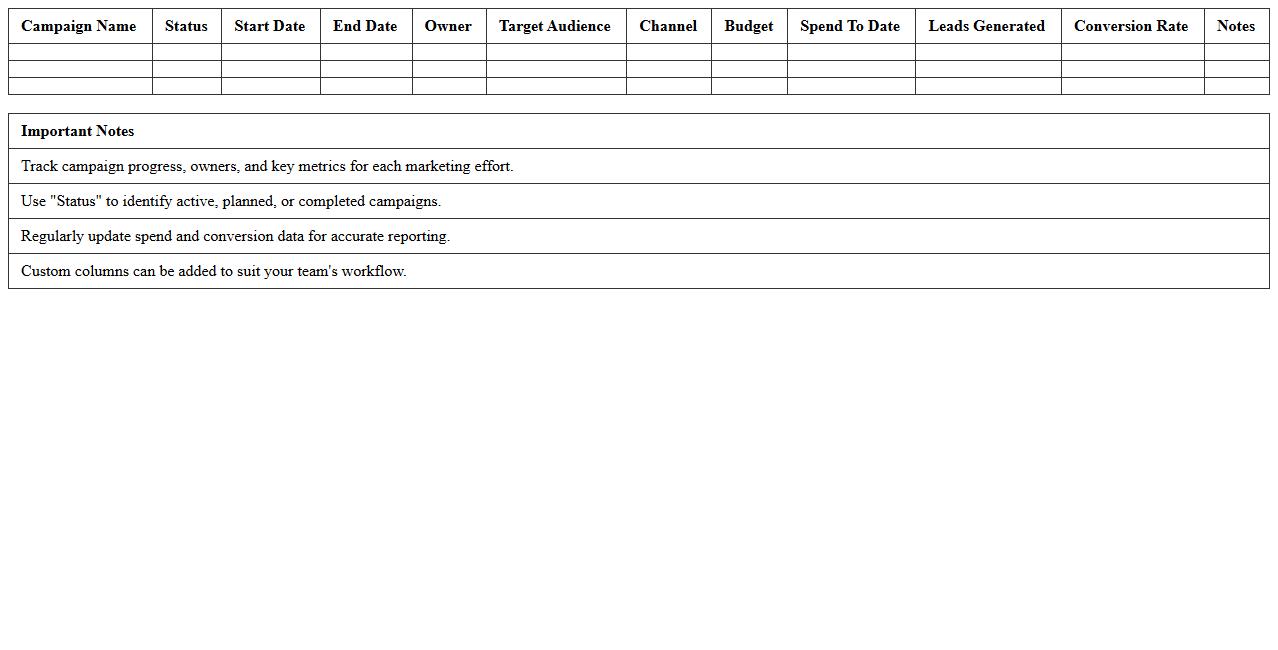
The
Marketing Campaign Tracker Excel Template for Creative Teams streamlines the management and monitoring of marketing initiatives by organizing campaign data, deadlines, and performance metrics in one accessible file. This tool enables teams to efficiently track progress, budget allocation, and ROI, ensuring alignment with project goals and timely adjustments. Utilizing this template enhances collaboration, accountability, and data-driven decision-making in dynamic marketing environments.
Creative Asset Management Excel Template for Marketing Projects
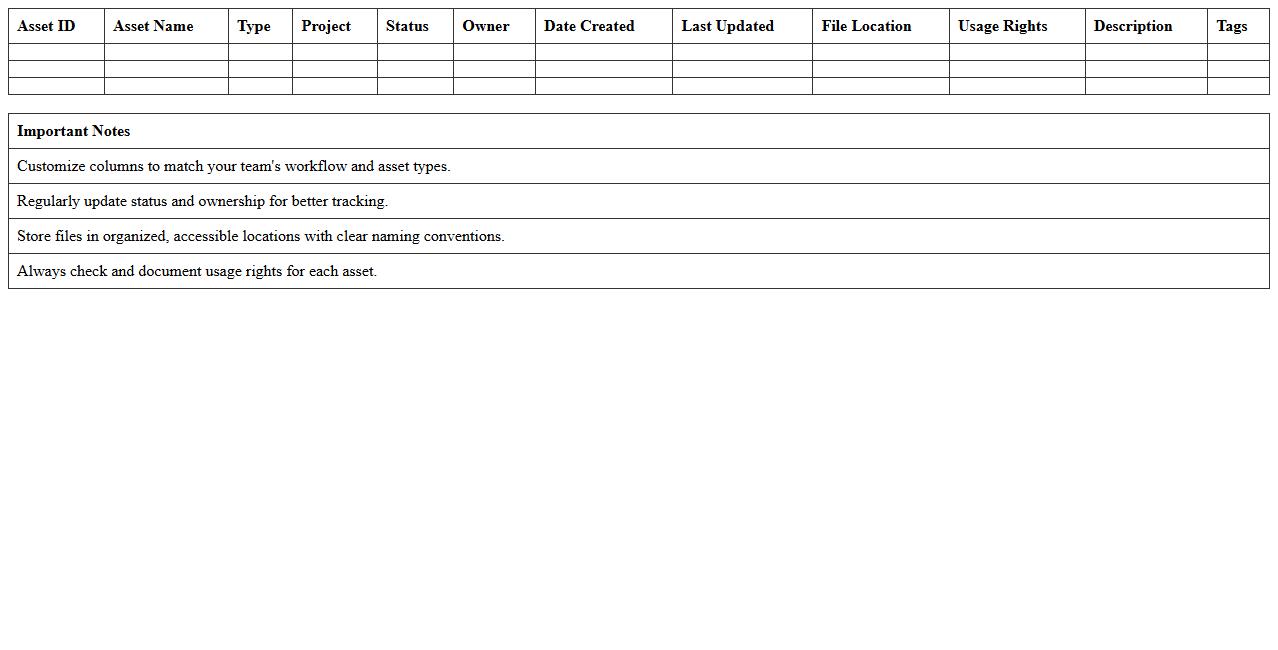
The
Creative Asset Management Excel Template for Marketing Projects is a structured spreadsheet designed to organize, track, and optimize all marketing assets such as images, videos, copy, and design files throughout the project lifecycle. It streamlines collaboration by providing clear visibility into asset status, deadlines, ownership, and usage rights, reducing delays and duplication. Using this template enhances efficiency in managing creative resources, ensuring timely delivery and alignment with campaign goals.
Social Media Content Calendar Excel Template for Creative Teams
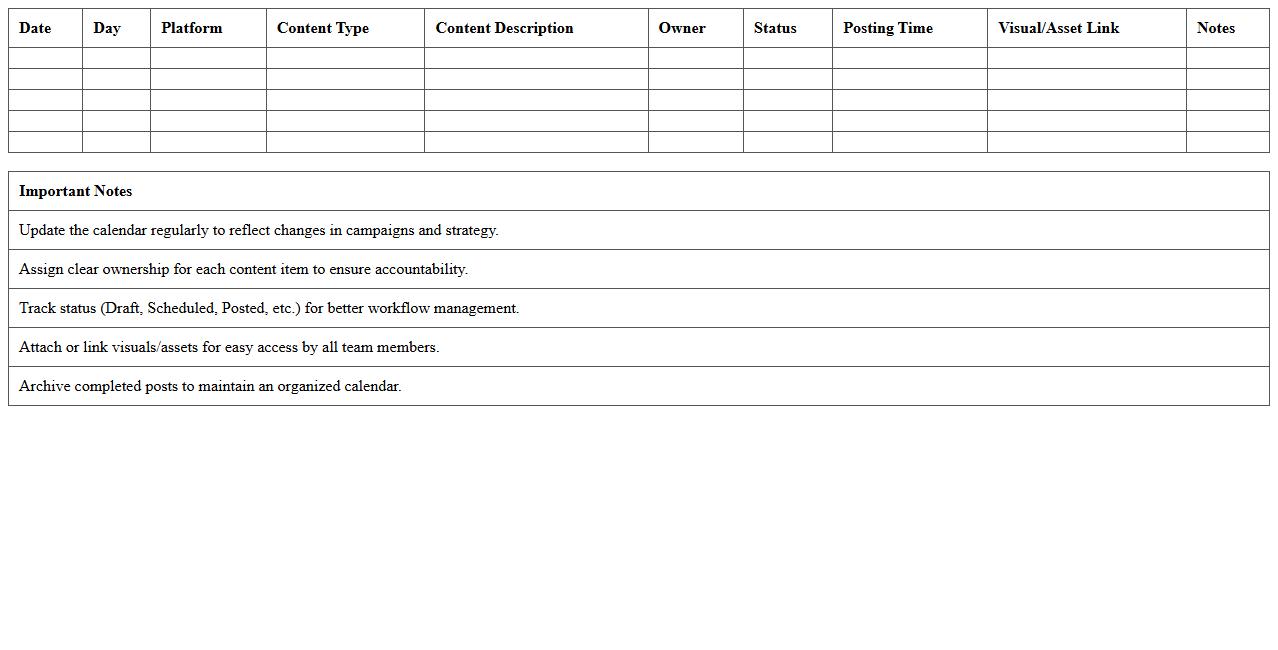
A
Social Media Content Calendar Excel Template for creative teams is a structured tool designed to organize and schedule social media posts across various platforms efficiently. It allows teams to plan content themes, assign tasks, track deadlines, and monitor post performance in one centralized spreadsheet, enhancing collaboration and ensuring consistency. Using this template helps streamline workflows, prevents content overlap, and maximizes audience engagement by maintaining a well-timed posting strategy.
Marketing Project Timeline & Milestone Excel Template
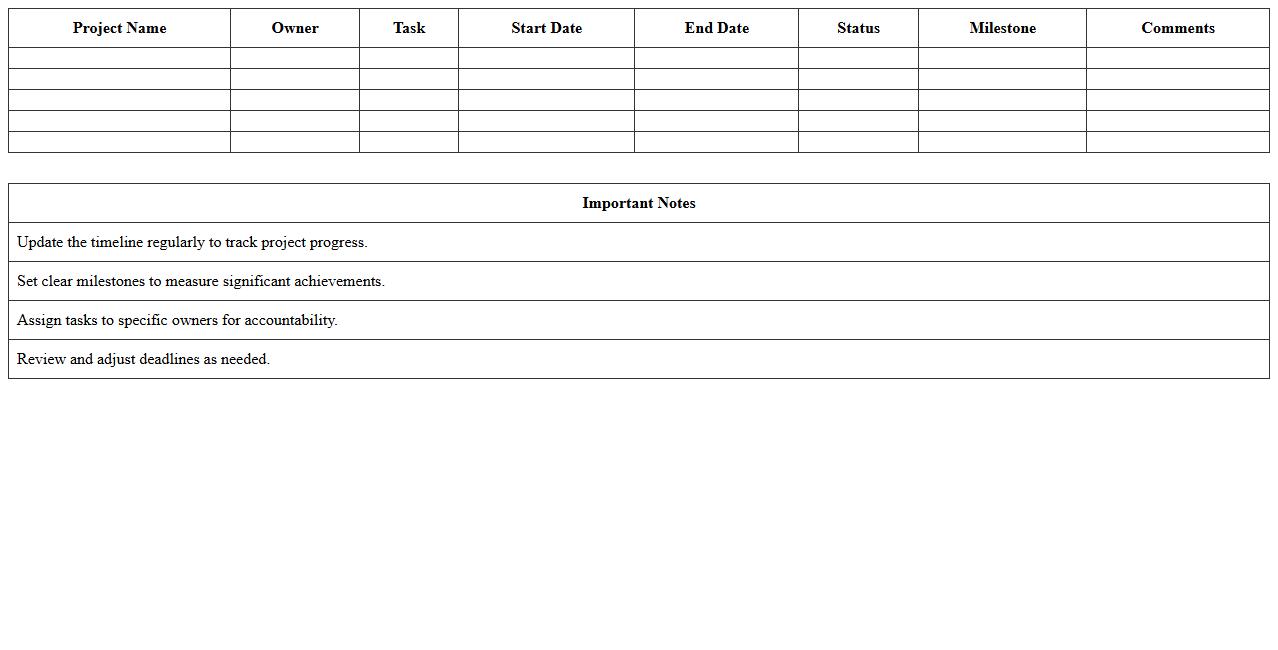
The
Marketing Project Timeline & Milestone Excel Template is a structured document designed to help track key phases, deadlines, and deliverables within a marketing project. It enables marketers to visualize project progression, allocate resources efficiently, and ensure timely completion of tasks by clearly outlining milestones. Using this template improves project management clarity, enhances team collaboration, and increases the likelihood of meeting campaign goals on schedule.
Creative Team Collaboration Task Tracker Excel Template
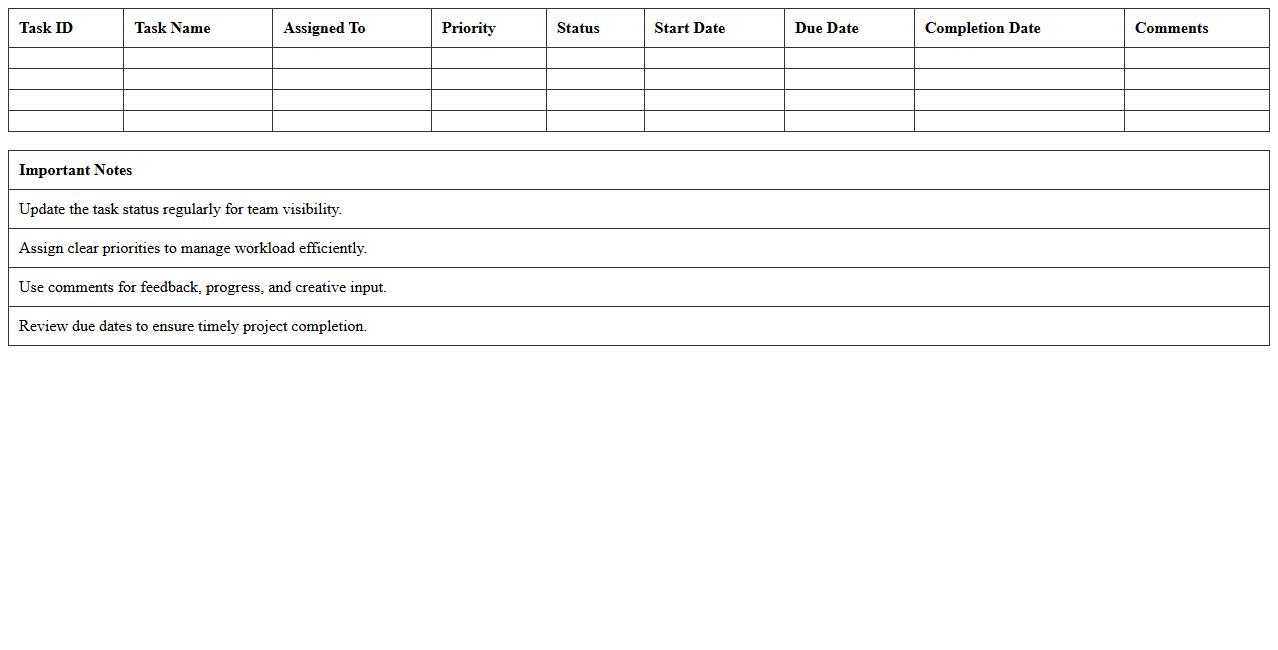
The
Creative Team Collaboration Task Tracker Excel Template is a structured tool designed to organize, assign, and monitor tasks within a creative team environment. It streamlines workflow by providing clear visibility on project progress, deadlines, and individual responsibilities, enhancing productivity and accountability. Using this template helps teams coordinate efforts efficiently, reduce miscommunication, and ensure timely delivery of creative projects.
Marketing Budget Planner Excel Template for Creative Projects
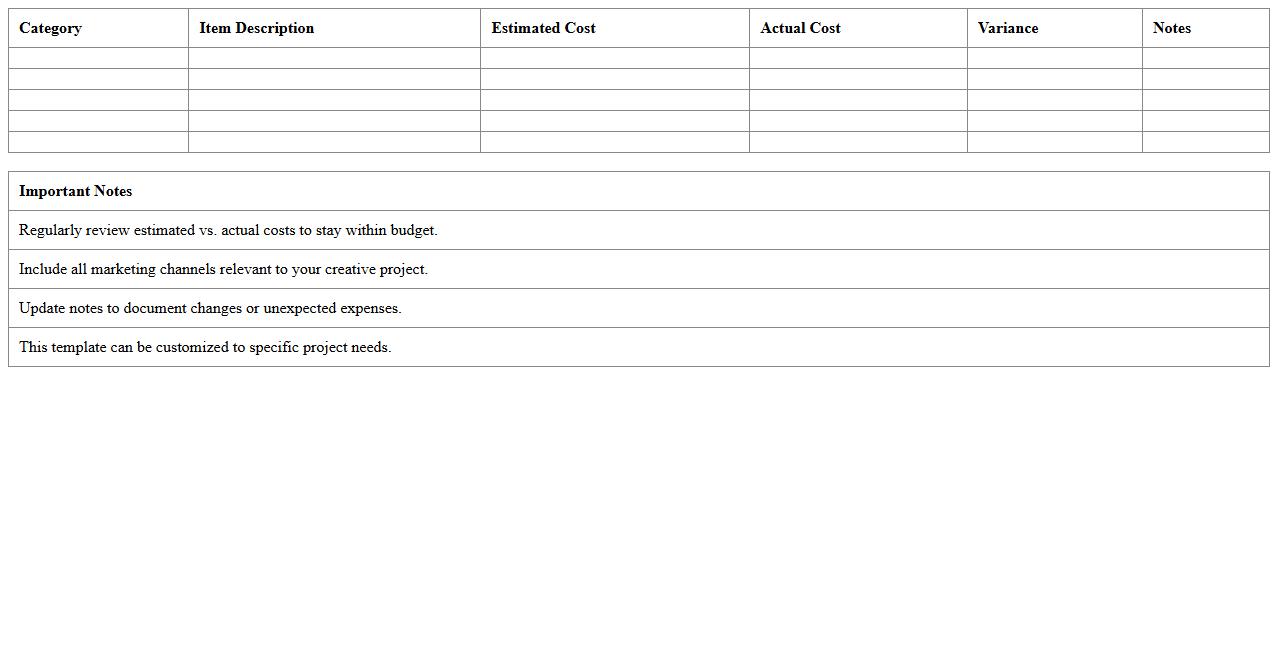
The
Marketing Budget Planner Excel Template for creative projects is a structured tool designed to help allocate funds efficiently across various marketing activities, ensuring optimal resource management. It allows users to track expenses, forecast costs, and analyze budget variances in real-time, enhancing financial control and transparency. By providing a clear overview of marketing investments, this template supports informed decision-making and improves project profitability.
Marketing Project Status Dashboard Excel Template for Teams
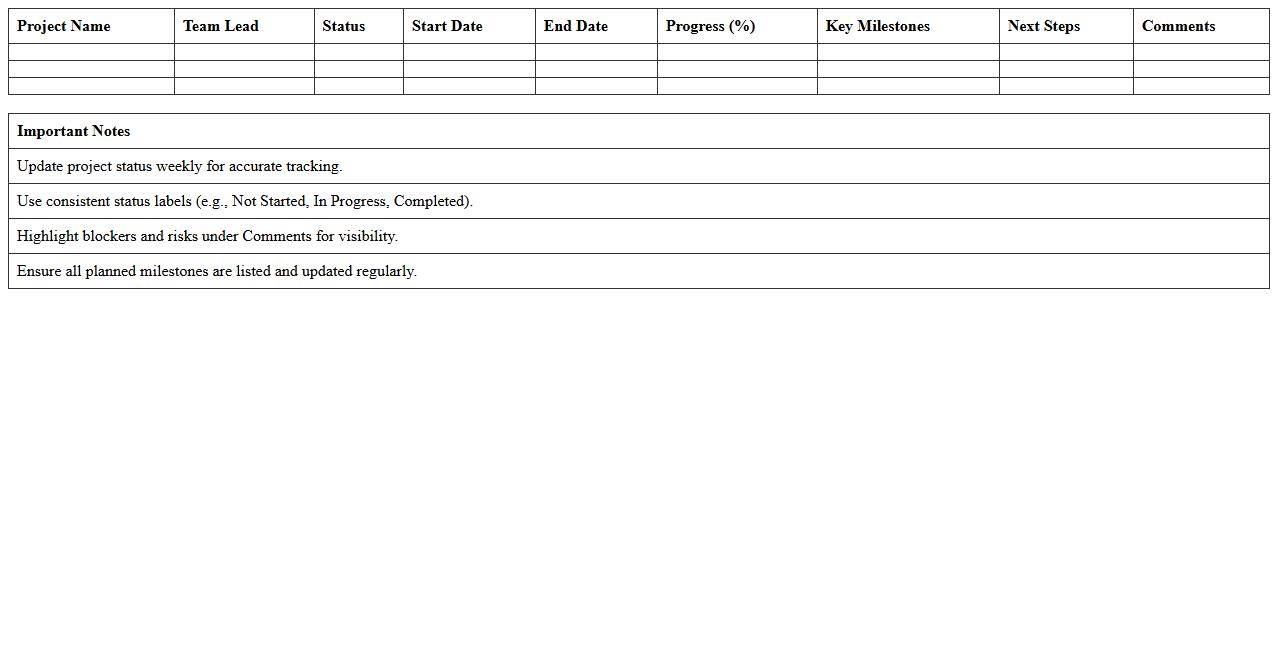
The
Marketing Project Status Dashboard Excel Template for Teams is a comprehensive tool designed to track and visualize the progress of marketing projects collaboratively. It consolidates key performance indicators, deadlines, and resource allocation into an easy-to-read format, enhancing transparency and communication among team members. By streamlining project updates and identifying bottlenecks early, this template boosts efficiency and helps ensure timely delivery of marketing campaigns.
Digital Marketing Task Assignment Excel Template for Creatives
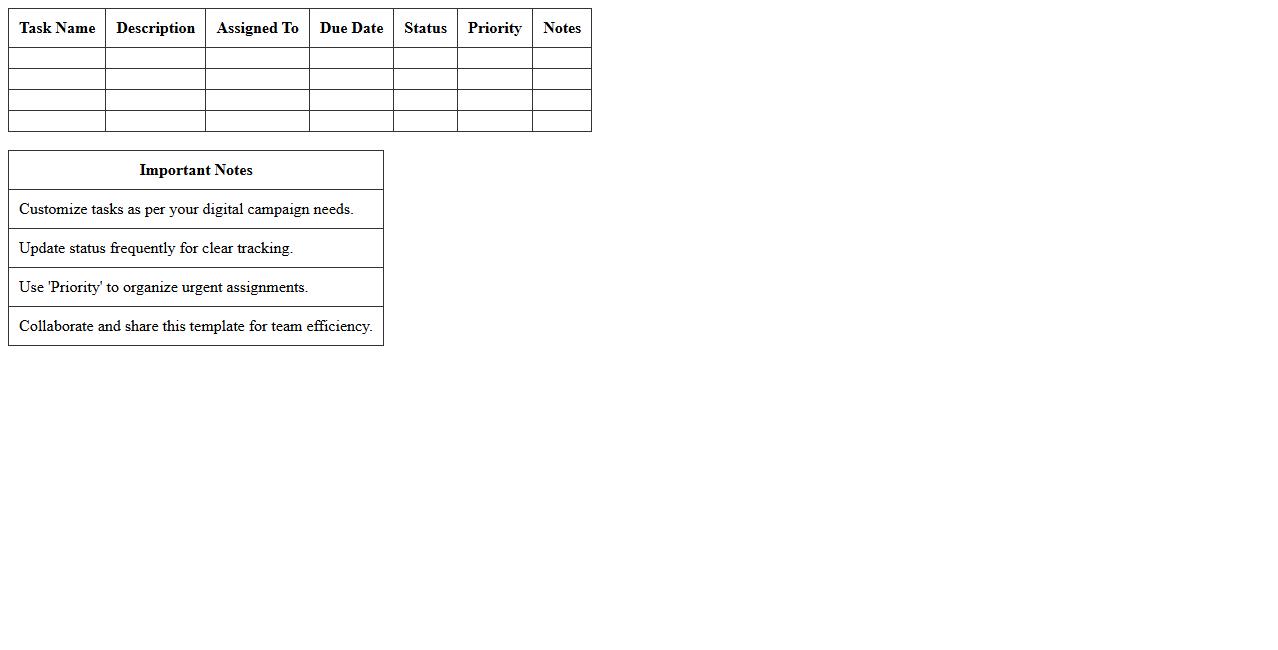
The
Digital Marketing Task Assignment Excel Template for Creatives is a structured document designed to organize and track marketing tasks efficiently, streamlining project management for creative teams. It helps allocate responsibilities, set deadlines, and monitor progress, ensuring clear communication and accountability within marketing campaigns. This template enhances productivity by providing a centralized platform for managing digital marketing activities and optimizing team collaboration.
Marketing Deliverables Checklist Excel Template for Team Projects
A
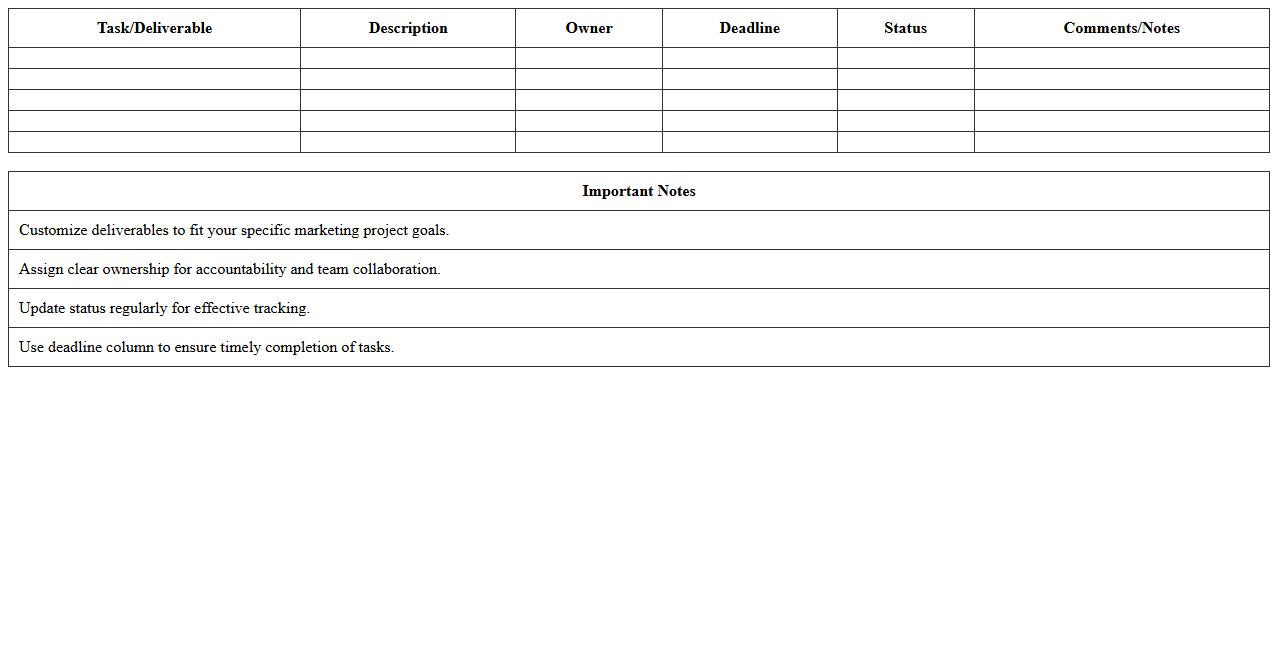
Marketing Deliverables Checklist Excel Template for team projects is a structured document designed to track and manage marketing tasks and deadlines efficiently. It ensures all project members are aligned on deliverables, timelines, and responsibilities, improving coordination and accountability. This tool helps streamline project workflows, minimize missed deadlines, and enhance overall team productivity in marketing campaigns.
Creative Brief Workflow Tracker Excel Template for Marketing Teams
The
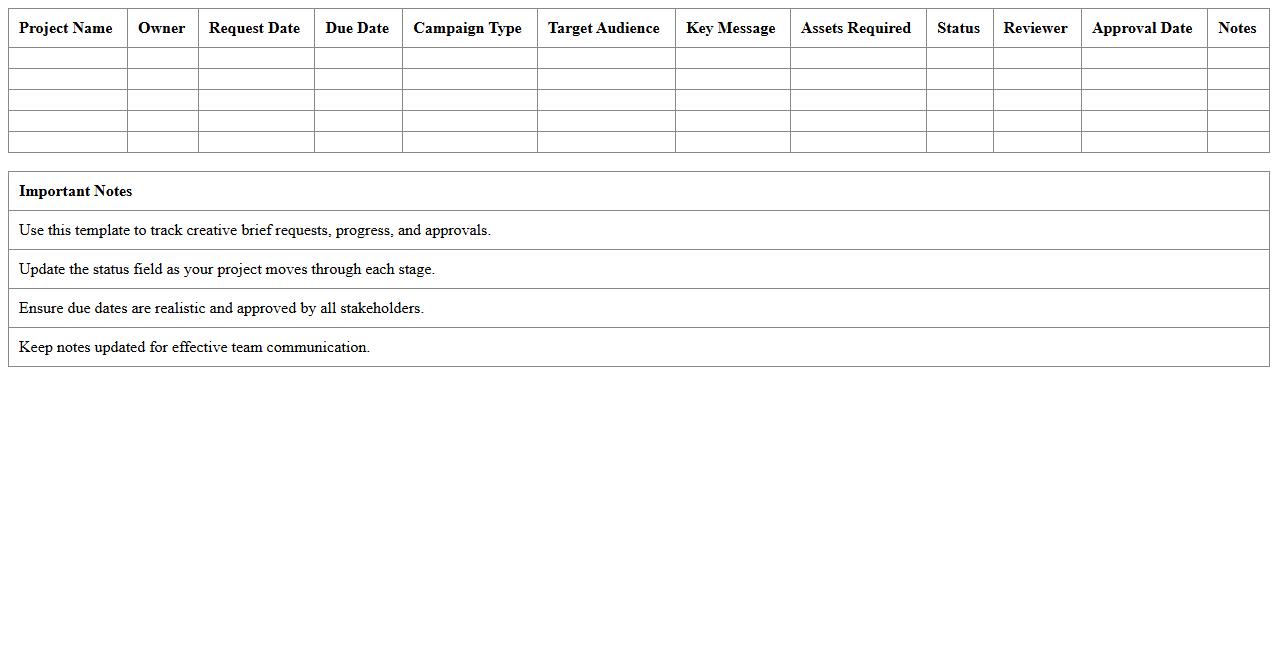
Creative Brief Workflow Tracker Excel Template for Marketing Teams is a structured document designed to streamline project planning and execution by organizing creative briefs, tracking progress, and managing deadlines. It enhances team collaboration by providing clear visibility into task status, responsibilities, and client feedback, ensuring all marketing initiatives align with strategic goals. Using this template reduces miscommunication, improves efficiency, and facilitates timely delivery of marketing campaigns.
How can conditional formatting be used to highlight overdue tasks in the tracker?
Conditional formatting in the tracker applies color codes to cells based on task status. Overdue tasks can be highlighted by setting a rule that checks if the due date is before today's date and the task is not marked complete. This visual cue instantly draws attention to pending deadlines.
What formula calculates project completion rates by campaign type?
The tracker uses a formula combining COUNTIF and SUMIF functions to calculate completion rates. It filters tasks by campaign type and then divides the number of completed tasks by the total tasks in that campaign. This yields an accurate completion percentage for each campaign category.
How does the tracker differentiate between in-house and outsourced creative assets?
The tracker uses a dedicated dropdown field or tag to label assets as either in-house or outsourced. This classification allows sorting and filtering to manage resources effectively. By distinguishing asset origin, the tracker improves project resource allocation.
Can the tracker auto-generate weekly status summary letters for stakeholders?
Yes, the tracker integrates with reporting tools to automatically generate weekly summaries. It pulls key metrics and updates to create formatted status letters for stakeholders. This automation enhances communication efficiency and project transparency.
What fields track revision cycles for individual deliverables in the project letter?
The tracker includes specific fields such as revision number, date of last revision, and comments for each deliverable. These fields log every iteration to maintain a clear history of changes. Tracking revisions ensures quality control and accountability.