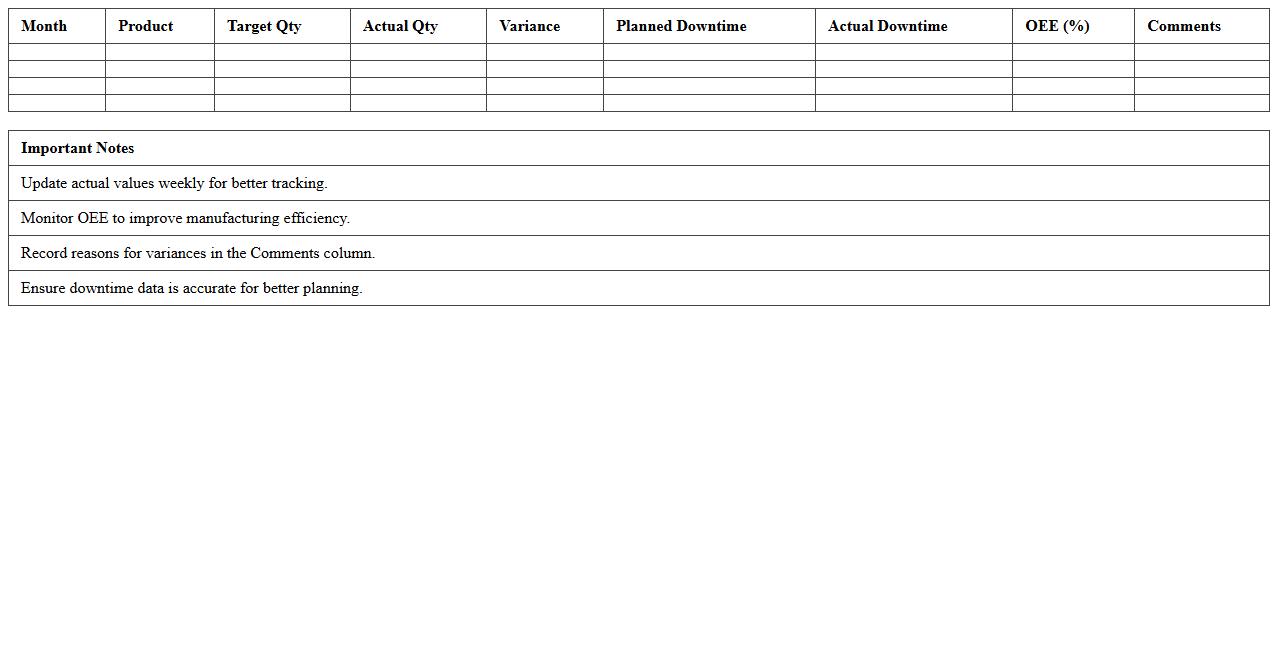
The Manufacturing Production Schedule Excel Template for Small Businesses streamlines workflow by organizing production timelines and resource allocation efficiently. This template provides customizable fields to track materials, labor, and deadlines, ensuring timely project completion. Small businesses benefit from improved visibility and control over their manufacturing processes.
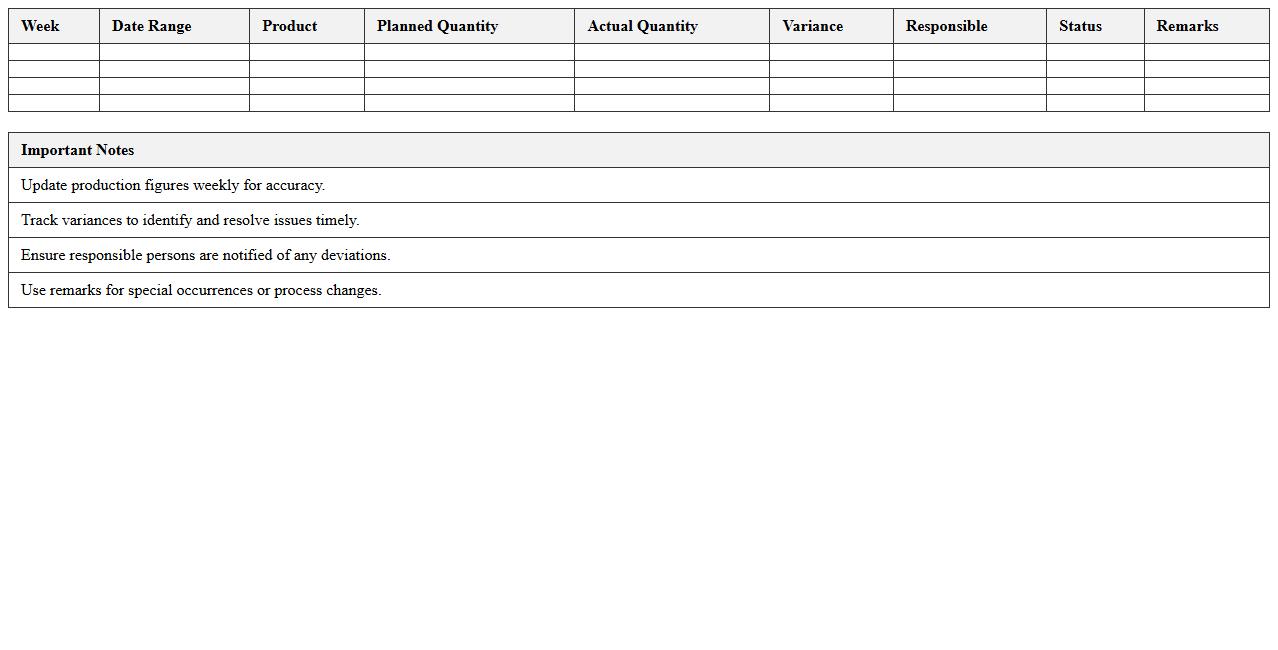
Weekly Production Planning Schedule Excel Template
The
Weekly Production Planning Schedule Excel Template is a structured spreadsheet designed to organize and monitor production tasks, timelines, and resource allocation on a weekly basis. It helps manufacturers and production managers optimize workflow, reduce downtime, and improve efficiency by providing clear visibility into scheduled activities and deadlines. This template enables better coordination of labor, materials, and equipment, ensuring timely completion of production goals and minimizing costly delays.
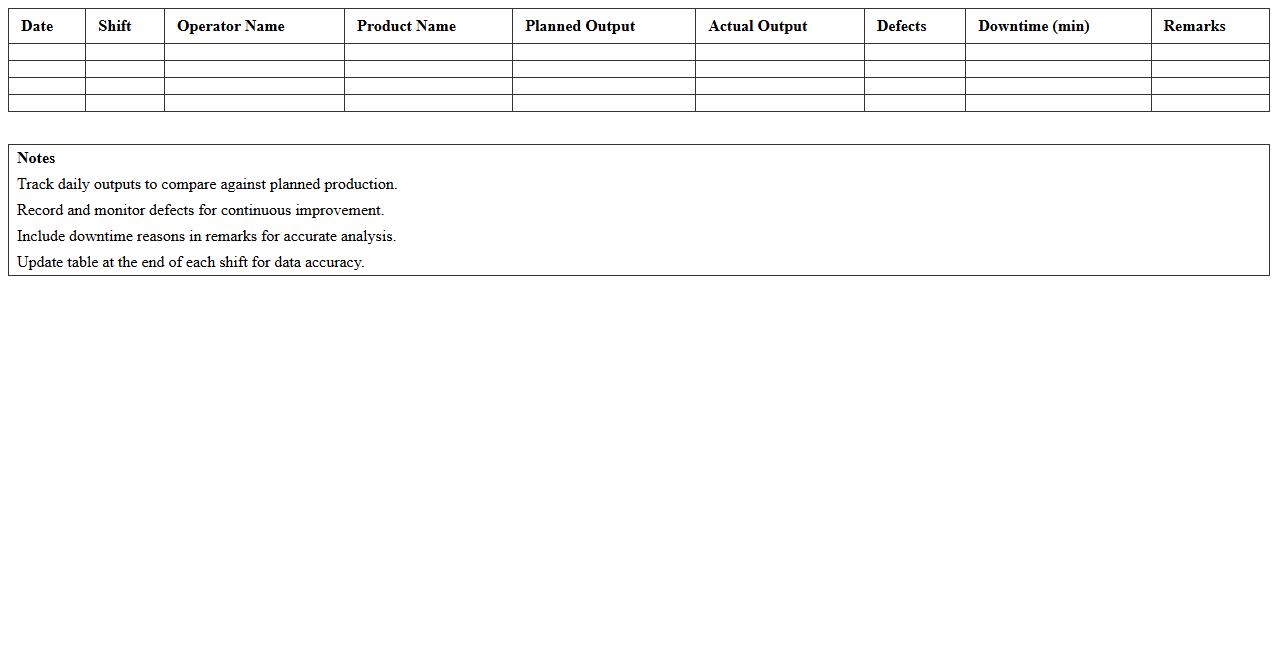
Daily Manufacturing Output Tracking Spreadsheet
The
Daily Manufacturing Output Tracking Spreadsheet is a document designed to record and monitor production metrics on a daily basis, ensuring accurate data collection for manufacturing processes. It helps identify trends, measure efficiency, and detect bottlenecks by providing real-time insights into output volumes, machine performance, and labor productivity. This tool enhances operational decision-making and supports continuous improvement in manufacturing workflows.
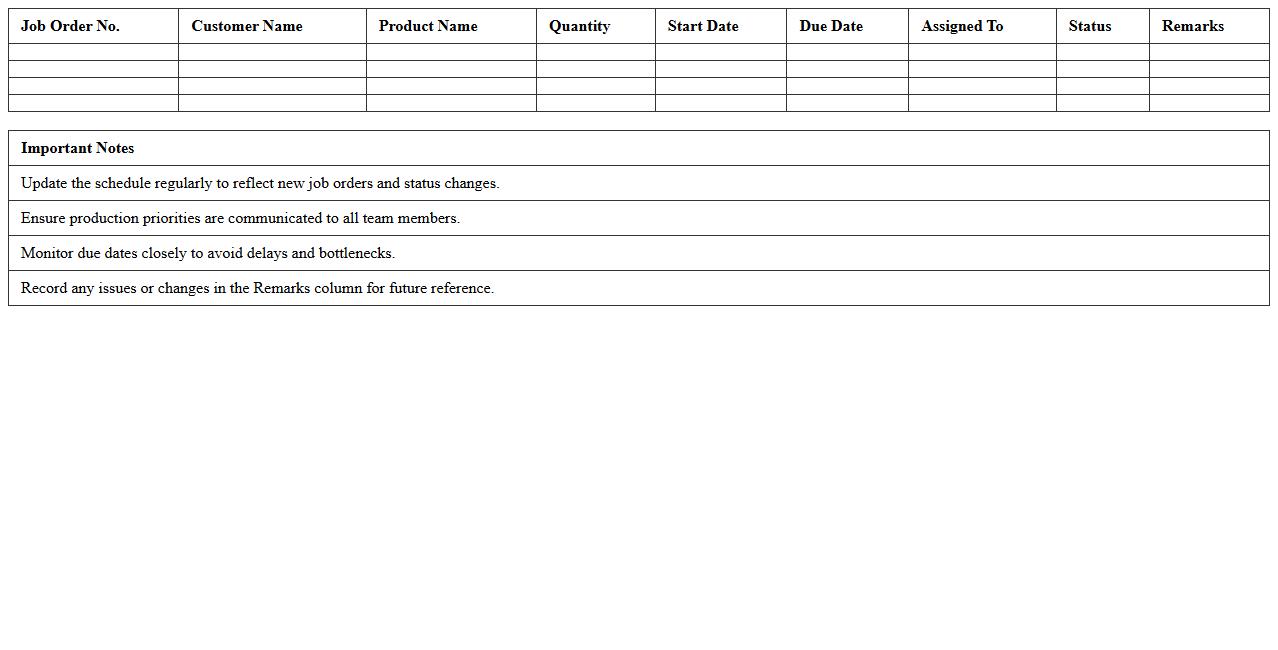
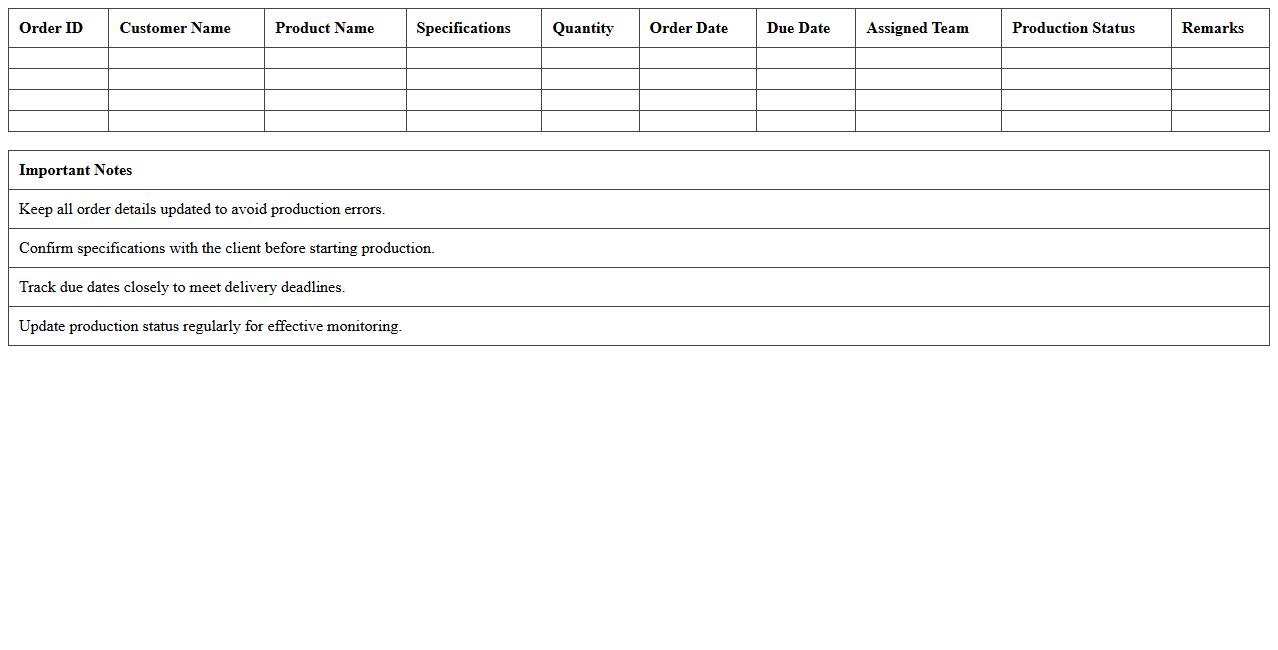
Job Order Production Scheduling Excel Sheet
A
Job Order Production Scheduling Excel Sheet is a detailed document used to plan and track production tasks for specific customer orders, ensuring efficient workflow and timely completion. It helps allocate resources, monitor progress, and manage deadlines by organizing job orders in a structured and transparent format. This tool enhances productivity, reduces downtime, and improves overall manufacturing management by providing real-time visibility into each job's status.
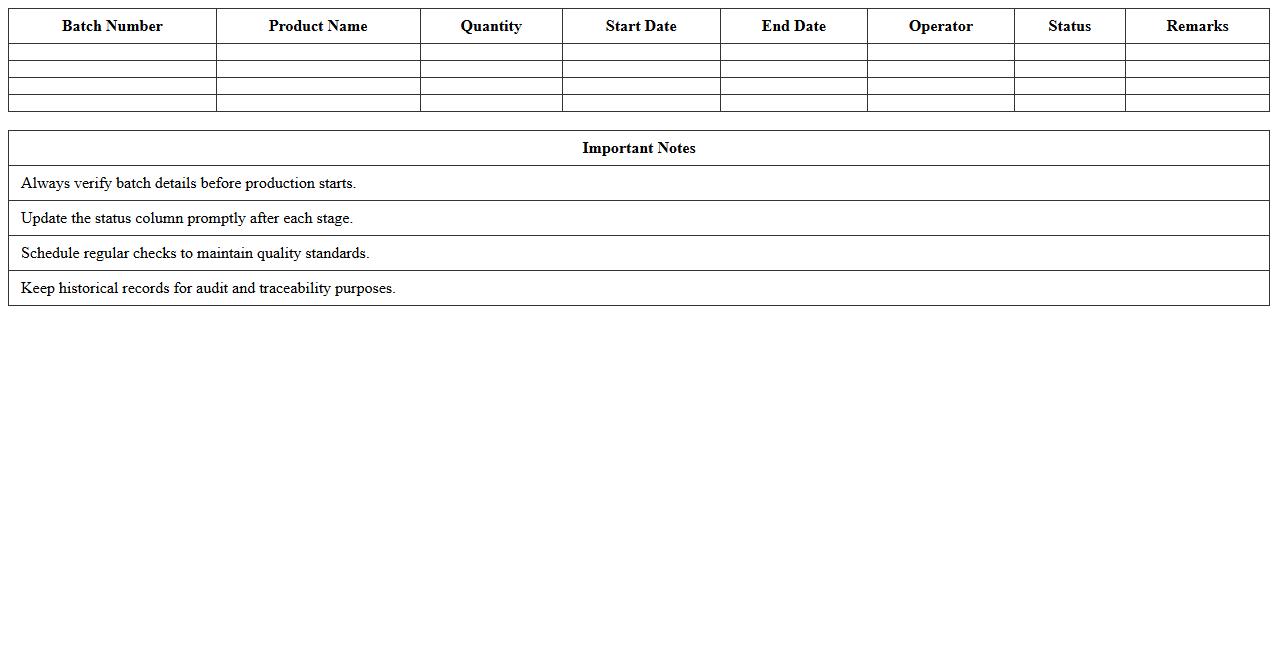
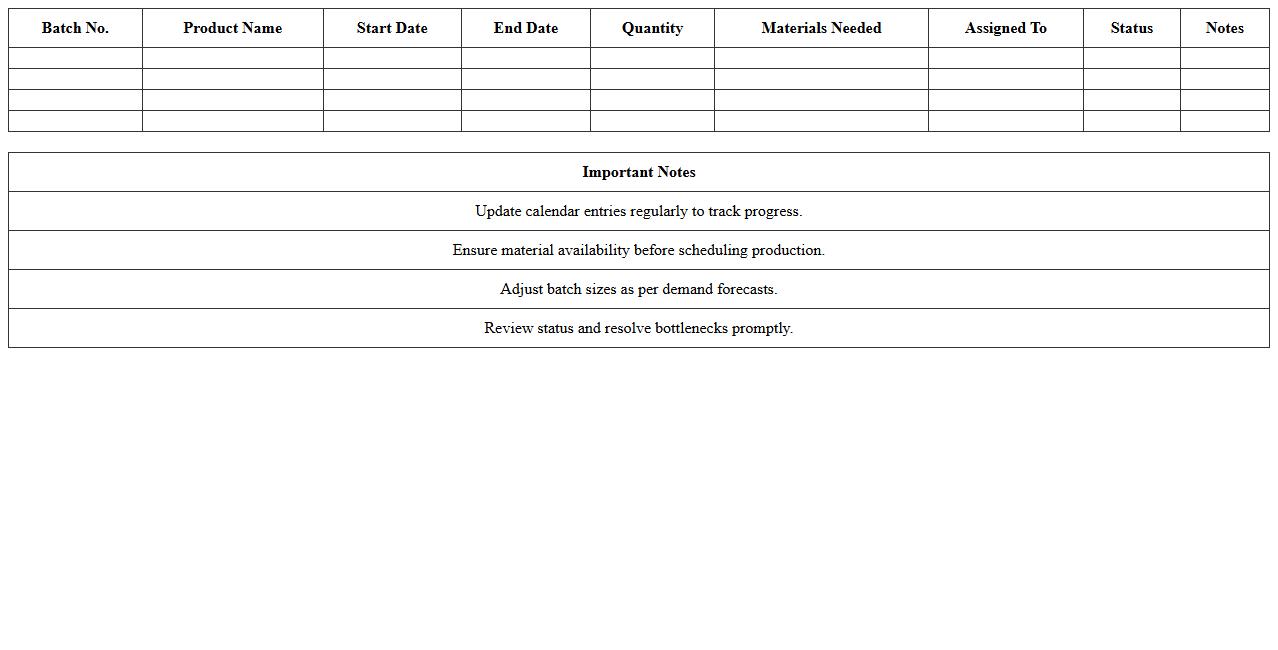
Simple Batch Manufacturing Schedule Template
A
Simple Batch Manufacturing Schedule Template is a structured document designed to organize and streamline the production process by outlining specific batch quantities, timelines, and resources needed. It helps manufacturers efficiently allocate materials and labor, reducing downtime and minimizing production delays. This template improves overall workflow visibility, ensuring timely order fulfillment and better inventory management.
Custom Product Manufacturing Planner in Excel
A
Custom Product Manufacturing Planner in an Excel document is a tailored tool designed to streamline production scheduling, resource allocation, and inventory management for manufacturing processes. It enables users to input specific product details, timelines, and material requirements, generating clear plans that optimize workflow and reduce delays. Utilizing this planner improves operational efficiency, enhances cost control, and supports data-driven decision-making within manufacturing environments.
Small Batch Production Calendar Spreadsheet
A
Small Batch Production Calendar Spreadsheet document is a detailed scheduling tool designed to manage and track production timelines for limited quantity manufacturing runs. It helps optimize workflow by organizing key dates, resource allocation, and order deadlines, reducing the risk of delays and inventory shortages. By enhancing visibility over small batch operations, this spreadsheet improves efficiency and supports timely decision-making in production management.
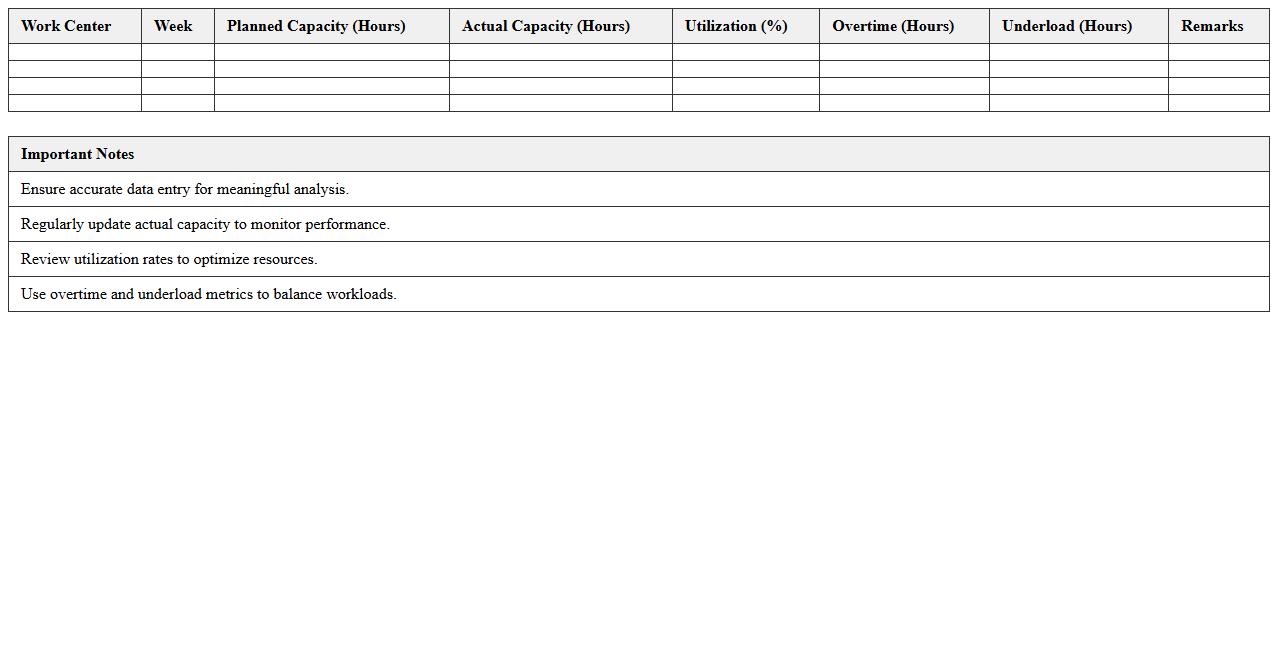
Work Center Capacity Planning Excel Template
The
Work Center Capacity Planning Excel Template is a structured tool designed to help businesses efficiently allocate resources and manage workloads in manufacturing or production settings. It enables tracking of machine hours, labor availability, and production schedules to optimize output while minimizing bottlenecks. This template improves decision-making by providing clear visibility into capacity constraints and potential adjustments needed for timely project completion.
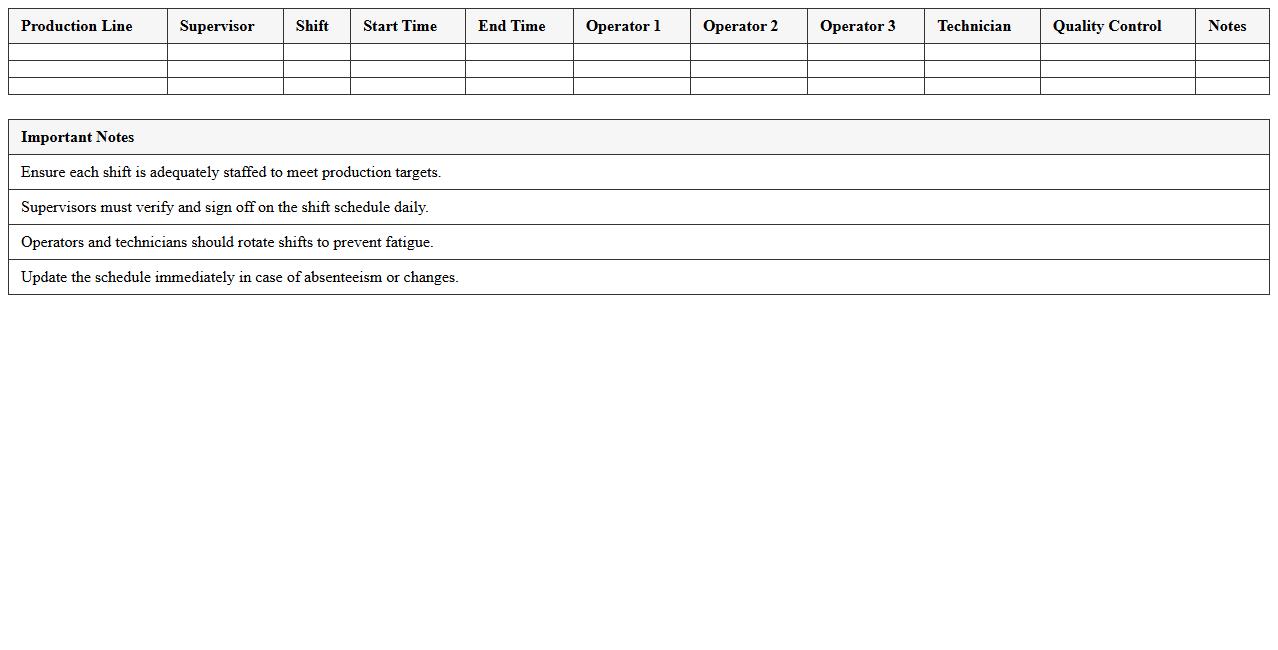
Production Line Staffing and Shift Schedule Template
A
Production Line Staffing and Shift Schedule Template document organizes workforce allocation and shift timings efficiently for manufacturing operations. It helps managers optimize labor distribution, reduce downtime, and ensure continuous production flow by clearly outlining staff roles and shift patterns. This template enhances operational productivity and workforce management by providing a structured overview of employee schedules and resource planning.
Monthly Manufacturing Schedule Dashboard Excel
The
Monthly Manufacturing Schedule Dashboard Excel document is a dynamic tool designed to organize, visualize, and track production timelines and resource allocation within a manufacturing process. It enables managers to monitor key performance indicators such as production volume, machine utilization, and workflow efficiency on a monthly basis, facilitating data-driven decisions. This dashboard improves operational planning, reduces downtime, and enhances communication between departments by providing a clear overview of manufacturing schedules and deadlines.
Reorder and Inventory Level Production Schedule Excel
The
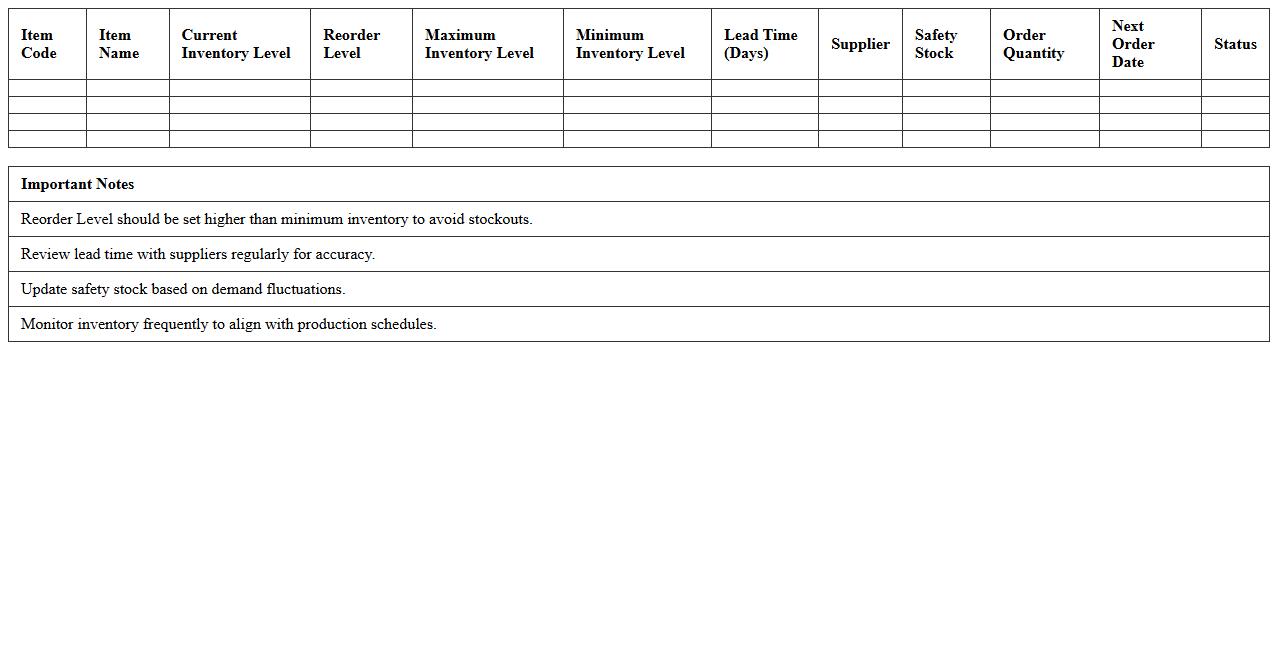
Reorder and Inventory Level Production Schedule Excel document is a powerful tool designed to track stock quantities, forecast demand, and determine optimal reorder points for seamless production flow. By monitoring inventory levels and aligning them with production schedules, it helps prevent stockouts and excess inventory, improving operational efficiency. This document enables businesses to make data-driven decisions, enhancing supply chain management and reducing costs.
How can I automate work order tracking in a Manufacturing Production Schedule Excel for small businesses?
To automate work order tracking, use Excel's built-in features like data validation and drop-down lists to standardize input. Implement formulas such as IF, VLOOKUP, and conditional formatting to dynamically update the status of each work order. Additionally, incorporating macros can further streamline and automate repetitive tracking processes for enhanced efficiency.
What formulas optimize raw material inventory levels in a small business production schedule worksheet?
Formulas such as SUMIFS and IFERROR help monitor and calculate raw material inventory levels accurately based on consumption and supply deliveries. Use the MIN and MAX functions combined with safety stock thresholds to maintain optimal inventory and avoid shortages or excesses. Integrating these with reorder point calculations ensures timely procurement supporting continuous production.
How do I integrate machine maintenance schedules into my Excel-based production planning?
Incorporate a dedicated sheet for machine maintenance schedules linked with your production timeline using Excel's DATE and NETWORKDAYS functions. Use conditional formatting to highlight upcoming or overdue maintenance activities that may affect production capacity. By integrating these schedules, you can proactively plan around machine downtime and minimize disruptions.
What conditional formats identify bottlenecks in a small business manufacturing schedule spreadsheet?
Apply conditional formatting rules using formulas to flag bottlenecks, such as cells where production time exceeds set thresholds or where queued work orders accumulate excessively. Color-coding stages with delays or over-capacity helps visually pinpoint constraints quickly. This enables managers to focus on critical areas needing process improvements or resource allocation.
How can I use Excel to compare planned vs. actual production quantities for small-scale manufacturing?
Create side-by-side columns for planned and actual production quantities and use formulas like ABS and PERCENTAGE CHANGE to measure variances. Visualize these comparisons through Excel charts or dashboards for quick performance insights. This analysis helps identify trends, inefficiencies, and opportunities for production optimization.
More Manufacturing Excel Templates