The Manufacturing Inventory Tracking Excel Template for Small Businesses helps streamline inventory management by providing a clear and organized way to track raw materials, work-in-progress, and finished goods. Its user-friendly format facilitates accurate recording of stock levels, reducing errors and preventing shortages or overstock situations. This template is ideal for small manufacturers aiming to improve efficiency and maintain cost control without investing in expensive software.
Raw Materials Inventory Log Excel Template
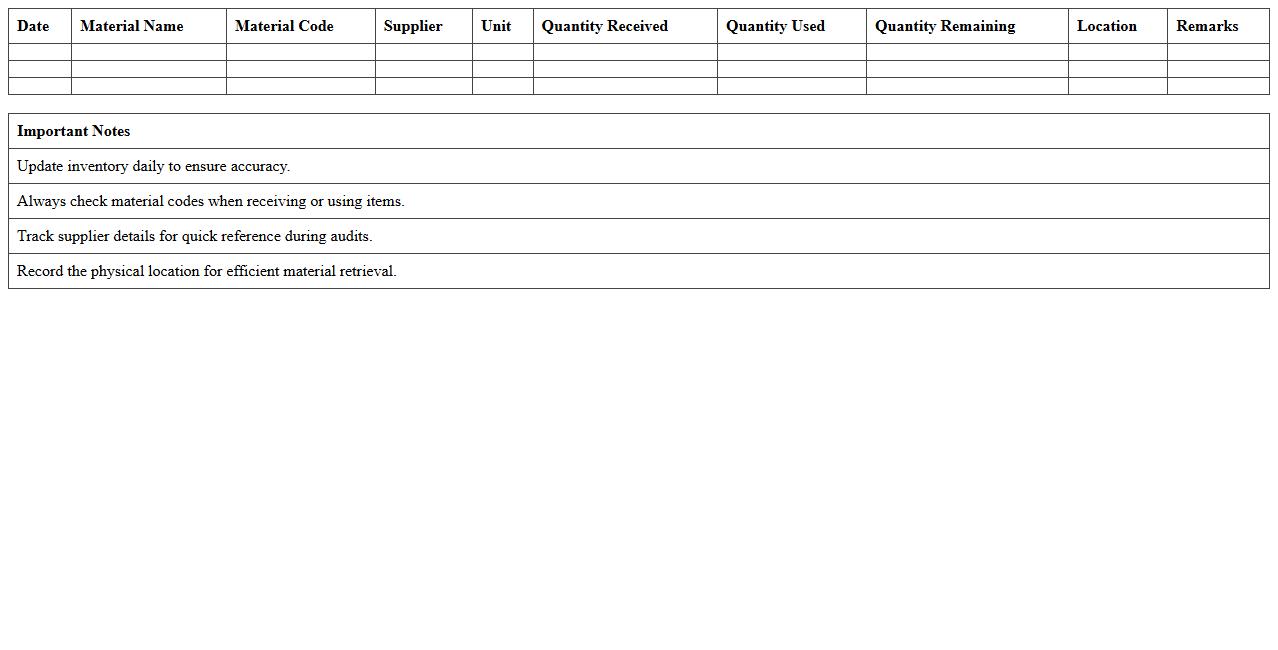
The
Raw Materials Inventory Log Excel Template is a structured spreadsheet designed to track and manage raw materials used in manufacturing or production processes. It helps businesses maintain accurate records of material quantities, entry dates, and usage rates, ensuring efficient inventory control and minimizing stockouts or excess. By using this template, companies can optimize procurement, reduce waste, and improve overall supply chain management.
Finished Goods Stock Tracker Spreadsheet
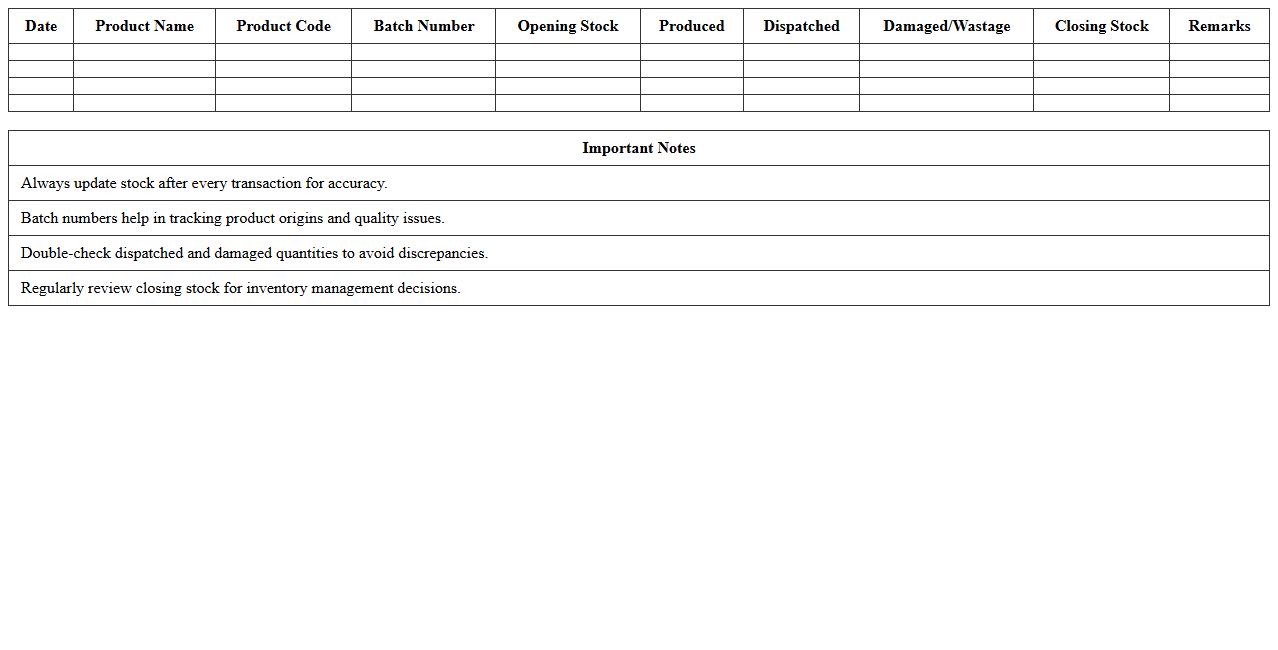
A
Finished Goods Stock Tracker Spreadsheet document is a digital tool designed to monitor and manage inventory levels of completed products in a manufacturing or retail environment. It helps businesses maintain accurate stock records, avoid overstocking or stockouts, and streamline order fulfillment processes. By providing real-time insights into finished goods quantities, it supports efficient supply chain management and improves decision-making for production planning and sales strategies.
Production Batch Inventory Management Sheet
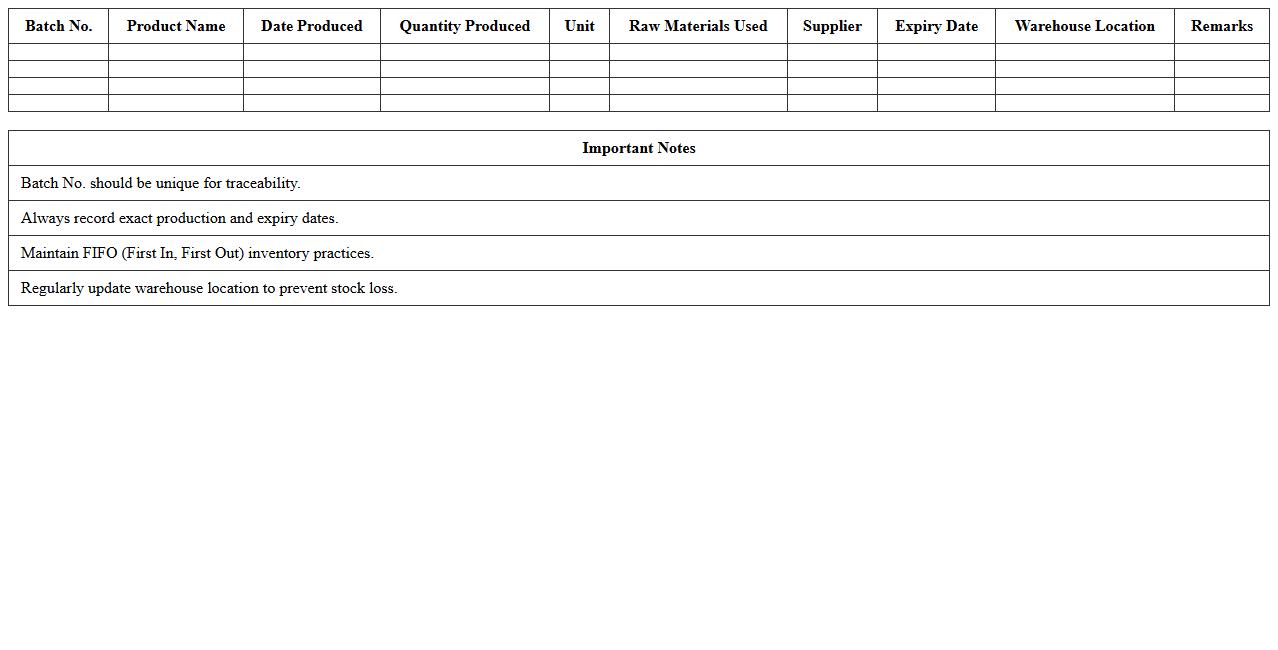
A
Production Batch Inventory Management Sheet is a detailed document that tracks the quantity, status, and movement of raw materials and finished goods within a specific production batch. It helps maintain accurate inventory records, ensures efficient resource allocation, and minimizes production delays by providing real-time visibility into stock levels. This sheet is essential for optimizing supply chain processes, controlling costs, and improving overall manufacturing productivity.
Work-in-Process Item Tracking Template
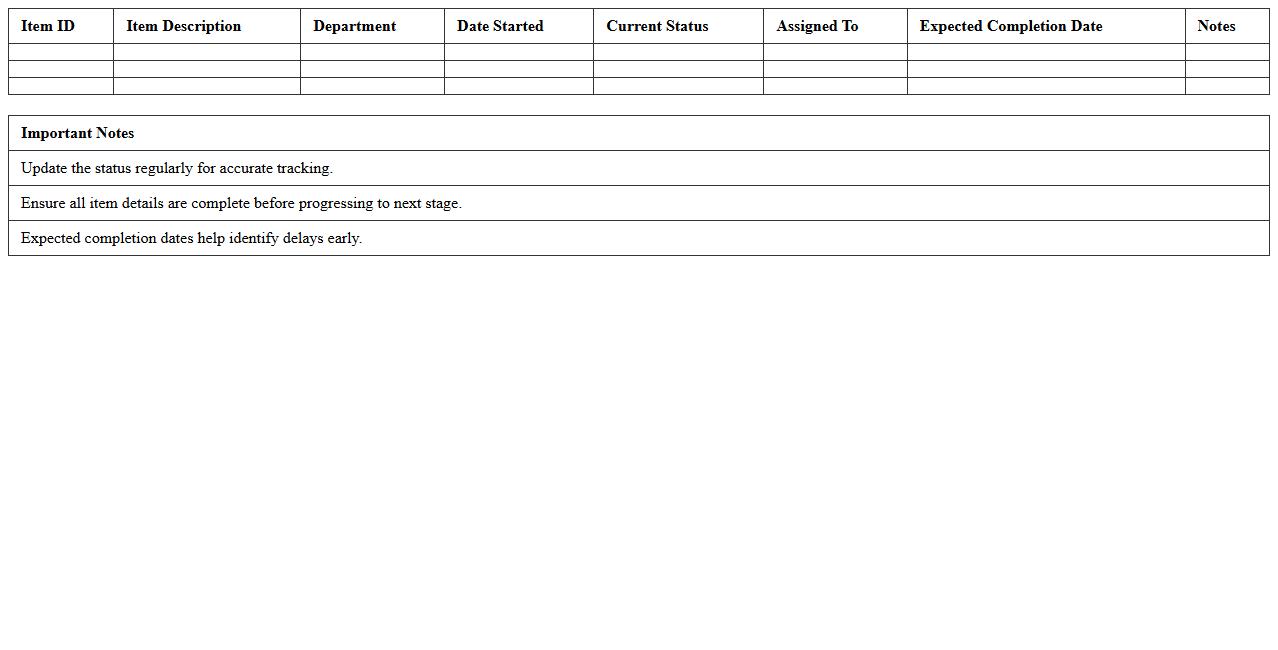
A
Work-in-Process Item Tracking Template document is a structured tool designed to monitor the status, progress, and location of items currently in production or development phases. It helps organizations maintain real-time visibility over inventory, reduce delays, and identify bottlenecks in the workflow. Using this template enhances operational efficiency by ensuring timely updates and accurate tracking of all work-in-progress items.
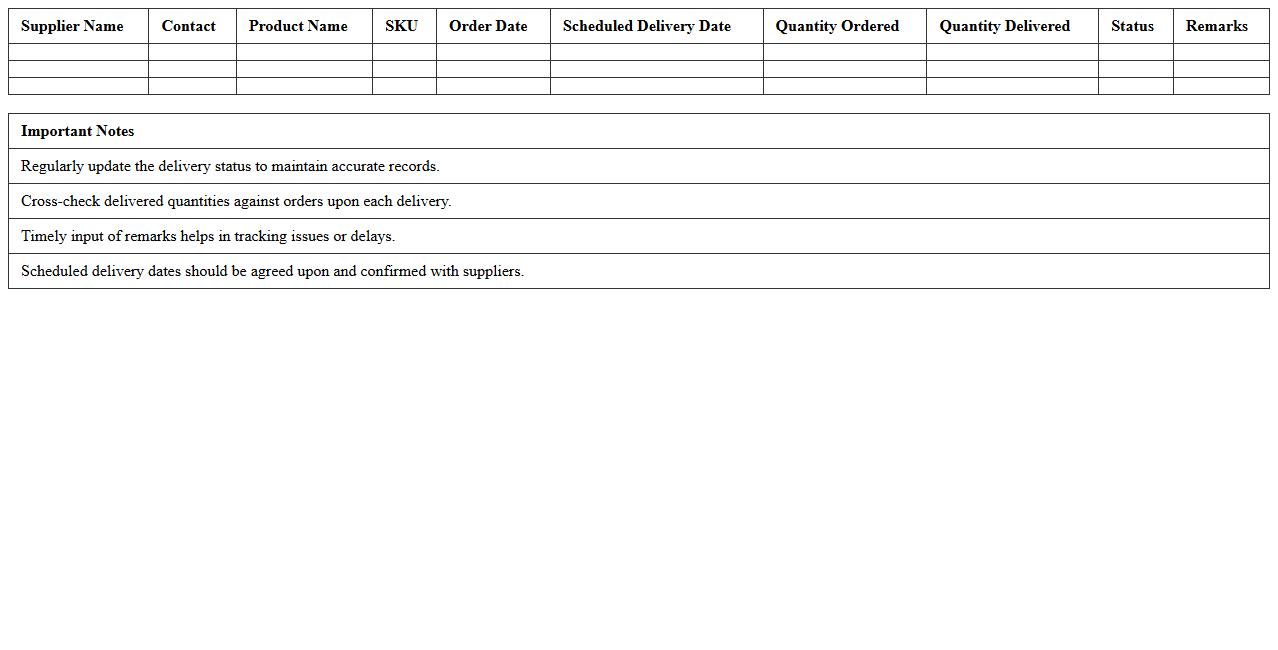
Supplier Inventory Delivery Schedule Excel
The
Supplier Inventory Delivery Schedule Excel document is a strategic tool used to track and manage the timing and quantity of inventory deliveries from suppliers, ensuring a smooth supply chain operation. It helps businesses optimize stock levels, reduce holding costs, and prevent stockouts by providing clear visibility into scheduled deliveries and inventory requirements. This document is essential for coordinating supplier performance and maintaining efficient inventory management.
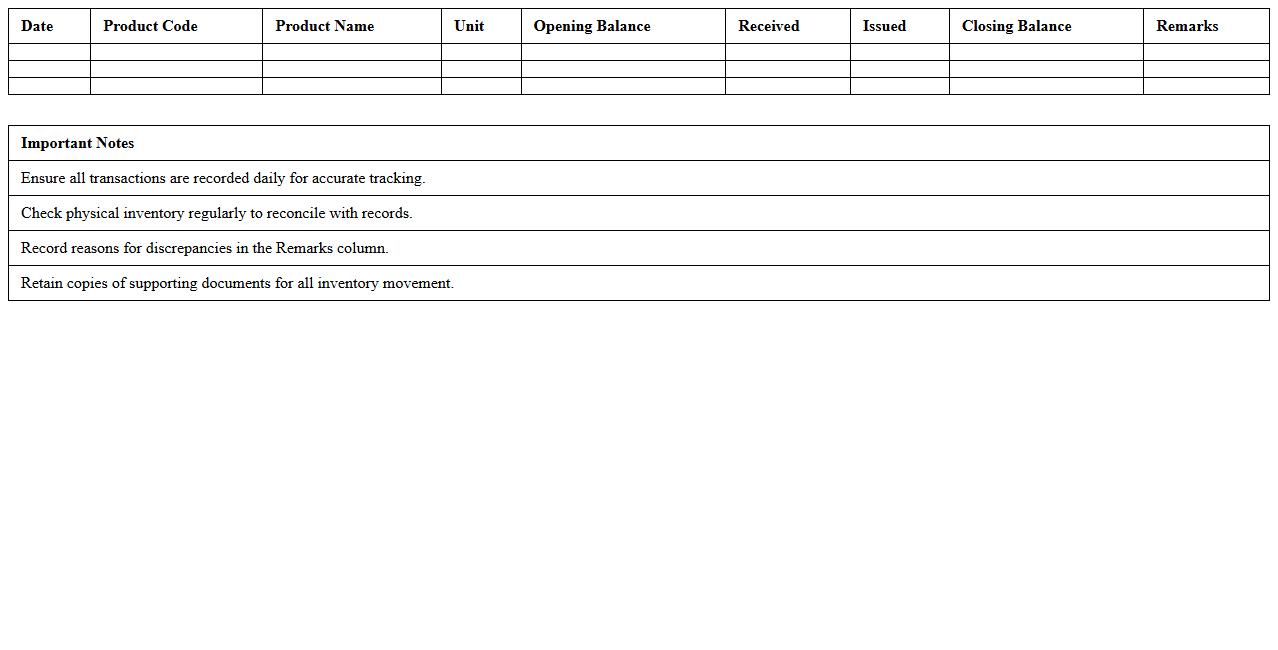
Daily Inventory Movement Record Template
The
Daily Inventory Movement Record Template document systematically tracks the inflow and outflow of stock items on a daily basis, enhancing accuracy in inventory management. It helps businesses monitor stock levels, identify discrepancies, and optimize reorder points, thus reducing losses and improving operational efficiency. By maintaining detailed daily records, companies gain better control over supply chain activities and ensure timely restocking.
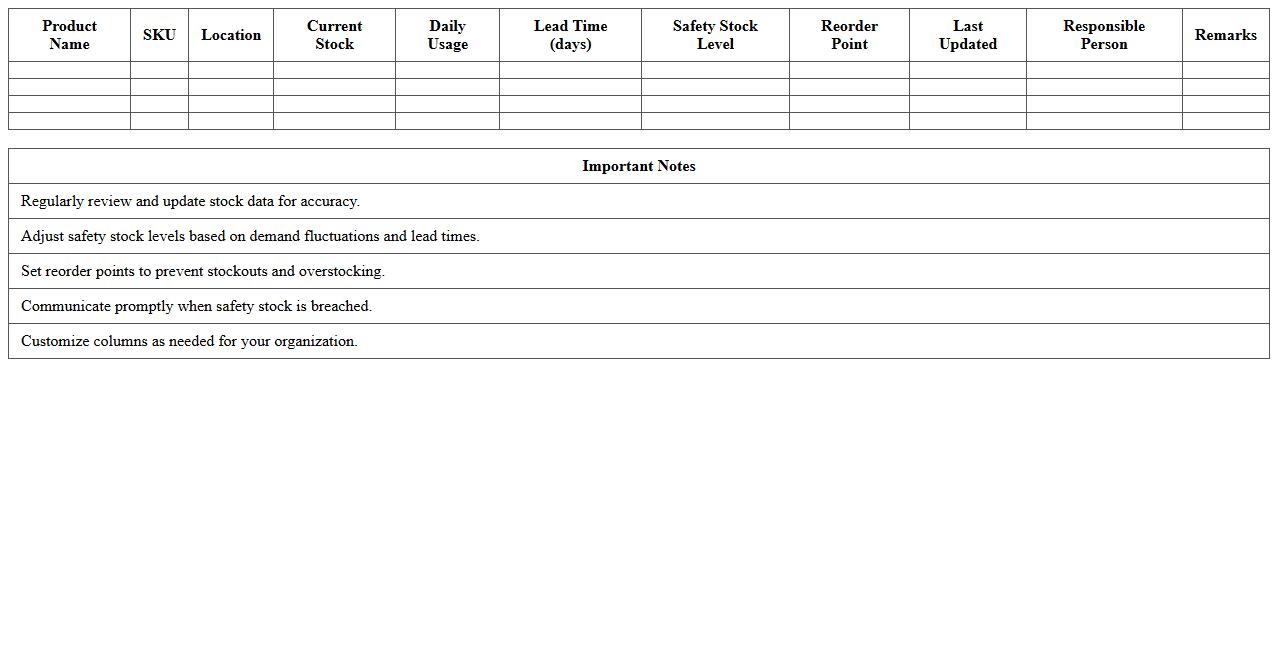
Safety Stock Level Monitoring Spreadsheet
A
Safety Stock Level Monitoring Spreadsheet is a tool designed to track and manage reserve inventory levels to prevent stockouts and ensure continuous production or sales. It helps businesses analyze consumption patterns, lead times, and demand variability, enabling accurate calculation of safety stock thresholds. By maintaining optimal safety stock levels, this spreadsheet minimizes carrying costs while maximizing service levels and customer satisfaction.
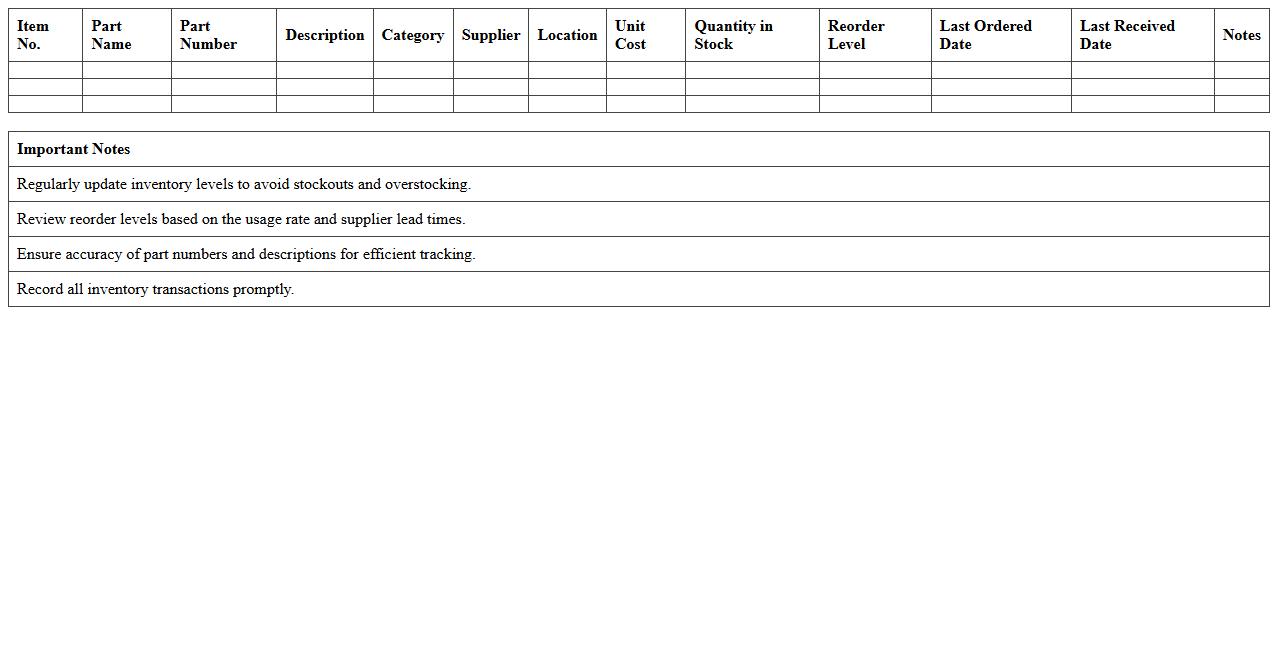
Manufacturing Parts Inventory Control Sheet
A
Manufacturing Parts Inventory Control Sheet is a detailed document that tracks quantities, specifications, and usage of parts essential to production processes. It helps maintain optimal stock levels, prevent overstocking or shortages, and streamlines procurement by providing real-time inventory data. This control sheet enhances operational efficiency by ensuring that manufacturing lines operate without interruption due to part unavailability.
Inventory Valuation and Cost Analysis Excel
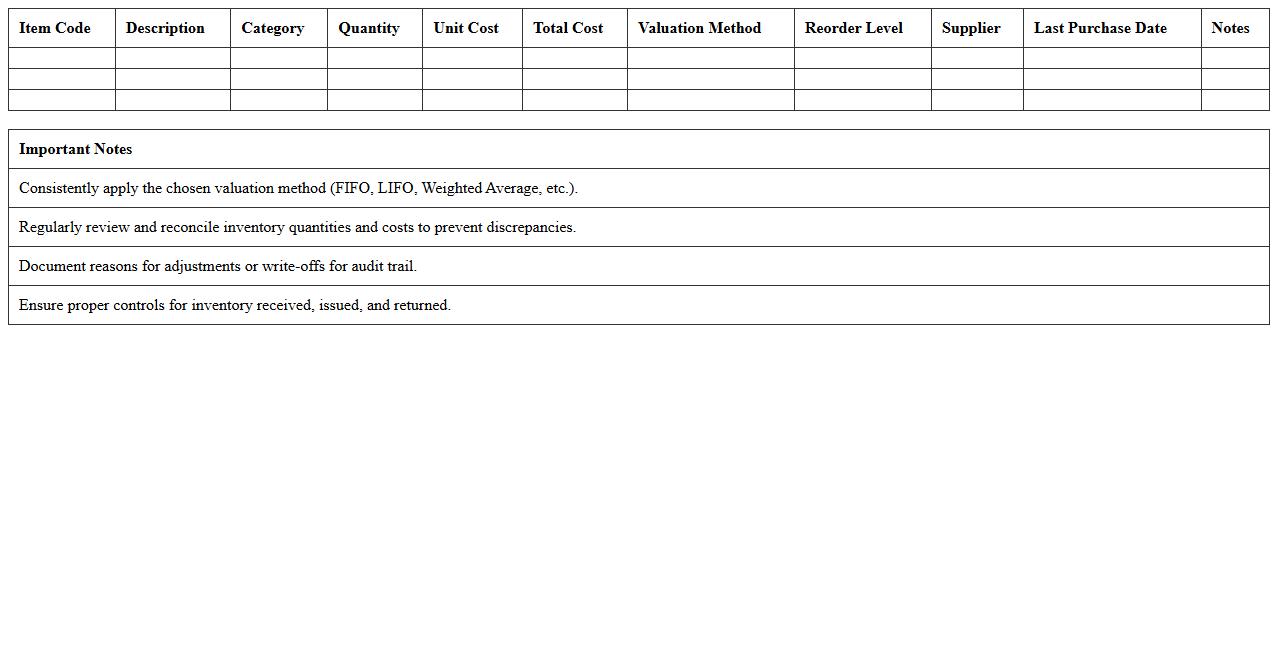
Inventory Valuation and Cost Analysis Excel document is a powerful tool designed to accurately assess the value of inventory by applying various accounting methods such as FIFO, LIFO, and weighted average cost. It enables businesses to monitor stock levels, calculate costs, and generate detailed reports for better financial decision-making. Using this
Inventory Valuation and Cost Analysis document helps optimize inventory management, improve cost control, and enhance overall profitability.
Inventory Reorder Point Calculation Template
The
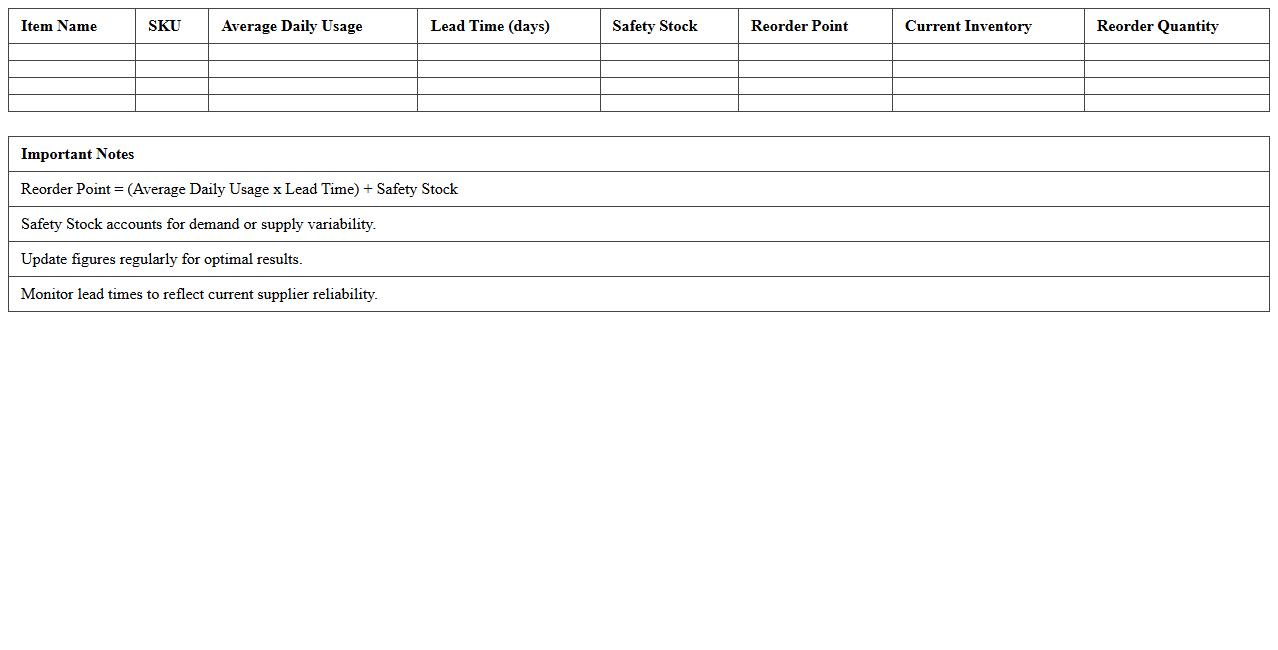
Inventory Reorder Point Calculation Template document is a structured tool designed to help businesses determine the optimal inventory level at which new stock should be ordered to avoid stockouts. It incorporates factors such as lead time, average demand, and safety stock to generate precise reorder points, ensuring inventory is replenished efficiently. This template is useful for improving inventory management accuracy, reducing carrying costs, and preventing disruptions in supply chains.
How can I automate real-time inventory updates in Excel for small-scale manufacturing?
To automate real-time inventory updates in Excel, utilize Microsoft Power Automate to link Excel with your sales or production data sources. Embedding Excel with VBA scripts can also help refresh inventory counts automatically based on input transactions. This setup ensures your inventory levels stay accurate without manual data entry, optimizing production flow.
What are effective Excel formulas for tracking raw material usage in manufacturing?
Use the SUMIFS formula to total raw material consumption by specific materials and dates, enabling precise tracking of usage patterns. Implement the VLOOKUP or XLOOKUP functions to quickly retrieve raw material stock details linked to production batches. Combining these with dynamic named ranges helps manage inventory data efficiently as production scales.
How do I set up barcode scanning integration with Excel for inventory control?
Integrate barcode scanners by connecting them to your Excel sheet, where scanned codes automatically input data into designated cells via keyboard emulation. Develop a simple VBA macro to search and update the item quantity in your inventory list instantly upon scanning. This method facilitates seamless inventory control and reduces manual errors in updating stock.
What inventory aging reports can I generate in Excel for manufacturing parts?
Create inventory aging reports by using pivot tables to group parts based on their stored duration, highlighting those exceeding specific time thresholds. Utilize conditional formulas like DATEDIF to calculate the age of parts in stock since their receipt or production date. These reports aid in identifying obsolete or slow-moving manufacturing components to optimize inventory turnover.
How can I prevent stockouts using conditional formatting in a manufacturing Excel tracker?
Apply conditional formatting to highlight inventory quantities falling below reorder levels, instantly signaling potential stockouts. Configure rules to change cell colors based on thresholds, making low-stock items visually prominent for quick action. This visual alert system supports proactive procurement and ensures continuous production without interruptions.
More Manufacturing Excel Templates