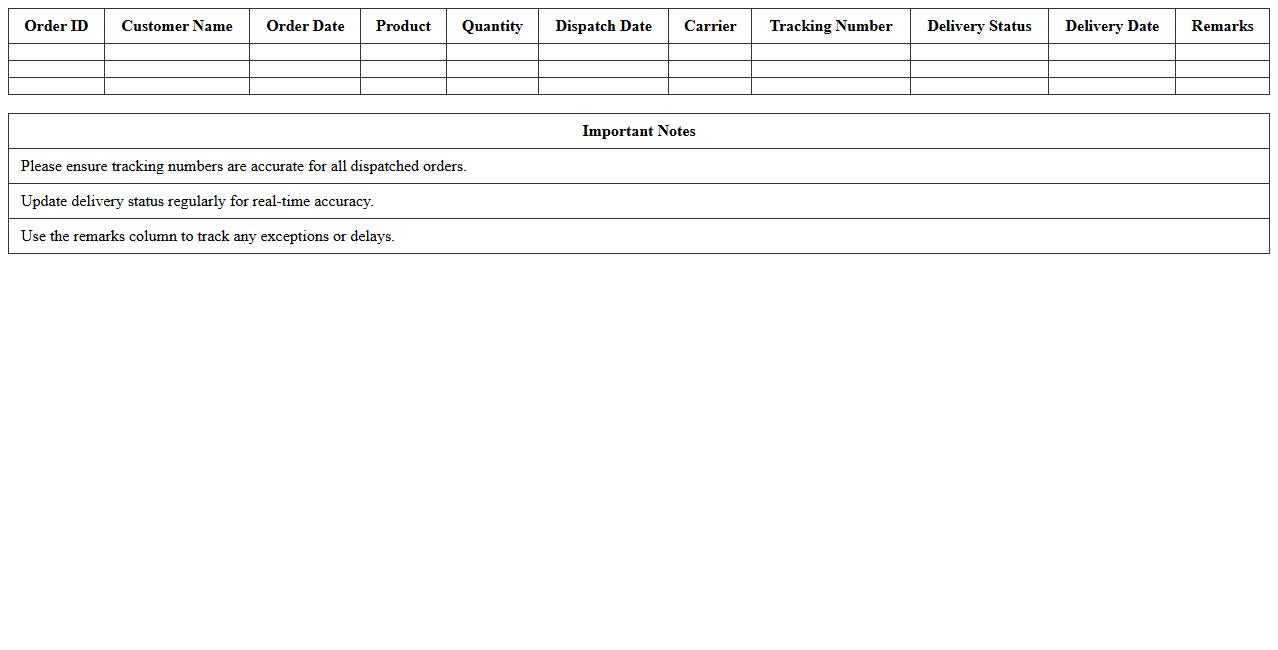
Order Dispatch & Delivery Status Tracker Spreadsheet
An
Order Dispatch & Delivery Status Tracker Spreadsheet is a structured document designed to monitor the progress of orders from dispatch to final delivery, capturing key data such as order numbers, dispatch dates, delivery timelines, and status updates. It enhances operational efficiency by providing real-time visibility into order fulfillment, allowing businesses to identify delays, streamline logistics, and improve customer communication. This tool is essential for maintaining organized records, optimizing supply chain workflows, and ensuring timely delivery performance.
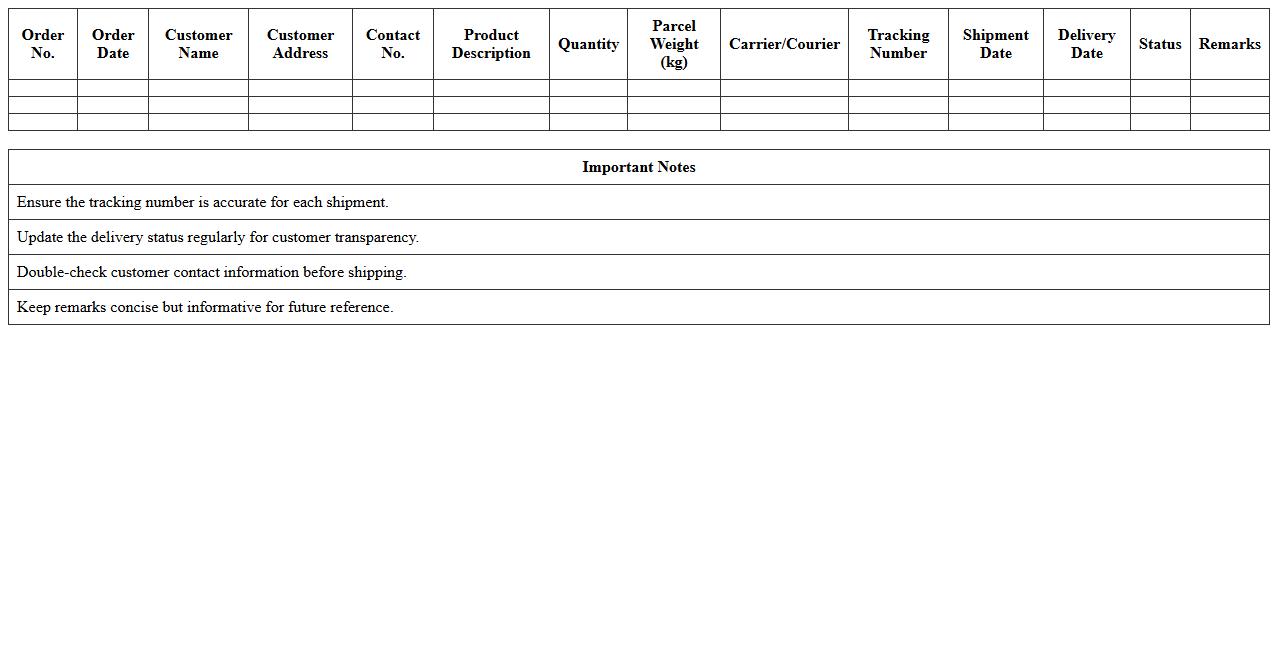
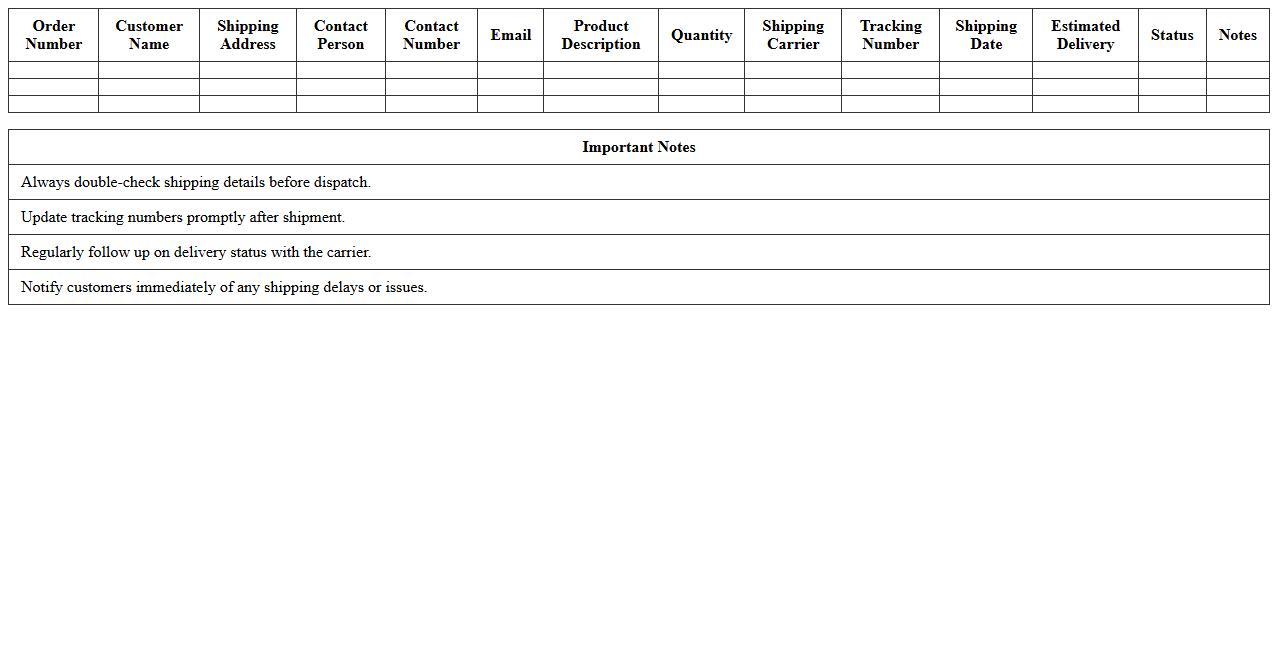
E-commerce Parcel Shipment Tracking Log
The
E-commerce Parcel Shipment Tracking Log document records detailed information about each parcel's journey from the seller to the buyer, including shipment dates, tracking numbers, carrier details, and delivery status updates. This log enhances transparency by allowing businesses to monitor the progress of shipments in real-time, identify delays or issues promptly, and improve customer service through accurate delivery information. By maintaining this document, companies can optimize logistics, reduce losses due to misplaced packages, and ensure accountability throughout the supply chain.
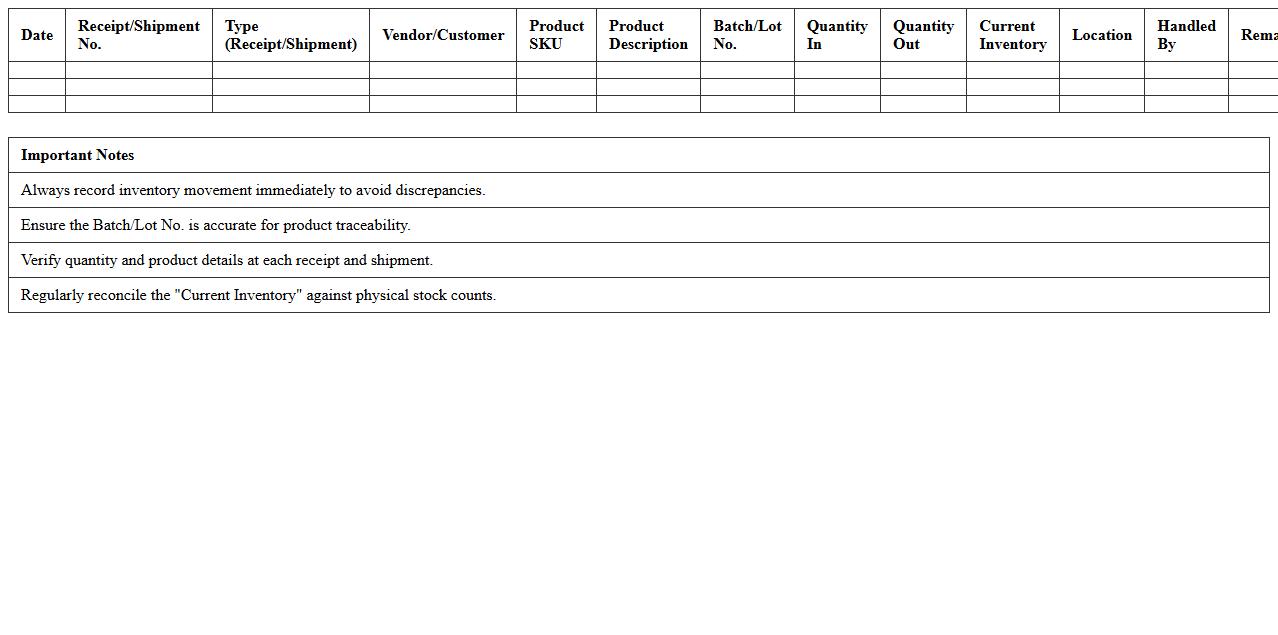
Fulfillment Center Inventory & Shipment Register
The
Fulfillment Center Inventory & Shipment Register document tracks all incoming and outgoing stock within a fulfillment center, detailing product quantities, shipment dates, and order statuses. It provides real-time insights into inventory levels, helping to prevent stockouts and overstock situations, while ensuring accurate order fulfillment. This document is essential for optimizing supply chain operations, improving customer satisfaction, and maintaining efficient warehouse management.
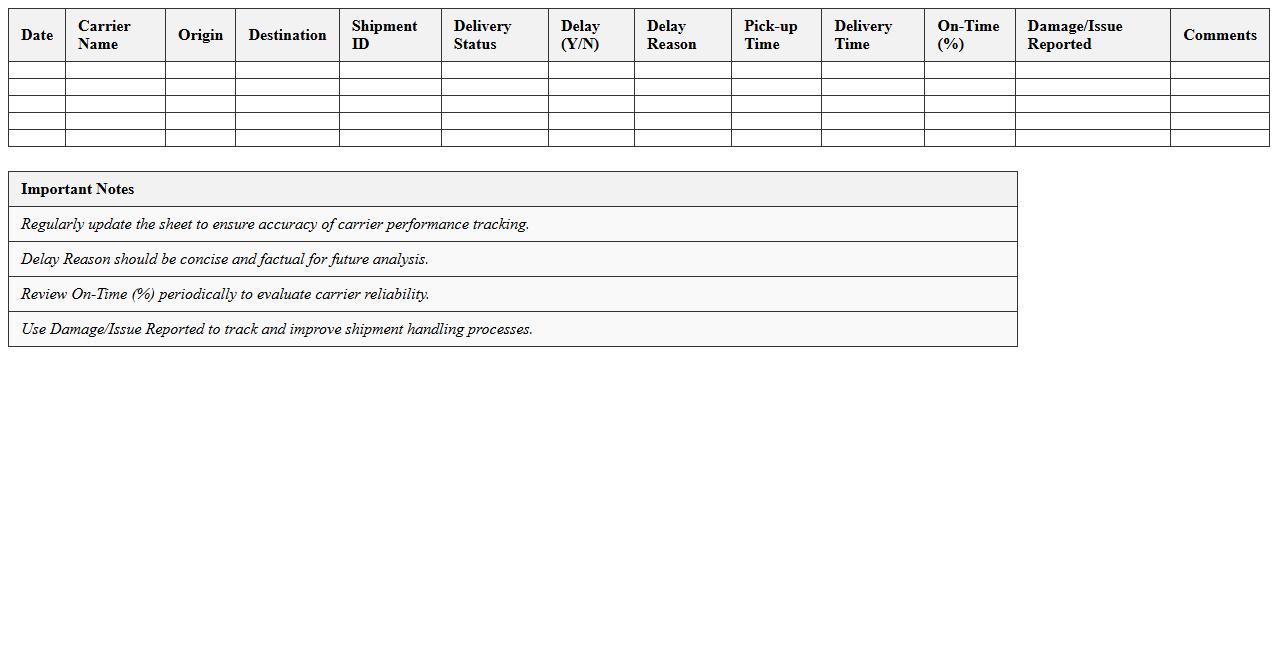
Logistics Carrier Performance Monitoring Sheet
A
Logistics Carrier Performance Monitoring Sheet is a detailed document used to track and evaluate the efficiency and reliability of transportation carriers in supply chain operations. It records key performance indicators such as on-time delivery rates, damage rates, and cost metrics, enabling companies to identify trends and areas requiring improvement. This sheet is crucial for optimizing carrier selection, enhancing supply chain performance, and reducing operational costs through informed decision-making.
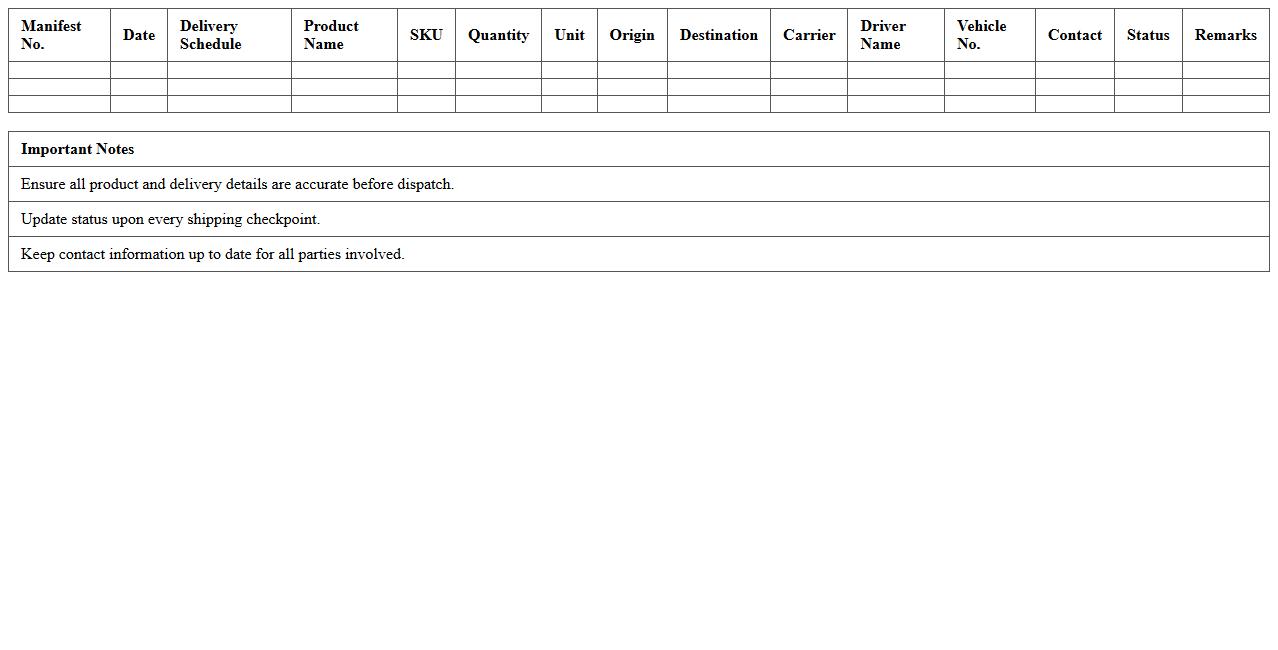
Product Shipping Manifest & Delivery Schedule
A
Product Shipping Manifest is a detailed document listing all items, quantities, and descriptions for a shipment, while the Delivery Schedule outlines the planned dates and times for product arrivals. These documents help streamline logistics by ensuring accurate inventory tracking, minimizing errors, and facilitating coordination between suppliers, carriers, and receivers. Using these tools improves supply chain efficiency, enhances customer satisfaction, and provides accountability throughout the shipping process.
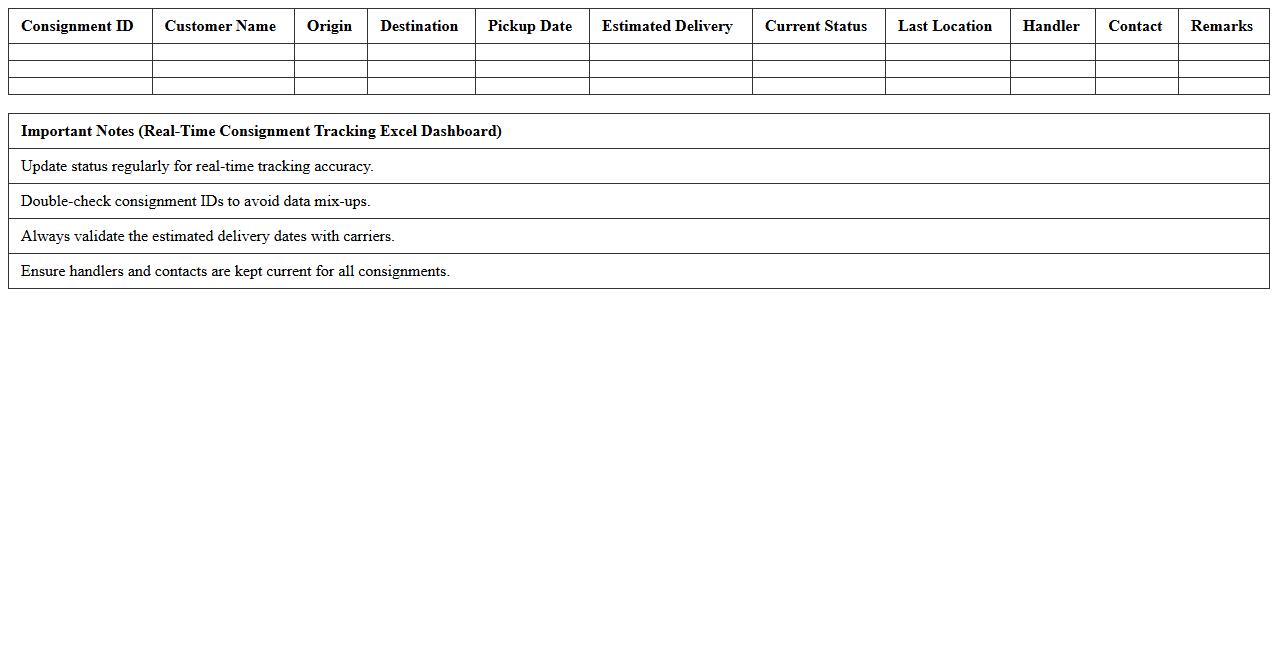
Real-Time Consignment Tracking Excel Dashboard
The
Real-Time Consignment Tracking Excel Dashboard is a dynamic tool designed to monitor shipment status, inventory levels, and delivery timelines efficiently. It consolidates data from various sources into a single interface, enabling quick identification of delays or discrepancies in the supply chain. This dashboard improves operational decision-making by providing immediate insights into consignment movements and performance metrics.
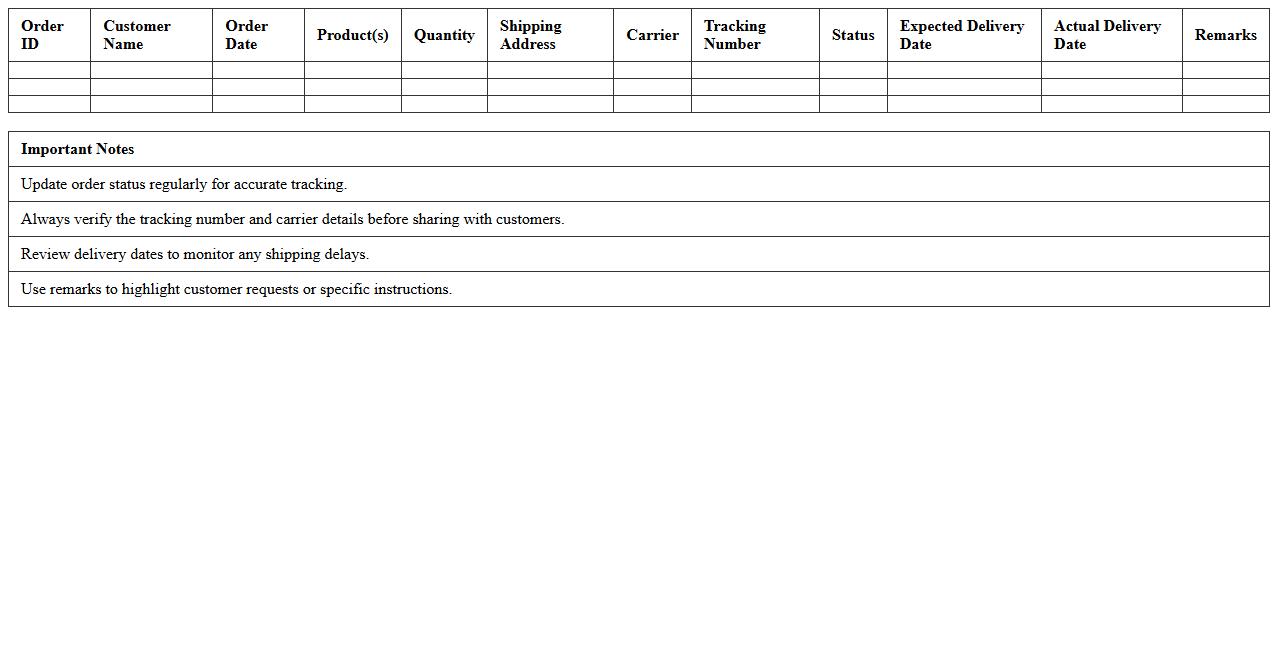
Online Order Logistics Status Tracker Template
The
Online Order Logistics Status Tracker Template is a structured document designed to monitor and update the progress of shipments and deliveries in real-time. It enables businesses to efficiently track order statuses, identify delays, and optimize supply chain operations by consolidating data such as shipment dates, carrier details, and delivery milestones. This template enhances transparency, improves customer communication, and supports timely decision-making to ensure smooth logistics management.
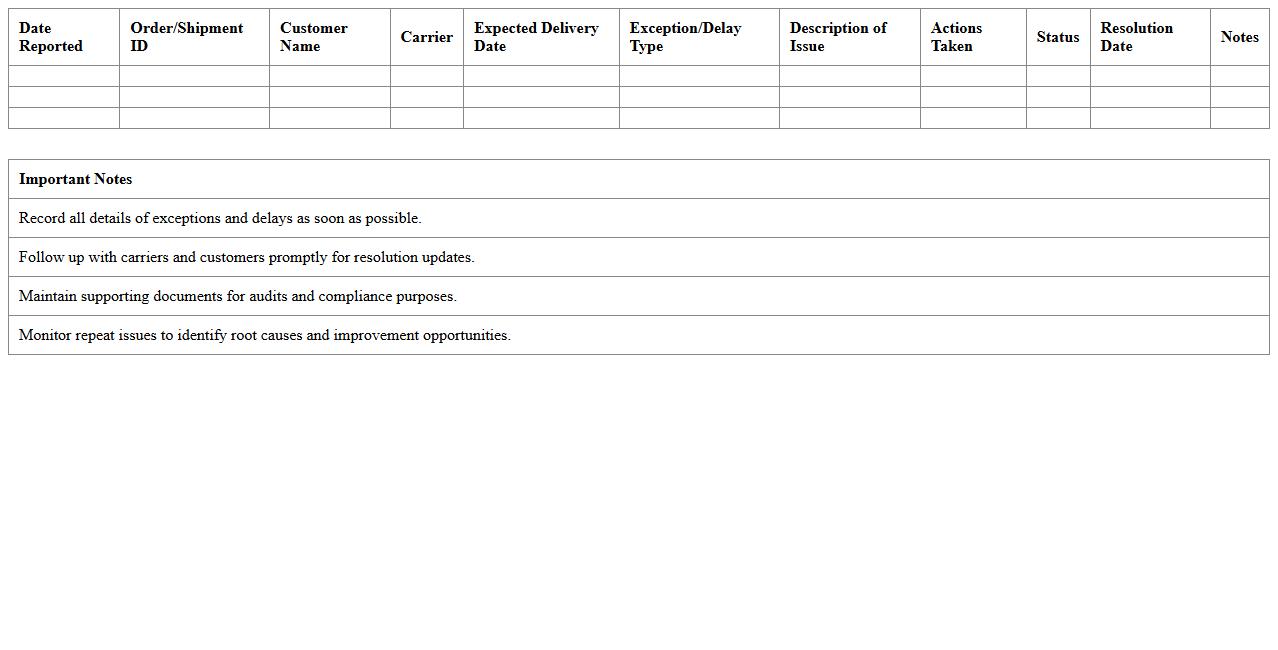
Delivery Exception & Delay Management Log
The
Delivery Exception & Delay Management Log document records all instances of delivery disruptions, including exceptions and delays, providing detailed information such as time, cause, and corrective actions. This log enables supply chain teams to identify patterns, address recurring issues, and enhance operational efficiency through data-driven decision-making. Maintaining this document helps improve customer satisfaction by ensuring timely resolution and transparency in the delivery process.
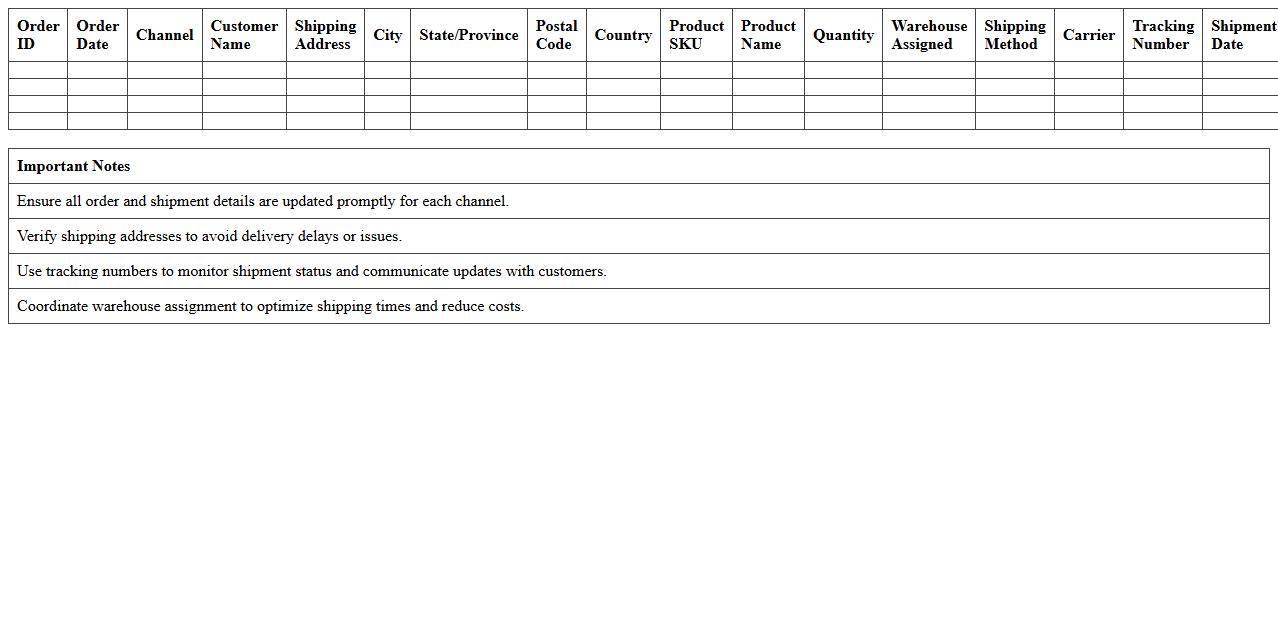
Multichannel Shipment Coordination Sheet
The
Multichannel Shipment Coordination Sheet is a detailed document used to organize and track shipments across various sales channels, ensuring seamless logistics management. It consolidates critical shipment data such as order details, carrier information, delivery schedules, and inventory status, enabling efficient coordination and minimizing errors. This tool is essential for businesses managing multiple distribution platforms, improving operational visibility and enhancing customer satisfaction.
Customer Shipping Notification & Tracking Sheet
The
Customer Shipping Notification & Tracking Sheet document is a detailed record that tracks shipment statuses and notifies customers about their order progress from dispatch to delivery. It provides real-time updates, shipment details, and tracking numbers, enabling transparency and improved communication with customers. This document helps streamline logistics management, reduce customer inquiries, and enhance overall satisfaction through timely and accurate shipping information.
How can Excel automate real-time shipment status updates for multiple e-commerce orders?
Excel can automate real-time shipment status updates by connecting to external data sources using Power Query or VBA scripts. These tools allow Excel to fetch live data from web APIs provided by courier services. Automating updates ensures timely tracking of multiple e-commerce orders within a single spreadsheet.
What formulas best calculate delayed shipments using expected vs. actual delivery dates in an Excel tracker?
The NETWORKDAYS function effectively calculates delays, excluding weekends and holidays between expected and actual delivery dates. Using =IF(actual_date > expected_date, NETWORKDAYS(expected_date, actual_date), 0) highlights shipments that arrived late. This formula helps logistics managers quickly identify and quantify shipment delays.
Which Excel visualization highlights problematic logistics partners in shipment tracking data?
Conditional formatting combined with pivot charts, such as bar or column charts, highlights logistics partners with frequent delays. Color scales or icon sets can visually emphasize poor performance in shipment status. These visualizations enable easy comparison and identification of partners needing improvement.
What custom data validation rules ensure accurate entry of tracking IDs in a logistics spreadsheet?
Custom data validation rules using regular expressions or text length constraints help prevent invalid tracking ID entries. For example, ensuring the tracking ID matches a specific alphanumeric pattern or exact length improves data accuracy. This reduces errors and facilitates reliable shipment tracking management.
How can Excel integrate with API feeds from popular courier services for seamless shipment tracking?
Excel integrates with courier APIs through VBA or Power Query, using HTTP requests to fetch shipment information. By parsing JSON or XML responses from these API feeds, Excel updates tracking details automatically. This seamless connection streamlines real-time shipment tracking without manual data entry.