The Legal Retainer Agreement Excel Template for Attorneys streamlines client onboarding by clearly outlining the terms, fees, and scope of legal services in a professional format. This customizable template helps attorneys maintain transparent communication and ensures both parties understand their obligations before legal work begins. Ideal for law firms seeking efficient contract management and improved client trust.
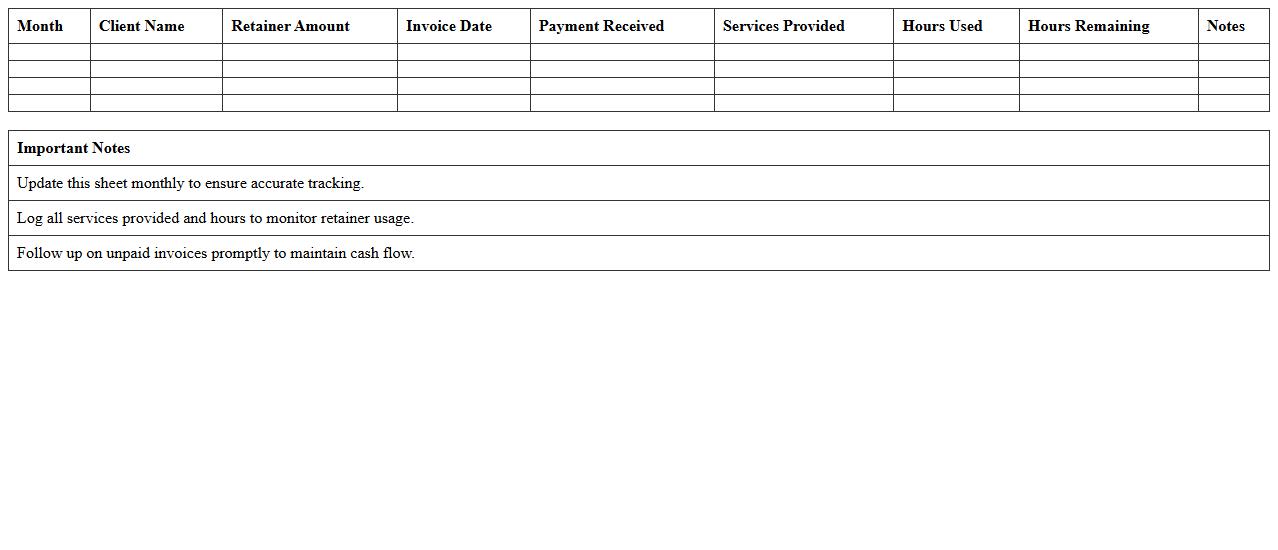
Monthly Legal Retainer Tracking Spreadsheet
A
Monthly Legal Retainer Tracking Spreadsheet is a detailed document designed to monitor and manage legal retainer agreements and monthly payments between clients and law firms. It helps track invoice dates, payment statuses, retainer balances, and legal service hours allocated, ensuring accurate financial oversight and timely payments. This tool is essential for maintaining transparency, budgeting legal expenses effectively, and optimizing resource allocation for ongoing legal support.
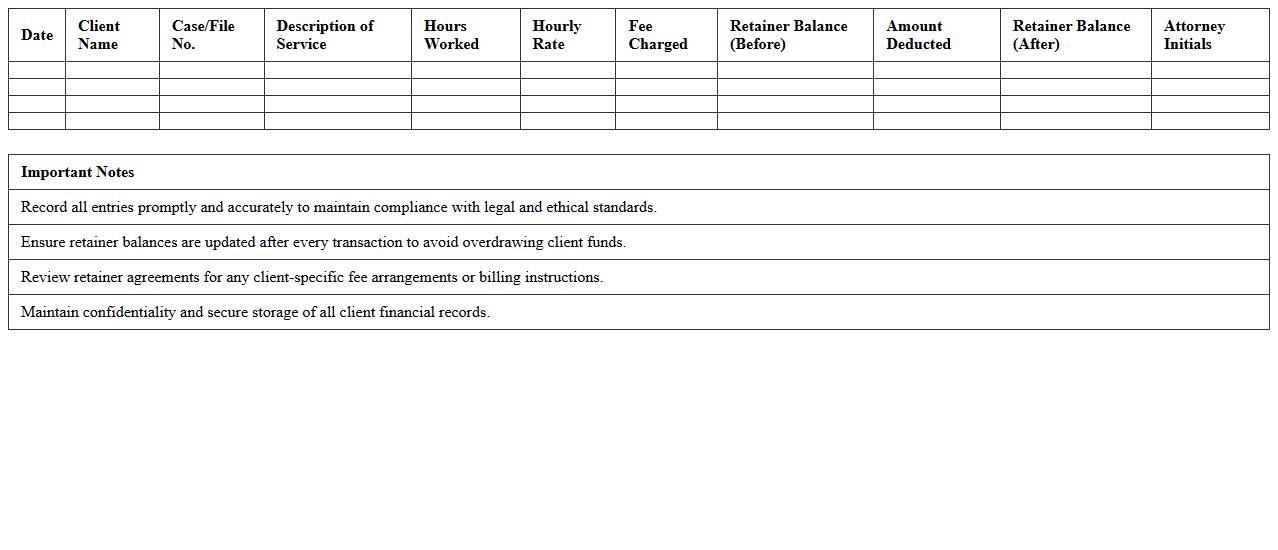
Attorney-Client Retainer Fee Log Sheet
An
Attorney-Client Retainer Fee Log Sheet document is a detailed record used to track retainer fees paid by clients to attorneys for legal services. This log sheet helps maintain transparency, ensures accurate financial management, and provides a clear history of fee transactions between the attorney and client. It is useful for auditing purposes, dispute resolution, and managing client accounts efficiently throughout the legal process.
Law Firm Retainer Agreement Statement Template
A
Law Firm Retainer Agreement Statement Template is a standardized document that outlines the terms and conditions between a law firm and its client regarding legal services and payment arrangements. It clearly defines the scope of legal representation, fee structure, and responsibilities of both parties, ensuring transparency and reducing potential disputes. Utilizing this template streamlines client onboarding, enhances contract clarity, and protects the interests of the law firm and client throughout their professional relationship.
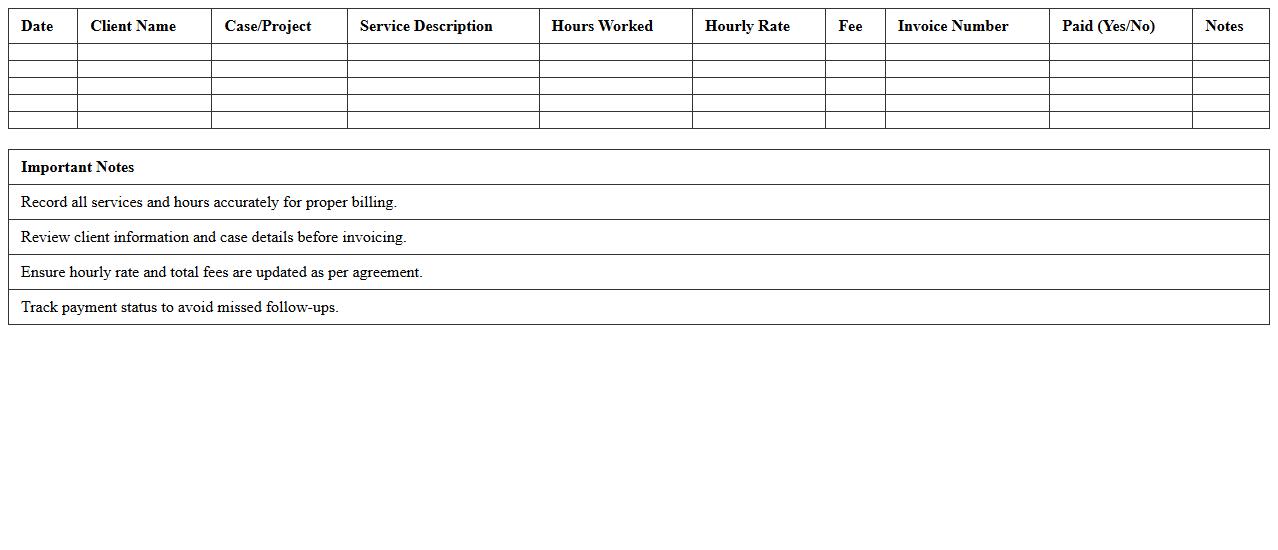
Legal Services Hours and Fees Tracker
A
Legal Services Hours and Fees Tracker document records the time spent on legal tasks and the corresponding fees charged, ensuring accurate billing and budget management. It helps law firms and clients monitor work progress, verify service costs, and maintain transparency in financial transactions. By organizing hours and fees systematically, this tool supports efficient case management and improves financial accountability.
Client Retainer Balance Monitoring Excel
The
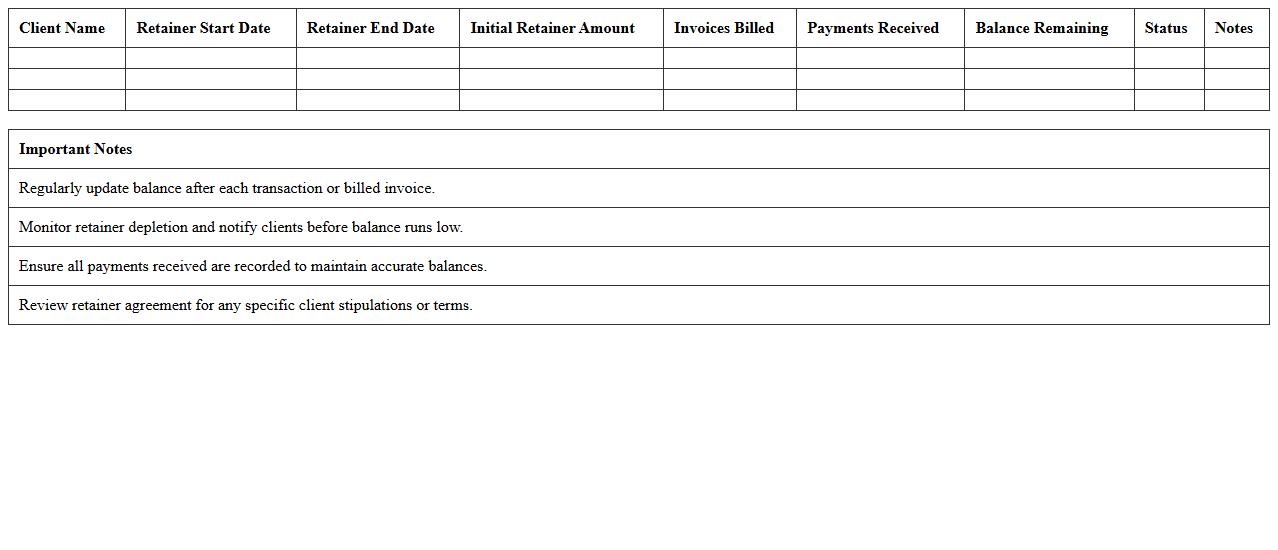
Client Retainer Balance Monitoring Excel document is a tool designed to track and manage client retainers efficiently, providing real-time visibility into payment statuses and available balances. It helps businesses ensure accurate billing, avoid service interruptions, and maintain transparent financial relationships with clients. By consolidating retainer data, invoice history, and payment timelines, it facilitates proactive financial management and improves cash flow forecasting.
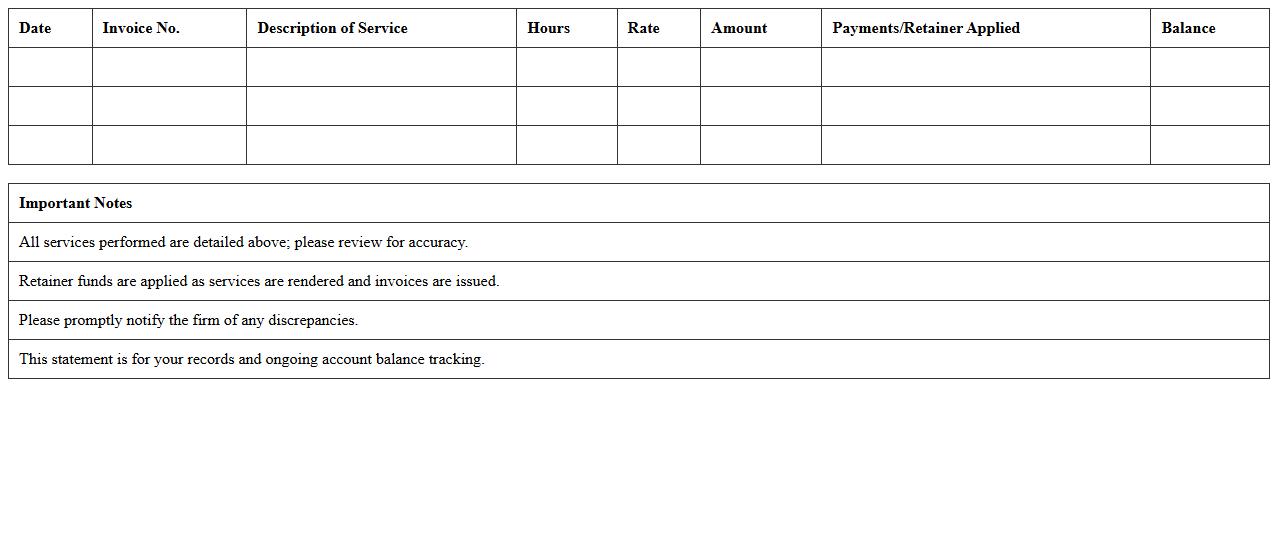
Legal Retainer Invoice and Payment Record
A
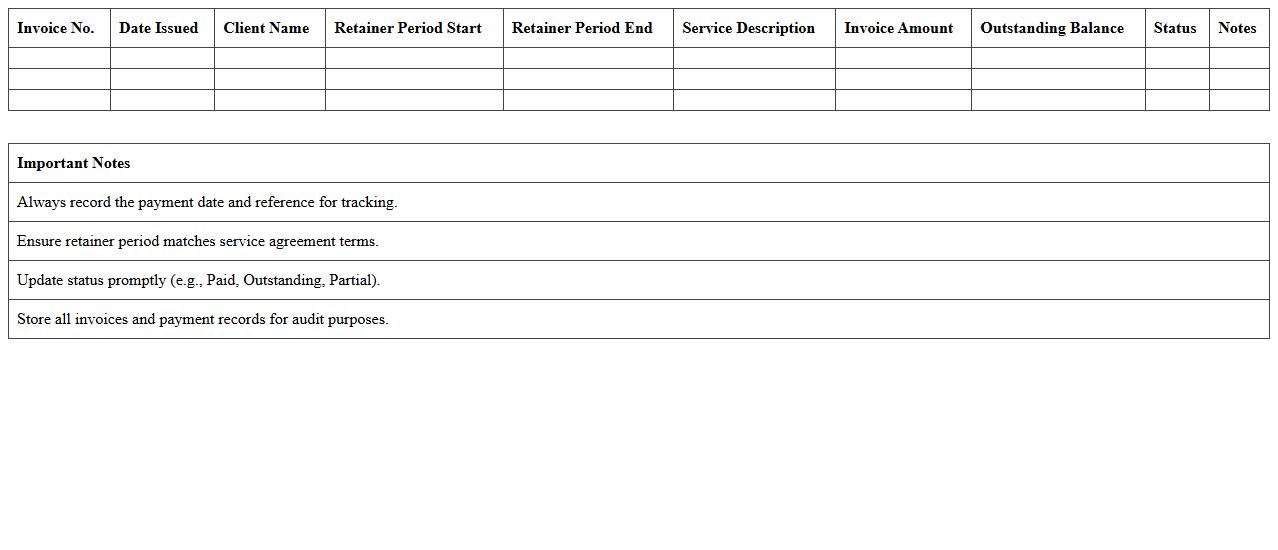
Legal Retainer Invoice and Payment Record document tracks the advance payments made by clients to secure ongoing legal services, itemizing charges and expenses against the retainer balance. This record ensures transparency in billing, facilitates accurate financial management, and helps both attorneys and clients monitor payment status and legal service costs. Maintaining such documentation supports compliance with ethical accounting practices and aids in resolving billing disputes efficiently.
Prepaid Legal Services Ledger Sheet
The
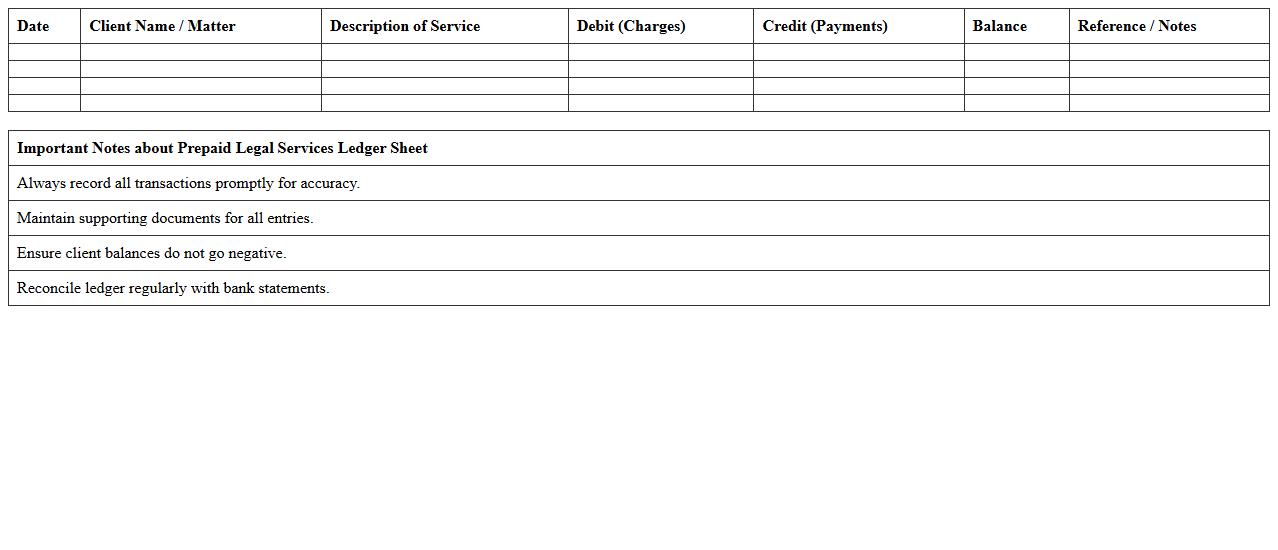
Prepaid Legal Services Ledger Sheet document systematically records all transactions related to prepaid legal services, including client payments, service usage, and account balances. It provides a clear and organized financial overview that helps legal service providers manage funds accurately and ensures transparency for clients. Maintaining this ledger sheet is essential for tracking prepaid amounts and preventing discrepancies in service delivery or billing.
Ongoing Legal Retainer Management Workbook
The
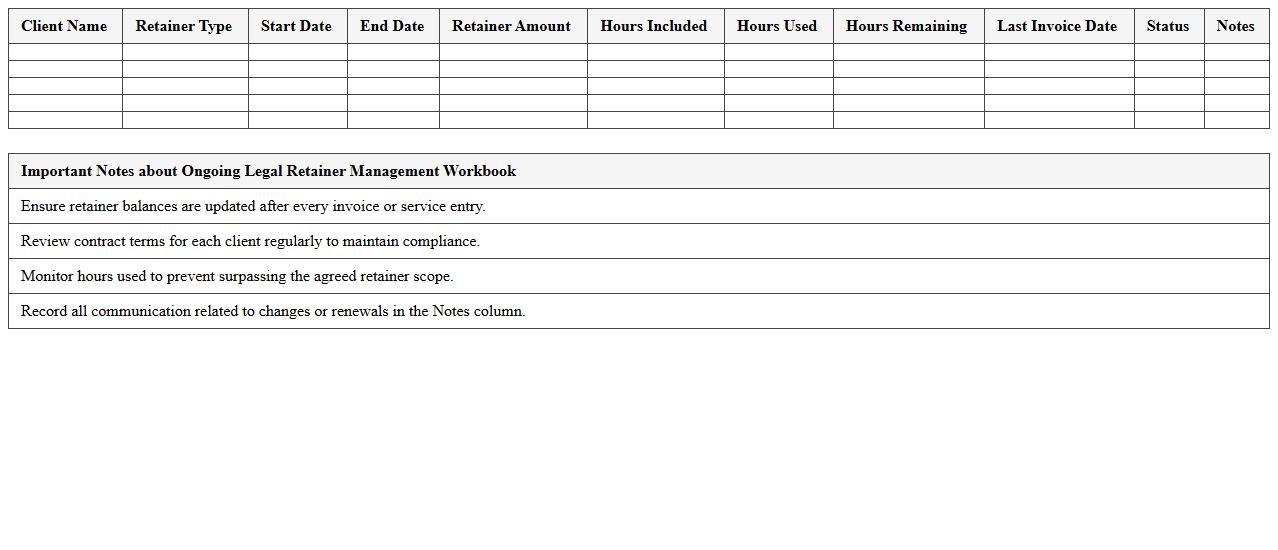
Ongoing Legal Retainer Management Workbook is a comprehensive document designed to track and manage legal retainers efficiently over time. It helps businesses maintain accurate records of retainer fees, monitor billing cycles, and ensure timely communication between clients and legal teams. Utilizing this workbook simplifies financial oversight and enhances transparency in legal service engagements.
Attorney Retainer Refund Calculation Template
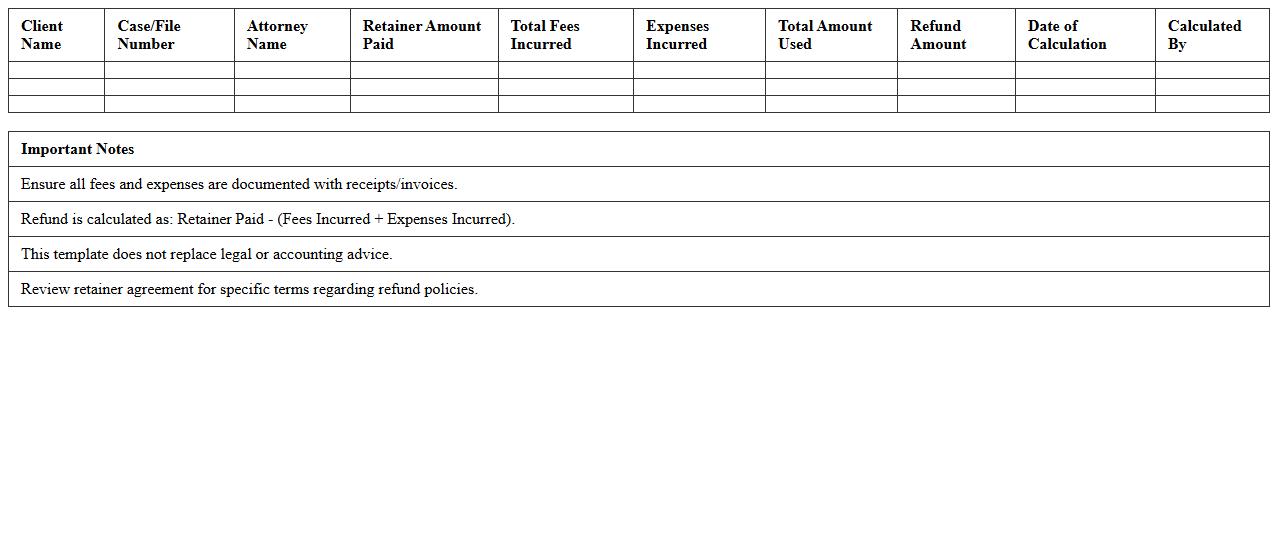
The
Attorney Retainer Refund Calculation Template is a structured document designed to accurately compute the refundable amount from a client's retainer fee after legal services have been rendered. It itemizes fees, expenses, and any unused portion of the retainer, ensuring transparency and accuracy in billing. This template is useful for both attorneys and clients to facilitate clear financial communication and prevent disputes over retainer refunds.
Legal Retainer Agreement Summary Dashboard
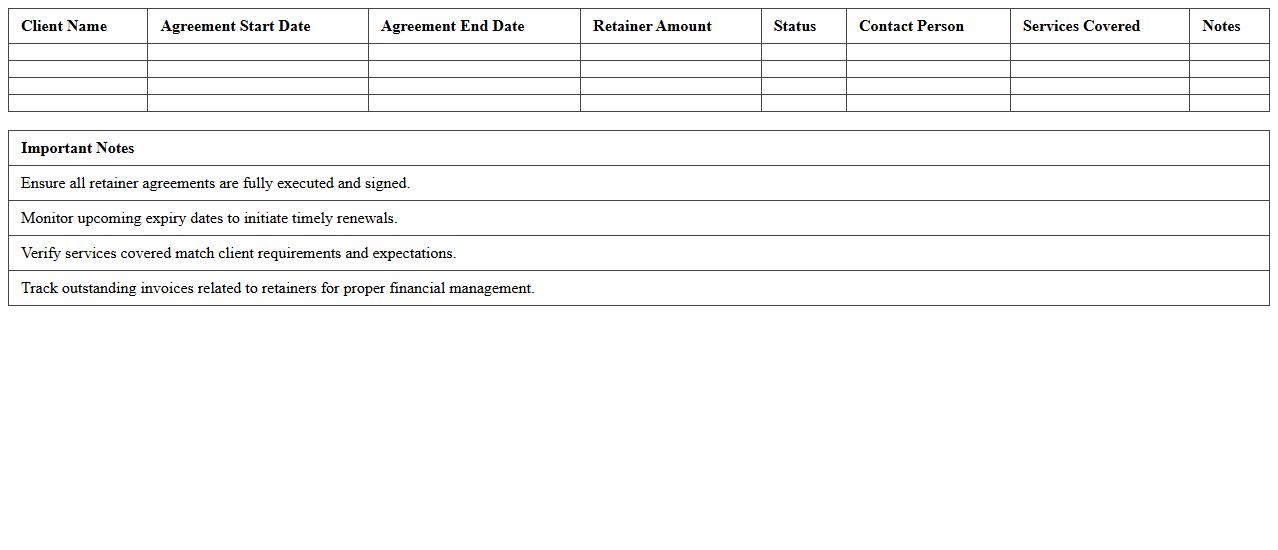
The
Legal Retainer Agreement Summary Dashboard document consolidates key details of ongoing retainer agreements, providing a comprehensive overview of contract terms, payment schedules, and service scopes. This centralized resource enables efficient tracking, quick reference, and informed decision-making, reducing administrative overhead and ensuring compliance. Legal teams benefit by maintaining clarity on client commitments and optimizing resource allocation.
How to track retainer fee payments in a Legal Retainer Agreement Excel template?
To effectively track retainer fee payments, include columns for payment date, amount paid, and payment method. Maintain a running balance column to reflect how much retainer fee remains. Use conditional formatting to highlight overdue payments for prompt follow-up.
What columns are essential for monitoring billable hours in attorney retainer spreadsheets?
Essential columns for monitoring billable hours include date of service, attorney name, description of work, hours worked, and hourly rate. Incorporate a total billable amount column calculated by multiplying hours worked by the hourly rate. Add a client approval status column to track authorized billed hours.
How to automate balance calculations in a retainer agreement Excel sheet?
Use Excel formulas such as =SUM() and =SUBTOTAL() to automate balance calculations. Set formulas to deduct fees and billable hours from the initial retainer balance automatically. Implement dynamic cell references to ensure all changes update the balance in real time.
What features ensure confidentiality in a legal retainer agreement Excel file?
Confidentiality can be ensured by password-protecting the Excel file and enabling encryption. Use restricted permission settings to limit access to authorized users only. Additionally, mark sensitive data fields with hidden columns or protected sheets to prevent accidental disclosure.
How to integrate client signature records into a retainer agreement Excel tracker?
Integrate client signature records by inserting an image or a scanned signature file linked to each client entry. Include columns for signature date and method of signature (e.g., electronic or physical). Maintain a secure storage system within the workbook while ensuring signatures are clearly associated with the corresponding agreement.
More Legal Excel Templates