Legal Document Discovery Tracking Spreadsheet
A
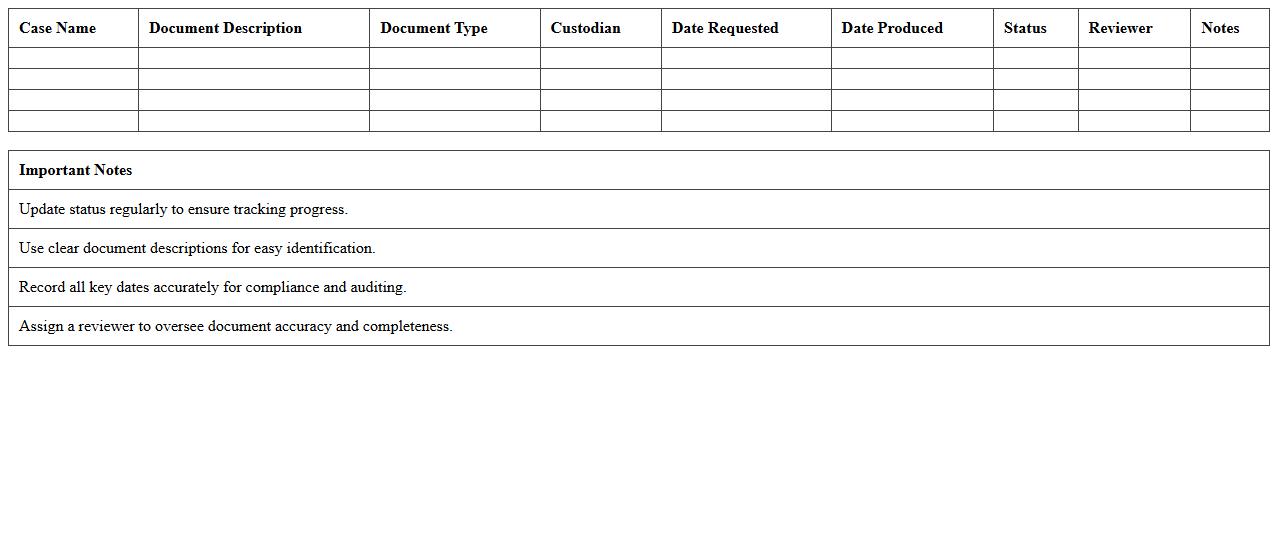
Legal Document Discovery Tracking Spreadsheet is a critical tool used to organize and monitor the collection, review, and management of documents during the discovery phase of legal proceedings. It helps legal teams track document status, sources, confidentiality levels, and deadlines, ensuring compliance and efficiency. By providing a centralized overview, it reduces risks of missing essential evidence and streamlines communication among attorneys, paralegals, and clients.
Litigation Document Review Log Excel Sheet
The
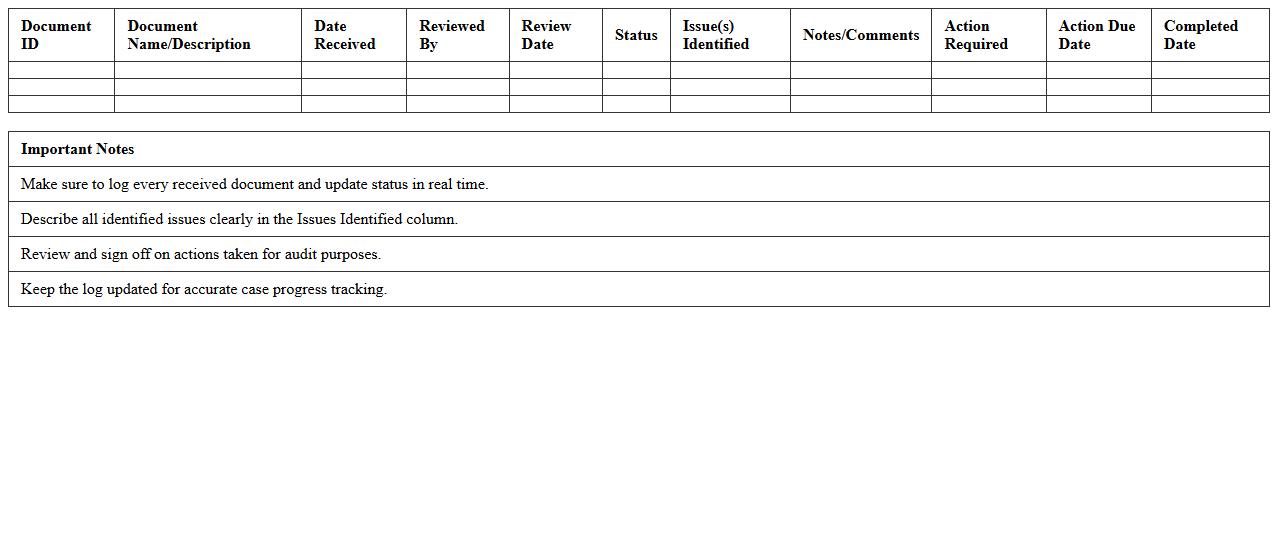
Litigation Document Review Log Excel Sheet is a structured tool designed to catalog and track the progress of documents reviewed during litigation cases, ensuring efficient management and quick retrieval of evidence. It organizes essential information such as document ID, reviewer comments, review status, and key dates, enabling legal teams to maintain accuracy and compliance throughout the review process. By streamlining collaboration and enhancing accountability, this log minimizes errors and supports data-driven decision-making in complex legal proceedings.
E-Discovery Management Excel Template
The
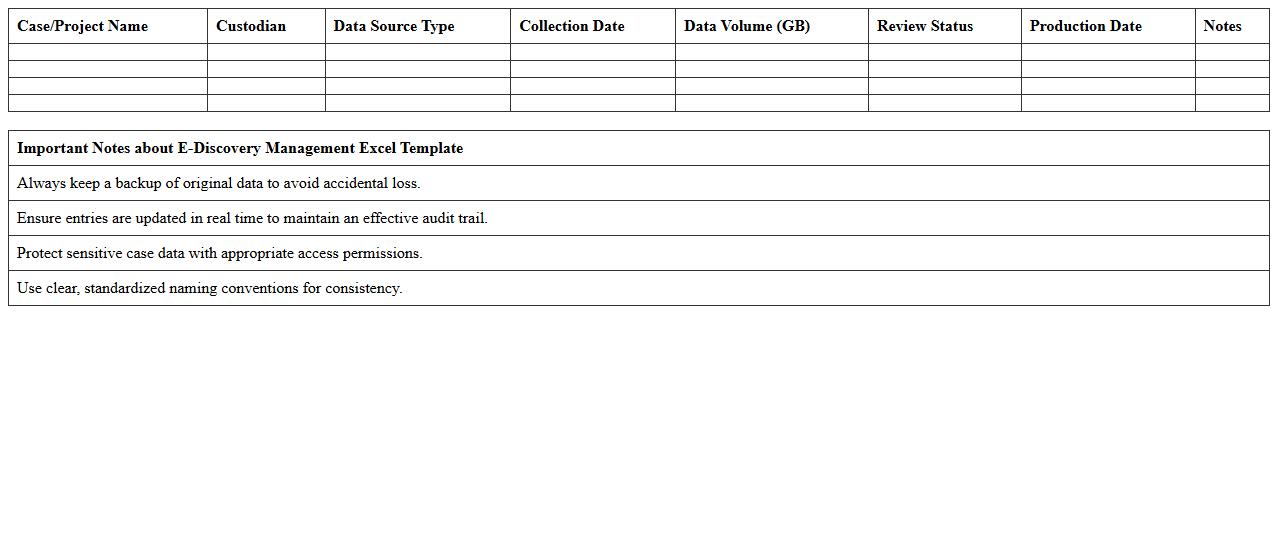
E-Discovery Management Excel Template document is a structured tool designed to organize and track electronic discovery processes during legal investigations or litigation. It helps streamline data collection, review, and compliance tasks by providing clear fields for metadata such as file names, locations, custodians, and status updates. Utilizing this template enhances efficiency, reduces errors, and ensures that critical information is managed systematically throughout the e-discovery lifecycle.
Case Evidence Tracking Log for Legal Teams
A
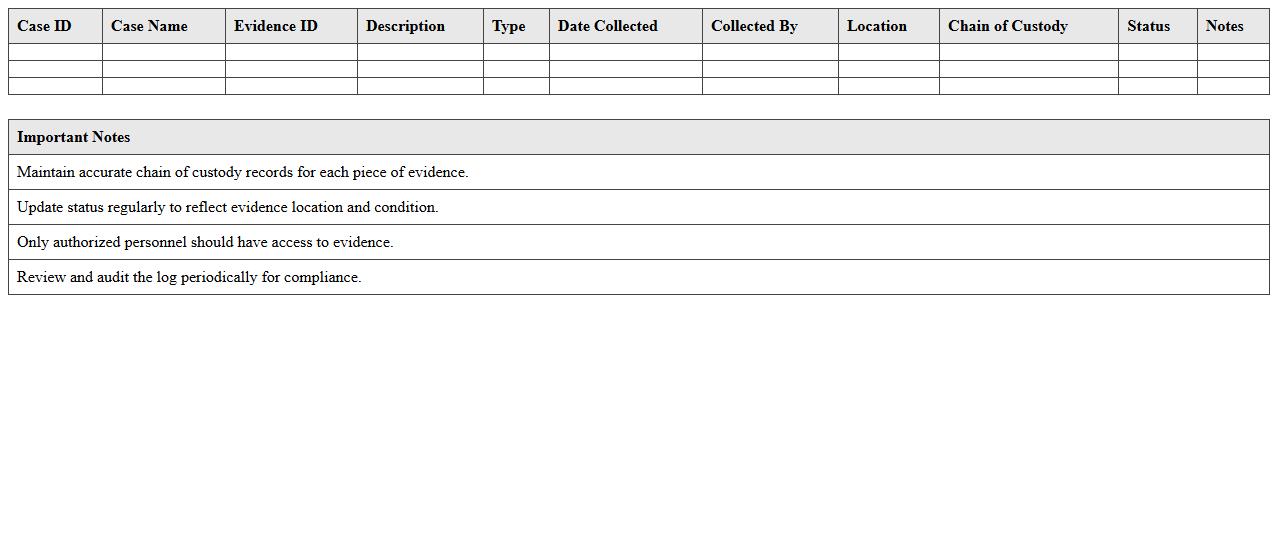
Case Evidence Tracking Log for legal teams is a detailed document that records and monitors all pieces of evidence related to a legal case, including descriptions, sources, dates, and custody details. It ensures accurate management, accountability, and quick retrieval of critical information, supporting case preparation and compliance with legal standards. This log enhances transparency, reduces the risk of evidence tampering or loss, and streamlines communication among team members.
Discovery Production Status Tracker Excel
The
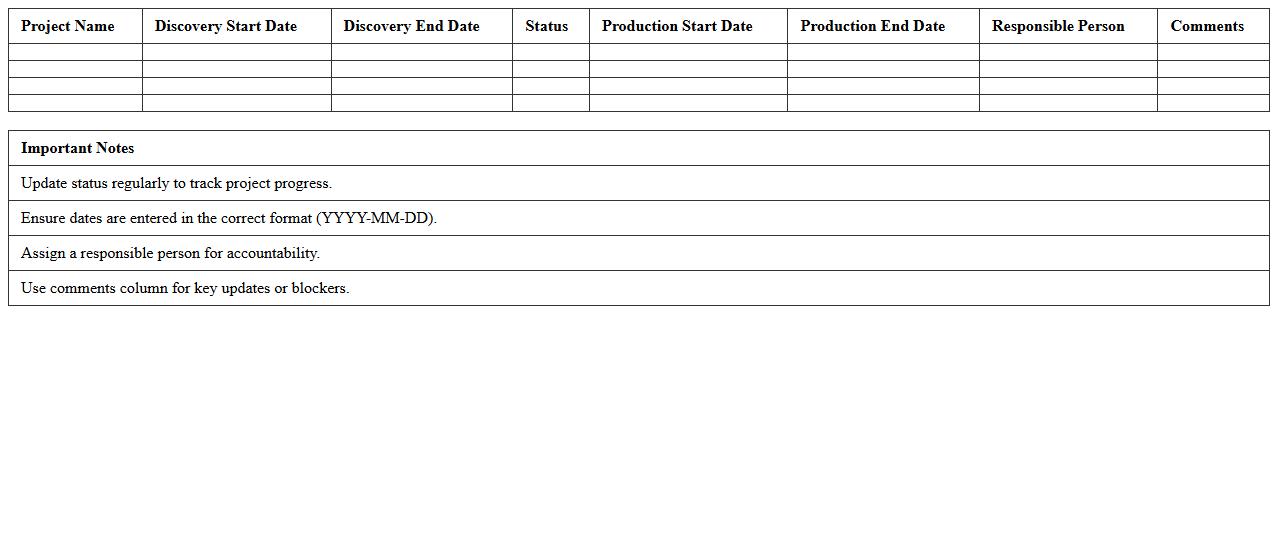
Discovery Production Status Tracker Excel document is a comprehensive tool designed to monitor and manage the progress of production activities during the discovery phase of a project. It provides real-time updates on task completion, resource allocation, and potential bottlenecks, enabling teams to ensure timely delivery and maintain quality standards. By consolidating critical production data in one place, it enhances transparency, facilitates informed decision-making, and improves overall project efficiency.
Privileged Document Identification Sheet
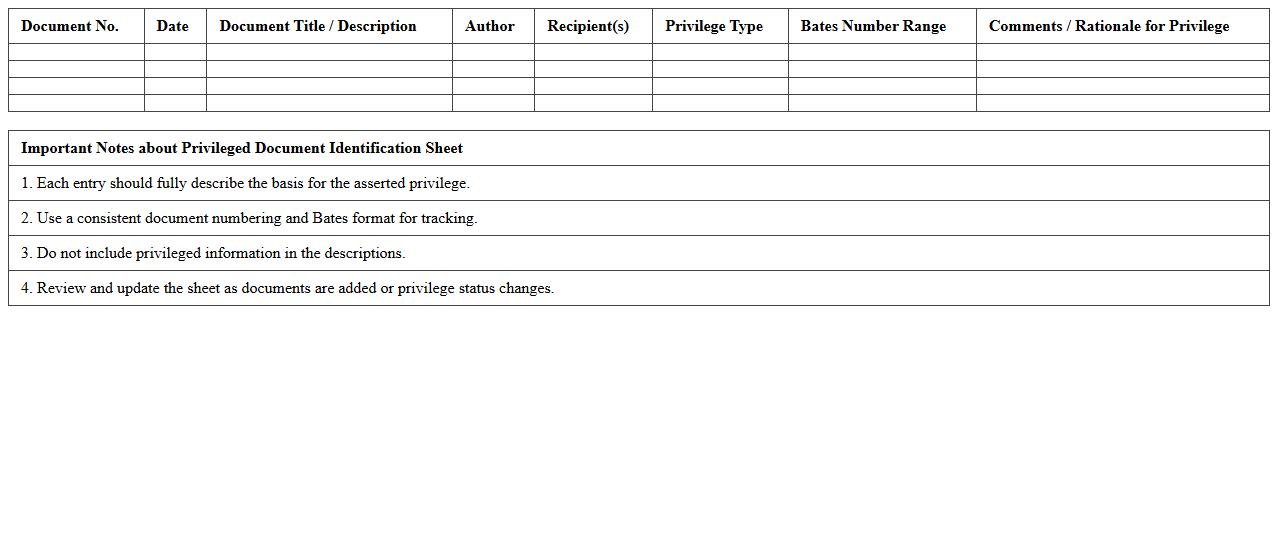
A
Privileged Document Identification Sheet is a critical legal document used to catalog and describe documents that are protected by attorney-client privilege or other confidentiality rules during litigation. It helps legal teams systematically identify and segregate privileged information from non-privileged materials, preventing accidental disclosure and maintaining legal protections. This sheet ensures compliance with discovery rules and supports efficient case management by clearly documenting the basis for privilege claims.
Bates Number Assignment Excel Template
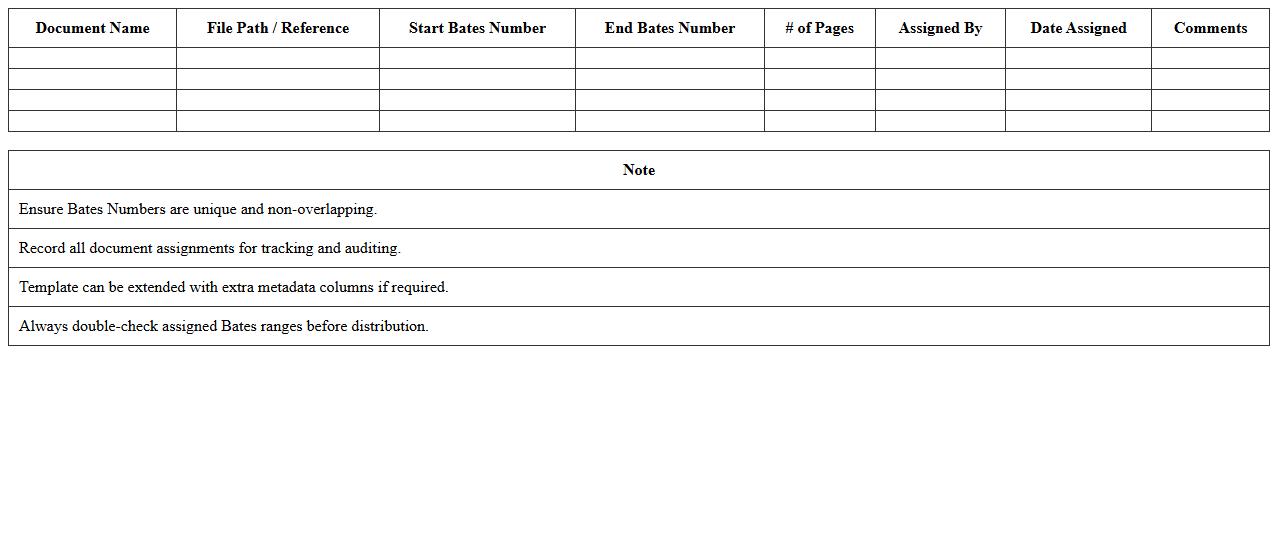
A
Bates Number Assignment Excel Template is a structured spreadsheet designed to efficiently organize and assign unique Bates numbers to legal documents, ensuring easy identification and retrieval. This template streamlines the process by automating the sequential numbering, reducing human error, and maintaining consistency across large volumes of files. It is particularly useful for legal professionals and document managers who require precise tracking and systematic documentation during litigation or audits.
Legal Discovery Request Response Log
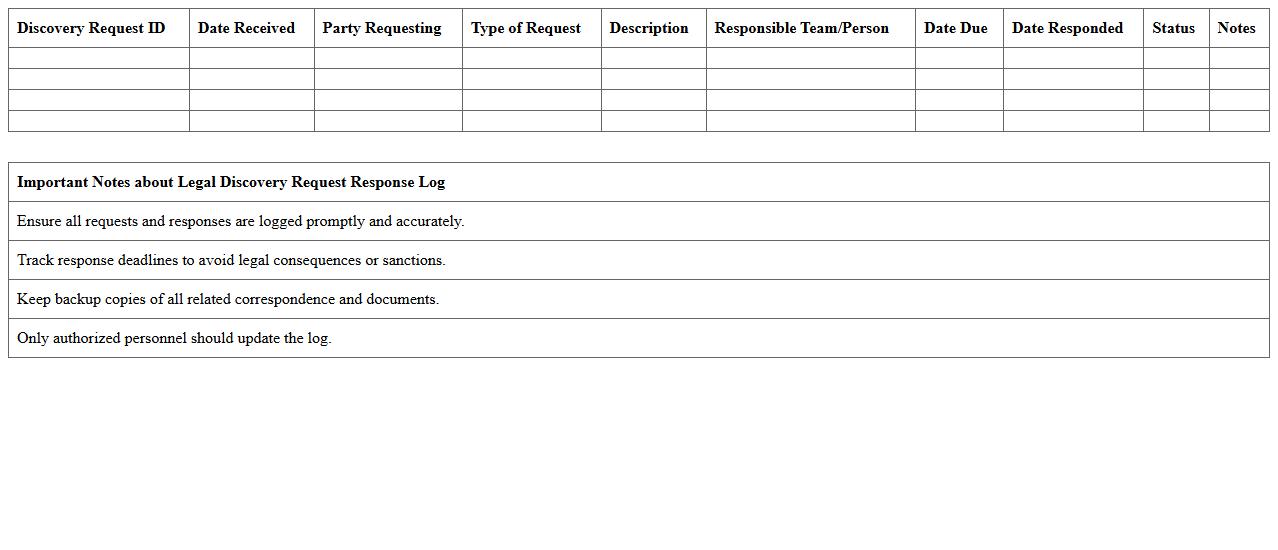
A
Legal Discovery Request Response Log document systematically tracks all discovery requests and responses exchanged between parties during litigation, ensuring transparency and compliance with legal timelines. This log helps legal teams monitor document production, identify missing or late responses, and maintain an organized record for court submissions or audits. Efficient management of this log enhances case strategy by providing clear oversight of discovery progress and facilitating effective communication among stakeholders.
Chain of Custody Log for Litigation Support
A
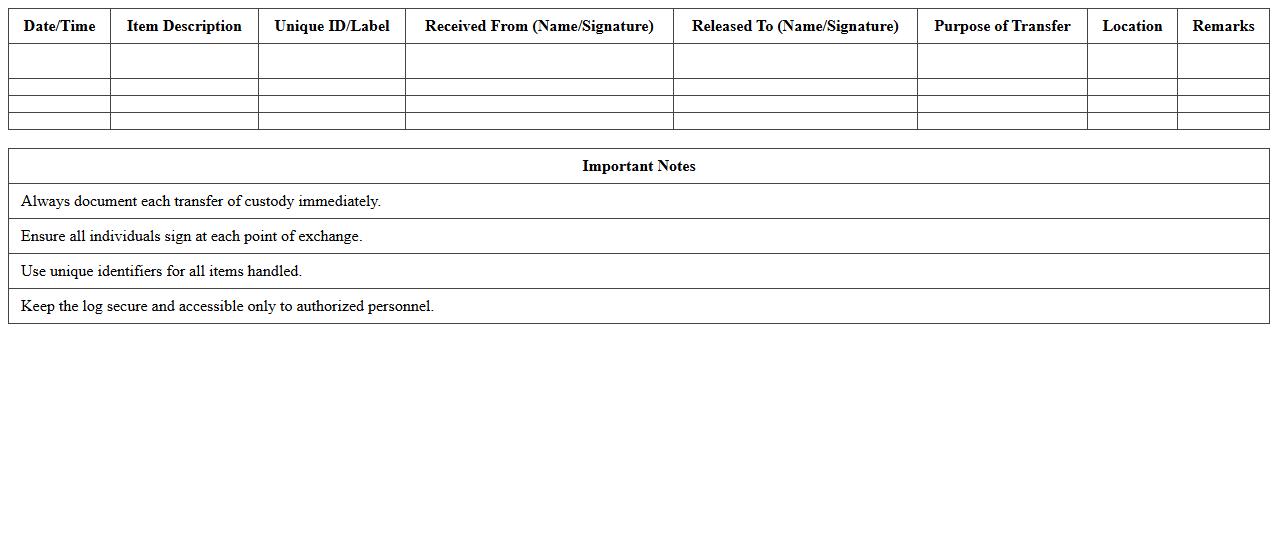
Chain of Custody Log for litigation support is a detailed record tracking the possession, handling, and transfer of evidence from collection to presentation in court. This log ensures the integrity and authenticity of evidence, preventing tampering or contamination, which is critical for maintaining admissibility in legal proceedings. By providing a transparent and verifiable trail, it strengthens the credibility of documentation and supports the trustworthiness of the litigation process.
Deposition Exhibit Tracking Spreadsheet
A
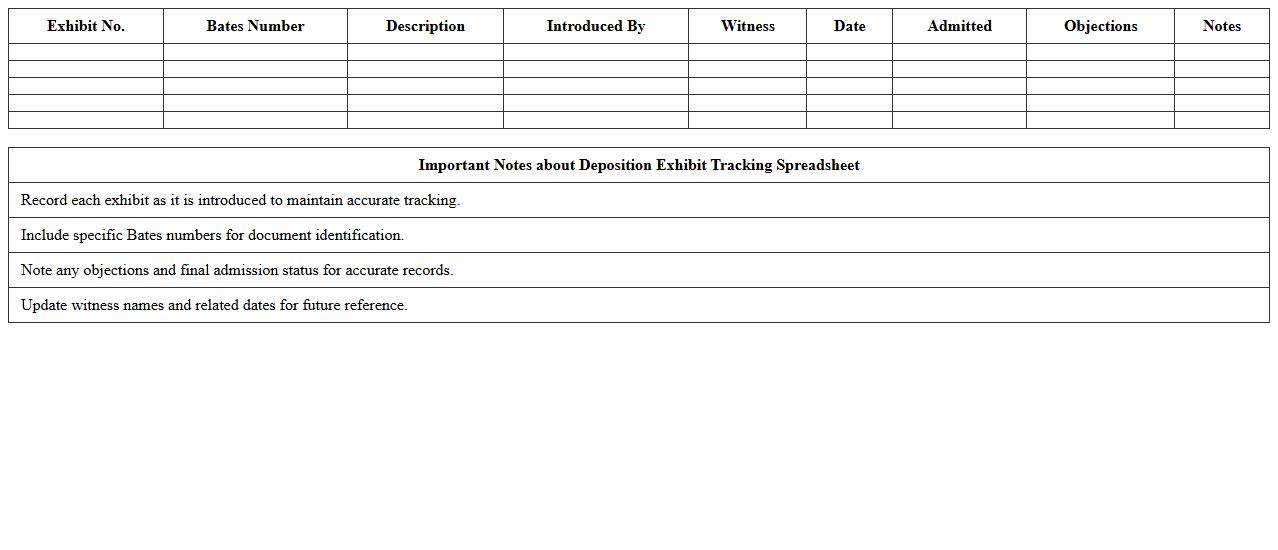
Deposition Exhibit Tracking Spreadsheet document systematically records and organizes all exhibits presented during depositions, including exhibit numbers, descriptions, and related case details. This tool enhances efficiency by providing quick access to critical information, ensuring accuracy in referencing exhibits, and facilitating seamless collaboration among legal teams. It minimizes errors and saves time during case preparation and court proceedings by maintaining a centralized, easily updatable record of all deposition exhibits.
Which metadata fields are essential to track in a Legal Discovery Log Excel for litigation compliance?
The essential metadata fields in a Legal Discovery Log include Document ID, Custodian Name, and Date Created. Tracking these fields ensures proper identification and chronological sorting of each document. Additionally, fields like Document Type and Confidentiality Status are crucial for compliance and review prioritization.
How can privilege coding be efficiently managed within the Excel structure?
Privilege coding is efficiently managed by using a dedicated Privilege Status column with standardized dropdown menus for easy selection. Conditional formatting can highlight privileged documents to prevent accidental disclosure. Integrating data validation ensures consistent privilege tagging throughout the log.
What are best practices for version control of Legal Discovery Log Excel files during multi-party reviews?
Effective version control involves maintaining a clear Version Number or Date Modified column to track updates and edits. Utilizing cloud-based platforms with permission controls helps manage access and simultaneous edits. Regular backups and naming conventions prevent confusion during multi-party reviews.
How do you handle Bates numbering and cross-referencing within the Legal Discovery Log Excel?
Implement Bates numbering by using a unique identifier column containing sequential Bates Numbers for each document. Cross-referencing is managed by linking related documents through a Reference ID field. This structure supports quick lookup and ensures traceability throughout the review process.
What formulas or macros automate Redaction and Production status updates in the log?
Automation is achieved by using IF formulas to update Redaction and Production Status based on specific criteria within the log. Macros can be programmed to batch update statuses after review milestones, saving time and reducing errors. Combining these tools streamlines workflow management for legal teams.