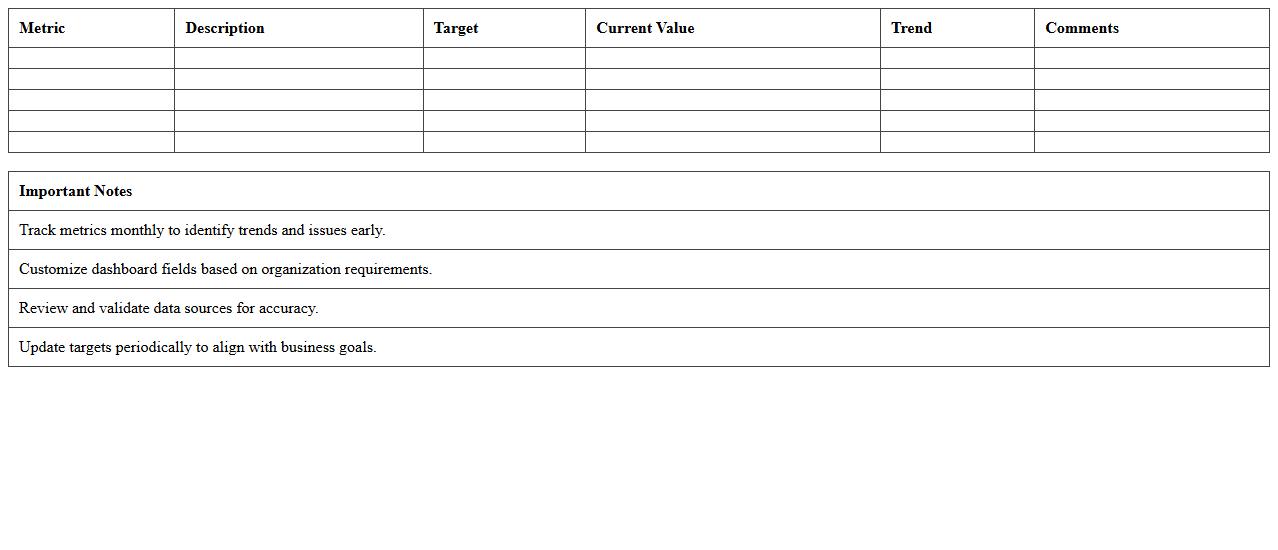
IT Performance Metrics Dashboard Excel Template
The
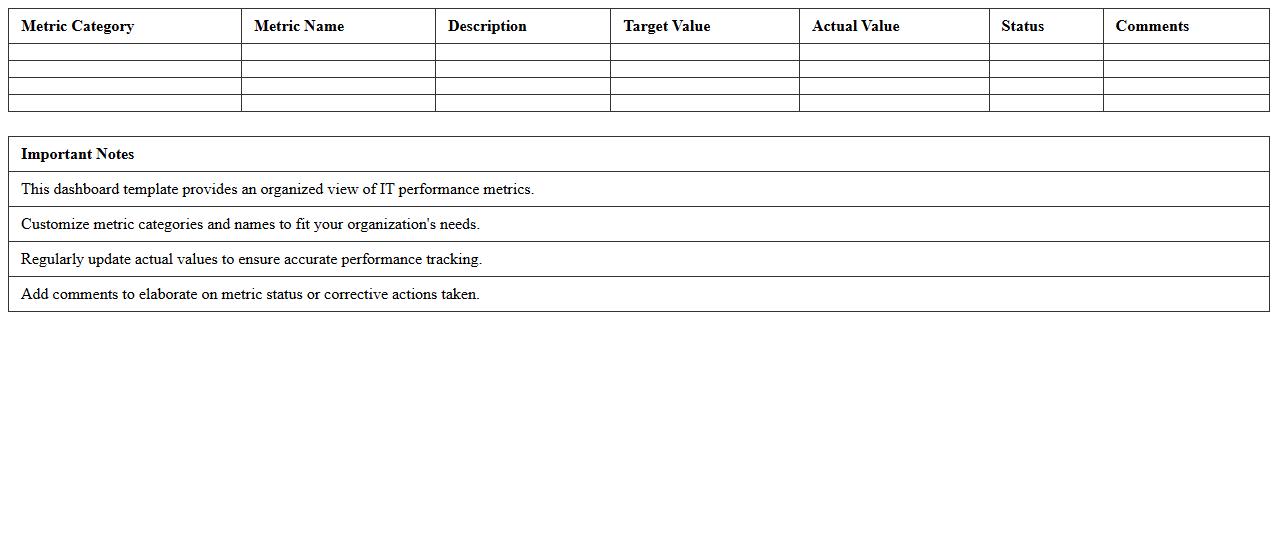
IT Performance Metrics Dashboard Excel Template is a comprehensive tool designed to track, analyze, and visualize key IT performance indicators such as system uptime, incident resolution times, and network efficiency. This document consolidates critical data into interactive charts and graphs, enabling IT managers to quickly identify trends, bottlenecks, and areas for improvement. By streamlining performance monitoring, it supports informed decision-making and enhances overall IT service delivery.
IT Service Uptime Tracker Excel Template
The
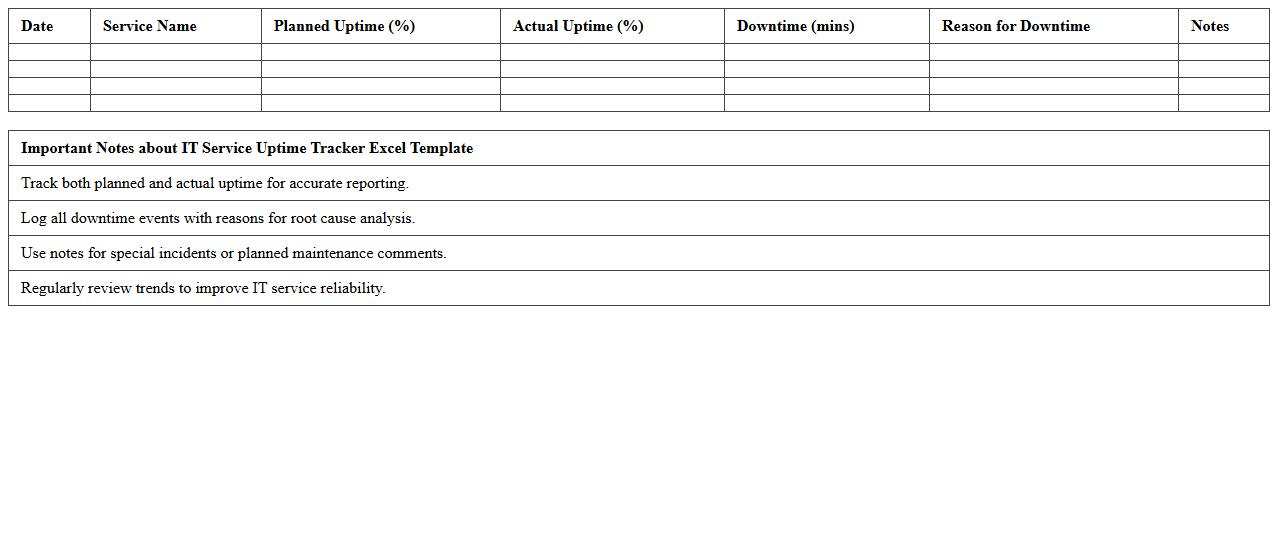
IT Service Uptime Tracker Excel Template document is designed to monitor and record the operational availability of IT services over time, providing clear insights into system performance and downtime incidents. By systematically logging uptime and outage data, it enables IT teams to identify patterns, assess service reliability, and plan maintenance activities with precision. This template supports informed decision-making, helping organizations maintain high service standards and reduce the risk of unexpected disruptions.
Incident Management Analytics Excel Sheet
The
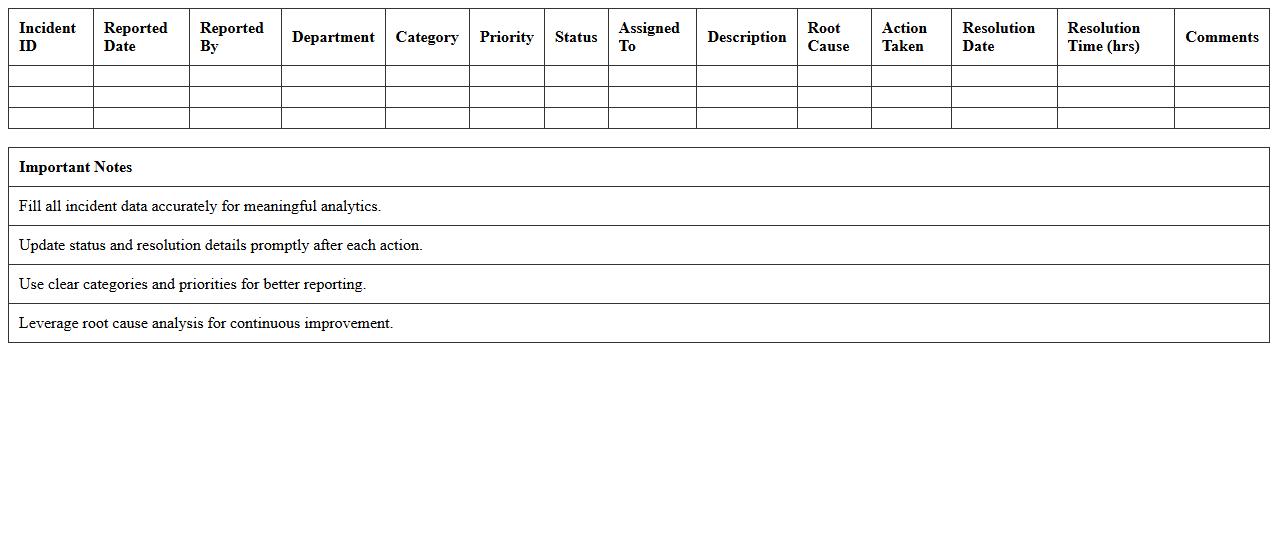
Incident Management Analytics Excel Sheet is a comprehensive tool designed to track, analyze, and report on incidents within an organization, offering detailed insights into incident types, response times, and resolution effectiveness. It enables organizations to identify recurring issues, streamline incident response processes, and improve overall operational efficiency by providing data-driven decision support. By leveraging this document, teams can enhance risk management, reduce downtime, and maintain compliance with industry standards through consistent monitoring and optimization of incident handling.
IT Project Status Monitoring Dashboard
An
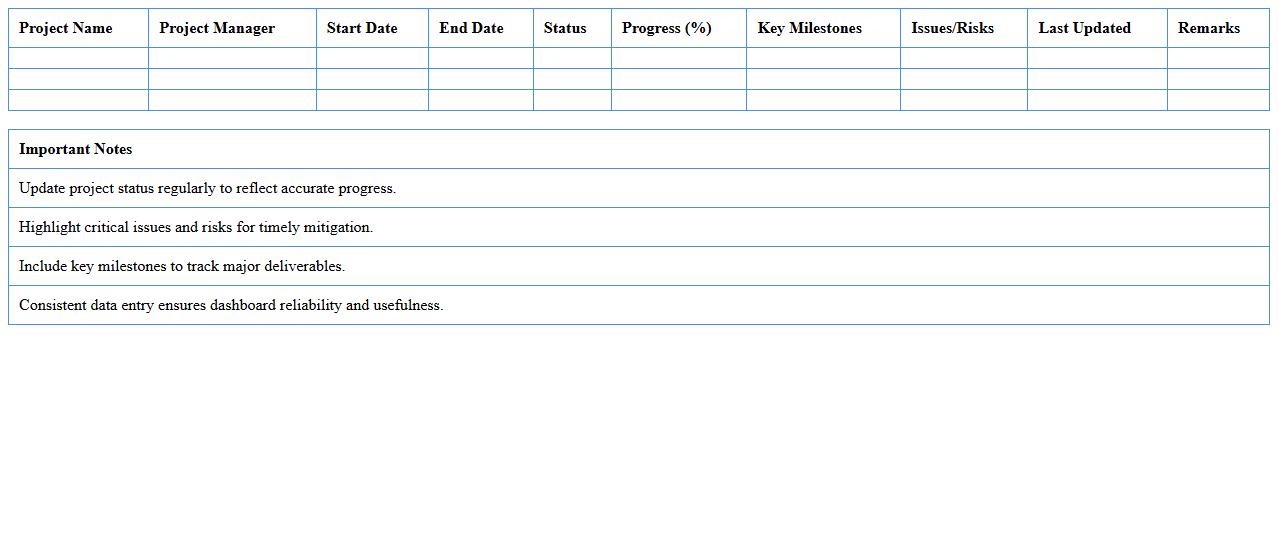
IT Project Status Monitoring Dashboard is a visual tool that consolidates real-time data on project progress, resource allocation, and key performance indicators to provide a comprehensive overview of IT project health. It enables project managers and stakeholders to quickly identify risks, track milestones, manage timelines, and optimize resource utilization efficiently. By offering actionable insights and transparency, it supports informed decision-making and ensures projects stay aligned with business objectives.
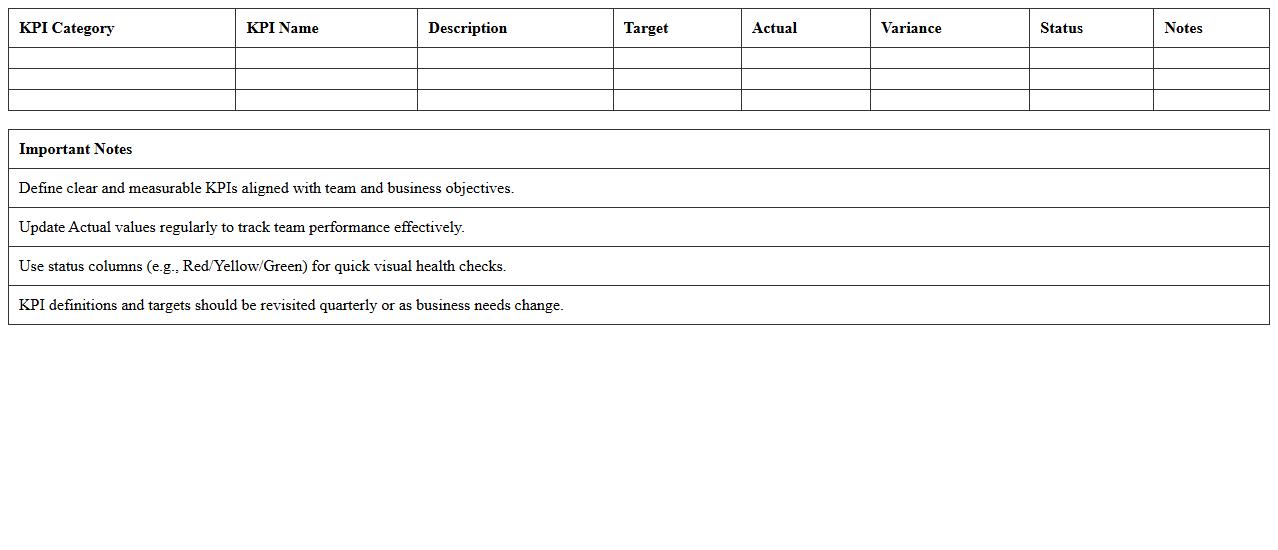
KPI Analytics Dashboard for IT Teams Excel
The
KPI Analytics Dashboard for IT Teams Excel document is a powerful tool designed to visually track and analyze key performance indicators critical to IT operations and project management. It consolidates data on system uptime, issue resolution times, and resource allocation into a single, easy-to-read platform, enabling IT managers to identify trends, optimize workflows, and enhance decision-making. By providing real-time insights and customizable metrics, it helps teams improve efficiency, reduce downtime, and align IT goals with overall business objectives.
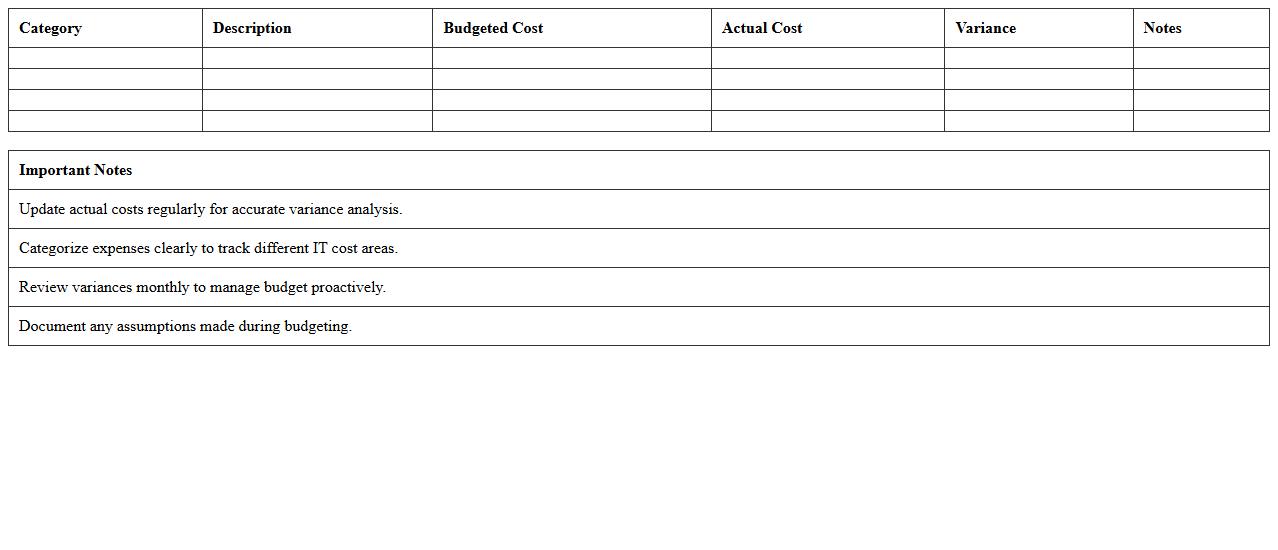
IT Cost and Budget Analysis Excel Template
The
IT Cost and Budget Analysis Excel Template document is a structured tool designed to track, manage, and analyze the expenses and budget allocations related to information technology projects and operations. It provides a clear overview of IT spending categories, helps identify cost-saving opportunities, and supports strategic financial planning by consolidating data into easy-to-read charts and tables. Utilizing this template enhances decision-making efficiency and ensures better alignment of IT expenditures with organizational goals.
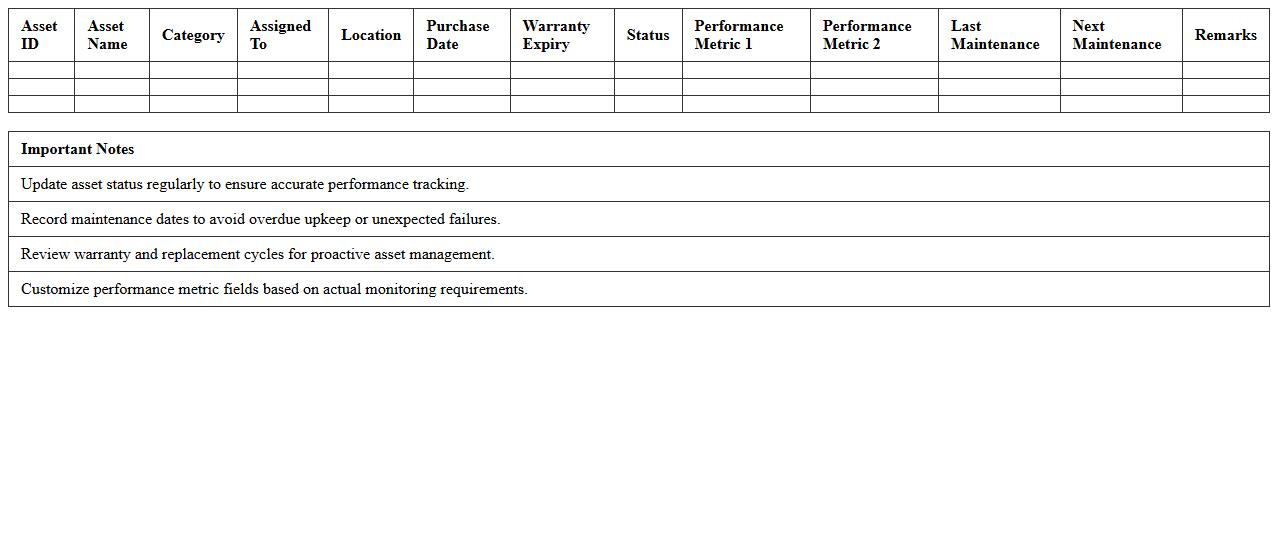
IT Asset Performance Tracking Spreadsheet
An
IT Asset Performance Tracking Spreadsheet is a document designed to monitor and evaluate the efficiency and status of IT assets such as hardware, software, and network components. It provides detailed insights into asset utilization, maintenance schedules, and performance metrics, enabling organizations to optimize resource allocation and reduce downtime. Utilizing this spreadsheet ensures informed decision-making, enhances productivity, and supports proactive management of IT infrastructure.
IT Helpdesk Analytics Dashboard Excel
An
IT Helpdesk Analytics Dashboard Excel document consolidates key metrics such as ticket volume, resolution times, and user satisfaction into organized visual reports, enabling efficient performance monitoring. It allows IT teams to identify trends, bottlenecks, and areas for improvement by providing real-time data visualization and customizable filters. This tool streamlines decision-making processes and enhances service quality by offering actionable insights that optimize helpdesk operations.
Network Performance Monitoring Excel Sheet
A
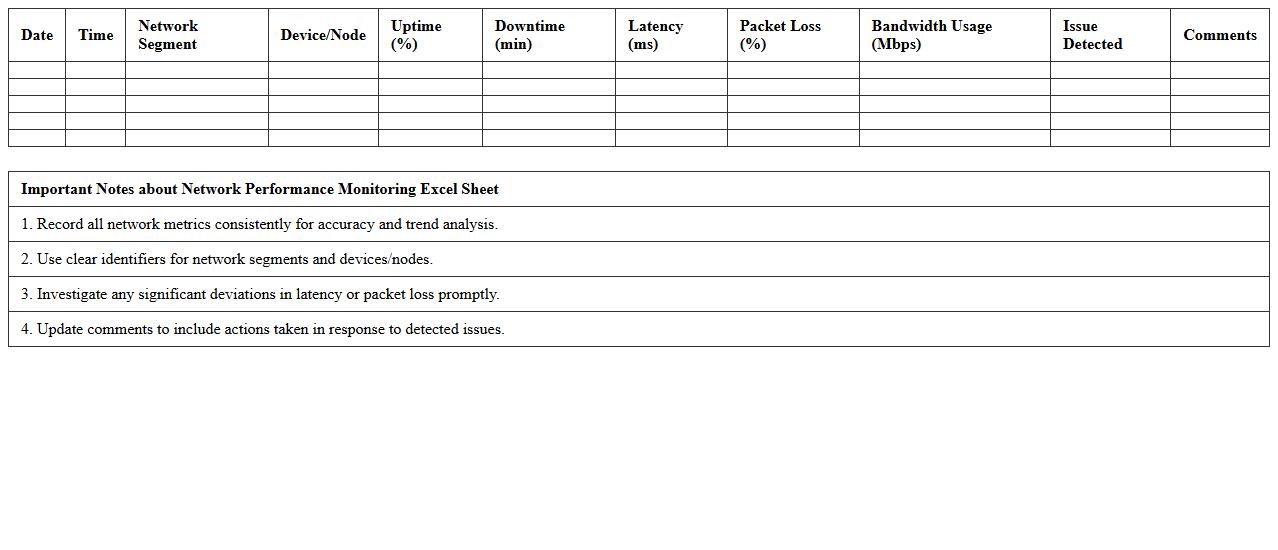
Network Performance Monitoring Excel Sheet document is a structured tool designed to track, analyze, and visualize network metrics such as bandwidth usage, latency, packet loss, and uptime. It enables network administrators to identify performance bottlenecks, monitor trends over time, and quickly respond to connectivity issues. This sheet enhances decision-making by providing clear, organized data that supports proactive network management and optimization.
Software Deployment Performance Tracking Template
A
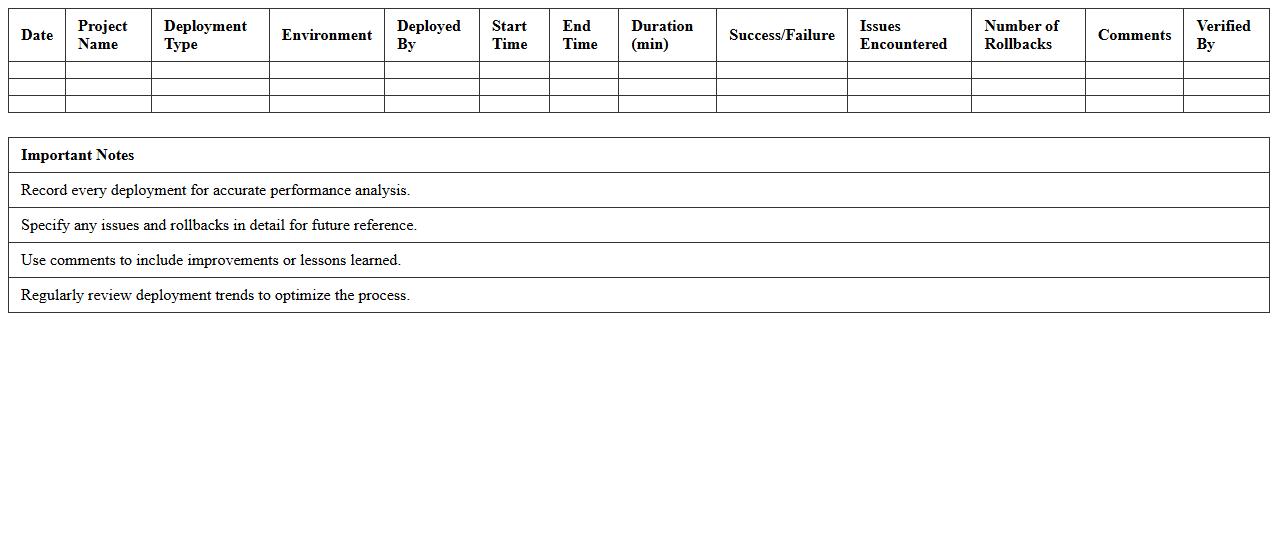
Software Deployment Performance Tracking Template document systematically records and analyzes key metrics related to the deployment of software releases, such as deployment time, success rates, rollback occurrences, and system uptime post-deployment. This template enables project managers and development teams to identify bottlenecks, measure the efficiency of deployment processes, and ensure smoother software rollouts. By providing clear visibility into deployment performance, it supports continuous improvement and reduces the risk of downtime or failures during software launches.
How can I automate real-time data refresh for an IT performance dashboard in Excel?
Automating real-time data refresh in Excel dashboards involves setting up connections to live data sources such as databases or APIs. Use the Refresh All feature or write VBA scripts to trigger data update cycles automatically. This process ensures the dashboard always displays the most current IT performance metrics.
What advanced Excel formulas optimize KPI tracking in IT analytics dashboards?
Advanced formulas like INDEX-MATCH, SUMIFS, and ARRAYFORMULAS help track complex KPI scenarios accurately. Using DYNAMIC ARRAYS and IFERROR enhances data integrity by handling errors gracefully. These formulas provide precise, responsive calculations essential for IT analytics.
How do you integrate Power Query for multi-source IT performance data in Excel dashboards?
Power Query enables seamless integration of multi-source data by importing and transforming IT performance metrics from databases, CSVs, and web data. It allows easy data cleansing and merging before loading into the Excel model. This tool simplifies maintaining a consistent and accurate data pipeline for dashboards.
What are the best practices for visualizing infrastructure uptime vs downtime in Excel?
Use combination charts like clustered column and line charts to compare uptime against downtime effectively. Applying color-coded conditional formatting helps stakeholders quickly identify performance patterns. Keep charts simple and labeled clearly to maximize data transparency and usability.
How can Excel macros enhance interactive filtering for IT performance metrics?
Excel macros automate the creation of custom filters that dynamically adjust the dashboard based on user inputs. Macros improve interactivity by simplifying complex filter logic into one-click actions. This enables quicker data exploration and more targeted analysis of IT performance metrics.