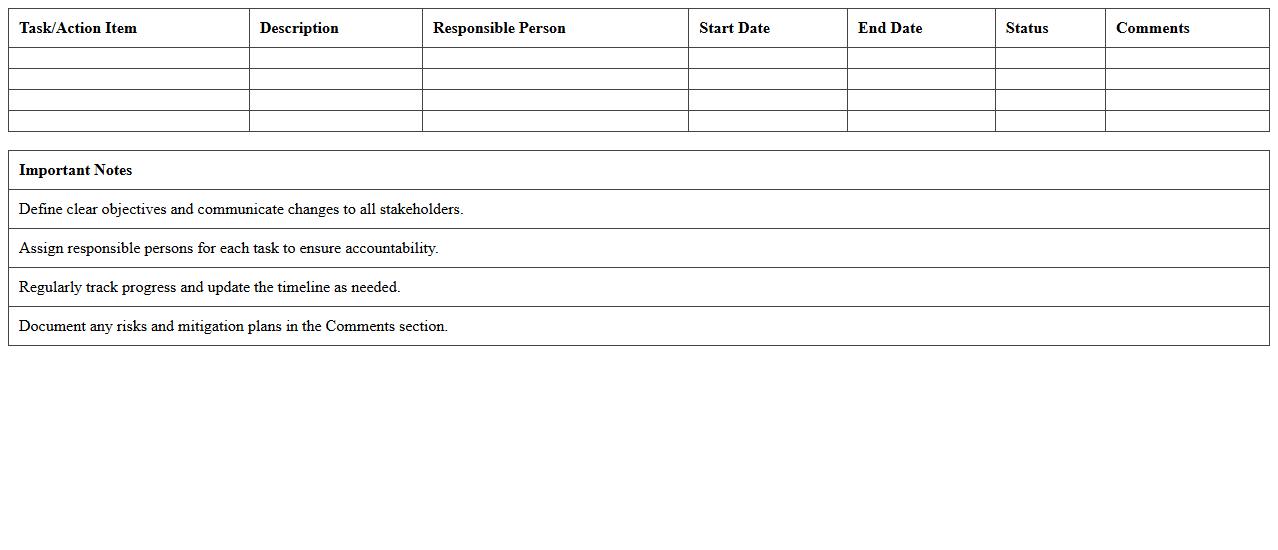
The Information Technology Change Management Excel Template for Project Managers streamlines the process of tracking and documenting IT changes efficiently. It helps project managers organize change requests, assess impact, and monitor approval status within a single, easy-to-use spreadsheet. This template enhances communication and ensures compliance with IT governance standards throughout project lifecycles.
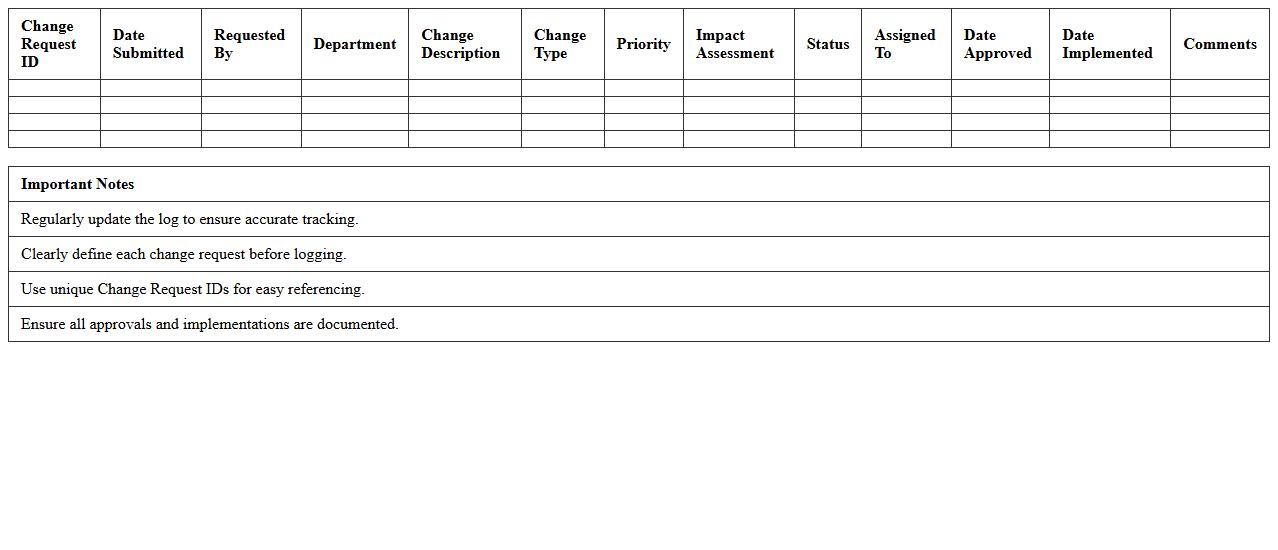
IT Change Request Log Excel Template
The
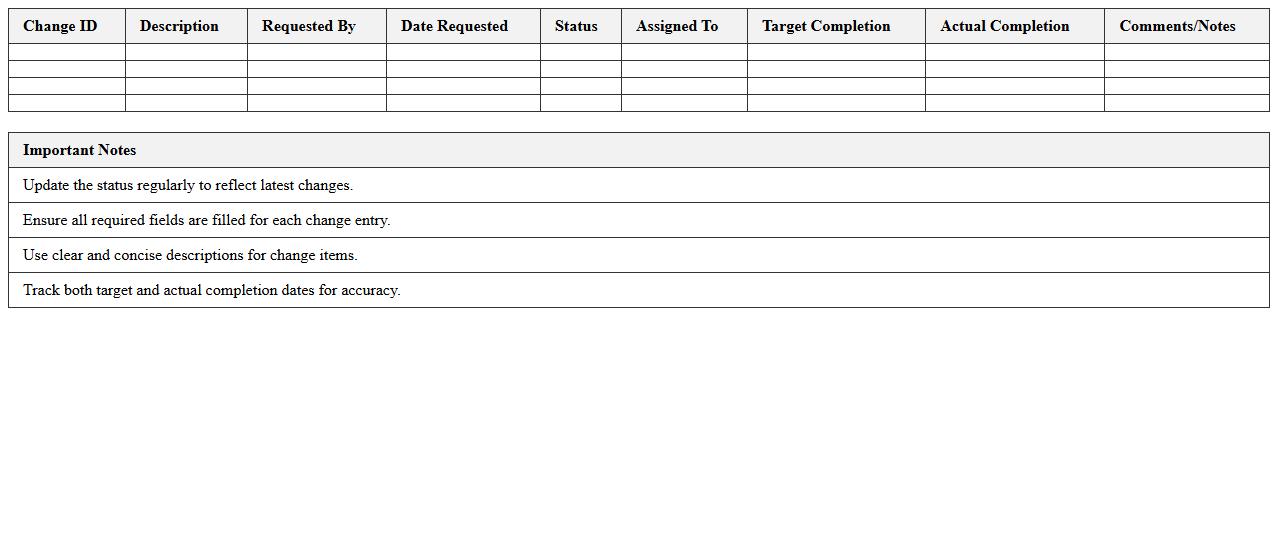
IT Change Request Log Excel Template document systematically records and tracks all change requests within IT projects, ensuring transparency and accountability. It facilitates efficient management by capturing critical details such as requestor information, change descriptions, impact analysis, approval status, and implementation timelines. This tool enhances collaboration among team members, reduces risk of errors, and supports informed decision-making in IT service management.
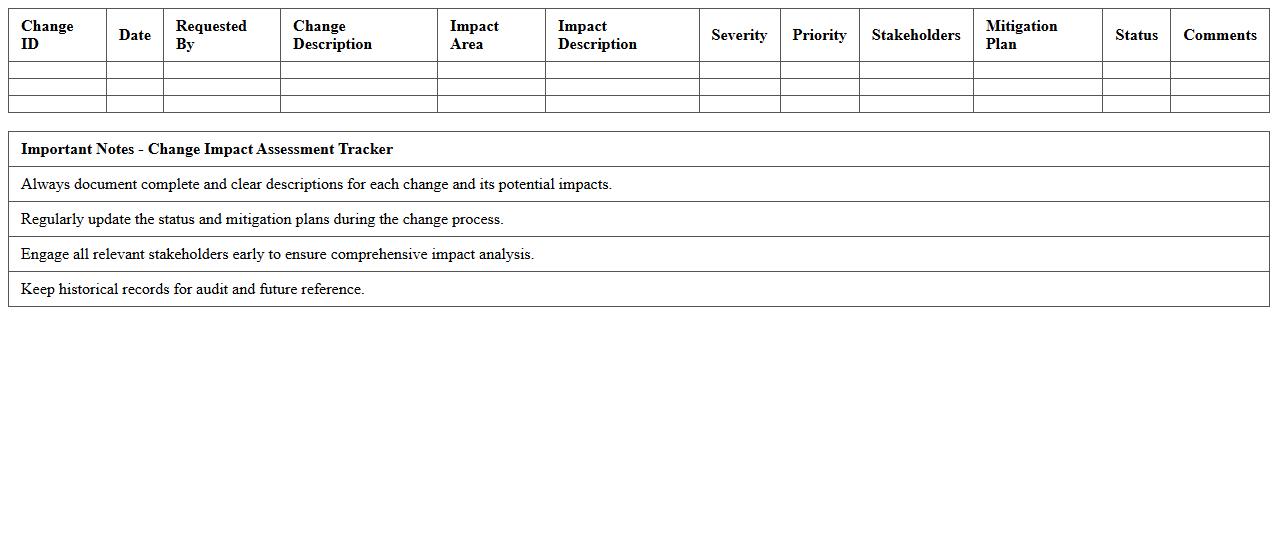
Change Impact Assessment Tracker
The
Change Impact Assessment Tracker document systematically records and evaluates the effects of proposed changes on various project components, stakeholders, and business processes. It helps organizations identify potential risks, resource requirements, and mitigation strategies, ensuring informed decision-making and smoother transition management. By using this tracker, teams enhance communication, reduce disruption, and maintain alignment with project objectives throughout the change lifecycle.
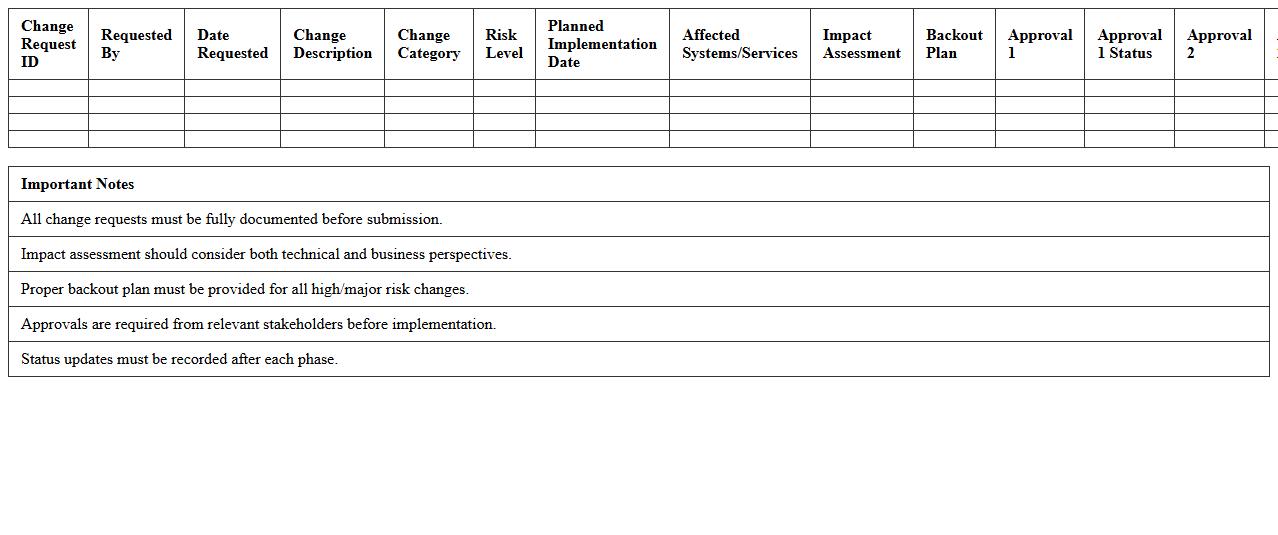
IT Change Approval Workflow Sheet
The
IT Change Approval Workflow Sheet is a structured document that outlines the step-by-step process for evaluating and authorizing changes in IT systems or infrastructure. It ensures accountability by capturing approvals from relevant stakeholders, minimizing risks associated with unapproved or poorly managed changes. This document is essential for maintaining operational stability and compliance in IT environments by providing clear visibility and control over change management activities.
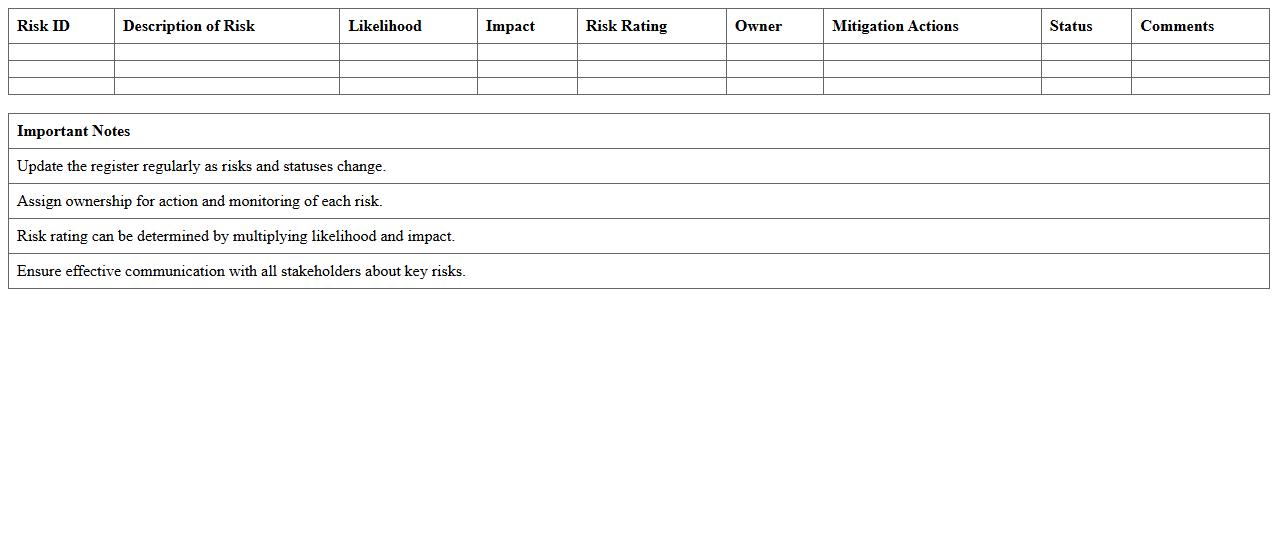
Change Management Risk Register
A
Change Management Risk Register document systematically identifies, assesses, and tracks risks associated with changes in a project or organization. It helps teams anticipate potential issues, prioritize risk mitigation efforts, and maintain control over project outcomes by providing a centralized repository of risk information. This tool enhances decision-making, supports proactive planning, and ensures smoother transitions during change implementation.
Change Implementation Timeline Planner
The Change Implementation Timeline Planner document outlines a detailed schedule for managing and executing organizational changes, ensuring each phase is clearly defined and time-bound. It serves as a strategic tool to track progress, allocate resources efficiently, and minimize disruptions during transitions. Utilizing a
Change Implementation Timeline Planner enhances coordination among teams and improves the likelihood of successful change adoption.
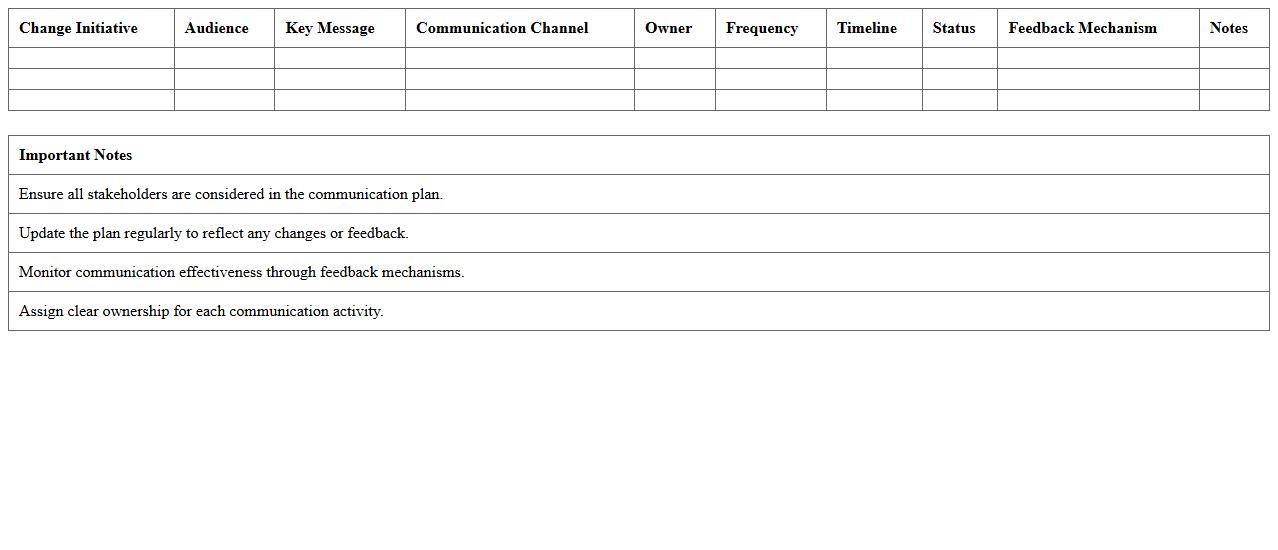
Change Communication Plan Spreadsheet
A
Change Communication Plan Spreadsheet document organizes and tracks all communication activities related to change management, ensuring clarity and consistency across stakeholders. It helps identify target audiences, key messages, communication channels, and timelines, facilitating seamless coordination and minimizing resistance. By systematically managing communication efforts, this spreadsheet enhances transparency and supports successful adoption of organizational changes.
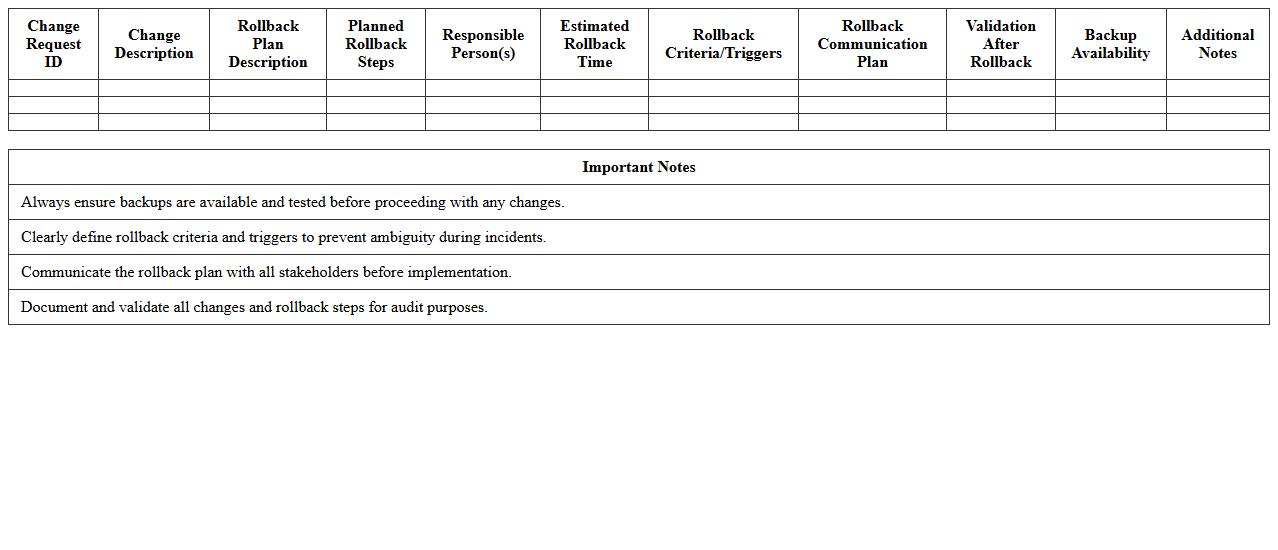
IT Change Rollback Plan Template
An
IT Change Rollback Plan Template document outlines a structured approach for reversing IT system changes to ensure minimal disruption during failures or unexpected issues. It provides predefined steps, roles, and timelines to quickly restore previous stable configurations, reducing downtime and risk to business operations. This template enhances change management efficiency by enabling rapid recovery and safeguarding system integrity.
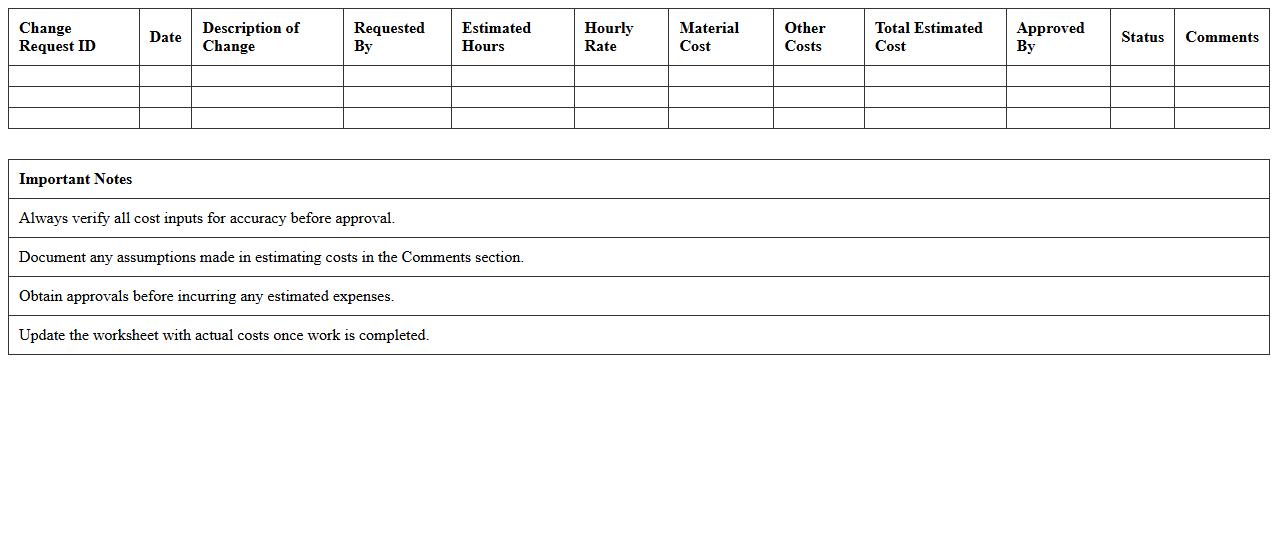
Change Cost Estimation Worksheet
A
Change Cost Estimation Worksheet is a detailed document used to assess the financial impact of proposed project changes by itemizing costs associated with labor, materials, and time adjustments. It helps project managers and stakeholders evaluate budget variations, make informed decisions, and prioritize changes based on their cost-effectiveness. This worksheet improves transparency and control over project expenses, reducing the risk of cost overruns and ensuring accountability.
Change Testing & Validation Checklist
A
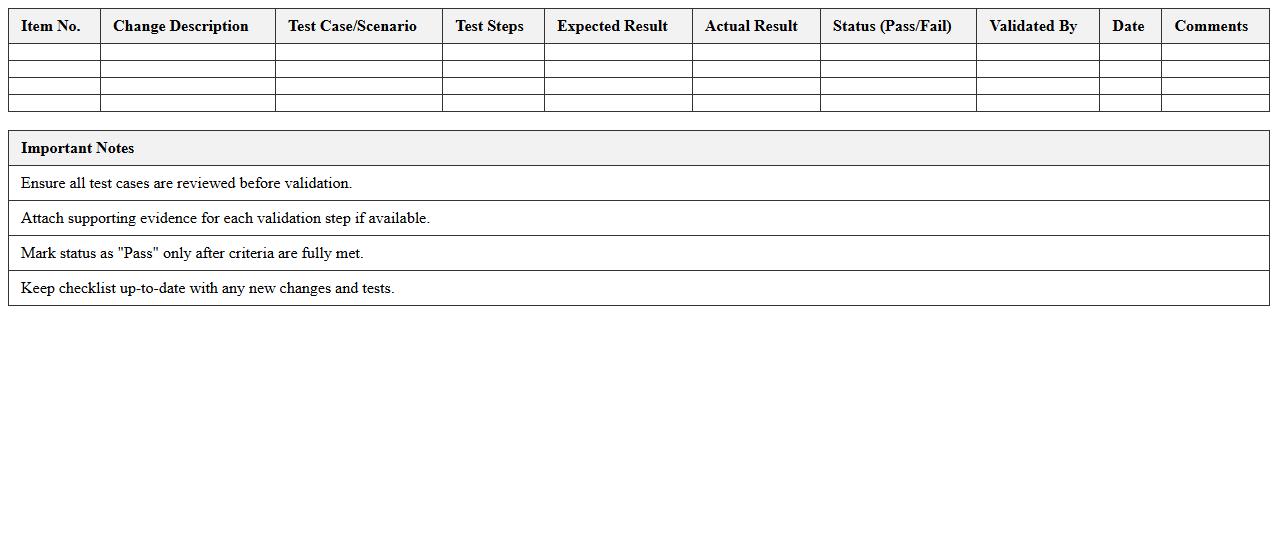
Change Testing & Validation Checklist document systematically outlines the essential steps and criteria to verify that changes in software or systems meet predefined requirements and do not introduce new issues. It ensures comprehensive testing coverage, reduces the risk of errors, and facilitates consistent validation across development cycles. This checklist enhances quality control, improves communication among teams, and streamlines the deployment process by confirming all change-related aspects are thoroughly tested and approved.
Change Status Dashboard Template
The
Change Status Dashboard Template document provides a centralized platform to track and visualize the progress of change initiatives within an organization. It enables teams to monitor key metrics such as implementation phases, risk levels, and stakeholder engagement, ensuring transparency and timely decision-making. By using this template, organizations can enhance communication, mitigate risks, and streamline the management of change processes effectively.
How do you track IT change requests using Excel templates for project management oversight?
Excel templates enable efficient tracking of IT change requests by organizing data into structured rows and columns. You can capture essential details like request ID, description, requestor, and status for clear oversight. Using filters and conditional formatting helps project managers quickly monitor the progress and priority of each change.
What Excel formulas automate risk assessment in IT change management documentation?
Automated risk assessment can be achieved using formulas such as IF, VLOOKUP, and CONCATENATE to evaluate risk factors based on severity and probability scores. For instance, an IF formula can assign risk levels (High, Medium, Low) by comparing input values against thresholds. This automation reduces errors and speeds up identifying critical IT changes needing attention.
Which columns are essential in an Excel log for IT change approval workflows?
An effective IT change log must include columns like Change ID, Request Date, Description, Requestor, Risk Level, and Approval Status. Additional essential columns are Approver Name, Approval Date, and Implementation Date to track progress. These fields ensure transparent documentation and streamline the approval process.
How can Excel pivot tables visualize change impact and frequency for project reports?
Pivot tables summarize and analyze large datasets by grouping changes by impact categories, frequency, or responsible teams. They allow dynamic filtering and drill-down into detailed records enabling insightful project status reports. Visualizing the data helps stakeholders identify trends and prioritize resource allocation effectively.
What Excel-based methods facilitate version control in IT change management records?
Version control in Excel can be managed by maintaining separate sheets or columns for version numbers and change dates. Using data validation and timestamps helps track record modifications systematically. Additionally, saving sequential file versions or leveraging Excel's track changes feature ensures proper audit trails.
More Information Technology Excel Templates