Monthly Payroll Calculation Excel Template
The
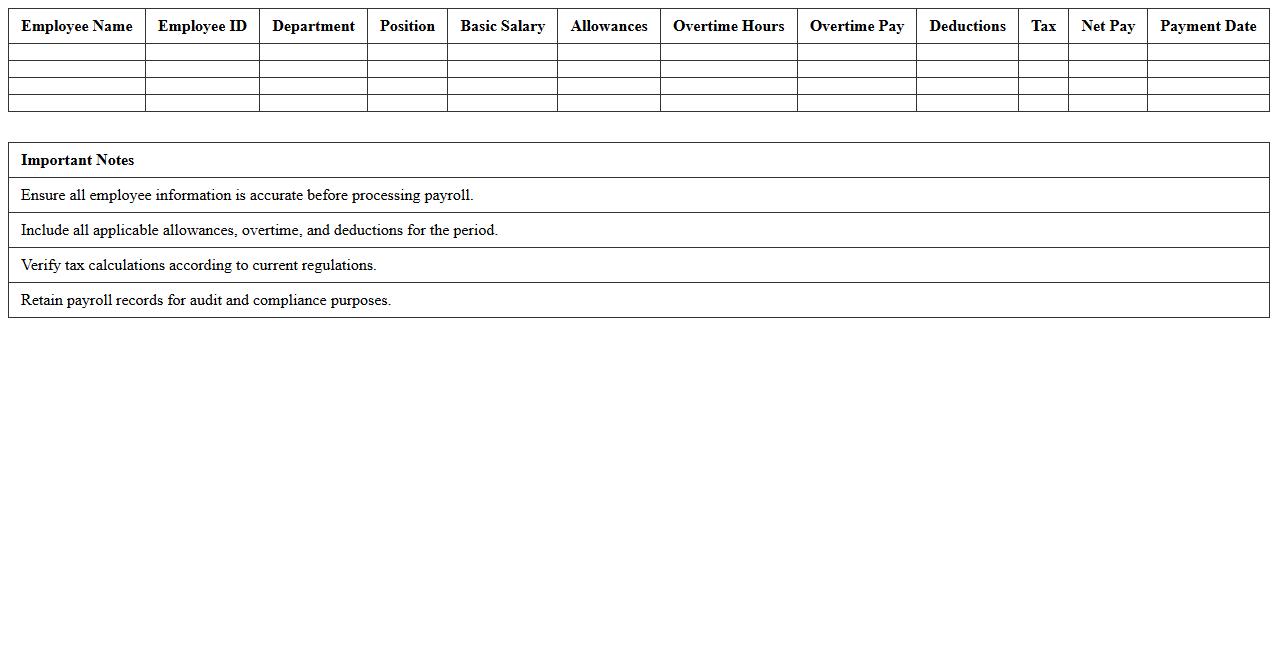
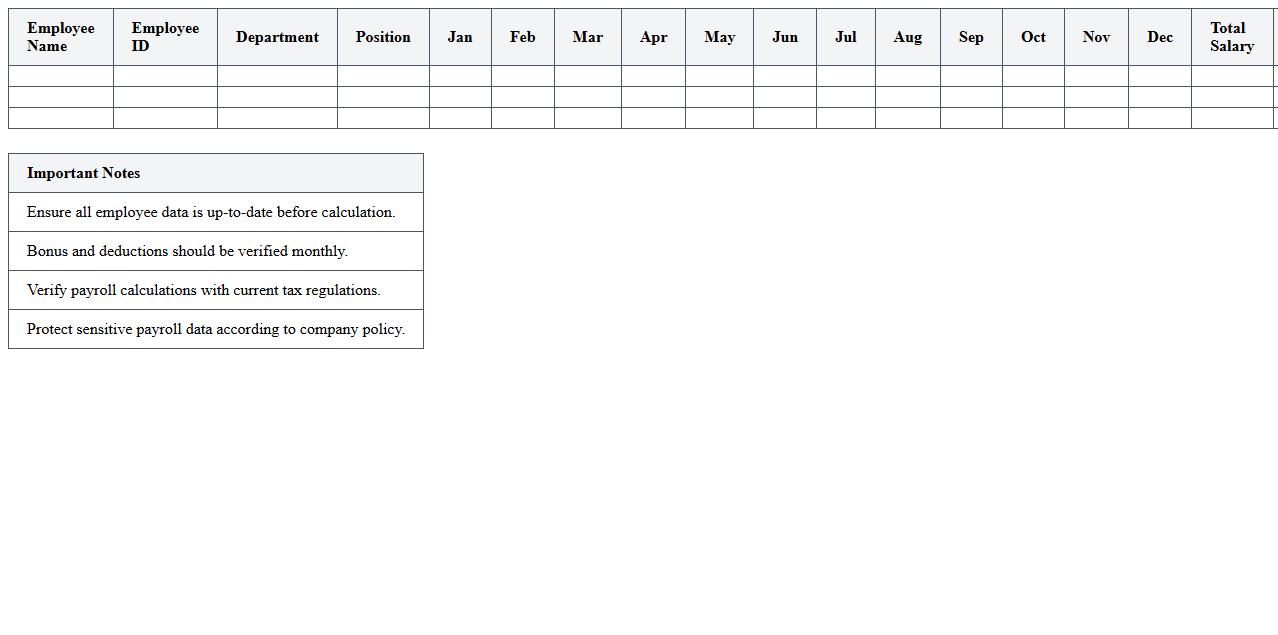
Monthly Payroll Calculation Excel Template is a pre-designed spreadsheet that simplifies the process of computing employee salaries, deductions, and net pay accurately. It automates complex calculations such as tax withholding, benefits, and overtime, reducing errors and saving valuable time in payroll management. This tool enhances financial organization and ensures compliance with payroll regulations, making it indispensable for businesses of all sizes.
Employee Salary Breakdown Spreadsheet
An
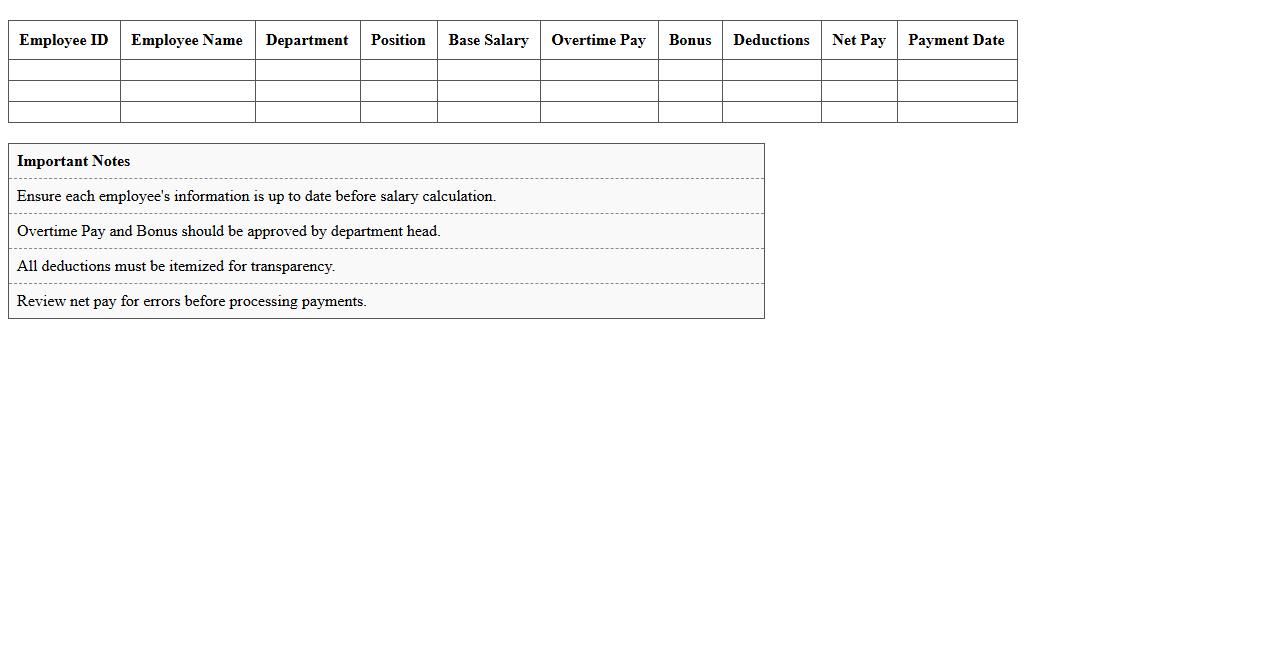
Employee Salary Breakdown Spreadsheet is a detailed document that itemizes an employee's total compensation, including base salary, bonuses, deductions, taxes, and benefits. This spreadsheet enhances financial transparency by providing clear insight into how each salary component contributes to the overall pay structure. It is useful for payroll management, budgeting, and ensuring compliance with tax and labor regulations.
HR Payroll Management Sheet
The
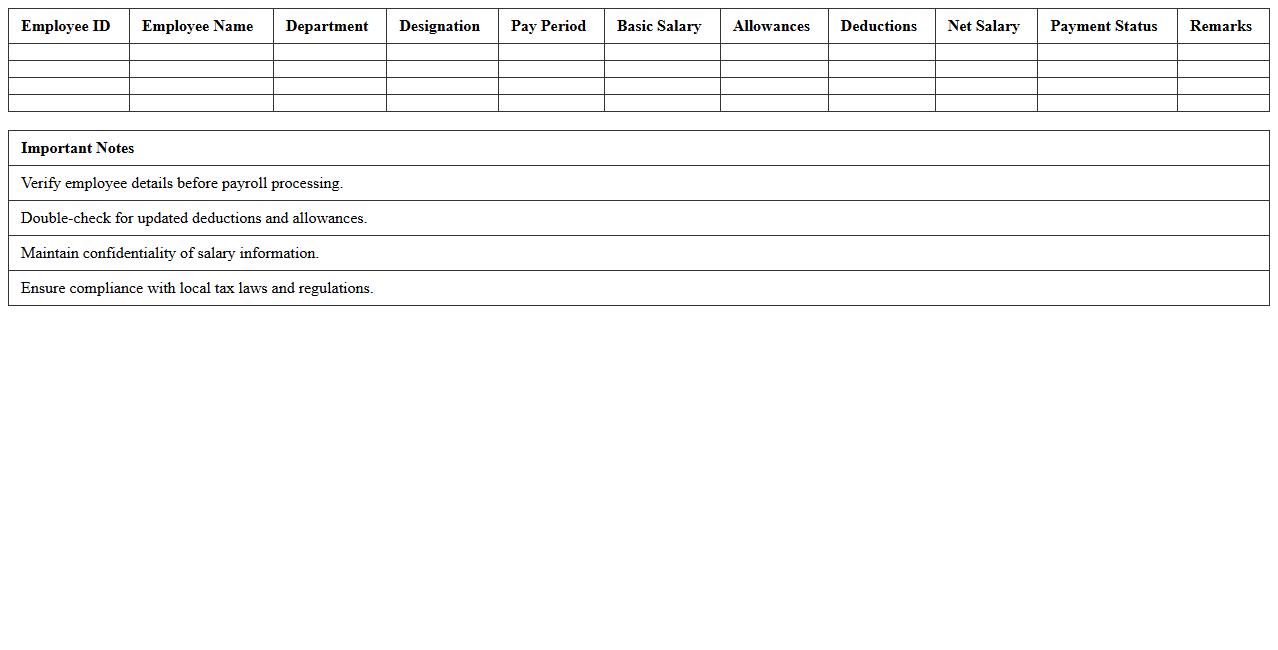
HR Payroll Management Sheet is a comprehensive document designed to track employee salaries, deductions, bonuses, and tax details systematically. It streamlines payroll processing by ensuring accuracy in salary calculations and compliance with tax regulations, reducing errors and saving time. This sheet is essential for maintaining organized financial records and facilitating transparent communication between HR and finance departments.
Payroll Summary Report Template
A
Payroll Summary Report Template is a structured document that consolidates employee wage data, tax deductions, bonuses, and net pay, providing a clear financial overview for a specific period. This template improves accuracy and efficiency by organizing payroll information systematically, aiding in compliance with tax regulations and facilitating financial audits. Businesses use it to monitor payroll expenses, ensure timely employee payments, and maintain transparent records for accounting purposes.
Overtime and Allowance Calculation Excel
The
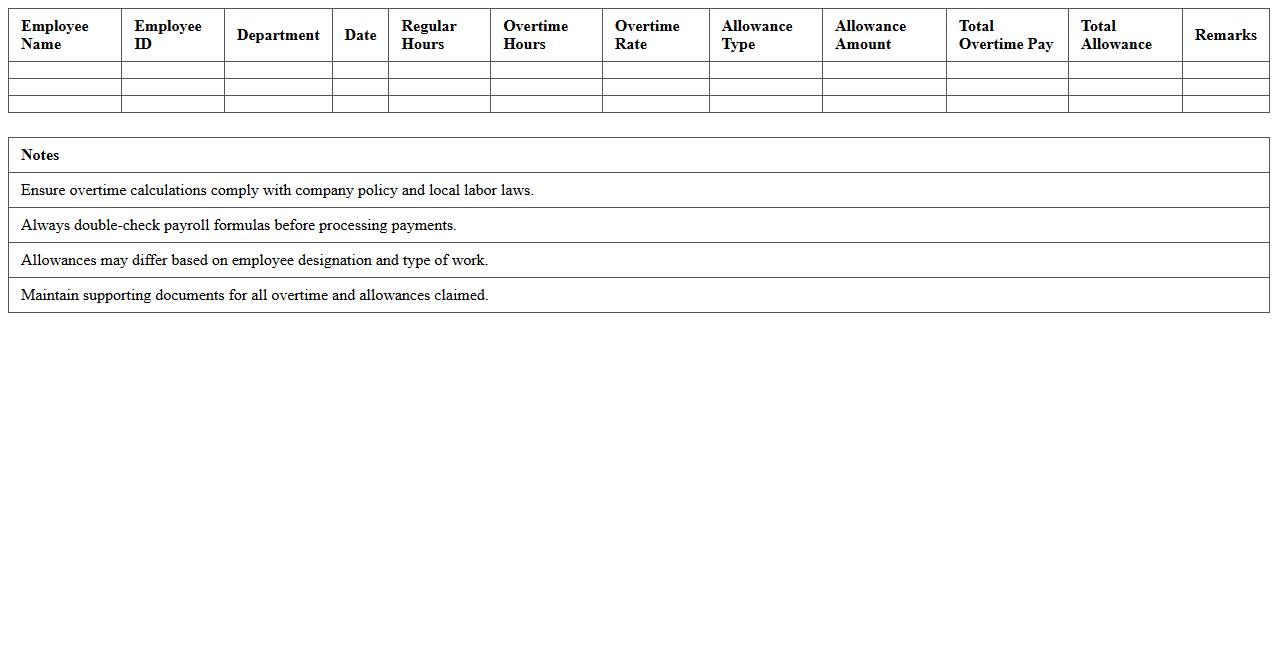
Overtime and Allowance Calculation Excel document systematically tracks employee work hours beyond regular shifts and computes corresponding wages or allowances accurately. By automating complex formulas, it minimizes errors in payroll processing and ensures compliance with labor laws regarding overtime pay. This tool enhances financial transparency and helps businesses efficiently manage labor costs and employee compensation.
Payroll Tax Deduction Worksheet
The
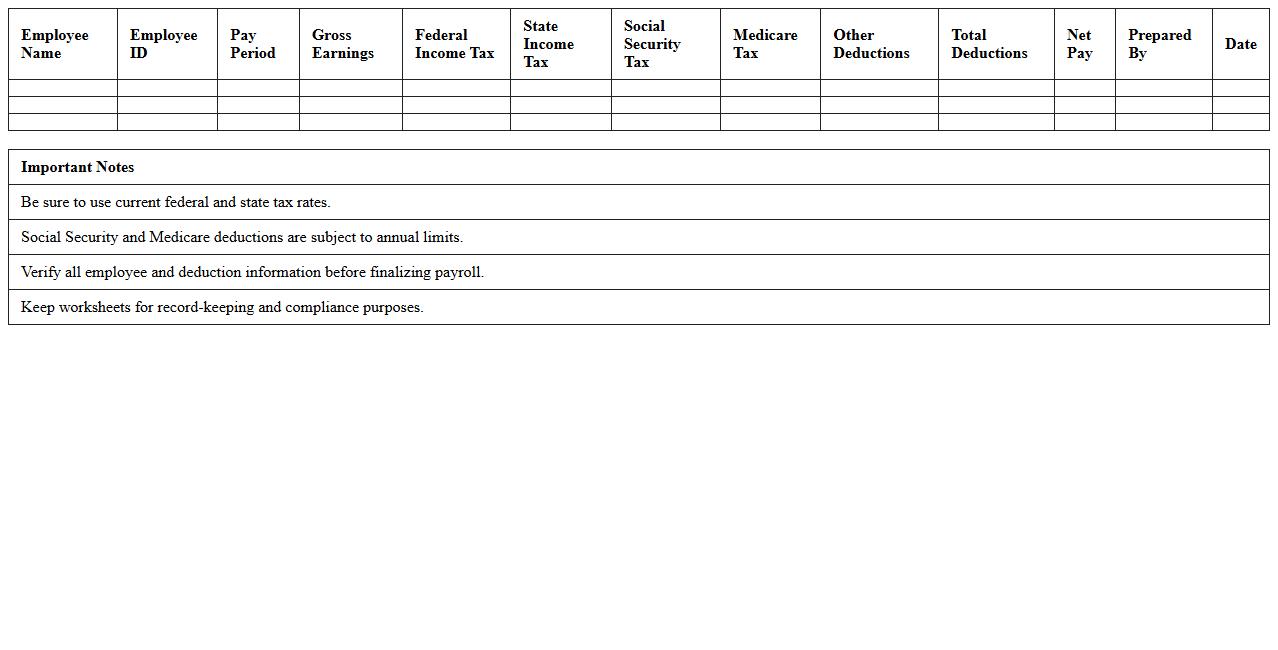
Payroll Tax Deduction Worksheet is a detailed document used to calculate and record employee tax withholdings accurately, including federal, state, and local taxes. It helps employers ensure compliance with tax regulations by systematically tracking deductions such as Social Security, Medicare, and income taxes. This worksheet is essential for maintaining precise payroll records, preventing underpayment or overpayment of taxes, and simplifying end-of-year tax reporting.
Attendance-based Payroll Calculation Sheet
An
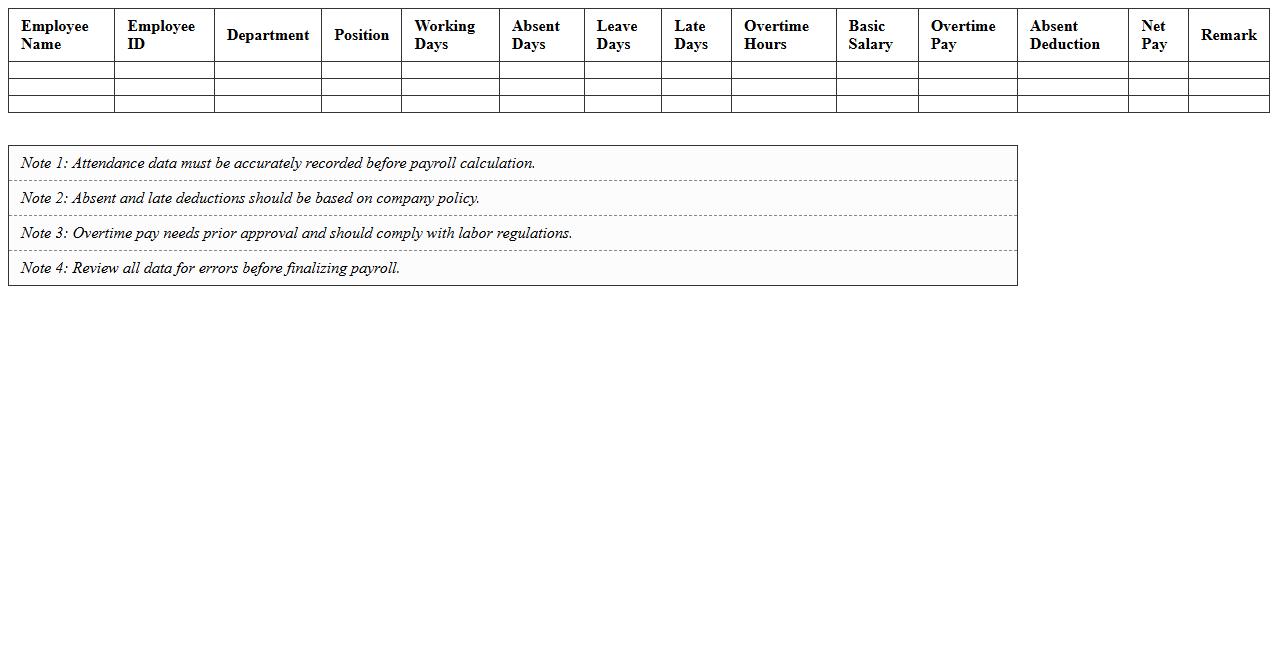
Attendance-based Payroll Calculation Sheet is a document that tracks employee attendance and calculates payroll based on hours worked, absences, and overtime. It ensures accurate wage computation by integrating attendance data with salary components, reducing payroll errors and discrepancies. This sheet is useful for businesses to maintain transparency, streamline salary processing, and comply with labor regulations effectively.
Employee Payslip Generation Template
An
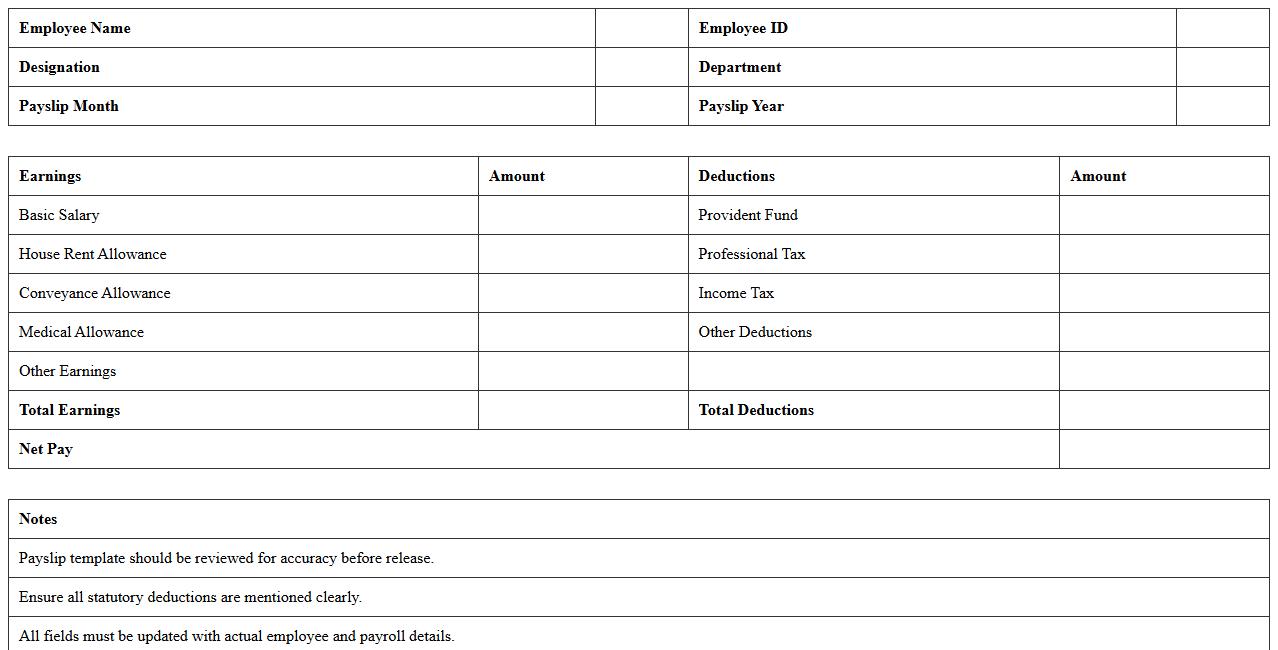
Employee Payslip Generation Template document is a structured format designed to create detailed payslips that include salary breakdown, deductions, taxes, and net pay. It streamlines payroll processing by ensuring accuracy and consistency, reducing administrative errors while maintaining compliance with legal standards. This template enhances transparency for employees, providing clear insight into their earnings and deductions, which improves trust and simplifies record-keeping for HR departments.
Yearly Payroll Excel Dashboard
A
Yearly Payroll Excel Dashboard document consolidates employee salary data, tax deductions, bonuses, and attendance records into an interactive and visually intuitive spreadsheet. It enables HR managers and finance teams to analyze payroll trends, forecast expenses, and ensure compliance with tax regulations efficiently. This tool streamlines payroll management, reduces errors, and supports strategic financial planning throughout the fiscal year.
Salary Payment Record Spreadsheet
A
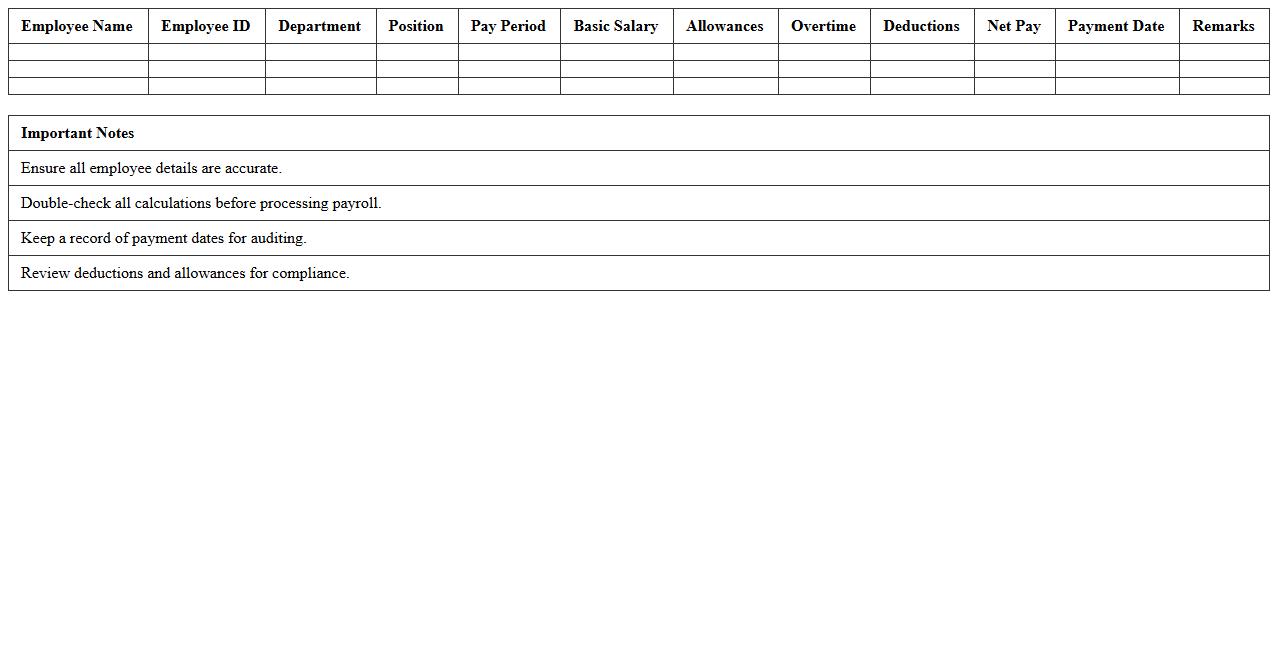
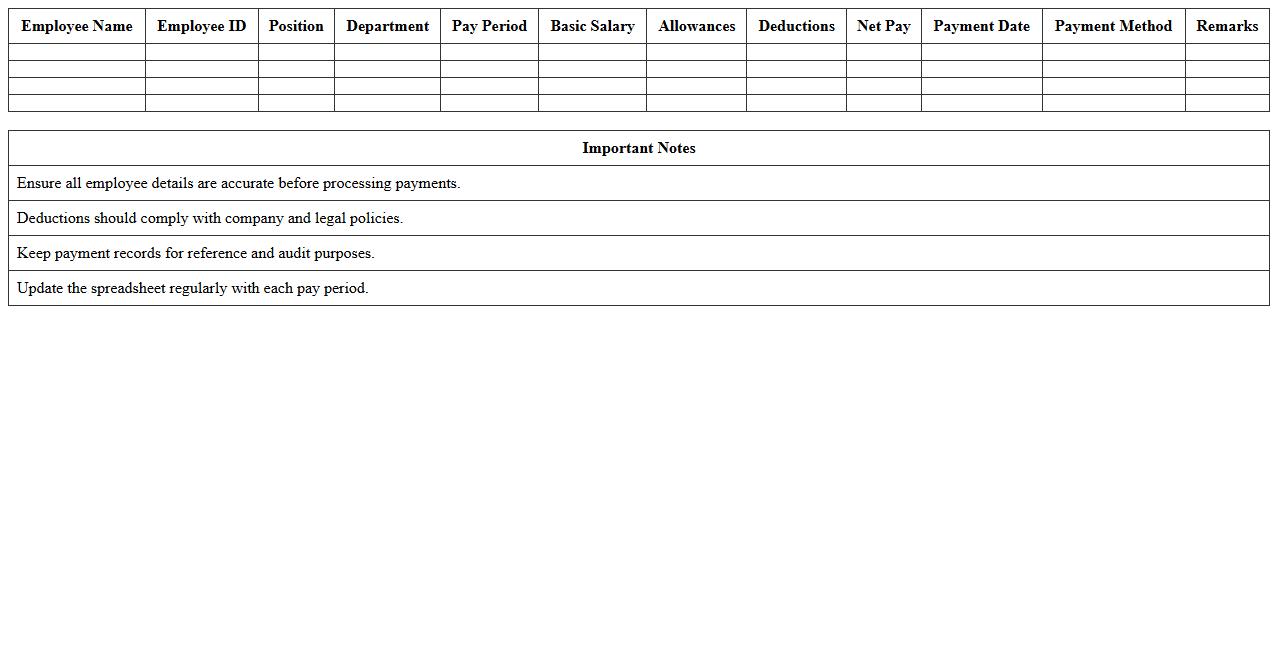
Salary Payment Record Spreadsheet is a detailed document that tracks employee salaries, payment dates, bonuses, deductions, and tax withholdings. It ensures accurate payroll management, enabling businesses to maintain financial transparency and comply with legal tax obligations. By organizing payment data systematically, it simplifies auditing, budgeting, and employee compensation analysis.
How can I automate leave encashment calculations in an HR payroll Excel template?
Automating leave encashment in Excel involves using formulas that calculate the value based on leave balance and daily salary rates. You can use a combination of IF, SUM, and multiplication formulas to dynamically compute encashment amounts. Incorporating drop-down lists and data validation further streamlines the input process for accuracy.
What Excel functions best track multi-period salary arrears in payroll sheets?
The SUMIFS and INDEX-MATCH functions are effective for tracking salary arrears spanning multiple periods. SUMIFS allows for aggregating arrears based on date ranges, while INDEX-MATCH accurately retrieves specific records. These functions help create a dynamic and comprehensive arrears tracking system within payroll sheets.
How to use VLOOKUP for mapping employee deductions in payroll Excel documents?
VLOOKUP is commonly used to map employee deductions by searching reference tables for deduction rates or categories. By linking employee IDs to corresponding deduction values, it automates accurate payroll calculations. Ensure the lookup range is properly formatted and locked with absolute references to avoid errors.
What's the formula to prorate salaries for partial months in an HR payroll spreadsheet?
To prorate salaries, use the formula that multiplies the full monthly salary by the ratio of actual days worked over the total days in the month. Typically, this involves the DAY function to count days and basic multiplication for calculation. This method ensures precise salary distribution for employees working less than a full month.
How can conditional formatting highlight payroll compliance issues in Excel documents?
Conditional formatting in Excel can highlight payroll compliance issues by setting rules that flag anomalies such as late submissions or incorrect deductions. Using formulas within conditional formatting, cells naturally change color when certain conditions are met. This visual aid helps HR teams quickly identify and address potential compliance violations.