The Healthcare Appointment Scheduling Excel Template for Medical Offices streamlines patient booking and reduces administrative errors by organizing appointments efficiently. This customizable tool helps medical staff manage schedules, track patient visits, and optimize office workflow. Designed for ease of use, it enhances communication and improves overall patient care management.
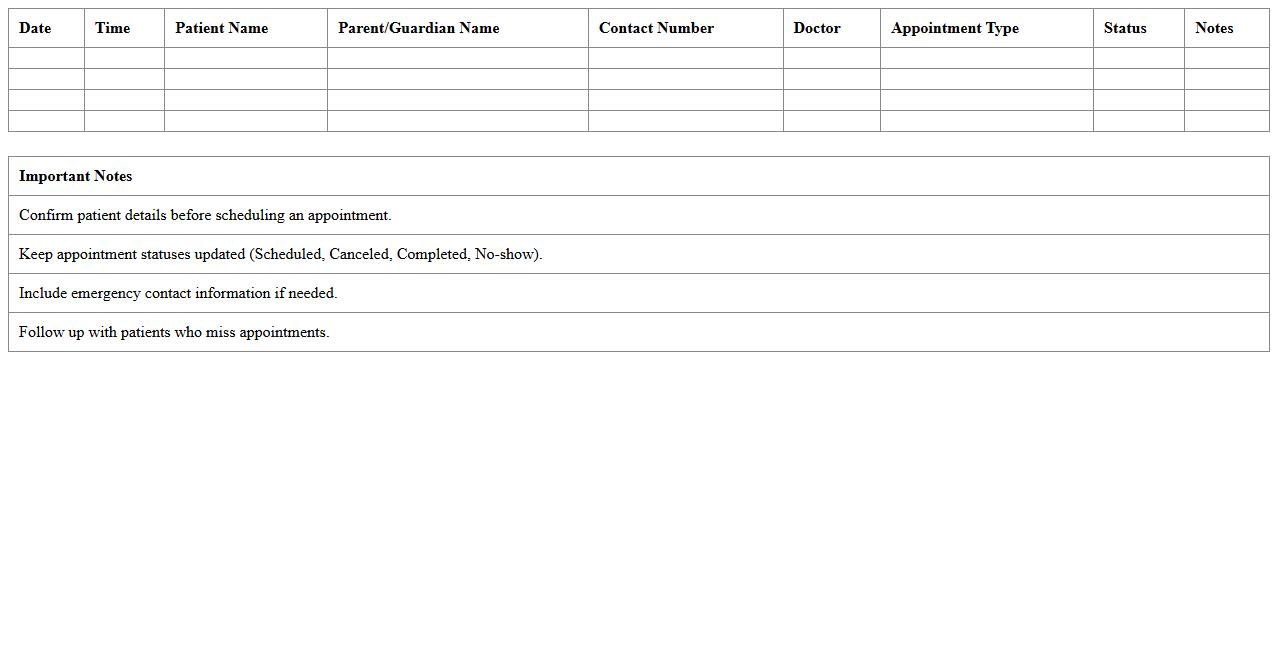
Pediatric Appointment Scheduling Excel Template
The
Pediatric Appointment Scheduling Excel Template is a practical tool designed to organize and manage patient appointments efficiently in pediatric clinics. It helps track appointment dates, patient details, and follow-up schedules, reducing errors and missed visits. By streamlining the scheduling process, this template enhances clinic productivity and improves patient care management.
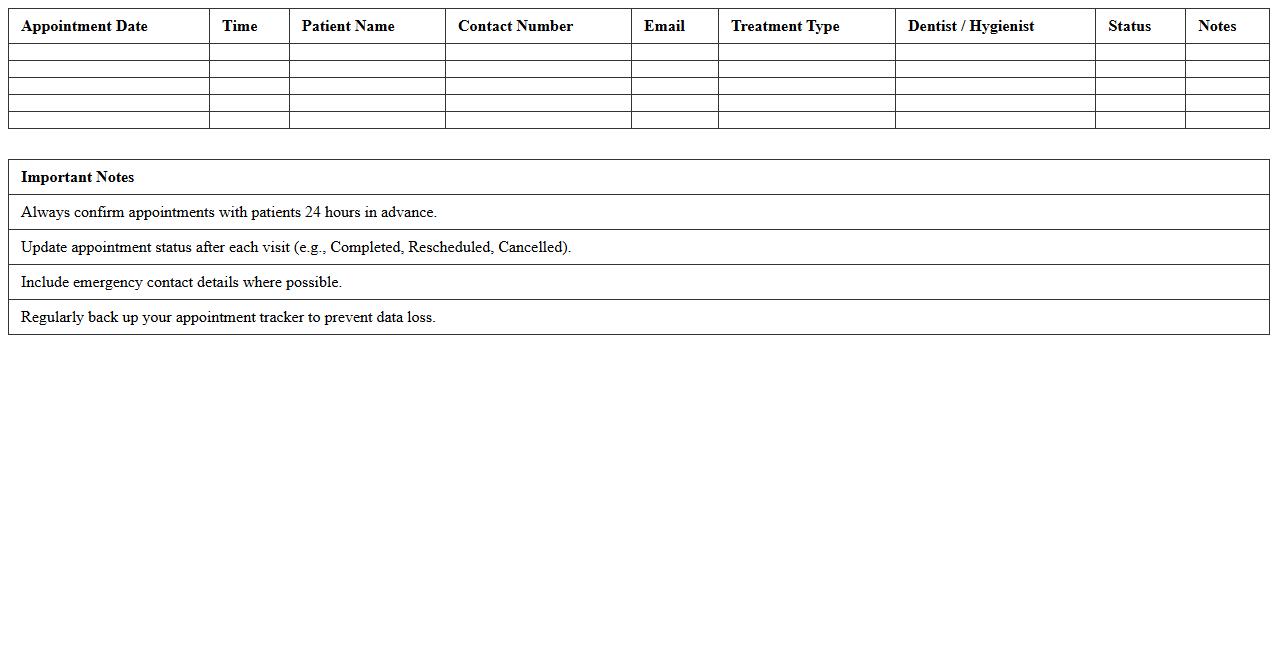
Dental Office Appointment Tracker Spreadsheet
A
Dental Office Appointment Tracker Spreadsheet is a digital tool designed to efficiently organize and manage patient appointments in a dental practice. It helps track appointment dates, times, patient details, and treatment plans, ensuring no overlaps or missed visits. Utilizing this spreadsheet enhances scheduling accuracy, improves patient communication, and streamlines office workflow for better productivity.
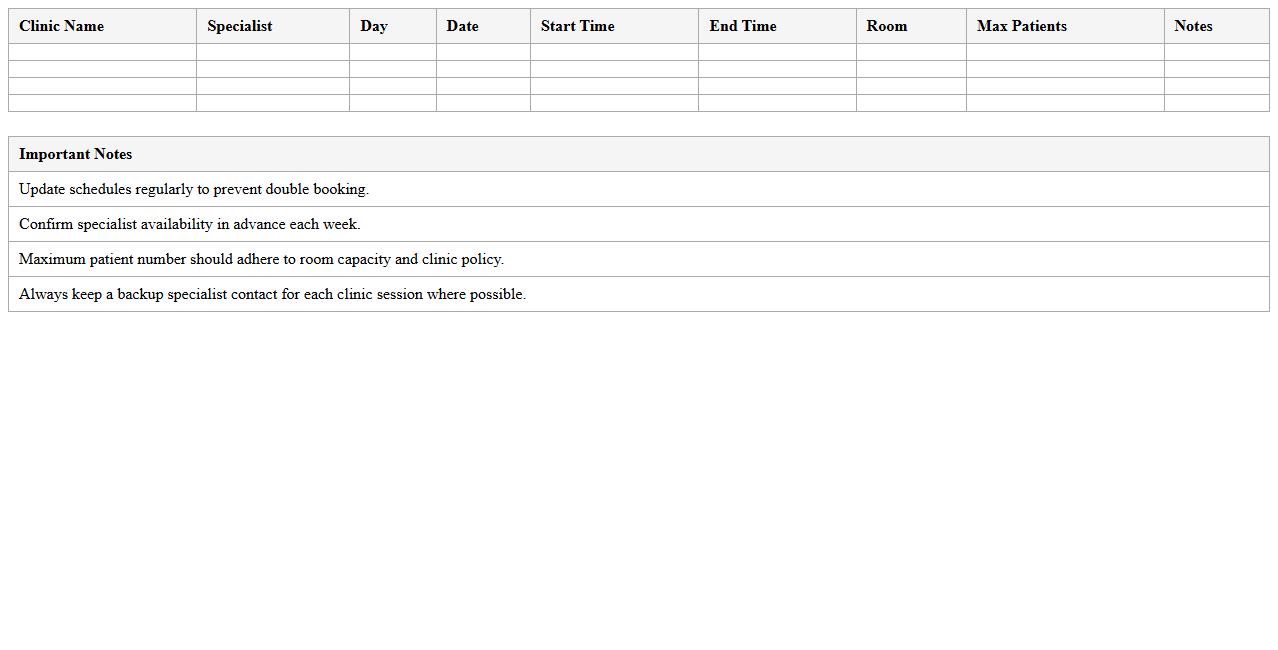
Specialist Clinic Scheduling Excel Planner
The
Specialist Clinic Scheduling Excel Planner is a structured spreadsheet designed to organize appointment slots, patient details, and specialist availability efficiently. It helps healthcare administrators streamline booking processes, reduce scheduling conflicts, and optimize resource allocation. By centralizing data, the planner enhances operational workflow and improves patient care management in specialist clinics.
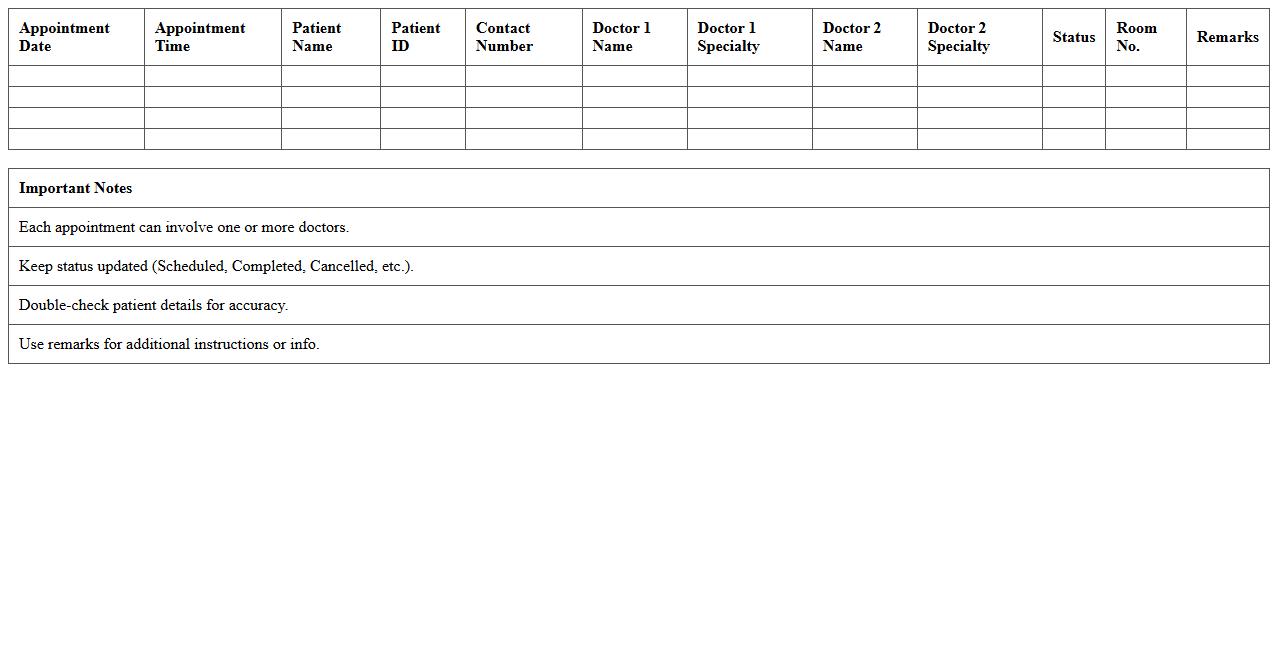
Multi-Doctor Appointment Excel Sheet
The
Multi-Doctor Appointment Excel Sheet is a structured document designed to efficiently schedule and manage appointments for multiple doctors within a healthcare facility. It helps streamline patient bookings, reduces scheduling conflicts, and improves overall operational workflow by providing a clear, organized view of each doctor's availability. This tool is essential for optimizing resource allocation, enhancing patient satisfaction, and ensuring timely medical consultations.
Physical Therapy Session Scheduler Excel Template
The
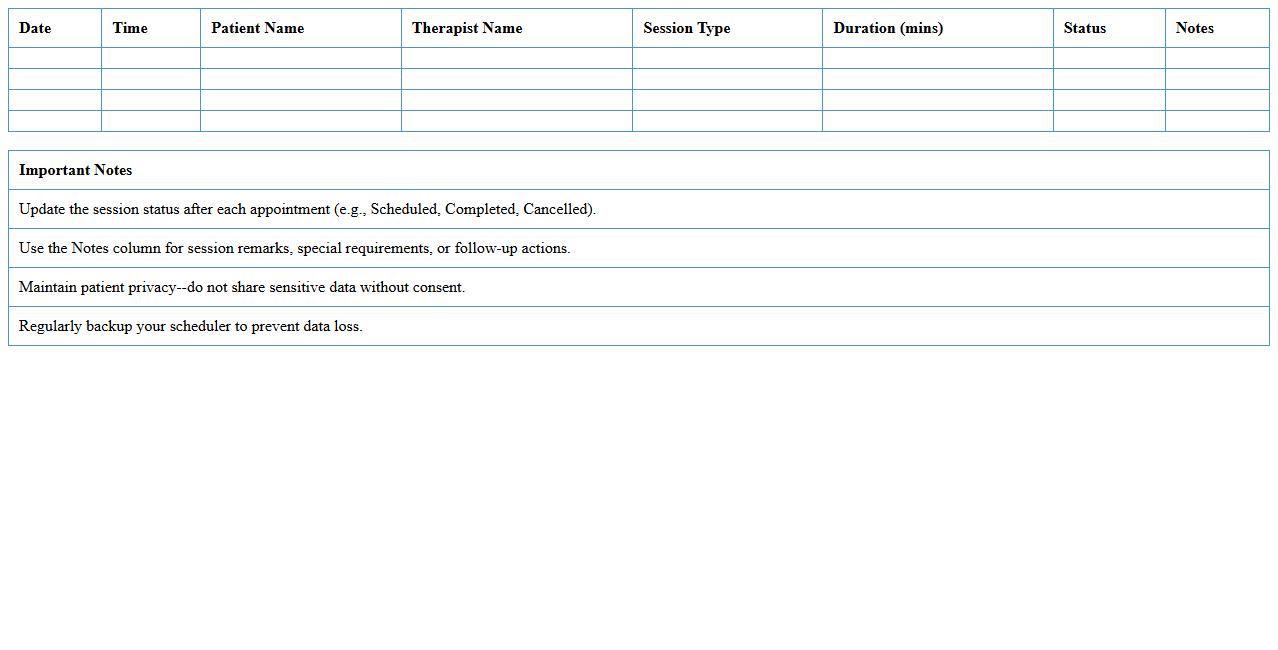
Physical Therapy Session Scheduler Excel Template is a structured document designed to organize and manage patient appointments effectively. It helps track session dates, times, therapist assignments, and progress notes in one centralized spreadsheet, improving workflow efficiency and reducing scheduling conflicts. This template is particularly useful for clinics aiming to streamline operations and enhance patient care coordination.
Medical Receptionist Daily Schedule Excel Form
The
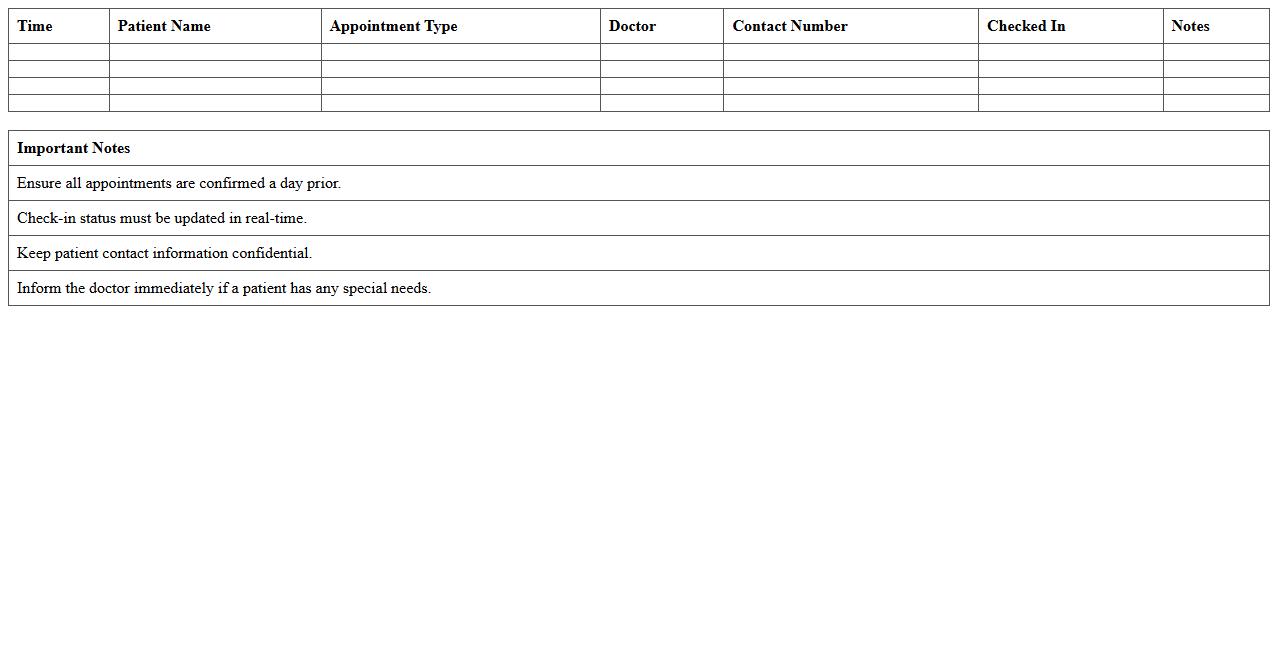
Medical Receptionist Daily Schedule Excel Form is a structured document designed to organize appointments, patient information, and daily tasks efficiently. It streamlines the workflow by providing a clear overview of the receptionist's responsibilities, reducing errors and improving time management. This form enhances communication within medical offices by ensuring all scheduled activities are accurately recorded and easily accessible.
Telemedicine Appointment Excel Tracker
The
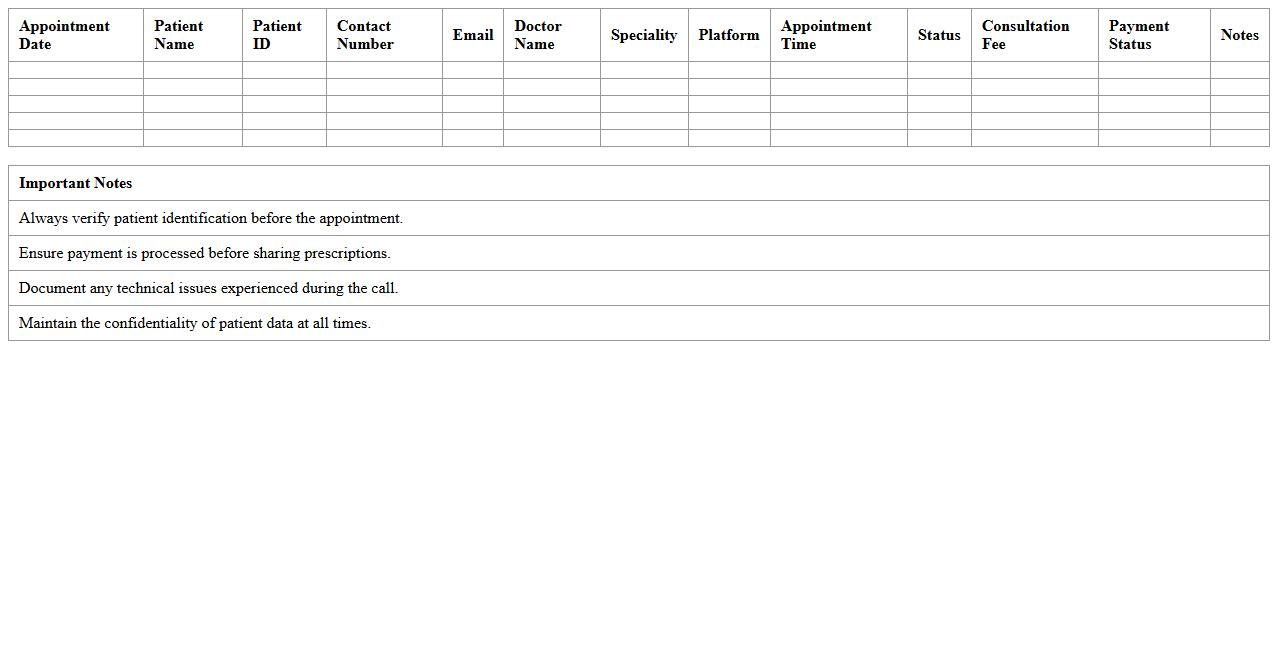
Telemedicine Appointment Excel Tracker document is a digital tool designed to organize and monitor virtual patient consultations efficiently. It helps healthcare providers manage schedules, track patient information, and record appointment outcomes in one accessible spreadsheet. This tracker enhances productivity by streamlining communication and ensuring timely follow-ups in telehealth services.
Weekly Healthcare Appointment Log Excel Template
The
Weekly Healthcare Appointment Log Excel Template is a structured document designed to record and track patient appointments efficiently across a week. It helps healthcare professionals manage scheduling, reduce appointment overlaps, and streamline patient flow in clinics or hospitals. By organizing appointment data in a clear, accessible format, the template enhances operational productivity and improves patient care coordination.
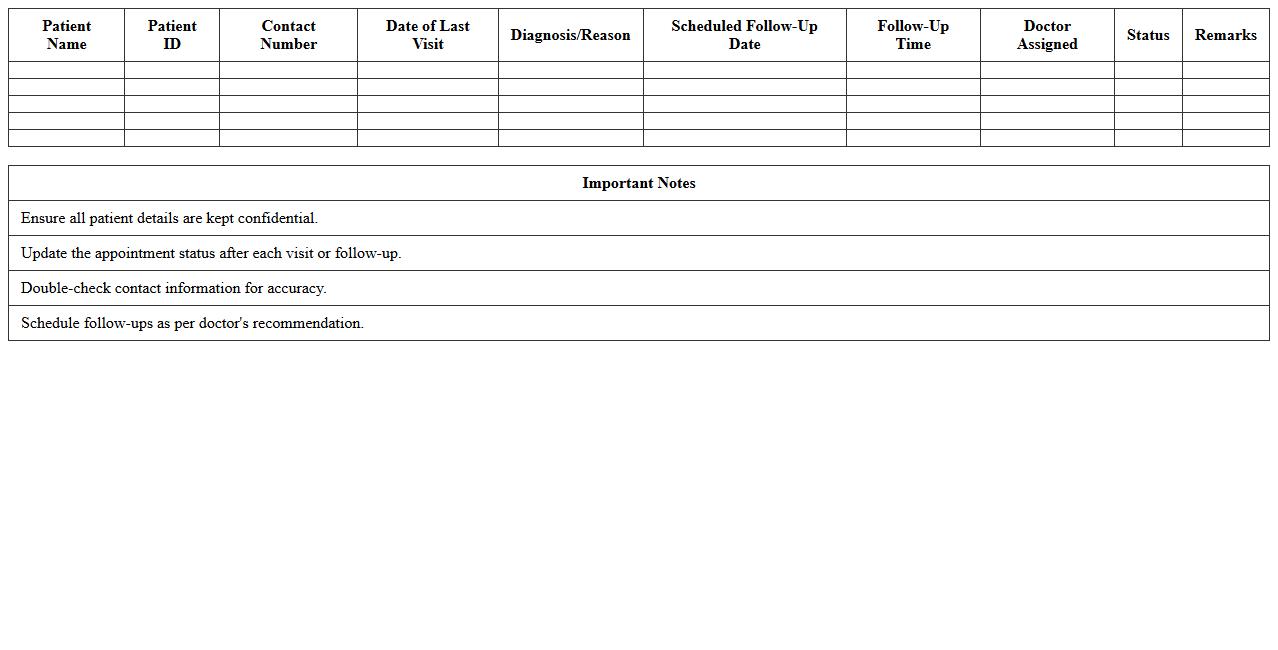
Patient Follow-Up Appointment Scheduling Sheet
A
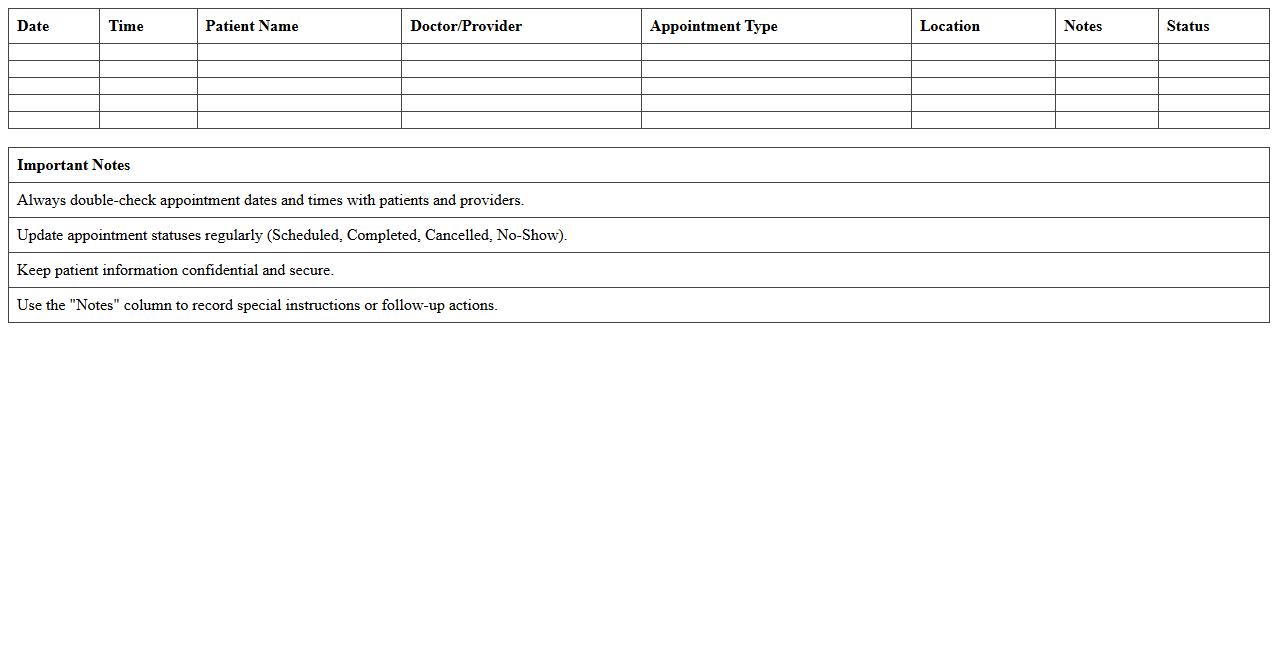
Patient Follow-Up Appointment Scheduling Sheet is a detailed document used by healthcare providers to organize and track patients' subsequent visits after initial treatment. This sheet includes vital information such as patient names, appointment dates, contact details, and treatment notes, ensuring timely and efficient follow-ups. Utilizing this document enhances patient care continuity, improves appointment adherence, and streamlines administrative processes in medical facilities.
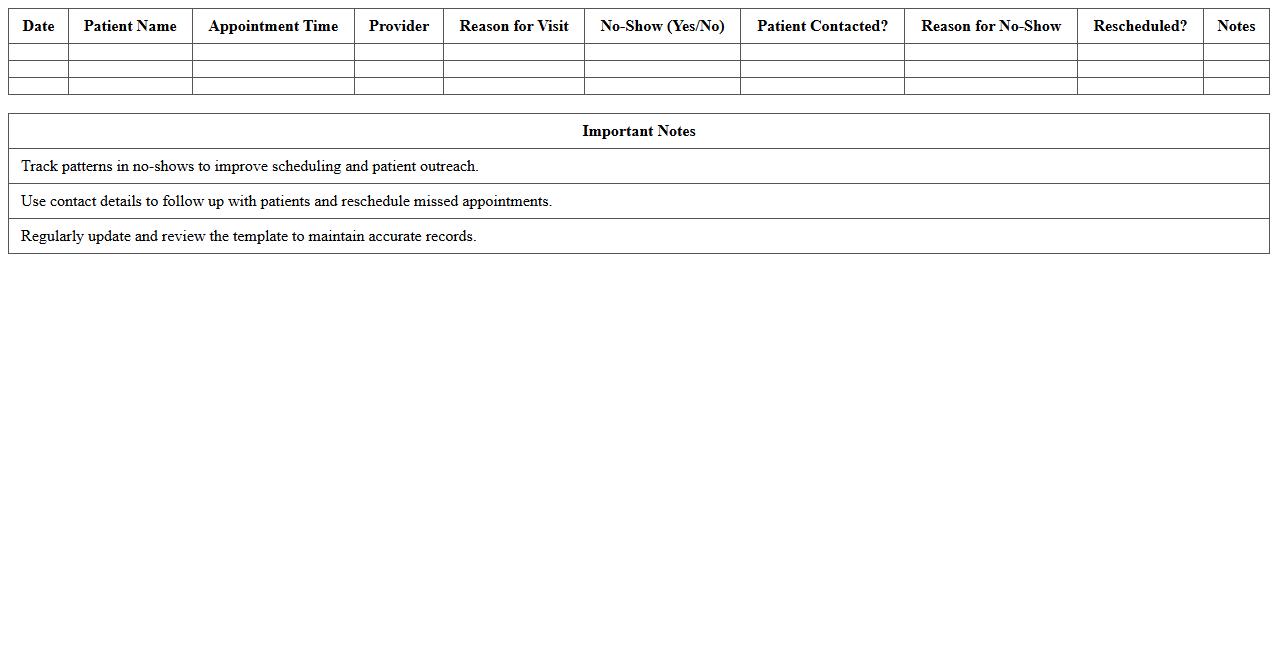
Medical Office No-Show Tracking Excel Template
The
Medical Office No-Show Tracking Excel Template is a structured spreadsheet designed to record and analyze patient appointment no-shows efficiently. It allows healthcare providers to monitor patterns, identify frequent absentees, and implement strategies to reduce missed appointments, improving clinic workflow and resource allocation. By using this template, medical offices can enhance patient attendance rates, optimize scheduling, and ultimately boost overall operational productivity.
How can conditional formatting highlight overdue patient appointments in Excel?
Conditional formatting in Excel can be used to automatically highlight overdue patient appointments by comparing the appointment date with the current date. By setting a formula such as =TODAY()>A2 (assuming the appointment date is in cell A2), Excel formats the cell when an appointment is past due. This visual cue helps staff quickly identify overdue appointments for timely follow-ups.
What Excel formulas automate double-booking alerts for multiple providers?
To prevent double-booking, use Excel formulas like =COUNTIFS() that check multiple criteria including provider names and appointment times within the schedule. For instance, a formula such as =COUNTIFS(ProviderRange, A2, TimeRange, B2)>1 flags overlapping bookings for the same provider. This creates an automatic alert system, ensuring the schedule remains conflict-free across multiple healthcare providers.
How to generate a daily schedule summary using PivotTables for a medical office?
PivotTables in Excel provide an efficient way to create a daily schedule summary by aggregating appointment data based on dates, providers, and appointment types. By dragging date and provider fields into rows and appointment counts into values, you get a clear overview of daily patient load. This summary helps medical offices optimize resource allocation and manage appointment workflows effectively.
Which Excel templates efficiently track appointment cancellations and no-shows?
Excel templates tailored for medical scheduling often include dedicated columns for tracking appointment cancellations and no-shows. These templates come with pre-built formulas and conditional formats to instantly highlight missed or canceled appointments. Utilizing such templates streamlines administrative processes and enhances the accuracy of patient attendance monitoring.
How to securely manage patient confidentiality within Excel appointment sheets?
Maintaining patient confidentiality in Excel requires implementing password protection and restricting access to sensitive appointment data. Features like worksheet protection and data encryption safeguard confidential information from unauthorized users. Additionally, limiting file sharing and integrating Excel with secure cloud services further ensures patient privacy compliance.
More Healthcare Excel Templates