ARR and MRR Forecast Excel Template for SaaS Startups
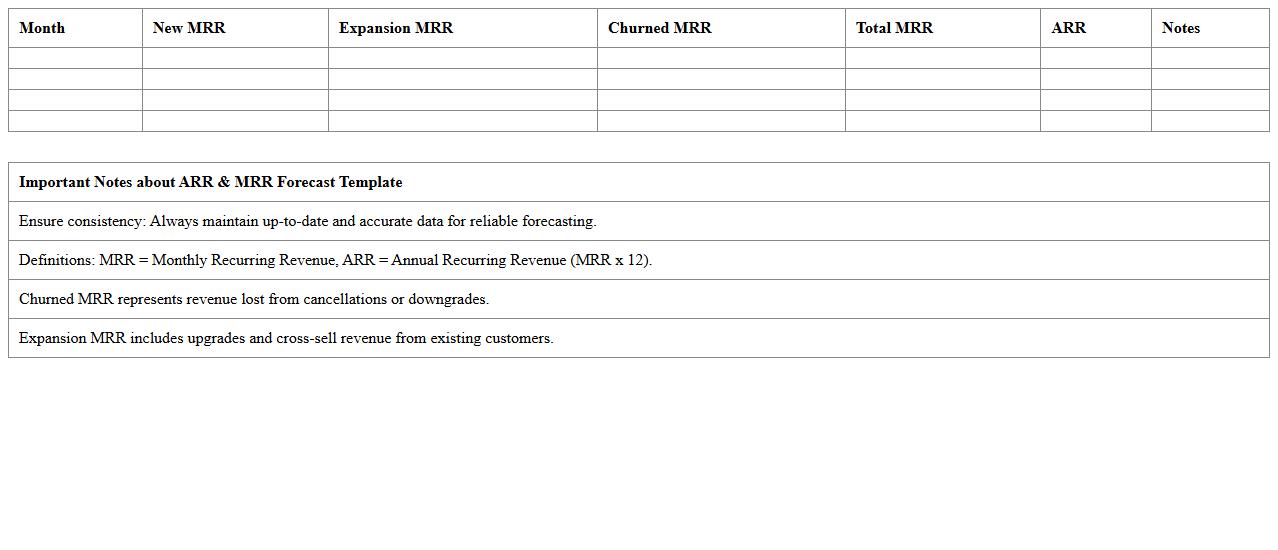
The
ARR and MRR Forecast Excel Template for SaaS startups is a vital financial tool designed to project Annual Recurring Revenue (ARR) and Monthly Recurring Revenue (MRR) accurately. It helps startups analyze subscription growth, customer churn, and revenue trends, enabling data-driven decision-making for sustainable scaling. By utilizing this template, companies can optimize their sales strategies, budget effectively, and forecast future income streams with increased precision.
SaaS Cash Flow Projection Excel Sheet
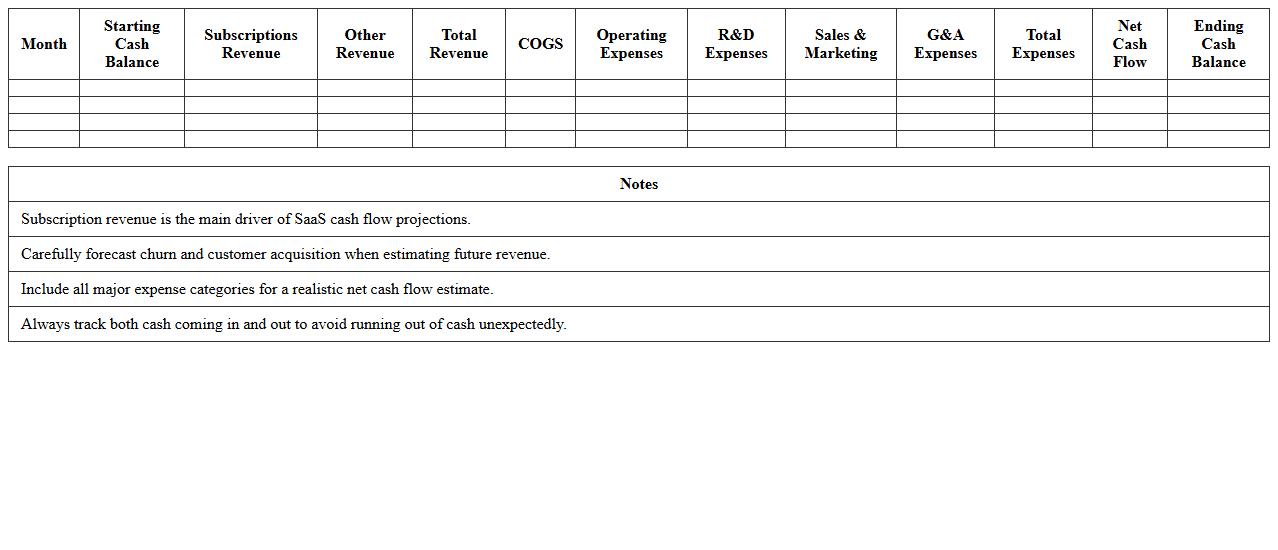
A
SaaS Cash Flow Projection Excel Sheet is a financial planning tool designed to forecast the inflows and outflows of cash specific to Software-as-a-Service businesses. It helps track subscription revenues, operational expenses, customer acquisition costs, and churn rates, providing a clear picture of future liquidity and financial health. This document is essential for managing budget allocation, securing investments, and ensuring sustainable growth by anticipating cash shortages or surpluses.
Bookings and Revenue Pipeline Tracker Template
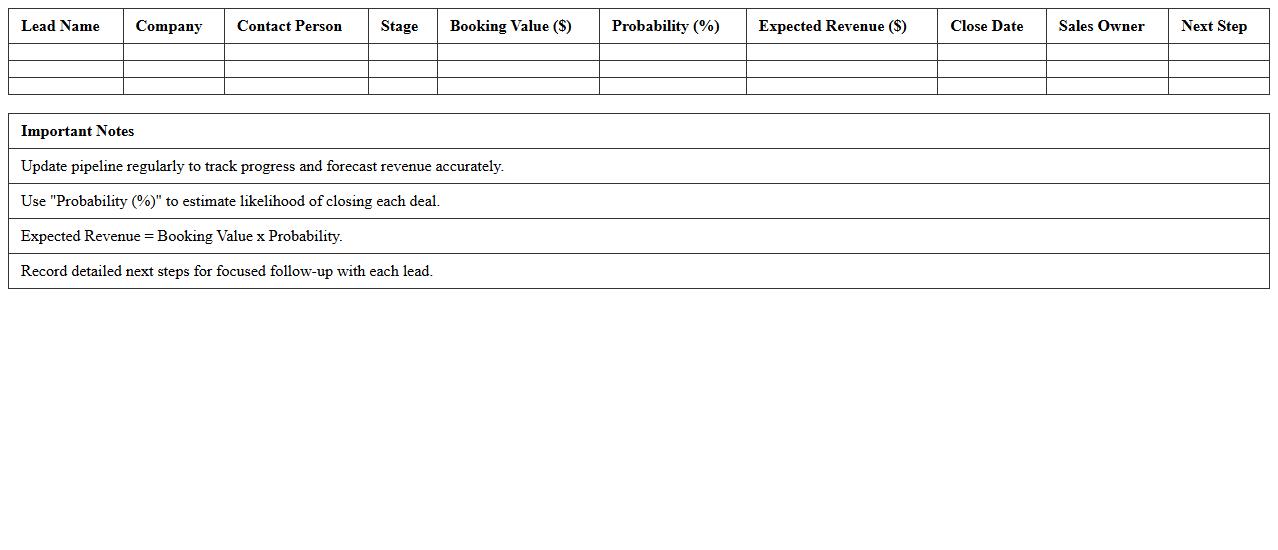
The
Bookings and Revenue Pipeline Tracker Template is a strategic tool designed to monitor sales bookings and revenue projections in a structured format. It enables businesses to track potential deals, forecast revenue accurately, and identify bottlenecks in the sales pipeline. Utilizing this template helps enhance sales planning, improve financial forecasting, and drive data-informed decision-making for revenue growth.
Churn Rate and Retention Analysis Spreadsheet
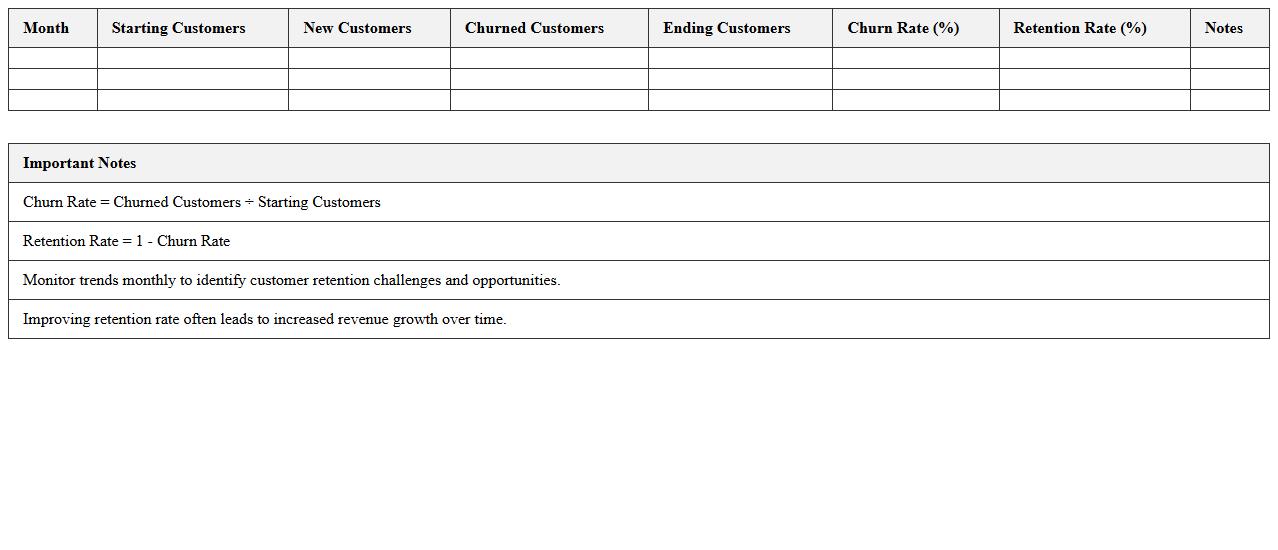
A
Churn Rate and Retention Analysis Spreadsheet document systematically tracks customer loss and retention metrics, enabling businesses to quantify the percentage of customers who stop using their products or services over a specific period. It facilitates identifying trends and patterns in customer behavior, supporting data-driven decisions to enhance customer loyalty and improve overall business performance. By analyzing churn and retention rates, companies can optimize marketing strategies, forecast revenue more accurately, and implement targeted interventions to reduce customer attrition.
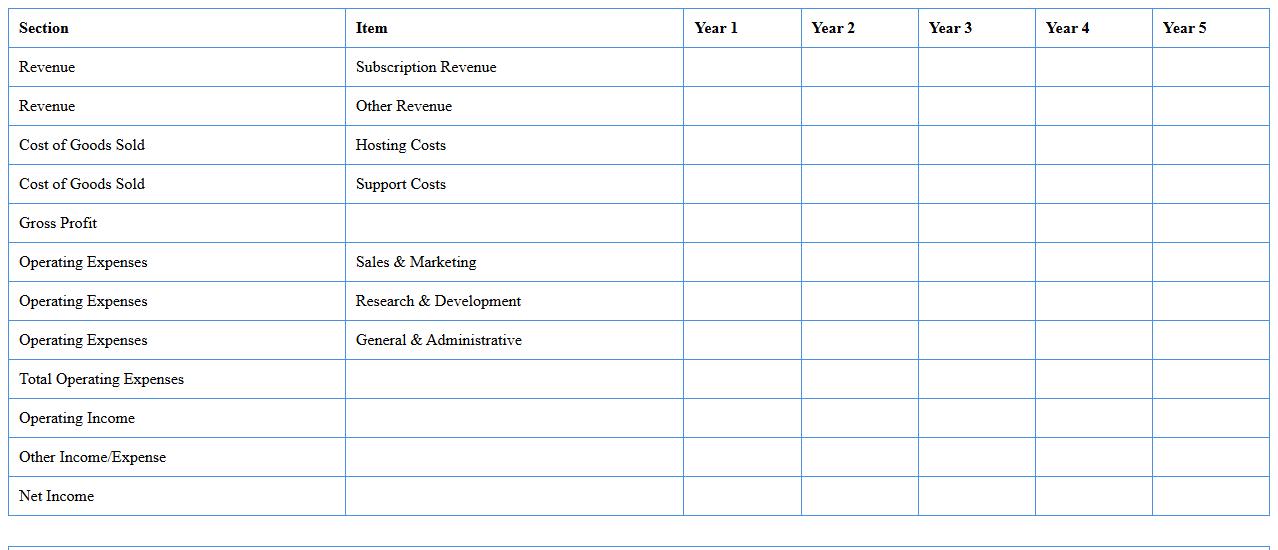
SaaS Financial Statement Model Excel Template
The
SaaS Financial Statement Model Excel Template is a comprehensive tool designed to help businesses project and analyze their financial performance by integrating key metrics such as monthly recurring revenue (MRR), churn rate, customer acquisition cost (CAC), and lifetime value (LTV). This template enables users to create detailed income statements, balance sheets, and cash flow statements tailored to subscription-based revenue models, facilitating accurate forecasting and budgeting. Leveraging this document helps companies make informed decisions, optimize resource allocation, and attract investment by presenting clear, data-driven financial insights.
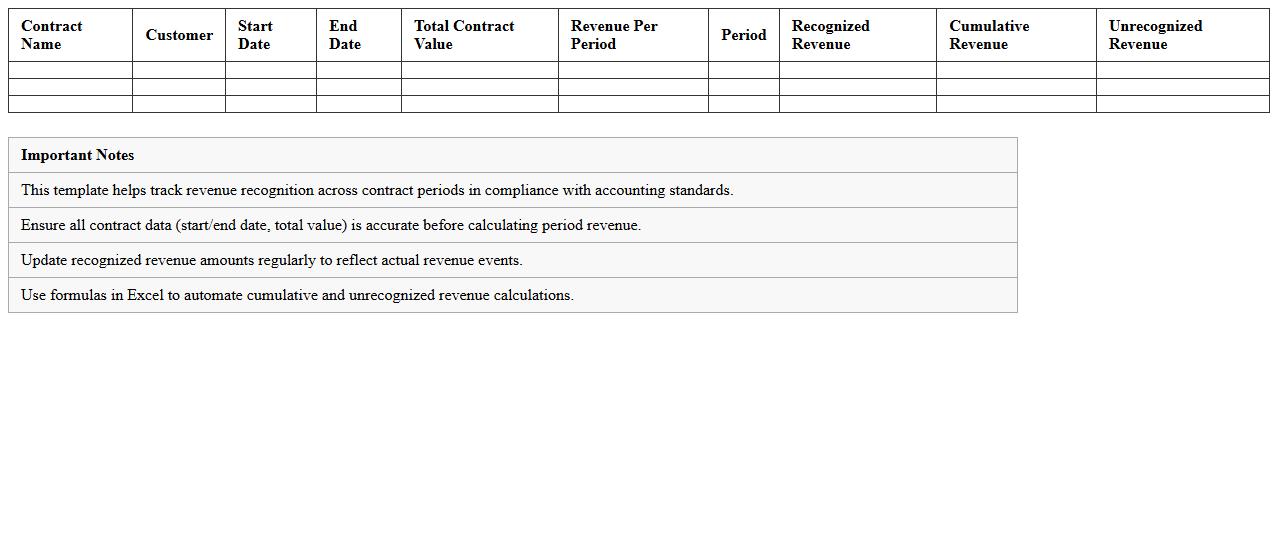
Revenue Recognition Schedule Excel Template
The
Revenue Recognition Schedule Excel Template document is a powerful tool designed to track and manage the timing of earned revenue according to accounting standards. It helps businesses systematically record revenue over specific periods, ensuring compliance with GAAP or IFRS by aligning income reporting with service delivery or product fulfillment. Using this template enhances financial accuracy, improves cash flow forecasting, and supports audit readiness by providing clear, organized documentation of recognized revenue.
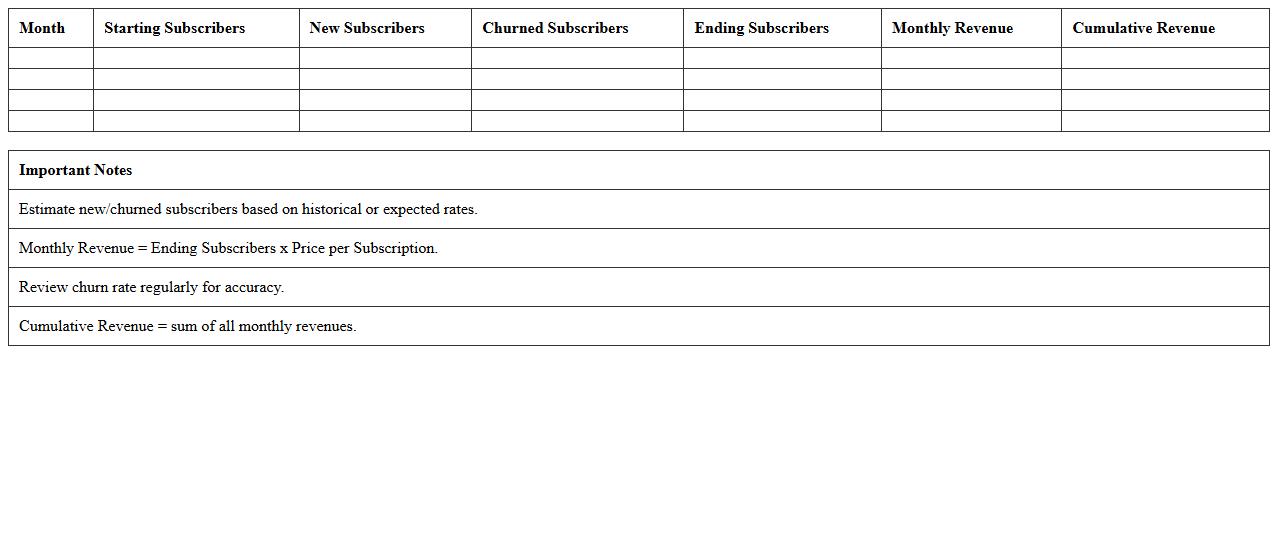
Subscription Growth Forecast Excel Model
The
Subscription Growth Forecast Excel Model document is a dynamic financial tool designed to project future subscription revenues based on historical data, customer acquisition rates, and churn metrics. It enables businesses to visualize trends, optimize marketing strategies, and make data-driven decisions to maximize subscriber retention and revenue growth. By using this model, companies can efficiently plan budgets, forecast cash flows, and align their operational goals with realistic growth scenarios.
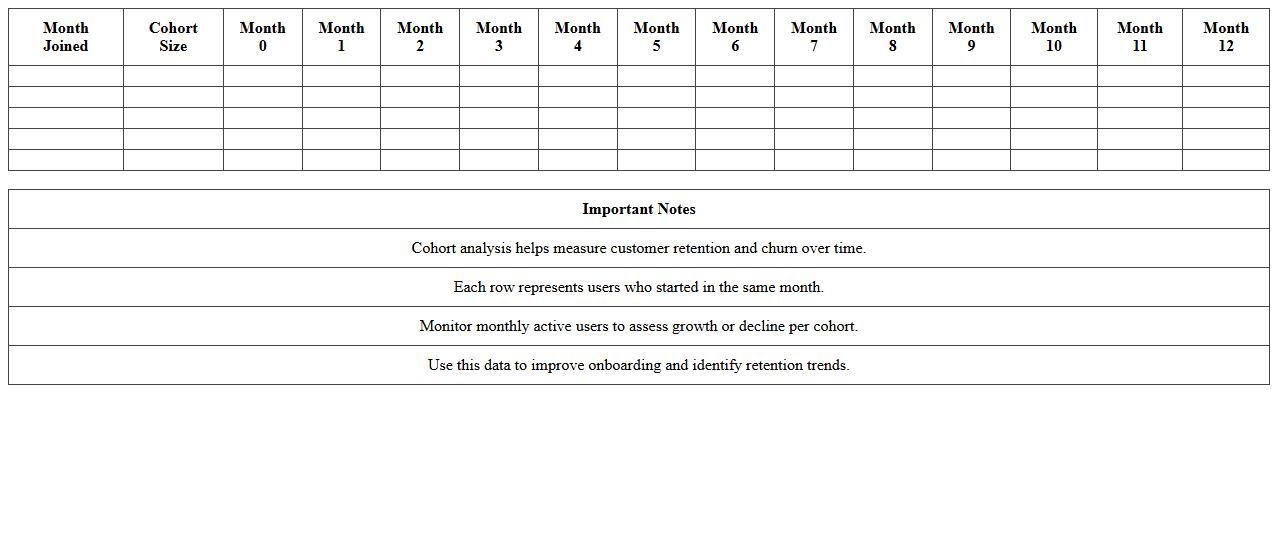
SaaS Cohort Analysis Dashboard Template
The
SaaS Cohort Analysis Dashboard Template is a powerful tool designed to track and analyze customer behavior over specific time periods, helping SaaS businesses identify trends in user engagement, retention, and revenue generation. By visualizing cohort data, companies can pinpoint which customer groups drive growth, optimize marketing strategies, and improve product development decisions. This template enables data-driven insights that enhance customer lifecycle management and boost long-term profitability.
Monthly Recurring Revenue (MRR) Waterfall Excel
The
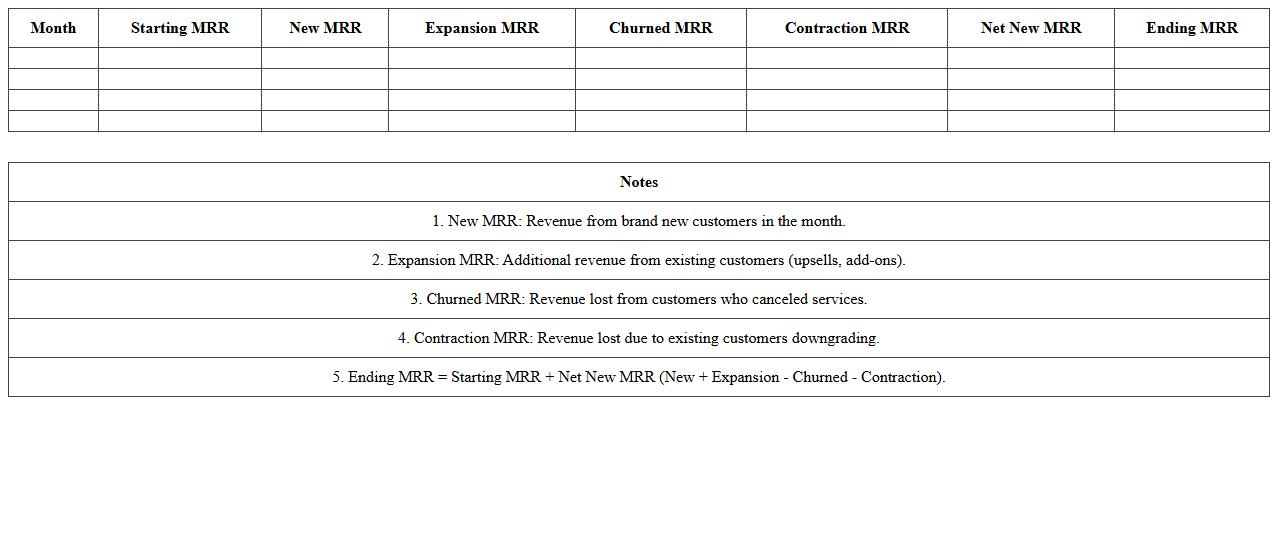
Monthly Recurring Revenue (MRR) Waterfall Excel document is a financial tool that tracks and visualizes changes in subscription revenue over time, breaking down new sales, expansions, contractions, and churn. This dynamic spreadsheet enables businesses to clearly understand revenue growth drivers, identify trends, and forecast future income with precision. By consolidating complex revenue data into an easy-to-read format, it supports proactive financial planning and strategic decision-making.
Customer Lifetime Value (CLV) Calculator Excel Sheet
A
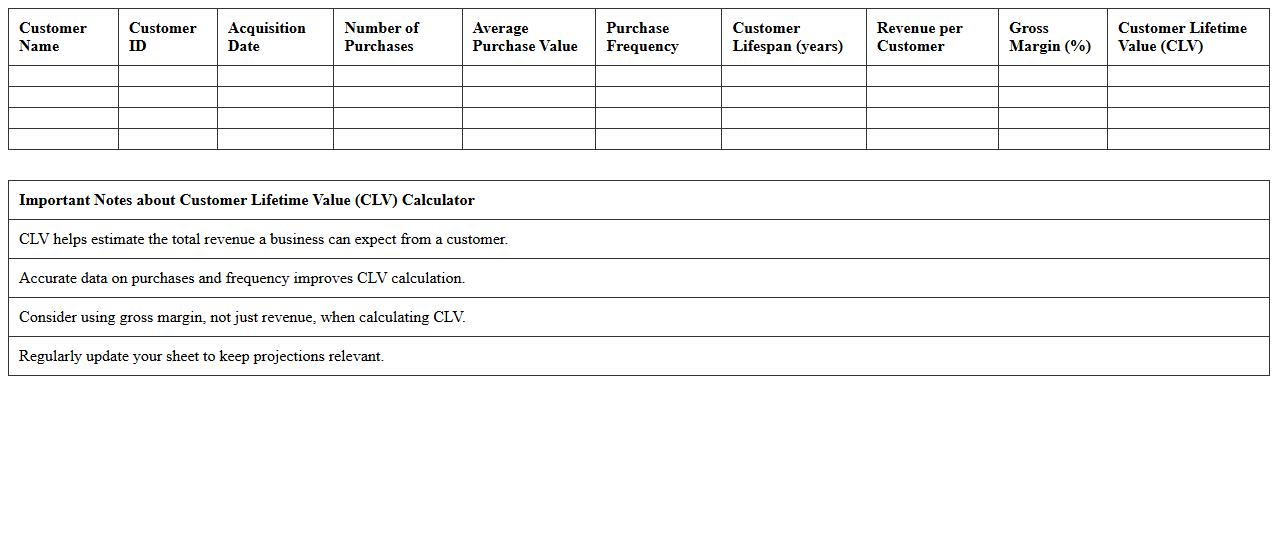
Customer Lifetime Value (CLV) Calculator Excel Sheet document is a tool designed to estimate the total revenue a business can expect from a single customer over the entire duration of their relationship. It uses historical purchase data, average order value, purchase frequency, and retention rates to provide valuable insights into customer profitability. This helps businesses make informed decisions on marketing budgets, customer acquisition strategies, and resource allocation to maximize long-term profits.
What Excel formulas best project monthly recurring revenue (MRR) growth for SaaS startups?
To project monthly recurring revenue (MRR) growth, the Excel formula =Previous_MRR * (1 + Growth_Rate) effectively models consistent growth. Using the =SUM() function to aggregate new subscriptions and expansions each month complements this baseline. Additionally, incorporating =FORECAST.LINEAR() helps forecast MRR trends based on historical data points.
How do you model churn rate impacts on ARR in a SaaS revenue forecast spreadsheet?
Modeling churn rate impacts on ARR starts with calculating lost revenue using =ARR_Start * Churn_Rate to quantify monthly reductions. Subsequently, subtract this churned value from the expected expansions and new business to estimate net ARR change. Using =ARRAYFORMULA() or dragging formulas across time periods enables dynamic churn impact tracking in the forecast.
Which Excel dashboards effectively visualize LTV:CAC ratios for SaaS annual forecasting?
Effective Excel dashboards for LTV:CAC ratios incorporate combination charts showing LTV, CAC, and their ratio over time for visual trend analysis. PivotTables coupled with slicers allow seamless filtering of customer segments impacting these metrics. Conditional formatting highlights when LTV falls below CAC, offering quick insights for decision-making.
What are best practices for integrating deferred revenue schedules in SaaS Excel forecasts?
Best practices for integrating deferred revenue schedules include mapping revenue recognition monthly using =IF() statements aligned to contract length. Creating a separate deferred revenue ledger sheet linked with the main forecast ensures clarity and accuracy. Regular reconciliation with billing data prevents errors and supports reliable forecasting.
How do you structure cohort analysis for SaaS revenue forecasting in Excel?
Structuring cohort analysis involves grouping customers by acquisition date and tracking their revenue contributions across periods using INDEX-MATCH or OFFSET formulas. Building a matrix that cross-references cohorts horizontally and months vertically reveals retention and growth patterns. Visualizing cohorts with heatmaps helps identify trends in revenue retention efficiently.