The Finance Investment Analysis Excel Template for Portfolio Managers streamlines portfolio evaluation by providing customizable charts, financial metrics, and risk assessment tools. It enables portfolio managers to make data-driven decisions quickly while tracking asset performance and diversification effectively. This template enhances efficiency in monitoring investments and optimizing returns with user-friendly Excel functionality.
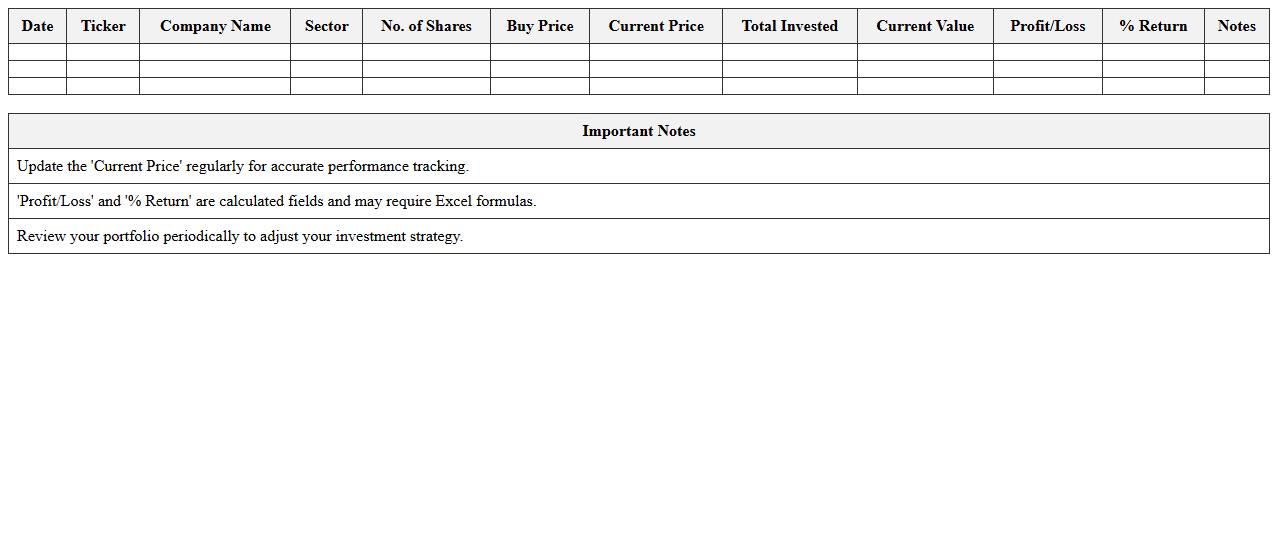
Stock Portfolio Performance Tracker Excel Template
The
Stock Portfolio Performance Tracker Excel Template document is a powerful tool designed to monitor and analyze the performance of your stock investments efficiently. It allows users to input data such as purchase prices, quantities, dividends, and current market values to calculate real-time gains, losses, and overall portfolio returns. This template helps investors make informed decisions by providing clear visualizations and detailed performance metrics, enhancing portfolio management and optimizing investment strategies.
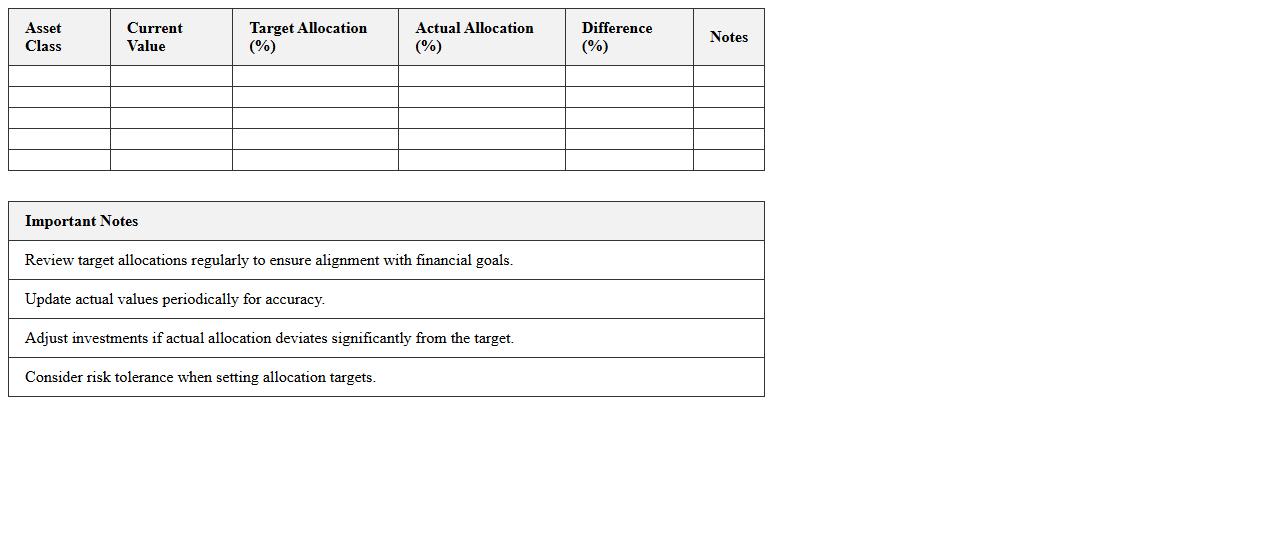
Investment Allocation Summary Excel Template
The
Investment Allocation Summary Excel Template document provides a structured framework to track and analyze the distribution of investments across various asset classes, sectors, or portfolios. It helps investors visualize their asset allocation, ensuring diversification and risk management align with their financial goals. By using this template, users can easily update and review portfolio performance, making informed decisions to optimize returns and maintain a balanced investment strategy.
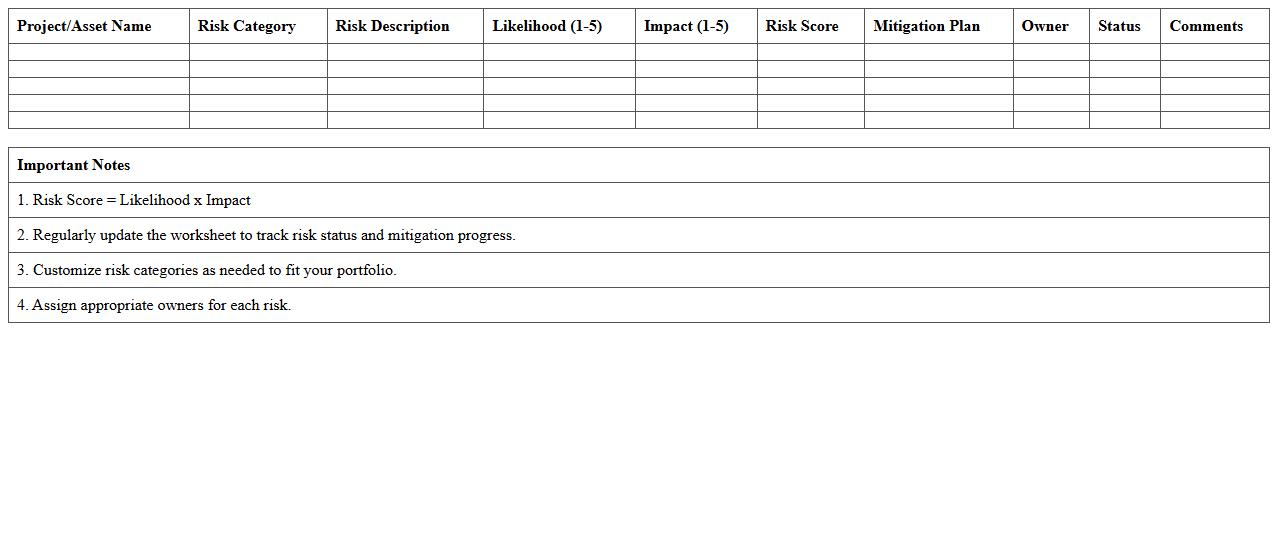
Portfolio Risk Assessment Worksheet Template
A
Portfolio Risk Assessment Worksheet Template is a structured document designed to systematically identify, evaluate, and manage risks associated with investment portfolios. It helps investors and portfolio managers quantify potential losses, assess risk exposure, and make informed decisions to balance returns and risks effectively. Using this template enhances risk mitigation strategies, supports regulatory compliance, and ensures a comprehensive overview of portfolio vulnerabilities.
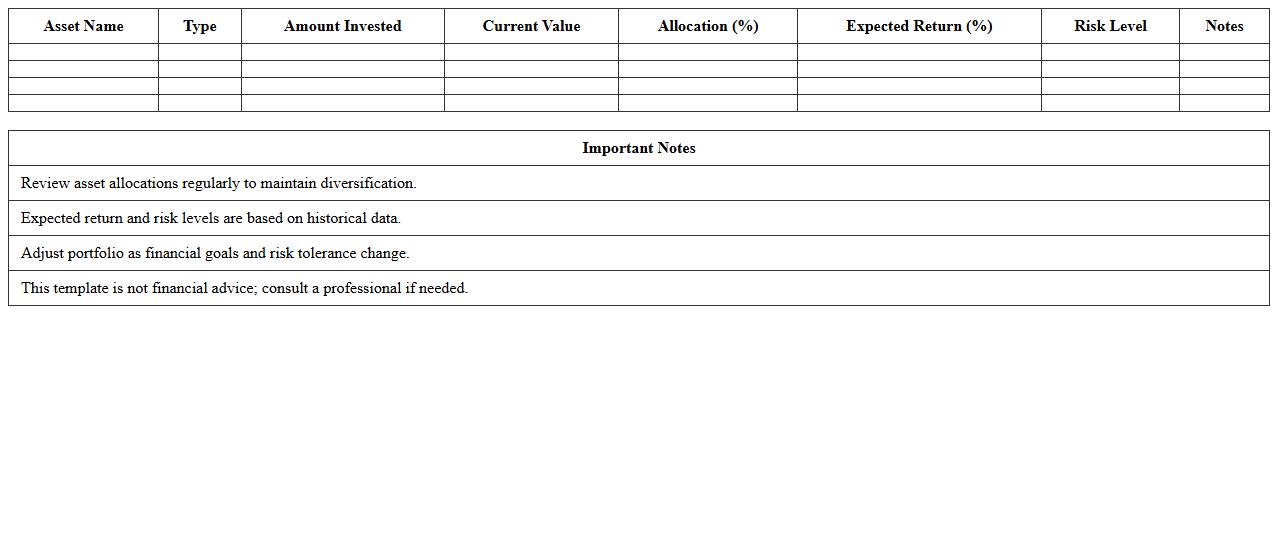
Asset Diversification Analysis Excel Template
The
Asset Diversification Analysis Excel Template is a powerful tool designed to evaluate and optimize the distribution of assets within an investment portfolio. It allows users to input various asset classes and analyze their correlation, risk, and return metrics to achieve balanced diversification. This template is useful for enhancing portfolio stability, minimizing risk exposure, and making data-driven investment decisions.
Mutual Fund Returns Comparator Excel Template
The
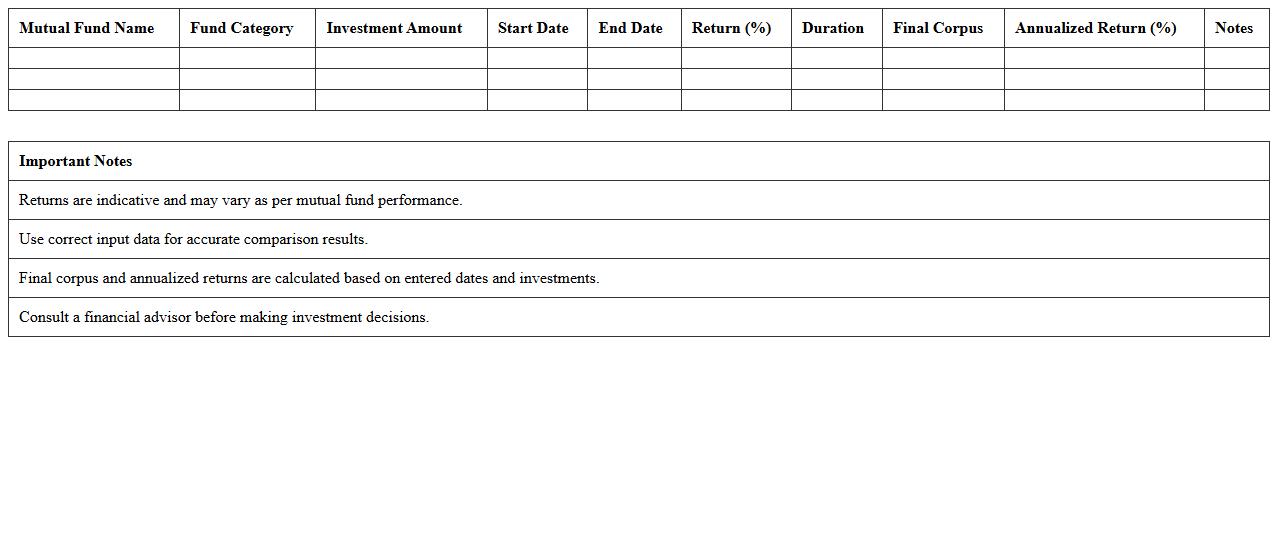
Mutual Fund Returns Comparator Excel Template document is a powerful tool designed to analyze and compare the performance of various mutual funds over specific periods. It allows investors to input historical return data, calculate key metrics such as CAGR, annualized returns, and risk ratios, providing a clear view of fund performance side-by-side. This template helps in making informed investment decisions by identifying the best-performing mutual funds based on quantitative data and customized comparison criteria.
Equity Investment Analysis Excel Template
The
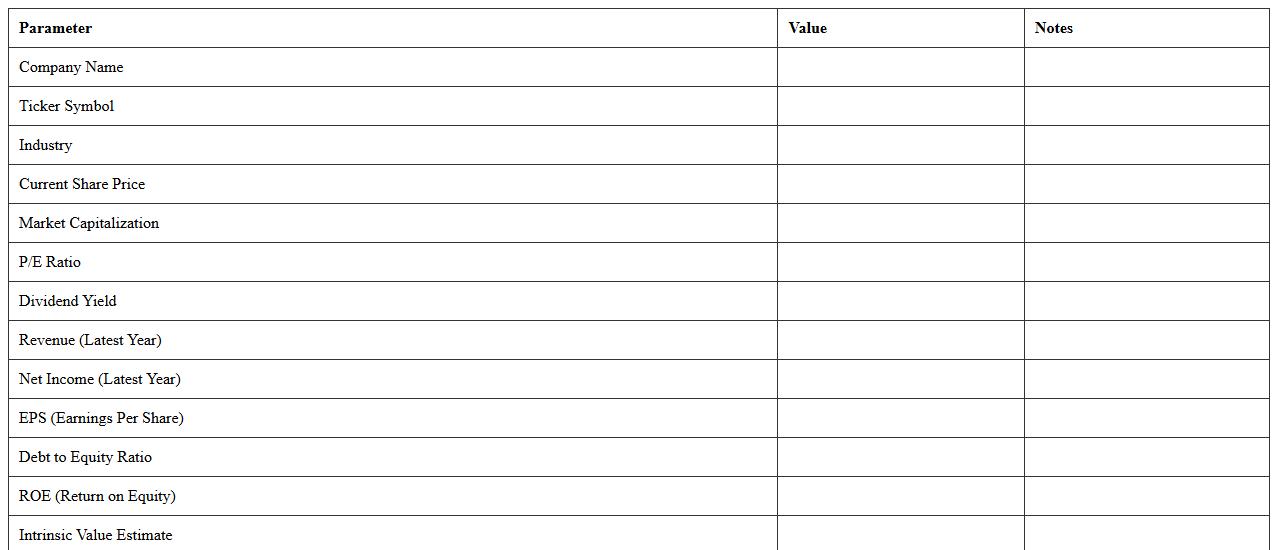
Equity Investment Analysis Excel Template is a powerful tool designed to streamline the evaluation of stocks by organizing financial data, calculating key ratios, and projecting future performance. It enables investors to make informed decisions through detailed analysis of earnings, valuation metrics, and market trends. By using this template, users can efficiently assess investment opportunities, optimize portfolio allocation, and enhance overall financial strategy.
Fixed Income Portfolio Manager Template
A
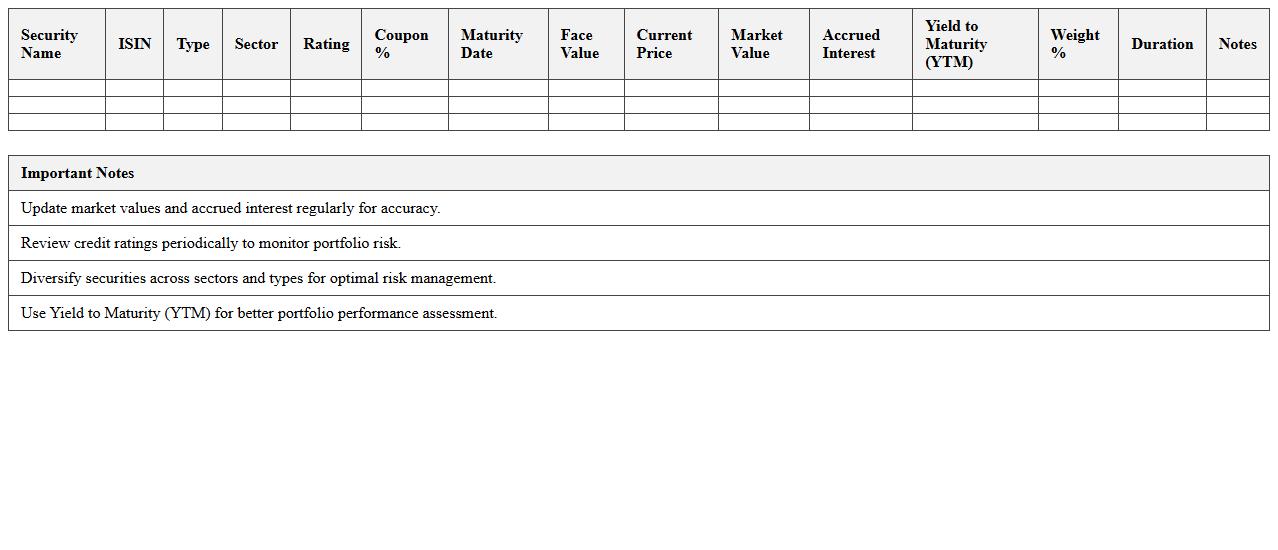
Fixed Income Portfolio Manager Template is a structured document designed to assist portfolio managers in tracking, analyzing, and optimizing fixed income investments such as bonds, treasury bills, and other debt instruments. It provides a systematic approach to evaluating credit risk, yield curve positioning, duration management, and diversification, enabling efficient decision-making and performance monitoring. Utilizing this template enhances portfolio transparency and supports strategic adjustments aligned with investment objectives and market conditions.
Investment Rebalancing Planner Excel Template
The
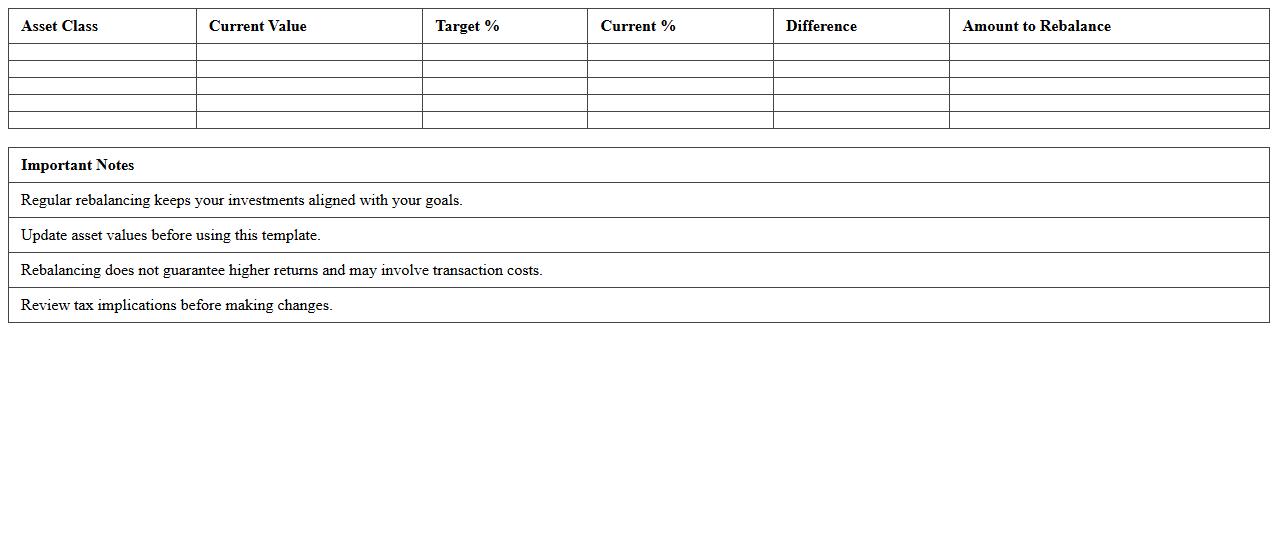
Investment Rebalancing Planner Excel Template document is a financial tool designed to help investors maintain their desired asset allocation by tracking and adjusting their portfolio holdings. It allows users to input current investment data, set target percentages, and receive actionable recommendations to buy or sell assets to achieve balanced risk and return profiles. This template is useful for optimizing portfolio performance, minimizing risk exposure, and simplifying complex investment management tasks.
Capital Gains & Losses Report Template
A
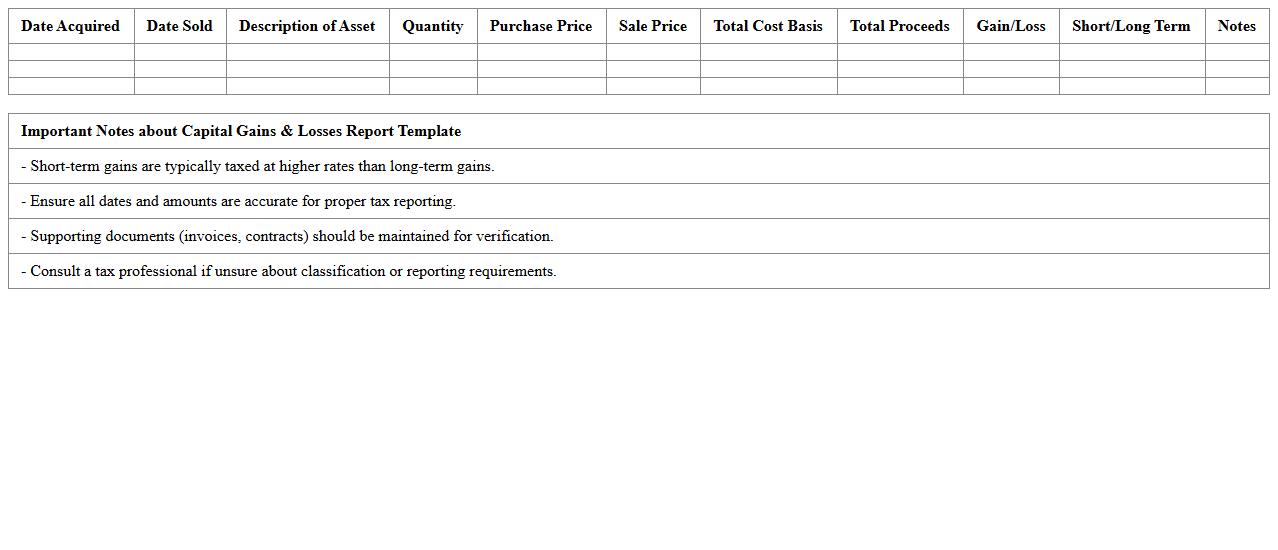
Capital Gains & Losses Report Template document provides a structured format for tracking and summarizing profits or losses from the sale of investments or assets. It helps investors accurately calculate taxable gains and losses, ensuring compliance with tax regulations and simplifying financial reporting. Using this template improves clarity and organization, making it easier to analyze investment performance and prepare for tax filings.
Portfolio Return Attribution Analysis Excel Template
The
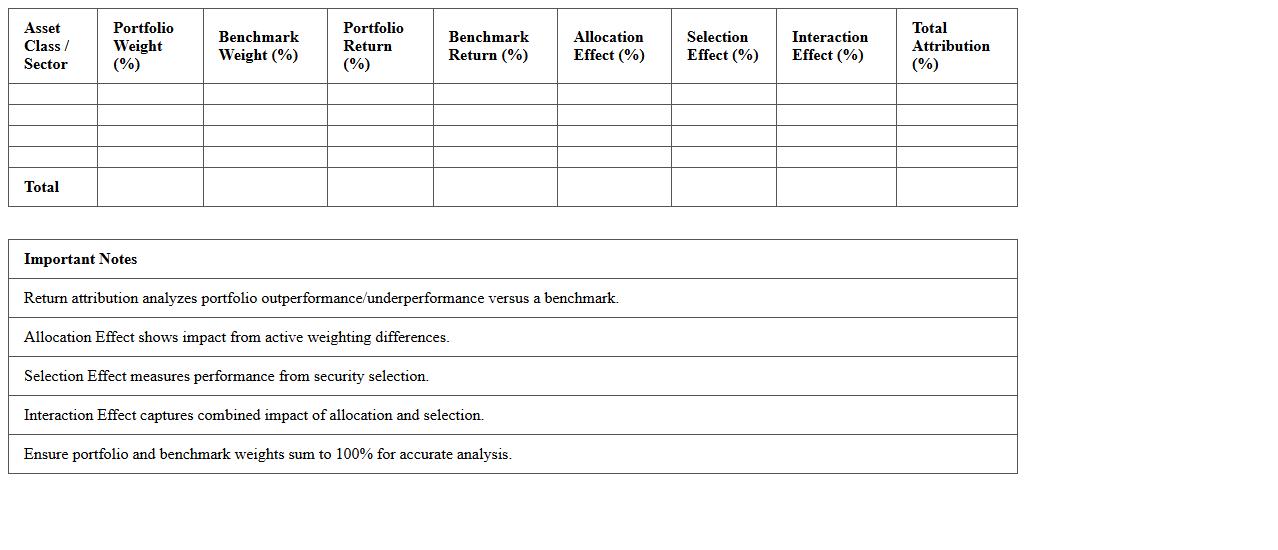
Portfolio Return Attribution Analysis Excel Template document is a tool designed to break down and analyze the contributing factors to investment portfolio performance. It enables investors and analysts to quantify the impact of asset allocation, security selection, and market timing on overall returns, providing clear insights into which decisions drove gains or losses. This template streamlines performance evaluation, supports informed decision-making, and enhances portfolio management efficiency by visualizing detailed return contributions in a user-friendly format.
How can Excel macros automate risk-adjusted returns calculation for multi-asset portfolios?
Excel macros automate repetitive tasks by recording sequences of actions, which can streamline the calculation of risk-adjusted returns in multi-asset portfolios. By programming macros to pull portfolio data, calculate returns, and adjust for risk measures like Sharpe or Sortino ratios, analysts save valuable time. This automation reduces errors and ensures consistent updates as portfolio data evolves.
What Excel formulas best track alpha generation against custom portfolio benchmarks?
Alpha generation can be tracked effectively using formulas such as =AVERAGE, =INDEX, and matrix operations to compare portfolio returns against benchmark returns. The formula for alpha often involves subtracting benchmark returns or beta-adjusted expected returns using =SLOPE for beta and =INTERCEPT for alpha calculation. Custom benchmarks can be accommodated by referencing dynamic ranges, ensuring real-time performance tracking.
How do you implement scenario analysis for fixed income portfolios using Excel data tables?
Scenario analysis for fixed income portfolios can be implemented in Excel using data tables to model various interest rate or credit spread scenarios. By setting up input cells for scenario variables and linking them to bond valuation models, data tables automatically display portfolio value changes under each scenario. This provides a comprehensive view of risk exposures and potential outcomes in a scalable format.
Which Excel techniques visualize asset correlations in global equity portfolios?
Asset correlations in global equity portfolios are best visualized using Excel's correlation matrix combined with conditional formatting or heat maps for intuitive displays. Creating a matrix with the =CORREL function between asset returns, followed by color scales, highlights strong and weak correlations effectively. Additionally, inserting scatter plots or bubble charts can offer multi-dimensional insights into asset relationships.
How can Excel's Power Query streamline portfolio holdings reconciliation with custodians?
Power Query streamlines portfolio holdings reconciliation by automatically importing, cleaning, and merging large datasets from both portfolio managers and custodians. This tool enables users to transform inconsistent data formats, remove duplicates, and match holdings efficiently without manual intervention. Power Query's refresh capability ensures up-to-date reconciliations, improving accuracy and reducing operational risk.
More Finance Excel Templates