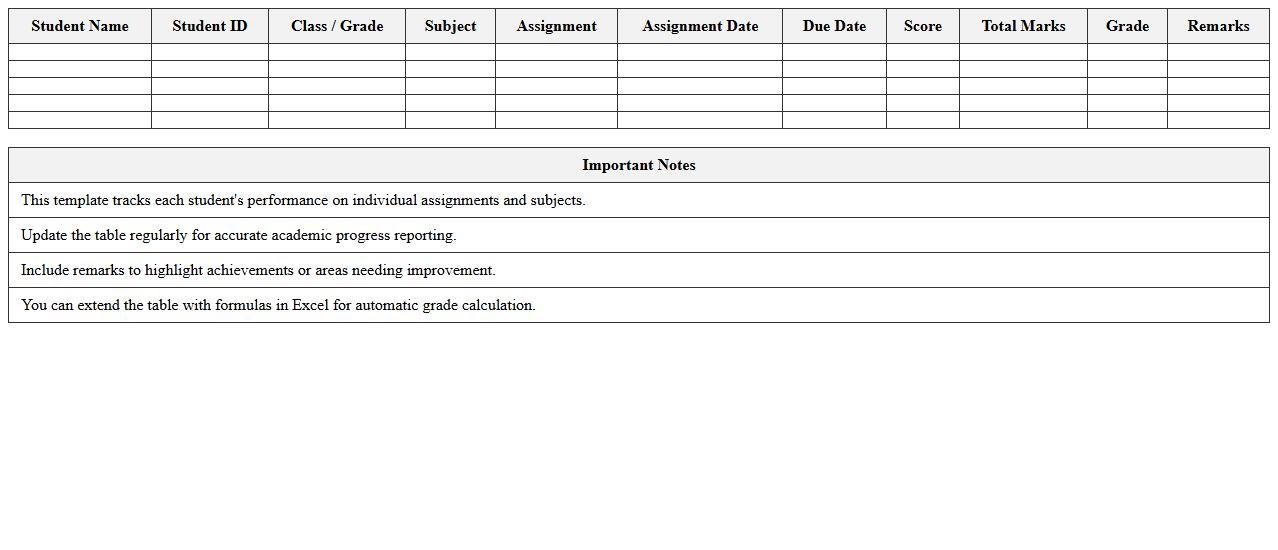
The Education Progress Report Excel Template for K-12 Schools provides a structured and easy-to-use format for tracking student performance and academic growth throughout the school year. This template features customizable sections for grades, attendance, and teacher comments, enabling educators to monitor progress efficiently. It helps streamline the reporting process, ensuring clear communication between teachers, students, and parents.
Student Academic Progress Tracker Excel Template
The
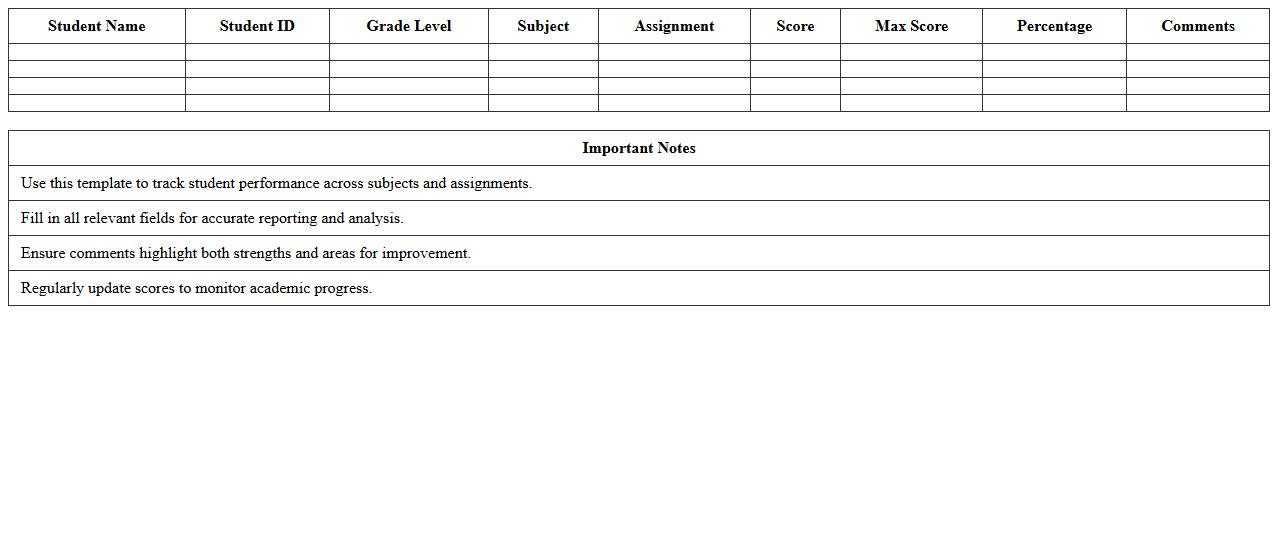
Student Academic Progress Tracker Excel Template is a comprehensive tool designed to monitor and record students' academic performance across various subjects and assessment periods. It allows educators and students to visualize progress through easily customizable charts and data fields, making it simple to identify areas of strength and improvement. This template enhances organization, facilitates targeted intervention, and supports data-driven decision-making to boost academic success.
K-12 Classroom Performance Report Spreadsheet
The
K-12 Classroom Performance Report Spreadsheet is a detailed document that tracks student progress, attendance, and assessment results across various grade levels. It provides educators with organized data to identify learning trends, pinpoint areas needing improvement, and tailor instructional strategies effectively. Utilizing this report enhances decision-making processes, promotes targeted interventions, and supports student achievement within the K-12 educational framework.
School Term Gradebook & Progress Report Excel
The
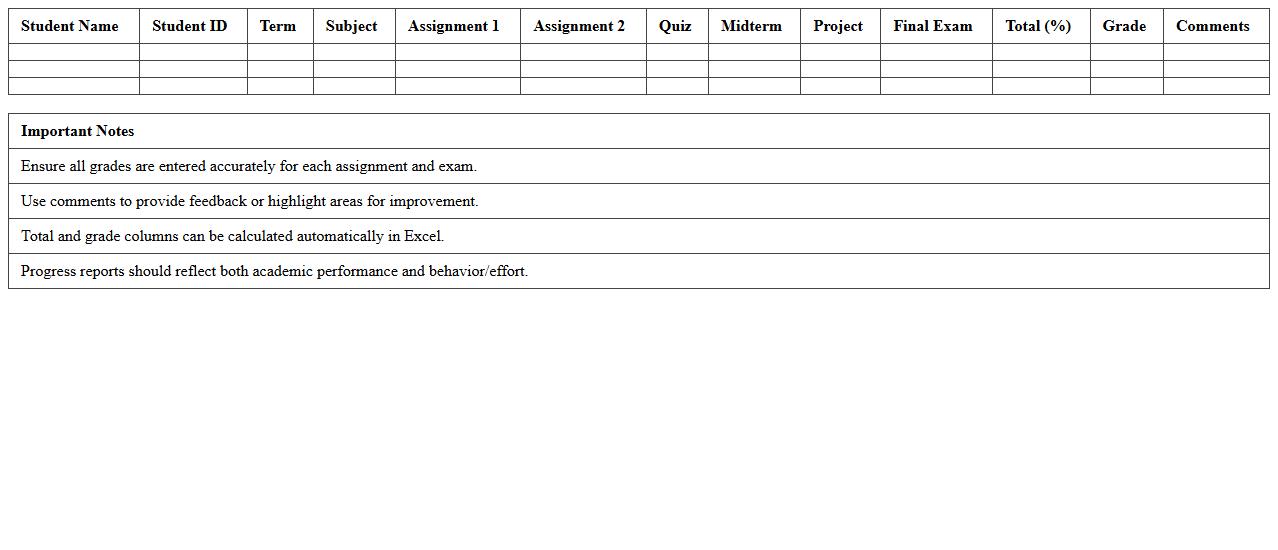
School Term Gradebook & Progress Report Excel document is a comprehensive tool designed to record, track, and analyze students' academic performance throughout a school term. It allows educators to input grades, calculate averages, and generate progress reports efficiently, ensuring accurate and organized student data management. This document streamlines the evaluation process, enhances communication with parents, and supports data-driven decisions to improve student outcomes.
Weekly Student Learning Report Excel Template
The
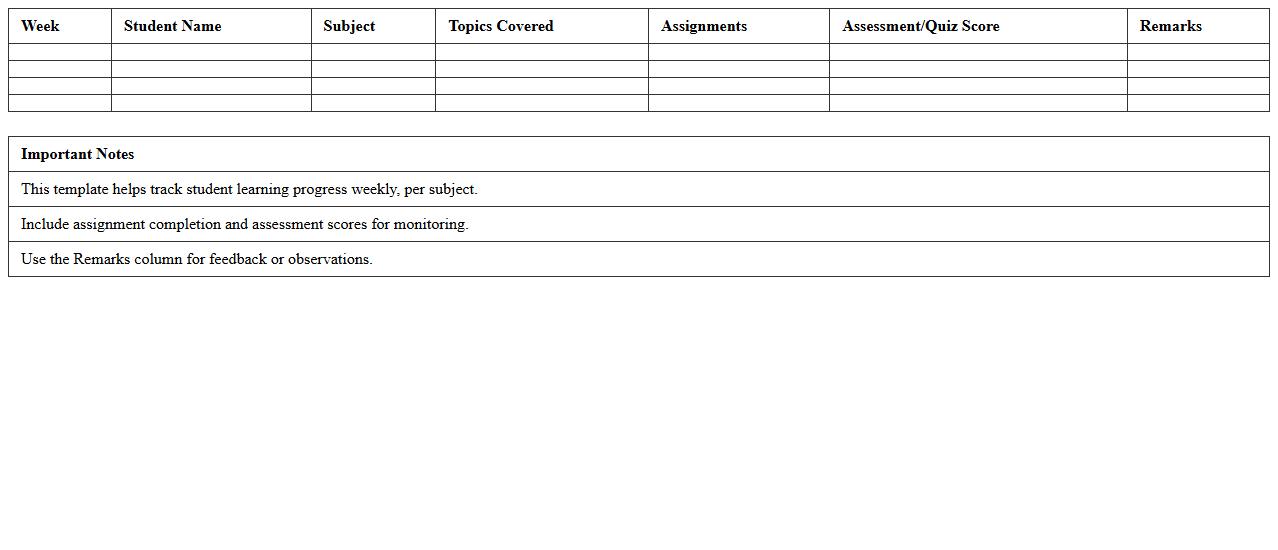
Weekly Student Learning Report Excel Template is a structured tool designed to track and document students' weekly academic progress and activities. It helps educators systematically record attendance, assignments, test scores, and behavior, facilitating data-driven decisions to improve student performance. This template enhances communication between teachers, students, and parents by providing clear, organized insights into learning outcomes and areas needing attention.
Subject-Wise Achievement Tracking Excel Sheet
The
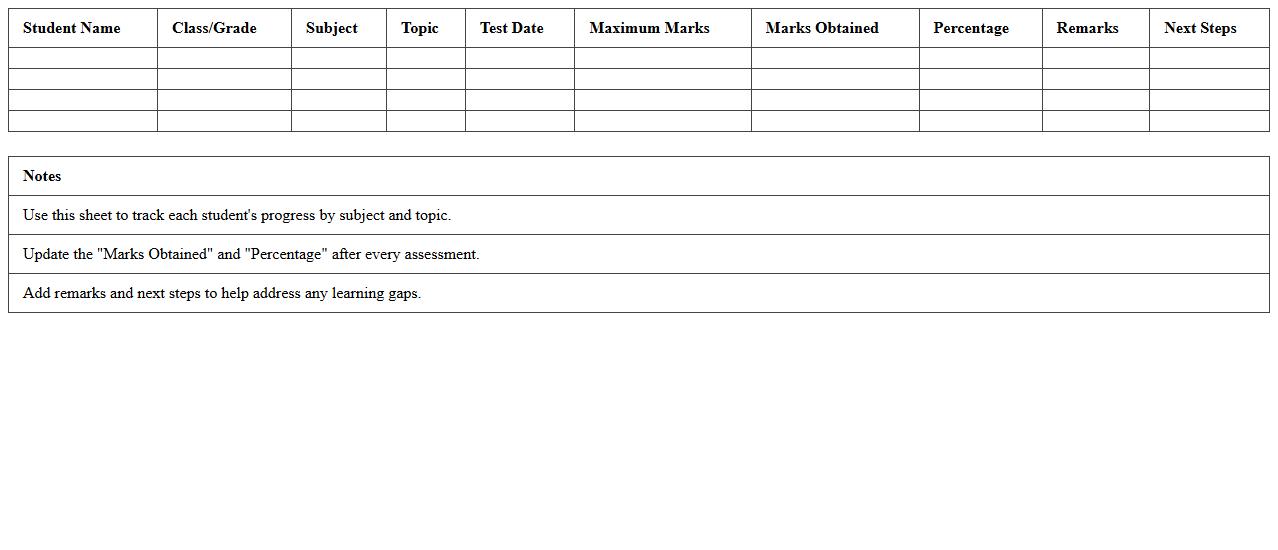
Subject-Wise Achievement Tracking Excel Sheet is a specialized document designed to record and analyze student performance across various subjects systematically. It allows educators and students to monitor progress, identify strengths and weaknesses, and tailor learning strategies effectively. By organizing achievement data in a clear, accessible format, this tool enhances educational outcomes and supports targeted academic improvement.
Attendance and Progress Monitoring Excel Template
The
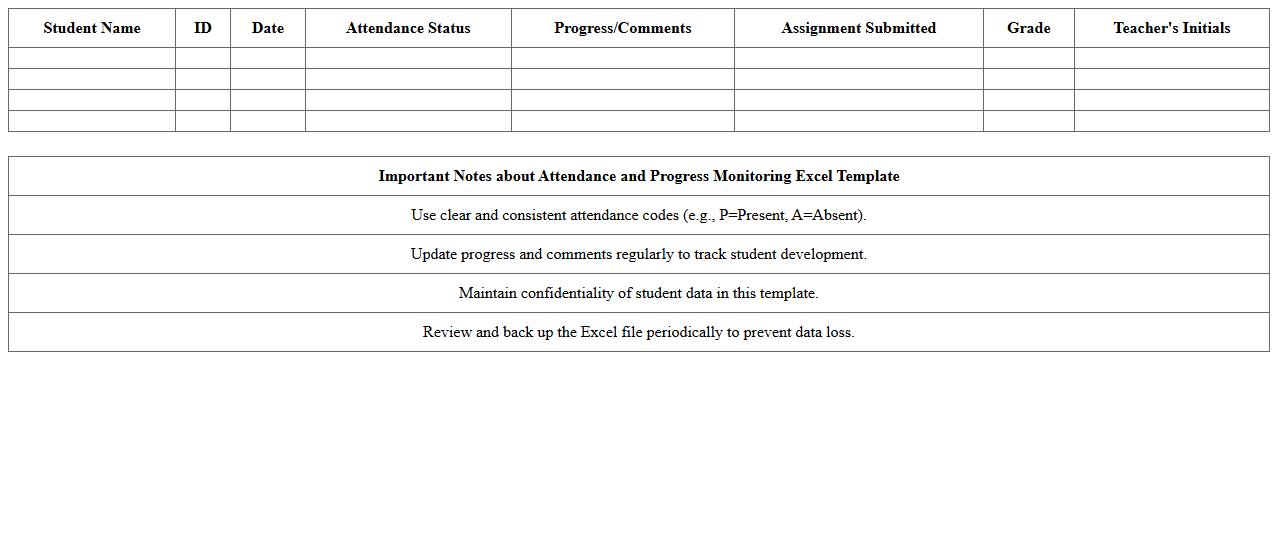
Attendance and Progress Monitoring Excel Template is a structured document designed to track and record attendance, along with academic or project progress efficiently. It helps educators and managers quickly identify patterns, manage data consistently, and generate insightful reports for decision-making. This tool enhances organization by consolidating attendance and performance metrics in a single, easy-to-use spreadsheet.
Student Assignment Completion Report Excel
The
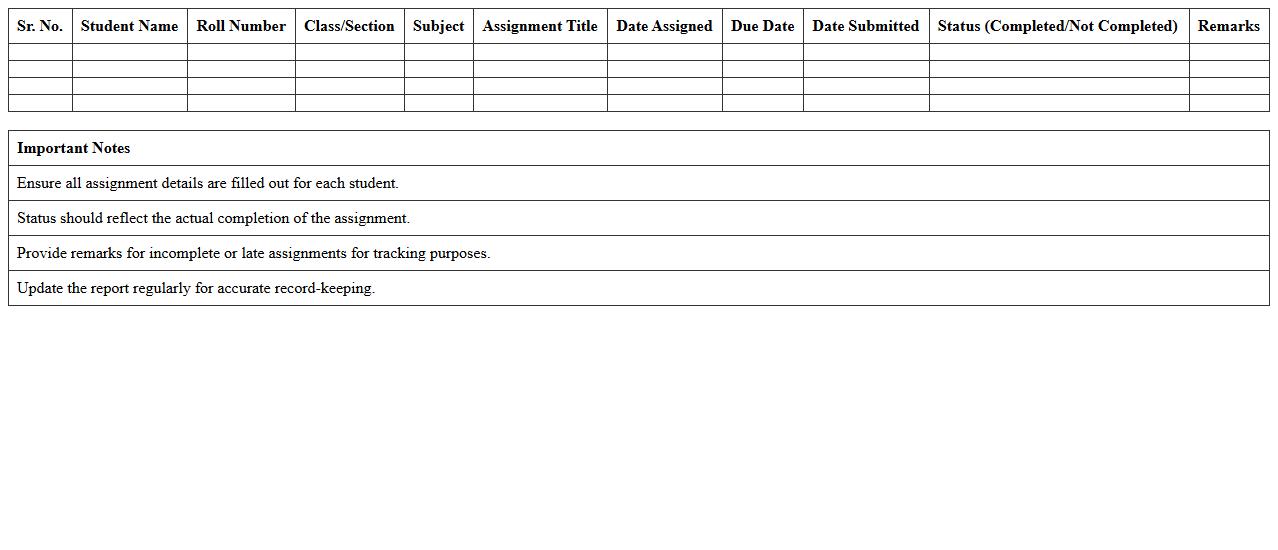
Student Assignment Completion Report Excel document tracks the status of student submissions in a structured format, allowing educators to monitor progress efficiently. This report includes key data such as assignment names, submission dates, and completion percentages, facilitating quick identification of students who need support. Utilizing this tool enhances accountability and streamlines academic performance analysis for better educational outcomes.
Parent-Teacher Progress Update Excel Template
The
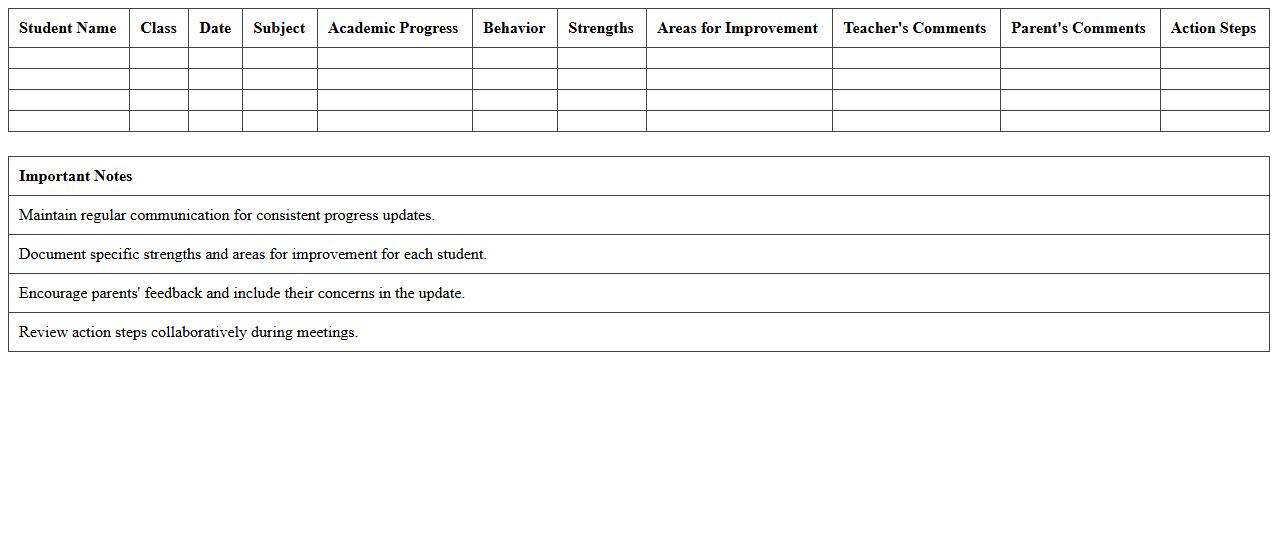
Parent-Teacher Progress Update Excel Template is a structured document designed to track and share student performance and behavioral progress efficiently. It allows teachers to systematically record academic achievements, attendance, and areas needing improvement, facilitating clear communication with parents. This template streamlines progress updates, helping parents stay informed and actively involved in their child's education.
Individualized Education Plan Progress Tracker
The
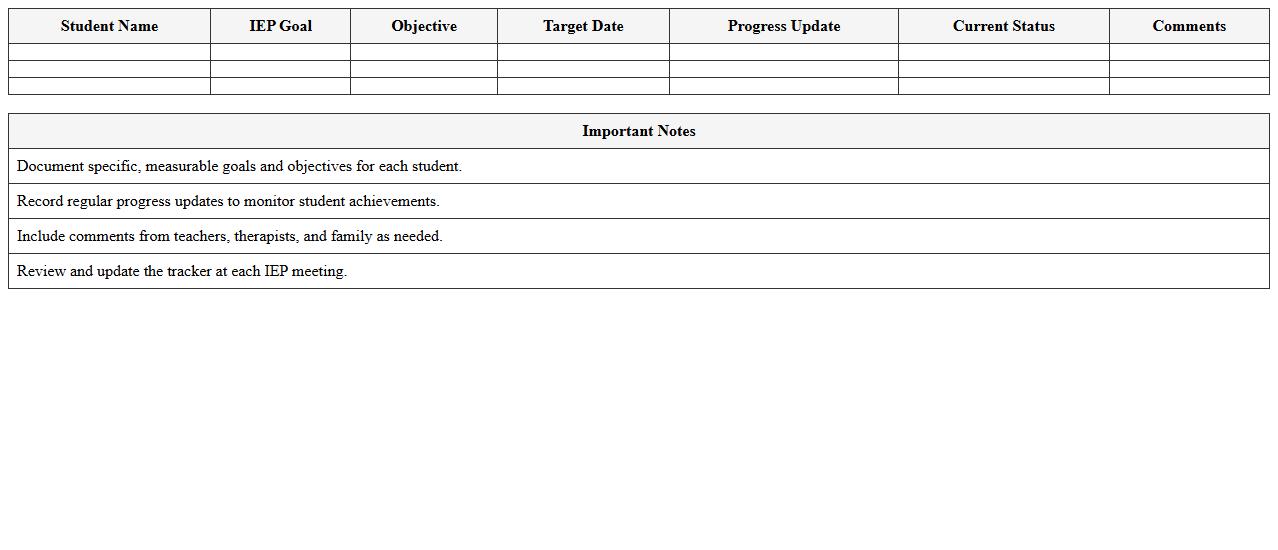
Individualized Education Plan (IEP) Progress Tracker document systematically monitors a student's goals and objectives to ensure measurable progress in their educational development. It provides educators, parents, and support staff with clear, up-to-date data on skill acquisition and areas needing adjustment, promoting informed decision-making. This tool streamlines communication and enhances accountability by documenting interventions, outcomes, and necessary modifications throughout the academic year.
Semester Academic Performance Summary Excel Sheet
The
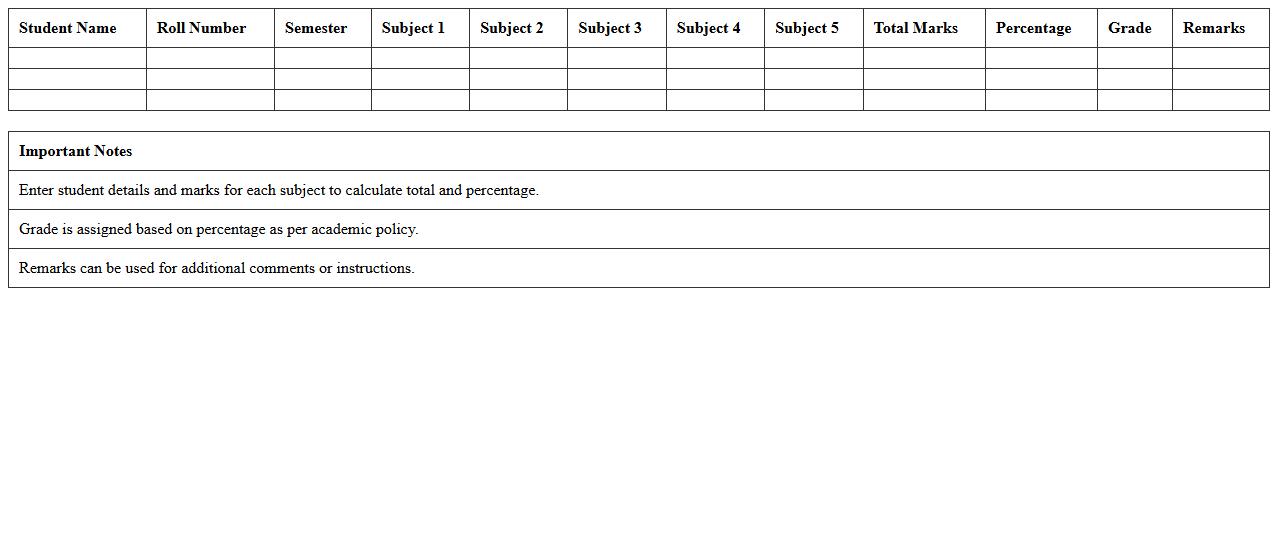
Semester Academic Performance Summary Excel Sheet document compiles students' grades, attendance, and cumulative academic metrics for a specific semester in a structured, easy-to-analyze format. It enables educators and administrators to quickly assess individual or group performance trends, identify areas needing improvement, and streamline reporting processes. This tool enhances data-driven decision-making by providing a clear overview of academic progress within an educational institution.
How can conditional formatting in Excel highlight at-risk students in K-12 progress reports?
Conditional formatting in Excel allows educators to visually identify at-risk students by applying color codes based on specific criteria such as grades below a threshold. By setting rules that highlight low scores or declining performance, teachers can easily pinpoint students needing intervention. This method enhances the quick assessment of student progress across multiple subjects.
What custom formulas track subject-specific growth over multiple grading periods?
Custom formulas like AVERAGEIFS and IFERROR enable tracking of subject-specific growth by calculating average scores within defined grading periods. Using these formulas, educators can monitor improvements or declines in student performance over time. This approach supports detailed analysis and timely academic interventions.
Which Excel templates best visualize student competency mastery in core standards?
Templates featuring dashboard charts and progress trackers are ideal for visualizing student mastery in core standards. These templates often include bar graphs, heat maps, and milestone indicators to represent competency levels clearly. Utilizing such formats helps educators communicate student achievements effectively to parents and stakeholders.
How do you automate attendance and behavior integration within education progress reports?
Automating attendance and behavior data in Excel requires linking attendance logs and behavior sheets using formulas like VLOOKUP or INDEX-MATCH. Pivot tables and macros can streamline data consolidation to reflect updated progress reports instantly. This automation reduces manual entry errors and provides a comprehensive student overview.
What are best practices for exporting Excel K-12 progress data to SIS platforms?
Best practices for exporting data to Student Information Systems (SIS) involve ensuring data accuracy and using compatible file formats such as CSV or XML. It's essential to clean and validate the data before export to maintain integrity and prevent errors. Regular backups and alignment with SIS import guidelines facilitate smooth data integration.
More Education Excel Templates