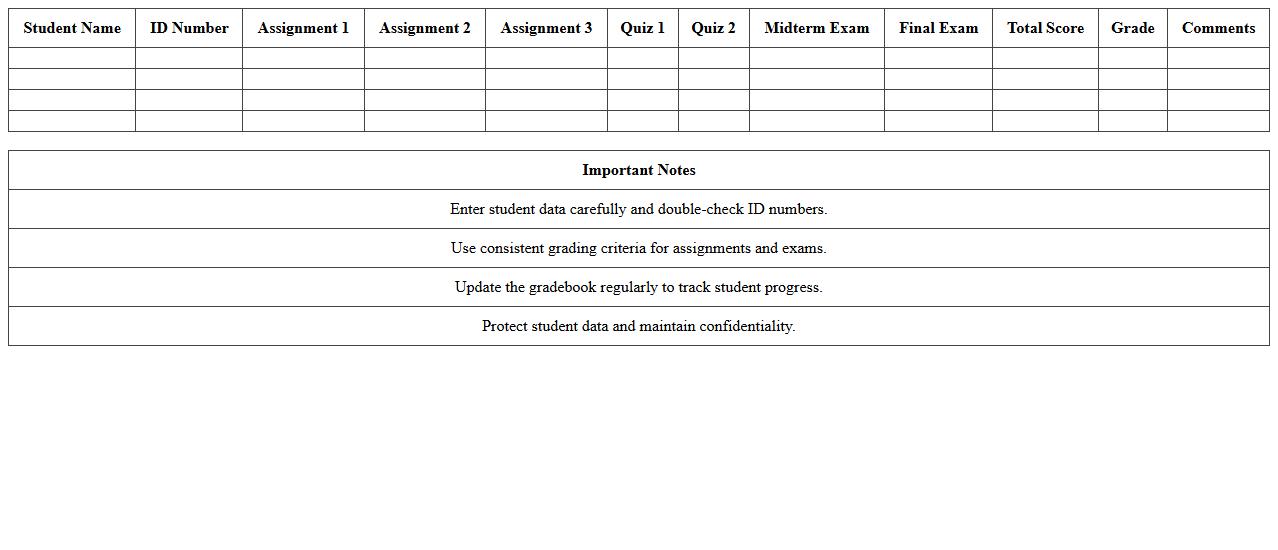
The Education Gradebook Excel Template for Teachers streamlines the process of tracking student grades, attendance, and performance in one organized spreadsheet. This customizable template allows teachers to input assignments, calculate averages, and identify trends efficiently. Designed for ease of use, it helps educators save time while maintaining accurate records.
High School Gradebook Excel Template for Teachers
The
High School Gradebook Excel Template for Teachers is a structured spreadsheet designed to organize and calculate student grades efficiently. It allows educators to input scores, track academic progress, and generate reports with ease, saving valuable time. This tool enhances accuracy in grade management and supports data-driven decision-making in the classroom.
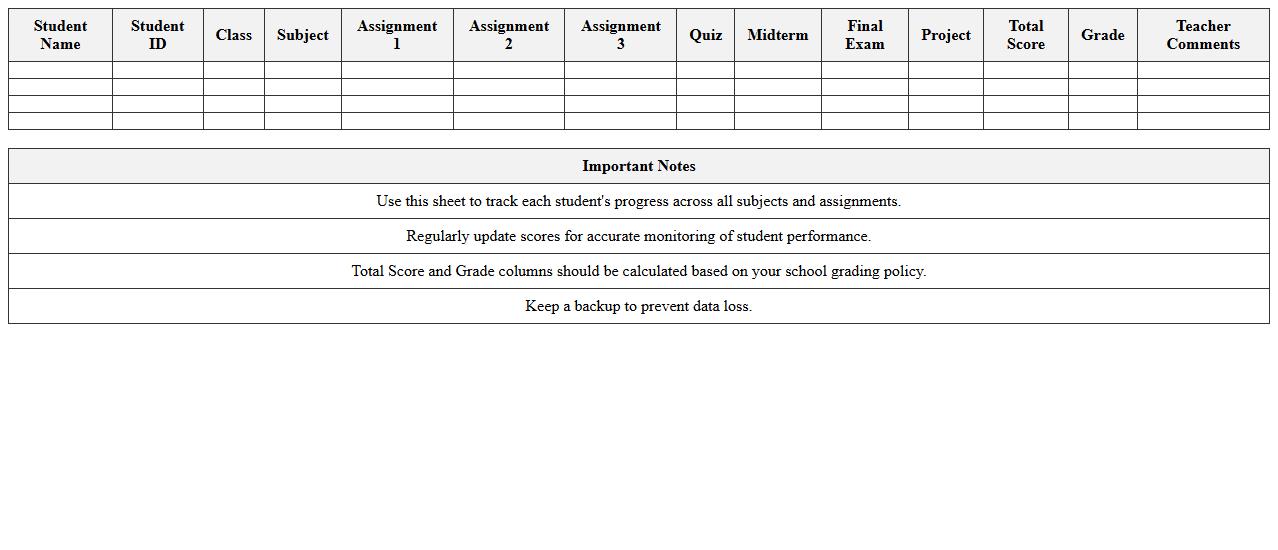
Elementary Student Grade Tracking Sheet Template
The
Elementary Student Grade Tracking Sheet Template is a structured document designed to record and monitor students' academic progress systematically. It allows teachers to efficiently track individual grades, identify areas needing improvement, and communicate progress to parents or guardians. This template enhances organization, supports data-driven decisions, and promotes timely interventions to improve student learning outcomes.
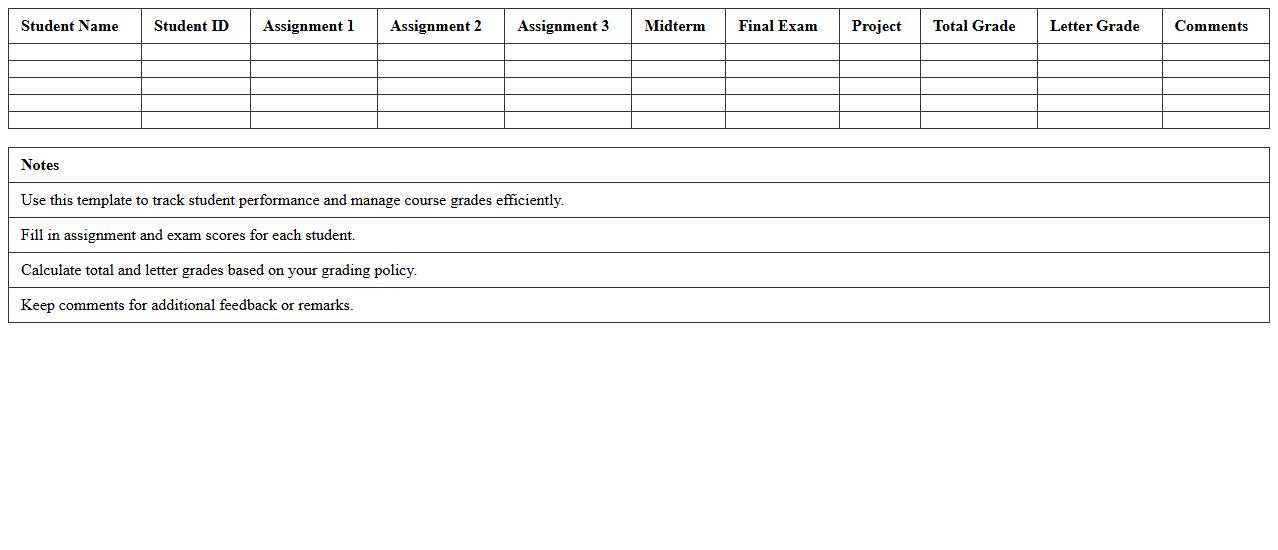
College Course Gradebook Spreadsheet Template
A
College Course Gradebook Spreadsheet Template is a structured digital document designed to organize and track students' academic performance in various courses. It allows instructors to efficiently record grades, calculate averages, and monitor progress throughout the semester, ensuring accuracy and consistency. This template is especially useful for managing large classes, simplifying grade computation, and providing transparent, accessible records for both educators and students.
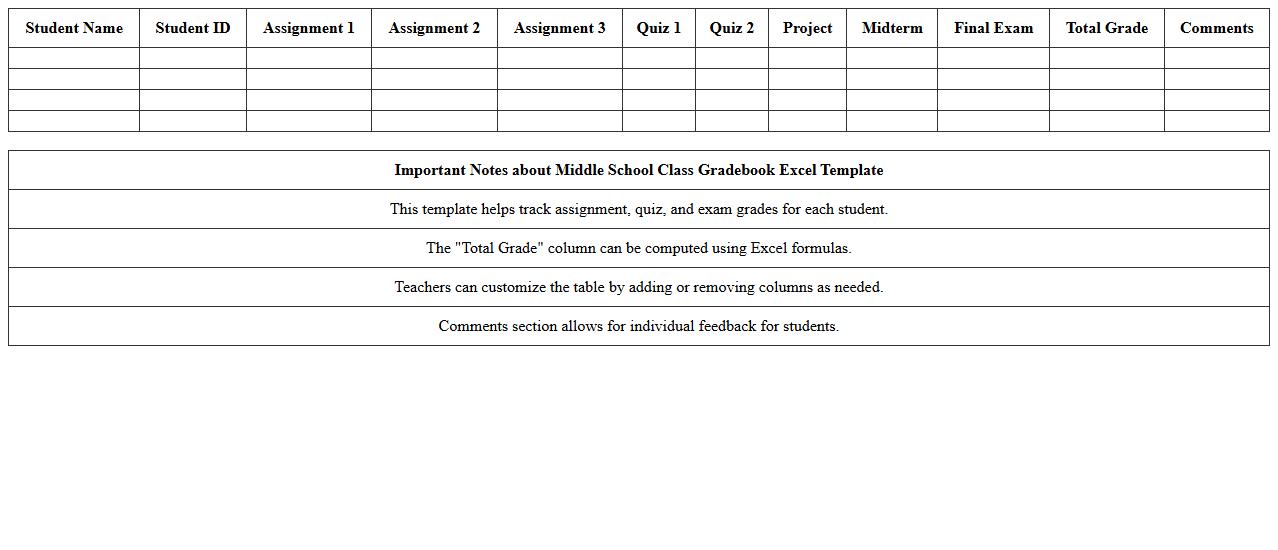
Middle School Class Gradebook Excel Template
The
Middle School Class Gradebook Excel Template is a digital tool designed to efficiently track and organize student grades, attendance, and performance metrics for middle school educators. It streamlines grading processes by automatically calculating averages, generating progress reports, and highlighting areas needing improvement. This template enhances educational management by saving time, ensuring accuracy, and providing clear insights into student academic progress.
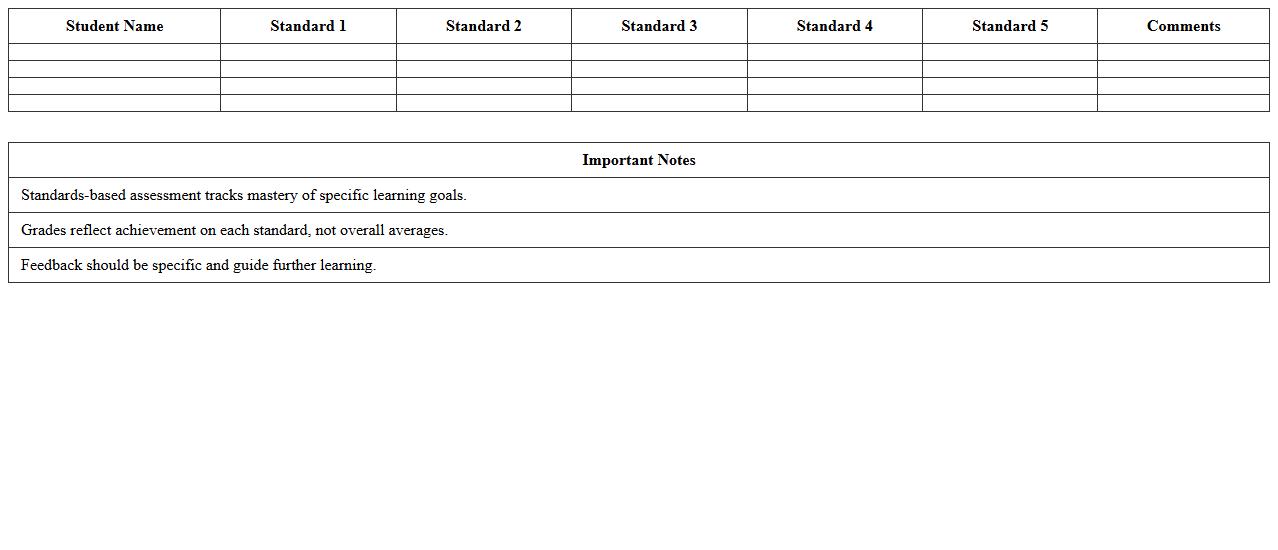
Standards-Based Assessment Gradebook Template
A
Standards-Based Assessment Gradebook Template is a structured document designed to track student performance against specific learning standards rather than traditional grading metrics. It allows educators to record, analyze, and report progress on individual competencies, providing clear insights into areas of strength and needed improvement. This targeted assessment approach enhances personalized instruction and supports data-driven decision-making for student success.
Semester Progress Report Gradebook Excel Template
The
Semester Progress Report Gradebook Excel Template is a structured digital tool designed for tracking and recording student grades throughout an academic semester, enabling efficient organization of assignments, tests, and final scores. This template facilitates easy calculation of averages, highlighting areas where students excel or need improvement, thus supporting data-driven educational decisions. It streamlines grade management by providing clear visual summaries and customizable fields, saving educators time and improving accuracy in reporting student progress.
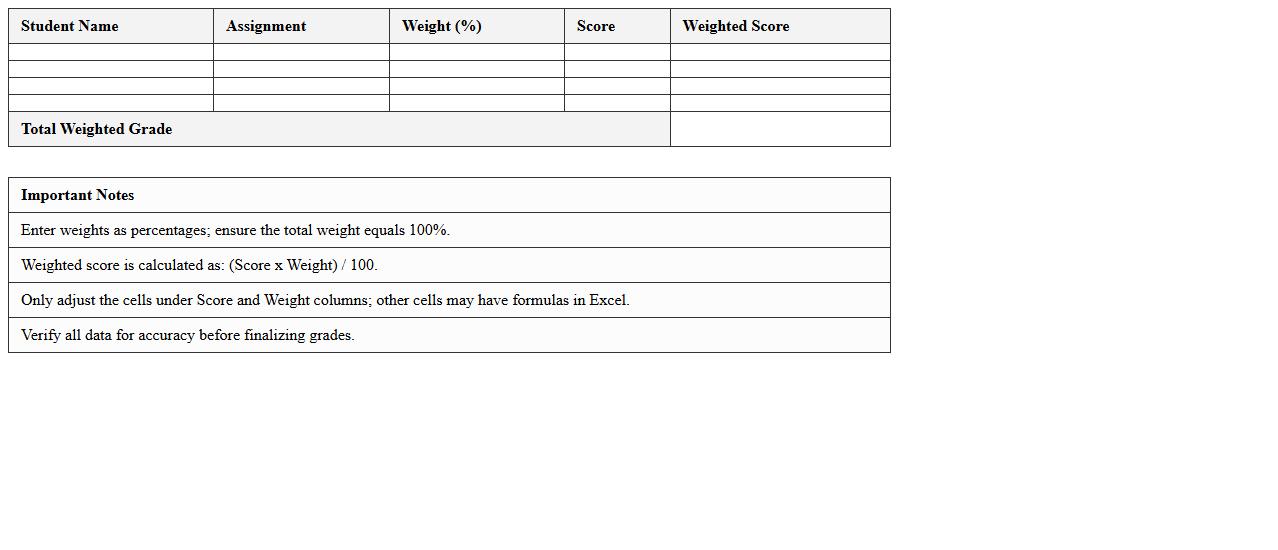
Weighted Grades Calculator Excel Sheet for Instructors
The
Weighted Grades Calculator Excel Sheet is a specialized tool designed for instructors to efficiently calculate students' final grades based on varying assignment weights. It automates complex grade computations by allowing educators to input scores and their corresponding weight percentages, ensuring accuracy and saving valuable time. This document enhances grading transparency and consistency, making it an essential resource for managing academic performance effectively.
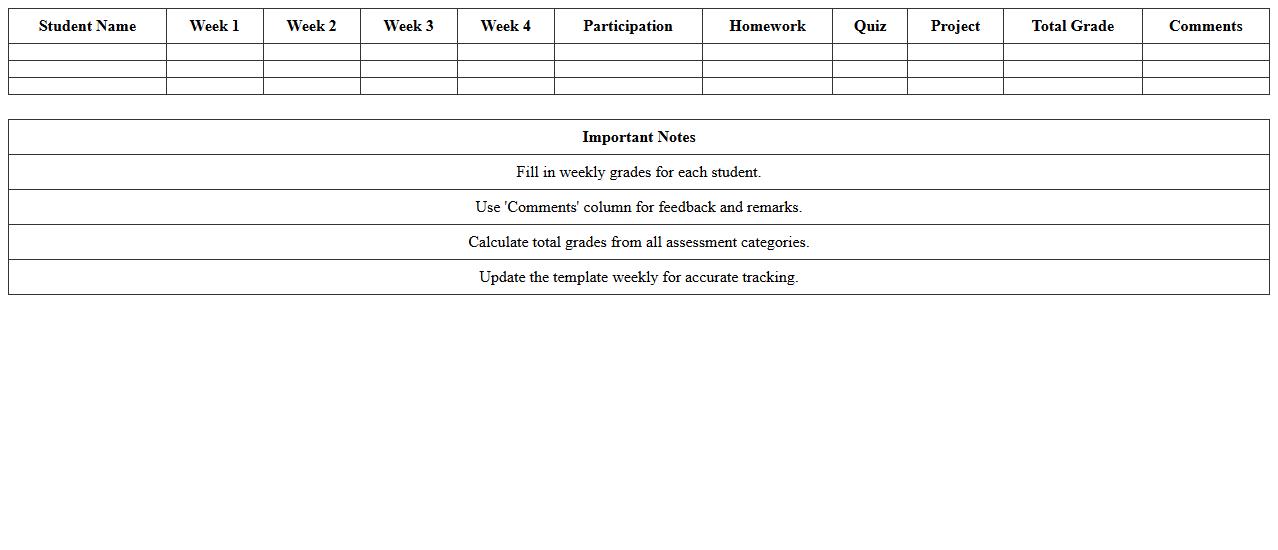
Weekly Student Performance Gradebook Template
The
Weekly Student Performance Gradebook Template is a structured document designed to track and evaluate student progress on a weekly basis, capturing key metrics such as assignments, quizzes, participation, and behavior. It provides educators a clear, organized overview of each student's academic performance, helping identify areas needing improvement and enabling timely interventions. Using this template enhances communication with students and parents by offering transparent, consistent updates on academic achievements and challenges.
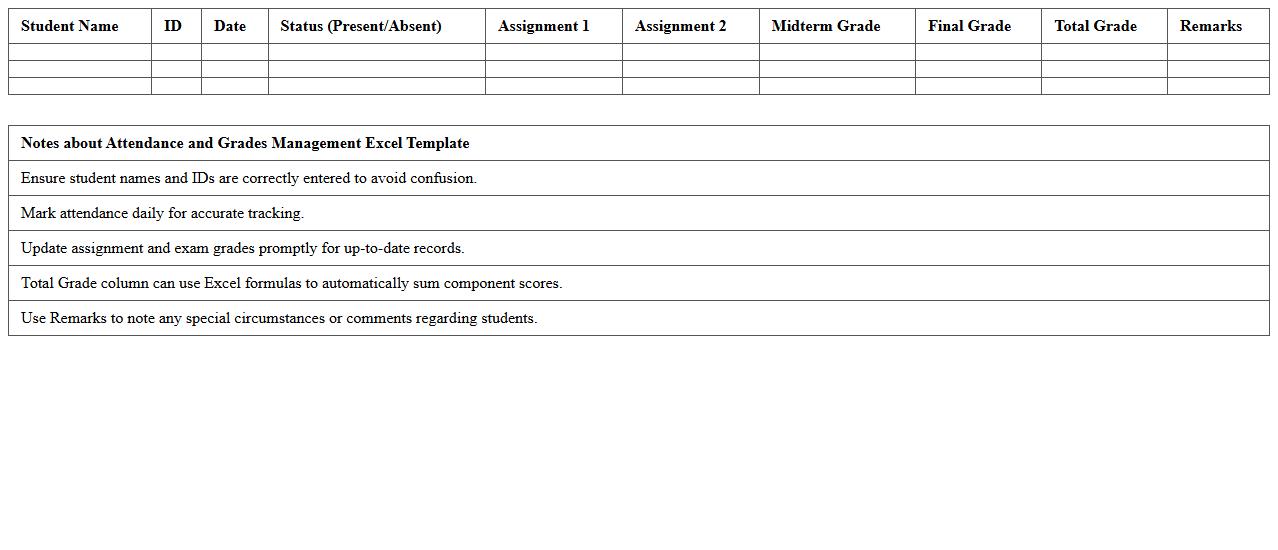
Attendance and Grades Management Excel Template
The
Attendance and Grades Management Excel Template document is a structured tool designed to track student attendance and record academic performance efficiently. It allows educators to monitor student participation patterns and calculate grades automatically, ensuring accurate and organized data management. This template streamlines administrative tasks, saving time while enhancing the reliability of attendance records and grade analysis.
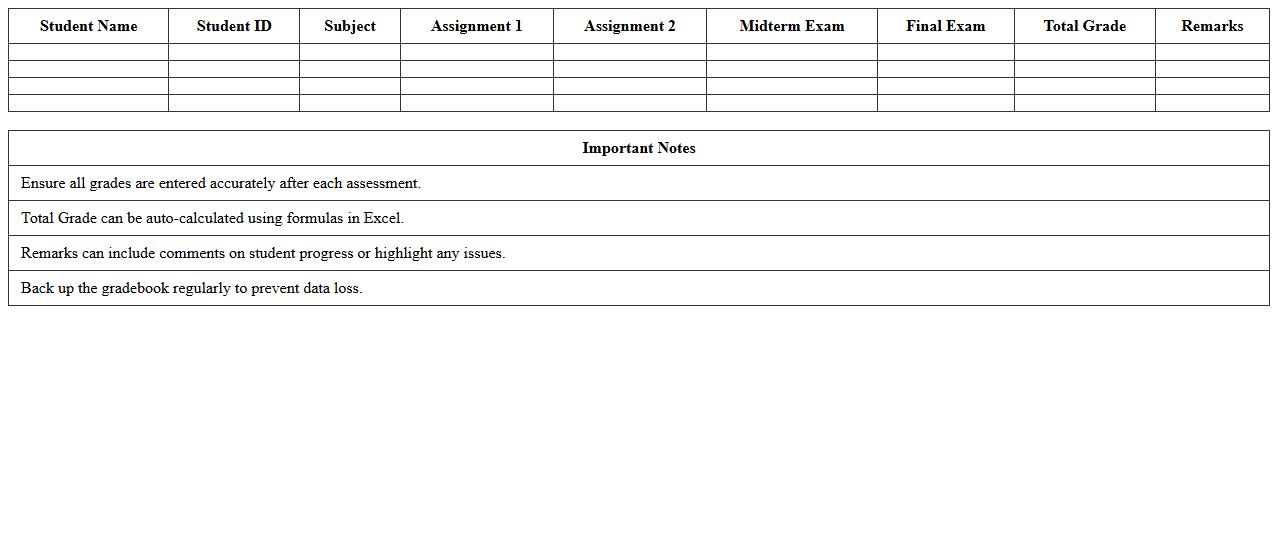
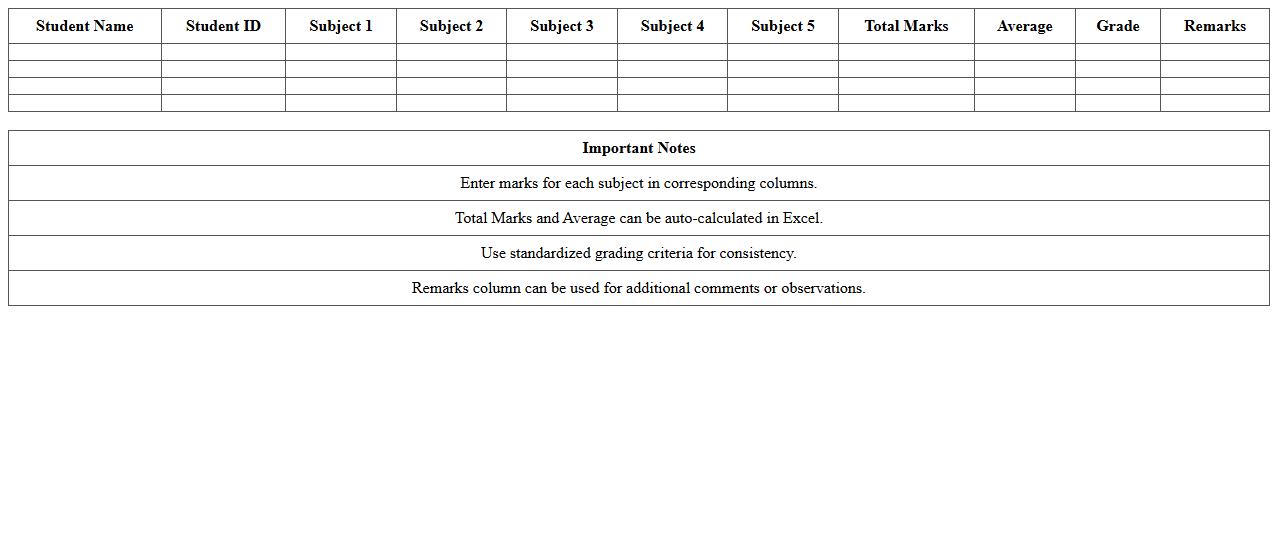
Subject-Wise Grade Recording Excel Template
The
Subject-Wise Grade Recording Excel Template is a structured spreadsheet designed to systematically log and track students' grades across various subjects. It enables educators to efficiently organize academic performance data, facilitating quick analysis and evaluation of individual or class progress. This template supports data-driven decision-making by providing clear insights into subject-wise strengths and weaknesses, helping teachers tailor their instructional strategies for improved learning outcomes.
How can I automate grade calculations in Excel for various assignment types?
To automate grade calculations, use Excel formulas such as SUM, AVERAGE, and IF functions to handle different assignment scores. Organize data with columns for each assignment type and apply formulas that calculate total and average grades dynamically. Using named ranges and structured references enhances formula readability and maintenance.
What conditional formatting techniques highlight at-risk students in a gradebook?
Employ conditional formatting to automatically highlight students falling below a certain grade threshold by setting rules that change cell color or text style. Use color scales or icon sets to visually represent performance trends, making it easier to spot at-risk students quickly. Combining multiple conditions, such as low test scores and missing assignments, increases the effectiveness of your highlighting strategy.
How do I set up a weighted grading system for different assessment categories?
Create a weighted grading system by assigning percentage weights to each assessment category based on their importance. Use formulas like SUMPRODUCT to multiply grades by their respective weights and sum the results for overall scores. Clearly display weight values and total weights to ensure transparency and ease of updates when grading policies change.
Which Excel formulas simplify student progress tracking over a semester?
Formulas like VLOOKUP, INDEX-MATCH, and COUNTIF streamline tracking student progress by extracting and summarizing data across multiple assignments and time periods. Use dynamic formulas combined with tables to update progress reports automatically as grades are entered. Combining these with charts enables a visual summary of academic trends, helping teachers monitor improvements and setbacks.
How can teachers protect sensitive student data within an Excel gradebook?
To protect sensitive student data, use Excel's password protection feature to restrict file access and apply worksheet protection to prevent unwanted edits. Employ data validation and limit visible information through hidden columns or filtered views to safeguard privacy. Regularly backup gradebooks and consider encryption for extra security, especially when sharing files electronically.
More Education Excel Templates