The Student Gradebook Excel Template for Education Institutions streamlines the process of tracking student performance by organizing grades efficiently in a single spreadsheet. It allows educators to easily input, calculate, and analyze scores for assignments, exams, and overall progress. This template enhances accuracy and saves time, making grade management simpler and more effective for teachers and administrators.
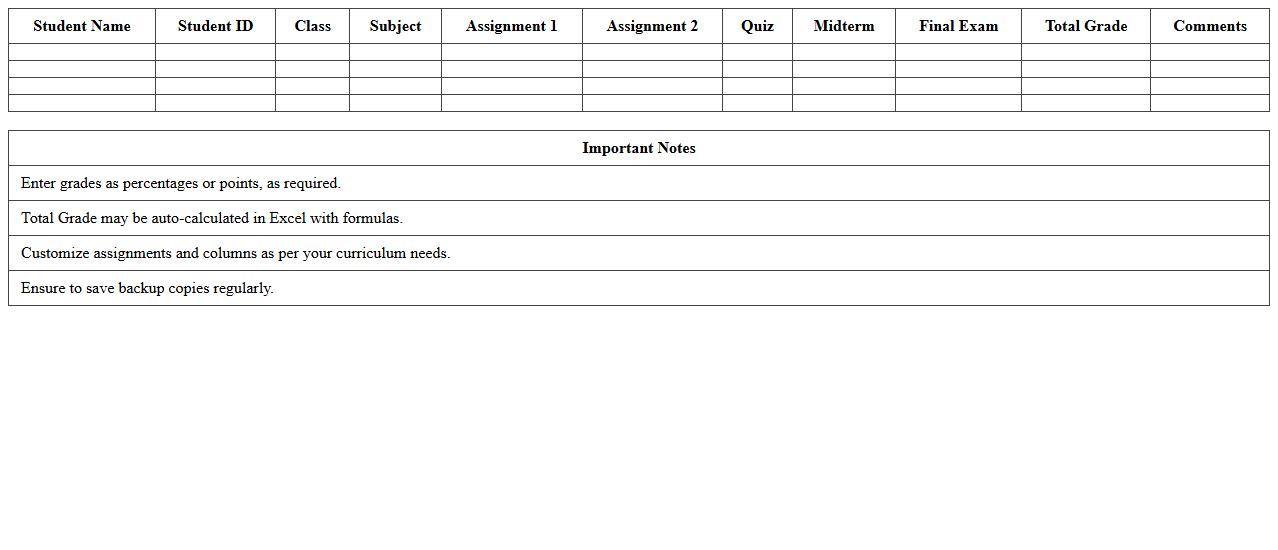
High School Student Gradebook Excel Template
The
High School Student Gradebook Excel Template is a digital tool designed to organize and track student grades efficiently throughout the academic year. It allows teachers to input scores, calculate averages, and monitor academic progress with automated formulas, saving time and reducing errors. This template is useful for maintaining accurate records, identifying students' strengths and weaknesses, and facilitating transparent communication with students and parents.
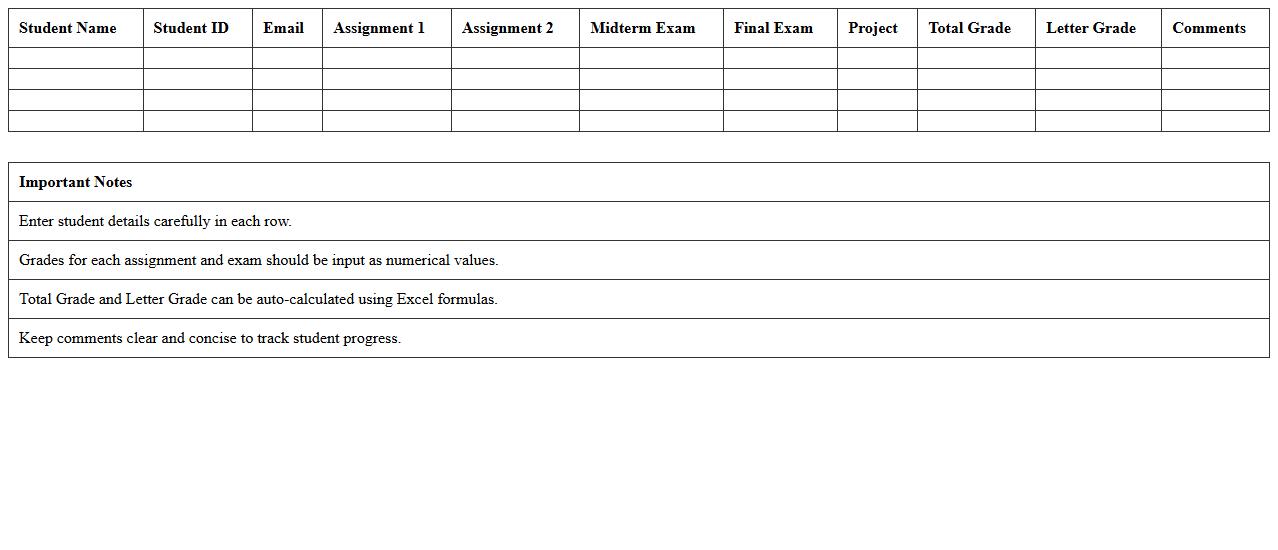
University Course Gradebook Excel Template
The
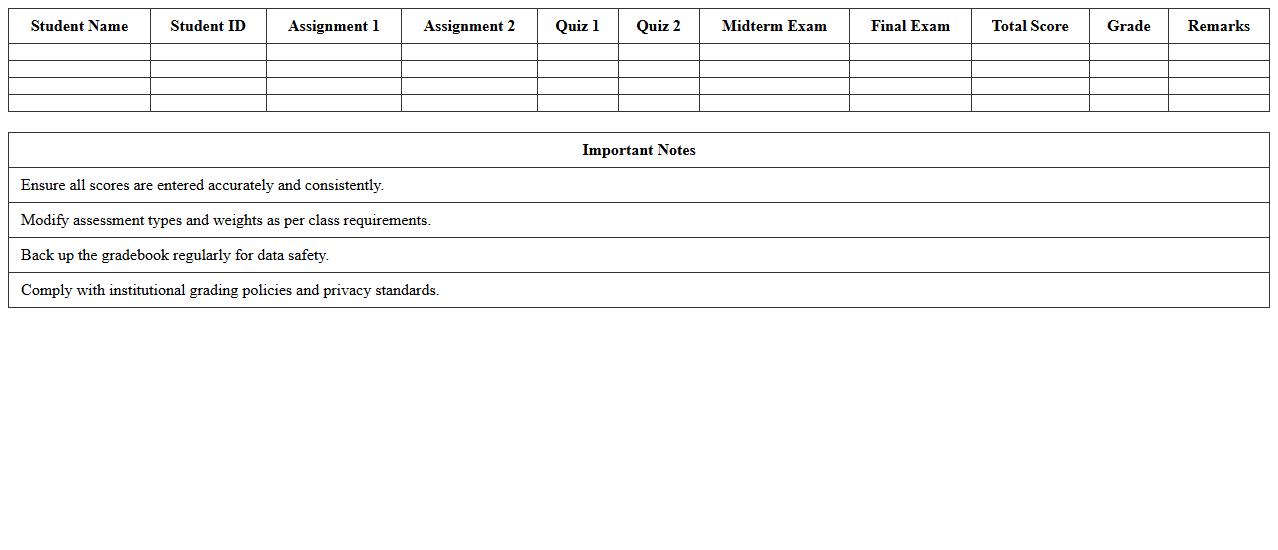
University Course Gradebook Excel Template is a structured spreadsheet designed to record and calculate student grades efficiently throughout the academic term. It helps instructors track individual performance, manage weighted assignments, and generate overall course averages with accuracy. By streamlining grade management, this template enhances data organization and simplifies reporting for both educators and students.
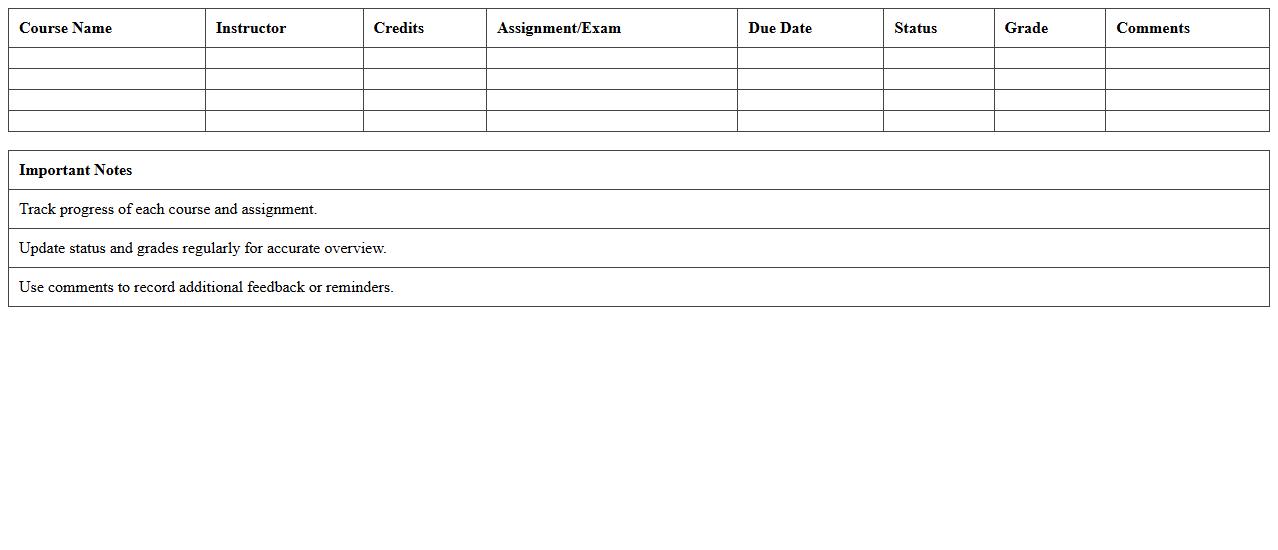
Semester Progress Tracker Excel Template
The
Semester Progress Tracker Excel Template is a digital tool designed to monitor and manage academic performance throughout a semester. It allows students to input grades, assignment deadlines, and exam dates, providing a clear overview of progress and areas needing improvement. This structured approach helps enhance time management, prioritize tasks, and achieve better academic outcomes.
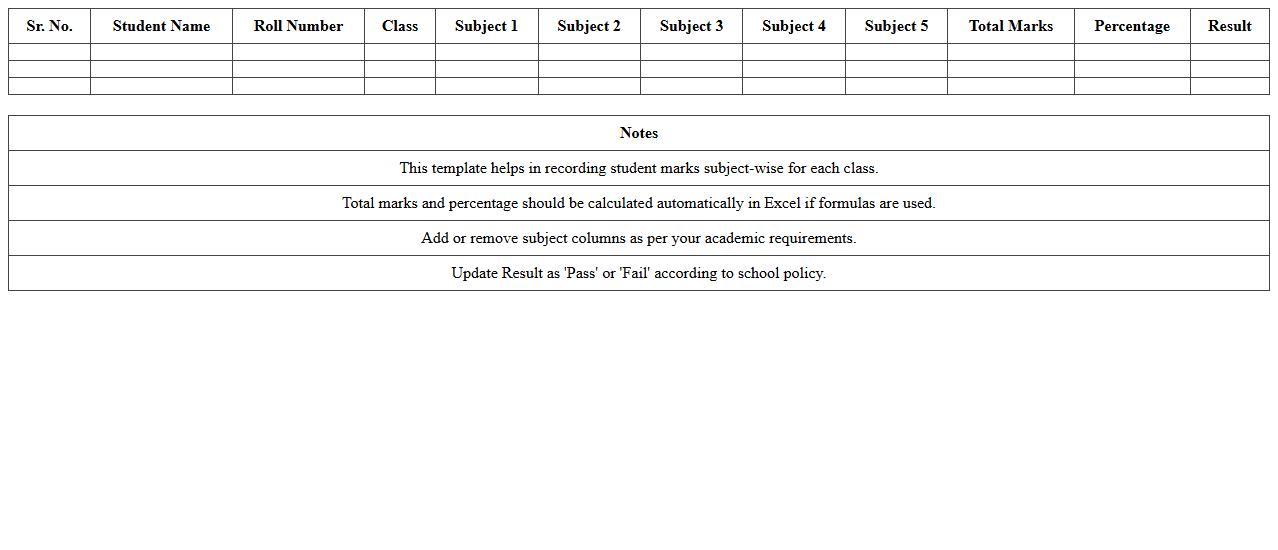
Subject-Wise Student Marks Register Excel Template
The
Subject-Wise Student Marks Register Excel Template is a digital spreadsheet designed to systematically record and analyze students' academic performance across different subjects. This template allows educators to efficiently track marks, calculate totals, and generate insightful reports, facilitating better assessment and progress monitoring. Its user-friendly format enhances organization, saving time and improving accuracy in managing student evaluation data.
Class Attendance and Gradebook Excel Template
The
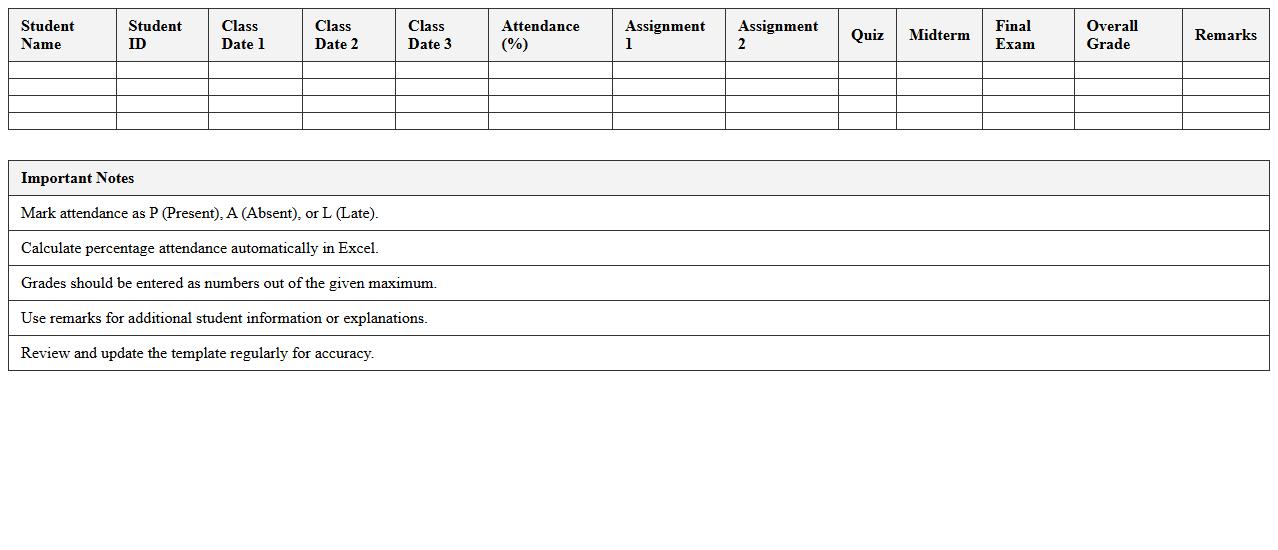
Class Attendance and Gradebook Excel Template is a digital tool designed to efficiently track student attendance and manage academic grades in one integrated spreadsheet. It allows educators to record daily attendance, calculate overall attendance percentages, and input exam or assignment scores while automatically generating summary reports. This template streamlines administrative tasks, improves data accuracy, and provides clear insights into student performance and participation.
Teacher’s Academic Gradebook Excel Template
The
Teacher's Academic Gradebook Excel Template is a digital tool designed to help educators efficiently record, track, and calculate student grades and performance metrics. It allows for easy customization of subjects, assignments, and grading scales, ensuring accurate and organized academic records. This template streamlines the grading process, saves time, and enhances data management for better student performance analysis.
Student Performance Dashboard Excel Template
The
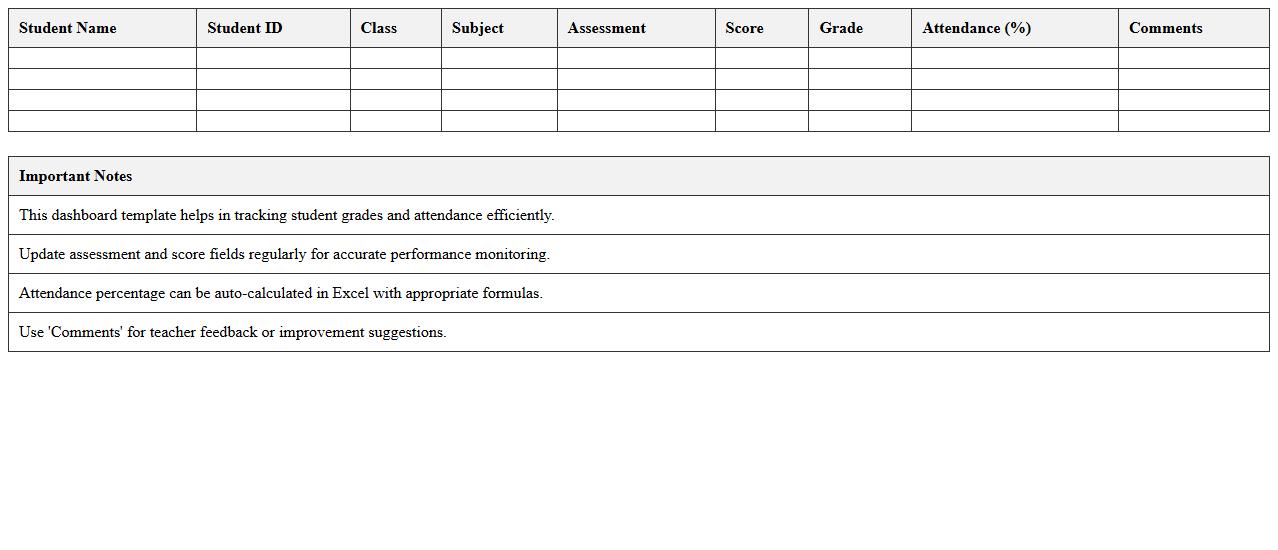
Student Performance Dashboard Excel Template is a comprehensive tool designed to track and visualize students' academic progress and key performance indicators. It consolidates data such as test scores, attendance, and assignment completion into interactive charts and graphs, enabling educators and administrators to identify trends and areas that need improvement efficiently. This template supports data-driven decision-making, enhances student monitoring, and promotes targeted interventions for improved educational outcomes.
Assignment and Exam Gradebook Excel Template
The
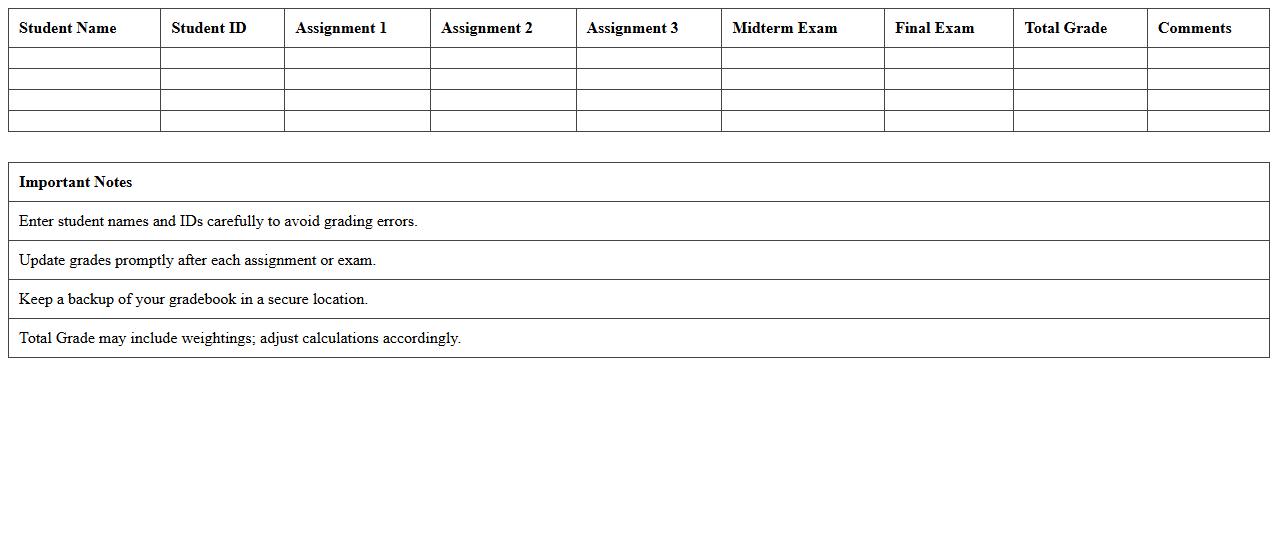
Assignment and Exam Gradebook Excel Template is a structured spreadsheet designed to track, calculate, and analyze student grades efficiently. It allows educators to input scores for various assignments and exams, automatically generating averages and final grades while minimizing errors. This tool enhances organization, saves time on manual calculations, and provides clear insights into student performance trends.
Standards-Based Gradebook Excel Template
The
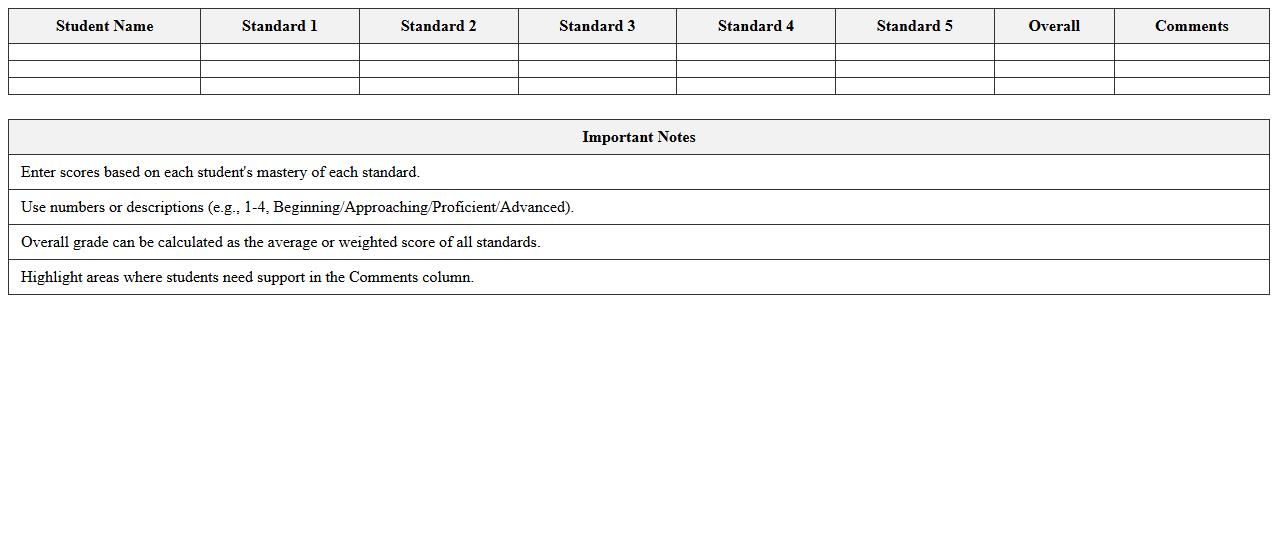
Standards-Based Gradebook Excel Template is a structured digital tool designed for educators to track student performance against specific learning standards. It allows teachers to efficiently organize grades, monitor progress, and identify areas needing improvement by aligning assessments with curriculum goals. This template streamlines grading processes, supports data-driven instruction, and enhances communication with students and parents regarding academic expectations.
Multi-Class Gradebook Excel Template
The
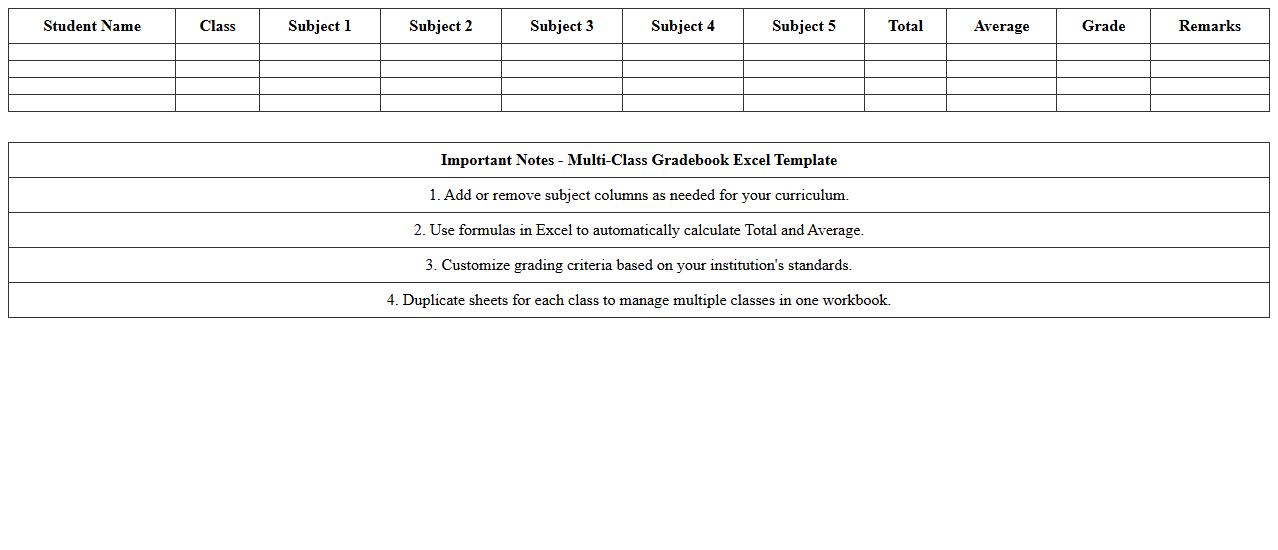
Multi-Class Gradebook Excel Template is a powerful tool designed to organize and track student performance across multiple classes efficiently. It allows educators to input grades, calculate averages, and generate reports with ease, saving valuable time on manual record-keeping. This template enhances accuracy and helps maintain a clear overview of academic progress, supporting informed decision-making for student assessments.
How can I automate GPA calculations in a Student Gradebook Excel template?
To automate GPA calculations, create a formula that averages grades according to academic standards. Use the AVERAGE or SUMPRODUCT function to weigh each course appropriately. Linking grade entries to a GPA scale table ensures dynamic and accurate results.
What are effective methods to track student attendance alongside grades in Excel?
Integrate an attendance tracker by adding a separate sheet or columns for attendance records beside grades. Use data validation dropdowns for consistent attendance status entries like Present or Absent. Combining attendance with grades via formulas or pivot tables offers comprehensive performance insights.
How do I set up conditional formatting to highlight failing grades?
Apply conditional formatting by selecting grade cells and setting rules that highlight values below the passing mark. Choose a distinct fill color or font style to visually emphasize failing grades. This approach instantly identifies students needing academic attention.
Can I generate student progress reports directly from an Excel gradebook?
Yes, you can create progress reports by using Excel features like pivot tables, charts, and formulas to summarize student performance. Automate report generation using macros or templates for efficiency. Export reports to PDFs for easy sharing with students and parents.
Which Excel formulas best handle weighted grading systems for multiple subjects?
The SUMPRODUCT function is ideal for calculating weighted averages across various subjects. Assign weight percentages to each subject and apply SUMPRODUCT to combine grades accordingly. This method ensures precise and flexible handling of complex grading schemes.
More Education Excel Templates