The Accounting Excel Template for Bookkeepers streamlines financial record-keeping by providing organized sheets for tracking income, expenses, and transactions. Designed for accuracy and ease of use, it helps bookkeepers maintain clear, up-to-date financial statements. This template enhances efficiency by automating calculations and reducing manual errors.
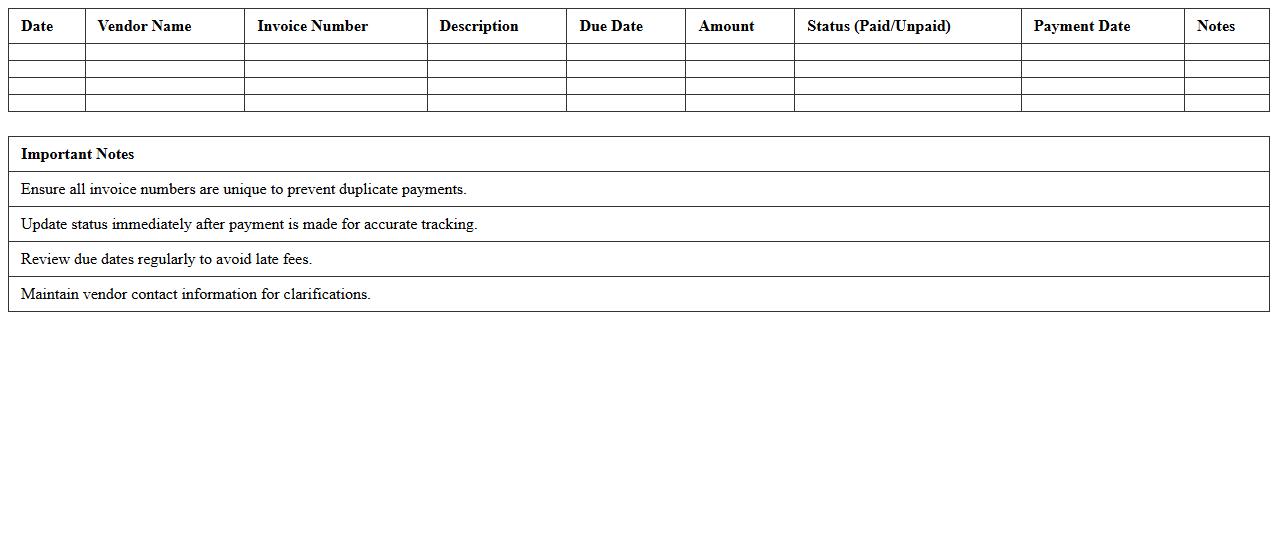
Accounts Payable Tracking Excel Template
The
Accounts Payable Tracking Excel Template document is a structured spreadsheet designed to monitor and manage outstanding invoices and payments owed to suppliers. It helps businesses maintain accurate records of due dates, payment statuses, and vendor details, improving cash flow management and reducing the risk of late payments. Utilizing this template streamlines financial operations, enhances transparency, and supports efficient budgeting and forecasting processes.
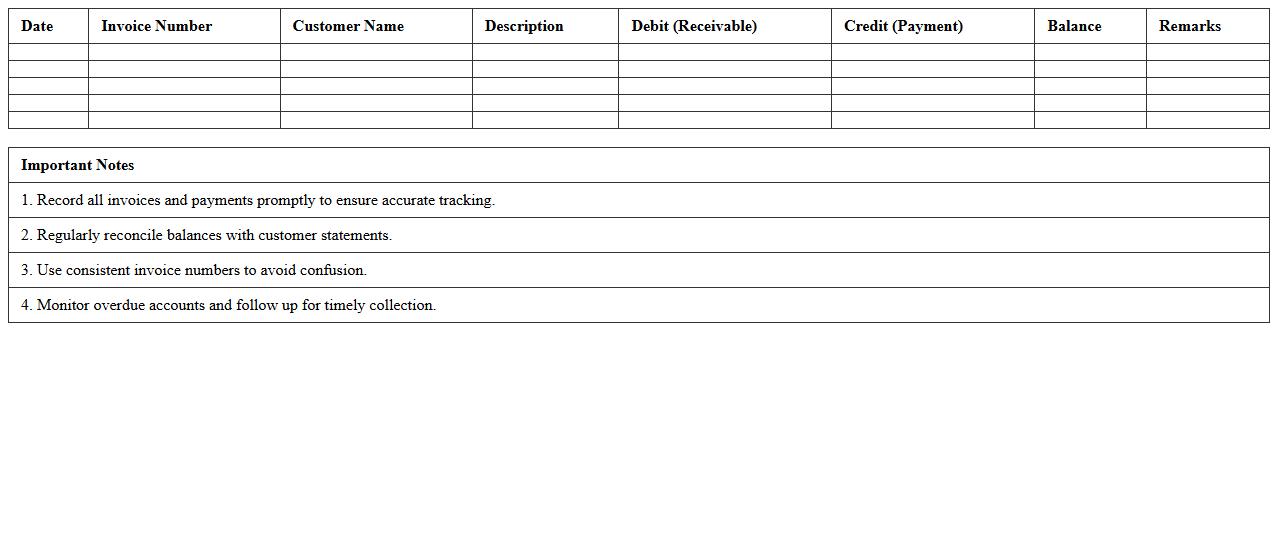
Accounts Receivable Ledger Excel Sheet
An
Accounts Receivable Ledger Excel Sheet document systematically records all outstanding customer invoices and payments, helping businesses track amounts due. This tool enhances cash flow management by providing clear visibility into customer balances and payment statuses. It simplifies financial reporting and ensures accurate accounting by consolidating receivable data in an organized and easily accessible format.
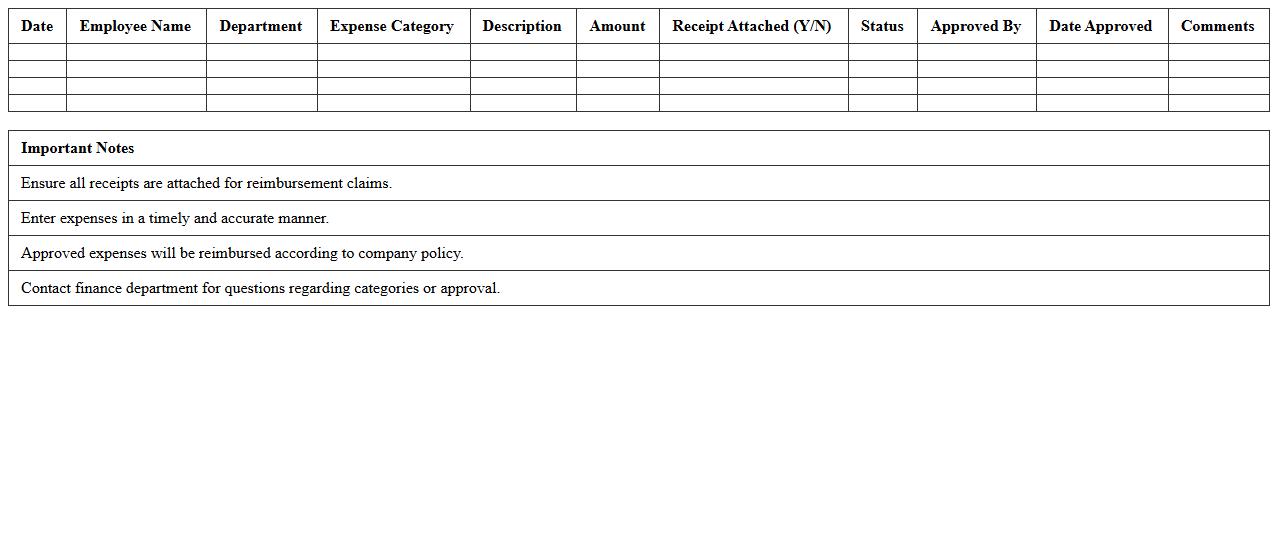
Expense Reimbursement Tracker Template
An
Expense Reimbursement Tracker Template document is a structured tool designed to record and manage employee or business-related expenses efficiently. It helps organizations maintain accurate records by tracking submitted receipts, reimbursement statuses, and payment dates, ensuring timely and error-free financial settlements. Using this template improves transparency, reduces administrative workload, and supports streamlined budget monitoring for better financial control.
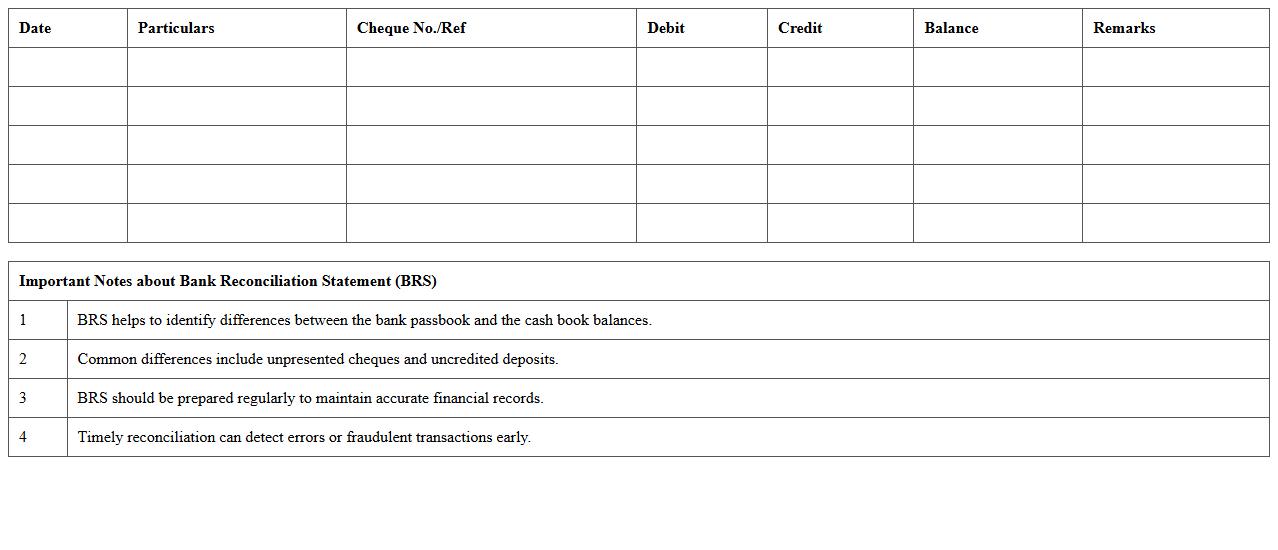
Bank Reconciliation Statement Excel
A
Bank Reconciliation Statement Excel document is a tool that helps match the balances in an organization's accounting records with the corresponding bank statement. It identifies discrepancies such as outstanding checks, deposits in transit, or bank fees, ensuring accurate financial records and preventing errors or fraud. Using this document streamlines the reconciliation process, saves time, and improves financial management by providing a clear and organized view of cash flows.
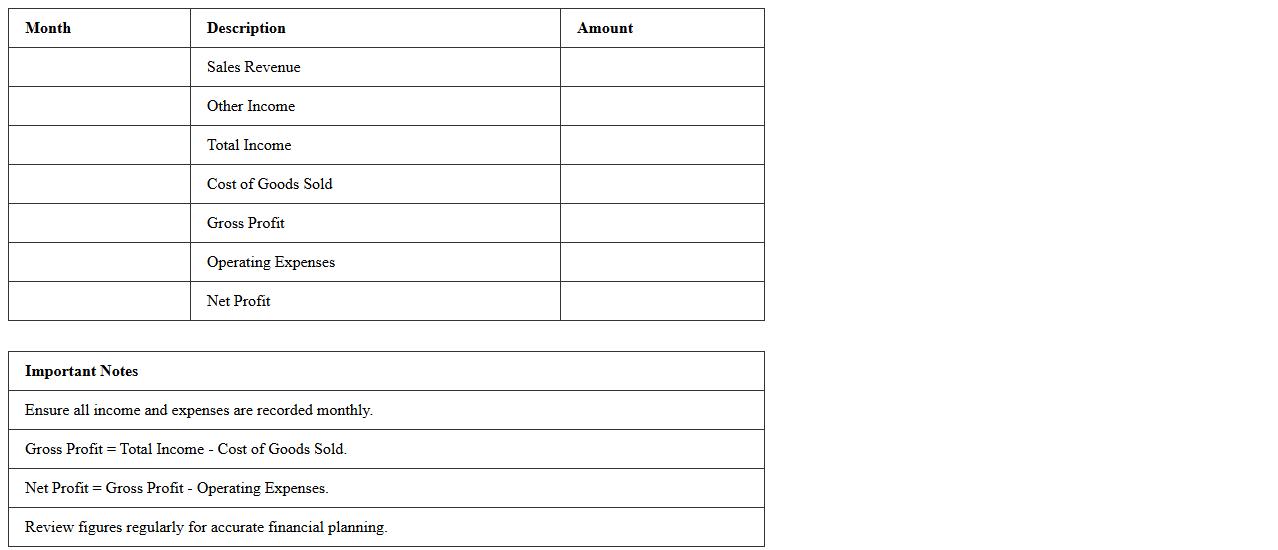
Monthly Income Statement Excel Template
The
Monthly Income Statement Excel Template is a structured financial document designed to track and summarize revenue, expenses, and net profit on a monthly basis. It allows businesses and individuals to analyze financial performance, manage budgets, and make informed decisions based on detailed income and expense data. This template streamlines financial reporting by automating calculations and providing clear visual insights into cash flow trends and profitability.
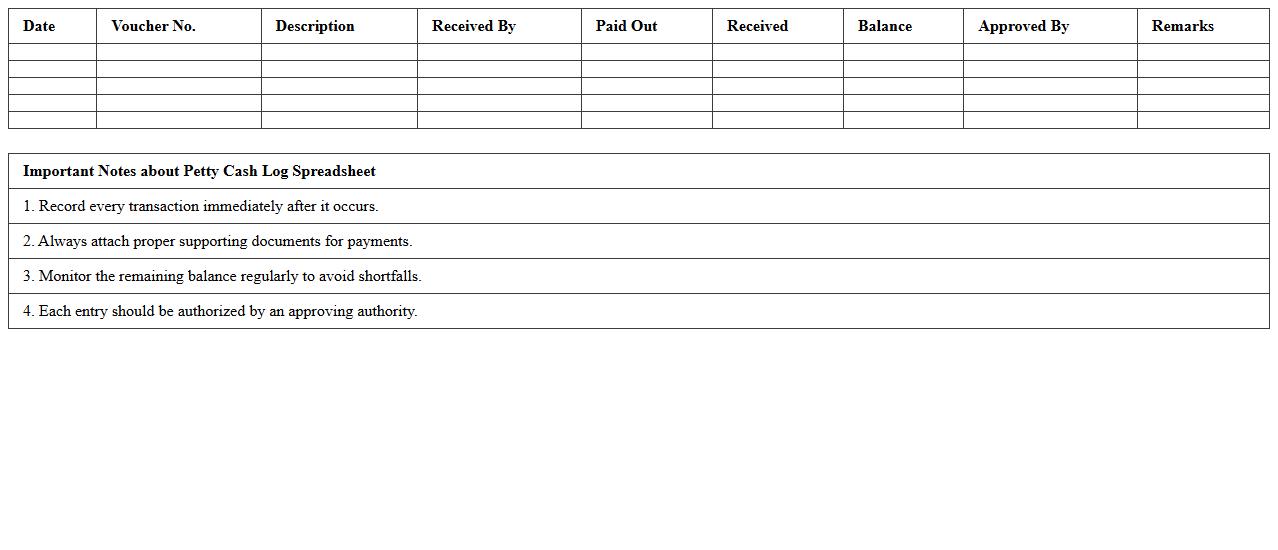
Petty Cash Log Spreadsheet
A
Petty Cash Log Spreadsheet document is a systematic record-keeping tool used to track small cash expenses and reimbursements within an organization. It helps maintain accurate financial accountability by logging date, amount, purpose, and receipt details for each transaction. This spreadsheet enhances budgeting, simplifies auditing processes, and prevents discrepancies in petty cash management.
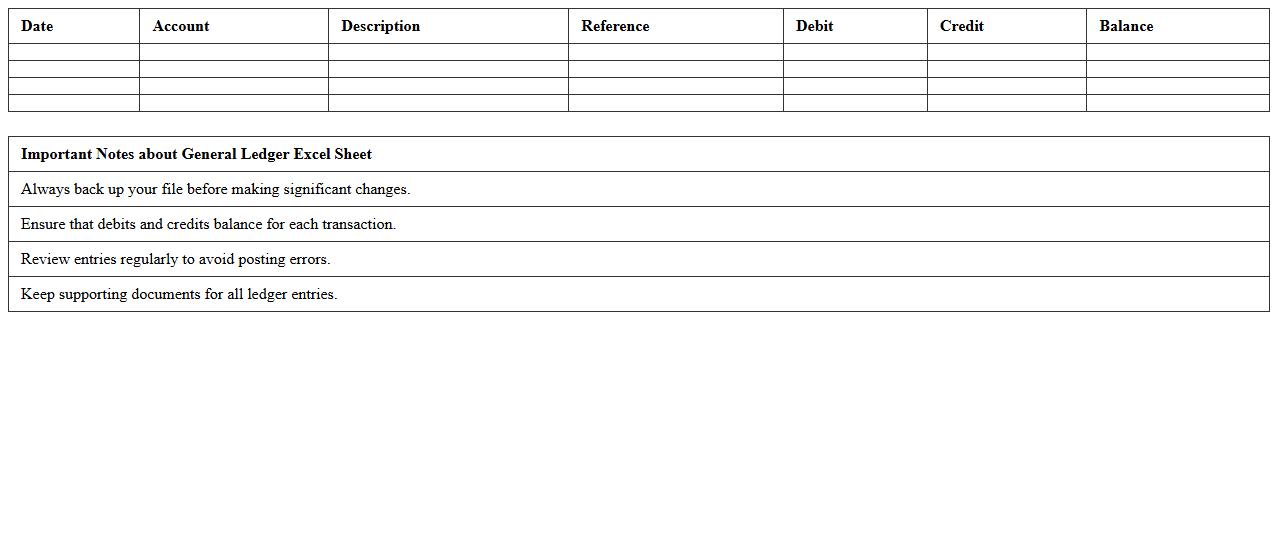
General Ledger Excel Sheet
A
General Ledger Excel Sheet is a structured financial document that records all company transactions, categorizing debits and credits across accounts. This sheet enhances accuracy and organization in tracking financial data, making it easier to generate reports and analyze fiscal performance. Small businesses and accountants rely on it to streamline bookkeeping and ensure compliance with accounting standards.
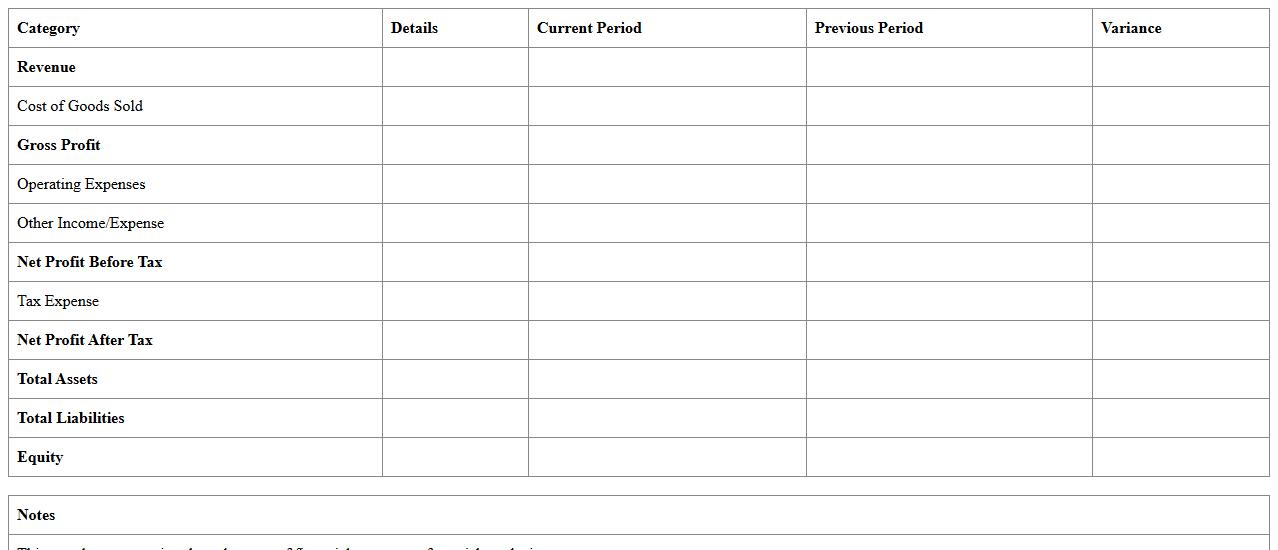
Financial Statement Summary Template
A
Financial Statement Summary Template is a structured document that consolidates key financial data such as income, expenses, assets, liabilities, and equity into an easily digestible format. It facilitates quick analysis and comparison by summarizing essential financial metrics, enabling stakeholders to assess a company's financial health efficiently. This template is valuable for businesses, investors, and accountants who require clear, concise reports for decision-making and strategic planning.
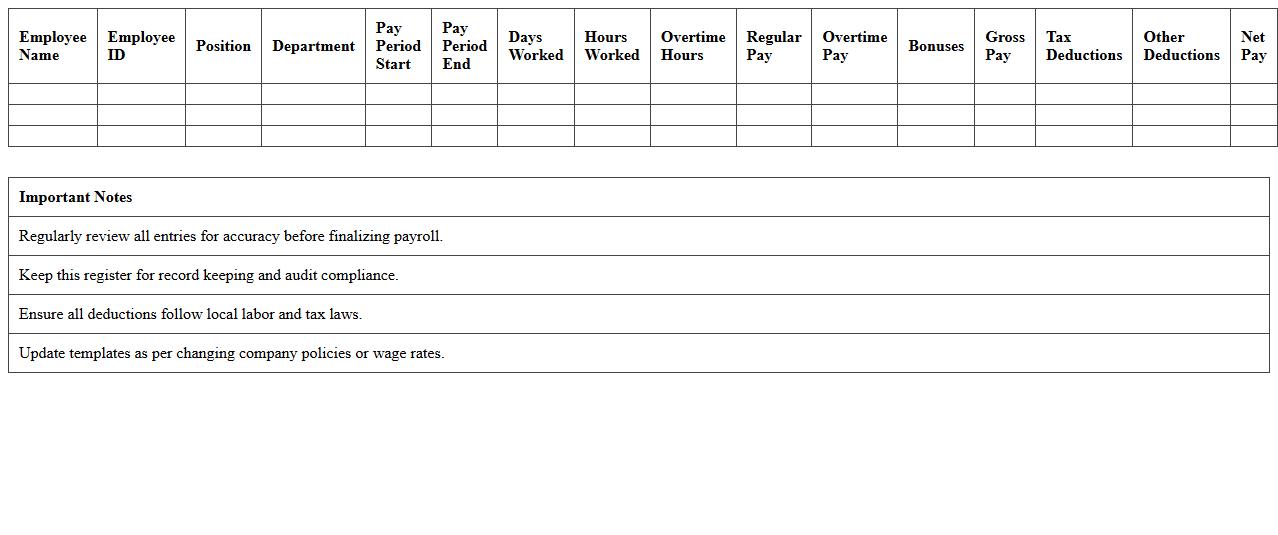
Payroll Register Excel Spreadsheet
A
Payroll Register Excel Spreadsheet is a comprehensive document that records detailed employee payroll information, including hours worked, wages earned, deductions, and net pay. This spreadsheet is essential for accurate payroll processing, tax compliance, and financial reporting, ensuring all employee payments are tracked efficiently. By organizing payroll data systematically, it streamlines payroll management and aids in auditing and budgeting tasks.
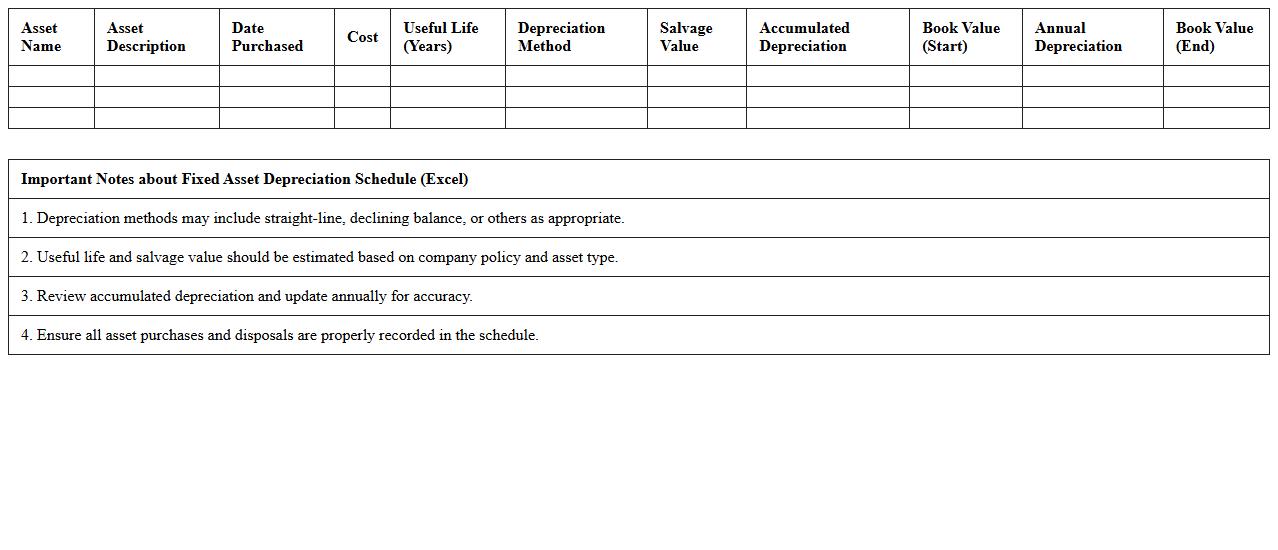
Fixed Asset Depreciation Schedule Excel
A
Fixed Asset Depreciation Schedule Excel document systematically tracks the depreciation of company assets over time, helping businesses calculate accurate asset values and tax deductions. This schedule enables detailed monitoring of asset lifespan, depreciation methods, and accumulated depreciation, which supports efficient financial reporting and compliance. By organizing asset data in an accessible format, it streamlines budgeting, auditing, and asset management processes.
How to automate invoice numbering in Excel for bookkeeping records?
To automate invoice numbering in Excel, use a sequential numbering system with the ROW or COUNTA function. Start by setting the first invoice number in a cell, then apply a formula like = "INV-" & TEXT(ROW(A1),"0000") to generate formatted invoice numbers automatically. This method ensures unique, incremental invoice identifiers suitable for effective bookkeeping.
What formulas help track outstanding receivables in accounting spreadsheets?
Formulas such as =SUMIF(range, "", sum_range) assist in tracking outstanding receivables by summing unpaid invoice amounts. Using =IF(status_cell="Unpaid", amount_cell, 0) helps flag outstanding balances dynamically. These formulas help maintain accurate records of receivables and improve cash flow management.
How to create an Excel template for double-entry bookkeeping?
Create a double-entry bookkeeping template by setting up columns for Date, Account, Debit, Credit, and Description. Use Excel formulas to ensure that total debits equal total credits, for instance, =SUM(Debit_range)-SUM(Credit_range) to verify balance. Adding dropdown lists for accounts streamlines data entry and enforces consistency in the accounting ledger.
What conditional formatting flags duplicate transactions in expense logs?
Apply conditional formatting with the formula =COUNTIF(range, cell)>1 to highlight duplicate transactions in expense logs. This method visually flags repeated entries that may cause errors in accounting. Using distinct colors for duplicates increases spreadsheet accuracy and eases data review processes.
How to generate summary financial reports from transaction data in Excel?
Use PivotTables to summarize transaction data efficiently, categorizing by expense type, date, or account. Incorporate functions like =SUMIFS() to create dynamic totals for income and expenses. This approach provides clear, concise financial reports that support better business decision-making.
More Accounting Excel Templates