The Accounting Excel Template for Accounts Payable streamlines the management of outstanding bills and vendor invoices by organizing payment schedules and tracking due dates efficiently. This template enhances accuracy in recording transactions and helps maintain a clear overview of cash flow obligations. Its user-friendly design allows for easy customization to suit specific business needs and improve financial control.
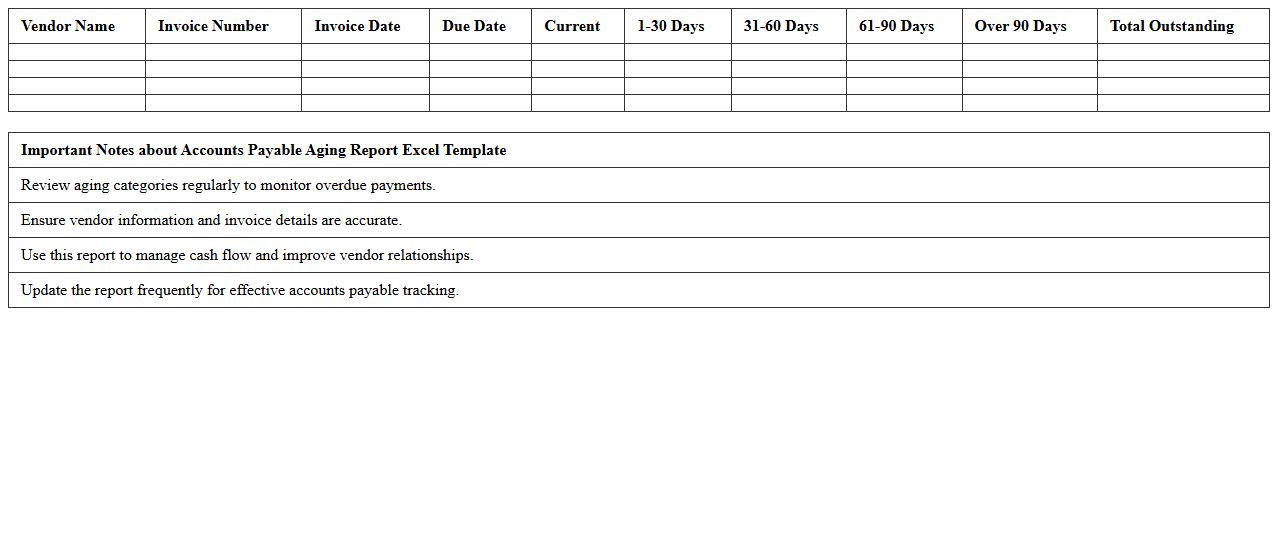
Accounts Payable Aging Report Excel Template
The
Accounts Payable Aging Report Excel Template is a structured spreadsheet that categorizes outstanding supplier invoices based on their due dates, typically segmented into intervals such as current, 30, 60, and 90+ days. This document is essential for managing cash flow by highlighting overdue payments and prioritizing financial obligations to maintain good vendor relationships. By using this template, businesses can efficiently track liabilities, improve financial planning, and reduce the risk of late payment penalties.
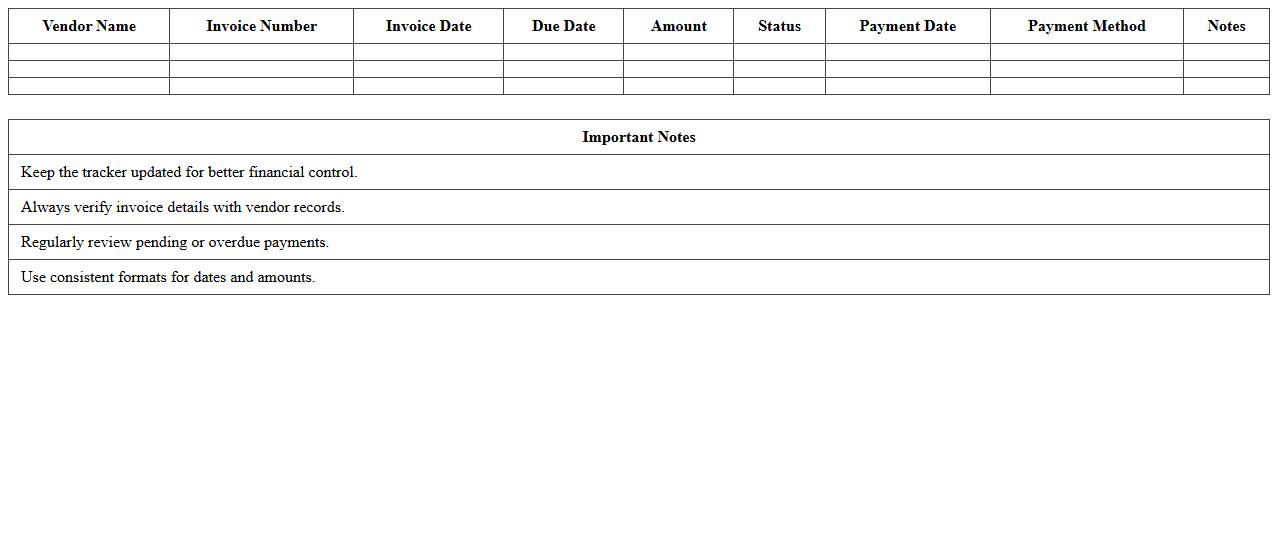
Vendor Payment Tracker Excel Template
The
Vendor Payment Tracker Excel Template is a tool designed to organize and monitor payments made to suppliers and vendors efficiently. It helps businesses maintain accurate records of payment dates, amounts, and outstanding balances, ensuring timely settlements and avoiding overdue fees. This document enhances financial management by providing clear visibility into cash flow related to vendor transactions, streamlining accounting processes and improving vendor relationships.
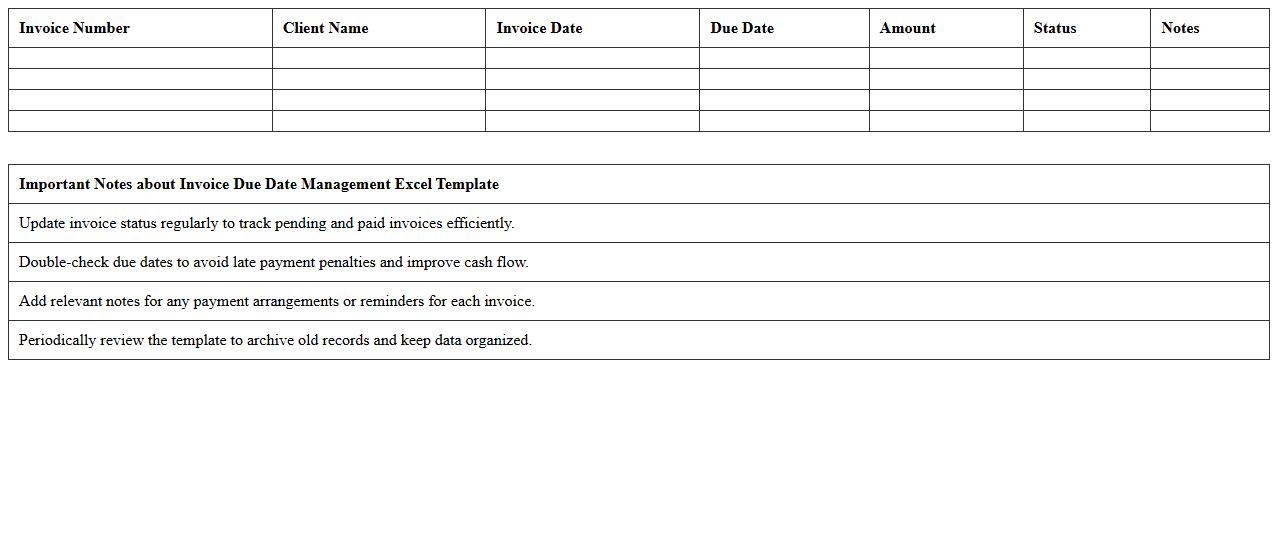
Invoice Due Date Management Excel Template
The
Invoice Due Date Management Excel Template is a structured spreadsheet designed to track and organize invoice payment deadlines efficiently. It helps businesses monitor outstanding payments, avoid late fees, and maintain healthy cash flow by providing clear visibility of due dates. This tool streamlines financial operations, ensuring timely invoice processing and improved accounts receivable management.
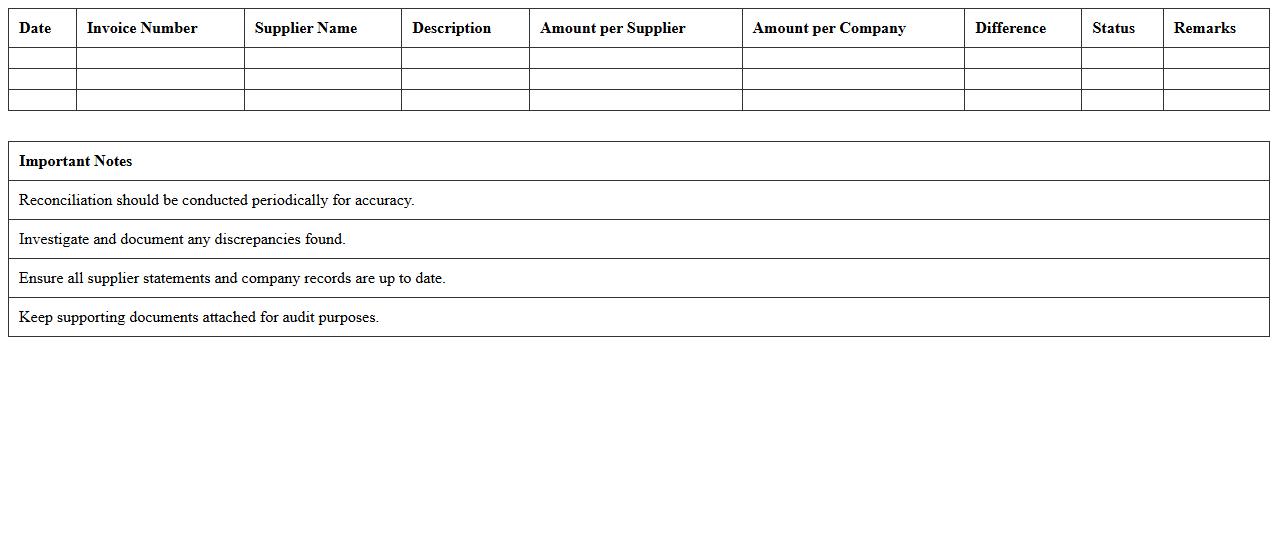
Supplier Reconciliation Excel Template
A
Supplier Reconciliation Excel Template document is a structured tool designed to compare and verify financial transactions between a company and its suppliers, ensuring accuracy in payments and invoices. It helps identify discrepancies, resolve billing errors, and maintain transparent financial records. By streamlining the reconciliation process, this template enhances supplier relationship management and improves overall accounting efficiency.
Accounts Payable Ledger Excel Template
The
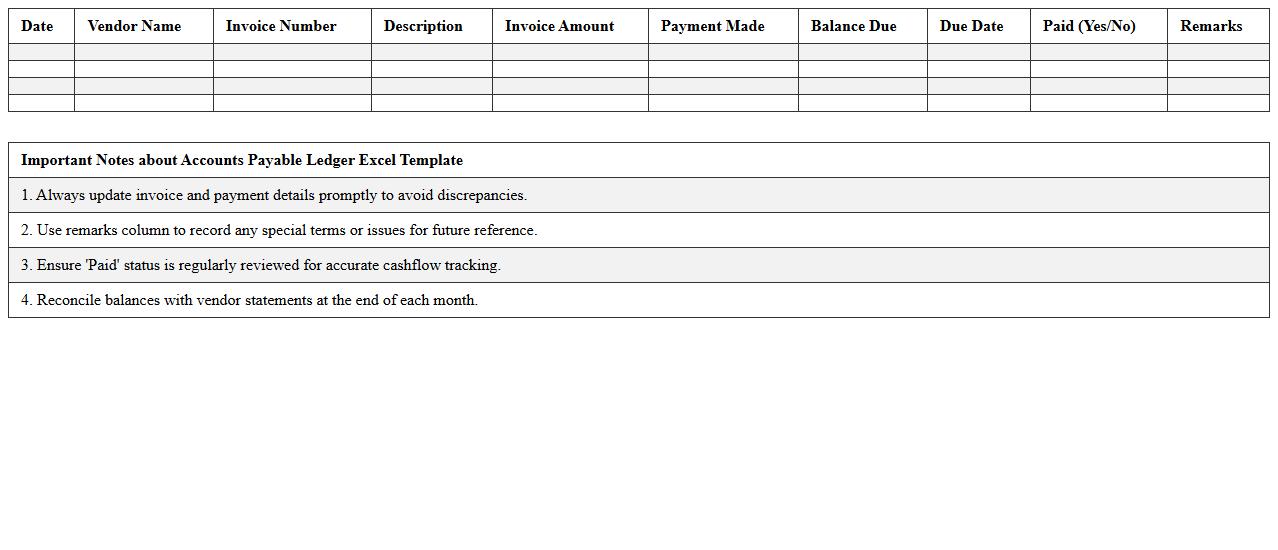
Accounts Payable Ledger Excel Template is a structured spreadsheet designed to track and manage all outstanding payments a business owes to its suppliers. It helps in maintaining accurate records of invoices, payment due dates, and amounts, ensuring timely settlements and improved cash flow management. This tool enhances financial transparency and simplifies the reconciliation process, making it essential for effective accounts payable management.
Outstanding Bills Tracker Excel Template
The
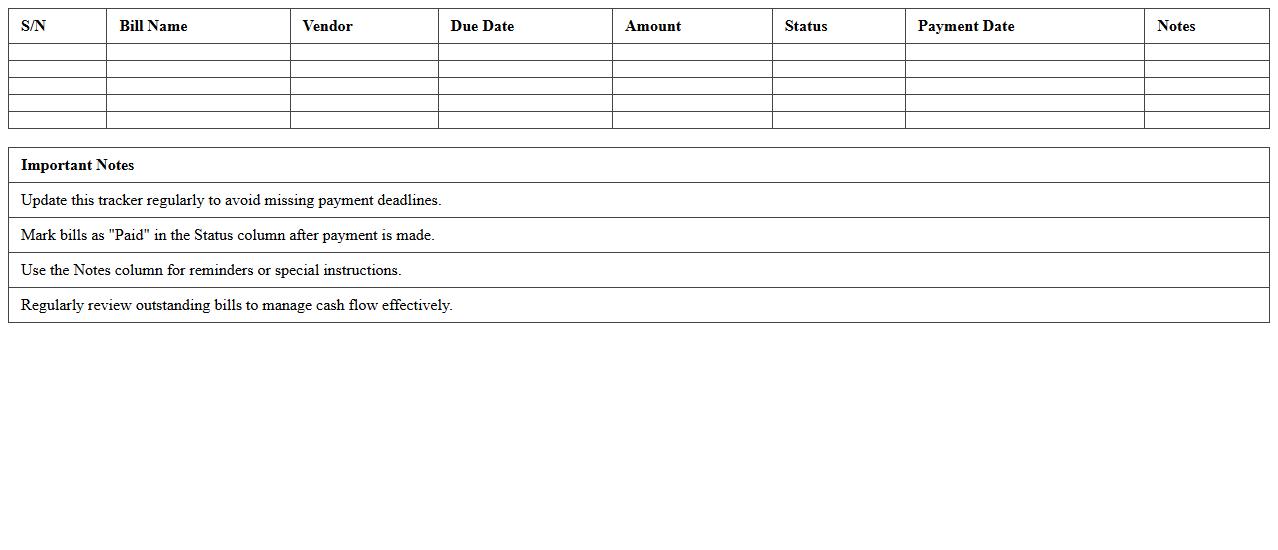
Outstanding Bills Tracker Excel Template is a document designed to monitor and manage unpaid invoices and bills efficiently. It helps users keep track of due dates, payment statuses, and amounts owed, reducing the risk of missed payments and improving cash flow management. This template is useful for individuals and businesses aiming to maintain organized financial records and ensure timely bill settlement.
Payment Schedule Tracker Excel Template
The
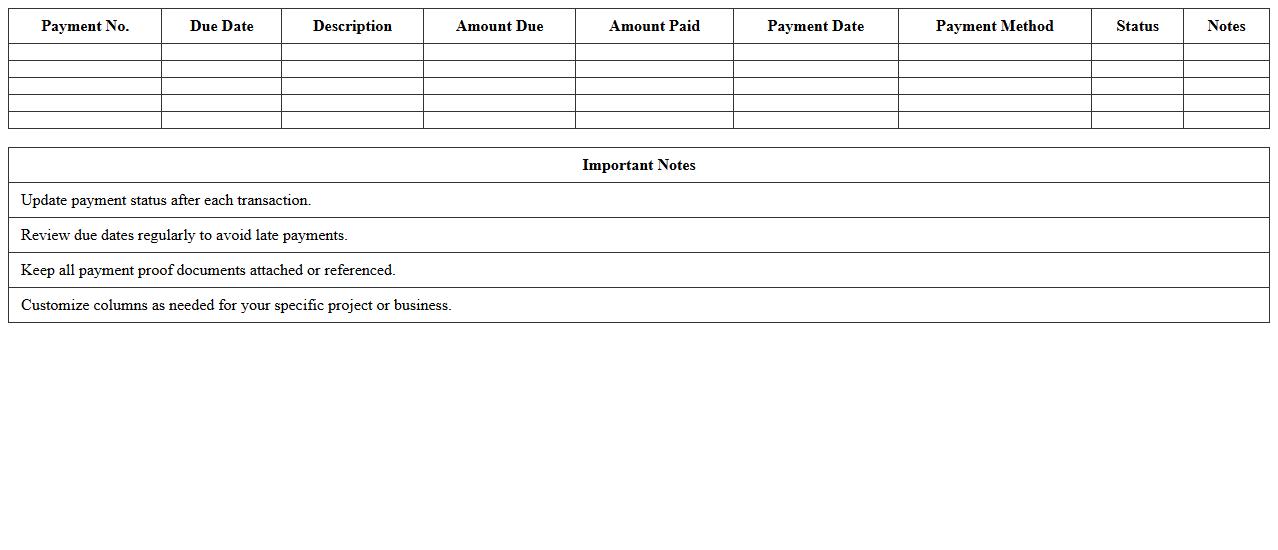
Payment Schedule Tracker Excel Template is a structured spreadsheet designed to monitor and manage payment deadlines, amounts, and statuses effectively. It helps users maintain financial organization by providing clear visibility into upcoming payments and preventing missed dues. Utilizing this template enhances budgeting accuracy and streamlines cash flow management for both individuals and businesses.
Monthly Payables Summary Excel Template
The
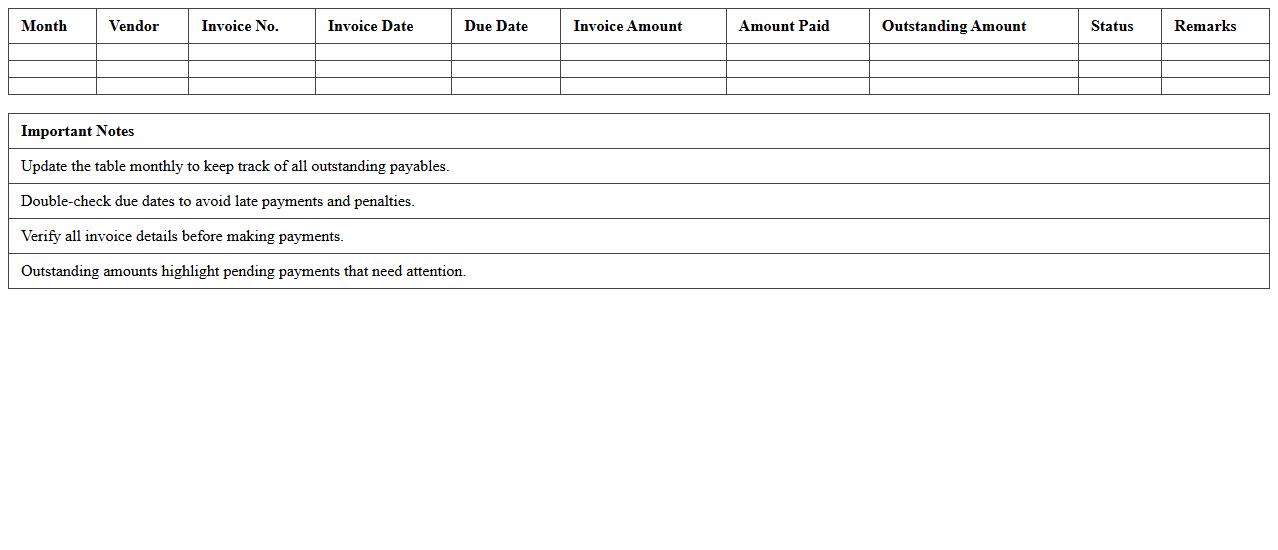
Monthly Payables Summary Excel Template is a structured spreadsheet designed to track and organize all outstanding payments and invoices within a month. It helps businesses maintain clear financial records by summarizing due amounts, payment statuses, and vendor details in one centralized document. This template enhances cash flow management and ensures timely payment processing, reducing the risk of missed or late payments.
Purchase Invoice Register Excel Template
A
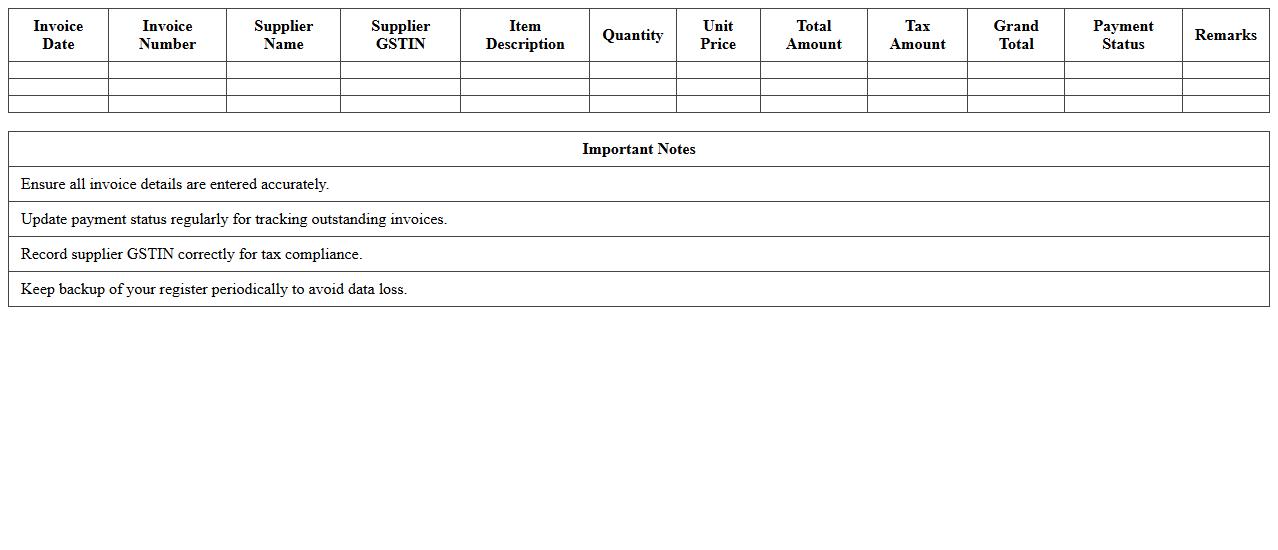
Purchase Invoice Register Excel Template is a structured spreadsheet designed to record and track all purchase invoices systematically. It helps businesses maintain organized financial records by consolidating invoice details such as invoice numbers, vendor names, dates, amounts, and payment status in one place. This template enhances accuracy, simplifies audit processes, and improves cash flow management by providing clear visibility of outstanding and paid invoices.
Payables Accrual Log Excel Template
The
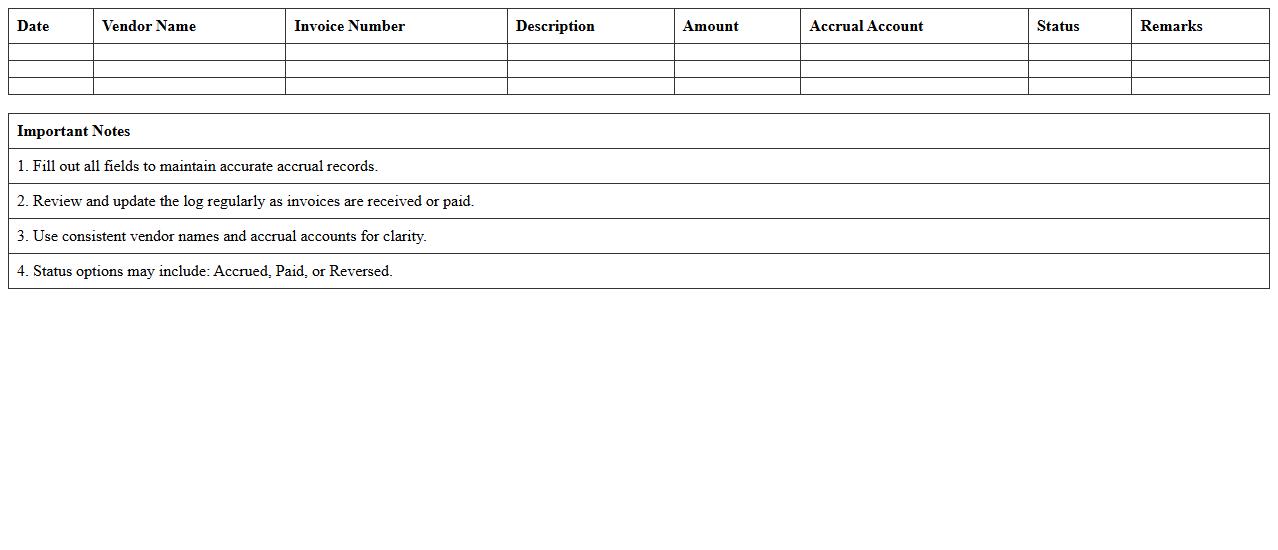
Payables Accrual Log Excel Template is a structured spreadsheet designed to track and manage outstanding expenses that a company has incurred but not yet paid. It helps businesses maintain accurate financial records by recording accruals, ensuring liabilities are recognized in the correct accounting period. This template improves cash flow management and enhances reporting accuracy for financial audits and budgeting processes.
How to Automate Invoice Matching Using Excel Formulas for Accounts Payable?
Automating invoice matching in Excel starts with creating a consistent data format for invoices and purchase orders. Use formulas such as VLOOKUP or INDEX-MATCH to compare invoice numbers and amounts across different sheets. This approach helps quickly identify matched invoices and flag discrepancies for further review.
What Excel Templates Streamline Vendor Aging Analysis in Accounts Payable?
Excel templates designed for vendor aging analysis typically include pre-built formulas and structured tables for monitoring payment status. These templates categorize outstanding amounts based on age buckets like 0-30, 31-60, and 60+ days. Utilizing these templates enables efficient tracking of overdue payables and improves cash flow management.
Which Pivot Table Techniques Track Unpaid Supplier Documents in AP Ledgers?
Using pivot tables in Excel, you can dynamically summarize and analyze unpaid supplier documents by filtering on payment status and due dates. Grouping data by supplier and invoice age helps identify overdue payables at a glance. Applying slicers and filters further enhances the ability to track and drill down into detailed AP ledger information.
How to Implement Conditional Formatting to Flag Overdue Payables in Excel?
Implementing conditional formatting involves setting rules based on due dates and payment status to visually highlight overdue invoices. Use formulas that compare the invoice due date with the current date to automatically change cell colors. This visual alert system simplifies identifying urgent payables that require immediate attention.
What Excel Functions Best Reconcile AP Subledger with the General Ledger?
To efficiently reconcile the AP subledger with the general ledger, functions like SUMIF, VLOOKUP, and IFERROR are essential. These functions help cross-reference amounts and identify mismatches between detailed supplier transactions and summary ledger accounts. Accurate reconciliation ensures financial consistency and error reduction.
More Accounting Excel Templates