The Real Estate CRM Excel Template for Small Teams streamlines client management by organizing contacts, tracking interactions, and monitoring sales pipelines efficiently. This customizable tool helps small real estate teams increase productivity and improve communication with potential buyers and sellers. Its user-friendly interface makes data entry and reporting simple, enabling teams to focus on closing deals and growing their business.
Real Estate Lead Tracking Excel Template
A
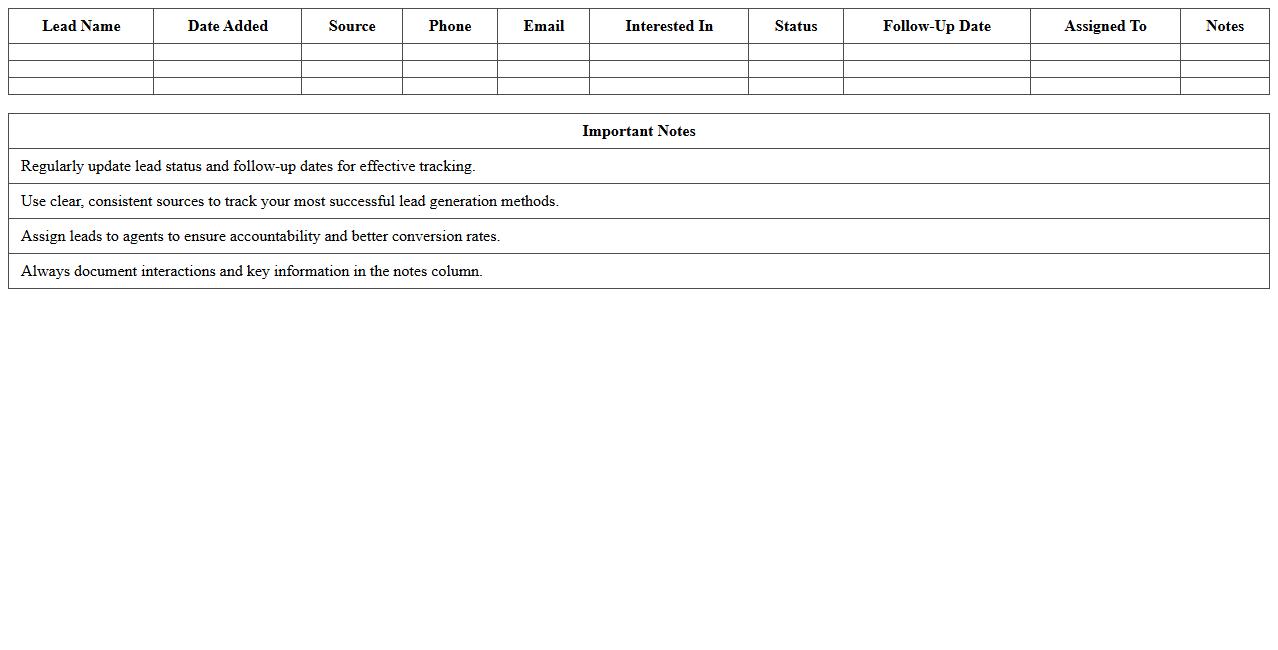
Real Estate Lead Tracking Excel Template is a structured spreadsheet designed to organize and monitor potential client information, sales progress, and communications in the real estate industry. It helps agents and brokers efficiently track leads from different sources, prioritize follow-ups, and analyze conversion rates to improve sales strategies. Using this template enhances data management, time efficiency, and overall lead nurturing, which ultimately boosts client acquisition and revenue growth.
Property Listings Management Spreadsheet
A
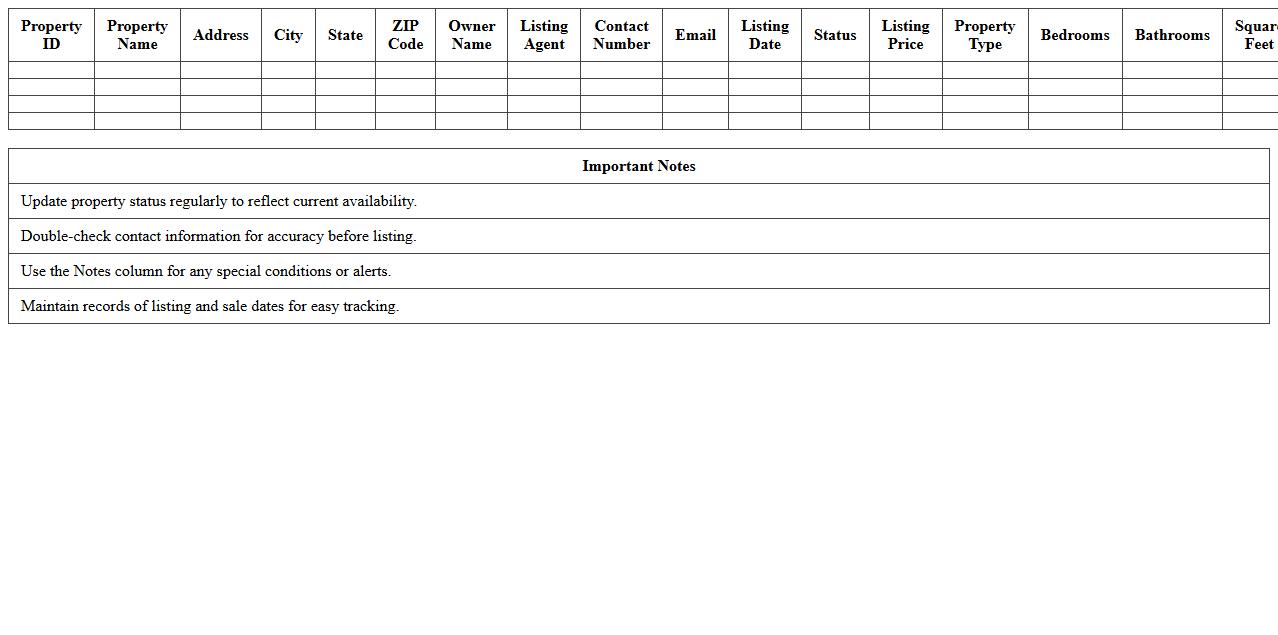
Property Listings Management Spreadsheet is a structured document designed to organize and track essential details of multiple real estate properties, including addresses, prices, status, and owner information. It streamlines the process of managing property data, making it easier to analyze trends, monitor availability, and coordinate transactions efficiently. By centralizing property information, this spreadsheet enhances decision-making and saves time for real estate agents, investors, and property managers.
Client Communication Log Excel Sheet
A
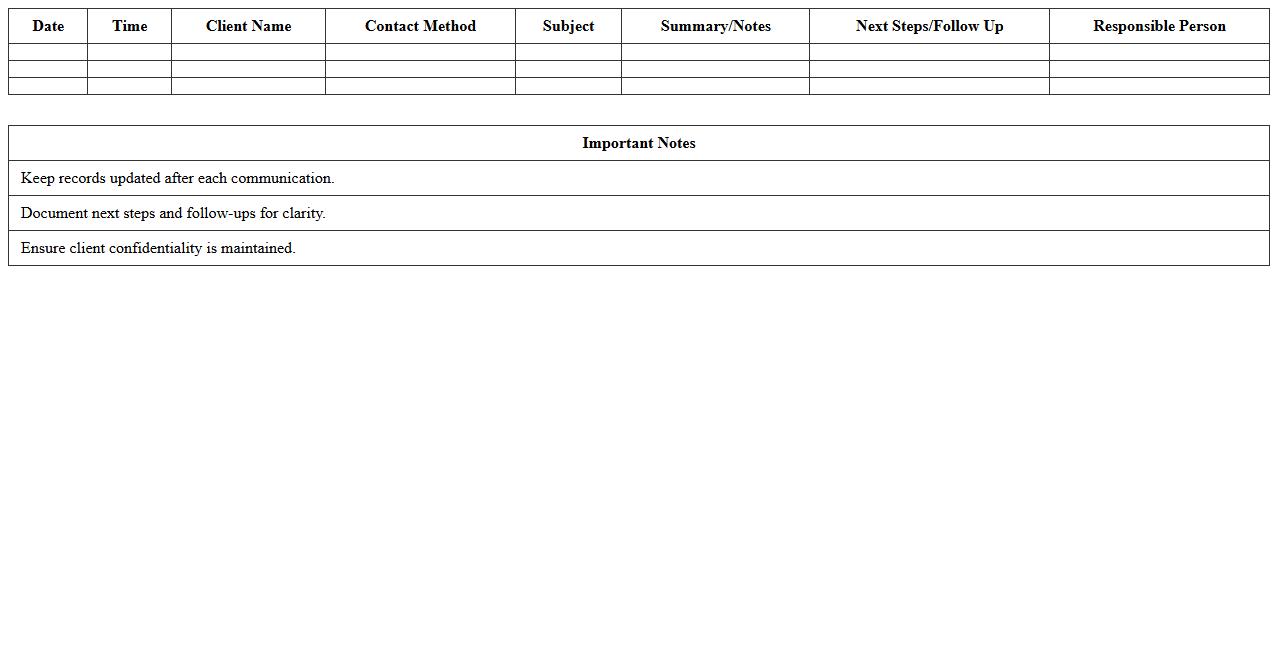
Client Communication Log Excel Sheet is a structured document designed to track and record all interactions between a business and its clients, including emails, calls, meetings, and follow-ups. This tool enhances organization by providing a centralized location for contact details, conversation summaries, and action items, helping improve client relationship management and accountability. Using this log enables teams to maintain consistent communication, prevent information loss, and analyze client engagement trends for better decision-making.
Deal Pipeline Tracker for Real Estate
A
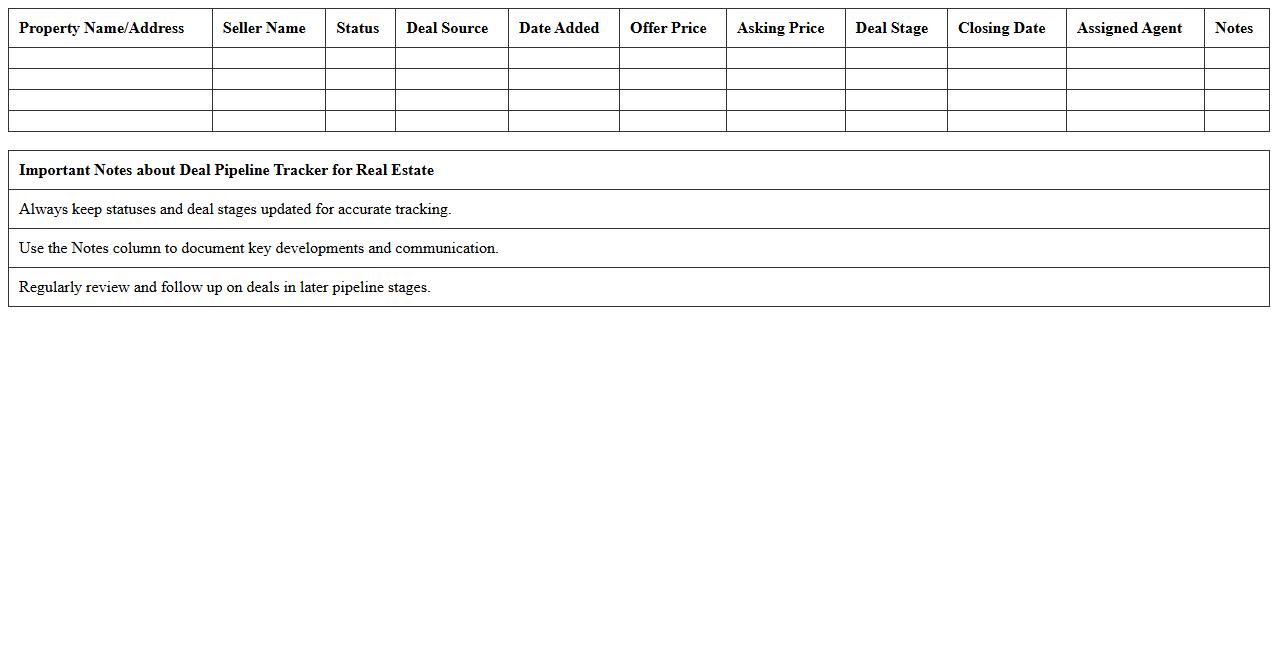
Deal Pipeline Tracker for Real Estate document is a tool used to monitor and manage the progress of property transactions from lead generation to closing. It helps real estate professionals organize deals, prioritize follow-ups, and forecast sales revenue by providing a clear visual of each stage in the sales process. This systematic approach improves efficiency, reduces the risk of missed opportunities, and enhances overall transaction management.
Real Estate Agent Task Checklist Excel
The
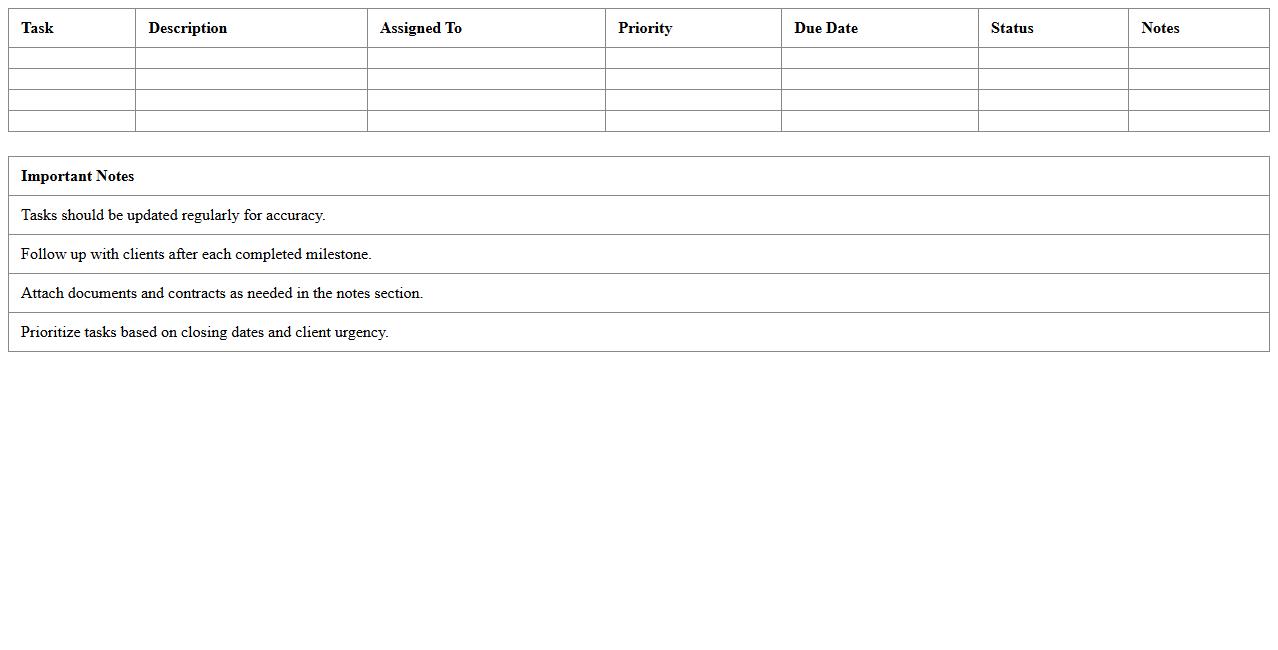
Real Estate Agent Task Checklist Excel document is a structured tool designed to organize and track daily, weekly, and monthly activities essential for successful property transactions. It streamlines project management by enabling agents to monitor deadlines, client follow-ups, and marketing efforts in one centralized spreadsheet, increasing productivity and ensuring no critical task is overlooked. This document enhances efficiency and accountability, making it an invaluable resource for real estate professionals seeking to optimize their workflow.
Open House Scheduling Excel Template
The
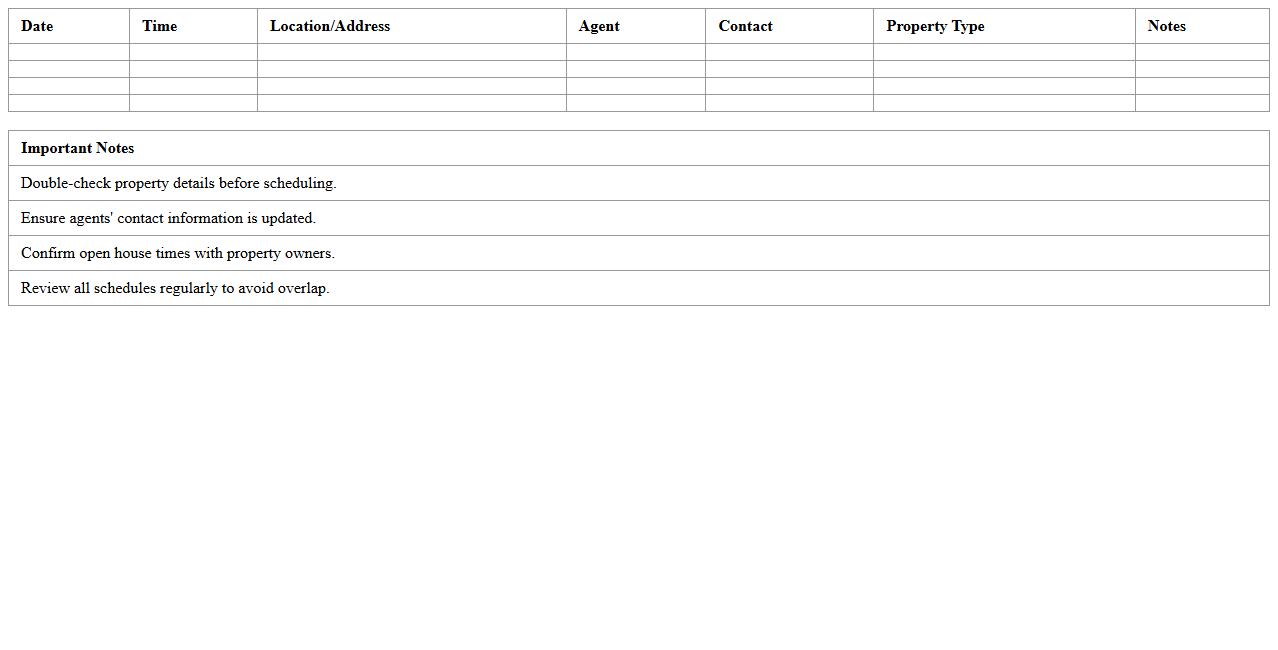
Open House Scheduling Excel Template is a structured spreadsheet designed to organize and track open house events efficiently. It allows real estate agents and event planners to manage dates, times, locations, and attendee information in one centralized document. Using this template enhances productivity by streamlining scheduling tasks, reducing errors, and improving communication with potential buyers.
Buyer & Seller Contact Database Spreadsheet
A
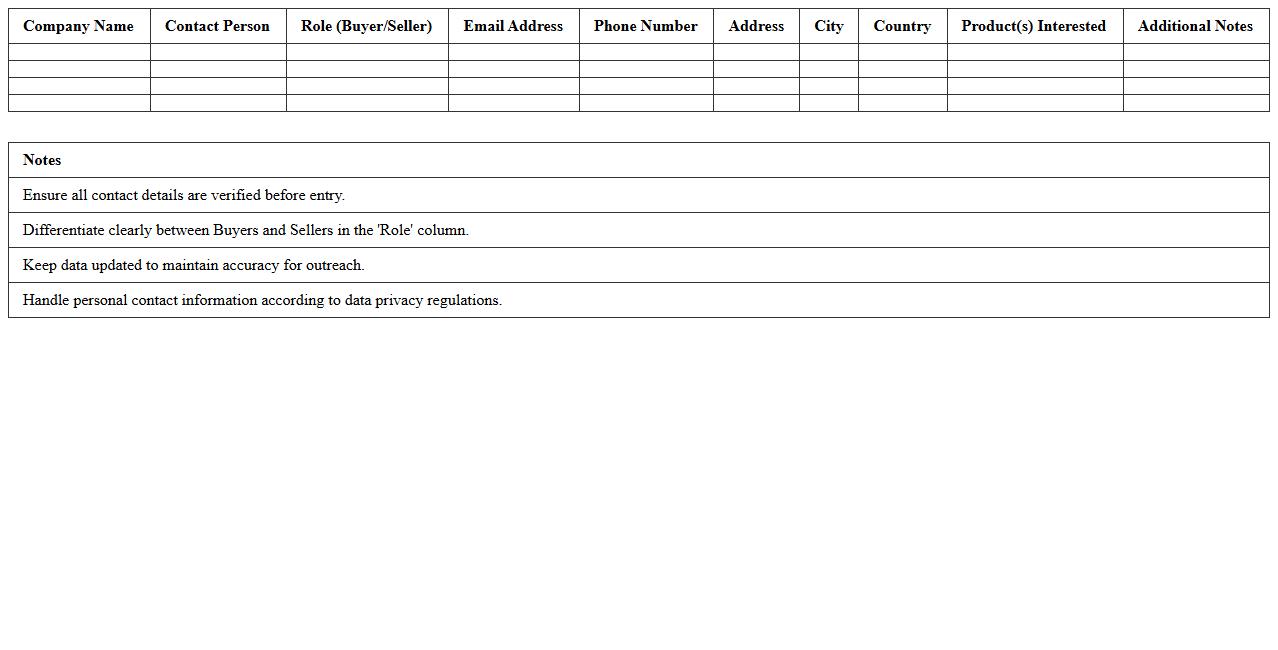
Buyer & Seller Contact Database Spreadsheet document organizes detailed contact information of potential buyers and sellers, enabling efficient communication and transaction tracking. This database helps businesses streamline their sales processes, target marketing efforts, and maintain organized records for follow-ups. Utilizing such a spreadsheet enhances relationship management and supports data-driven decision-making in buying and selling activities.
Follow-Up Activity Tracker for Realtors
The
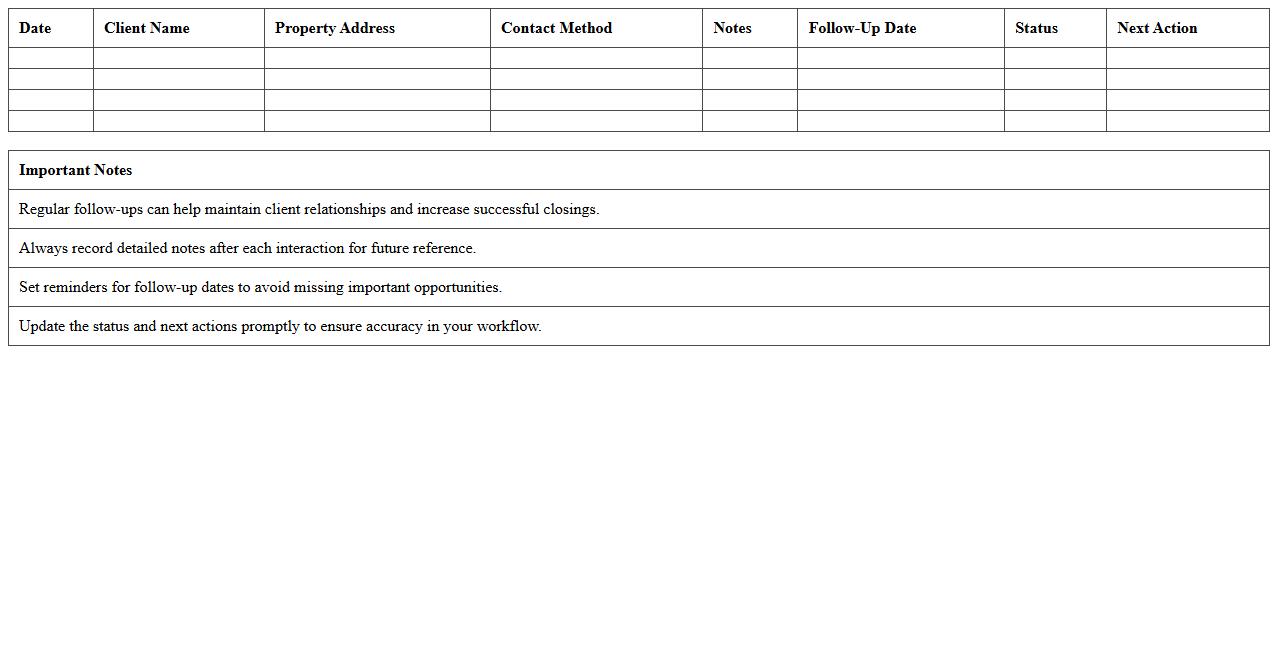
Follow-Up Activity Tracker for Realtors document is a strategic tool designed to help real estate professionals efficiently monitor and manage their client interactions and follow-ups. By organizing communications, appointment schedules, and task reminders in one centralized system, it enhances productivity and ensures no lead or opportunity is overlooked. This organized approach leads to improved client relationships, higher conversion rates, and ultimately increased sales performance.
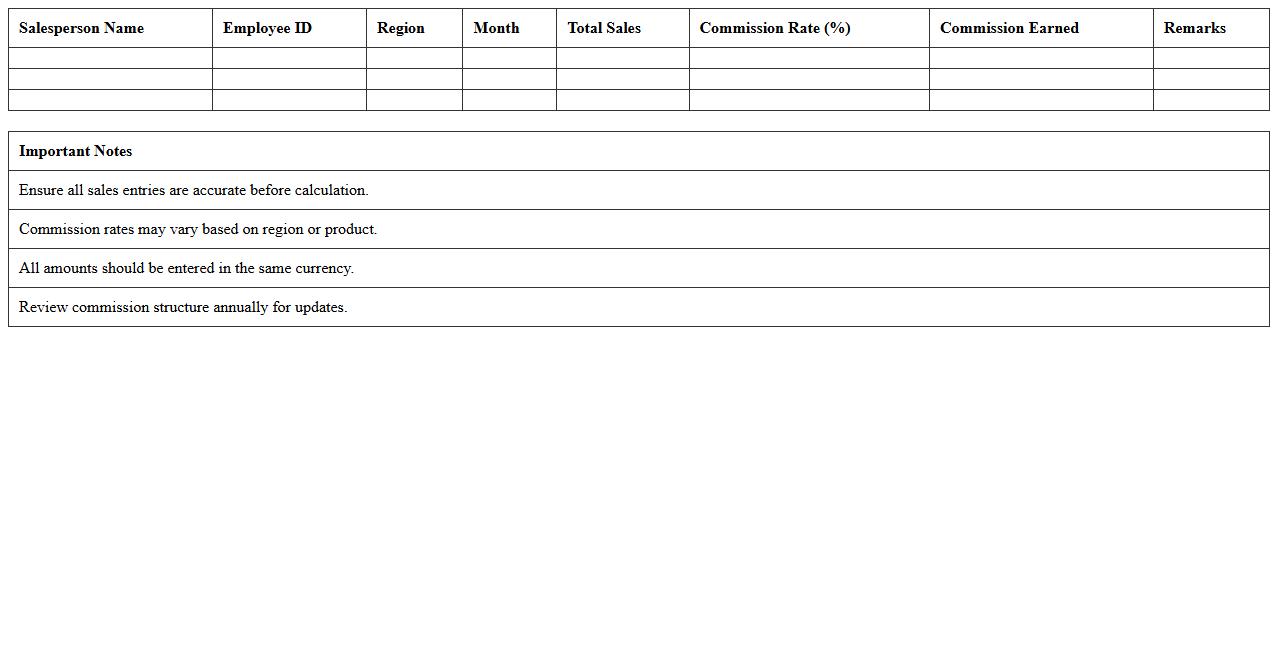
Commission Calculation Excel Sheet
A
Commission Calculation Excel Sheet is a digital tool designed to automate and simplify the process of computing sales commissions based on predefined criteria such as sales targets, percentages, and tiers. It enhances accuracy by minimizing manual errors and saves valuable time by instantly calculating commissions as new sales data is entered. This document is especially useful for sales teams and managers to transparently track earnings, monitor performance metrics, and streamline payroll processing.
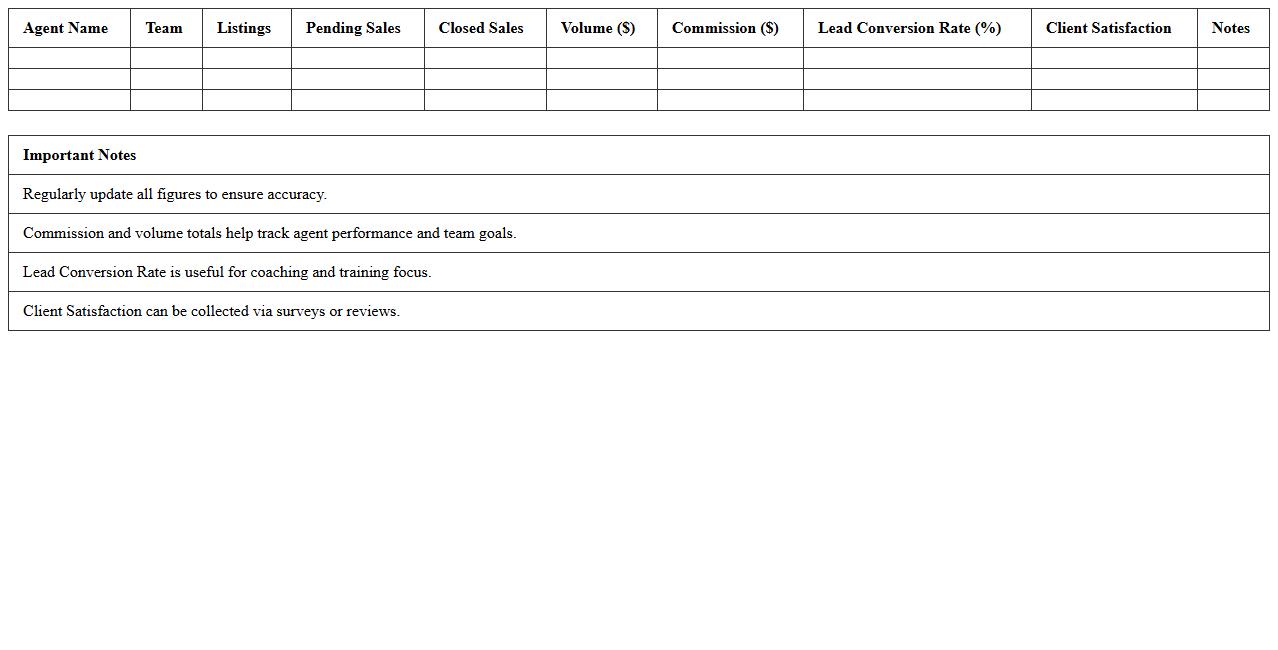
Team Performance Dashboard for Real Estate
The
Team Performance Dashboard for Real Estate is a comprehensive digital tool designed to track, analyze, and visualize key metrics related to team productivity and sales outcomes in real estate agencies. It consolidates data such as sales volume, lead conversion rates, and individual agent performance, enabling managers to make informed decisions and optimize team efficiency. Real-time insights from the dashboard help identify strengths and areas for improvement, ultimately driving higher revenue and better client satisfaction.
How to automate client follow-ups in a Real Estate CRM Excel template for small teams?
To automate client follow-ups in a Excel CRM, use formulas such as IF and TODAY to track follow-up dates. Set up conditional formatting to highlight overdue tasks and upcoming follow-ups, ensuring no client is missed. Additionally, integrate reminders with Excel's built-in notification tools or link with Outlook for automatic email alerts.
What custom fields should be included in a small-team Real Estate CRM Excel sheet?
Essential custom fields include client name, contact information, property preferences, and follow-up date. Also, include agent assignment, lead source, and status updates to effectively track each stage of the sales process. These fields help small teams stay organized and maintain a clear overview of client interactions.
How can task assignments be tracked for agents within a Real Estate CRM Excel file?
Track task assignments by adding columns for agent name, task description, due date, and completion status. Use drop-down lists for status updates and apply filters to quickly view tasks for each agent. This system enhances accountability and improves team collaboration, ensuring tasks are completed on time.
What are effective data validation tips for property status updates in Excel CRM?
Implement data validation by creating drop-down menus with predefined property statuses, such as "Available," "Under Contract," and "Sold." This restricts input errors and ensures consistency in your CRM data. Use Excel's Data Validation feature to enforce these rules and maintain accurate tracking of property progress.
How to create pipeline visualization using conditional formatting in Real Estate CRM Excel?
Use conditional formatting to color-code pipeline stages like lead, prospect, negotiation, and closed deals. Apply rules based on status fields to visually represent the progress of each client or deal within the CRM. This method enables quick, intuitive tracking of the sales pipeline, improving decision-making and focus for the team.
More Real Estate Excel Templates