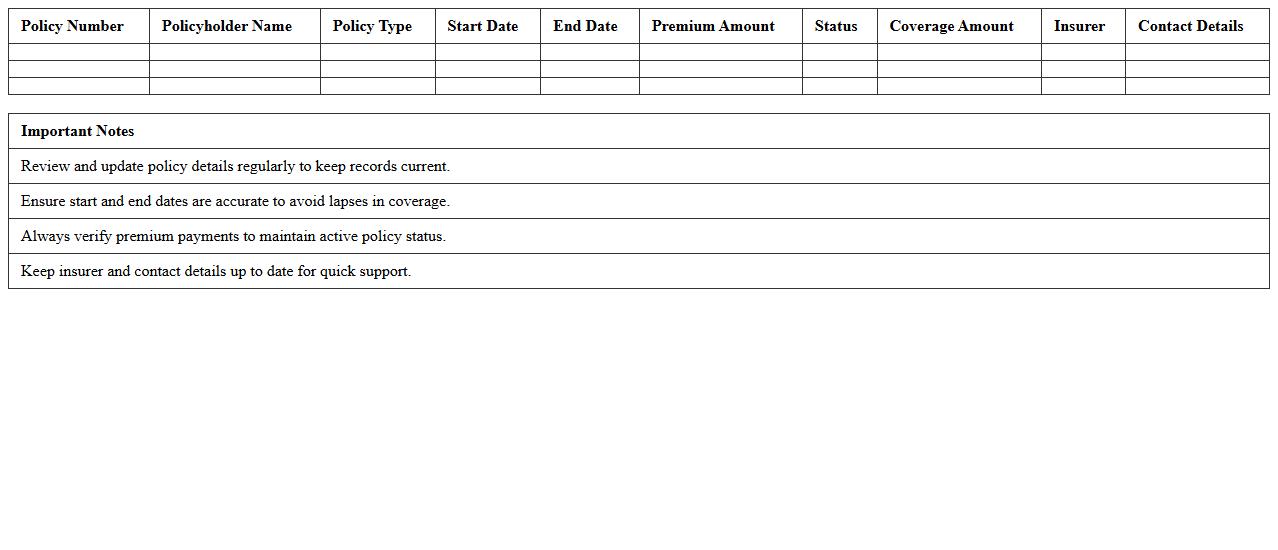
The Insurance Portfolio Overview Excel Template for Clients provides a comprehensive and organized summary of all insurance policies held by a client, including details such as coverage types, premium amounts, and expiration dates. This template enhances client communication by presenting data clearly, making it easier to assess risk and manage renewals effectively. Designed for customization, it allows insurance professionals to tailor the overview to individual client needs and streamline portfolio tracking.
Insurance Policy Summary Dashboard Excel Template
The
Insurance Policy Summary Dashboard Excel Template is a comprehensive tool designed to consolidate and visualize key insurance policy data, including premiums, coverage details, and claim statuses. It enhances decision-making by providing quick insights through graphs and tables, enabling users to track multiple policies efficiently in one place. This template is useful for individuals and businesses seeking to streamline insurance management, ensuring timely renewals and optimal coverage oversight.
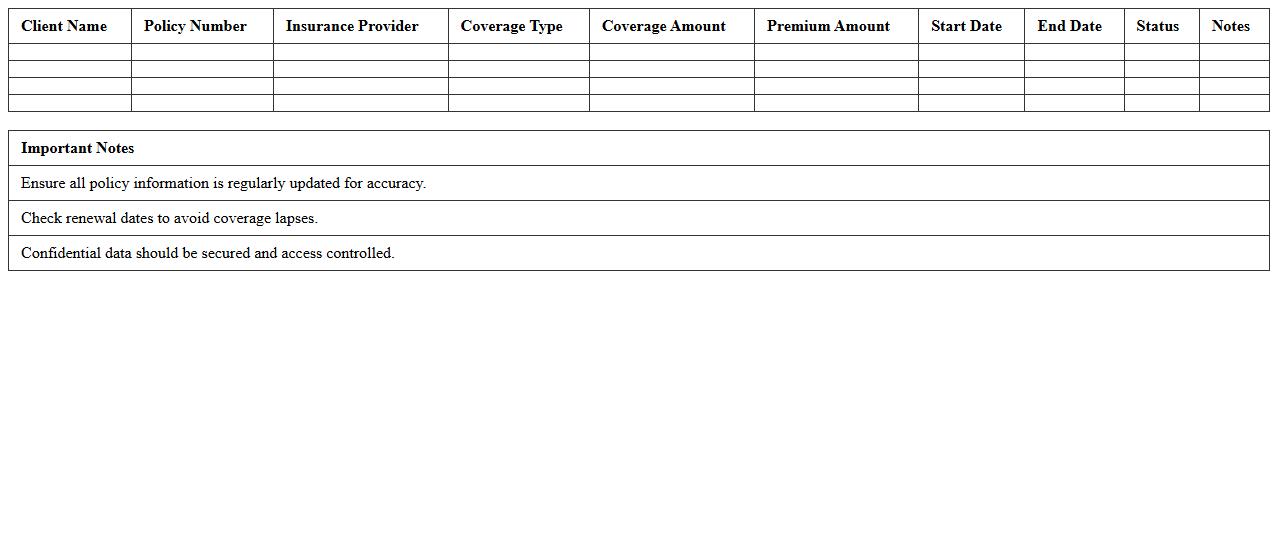
Client Insurance Coverage Overview Spreadsheet
The
Client Insurance Coverage Overview Spreadsheet document systematically organizes detailed insurance policy information for each client, including coverage limits, policy types, and expiration dates. This comprehensive format enables efficient tracking, comparison, and management of client insurance data, reducing risks associated with lapses or insufficient coverage. Utilizing this spreadsheet enhances decision-making by providing clear visibility into insurance statuses, ensuring compliance with contractual or regulatory requirements.
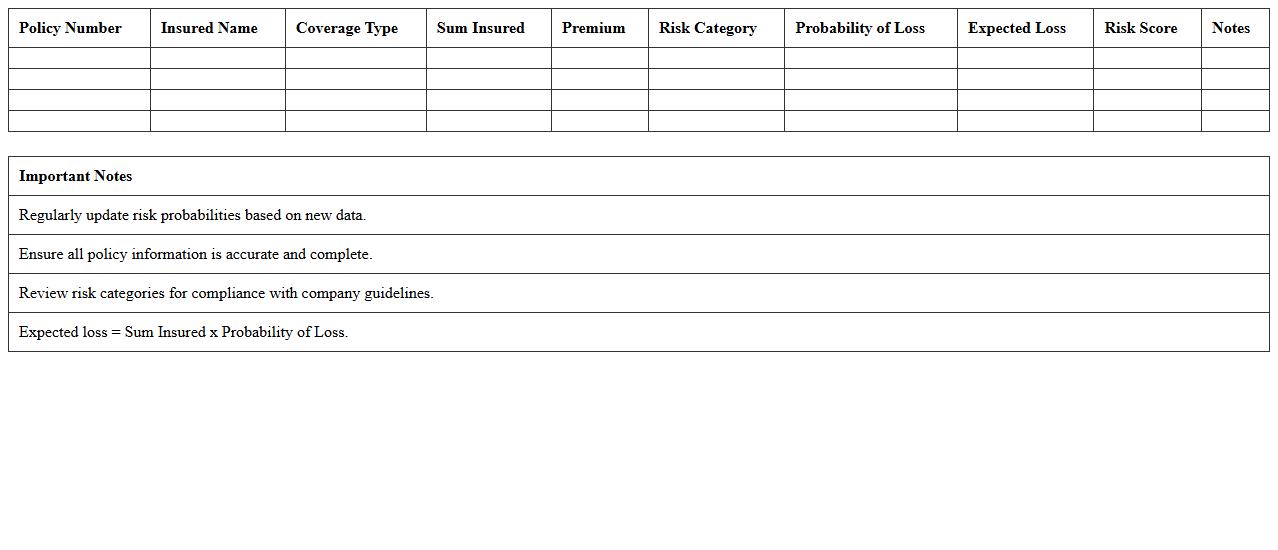
Insurance Portfolio Risk Assessment Excel
An
Insurance Portfolio Risk Assessment Excel document systematically analyzes the potential risks within a collection of insurance policies, enabling precise evaluation of exposure to claims, market fluctuations, and underwriting risks. It aids insurers in identifying high-risk segments, optimizing premium settings, and improving capital allocation through data-driven insights. This tool enhances decision-making by consolidating risk metrics and facilitating scenario analysis, ultimately supporting the financial stability and strategic planning of insurance portfolios.
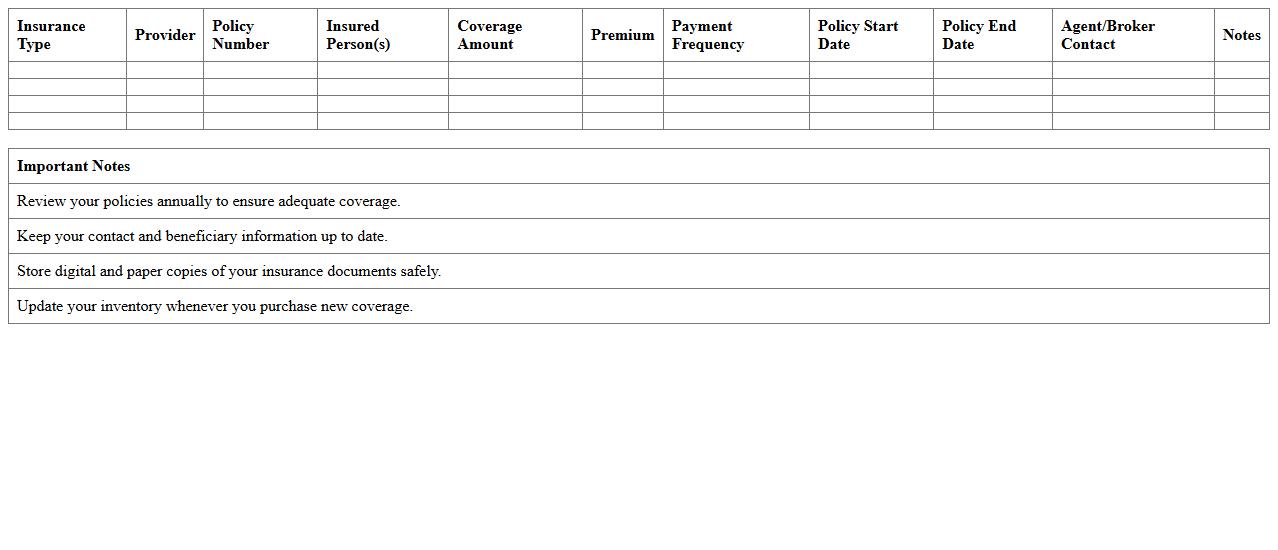
Personal Insurance Inventory Excel Template
A
Personal Insurance Inventory Excel Template is a structured document designed to help individuals systematically list and manage their insurance policies and insured assets. It provides an organized layout for tracking policy details, coverage amounts, and expiration dates, ensuring that users have a comprehensive overview of their insurance portfolio. This tool is useful for simplifying claim processes, enhancing financial planning, and improving overall risk management by keeping vital information easily accessible.
Multi-Policy Comparison Excel Sheet
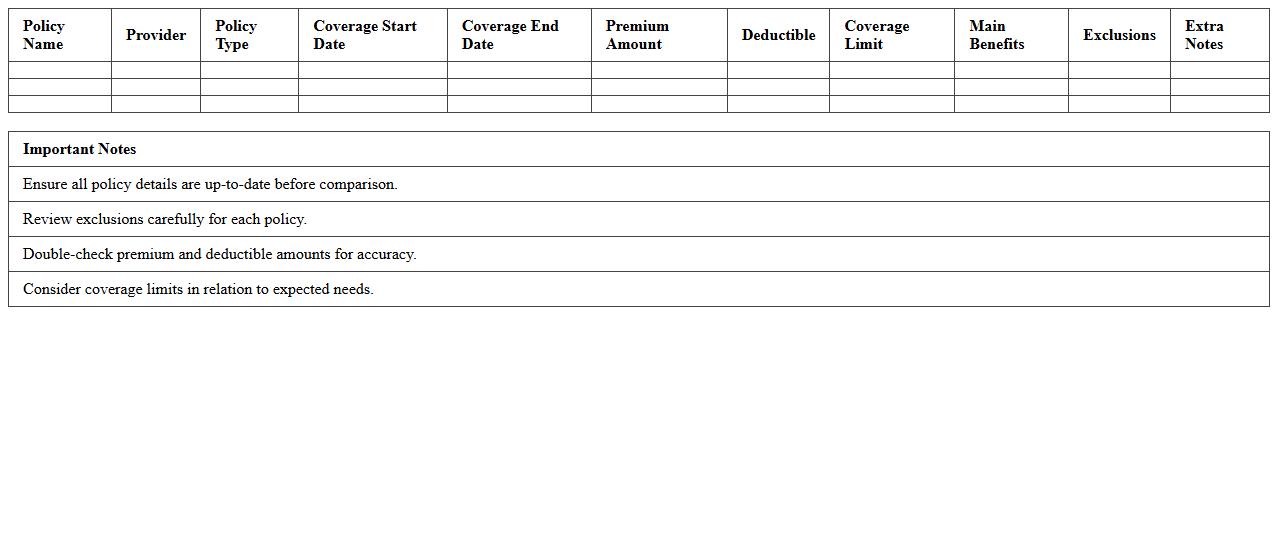
The
Multi-Policy Comparison Excel Sheet is a comprehensive tool designed to analyze and compare multiple insurance policies side-by-side, highlighting key features, premiums, coverage limits, and exclusions. It enables users to make well-informed decisions by clearly presenting differences and similarities in policy terms, ensuring optimized coverage based on individual needs. This document streamlines policy evaluation, saving time and reducing errors in assessing complex insurance options.
Client Insurance Renewal Tracker Excel
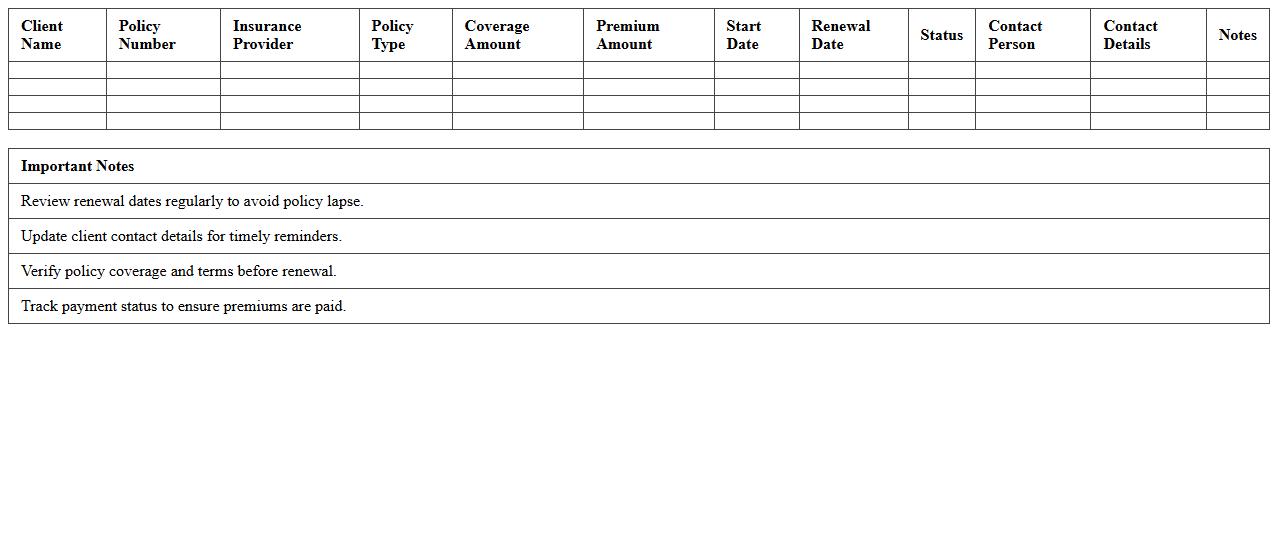
The
Client Insurance Renewal Tracker Excel document is a powerful tool designed to monitor and manage insurance policy renewal dates efficiently. It helps users stay organized by consolidating client insurance details, alerting them to upcoming renewals, and preventing lapses in coverage. This tracker streamlines workflow and enhances client service by ensuring timely updates and renewals.
Policy Premium Payment Schedule Excel
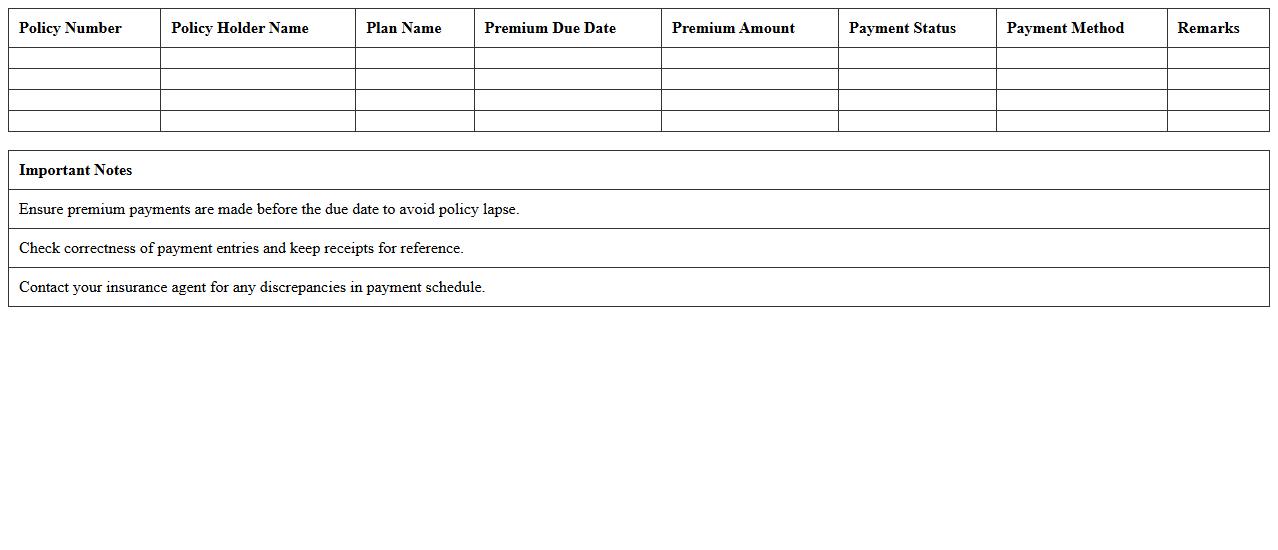
A
Policy Premium Payment Schedule Excel document is a structured spreadsheet that outlines the payment timelines, amounts, and due dates for insurance policy premiums. It helps policyholders and insurers track premiums systematically, ensuring timely payments and avoiding lapses in coverage. This tool enhances financial planning and policy management by providing clear visibility into payment obligations over the policy term.
Insurance Claims History Log Template
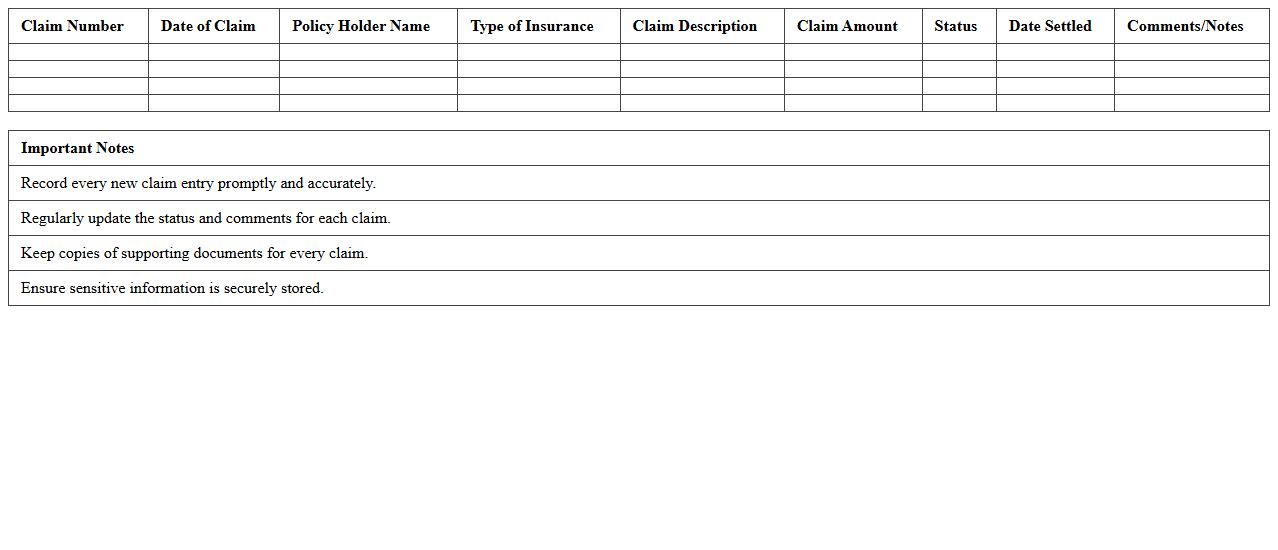
The
Insurance Claims History Log Template is a structured document designed to record and track all insurance claim details, including claim numbers, dates, types of claims, statuses, and outcomes. It helps individuals and businesses maintain accurate records for faster claim processing, improved communication with insurers, and easier reference during audits or disputes. Utilizing this template enhances organization, reduces errors, and provides a comprehensive overview of past insurance interactions for better decision-making and risk management.
Comprehensive Insurance Benefits Overview Excel
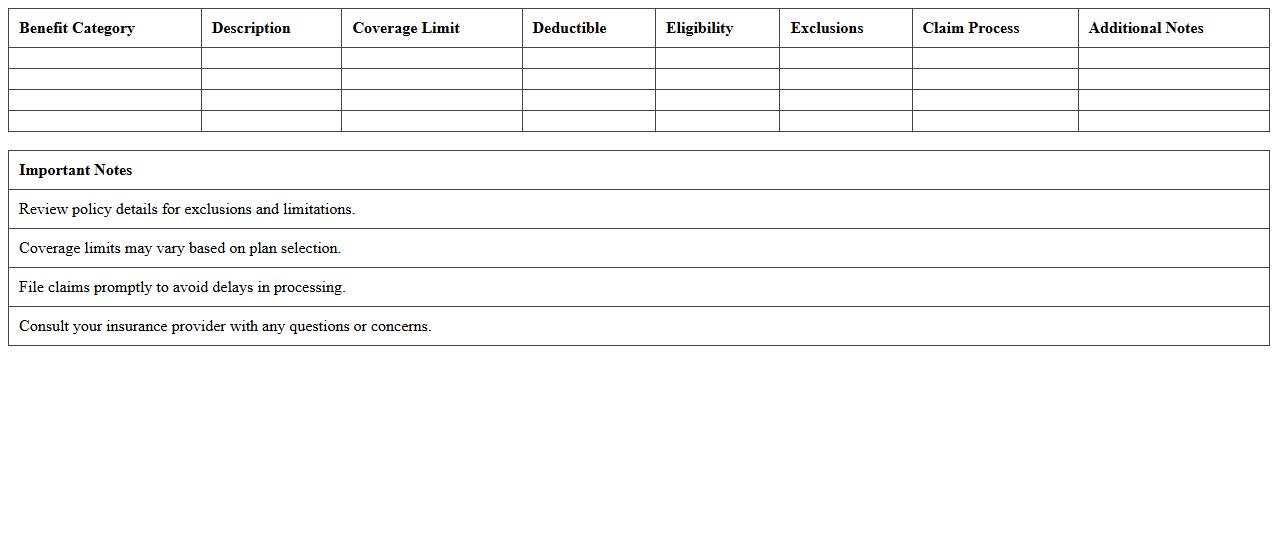
The
Comprehensive Insurance Benefits Overview Excel document is a structured tool designed to organize and analyze various insurance policy details, including coverage types, premium costs, claim procedures, and benefit limits. It enables users to compare different insurance plans efficiently, facilitating informed decision-making regarding personal or organizational insurance needs. This document enhances clarity and accessibility of insurance information, reducing the risk of overlooking critical policy components.
Insurance Provider Contact Directory Excel
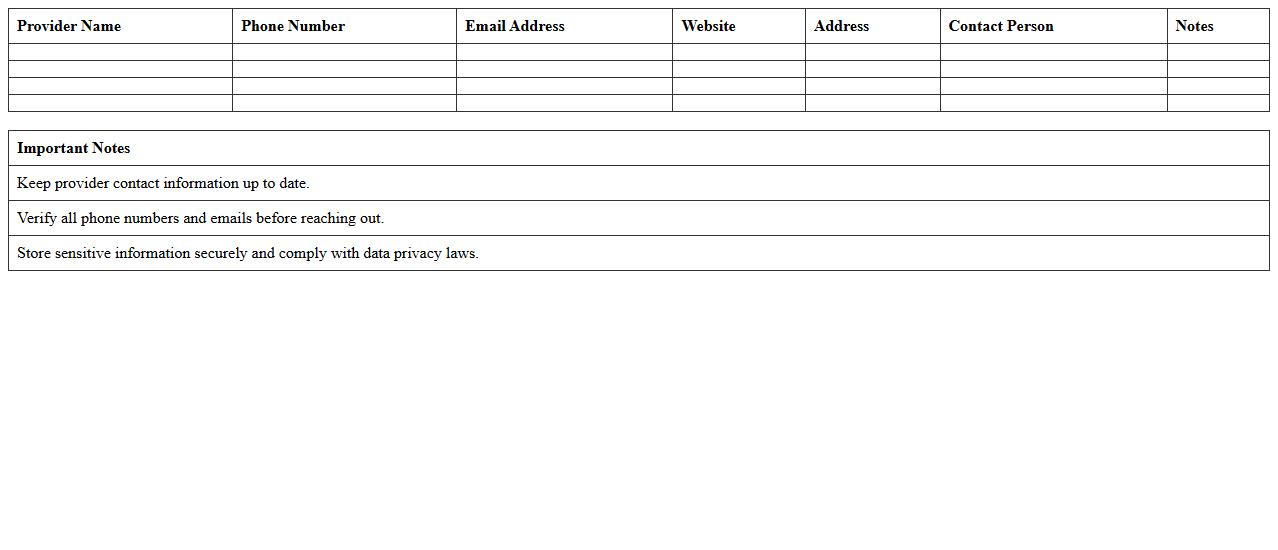
The
Insurance Provider Contact Directory Excel document is a comprehensive spreadsheet that organizes essential contact information of various insurance companies, agents, and brokers in one accessible location. It streamlines communication by providing quick access to phone numbers, email addresses, and office locations, facilitating efficient follow-ups and claims processing. This directory significantly enhances time management and accuracy in managing insurance-related interactions for individuals and businesses.
How can clients filter insurance policies by coverage type in the Excel portfolio overview?
Clients can easily filter insurance policies by using the drop-down filter feature in the portfolio overview. This filter is applied through the header of the Coverage Type column, allowing users to select specific policy categories. This method ensures an efficient way to view only the policies relevant to particular coverage needs.
What formula highlights expiring insurance policies in the document?
The formula used to highlight expiring policies is based on a conditional formatting rule that checks the policy expiration date against the current date. A common formula is =TODAY()>=[Expiration Date]-30, which flags policies expiring within 30 days. This visual cue helps users quickly identify policies that need attention or renewal.
How are clients' premium payment statuses visually represented in the overview?
Premium payment statuses are visually indicated through the use of color-coded icons or cell fill colors. For example, green may represent paid premiums, yellow for pending payments, and red for overdue amounts. This approach allows clients to assess payment statuses at a glance without reviewing detailed payment histories.
Which Excel sheet summarizes claim history per insurance type?
The claim history per insurance type is compiled in a dedicated summary sheet titled "Claim History Overview". This sheet organizes claims by policy types, dates, and statuses, providing comprehensive insight into past insurance activity. It serves as a central reference point for evaluating claim trends and occurrences.
What client-specific notes section is included for each policy entry?
Each policy entry includes a Notes section where client-specific comments, important reminders, or additional details can be recorded. This section is designed to capture personalized information related to the policy, enhancing communication and record-keeping. The notes help advisors tailor interactions and follow-ups based on unique client circumstances.
More Insurance Excel Templates