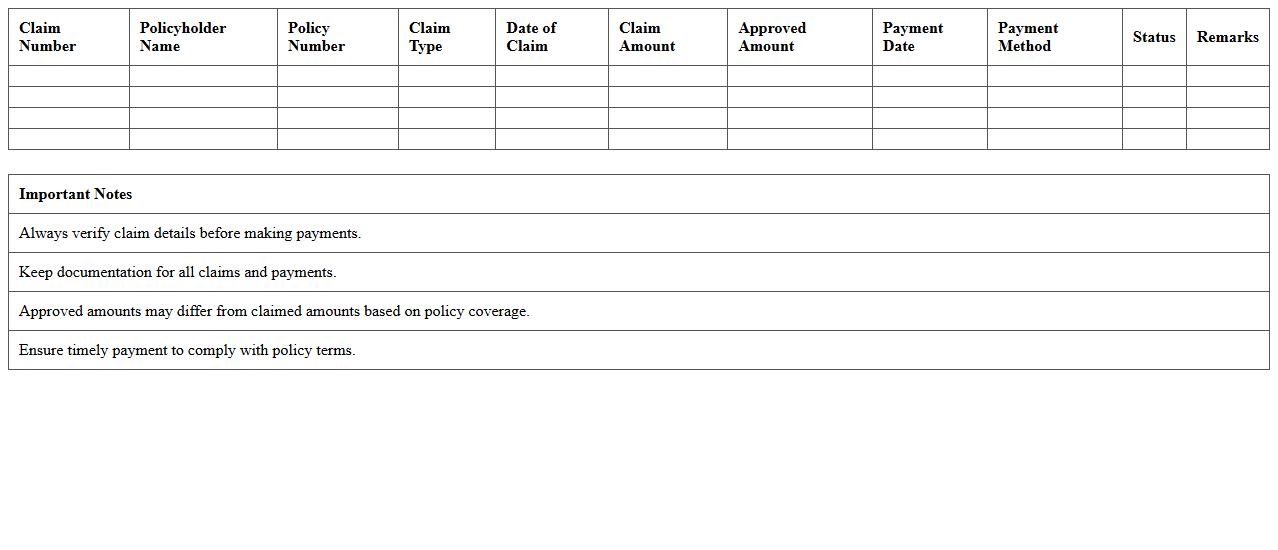
The Insurance Claims Management Excel Template for Small Businesses streamlines tracking and organizing insurance claims efficiently. It offers customizable fields for claim details, dates, statuses, and reimbursements, helping business owners maintain accurate records. This template enhances productivity by simplifying the claims process and ensuring timely follow-ups.
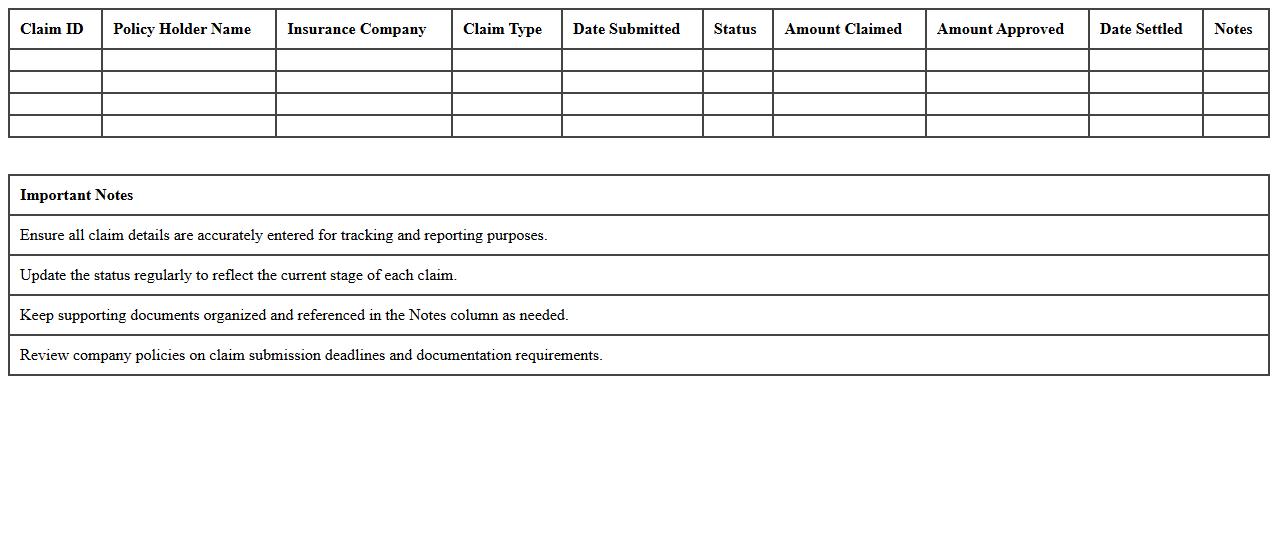
Insurance Claims Submission Tracker Excel Template
The
Insurance Claims Submission Tracker Excel Template is a comprehensive tool designed to organize and monitor insurance claims efficiently. It enables users to record claim details, submission dates, claim statuses, and follow-up actions in a structured format, reducing errors and improving tracking accuracy. This template streamlines the claims management process, ensuring timely submissions and facilitating quick identification of pending or rejected claims for effective resolution.
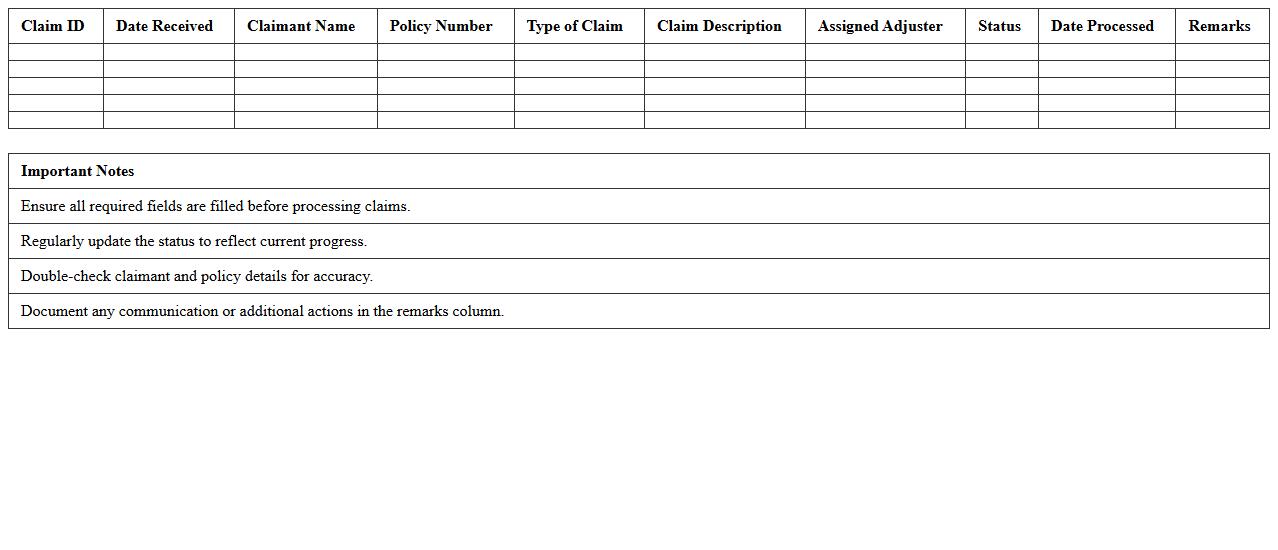
Claims Processing Workflow Spreadsheet
The
Claims Processing Workflow Spreadsheet document is a structured tool designed to track and manage the entire lifecycle of insurance or financial claims efficiently. It helps organize data such as claim submission dates, status updates, approval stages, and payment details, enabling clear oversight and faster resolution. By using this spreadsheet, teams can reduce errors, improve communication, and expedite claim settlements, ultimately enhancing operational productivity.
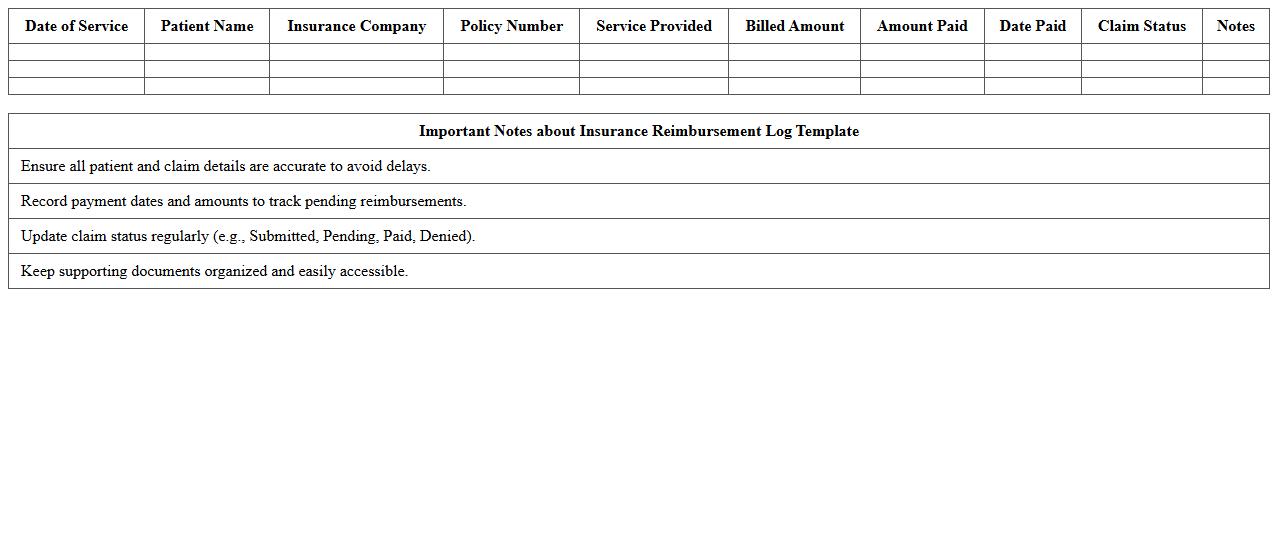
Insurance Reimbursement Log Template
An
Insurance Reimbursement Log Template is a structured document designed to track and organize insurance claims and reimbursements efficiently. It helps users monitor payment statuses, ensure accurate record-keeping, and streamline follow-ups with insurers to reduce delays or errors. This template is essential for maintaining financial accuracy and enhancing transparency in managing insurance-related transactions.
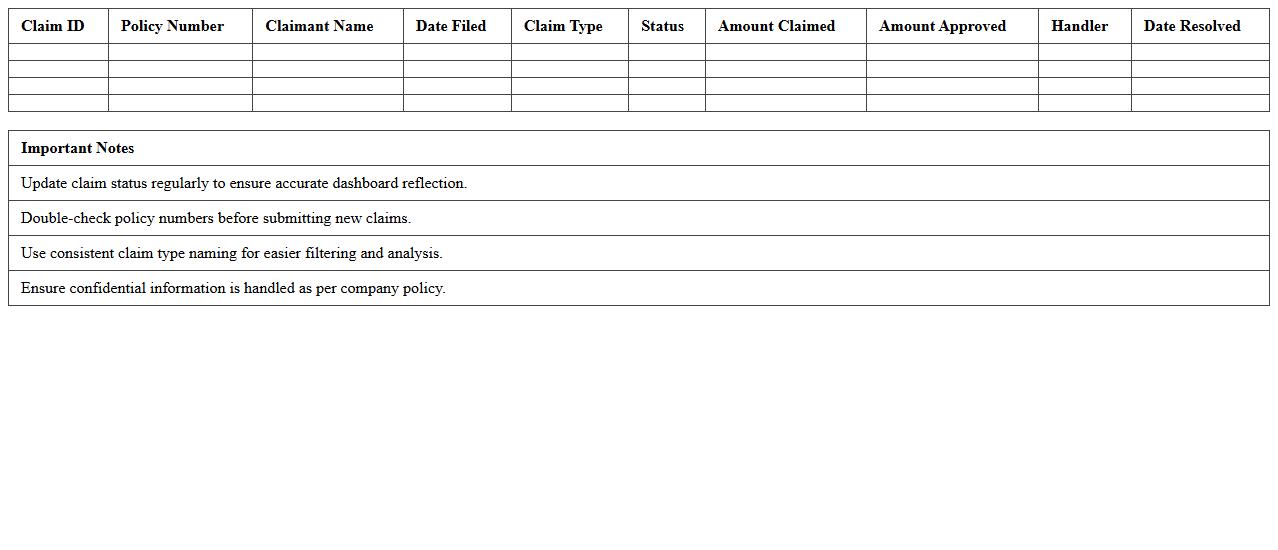
Policy Claims Status Dashboard Excel
The
Policy Claims Status Dashboard Excel document tracks and visualizes the progress of insurance claims, providing real-time updates on claim statuses such as pending, approved, or rejected. It consolidates data from multiple sources into an easily interpretable format, enabling quicker decision-making and efficient management of outstanding claims. This tool enhances transparency, reduces administrative delays, and supports resource allocation by highlighting bottlenecks and trends in claims processing.
Claims Expense Summary Sheet
A
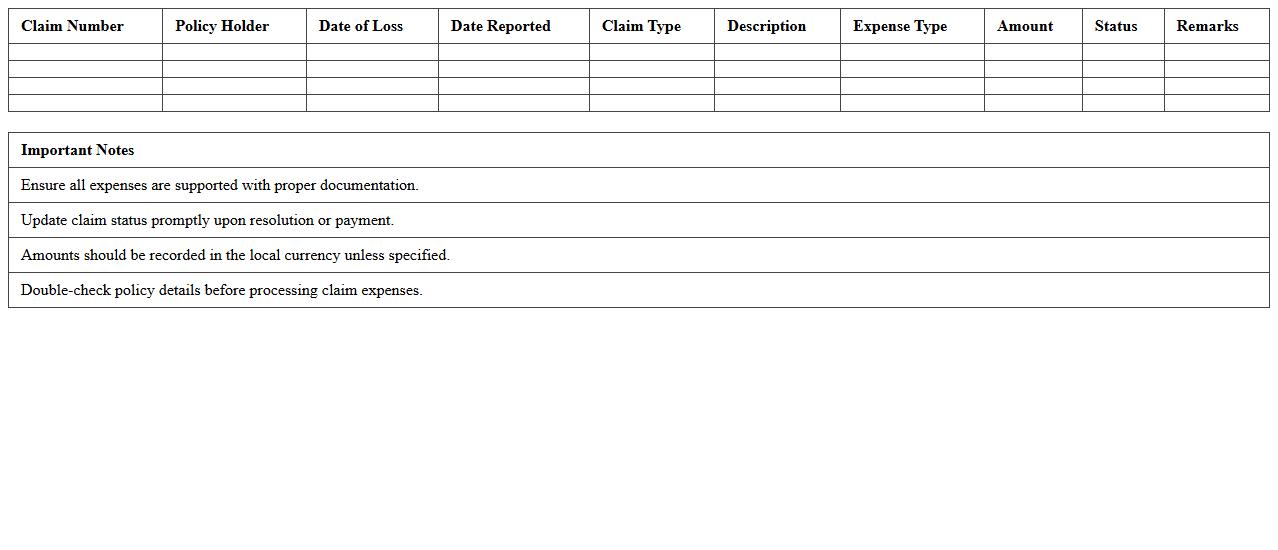
Claims Expense Summary Sheet is a detailed document that consolidates all expenses related to claims, including medical costs, legal fees, and administrative charges. It helps organizations track and analyze claim expenditures efficiently, enabling better financial management and informed decision-making. By providing a clear overview of claim costs, this sheet supports budgeting, auditing, and forecasting processes.
Customer Claim Details Excel Form
The
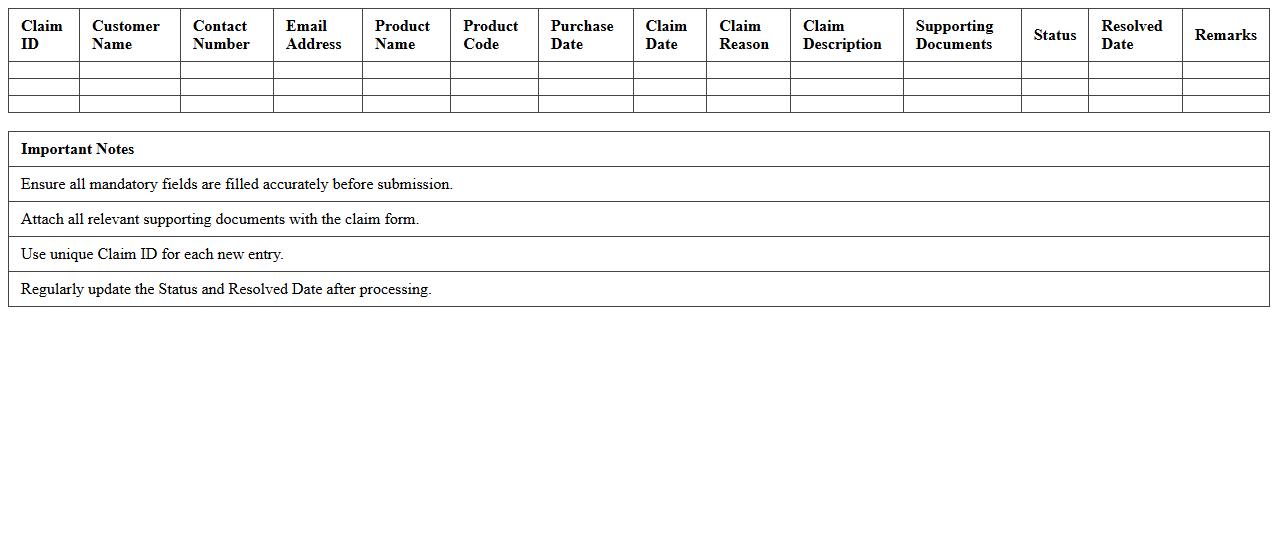
Customer Claim Details Excel Form is a structured document designed to record and track customer complaints, product defects, or service issues efficiently. It helps businesses organize claim data by capturing essential information such as customer contact details, claim type, date of submission, and resolution status, enabling swift issue resolution and improved customer satisfaction. Utilizing this form enhances transparency, facilitates data analysis for quality control, and supports proactive decision-making to minimize future claims.
Claims Aging Analysis Template
A
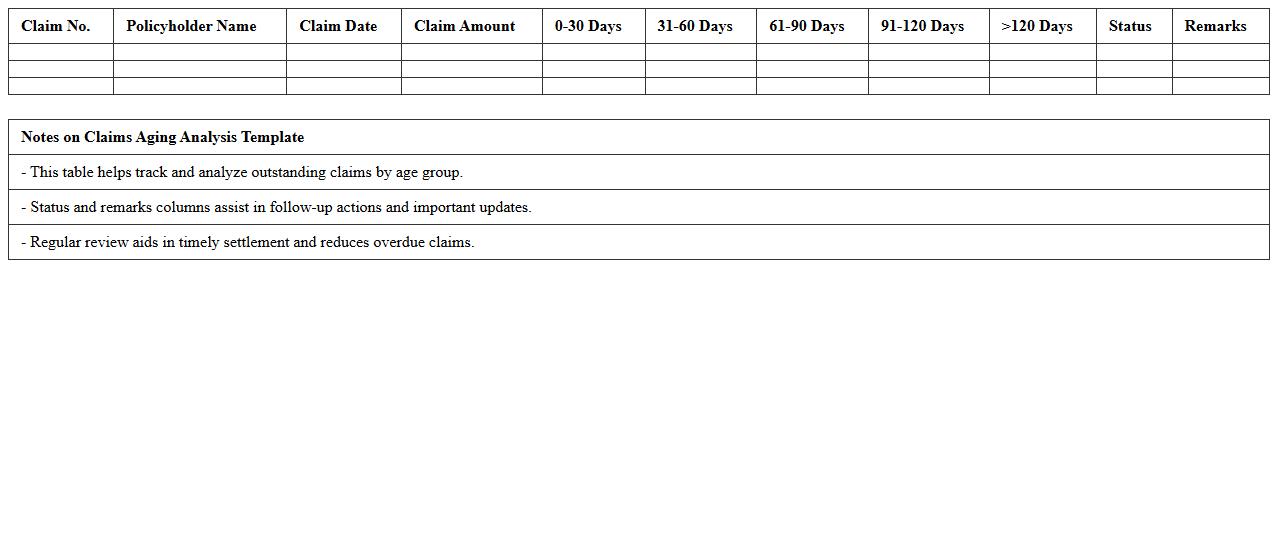
Claims Aging Analysis Template is a structured document used to track and assess the outstanding claims over specific time intervals, such as 30, 60, and 90 days. It provides valuable insights into the aging status of claims, helping organizations identify delayed payments, prioritize follow-ups, and improve cash flow management. By categorizing claims based on their age, this template supports effective decision-making and enhances the efficiency of the claims resolution process.
Settlement Records Tracker Spreadsheet
The
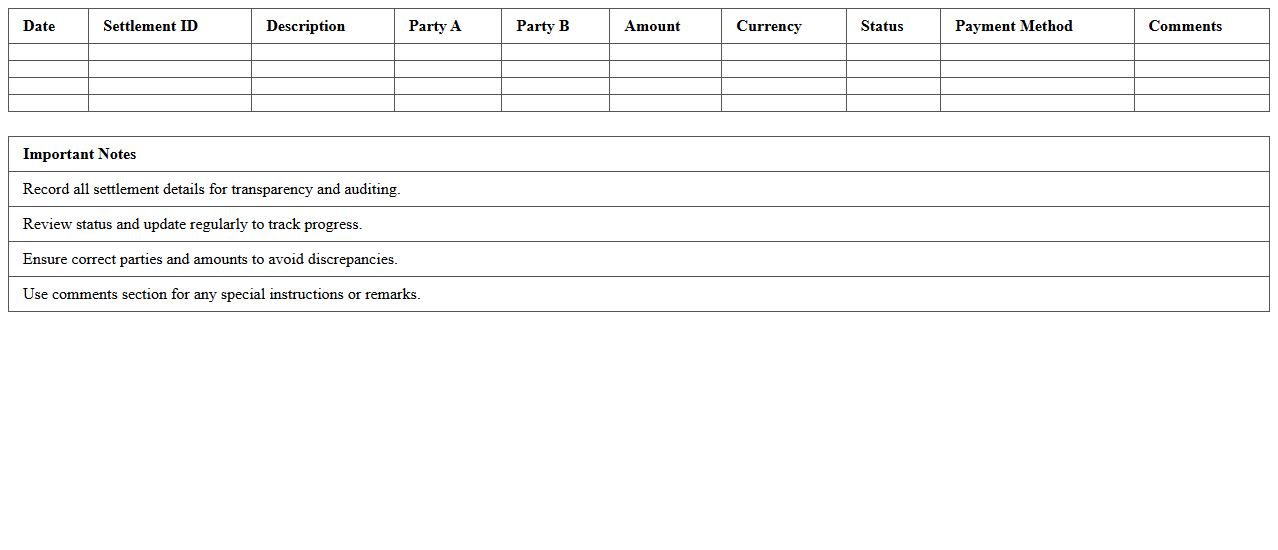
Settlement Records Tracker Spreadsheet is a specialized document designed to systematically organize and monitor settlement transactions, including payment dates, amounts, and recipient details. It enhances financial management by providing clear visibility into pending and completed settlements, reducing errors and improving accountability. This tool is invaluable for businesses and legal teams aiming to streamline settlement tracking and ensure timely reconciliation.
Insurance Claim Payment Schedule
An
Insurance Claim Payment Schedule document outlines the timeline and amounts for disbursing insurance claim payments to the policyholder or beneficiary after a claim approval. It helps ensure transparency and proper management of cash flow by specifying installment dates and payment breakdowns. This document is essential for tracking financial obligations and verifying that insurers fulfill their payment responsibilities promptly.
Claims Incident Reporting Sheet
A
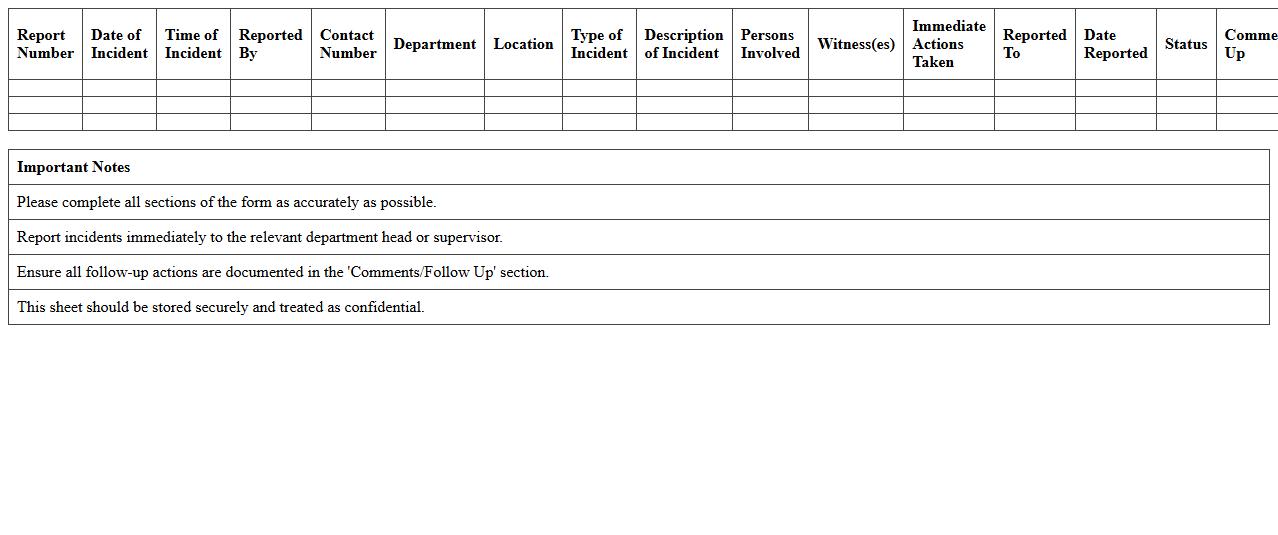
Claims Incident Reporting Sheet is a detailed document used to record information about an incident that may lead to an insurance claim. It captures essential data such as date, time, location, parties involved, description of the incident, and any immediate actions taken. This document is crucial for accurate claim processing, enabling efficient communication between stakeholders and supporting evidence collection for investigations and resolution.
How can Excel templates streamline tracking insurance claims for small business assets?
Excel templates provide a structured format to organize and monitor insurance claims efficiently. By using pre-designed layouts, small businesses can easily input, update, and analyze claim data without spending time on setup. This streamlines the entire process, enhancing accuracy and ensuring timely follow-ups on insurance claim statuses.
What essential claim data fields should be included in an insurance claims management spreadsheet?
An effective insurance claims spreadsheet must include key data fields like claim number, asset details, date of loss, claim amount, and claim status. Including claimant contact information and policy numbers is vital for quick referencing. These fields ensure comprehensive tracking, simplifying the management and review of all insurance claims.
How to automate claim status updates in Excel using conditional formatting?
Conditional formatting in Excel allows automatic visual updates based on claim status entries. By setting rules for specific statuses like "Approved," "Pending," or "Rejected," cells change color, providing instant status recognition. This automation improves workflow by making claim tracking more intuitive and reducing manual review time.
Which formulas can be used to calculate claim settlement turnaround times in Excel?
Calculating turnaround times involves using formulas like =DATEDIF(start_date, end_date, "d") to find the days elapsed between claim submission and settlement. You can also apply =NETWORKDAYS(start_date, end_date) to exclude weekends and holidays for business day accuracy. These formulas help measure efficiency and identify delays in the claims process.
How to securely store and reference supporting claim documents within an Excel file?
To securely manage supporting documents, embed file links within cells or use Excel's object insertion feature to attach files directly. Protect the Excel workbook with passwords to restrict unauthorized access. This method ensures all relevant claim evidence is securely stored and easily accessible from the claims tracking sheet.
More Insurance Excel Templates