The Household Finance Ledger Excel Template for Homeowners provides a streamlined way to track monthly expenses, income, and savings, helping users manage their budgets efficiently. This customizable spreadsheet includes categories tailored specifically for home-related costs such as mortgage payments, utilities, and maintenance. Homeowners can easily analyze financial trends and plan for future expenses using this intuitive tool.
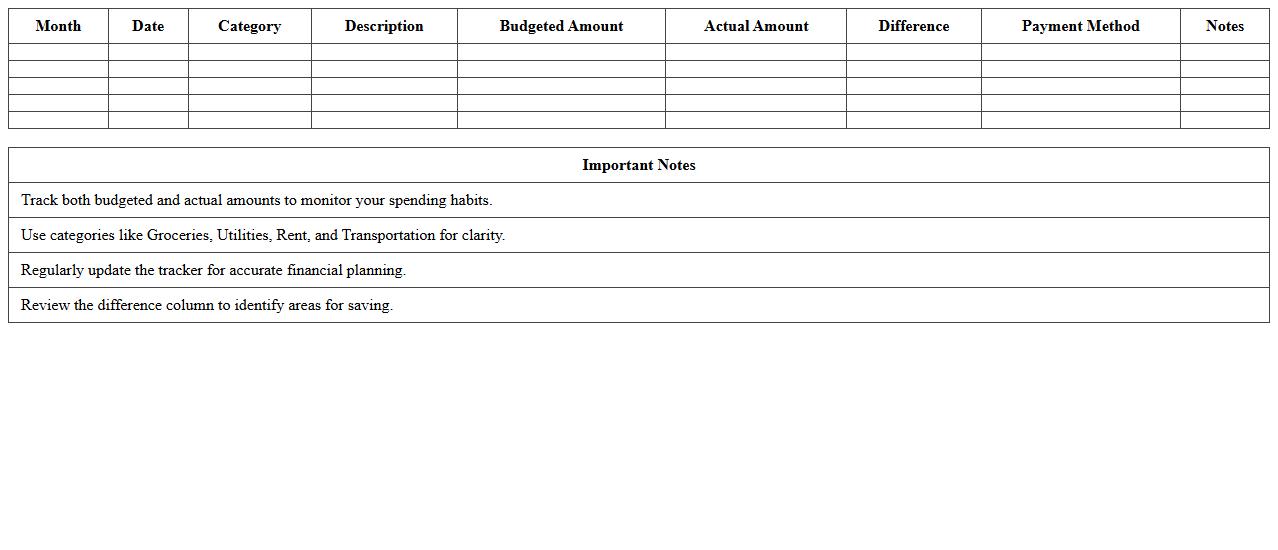
Monthly Household Expense Tracker
A
Monthly Household Expense Tracker document is a detailed record used to monitor and manage all monthly household expenditures, including utilities, groceries, rent, and discretionary spending. It helps individuals or families maintain financial discipline by providing clear visibility into spending patterns and identifying areas for potential savings. Using this tool promotes better budgeting decisions, prevents overspending, and improves overall financial health.
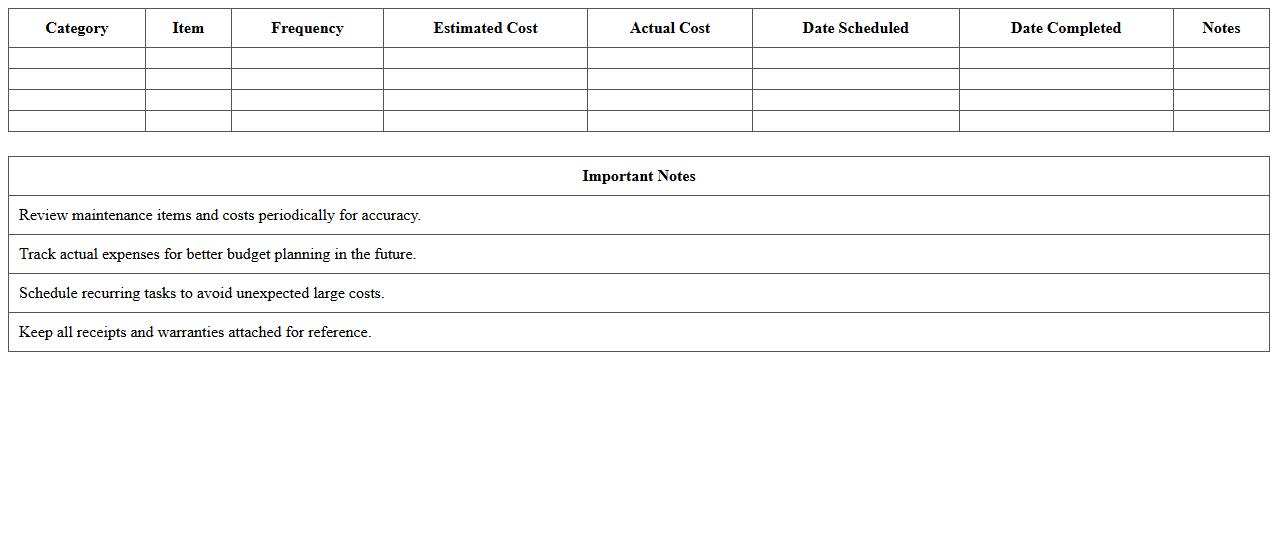
Home Maintenance Budget Planner
A
Home Maintenance Budget Planner document helps homeowners systematically track and allocate funds for regular upkeep, repairs, and improvements. It ensures timely maintenance by forecasting expenses and preventing unexpected financial strain. This planner enhances home value preservation and promotes efficient resource management for long-term savings.
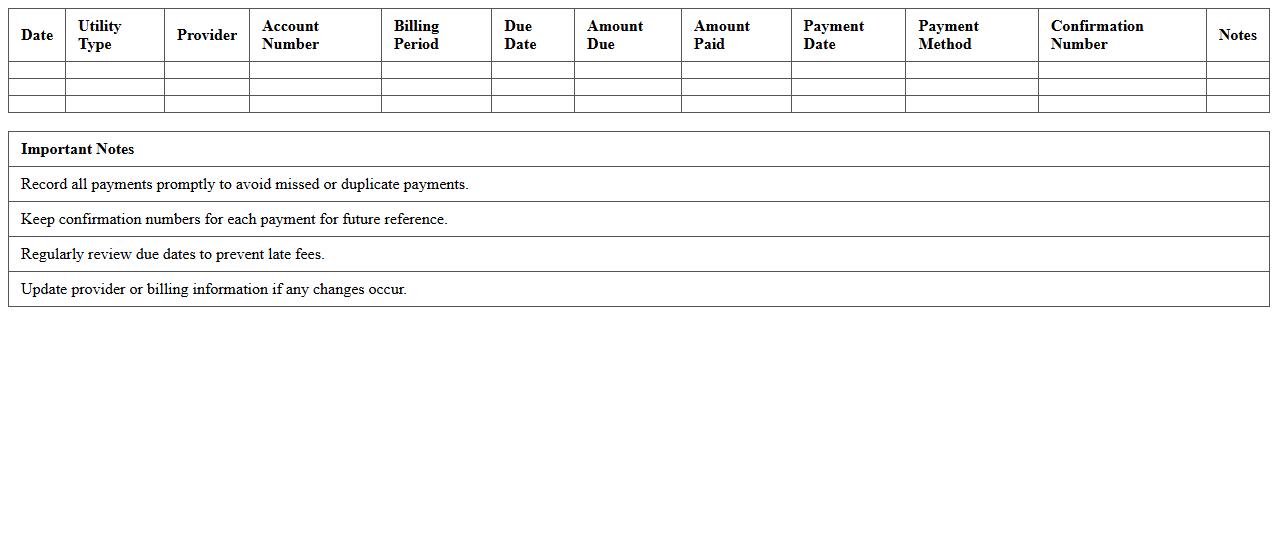
Family Utilities Payment Log
The
Family Utilities Payment Log document tracks all utility bill payments made by family members, providing a clear record of expenses such as electricity, water, gas, and internet services. This log helps manage household budgets effectively by identifying payment dates, amounts, and outstanding balances, ensuring timely payments and avoiding late fees. Maintaining this document fosters financial transparency and accountability within the family, supporting better money management and planning.
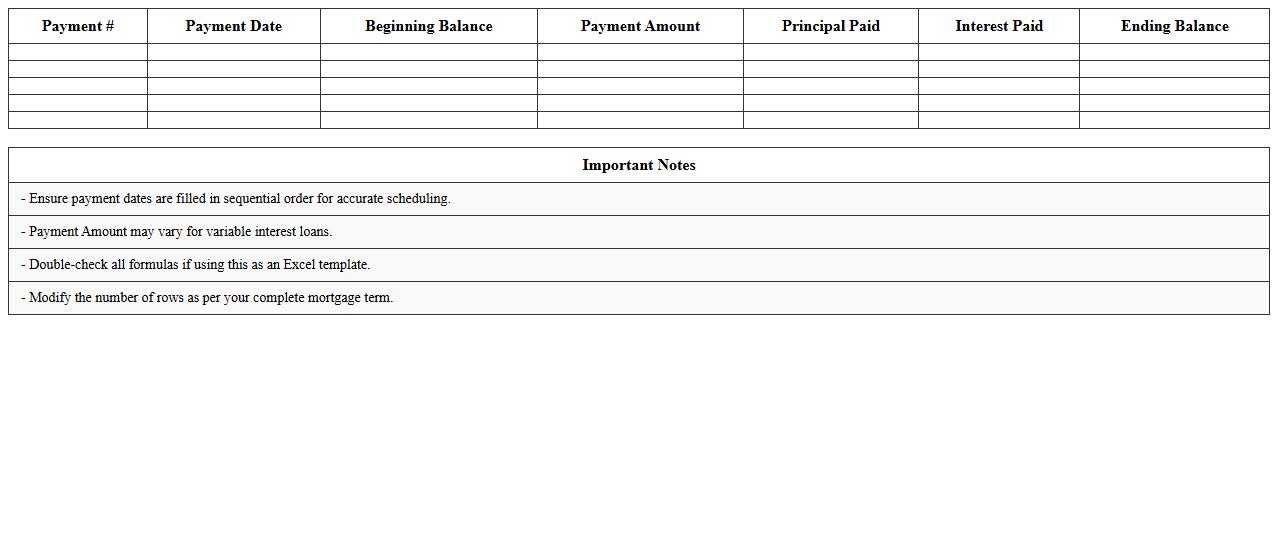
Mortgage Payment Schedule Sheet
A
Mortgage Payment Schedule Sheet is a detailed document outlining each payment date, amount, and principal versus interest distribution throughout the life of a mortgage loan. It helps borrowers track their monthly payments, understand how much of each payment reduces the loan principal, and anticipate future balances accurately. Using this schedule enables effective financial planning and ensures timely payments, reducing the risk of default and improving credit management.
Personal Savings Goal Worksheet
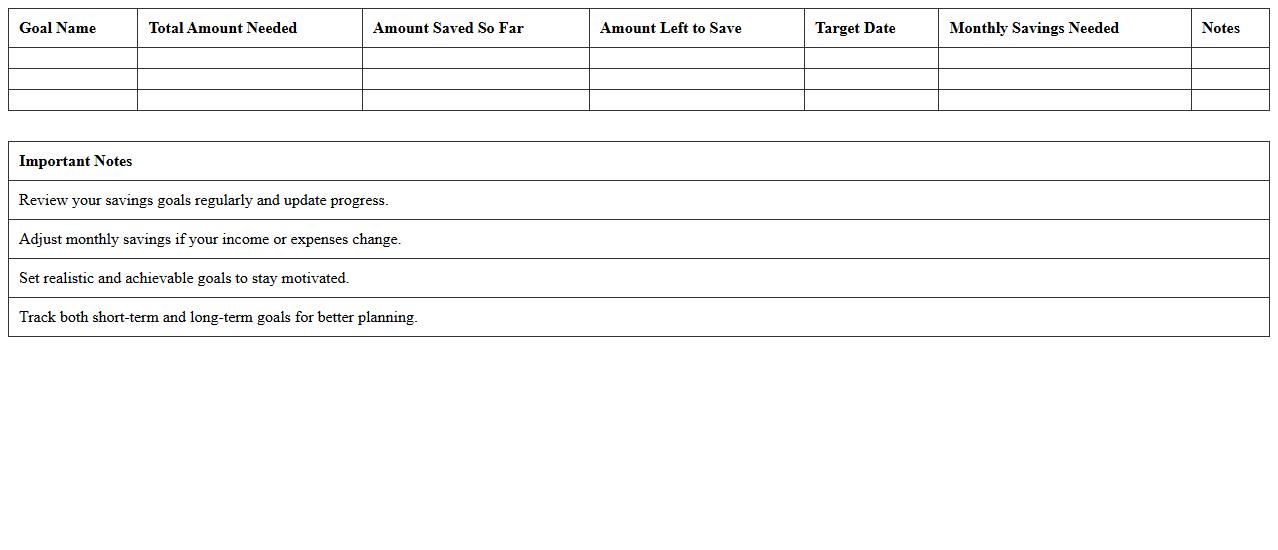
The
Personal Savings Goal Worksheet is a structured document designed to help individuals clearly define, organize, and track their financial savings objectives. By outlining specific targets, timelines, and progress metrics, it facilitates disciplined saving habits and ensures consistent monitoring of monetary growth. Utilizing this worksheet empowers users to prioritize expenses, avoid unnecessary spending, and achieve financial milestones efficiently.
Property Tax Record Spreadsheet
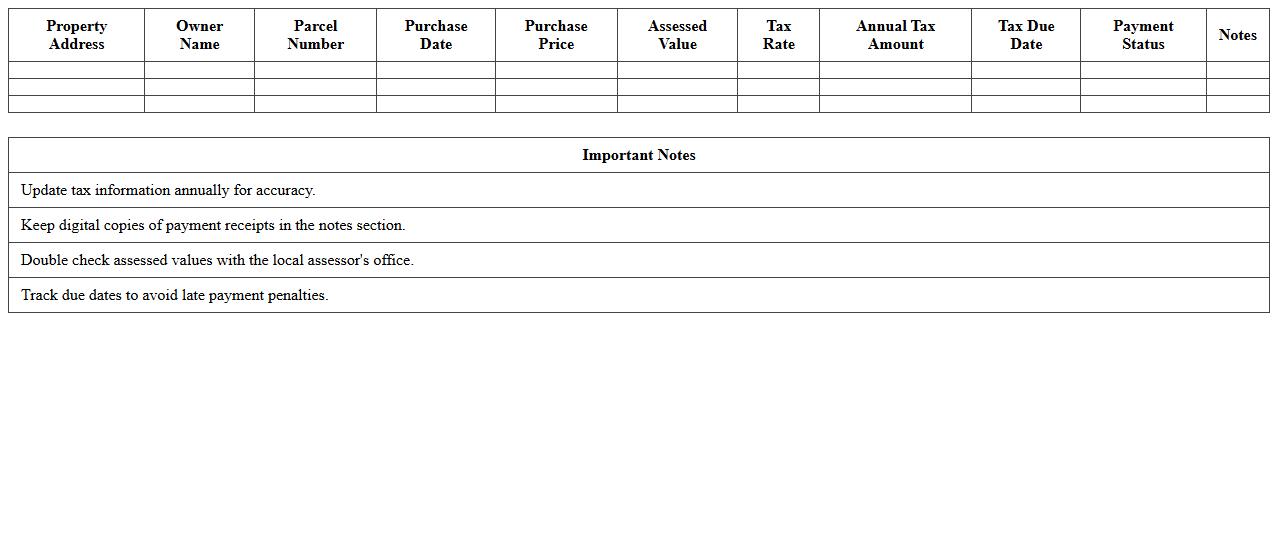
A
Property Tax Record Spreadsheet is a detailed document that organizes essential data related to property taxes, including assessment values, payment history, due dates, and tax rates. This spreadsheet helps property owners, investors, and tax professionals efficiently track and manage tax obligations, ensuring timely payments and avoiding penalties. It also serves as a valuable reference for budgeting and financial planning by providing a clear overview of tax liabilities associated with multiple properties.
Household Income and Spending Report
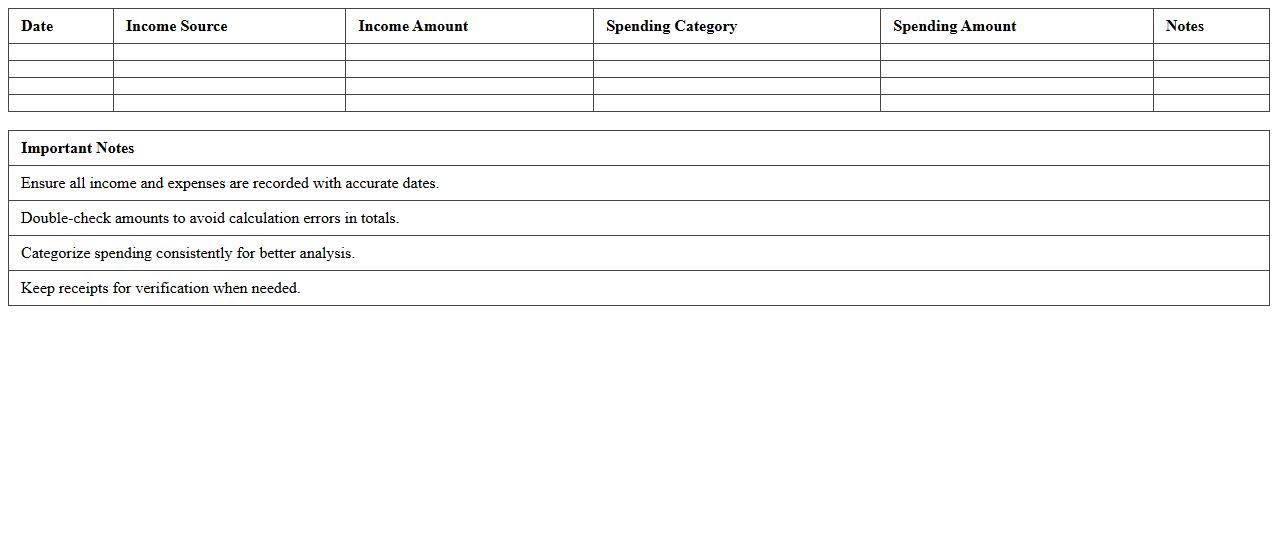
The
Household Income and Spending Report provides detailed data on the average income levels and consumption patterns of households within a specific region or demographic. This report is essential for understanding economic behavior, identifying trends in consumer demand, and making informed decisions in areas like policy development, marketing strategies, and financial planning. Access to comprehensive income and spending information helps businesses and government agencies allocate resources efficiently and tailor services or products to meet the needs of different income groups.
Home Improvement Cost Estimator
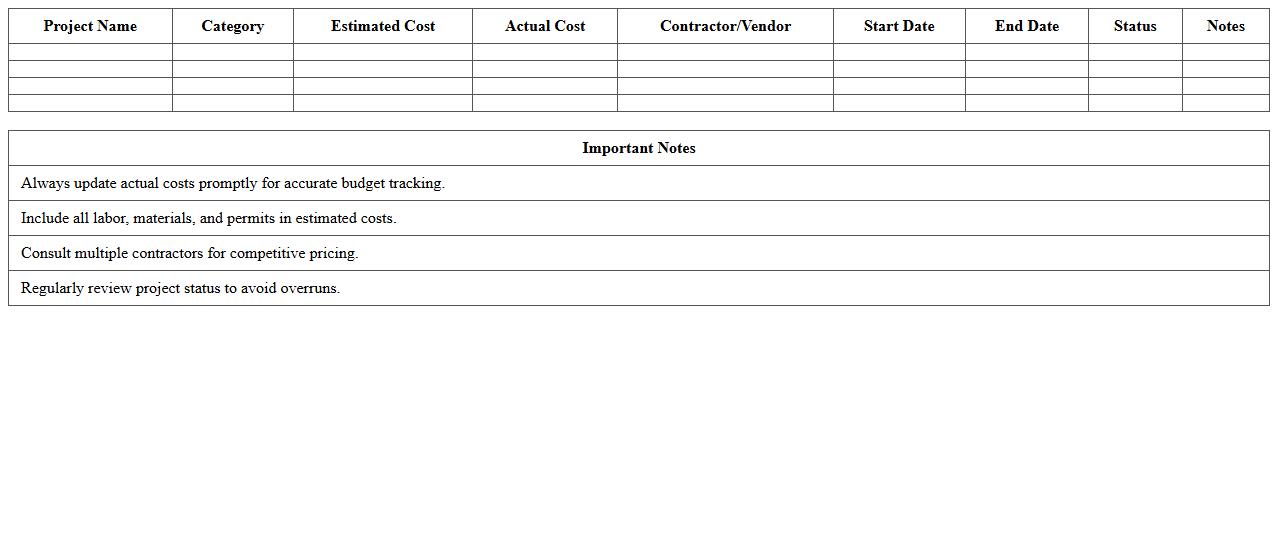
A
Home Improvement Cost Estimator document provides a detailed breakdown of the expected expenses for various renovation and repair projects, helping homeowners budget accurately. It includes costs for materials, labor, permits, and unexpected contingencies, allowing for transparent financial planning. This tool is essential for avoiding overspending and ensuring projects stay within the set financial parameters.
Annual Home Insurance Tracker
The
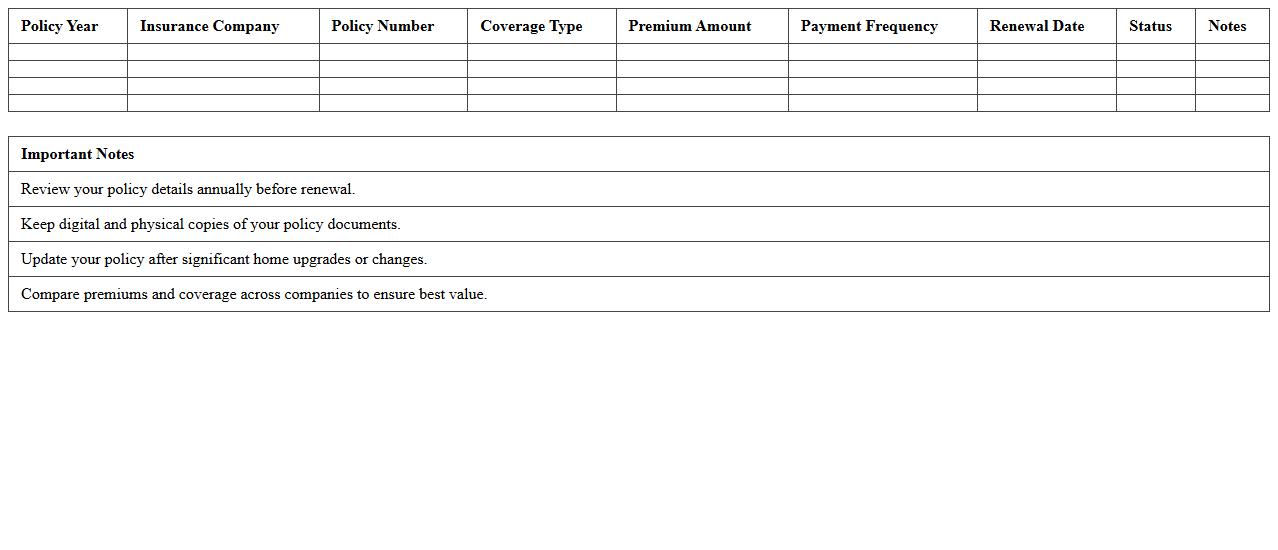
Annual Home Insurance Tracker is a comprehensive document that records and monitors changes in home insurance policies, premiums, and coverage over the course of a year. It helps homeowners identify trends, compare quotes, and ensure they maintain adequate protection against risks. This tool is essential for optimizing insurance costs and avoiding gaps in coverage.
Debt Repayment Tracking Template
A
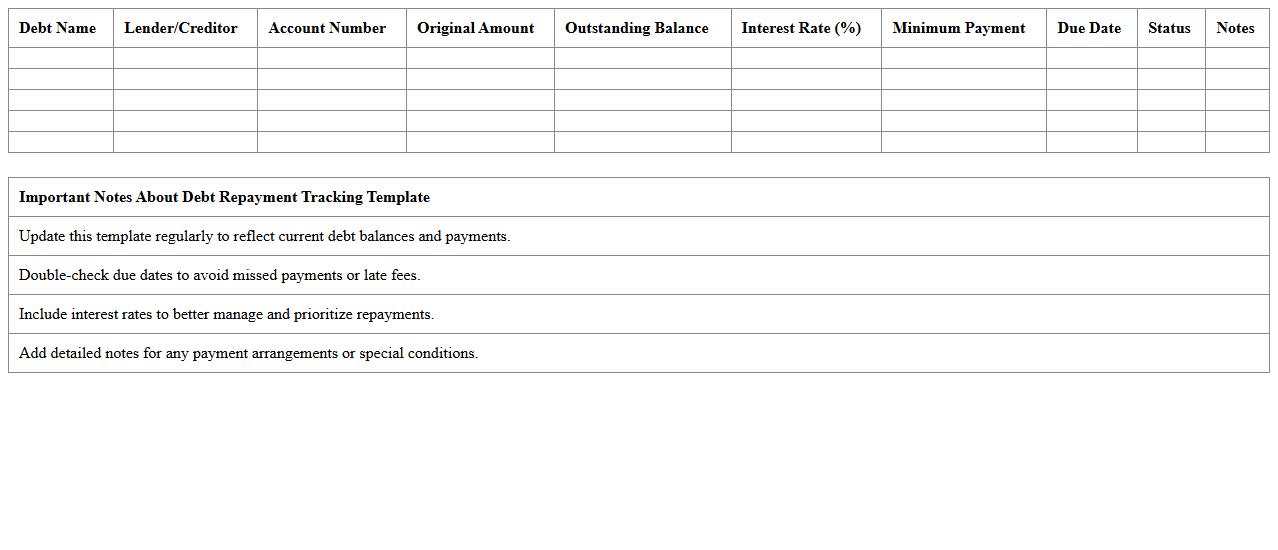
Debt Repayment Tracking Template document is a structured tool designed to monitor and manage outstanding debts systematically. It helps users record payment schedules, track remaining balances, and calculate interest, providing clear visibility of financial obligations. This template is essential for budgeting, reducing debt efficiently, and maintaining financial discipline.
How can I automate recurring expense entries in a Household Finance Ledger Excel template?
To automate recurring expense entries, use Excel's built-in features such as formulas with the DATE and IF functions to generate repeating transactions. You can create a master schedule and link it to your ledger to auto-populate expenses on specific dates. Additionally, setting up macros or using Excel's Power Query can streamline this process for more complex recurring entries.
What formula tracks monthly mortgage principal versus interest payments for homeowners?
Excel's PPMT and IPMT functions are ideal for separating mortgage payments into principal and interest portions monthly. The PPMT function returns the principal amount, while IPMT returns the interest amount for a given period. By inputting the loan amount, rate, and term into these formulas, users can effectively track mortgage payment breakdowns over time.
How do I categorize home improvement expenses for year-end summary reports in Excel?
Assign each home improvement expense a specific category label using dropdown lists or data validation to ensure consistency. Use the SUMIF or SUMIFS functions to aggregate expenses by category for annual summaries. Creating a dynamic pivot table allows for flexible analysis and insightful year-end reporting.
What is the best way to integrate utility bill tracking with overall household budgeting in Excel?
Integrate utility bills by entering monthly costs into dedicated columns within your main budget sheet to maintain an organized overview. Use Excel formulas like SUM and AVERAGE to analyze spending patterns and forecast future expenses. Linking these entries with your total budget helps maintain a comprehensive household financial plan.
How can I visualize yearly property tax trends using pivot charts in a Household Finance Ledger?
Create a pivot table summarizing yearly property tax payments with date and amount fields properly formatted. Then, insert a pivot chart from the table to clearly visualize trends over multiple years. Customize the chart type and design to enhance readability and gain actionable insights into property tax fluctuations.
More Finance Excel Templates