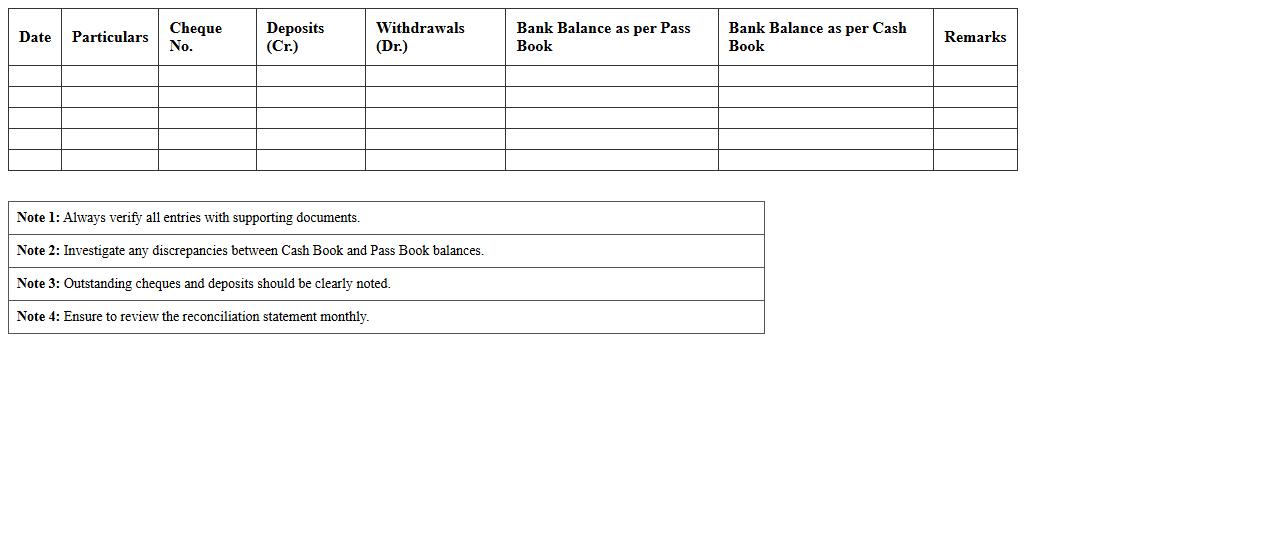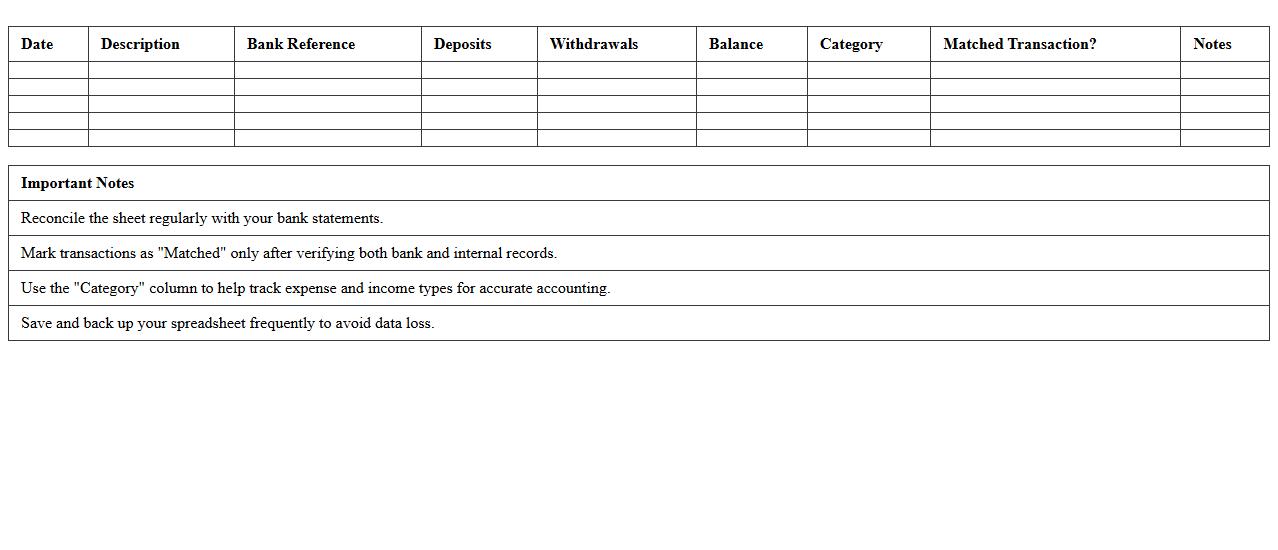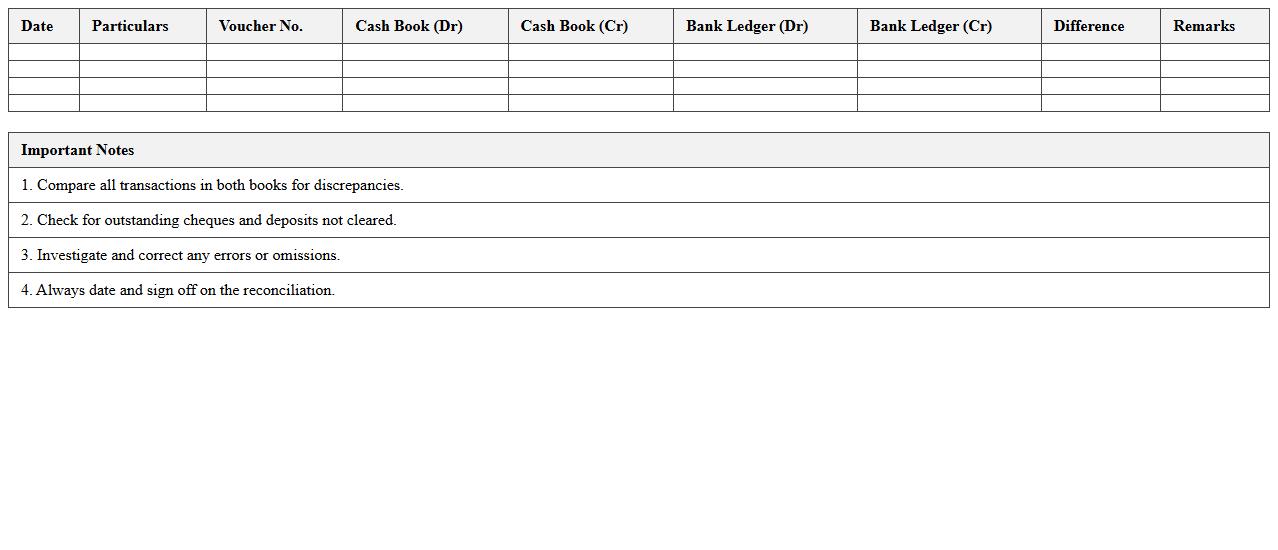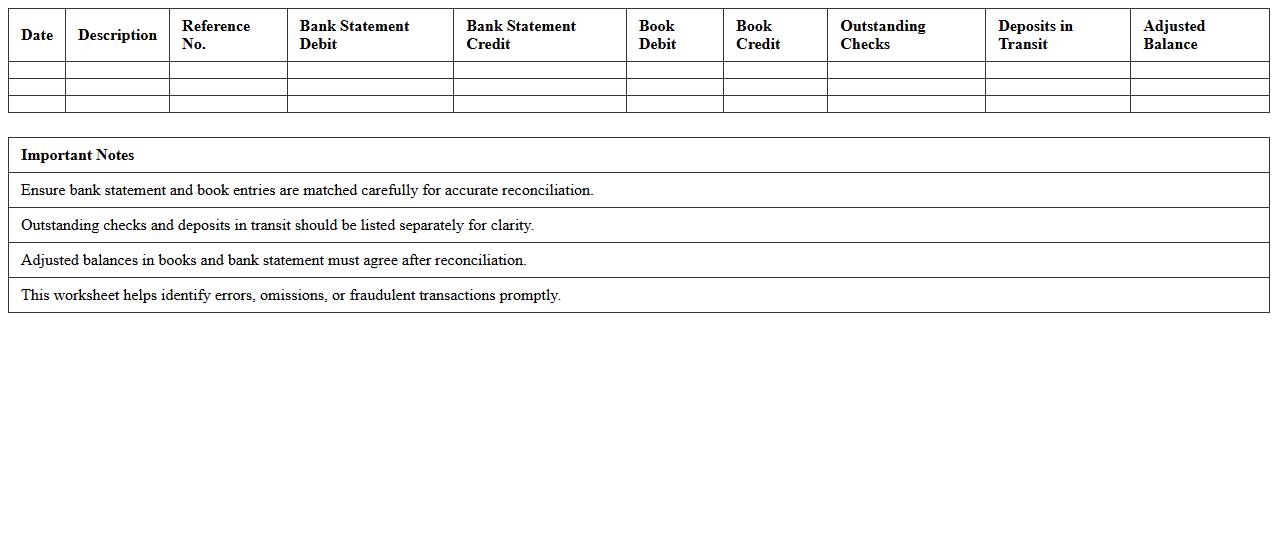
The Banking Reconciliation Excel Template for Small Businesses simplifies the process of matching bank statements with internal financial records to ensure accuracy. It helps small business owners quickly identify discrepancies and maintain precise cash flow tracking. This user-friendly template enhances financial management by automating reconciliation tasks and reducing manual errors.
Monthly Bank Reconciliation Statement Excel Template
A
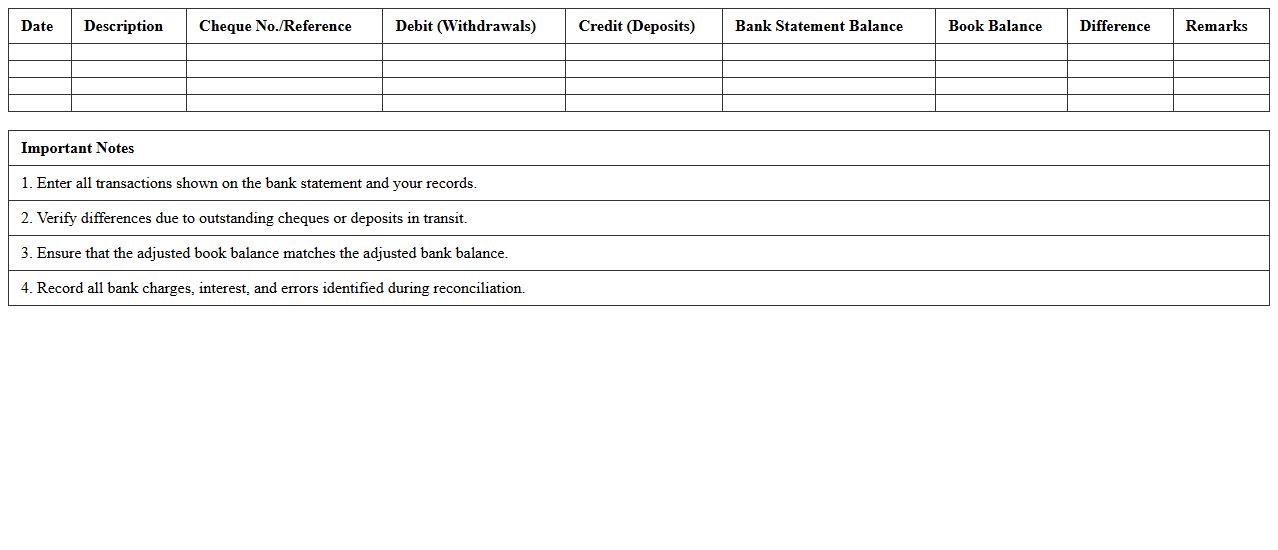
Monthly Bank Reconciliation Statement Excel Template is a pre-designed spreadsheet that facilitates the process of matching your company's bank statement with internal financial records. It helps identify discrepancies such as outstanding checks, deposits in transit, and bank errors, ensuring accurate cash flow management. By streamlining monthly reconciliations, this template enhances financial accuracy and supports timely decision-making in accounting.
Small Business Bank Statement Matching Spreadsheet
A
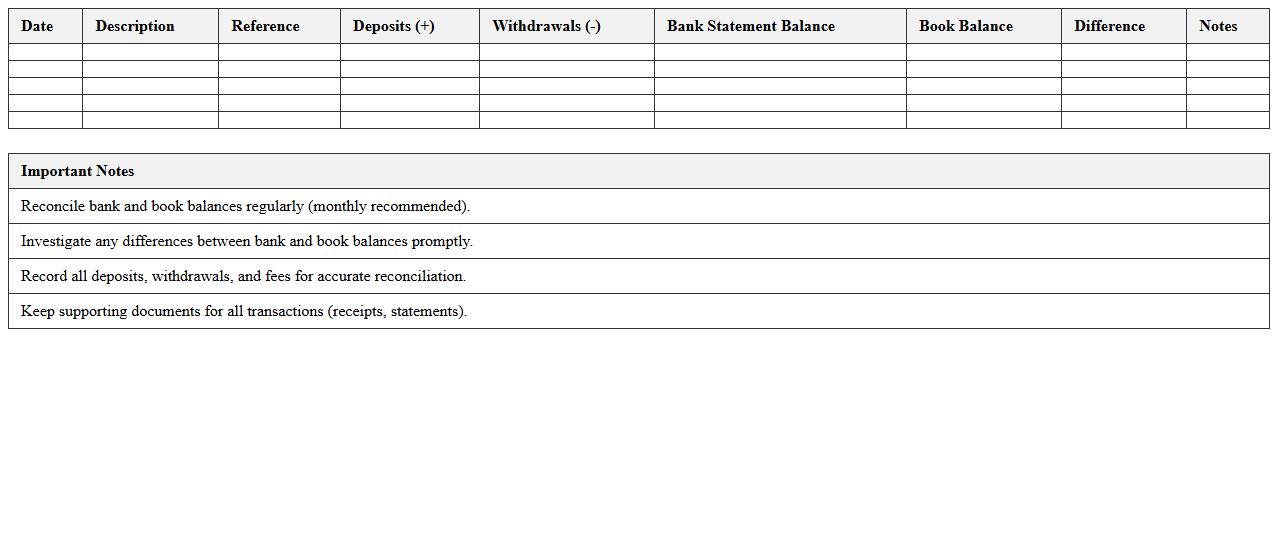
Small Business Bank Statement Matching Spreadsheet is a financial tool designed to reconcile bank transactions with business records by systematically matching deposits, withdrawals, and expenses. This document helps identify discrepancies, prevent errors, and maintain accurate cash flow management, enhancing overall financial accountability. Utilizing this spreadsheet improves budgeting accuracy and simplifies tax preparation by ensuring all financial activities are properly tracked and recorded.
Cash Book and Bank Ledger Reconciliation Template
A
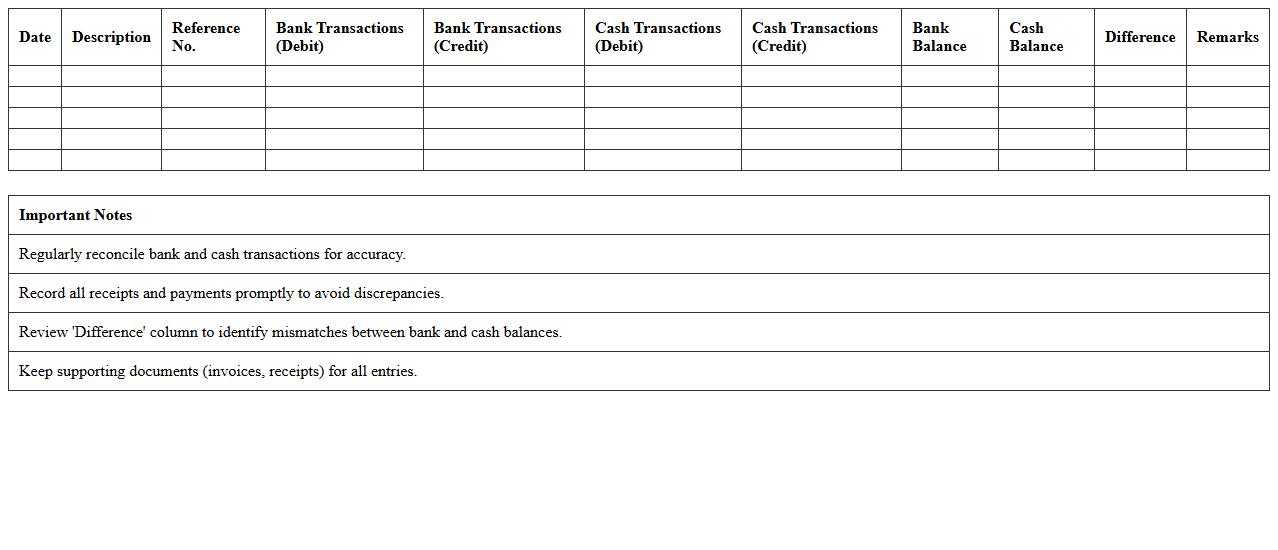
Cash Book and Bank Ledger Reconciliation Template is a structured document used to compare and match the records of cash transactions in the cash book with the bank ledger statements. This template helps identify discrepancies such as outstanding checks, bank charges, or recording errors, ensuring accurate financial records. It streamlines the reconciliation process, enabling businesses to maintain transparency and prevent financial discrepancies.
Automated Bank Reconciliation Worksheet for Excel
An
Automated Bank Reconciliation Worksheet for Excel is a specialized template designed to streamline the process of matching company financial records with bank statements. It helps identify discrepancies or errors in transactions by automatically comparing deposits, withdrawals, and balances, reducing manual effort and increasing accuracy. This tool is essential for businesses to maintain accurate cash flow records, ensure financial integrity, and simplify month-end closing procedures.
Simple Bank Account Reconciliation Excel Sheet
A
Simple Bank Account Reconciliation Excel Sheet document is a tool designed to compare and match bank statement transactions with your internal financial records, ensuring accuracy and identifying discrepancies. It helps streamline the reconciliation process by automating calculations, highlighting unmatched entries, and providing a clear overview of your account balances. This tool is essential for maintaining accurate financial records, detecting errors or fraudulent activity, and simplifying month-end closing procedures.
Bank and Cash Transaction Comparison Excel Template
The
Bank and Cash Transaction Comparison Excel Template is a structured spreadsheet designed to reconcile and compare bank statements with cash transaction records efficiently. By automating the matching process, it helps identify discrepancies, prevent errors, and maintain accurate financial records. This tool is essential for accountants and business owners to ensure financial integrity and streamline the auditing process.
Small Business Account Balance Reconciliation Template
A
Small Business Account Balance Reconciliation Template is a structured financial document designed to compare and verify the accuracy of account balances between business records and bank statements. It helps identify discrepancies such as errors, unauthorized transactions, or missed entries, ensuring financial accuracy and integrity. Using this template streamlines the reconciliation process, improves cash flow management, and supports sound financial decision-making for small businesses.
Bank Deposits and Payments Reconciliation Excel
A
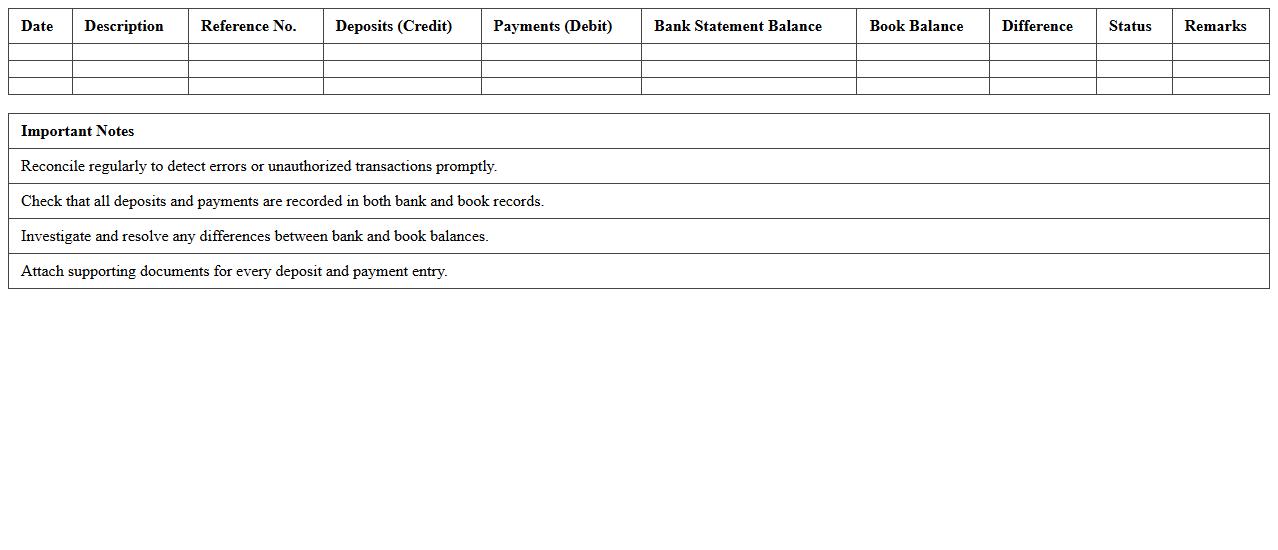
Bank Deposits and Payments Reconciliation Excel document is a structured spreadsheet designed to match bank deposit records with payment transactions, ensuring accuracy between company accounts and bank statements. This tool helps identify discrepancies, prevent fraud, and maintain up-to-date financial records. Using this reconciliation document streamlines cash flow management and supports effective financial auditing.
Easy Bank Error Tracking Excel Template
The
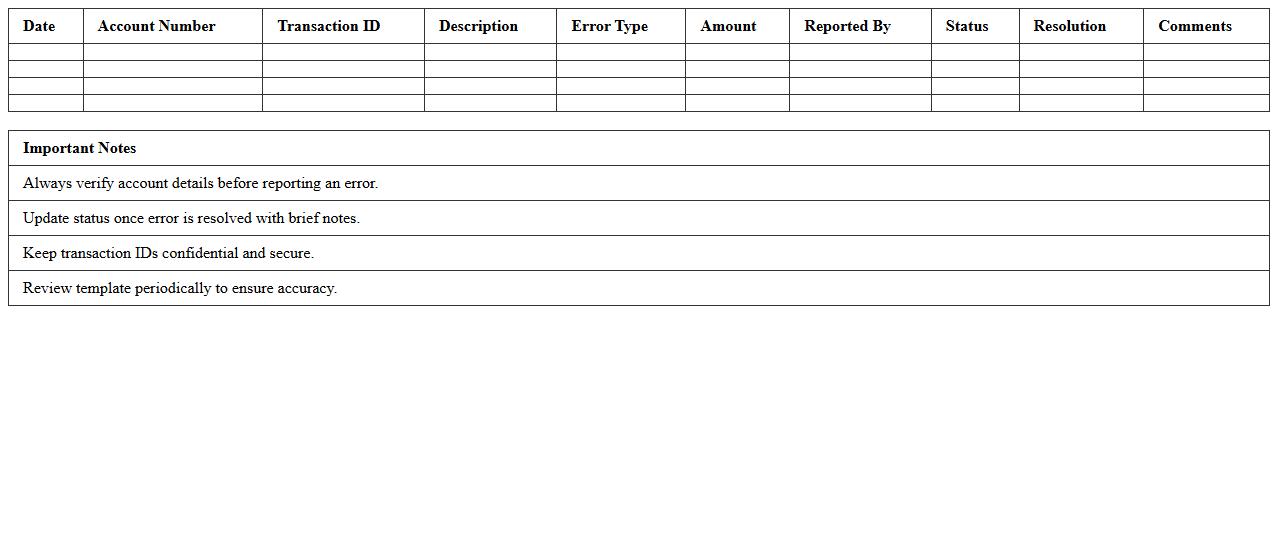
Easy Bank Error Tracking Excel Template is a specialized spreadsheet designed to systematically record and monitor banking errors such as transaction discrepancies, incorrect charges, or missed payments. This tool enables users to quickly identify patterns and resolve issues by categorizing errors with timestamps, descriptions, and corrective actions, improving overall financial accuracy. Utilizing this template enhances accountability and streamlines communication with banks, ultimately saving time and reducing the risk of financial loss.
Bank Statement vs. Book Balance Excel Reconciliation
A
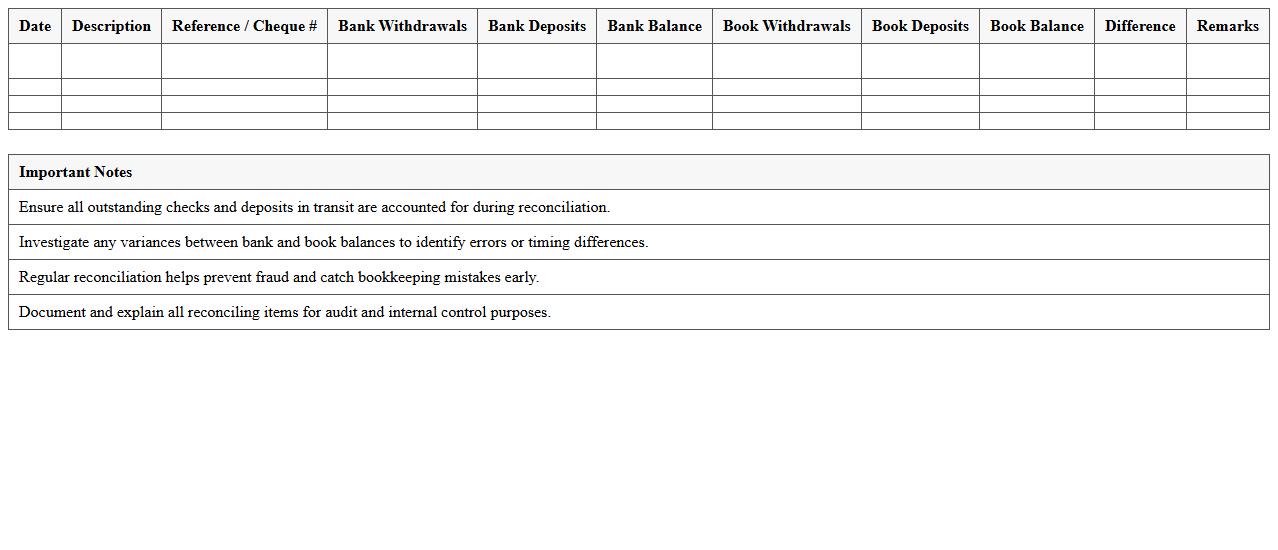
Bank Statement vs. Book Balance Excel Reconciliation document is a tool used to compare the bank statement balances with the company's internal book balances to identify discrepancies such as outstanding checks or deposits in transit. This reconciliation process ensures accuracy in financial records by highlighting errors, omissions, or fraudulent activities. Using this document helps maintain financial integrity, supports accurate cash flow management, and facilitates smoother audits.
How to automate bank statement import in Excel for small business reconciliation?
To automate bank statement import, use Excel's Power Query feature which enables easy connection to CSV or XLSX files. This tool helps transform and load bank data directly into your reconciliation workbook. Scheduled refreshes can keep your data automatically updated without manual import each time.
What Excel formulas best identify discrepancies in bank reconciliation?
The IF formula is key to flag unmatched transactions by comparing bank and book values. Use VLOOKUP or XLOOKUP to find missing entries between the two datasets. Additionally, SUMIF assists in identifying differences by summing unmatched amounts in each category.
How to design a template for tracking outstanding checks in small business excel reconciliations?
Create columns for check number, date issued, payee, and amount to track outstanding checks. Include a status column to mark cleared versus uncleared checks for easy monitoring. An additional column for notes allows documentation of reasons for delays or cancellations.
What are the key columns to include in a small business bank reconciliation Excel sheet?
Essential columns include transaction date, description, amount, and reconciliation status to clearly classify each entry. Adding bank statement balance and book balance columns helps track overall accuracy. A column for remarks can clarify any discrepancies or notes.
How to handle multi-account reconciliation in a single Excel workbook for small businesses?
Organize multiple accounts using separate tabs or sheets, each dedicated to an individual bank account for clarity. Use a master summary sheet that consolidates balances and reconciliation status from each account. Employ cell linking and consistent formatting to enable efficient multi-account reconciliation management.
More Banking Excel Templates