Product Inventory Tracking Spreadsheet
A
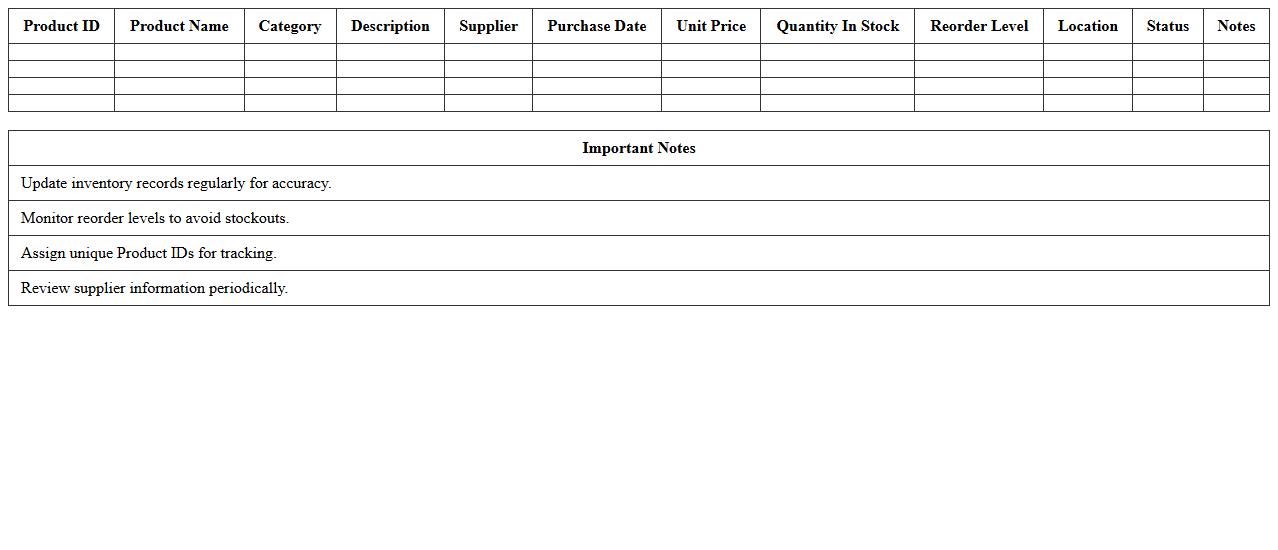
Product Inventory Tracking Spreadsheet is a digital tool designed to organize and monitor stock levels, product details, and sales data efficiently. It helps businesses maintain accurate inventory records, reduce stockouts or overstock situations, and streamline order management. Utilizing this spreadsheet enhances operational efficiency by providing real-time insights into product availability and turnover rates.
Inventory Stock Level Report Template
The
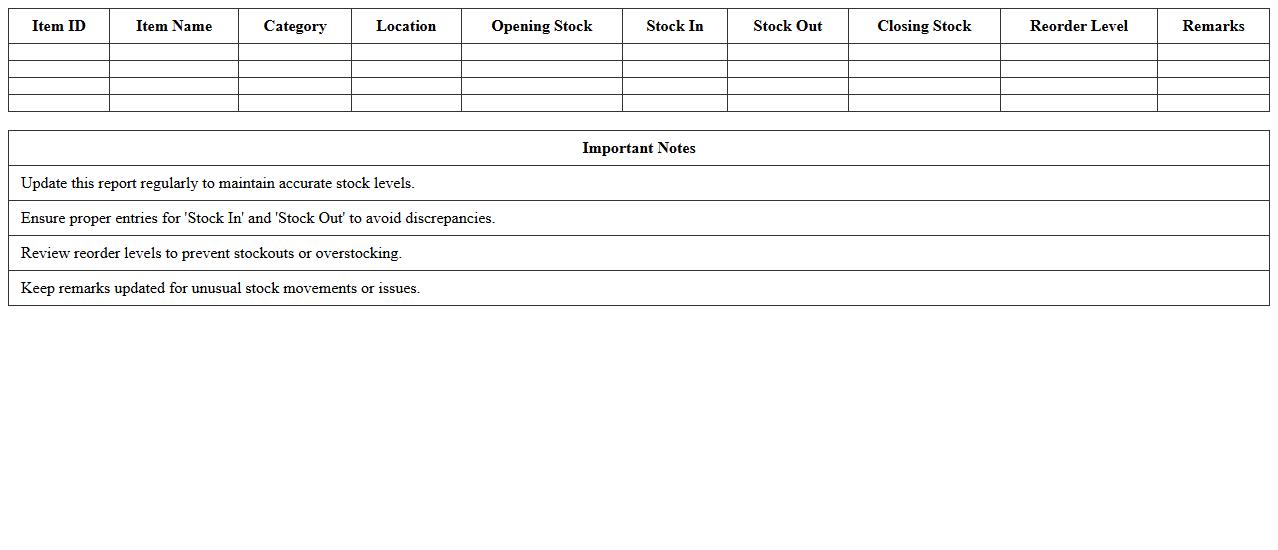
Inventory Stock Level Report Template is a structured document designed to track and monitor the quantity of products or materials available in stock. It provides essential data such as item names, stock quantities, reorder points, and stock valuation, enabling businesses to maintain optimal inventory levels. This report helps prevent stockouts and overstock situations, streamlining inventory management and improving overall operational efficiency.
Inventory Valuation and Costing Sheet
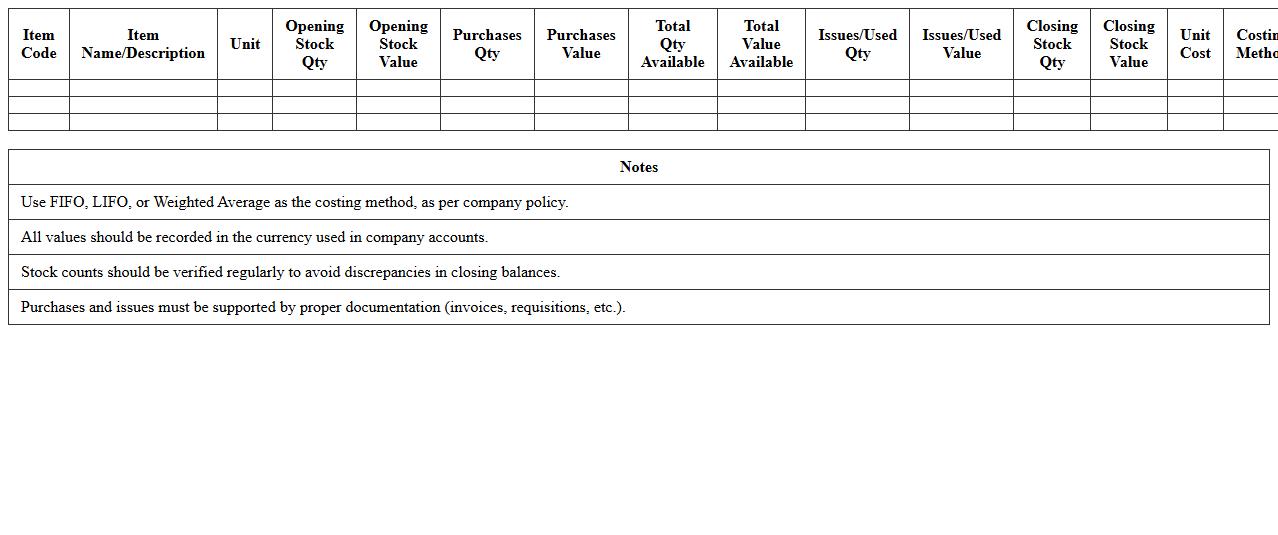
Inventory Valuation is the process of assigning monetary value to a company's inventory, reflecting the cost of goods available for sale during a specific period. A
Costing Sheet document systematically records all relevant production costs, including materials, labor, and overhead, providing a detailed breakdown essential for accurate inventory valuation. This document is useful for businesses as it ensures precise cost tracking, aids in financial reporting, and supports strategic decision-making related to pricing, budgeting, and profitability analysis.
Automated Inventory Reorder Log
An
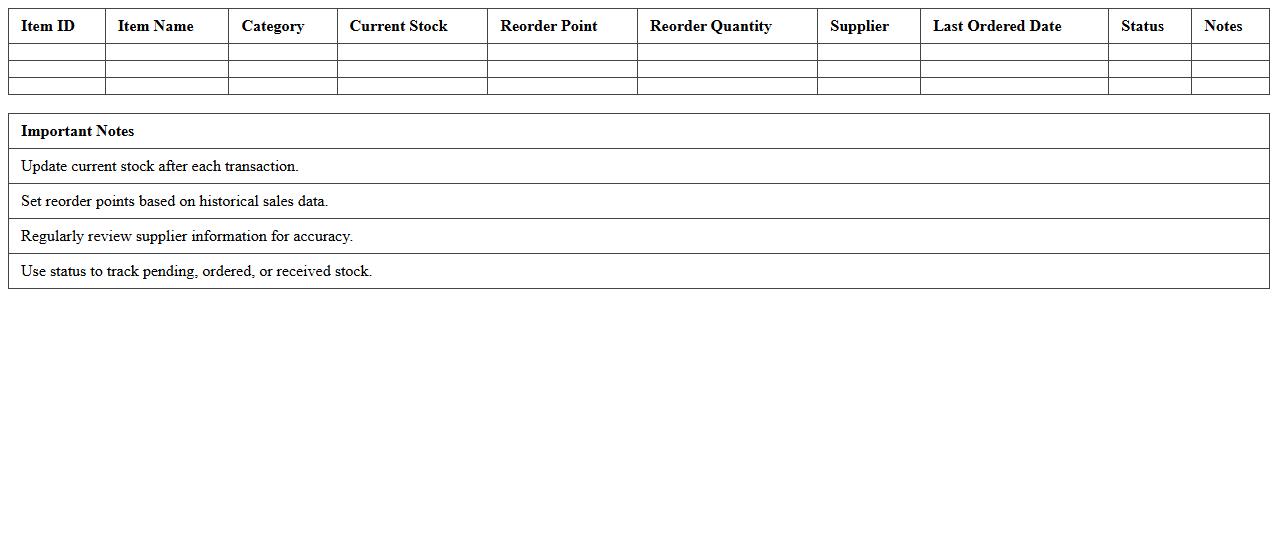
Automated Inventory Reorder Log document systematically tracks stock levels and triggers reorder processes when inventory drops below predefined thresholds, ensuring consistent supply without manual oversight. It enhances inventory management by reducing stockouts and overstock situations, optimizing warehouse efficiency and cost control. This tool provides real-time data transparency, enabling timely decision-making and improved vendor communication.
Warehouse Inventory Movement Tracker
A
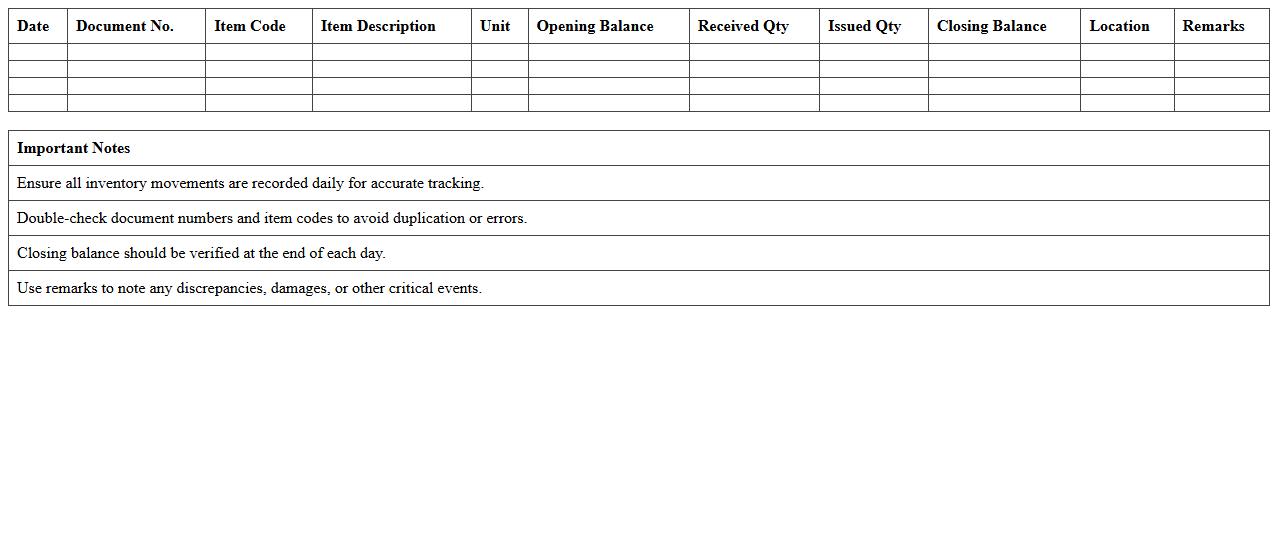
Warehouse Inventory Movement Tracker document records the detailed flow of goods within a warehouse, tracking items from receipt to storage, movement between locations, and outbound dispatch. It provides real-time visibility of stock levels, reduces discrepancies, and enhances accuracy in inventory management. By utilizing this document, businesses can optimize logistics, prevent stockouts or overstock situations, and improve overall operational efficiency.
Inventory Purchase and Sales Register
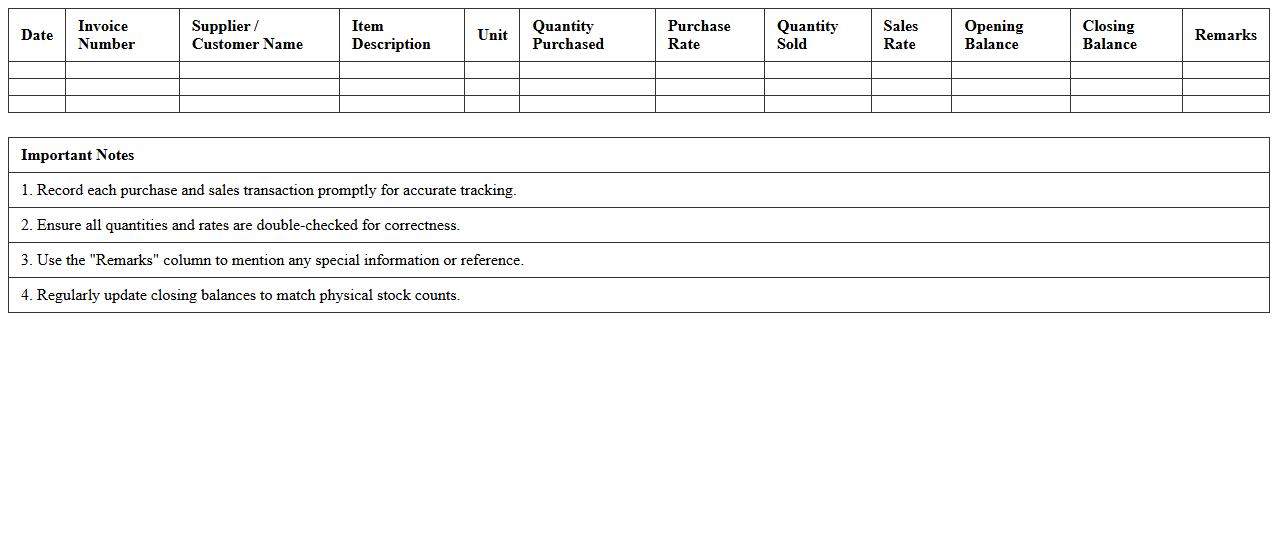
The
Inventory Purchase and Sales Register is a crucial document that records all transactions related to the procurement and sale of inventory items, providing a detailed account of quantities, dates, and amounts involved in each transaction. This register helps businesses track stock levels accurately, monitor purchase prices and sales revenues, and identify trends in inventory movement. It is essential for maintaining efficient inventory control, ensuring accurate financial reporting, and supporting decision-making in procurement and sales strategies.
Inventory Item Master List
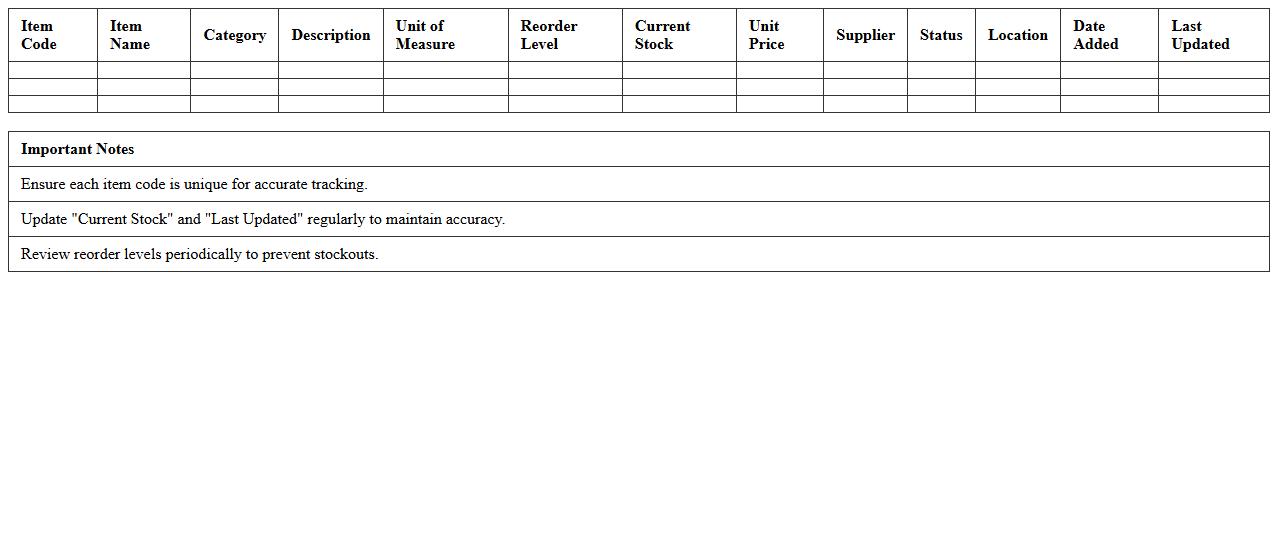
The
Inventory Item Master List is a comprehensive document that consolidates detailed information about all inventory items, including item codes, descriptions, quantities, and specifications. This list is crucial for accurate tracking, efficient inventory management, and streamlining procurement processes. It enables businesses to maintain consistent stock levels, reduce errors, and improve decision-making related to inventory control.
Expiry and Batch Tracking Inventory Sheet
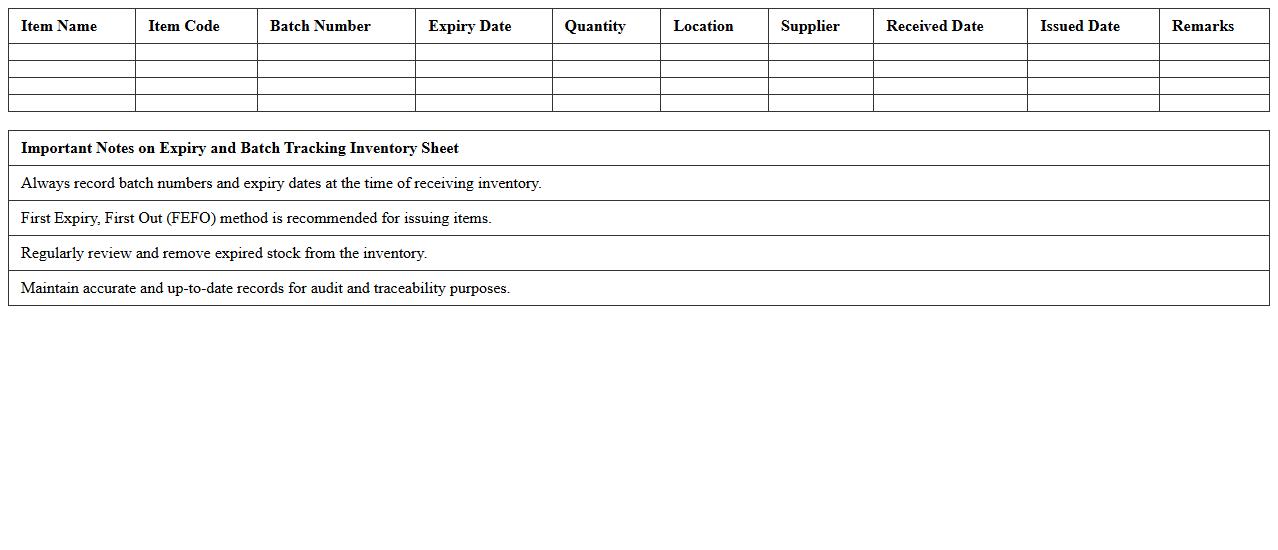
The
Expiry and Batch Tracking Inventory Sheet is a critical document used to monitor product batches and their expiration dates, ensuring timely usage and minimizing waste. This sheet helps businesses maintain accurate records of inventory turnover, improving supply chain efficiency and compliance with safety standards. By tracking batch numbers and expiry, it facilitates quality control, reduces the risk of expired products reaching customers, and supports regulatory audits.
Supplier-Wise Inventory Accounting Template
The
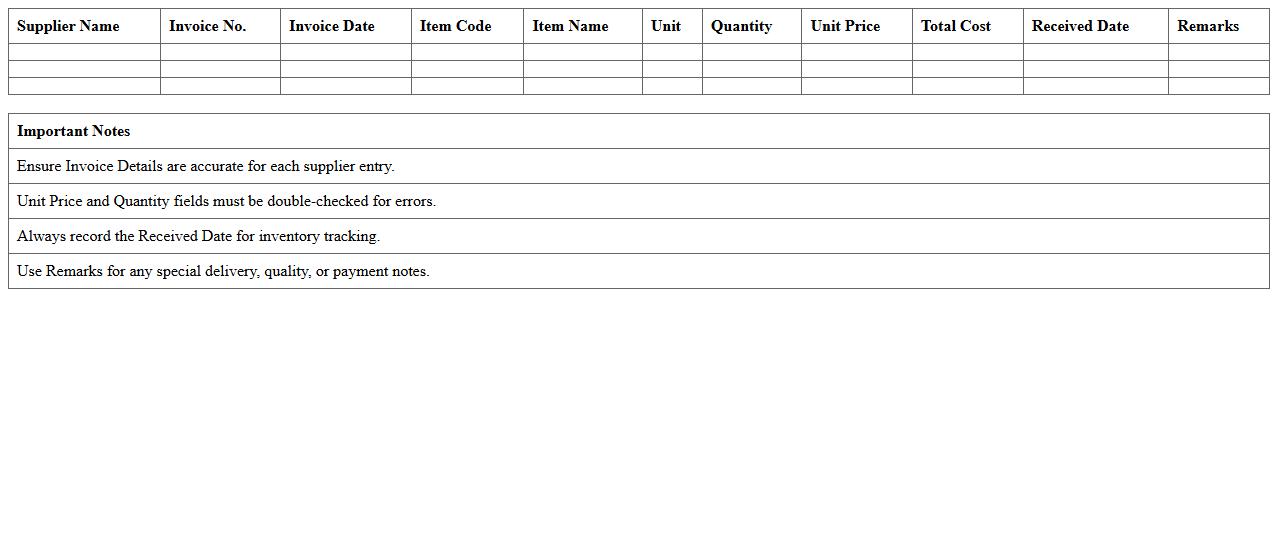
Supplier-Wise Inventory Accounting Template document organizes inventory data according to individual suppliers, enabling precise tracking of stock levels, costs, and purchase histories. This document helps businesses maintain accurate financial records, streamline purchase management, and improve supplier relationship insights. By categorizing inventory details by supplier, companies can optimize procurement strategies and monitor supplier performance effectively.
Monthly Inventory Analysis Dashboard
The
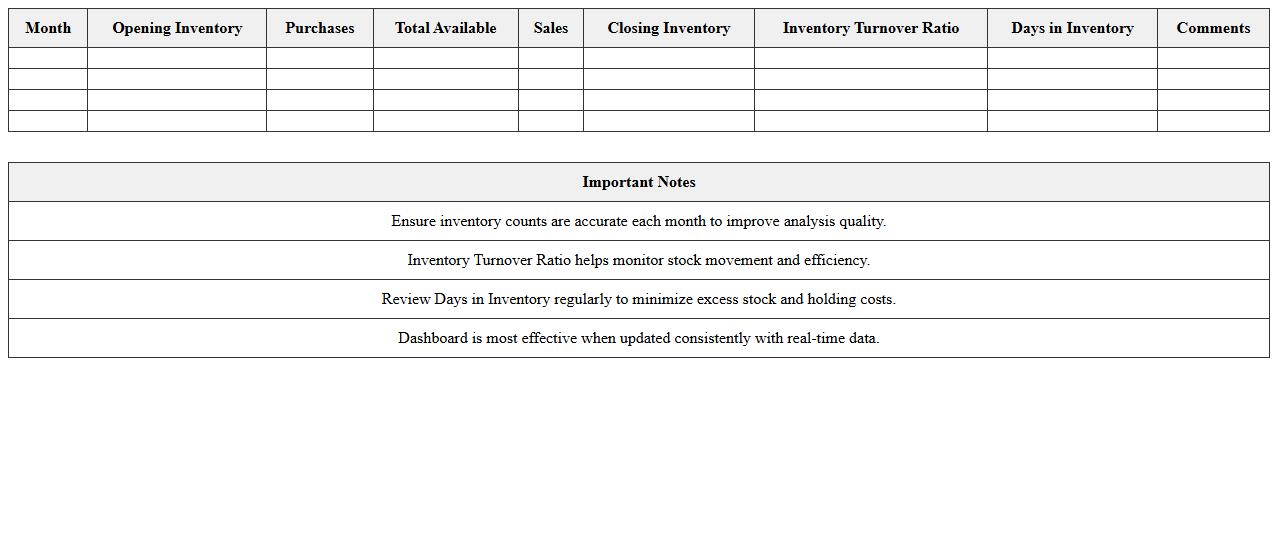
Monthly Inventory Analysis Dashboard document provides a comprehensive overview of inventory levels, turnover rates, and stock movement trends on a monthly basis. It helps businesses identify slow-moving or overstocked items, optimize reorder points, and improve demand forecasting. By regularly monitoring key inventory metrics, this dashboard enhances decision-making and supports efficient inventory management.
How can I automate stock level updates using Excel formulas in inventory documents?
Automating stock level updates in Excel requires using dynamic formulas like SUMIF or COUNTIF to aggregate incoming and outgoing quantities. Linking transactional data across sheets ensures real-time stock adjustments without manual input. Using cell references and named ranges further enhances accuracy and ease of updates.
What is the best way to track item expiration dates in an Excel accounting sheet?
Tracking expiration dates efficiently involves setting up columns with date values formatted consistently. Utilizing conditional formatting highlights nearing expiration alerts, improving inventory management. Additionally, incorporating DATEDIF or TODAY() functions helps in calculating days remaining for precise monitoring.
Which Excel functions help reconcile inventory discrepancies in related documents?
Functions like VLOOKUP, INDEX, and MATCH are essential for comparing and reconciling inventory discrepancies across documents. They enable cross-referencing of item data to identify mismatches quickly. Combining these with logical functions like IFERROR enhances error handling during reconciliation.
How do I generate inventory valuation reports through document-linked Excel templates?
Inventory valuation reports benefit greatly from linking data sources via Excel templates using pivot tables and dynamic formulas. Automating calculations with SUMPRODUCT allows accurate total value computation by multiplying quantities with unit costs. Embedding charts and summary tables within templates improves visual presentation and analytical insights.
What conditional formatting strategies highlight low-stock alerts in inventory letters?
To highlight low-stock alerts, apply conditional formatting rules that change cell colors based on stock threshold values. Using formulas like =A2<=MinimumStock triggers visual cues such as red fill to emphasize urgency. Combining color scales or icon sets further enhances the clarity of critical stock levels in inventory letters.